` | With an OAuth token that reaches more than one help center | Names the help center to act on. The `site` query parameter does the same. API keys ignore both. See [Choose which help center a request acts on](https://developers.helpcenter.io/content/choosing-a-help-center). |
| `Accept: application/json` | Always | Makes errors JSON wherever the API can, and stops validation errors from turning into redirects. See the next section. |
| `Content-Type: application/json` | With a JSON body | Tells the API to read the body as JSON. See Request bodies below. |
Header names are not case-sensitive, so `ApiKey` works too. `api_key` and `X-API-Key` don't: the API reads an API key only from the `apikey` header.
## Always send Accept: application/json
Without `Accept: application/json`, two things change:
- General errors, such as `405 Method Not Allowed`, `429 Too Many Requests` from most limits, and `500 Internal Server Error`, come back as HTML pages instead of JSON.
- `GET /v1/categories`, `GET /v1/images` and `PATCH /v1/articles/{id}` answer invalid input with a `302` redirect to `https://api.helpcenter.io` instead of an error. A client that follows redirects then receives the API's welcome message with `200 OK`, and can mistake the failed request for a success.
For example, `"published": "yes"` isn't a valid value. Sent without the header, the update is refused with a redirect:
```
HTTP/1.1 302 Found
Location: https://api.helpcenter.io
```
With `Accept: application/json`, the same request gets the actual error, `422 Unprocessable Entity`:
```
{
"message": "The published field must be true or false.",
"errors": {
"published": ["The published field must be true or false."]
}
}
```
A few `404 Not Found` answers are HTML pages even with the header: an unknown path, and an unknown id on `PATCH` or `DELETE /v1/articles/{id}`, `PATCH` or `DELETE /v1/categories/{id}` and `PUT /v1/categories/{id}/articles/order`. Check the status code before you parse a body. [Errors](https://developers.helpcenter.io/content/errors) lists every case.
## Request bodies
Send request bodies as JSON, with `Content-Type: application/json`. Without that header the API doesn't read the body as JSON, so a complete request fails as if it were empty: `POST /v1/articles` answers `400` with `{"title":["The title field is required."]}`.
Image files are the exception: they go up as `multipart/form-data`. See [Images](https://developers.helpcenter.io/content/images-api). Parameters of `GET` and `DELETE` requests go in the query string.
## Responses
A successful response is a JSON object with `"status": "success"`. A single resource comes back under its own name, such as `article`, `category` or `image`. A list comes back under the plural name, with a `meta` block for paging:
```
{
"status": "success",
"categories": [
{
"id": 293,
"parent": null,
"name": {"de": "Erste Schritte", "en": "Getting started"},
"description": {
"en": "Set up your account and invite your team.",
"de": "Konto einrichten und das Team einladen."
},
"icon": "fa://fa-solid fa-rocket",
"position": 0,
"privacy": "public",
"created_at": "2026-09-30 08:03:09",
"updated_at": "2026-09-30 08:19:36"
},
{
"id": 316,
"parent": null,
"name": {"de": "Abrechnung", "en": "Billing"},
"description": [],
"icon": "fa://fa-solid fa-credit-card",
"position": 1,
"privacy": "public",
"created_at": "2026-09-30 08:19:36",
"updated_at": "2026-09-30 08:19:36"
}
],
"meta": {"page": 1, "per_page": 2, "total_pages": 2, "items_count": 3}
}
```
| Status | When |
| --- | --- |
| `200 OK` | Reads, updates and deletes. Also a `POST /v1/articles` that updated an existing article through its `external_id`: the body says `"action": "updated"`. |
| `201 Created` | Something was created: an article (`"action": "created"`), a category, a comment, a webhook, a change set. |
| `202 Accepted` | Publishing a change set. The work runs in the background, and `status` is `queued`, or `scheduled` for a later time. |
| `207 Multi-Status` | Bulk requests (`POST /v1/articles/bulk`, `POST /v1/images/bulk`). Every item has its own result in `results`, so read each one: the top-level `status` is `success` even when every item failed. Adding items to a change set answers `207` with `"status": "partial"` when some were rejected. |
Most deletes return a short confirmation instead of the whole resource. Deleting an article:
```
{
"status": "success",
"message": "Article moved to trash.",
"article": {"id": 735, "deleted_at": "2026-09-30T08:23:12+00:00"}
}
```
Failed requests have `"status": "error"`, `"validation_error"` or `"unauthorized"`, and some have no `status` at all: see [Errors](https://developers.helpcenter.io/content/errors). Responses may also set cookies. Ignore them: the API authenticates only from headers.
## Fields in several languages
Text that a help center can translate is a map from language code to text, never a bare string: an article's `title`, `slug` and `content`, its SEO `metadata.title` and `metadata.description`, and a category's `name` and `description`. Reads return every language an item has. Writes change only the languages you send, and leave the others as they are.
```
curl https://api.helpcenter.io/v1/articles \
-H "apikey: $HELPCENTER_API_KEY" \
-H "Accept: application/json" \
-H "Content-Type: application/json" \
-d '{
"title": { "en": "Cancel your subscription", "de": "Abonnement kündigen" },
"content": {
"en": "Cancel at any time under Account → Billing.
",
"de": "Sie können jederzeit unter Konto → Abrechnung kündigen.
"
},
"category_id": 316
}'
```
The response, trimmed to the fields in several languages:
```
{
"status": "success",
"action": "created",
"article": {
"id": 736,
"title": {"en": "Cancel your subscription", "de": "Abonnement kündigen"},
"slug": {"en": "cancel-your-subscription", "de": "abonnement-kundigen"},
"content": {
"en": "Cancel at any time under Account → Billing.
",
"de": "Sie können jederzeit unter Konto → Abrechnung kündigen.
"
},
"published": false,
"published_translations": []
}
}
```
**Language codes.** A key is one of these codes, spelled exactly: `ar`, `bg`, `ca`, `cs`, `da`, `de`, `de-AT`, `de-CH`, `el`, `en`, `es`, `eu`, `fa`, `fi`, `fil`, `fr`, `ga`, `gl`, `he`, `hi`, `hu`, `hy`, `id`, `it`, `ja`, `ko`, `lt`, `lv`, `ms`, `mt`, `mul` (mixed languages), `nl`, `no`, `pl`, `pt`, `ro`, `ru`, `sv`, `th`, `tr`, `uk`, `vi`, `zh-Hans`, `zh-Hant`. Portuguese is `pt`; there is no `pt-BR`.
**Enabled languages only.** A key must also be your help center's default language or one you added to it. Otherwise article writes answer `400`:
```
{
"status": "error",
"message": "Unsupported language key \"fr\" provided."
}
```
Category writes answer `422` with a `validation_error` on the field instead, such as `"fr" is not enabled on this help center, so it cannot key a name.`
**Unreleased translations.** Writing a second language doesn't show it to readers. A translation stays unreleased until someone releases it in the dashboard or publishes a staged edit that releases it, so `published_translations` above is still empty. See [Release translations and change your default language](https://self.helpcenter.io/content/manage-languages) and [Staged changes and versions](https://developers.helpcenter.io/content/staged-changes-api).
### lang and locale
Several endpoints take a `lang` or `locale` parameter, and they don't all do the same thing:
| Parameter | Endpoints | What it does |
| --- | --- | --- |
| `lang` | `GET /v1/articles` | Picks the language that `search` matches in. It doesn't filter the response: every article still comes back with all its languages. |
| `lang` | `GET /v1/comments`, `GET /v1/articles/{id}/comments`, `/v1/analytics/*` | Keeps one language. It must be one of your help center's languages, or the request fails with `422`. |
| `lang` | `GET /v1/articles/{id}/notes` | Keeps one language. It isn't checked, so a typo returns an empty list. |
| `lang` | `POST /v1/articles/{id}/comments`, `POST /v1/articles/{id}/feedback` | The language of what you post. Feedback in a language your help center doesn't have is recorded in its default language. |
| `lang` | `GET /v1/translations` | Narrows each interface text to one language. |
| `locale` | `/v1/articles/{id}/staged`, `/v1/articles/{id}/versions` | The one language a staged change or a version belongs to. |
## Dates and times
Every time is in UTC. The API uses two formats:
| Format | Example | Where |
| --- | --- | --- |
| `YYYY-MM-DD HH:MM:SS`, no offset | `2026-09-30 08:23:12` | `created_at` and `updated_at` of articles, categories, images and sites |
| ISO 8601 with an offset | `2026-09-30T08:23:12+00:00` | The other timestamps, such as `deleted_at` and the times in staged changes, versions, change sets, comments, team notes, webhooks and the export |
Read the first format as UTC. Analytics date ranges (`from` and `to`) are plain dates, `YYYY-MM-DD`. When you send a time, send it in UTC too: `GET /v1/articles?updated_since=` ignores an offset, so `2026-09-30T10:00:00+02:00` is read as 10:00 UTC, two hours later than you meant.
## IDs
IDs are integers: articles, categories, images, comments, webhooks, change sets and help centers. A help center also has a `uuid`. An article can also carry your own key, `external_id`, of up to 191 characters: send it with `POST /v1/articles`, and a later request with the same `external_id` updates that article instead of creating another.
## Article content: HTML and Markdown
Article `content` is HTML. HelpCenter.io stores the HTML you send as it is, apart from removing spaces at the start and end. To write Markdown instead, add `"content_format": "markdown"` to `POST /v1/articles`, to `PATCH /v1/articles/{id}` or to a bulk item. The API converts every language of `content` to HTML with GitHub Flavored Markdown: tables, fenced code blocks and task lists work, raw HTML passes through, and `javascript:` links are dropped.
```
curl https://api.helpcenter.io/v1/articles \
-H "apikey: $HELPCENTER_API_KEY" \
-H "Accept: application/json" \
-H "Content-Type: application/json" \
-d '{
"title": { "en": "Export your data" },
"content_format": "markdown",
"content": {
"en": "Open **Settings**, then click **Export**.\n\n1. Choose a format.\n2. Click **Download**.\n\n```bash\ncurl -H \"apikey: $HELPCENTER_API_KEY\" https://api.helpcenter.io/v1/export\n```"
},
"category_id": 293
}'
```
The article stores and returns HTML. The response, trimmed to the content:
```
{
"status": "success",
"action": "created",
"article": {
"id": 737,
"title": {"en": "Export your data"},
"content": {
"en": "Open Settings, then click Export.
\n\n- Choose a format.
\n- Click Download.
\n
\ncurl -H "apikey: $HELPCENTER_API_KEY" https://api.helpcenter.io/v1/export\n
\n"
}
}
}
```
Reads always return HTML, never Markdown. They also leave out what only your team sees: internal notes, AI drafts waiting for review, and the highlights of team notes (the highlighted text stays). If you read an article, change its HTML and write it back, those notes, drafts and highlights are gone from the article. Change only what you mean to, and send only the languages you edited.
## Booleans
In a JSON body, send `true` and `false`. In a query string or a form field, send `1` and `0`: the words `true` and `false` fail validation there.
```
curl "https://api.helpcenter.io/v1/comments?include_email=true" \
-H "apikey: $HELPCENTER_API_KEY" \
-H "Accept: application/json"
```
The response:
```
{
"status": "validation_error",
"message": "The request could not be accepted.",
"errors": {
"include_email": ["The include email field must be true or false."]
}
}
```
With `include_email=1`, the same request succeeds. One parameter is lenient: `force` on `DELETE /v1/images/{id}` also accepts `true`.
## Strings and empty values
The API removes spaces at the start and end of every string you send, HTML and Markdown included, and turns an empty string into `null`, except on the design endpoints under `/v1/template`, which take strings as you send them (see [Design API](https://developers.helpcenter.io/content/design-api)). So an empty string in a language map clears that language: `"metadata": {"description": {"en": ""}}` removes the English SEO description, and `"slug": {"en": ""}` leaves the article without an English slug. A category's name can't be cleared this way: an empty one fails validation. Outside language maps, an empty string doesn't clear anything: `"external_id": ""` is ignored, and `"visibility": ""` fails validation. To keep a field as it is, leave it out of the request.
Send a title with text in every language you include. `POST /v1/articles` with an empty or blank title fails with `500 Internal Server Error`.
## Retrying safely
- `POST /v1/articles` and `POST /v1/articles/bulk` with an `external_id` are safe to retry: the second request updates the article the first one created.
- Image uploads are matched by content: by default, uploading the same file again returns the image you already have, with `"reused": true`.
- Other creates aren't: retrying `POST /v1/articles/{id}/comments` posts a second comment. The API has no `Idempotency-Key` header, and responses carry no request id.
## Calling the API from a browser
The API answers cross-origin requests from any website (`Access-Control-Allow-Origin: *`). Even so, never put an API key in code that runs in a browser, where anyone can read it: call the API from your server. The widget and single sign-on sign readers in with JWTs that your server creates, not with API keys. Browser code also can't read the rate-limit headers, because the API doesn't expose them to it.
## Size limits
| Limit | Value |
| --- | --- |
| Request body | 32 MB. A larger request gets `413 Payload Too Large`. |
| One image | 10 MB |
| Images in one `POST /v1/images/bulk` | 20 |
| Articles in one `POST /v1/articles/bulk` | 50 |
How many requests you can make is covered in [Rate limits](https://developers.helpcenter.io/content/rate-limits), and how lists are split into pages in [Pagination](https://developers.helpcenter.io/content/pagination).
## Related
- [Pagination](https://developers.helpcenter.io/content/pagination)
- [Errors](https://developers.helpcenter.io/content/errors)
- [Rate limits](https://developers.helpcenter.io/content/rate-limits)
- [Articles](https://developers.helpcenter.io/content/articles-api)
---
Source: https://developers.helpcenter.io/content/articles-api
# Articles
_Category: REST API reference_
Articles are your help center's content. With the Articles API you list, search and read them, create them from HTML or Markdown, create or update up to 50 at a time, change them, move them to Trash, and send readers' votes back from wherever else you show them.
## Endpoints
| Method and path | What it does | Scope |
| --- | --- | --- |
| `GET /v1/articles` | Lists or searches articles | `content.read` |
| `GET /v1/articles/{articleId}` | Gets one article | `content.read` |
| `POST /v1/articles` | Creates an article, or updates the one with the same `external_id` | `content.write` |
| `POST /v1/articles/bulk` | Creates or updates up to 50 articles | `content.write` |
| `PATCH /v1/articles/{articleId}` | Changes some fields of an article | `content.write` |
| `DELETE /v1/articles/{articleId}` | Moves an article to Trash | `content.write` |
| `POST /v1/articles/{articleId}/feedback` | Records a reader's vote on an article | `content.write` |
A Read only API key holds `content.read`; a Read & write key holds both scopes. OAuth tokens need the scope in the table (see [Scopes](https://developers.helpcenter.io/content/scopes)). Staged edits, versions and restores have their own page, [Staged changes and versions](https://developers.helpcenter.io/content/staged-changes-api).
Send `Accept: application/json` with every request. Without it, an invalid `PATCH` is answered with a redirect instead of a JSON error. Some errors are HTML pages even with it: the Errors table at the end of this page lists them.
## The article object
Every endpoint returns articles in this shape. Text fields are maps keyed by language code, and a response always carries every language the article has.
```
{
"id": 757,
"external_id": "kb/download-invoice",
"title": {
"de": "Rechnung herunterladen",
"en": "Download an invoice"
},
"slug": {
"de": "rechnung-herunterladen",
"en": "download-an-invoice"
},
"author": {
"id": 414,
"name": "Maya Chen",
"avatar": null
},
"content": {
"de": "Öffnen Sie Abrechnung, dann Rechnungen, und klicken Sie auf PDF herunterladen.
",
"en": "Open Billing, then Invoices, and click Download PDF.
"
},
"category_id": 333,
"categories": [],
"type": "article",
"published": true,
"has_staged_changes": false,
"staged_locales": [],
"staged_updated_at": null,
"visibility": "public",
"share_token": null,
"views": 0,
"audio_file": null,
"metadata": {
"title": {
"en": "Download an invoice as a PDF"
},
"description": {
"en": "Find every invoice under Billing and download it as a PDF for your records."
}
},
"ratings": {
"thumbs_up": "60",
"thumbs_down": "20",
"love": "20"
},
"published_translations": {
"de": "2026-09-30 08:27:03"
},
"shared_with": [],
"created_at": "2026-09-30 08:26:42",
"updated_at": "2026-09-30 08:27:03",
"_links": {
"view": {
"method": "GET",
"url": "https://acme.helpcenter.io/content/download-an-invoice"
}
}
}
```
| Field | Type | Description |
| --- | --- | --- |
| `id` | integer | The article's id. |
| `external_id` | string or null | Your own key for the article, when you created or updated it with one. See Create or update by your own key, below. |
| `title` | object | The title per language, for example `{"en": "Download an invoice"}`. A language whose title was emptied shows `null`. |
| `slug` | object | The URL slug per language. |
| `author` | object | `id`, `name` and `avatar` (an image URL or `null`) of the author. An article created over the API is authored by the person who created the API key, or who connected the OAuth app. |
| `content` | object | The body per language, as HTML. Internal notes, the highlights of team notes and AI drafts waiting for review are removed from what the API returns. |
| `category_id` | integer | The article's category. `0` means Uncategorized. `-1` means the article is in several categories, listed in `categories`. |
| `categories` | array of integers | The categories of an article that is in several. Empty for an article in one category, whose category is in `category_id`. |
| `type` | string | `article` or `faq`. FAQ articles feed the FAQ sections of your help center. |
| `published` | boolean | `true` when the article is live, `false` for a draft. |
| `has_staged_changes`, `staged_locales`, `staged_updated_at` | boolean, array, string or null | Whether edits are staged but not published yet, in which languages, and when they last changed. The rest of the object is always the live article. See [Staged changes and versions](https://developers.helpcenter.io/content/staged-changes-api). |
| `visibility` | string | `public`, `private` (only the author and the teammates it is shared with) or `link_only` (anyone with the secret link). See [Choose who can read an article](https://self.helpcenter.io/content/article-access). |
| `share_token` | string or null | The secret of a link-only article. The link is the article's address followed by `?share=` and this token. |
| `views` | integer | An all-time counter that no longer counts new views. For current traffic, use `views_in_range` from the [Analytics API](https://developers.helpcenter.io/content/analytics-api). |
| `audio_file` | object or null | The audio version per language, when the article has one. |
| `metadata` | object | The title and description search engines show: `{"title": {...}, "description": {...}}`, each a map of languages. A field with no value is `{}`. |
| `ratings` | object | The share of reader votes, in whole percent: `thumbs_up`, `thumbs_down` and `love`, across all languages and all time. Strings such as `"60"` when the article has votes, the number `0` when it has none. |
| `published_translations` | object or array | The additional languages released to readers, as keys: `{"de": ...}`. The value is `true` or the time of the release, depending on how it was released, so test for the key. `[]` when none is released. The default language never appears here. |
| `shared_with` | array of integers | The ids of the teammates a private article is shared with. |
| `created_at`, `updated_at` | string | In UTC, as `YYYY-MM-DD HH:MM:SS`. |
| `_links.view` | object | `{"method": "GET", "url": ...}`, the article's public address. On a help center with several languages it redirects to the reader's language. |
### Languages and translations
- Every key in `title`, `slug`, `content` and `metadata` must be a language your help center has: its default language or an additional one (`GET /v1/sites` lists them). Any other key is refused.
- Writes are per language. A language you leave out of a map keeps its value.
- Reads always return every language. The `lang` parameter of `GET /v1/articles` only affects `search`.
- **Translations you write over the API are not shown to readers yet.** A title and text in an additional language are saved as a translation waiting for release: readers get a not-found page for it until someone releases it, one article at a time with **Released** in the editor (see [Translate an article](https://self.helpcenter.io/content/translate-an-article)) or for the whole language with **Release translated drafts** (see [Release translations and change your default language](https://self.helpcenter.io/content/manage-languages)). On Catalyst, a staged edit can release it too (see [Staged changes and versions](https://developers.helpcenter.io/content/staged-changes-api)). `published_translations` tells you what is released.
## List articles
GET`/v1/articles`
List the articles of the help center, or search them.
Without `search`, the list is your team's view of the help center: every article that is not in Trash, drafts, private and link-only articles included, most recently changed first.
| Parameter | Type | Description |
| --- | --- | --- |
| `limit` | integer | Default 100. From 1 to 100. |
| `page` | integer | Default 1. A page past the end returns an empty list. |
| `category_id` | integer | Only articles filed in this category, including articles in several categories that list it. Articles in its subcategories are not included. `0` applies no filter. An id that is not one of your categories is a `400`. |
| `status` | string | `published` or `draft`. |
| `updated_since` | string | Only articles changed at or after this time. Send UTC, such as `2026-09-30 08:00:00` or `2026-09-30T08:00:00Z`, URL-encoded. An offset such as `+02:00` is not converted, so the filter would be off by that many hours. |
| `order_by` | string | `views` sorts by all-time views. Without it, the order is last change first. |
| `order_type` | string | `desc` (default) or `asc`. |
| `search` | string | Keywords. Switches the list to what readers can find: see Search below. |
| `lang` | string | The language `search` matches in: your help center's default language (the default) or one of its additional languages (`GET /v1/sites` lists them). Any other value is a `422`. Without `search` it changes nothing and is not checked, because the response always holds every language. |
The response's `meta` holds `page`, `per_page`, `total_pages` and `items_count`. To fetch everything with full content, [Export](https://developers.helpcenter.io/content/export-api) walks the whole help center with a cursor. To stay in sync, pass the `updated_at` of your last run as `updated_since`, and use [webhooks](https://developers.helpcenter.io/content/webhooks) to learn about deletions, which a list cannot show.
### Search
With `search`, the endpoint answers the way your help center's search answers a visitor who is not signed in:
- Only published, public articles that readers can open are returned. Drafts, private and link-only articles, and articles in categories readers can't see, are left out, so `status=draft` with `search` returns nothing.
- A search serves **up to 1,000 matches**, best ranked first. A match ranked lower is never returned, on any page. `items_count` counts the matches you can page through, and `limit` (up to 100) and `page` page through them: see [Pagination](https://developers.helpcenter.io/content/pagination).
- The best match comes first. `order_by=views` sorts the matches by views instead.
- A search matches in your default language, or in the language `lang` names. In an additional language (`lang=de`), only released translations match.
- A `lang` your help center does not have, such as `lang=xx`, is refused with `422` and `"status": "validation_error"`. `errors.lang` reads `That language is not enabled on this help center.`
It is keyword search, the same for every plan. To find drafts or private articles by their text, list without `search` and filter on your side.
## Get an article
GET`/v1/articles/{articleId}`
Get one article, in every language it has.
Returns any article of the help center that is not in Trash, drafts and private articles included. You always get the live article: staged edits are not merged in. An id from another help center, an unknown id and an article in Trash all answer `404 Not Found` with `Article not found.`
This read counts against the limit of 120 writes a minute, not only the 300 requests a minute every call counts against. See [Rate limits](https://developers.helpcenter.io/content/rate-limits).
## Create an article
POST`/v1/articles`
Create an article, or update the one that already has the same external_id.
| Field | Type | Description |
| --- | --- | --- |
| `title` | object | Required. The title per language: `{"en": "Request a refund"}`. Every title you send needs text: an empty or blank title makes the create fail with `500`. |
| `content` | object | The body per language, as HTML unless you set `content_format`. Leave it out for an empty article. |
| `content_format` | string | `html` (default) or `markdown`. See Write in Markdown, below. |
| `slug` | object | The URL slug per language. Leave it out and each language's slug is made from its title. A slug you send is stored exactly as sent: send lowercase words joined by hyphens, and make each one unique. |
| `category_id` | integer | One of your categories, or `0` for Uncategorized (the default). |
| `type` | string | `article` (the default) or `faq`. |
| `published` | boolean | `true` publishes the article right away. Default: a draft. |
| `visibility` | string | `public` (the default) or `private`. For `link_only`, see below. |
| `external_id` | string | Your own key for the article, up to 191 characters. See Create or update by your own key, below. |
| `rehost_images` | boolean | `true` copies images from other websites into your help center. Default `false`. See Copy images into your help center, below. |
| `metadata` | object | The search engine title (up to 60 characters) and description (up to 160) per language. See Search engine title and description, below. |
Booleans are JSON `true` and `false` (or `1` and `0`); the string `"true"` is refused. Fields the API does not take, such as `status`, `author_id` or `shared_with`, are ignored.
A few things to know about creating:
- The create response is built before the article is read back, so values the database fills in read `null` there, such as `views`, and `type` when you did not send it. The next read shows `0` and `article`.
- **`"visibility": "link_only"` on create does not make the article link-only.** It gets a `share_token` but stays `public`. Create the article as a draft (leave out `published`), then send `{"visibility": "link_only", "published": true}` in one `PATCH` and read the new `share_token` from its response. That way readers never see it without the link.
- **`categories` is not accepted on create:** a create that sends it fails with `500 Internal Server Error` and nothing is saved. Create the article with `category_id`, then send `categories` in a `PATCH`.
### Create or update by your own key
Give every article you import a stable key of your own, such as its file path or its id in your other system, and send it as `external_id`. Then a request that runs twice never makes a duplicate:
- The first `POST /v1/articles` with a key creates the article: `201 Created` with `"action": "created"`.
- Every later `POST` with the same key updates that article: `200 OK` with `"action": "updated"`. Only the fields you send change, as with `PATCH`, but `title` is still required.
- Keys are trimmed. Don't rely on upper and lower case to tell two keys apart.
- A key belongs to one help center. The same key in another help center is another article.
- When the article with that key is in Trash, the next `POST` creates a new article and moves the key to it.
- Two requests with the same key at the same moment run one after the other. If the second one waits more than 10 seconds, it gets `409 Conflict` with `Another request is currently importing this external_id. Retry shortly.`
- To give an existing article a key, send `external_id` in a `PATCH`. That replaces its old key. A key that belongs to another article is refused with `409` and the other article's id in `conflicting_article_id`. A key can be replaced but not removed.
### Write in Markdown
With `"content_format": "markdown"`, every language in `content` is converted to HTML when you write it. The API stores and returns HTML, never Markdown. This request:
```
{
"external_id": "kb/cancel-subscription",
"title": {
"en": "Cancel your subscription"
},
"content": {
"en": "## Before you cancel\n\nExport anything you want to keep.\n\n1. Open **Billing**.\n2. Click **Cancel subscription**."
},
"content_format": "markdown",
"category_id": 331,
"published": true
}
```
stores this `content`:
```
{
"content": {
"en": "Before you cancel
\nExport anything you want to keep.
\n\n- Open Billing.
\n- Click Cancel subscription.
\n
\n"
}
}
```
The converter follows GitHub's Markdown: tables, fenced code blocks (the code gets a class such as `language-bash`), task lists and bare links work, and HTML inside the Markdown is kept. Links to `javascript:` addresses lose their address.
### Copy images into your help center
With `"rehost_images": true`, every `![]() ` whose `src` points to another website is downloaded, stored with your help center's images, and its `src` rewritten to the copy. An image you already stored is reused, not copied again. The response then has an `images` block:
```
{
"images": {
"rehosted": 0,
"reused": 1,
"failed": [
{
"src": "https://helpcenter.io/images/og/missing-example.png",
"reason": "the image returned HTTP 404"
}
],
"failed_count": 1
}
}
```
- JPEG, PNG, GIF and WebP images of up to 30 MB are copied, from `http`, `https` and `data:` addresses. Only the `src` attribute is read: `srcset` and images in CSS are left alone.
- An image that fails keeps its original address and is listed in `failed` with the reason. The article is saved anyway.
- Each article copies at most 25 images, each download may take 10 seconds, and all downloads in one request share 45 seconds, across all items of a bulk request.
To upload images yourself and put their addresses in your HTML, use the [Images API](https://developers.helpcenter.io/content/images-api).
### Search engine title and description
`metadata` sets what search engines and link previews show for the article, per language:
- `metadata.title` is up to 60 characters and `metadata.description` up to 160. Longer values are refused.
- They become the page's `` (followed by your help center's default page title), its meta description and its social preview tags.
- Only the languages you send change. `null` or `""` for a language removes its value, and the page goes back to the article's title and the start of its text.
- `metadata` takes only `title` and `description`. Other settings of the article's search listing are edited in the dashboard, see [Set an article's search title, description and URL](https://self.helpcenter.io/content/article-seo).
## Create or update articles in bulk
POST`/v1/articles/bulk`
Create or update up to 50 articles in one request, with a result for each.
Send up to 50 articles in `articles`. Each item takes the fields of Create an article and runs on its own, in order: items with an `external_id` that already exists are updated, the rest are created, and one bad item does not stop the others. The same `external_id` twice in one request is created by the first item and updated by the second.
The answer is always `207 Multi-Status` once the request is valid. Read every entry of `results`: each has the item's `index` in your list and a `status` of `created`, `updated` or `error`. `meta` counts them. A failed item carries its `external_id`, when it had one, and an `error`:
| `error.code` | What went wrong |
| --- | --- |
| `invalid_item` | The item is not an object. |
| `validation_error` | A field is not valid. `error.errors` names each field and why. |
| `invalid_argument` | A language key your help center does not have. |
| `external_id_busy` | Another request is writing an article with the same `external_id`. Retry the item. |
| `persist_failed` | The article could not be saved, for example a new article that sends `categories`. |
This script sends two articles and reports each result. Run it twice: the second run updates the same two articles instead of creating new ones, because each has an `external_id`.
```
// Create or update two articles in one request, and report every item.
const API = 'https://api.helpcenter.io/v1';
const articles = [
{
external_id: 'kb/export-your-data',
title: { en: 'Export your data' },
content: { en: 'Open **Settings**, then **Data**, and click **Export**.' },
content_format: 'markdown',
published: true,
},
{
external_id: 'kb/close-your-account',
title: { en: 'Close your account' },
content: { en: 'Export your data, then click **Close account**.' },
content_format: 'markdown',
},
];
async function main() {
const res = await fetch(`${API}/articles/bulk`, {
method: 'POST',
headers: {
apikey: process.env.HELPCENTER_API_KEY,
Accept: 'application/json',
'Content-Type': 'application/json',
},
body: JSON.stringify({ articles }),
});
if (res.status !== 207) throw new Error(`Bulk request failed: HTTP ${res.status}`);
const { results, meta } = await res.json();
for (const item of results) {
const key = articles[item.index].external_id;
if (item.status === 'error') {
const details = JSON.stringify(item.error.errors || {});
console.log(`${key}: ${item.error.code}: ${item.error.message} ${details}`);
} else {
console.log(`${key}: ${item.status}, article ${item.article.id}`);
}
}
console.log(`${meta.created} created, ${meta.updated} updated, ${meta.failed} failed`);
if (meta.failed > 0) process.exit(1);
}
main().catch((err) => {
console.error(err);
process.exit(1);
});
```
```
# Create or update two articles in one request, and report every item.
import json
import os
import sys
import urllib.request
API = "https://api.helpcenter.io/v1"
articles = [
{
"external_id": "kb/export-your-data",
"title": {"en": "Export your data"},
"content": {"en": "Open **Settings**, then **Data**, and click **Export**."},
"content_format": "markdown",
"published": True,
},
{
"external_id": "kb/close-your-account",
"title": {"en": "Close your account"},
"content": {"en": "Export your data, then click **Close account**."},
"content_format": "markdown",
},
]
request = urllib.request.Request(
f"{API}/articles/bulk",
data=json.dumps({"articles": articles}).encode(),
method="POST",
headers={
"apikey": os.environ["HELPCENTER_API_KEY"],
"Accept": "application/json",
"Content-Type": "application/json",
},
)
with urllib.request.urlopen(request) as response:
if response.status != 207:
sys.exit(f"Bulk request failed: HTTP {response.status}")
body = json.load(response)
for item in body["results"]:
key = articles[item["index"]]["external_id"]
if item["status"] == "error":
error = item["error"]
details = json.dumps(error.get("errors", {}))
print(f"{key}: {error['code']}: {error['message']} {details}")
else:
print(f"{key}: {item['status']}, article {item['article']['id']}")
meta = body["meta"]
print(f"{meta['created']} created, {meta['updated']} updated, {meta['failed']} failed")
sys.exit(1 if meta["failed"] else 0)
```
```
<?php
// Create or update two articles in one request, and report every item.
$api = 'https://api.helpcenter.io/v1';
$articles = [
[
'external_id' => 'kb/export-your-data',
'title' => ['en' => 'Export your data'],
'content' => ['en' => 'Open **Settings**, then **Data**, and click **Export**.'],
'content_format' => 'markdown',
'published' => true,
],
[
'external_id' => 'kb/close-your-account',
'title' => ['en' => 'Close your account'],
'content' => ['en' => 'Export your data, then click **Close account**.'],
'content_format' => 'markdown',
],
];
$ch = curl_init("$api/articles/bulk");
curl_setopt_array($ch, [
CURLOPT_RETURNTRANSFER => true,
CURLOPT_POST => true,
CURLOPT_POSTFIELDS => json_encode(['articles' => $articles]),
CURLOPT_HTTPHEADER => [
'apikey: ' . getenv('HELPCENTER_API_KEY'),
'Accept: application/json',
'Content-Type: application/json',
],
]);
$body = json_decode(curl_exec($ch), true);
$status = curl_getinfo($ch, CURLINFO_RESPONSE_CODE);
if ($status !== 207) {
fwrite(STDERR, "Bulk request failed: HTTP $status\n");
exit(1);
}
foreach ($body['results'] as $item) {
$key = $articles[$item['index']]['external_id'];
if ($item['status'] === 'error') {
$error = $item['error'];
$details = json_encode($error['errors'] ?? new stdClass());
echo "$key: {$error['code']}: {$error['message']} $details\n";
} else {
echo "$key: {$item['status']}, article {$item['article']['id']}\n";
}
}
$meta = $body['meta'];
echo "{$meta['created']} created, {$meta['updated']} updated, {$meta['failed']} failed\n";
exit($meta['failed'] > 0 ? 1 : 0);
```
Bulk requests have their own limit: 20 a minute from one IP address, and that count is shared with export and image uploads from the same address. They do not count against the 120 writes a minute of your key. See [Import articles in bulk](https://developers.helpcenter.io/content/import-articles-in-bulk) for a complete import script.
## Update an article
PATCH`/v1/articles/{articleId}`
Change some fields of an article. Fields you leave out keep their values.
Send only the fields you want to change. They take the same values as when you create an article, and the change is live at once, even when the article has staged edits waiting.
### What leaving a field out, an empty string and null do
| You send | What happens |
| --- | --- |
| Nothing for a field | The field keeps its value. An empty body `{}` changes nothing and answers `200`. |
| A map without some language, such as `{"title": {"en": "..."}}` | Only English changes. Other languages keep their values. |
| `""` or `null` for one language: `{"content": {"en": ""}}` | That language is emptied, and reads show `null` for it. |
| `{}` for `title`, `slug` or `content` | Nothing changes. |
| `null` or `""` for a whole field: `{"title": null}`, `{"type": ""}` | `422 Unprocessable Entity`: the field must be an object, a string, a boolean or an integer. |
| `null` or `""` for one language in `metadata.title` or `metadata.description` | That language's value is removed. `"metadata": null` is ignored. |
| `"published": false` | The article becomes a draft and leaves your help center. |
| `"category_id": 0` | Ignored. `PATCH` can't move an article to Uncategorized. On Catalyst, a staged edit can (see [Staged changes and versions](https://developers.helpcenter.io/content/staged-changes-api)). |
| `"external_id": null` | Ignored. An article's key can be replaced, not removed. |
The API trims spaces from the start and end of every string you send, HTML included, and turns an empty string into `null` before any of the above applies.
### Things that surprise people
- **A new slug creates no redirect.** The article's old address answers with a not-found page as soon as the slug changes. If people have the old link, add a redirect in the dashboard (see [Redirect old links to the right page](https://self.helpcenter.io/content/custom-redirects)). A new title keeps the old slug.
- **`"visibility": "link_only"` makes a new `share_token` every time you send it,** and links with the old token stop working. Send it once, and leave `visibility` out of later updates.
- Changes you make over the API are recorded in the article's history without a person's name, and nobody watching the article is emailed about them.
- **Content you read back from the API has no internal notes,** team note highlights or AI drafts waiting for review. If you write that content back, they are deleted from the article. Send only the languages you changed.
- `categories` takes a list of category ids (as JSON numbers) and puts the article in exactly those categories; the article then reports `"category_id": -1`. `"categories": []` is ignored. Sending only `category_id` to an article in several categories leaves it in them, so send `categories` with the new list instead. Don't send `"category_id": -1` yourself: an article with `-1` and no `categories` can't be opened. See [Show an article in more than one category](https://self.helpcenter.io/content/multiple-categories).
## Delete an article
DELETE`/v1/articles/{articleId}`
Move an article to Trash.
Deleting moves the article to Trash, like deleting it in the dashboard. Readers get a not-found page at its address and it leaves your help center's search. Anyone who can edit content can restore it, with its history, from **Trash** in the dashboard (see [Delete and restore articles](https://self.helpcenter.io/content/delete-and-restore-articles)).
The API can't list, restore or permanently delete articles in Trash: their ids answer `404` everywhere. An article in Trash keeps its `external_id`, so the next `POST` with that key creates a new article.
## Relay reader feedback
POST`/v1/articles/{articleId}/feedback`
Record a reader's vote on an article, for articles you show outside your help center.
When you show articles outside your help center, in your app or a chat tool, send your readers' votes here. They count in the article's `ratings` right away, the same as votes on your help center (see [Article ratings and reader feedback](https://self.helpcenter.io/content/article-ratings)).
| Field | Type | Description |
| --- | --- | --- |
| `vote` | string | Required. `helpful` (score `1`), `not_helpful` (`-1`) or `love` (`2`). |
| `visitor_key` | string | A stable id for the reader, up to 128 characters, such as a hashed user id. It is stored only as a hash. |
| `lang` | string | The language the reader read. Default: your default language. A language your help center does not have is recorded as the default language. |
| `message` | string | What the reader wrote, up to 1000 characters. It is stored with the vote and not returned. |
- Each reader has one vote per article and language. The first is `201 Created` with `"action": "created"`; a later vote replaces it: `200 OK` with `"action": "updated"`.
- **Always send `visitor_key`.** Without it, the reader is your server's IP address, so every vote you relay for an article counts as one reader who keeps changing their mind.
- Drafts and private articles take votes too. Any article that is not in Trash works.
## Errors
The article endpoints answer errors in several shapes. Match on the status code first:
| Status | When | Body |
| --- | --- | --- |
| `400` | A query parameter of `GET /v1/articles` is not valid | `{"status": "validation_error", "errors": {...}}` |
| `400` | A field of `POST /v1/articles` is not valid | The fields and messages, with no `status`: `{"title": ["The title field is required."]}` |
| `400` | A language key your help center does not have (create and update) | `{"status": "error", "message": "Unsupported language key \"fr\" provided."}` |
| `401` | The credential is missing or not valid | `{"status": "unauthorized"}` |
| `403` | A write with a Read only key, or a token without `content.write` | `{"status": "error", "code": "insufficient_scope", "message": "This action requires the content.write scope."}` |
| `404` | No such article on `GET` and feedback | `{"status": "error", "message": "Article not found."}` |
| `404` | No such article on `PATCH` and `DELETE` | An HTML page, not JSON |
| `409` | An `external_id` belongs to another article, or another request is writing it | `{"status": "error", "message": ...}` |
| `422` | A field of `PATCH` is not valid | `{"message": ..., "errors": {...}}`. Without `Accept: application/json`, a `302` redirect to the API's root instead. |
| `422` | A field of the feedback endpoint, or the `articles` list of a bulk request, is not valid | `{"status": "validation_error", "message": "The request could not be accepted.", "errors": {...}}` |
| `429` | Too many requests | `{"message": "Too Many Attempts."}` and a `Retry-After` header |
For every status the API uses, see [Errors](https://developers.helpcenter.io/content/errors).
## Related
- [Categories](https://developers.helpcenter.io/content/categories-api)
- [Staged changes and versions](https://developers.helpcenter.io/content/staged-changes-api)
- [Images](https://developers.helpcenter.io/content/images-api)
- [Import articles in bulk](https://developers.helpcenter.io/content/import-articles-in-bulk)
- [Sync articles from a Git repository](https://developers.helpcenter.io/content/sync-articles-from-git)
---
Source: https://developers.helpcenter.io/content/images-api
# Images
_Category: REST API reference_
Upload the images your articles show and get back a permanent URL to put in article HTML. You can send the file, give the https address of an image for HelpCenter.io to import, or create a single-use upload URL for a process that has the file but not your API key.
An article's `content` is HTML, so an illustrated article takes two steps: upload the image, then use its URL in an `<img>` tag when you create or update the article. Every upload response includes a ready-made HTML and Markdown snippet. To skip the first step, write the article with `rehost_images` and HelpCenter.io copies the images it links to (see [Articles](https://developers.helpcenter.io/content/articles-api)).
## Endpoints
| Method and path | What it does | Scope |
| --- | --- | --- |
| `POST /v1/images` | Upload one image, as a file or from an https address | `content.write` |
| `POST /v1/images/bulk` | Upload up to 20 images in one request | `content.write` |
| `POST /v1/images/uploads` | Create a single-use upload URL | `content.write` |
| `POST` to the `upload_url` | Upload one image to an upload URL, with no API key | None: the URL is the credential |
| `GET /v1/images` | List images, newest first | `content.read` |
| `GET /v1/images/{imageId}` | Get one image | `content.read` |
| `DELETE /v1/images/{imageId}` | Delete an image and its file | `content.write` |
A Read only key has `content.read`; a Read & write key also has `content.write`. OAuth access tokens work too, with the same scopes (see [Scopes](https://developers.helpcenter.io/content/scopes)).
## The image object
| Field | Type | Description |
| --- | --- | --- |
| `id` | integer | The image's id. |
| `url` | string | The image's permanent, absolute URL. Use it in article HTML. |
| `filename` | string | For an upload, the name of the file you sent. For an import, the last part of the address's path, with the extension of the detected type. |
| `mime_type` | string or null | `image/jpeg`, `image/png`, `image/gif` or `image/webp`, detected from the file itself. `null` on images stored before HelpCenter.io recorded it. |
| `size` | integer | Size in bytes. |
| `checksum` | string or null | The SHA-256 of the file, as 64 hex characters. `null` on images stored before HelpCenter.io recorded it. |
| `alt_text` | string | The `alt_text` you sent with this upload. It is not stored, so every read returns `""`. Alt text belongs in the article's HTML. |
| `snippets.html` | string | An `<img>` tag with the URL and the alt text, both HTML-escaped. |
| `snippets.markdown` | string | A Markdown image with the URL and the alt text. |
| `created_at` | string | When the image was stored, as `YYYY-MM-DD HH:MM:SS` in UTC, with no offset. |
This is the answer to a first upload. The image object sits under `image`, next to `reused`:
```
{
"status": "success",
"reused": false,
"image": {
"id": 3,
"url": "https://helpcenter-io.s3.amazonaws.com/uploads/acme/76LPXpORQpiIyW5Bf4Wvo7HtHsyBOjgGGH7NNID3.png",
"filename": "create-board.png",
"mime_type": "image/png",
"size": 52409,
"checksum": "85a038dfadb5e2c6e1f801b31a2ea21b49b9187053571c5df999af581e429e2a",
"alt_text": "The Create a board article",
"snippets": {
"html": "<img src=\"https://helpcenter-io.s3.amazonaws.com/uploads/acme/76LPXpORQpiIyW5Bf4Wvo7HtHsyBOjgGGH7NNID3.png\" alt=\"The Create a board article\">",
"markdown": ""
},
"created_at": "2026-09-30 08:17:20"
}
}
```
HelpCenter.io stores the file exactly as you send it: it does not resize, compress or convert images. Images stay in place when you delete an article that uses them.
## Upload an image
Send the image as `multipart/form-data` under `file`. A new image answers `201 Created`; bytes this help center already has answer `200 OK` with the existing image.
POST`/v1/images`
Upload one image file and get back its permanent URL.
| Field | Type | Description |
| --- | --- | --- |
| `file` | file | Required unless you send `source_url`. A JPEG, PNG, GIF or WebP image of up to 10 MB. |
| `source_url` | string | Required unless you send `file`. The https address of an image to import, up to 2,048 characters. See Import from a URL below. |
| `alt_text` | string | Optional, up to 255 characters. Used only to build `snippets` in this response. |
| `dedupe` | boolean | Defaults to on. Send `0` to store another copy of bytes this help center already has. |
### Which files are accepted
- JPEG, PNG, GIF and WebP, up to 10 MB (10,485,760 bytes) each.
- The type is read from the file's content, not from its name or the `Content-Type` you send. A text file renamed to `.png` is refused.
- SVG is not accepted, in any form.
### The same image twice
Uploads are matched by content. When this help center already has an image with the same bytes, you get that image back with `200 OK` and `"reused": true`, including its original `filename`, `url` and `created_at`. The file name you send plays no part, and an import and an upload of the same bytes resolve to the same image. That makes a failed import safe to run again: the files that already landed come back with the URLs you already have.
To store another copy anyway, send `dedupe` as `0`. In a multipart body a boolean must be `1` or `0`: the strings `true` and `false` are refused with `422 Unprocessable Entity` and `The dedupe field must be true or false.` In a JSON body, `true` and `false` work.
### Import from a URL
Instead of the file, send `source_url`: the https address of an image. HelpCenter.io downloads it and stores it like an upload, duplicate check included. This request can be JSON, so it suits clients that cannot send files, such as AI agents.
POST`/v1/images`
Import an image from an https address instead of sending the file.
The download follows these rules:
- The address, and every redirect, must be https. Up to 4 redirects are followed.
- Addresses that resolve to private or reserved networks are refused.
- A download, redirects included, has 15 seconds and 10 MB.
- The type is read from the downloaded bytes, so the file must be a JPEG, PNG, GIF or WebP image whatever the address ends with.
When the address is refused or the download fails, you get `422` with `The image at source_url could not be imported.` and the reason under `errors.source_url`, for example `The image could not be imported: the image returned HTTP 404.` The reasons you are most likely to meet:
| Reason | What to check |
| --- | --- |
| `the host could not be resolved` | The host name in the address. |
| `the host resolves to a private or reserved address` | The image must be on a public address. |
| `the image returned HTTP 404` | The address answered with that status. Any status other than 2xx fails. |
| `the image could not be downloaded in time` | The server took longer than 15 seconds. |
| `the image is larger than the 10485760-byte limit` | The file is over 10 MB. |
| `the file is not a JPEG, PNG, GIF or WebP image` | The address serves another type, such as SVG or an HTML page. |
| `the image redirected to an address that is not https` | A redirect went to an http address. |
Send either `file` or `source_url`, never both.
### Errors
| Status | Message | When |
| --- | --- | --- |
| `422` | `Send the image as multipart/form-data under "file", or its https address as "source_url".` | There is no file and no address. |
| `422` | `Unsupported image type. Upload a JPEG, PNG, GIF, or WebP image.` | The file is not one of the accepted types. |
| `422` | `The image is too large. The maximum upload size is 10 MB.` | The file is over 10 MB. |
| `422` | `The source_url must be an https:// address.` | The address is not https. |
| `422` | `Send either a file or a source_url, not both.` | You sent both. |
| `422` | `The image at source_url could not be imported.` | The import failed; the reason is in `errors.source_url`. |
| `403` | `This action requires the content.write scope.` | The key is Read only, or the token lacks `content.write`. |
| `500` | `The image could not be stored. Please try again.` | Storage failed. Nothing is left behind, so retry. |
Validation errors use the `{"status": "validation_error", "message": "The upload could not be accepted.", "errors": {…}}` shape, with each message under the field it concerns.
## Upload several images
Send up to 20 images in one request: files as `files[]`, addresses to import as `source_urls[]`, or both. The answer is always `207 Multi-Status` once the request is valid, with one result per image.
POST`/v1/images/bulk`
Upload up to 20 image files in one request, with a result for each.
Import several addresses with JSON:
POST`/v1/images/bulk`
Import up to 20 images from https addresses in one request.
- Items are matched by position: `alt_texts[0]` belongs to item 0. To mix files and addresses in one multipart request, give every item its own index, for example `files[0]` and `source_urls[1]`. One index cannot carry both.
- The limit of 20 counts files and addresses together.
- Every file is checked before anything is stored. One refused file fails the whole request with `422`, and nothing is written; the error names the item, such as `files.1`.
- Addresses are downloaded one at a time, so a refused or failed address is an `error` result inside the `207`, with code `import_failed`. All the downloads in one request share 45 seconds.
- A request body can be at most 32 MB, so batch large files by total size: 20 files of 10 MB do not fit in one request.
Read each entry in `results`, not the status code. The top-level `status` is `"success"` even when every item failed:
| Field | Description |
| --- | --- |
| `results[].index` | The item's position in the request. |
| `results[].status` | `created`, `reused` (the bytes were already stored) or `error`. |
| `results[].image` | The image object, for `created` and `reused`. |
| `results[].filename` or `results[].source_url` | On an error, which file or address it was. |
| `results[].error` | On an error, `code` (`import_failed` or `storage_failed`) and `message`. |
| `meta` | `total`, `created`, `reused` and `failed` counts. |
More than 20 items answers `422` with `Too many images in one request. The maximum is 20 per batch, files and source URLs together.` (or the files-only or URLs-only form of the same message).
## Create an upload URL
Use an upload URL when the process that has the file should not hold your API key: an AI agent, a browser, a build job. Your server creates the URL with the key, and passes it on. Whoever has the URL can upload one image to this help center, as the credential that created it, without a key of their own.
POST`/v1/images/uploads`
Create a single-use URL that accepts one image upload without an API key.
- An upload URL works for 15 minutes (`expires_at`) and accepts a single image of up to `max_bytes` bytes (10 MB).
- It is on `api.helpcenter.io`, and it is signed: use it exactly as returned.
- Anyone who has the URL can use it until it is spent or expires, so hand it only to the process that needs it.
## Upload to an upload URL
POST the image as `multipart/form-data` to the exact `upload_url`, query string included. Send no API key. The fields and the answer are the same as for `POST /v1/images`, except that `file` is required (`source_url` is not read here):
```
curl -sS -X POST "$UPLOAD_URL" \
-H "Accept: application/json" \
-F "file=@help-center-home.png" \
-F "alt_text=The help center home page"
```
Quote the URL: it contains `&`. The response is `201 Created` (or `200 OK` with `"reused": true`) with the image, exactly as for `POST /v1/images`.
POST`/v1/images/uploads/{intent}`
Upload one image to an upload URL, with no API key: the URL is the credential.
When the URL is refused, the body is `{"status": "error", "code": "…", "message": "…"}`:
| Status | Code | When |
| --- | --- | --- |
| `403` | `upload_url_invalid` | The URL was changed, or it is not one HelpCenter.io issued. Create a new one. |
| `410` | `upload_url_expired` | The 15 minutes are over. Create a new one. |
| `410` | `upload_url_used` | An image was already uploaded to it. Each URL takes one upload. |
| `403` | `upload_url_revoked` | The key that created it can no longer upload images to this help center, for example because the key was deleted. |
A refused file (`422`) or a storage failure (`500`) does not spend the URL: correct the file and upload again to the same URL.
## List images
List the images uploaded through the API, newest first. The list includes images uploaded with any of the endpoints above, and the copies HelpCenter.io makes when an article is written with `rehost_images`. Images added in the article editor are not included.
GET`/v1/images`
List the images uploaded through the API, newest first.
| Parameter | Type | Description |
| --- | --- | --- |
| `limit` | integer | Images per page, 1 to 100. Defaults to 50. |
| `page` | integer | Page number, starting at 1. Defaults to 1. |
| `checksum` | string | Only images whose SHA-256 is exactly this. |
To check whether a file is already uploaded, hash it and ask for its checksum. You get the matching images, more than one if copies were stored with `dedupe` off, or an empty list:
```
CHECKSUM=$(shasum -a 256 create-board.png | cut -d ' ' -f 1)
curl -sS "https://api.helpcenter.io/v1/images?checksum=$CHECKSUM" \
-H "apikey: $HELPCENTER_API_KEY" \
-H "Accept: application/json"
```
Send `Accept: application/json`. Without it, an invalid `limit`, `page` or `checksum` is answered with a redirect instead of the `422` error. The `meta` block counts every matching image: `page`, `per_page`, `total_pages` and `items_count` (see [Pagination](https://developers.helpcenter.io/content/pagination)).
## Get an image
GET`/v1/images/{imageId}`
Get one image.
An id that belongs to another help center answers `404` with `Image not found.`, the same as an id that does not exist.
## Delete an image
Delete an image's record and its file. There is no undo: pages that still show the URL show a broken image.
DELETE`/v1/images/{imageId}`
Delete an image and its file, unless article content still uses it.
Before deleting, HelpCenter.io checks the current content of this help center's articles, drafts included, for the image's URL. When articles use it, the delete is refused with `409 Conflict` and `referenced_by` lists up to 20 of them, each with its `id` and `title` in every language. Update those articles first, or add `?force=true` to delete anyway.
The check covers only that current content. Articles in Trash, staged changes and earlier versions are not checked, so an image they use can be deleted without a `409`, and shows as broken if you restore or publish that content later.
## Rate limits
Every request made with your key or token counts toward its limits: 300 requests a minute, and for deletes also the 120 writes a minute. Uploads have extra limits per IP address:
- `POST /v1/images` and `POST /v1/images/uploads`: 60 a minute.
- `POST /v1/images/bulk`: 20 a minute.
- Uploads to an upload URL: 60 a minute, counted on their own.
The first two share one counter per IP address with `POST /v1/articles/bulk` and `GET /v1/export`, and each endpoint compares that shared count with its own limit. So 20 single uploads in a minute make the next bulk request from the same address answer `429 Too Many Requests`. Wait the number of seconds in the `Retry-After` header, then retry. See [Rate limits](https://developers.helpcenter.io/content/rate-limits).
## Errors
| Status | Body | When |
| --- | --- | --- |
| `401` | `{"status": "unauthorized"}` | The key or token is missing or unknown. |
| `403` | `insufficient_scope` | A Read only key, or a token without `content.write`, on an upload or delete. |
| `403`, `410` | `upload_url_…` | An upload URL was refused. See Upload to an upload URL above. |
| `404` | `Image not found.` | No image with that id in this help center. |
| `409` | `referenced_by` | A delete of an image that articles still use. |
| `422` | `validation_error` | A refused file, address or field. |
| `429` | `{"message": "Too Many Attempts."}` | A rate limit. Wait for `Retry-After`. |
| `500` | `The image could not be stored. Please try again.` | Storage failed. Retry. |
For the shapes every endpoint shares, see [Errors](https://developers.helpcenter.io/content/errors).
## Related
- [Articles](https://developers.helpcenter.io/content/articles-api)
- [Import articles in bulk](https://developers.helpcenter.io/content/import-articles-in-bulk)
- [Rate limits](https://developers.helpcenter.io/content/rate-limits)
---
Source: https://developers.helpcenter.io/content/categories-api
# Categories
_Category: REST API reference_
Categories arrange your articles into a tree. With the Categories API you read the tree, create, rename and move categories, set the order of categories and of the articles inside each one, and delete a category while you decide where its content goes.
## Endpoints
| Method and path | What it does | Scope |
| --- | --- | --- |
| `GET /v1/categories` | Lists every category | `content.read` |
| `POST /v1/categories` | Creates a category | `content.write` |
| `PATCH /v1/categories/{categoryId}` | Renames, describes, moves or reorders a category | `content.write` |
| `DELETE /v1/categories/{categoryId}` | Deletes a category and moves its content | `content.write` |
| `PUT /v1/categories/order` | Sets the order of many categories at once | `content.write` |
| `PUT /v1/categories/{categoryId}/articles/order` | Sets the order of the articles in a category | `content.write` |
A Read only API key can list categories; every other endpoint needs a Read & write key, or an OAuth token with `content.write`. Validation errors on the write endpoints always come back as JSON, but an unknown category id on `PATCH`, `DELETE` and the article order endpoint is answered with an HTML page and status `404`.
## The category object
```
{
"id": 334,
"parent": 331,
"name": {
"en": "Refunds",
"de": "Rückerstattungen"
},
"description": {
"en": "How refunds work and how to ask for one."
},
"icon": "fa://fa-solid fa-rotate-left",
"position": 1,
"privacy": "public",
"created_at": "2026-09-30 08:27:07",
"updated_at": "2026-09-30 08:27:07"
}
```
| Field | Type | Description |
| --- | --- | --- |
| `id` | integer | The category's id. Articles point to it in `category_id` or `categories`. |
| `parent` | integer or null | The id of the parent category, or `null` at the top level. When you write it, the field is called `parent_id`. |
| `name` | object | The name per language, for example `{"en": "Refunds"}`. |
| `description` | object or array | The description per language, or `[]` when the category has none. |
| `icon` | string or null | An image URL, or a Font Awesome icon written as `fa://` followed by its classes, such as `fa://fa-solid fa-credit-card`. |
| `position` | integer | The order among categories with the same parent, lowest first. Positions only compare within one parent. |
| `privacy` | string | Who can see the category. See the next table. |
| `created_at`, `updated_at` | string | In UTC, as `YYYY-MM-DD HH:MM:SS`. |
### Privacy
Privacy is set in the dashboard under **Share with** (see [Make a category private](https://self.helpcenter.io/content/private-categories)). The Categories endpoints report it and can't change it: categories you create with them are always `public`. Over the API, only a change set can change it, when it publishes (see [Change sets](https://developers.helpcenter.io/content/change-sets-api)).
| `privacy` | In the dashboard | Who can see the category and its articles |
| --- | --- | --- |
| `public` | **Everybody** | Everyone who can read your help center. |
| `unlisted` | **Everybody with a link (hidden from navigation)** | Anyone with a link. It is left out of navigation, article lists and search. |
| `team_private` | **Team members only** | Your team, signed in to HelpCenter.io. |
| `private` | **Me and selected team members** | The teammates it is shared with. |
A hidden category hides everything below it. Under a `team_private` parent, or a `private` one that isn't shared with the reader, readers can't open the subcategories or their articles, even when those are `public`: they get a not-found page. Under an `unlisted` parent, subcategories and their articles are left out of navigation, lists and search, but their links still open.
The API does not apply these rules for you. `GET /v1/categories`, [Export](https://developers.helpcenter.io/content/export-api) and article reads without `search` return everything, each category with its own `privacy`. Before you show content outside your help center, check the `privacy` of the category and of every parent above it.
## List categories
GET`/v1/categories`
List every category of the help center, with its parent, position and privacy.
The list holds every category that has not been deleted, whatever its `privacy`, in no guaranteed order. Build the tree yourself: group categories by `parent` and sort each group by `position`. This script prints the whole tree:
```
// Print every category as an indented tree, siblings in their order.
const API = 'https://api.helpcenter.io/v1';
const headers = { apikey: process.env.HELPCENTER_API_KEY, Accept: 'application/json' };
const LANG = 'en'; // the language to print names in
async function allCategories() {
const categories = [];
for (let page = 1; ; page++) {
const res = await fetch(`${API}/categories?limit=100&page=${page}`, { headers });
if (!res.ok) throw new Error(`HTTP ${res.status}`);
const body = await res.json();
categories.push(...body.categories);
if (page >= body.meta.total_pages) return categories;
}
}
async function main() {
const categories = await allCategories();
const ids = new Set(categories.map((c) => c.id));
const children = new Map();
for (const c of categories) {
const parent = ids.has(c.parent) ? c.parent : 0;
if (!children.has(parent)) children.set(parent, []);
children.get(parent).push(c);
}
const seen = new Set();
const show = (parent, depth) => {
const siblings = (children.get(parent) || [])
.sort((a, b) => a.position - b.position || a.id - b.id);
for (const c of siblings) {
if (seen.has(c.id)) continue;
seen.add(c.id);
const name = c.name[LANG] || Object.values(c.name)[0] || '';
console.log(`${' '.repeat(depth)}${name} (id ${c.id}, ${c.privacy})`);
show(c.id, depth + 1);
}
};
show(0, 0);
}
main().catch((err) => {
console.error(err);
process.exit(1);
});
```
```
# Print every category as an indented tree, siblings in their order.
import json
import os
import urllib.request
API = "https://api.helpcenter.io/v1"
HEADERS = {"apikey": os.environ["HELPCENTER_API_KEY"], "Accept": "application/json"}
LANG = "en" # the language to print names in
def all_categories():
categories, page = [], 1
while True:
url = f"{API}/categories?limit=100&page={page}"
request = urllib.request.Request(url, headers=HEADERS)
with urllib.request.urlopen(request) as response:
body = json.load(response)
categories += body["categories"]
if page >= body["meta"]["total_pages"]:
return categories
page += 1
categories = all_categories()
ids = {c["id"] for c in categories}
children = {}
for c in categories:
parent = c["parent"] if c["parent"] in ids else 0
children.setdefault(parent, []).append(c)
seen = set()
def show(parent, depth):
for c in sorted(children.get(parent, []), key=lambda c: (c["position"], c["id"])):
if c["id"] in seen:
continue
seen.add(c["id"])
name = c["name"].get(LANG) or next(iter(c["name"].values()), "")
print(f"{' ' * depth}{name} (id {c['id']}, {c['privacy']})")
show(c["id"], depth + 1)
show(0, 0)
```
```
<?php
// Print every category as an indented tree, siblings in their order.
$api = 'https://api.helpcenter.io/v1';
$headers = ['apikey: ' . getenv('HELPCENTER_API_KEY'), 'Accept: application/json'];
const LANG = 'en'; // the language to print names in
$categories = [];
for ($page = 1; ; $page++) {
$ch = curl_init("$api/categories?limit=100&page=$page");
curl_setopt_array($ch, [
CURLOPT_RETURNTRANSFER => true,
CURLOPT_HTTPHEADER => $headers,
]);
$body = json_decode(curl_exec($ch), true);
$status = curl_getinfo($ch, CURLINFO_RESPONSE_CODE);
if ($status !== 200) {
throw new RuntimeException("HTTP $status");
}
array_push($categories, ...$body['categories']);
if ($page >= $body['meta']['total_pages']) {
break;
}
}
$ids = array_column($categories, 'id');
$children = [];
foreach ($categories as $c) {
$parent = in_array($c['parent'], $ids, true) ? $c['parent'] : 0;
$children[$parent][] = $c;
}
function show(array $children, int $parent, int $depth, array &$seen): void
{
$siblings = $children[$parent] ?? [];
usort($siblings, fn ($a, $b) => [$a['position'], $a['id']]
<=> [$b['position'], $b['id']]);
foreach ($siblings as $c) {
if (isset($seen[$c['id']])) {
continue;
}
$seen[$c['id']] = true;
$name = $c['name'][LANG] ?? array_values($c['name'])[0] ?? '';
echo str_repeat(' ', $depth) . "$name (id {$c['id']}, {$c['privacy']})\n";
show($children, $c['id'], $depth + 1, $seen);
}
}
$seen = [];
show($children, 0, 0, $seen);
```
A category whose `parent` is not in the list is treated as a top-level category.
An invalid `limit` or `page` answers `422` with `{"message": ..., "errors": {...}}` when you send `Accept: application/json`. Without that header you get a `302` redirect to the API's root, and a client that follows redirects reports `200 OK` with the API's welcome message instead of an error.
## Create a category
POST`/v1/categories`
Create a category, at the top level or under another category.
| Field | Type | Description |
| --- | --- | --- |
| `name` | object | Required. At least one language: `{"en": "Refunds"}`. Each name up to 190 characters. |
| `description` | object | The description per language. |
| `parent_id` | integer | One of your categories. `0`, or leave it out, for the top level. |
| `icon` | string | An image URL, or `fa://` followed by Font Awesome classes. Up to 190 characters. |
| `position` | integer | The order among its siblings, from `0`. Leave it out to place the category after the others. |
- Keys of `name` and `description` must be languages your help center has, like the language keys of articles.
- Without `position`, the category is stored at `100000`, after everything you have arranged. The create response shows `0` in that case; the list shows the stored value.
- Any `icon` that does not start with `fa://` is used as an image address, so a bare word such as `rocket` shows a broken image. To pick icons and images in the dashboard, see [Add a category icon, image and description](https://self.helpcenter.io/content/category-icons-and-images).
- New categories are `public`.
## Update a category
PATCH`/v1/categories/{categoryId}`
Rename, describe, move or reorder a category. Fields you leave out keep their values.
Send only what changes: `name`, `description`, `parent_id`, `icon` or `position`. Fields you leave out keep their values, and so do languages you leave out of `name` and `description`.
- `null` or `""` for one language of `description` removes it. A name can't be emptied: `null` or `""` in `name` answers `422`.
- `"icon": null` removes the icon.
- `"position": 0` moves the category to the top of its siblings. To reorder many categories, use `PUT /v1/categories/order`.
- `"parent_id": 0` moves the category to the top level. Any other value must be one of your categories: an id from another help center is refused like an unknown one. It also can't be the category itself or a category below it, which would make a loop. All of these answer `422`.
- `privacy` is ignored.
When you rename or move a category, your help center's search is updated for the articles in it.
## Delete a category
DELETE`/v1/categories/{categoryId}`
Delete a category, and choose what happens to its articles and subcategories.
Say what happens to the category's content with `on_orphan`, in the query string:
| `on_orphan` | What happens |
| --- | --- |
| `refuse` (default) | Deletes the category only when it holds no articles and no subcategories. Otherwise nothing changes, and you get `409 Conflict` with `"code": "category_not_empty"`, `articles_count` and `children_count`. Drafts count; articles and subcategories in Trash don't. |
| `uncategorize` | Its articles become Uncategorized, and its subcategories move to the top level. An article that is also in other categories only leaves this one. |
| `reparent` | Its articles and subcategories move up to the deleted category's parent. For a top-level category, this is the same as `uncategorize`. |
The response counts what moved: `articles_moved` and `children_moved`, and where to, in `moved_to` (the parent's id, or `0`). Articles and subcategories in Trash that belonged to the category are moved the same way, so they work when someone restores them. They are included in those counts, and `trashed_articles_refiled` and `trashed_children_refiled` say how many of them were in Trash.
Moved articles get a new `updated_at`, so `updated_since` finds them, but no `article.updated` webhook is sent for an article that was only in this category. The API can't restore a deleted category.
## Order categories
PUT`/v1/categories/order`
Set the order of many categories in one request.
Send up to 500 categories in `categories`, each with its `id` and, optionally, a `position`. Leave `position` out and each category takes its place in your list, from `0`: send the categories top to bottom and you are done. You can mix levels in one request, because each category is ordered among its own siblings.
The response lists the categories you sent, sorted by `position`. `updated_count` counts the categories it found, whether or not their position changed.
## Order the articles in a category
PUT`/v1/categories/{categoryId}/articles/order`
Set the order of the articles in one category.
Send up to 1000 articles in `articles`, each with its `id` and an optional `position`, which works as above. Only articles in this category are written; the ids of any others, including ids from other help centers, come back in `skipped_article_ids`. Articles you don't list keep their positions. An article in several categories has its own position in each.
**Read `order_visible` in the response.** Category pages use this order only when your design's article order is set to custom. When it is not, the order is saved but readers don't see it: `order_visible` is `false`, `message` says `Article order saved, but this help center does not currently display it.`, `article_sort` names the order in use and `hint` says which setting to change. The endpoint never changes that setting for you. To change it, see [Change the order of articles and categories](https://self.helpcenter.io/content/reorder-articles-and-categories).
Reordering changes no `updated_at` and sends no webhooks, so a sync that uses `updated_since` won't see it.
## Related
- [Articles](https://developers.helpcenter.io/content/articles-api)
- [Export](https://developers.helpcenter.io/content/export-api)
- [Sync articles from a Git repository](https://developers.helpcenter.io/content/sync-articles-from-git)
---
Source: https://developers.helpcenter.io/content/errors
# Errors
_Category: Getting started_
When a request fails, the HTTP status says what kind of problem it is. Most error bodies add a message written for people, and many add a machine-readable `code`. This page lists every error shape and every code the API returns, what each one means and what to do about it, and ends with the problems developers run into most.
## How to handle an error
1. **Check the status code first.** A few errors aren't JSON, so look at the status before you parse the body.
2. **Branch on `code`** when the body has one. Change sets use `reason` instead.
3. **Show `message` to people, but don't parse it.** Messages explain the problem and can change.
4. **Send `Accept: application/json`** with every request. It turns most errors that would be HTML pages into JSON, and stops validation errors from becoming redirects.
For example, creating an article with a **Read only** key:
```
curl https://api.helpcenter.io/v1/articles \
-H "apikey: $HELPCENTER_API_KEY" \
-H "Accept: application/json" \
-H "Content-Type: application/json" \
-d '{ "title": { "en": "Shipping times" } }'
```
The API answers `403 Forbidden`:
```
{
"status": "error",
"code": "insufficient_scope",
"message": "This action requires the content.write scope."
}
```
## Error shapes
| Body | Status | Where you meet it |
| --- | --- | --- |
| `{"status": "unauthorized"}` | 401 | The request has no key or token, or one the API doesn't accept. |
| `{"status": "error", "message": …}` | 400, 401, 403, 404, 409, 422, 500 | Most errors from an endpoint, such as `Article not found.`, and an image that couldn't be stored (500). |
| `{"status": "error", "code": …, "message": …}` | 400, 402, 403, 404, 409, 410, 412, 422, 429, 503 | Errors with a machine-readable code, sometimes with more fields. See Error codes below. |
| `{"status": "error", "reason": …, "message": …}` | 402, 409 | Change sets. |
| `{"status": "validation_error", "message": …, "errors": {…}}` | 422 | Validation on most endpoints. |
| `{"status": "validation_error", "errors": {…}}` | 400 | Validation on `GET /v1/articles`. |
| `{"<field>": […]}` | 400 | Validation on `POST /v1/articles`. |
| `{"message": …, "errors": {…}}` | 422 | Validation on `GET /v1/categories`, `GET /v1/images` and `PATCH /v1/articles/{id}`, when you send `Accept: application/json`. Without it, a `302` redirect. |
| `{"message": …}` | 405, 429, 500 | General errors, when you send `Accept: application/json`. Without it, an HTML page. |
| An HTML page | 404, 413, 429 | An unknown path; an unknown id on `PATCH` or `DELETE /v1/articles/{id}`, `PATCH` or `DELETE /v1/categories/{id}` and `PUT /v1/categories/{id}/articles/order`; a request body over 32 MB; the edge rate limit. |
## Validation errors
Validation errors list the problems by field: every key of `errors` is a field you sent, and every value a list of messages. The envelope around them depends on the endpoint. Most endpoints answer `422 Unprocessable Entity`, as here for a category name sent as a string:
```
{
"status": "validation_error",
"message": "The request could not be accepted.",
"errors": {
"name": [
"The name must be a {locale: text} map — for example {\"en\": \"Billing\"}."
]
}
}
```
`GET /v1/articles` answers `400 Bad Request` without a `message`, here for `limit=500`:
```
{
"status": "validation_error",
"errors": {
"limit": ["The limit field must not be greater than 100."]
}
}
```
`POST /v1/articles` answers `400` with the fields at the top level, here for an article without a title:
```
{"title": ["The title field is required."]}
```
`GET /v1/categories`, `GET /v1/images` and `PATCH /v1/articles/{id}` answer `422` without a `status`, and only when you send `Accept: application/json`. Without that header they redirect to `https://api.helpcenter.io` with a `302`. Here `GET /v1/categories?limit=500`:
```
{
"message": "The limit field must not be greater than 100.",
"errors": {
"limit": ["The limit field must not be greater than 100."]
}
}
```
Bulk requests validate every item on its own, inside a `207` response. Read `results`: the top-level `status` is `success` even when every item failed.
```
{
"status": "success",
"results": [
{
"index": 0,
"status": "error",
"external_id": null,
"error": {
"code": "validation_error",
"message": "The article could not be accepted.",
"errors": {"title": ["The title field must be an array."]}
}
},
{
"index": 1,
"status": "error",
"error": {
"code": "invalid_item",
"message": "Each item must be an article object."
}
},
{
"index": 2,
"status": "error",
"external_id": null,
"error": {
"code": "invalid_argument",
"message": "Unsupported language key \"fr\" provided."
}
}
],
"meta": {"total": 3, "created": 0, "updated": 0, "failed": 3}
}
```
## Status codes
| Status | What it means | What to do |
| --- | --- | --- |
| `302 Found` | Validation failed on `GET /v1/categories`, `GET /v1/images` or `PATCH /v1/articles/{id}`, and the request had no `Accept: application/json`. | Send the header. Don't follow redirects from the API: the target is a welcome message, not your result. |
| `400 Bad Request` | Validation on `GET` and `POST /v1/articles`, a language code your help center doesn't have (`Unsupported language key "fr" provided.`), or `site_required`. | Fix the request. |
| `401 Unauthorized` | No credential, or one the API doesn't accept: a missing, mistyped or deleted key, the key of a person whose HelpCenter.io account was deleted, or an OAuth token that expired or was revoked. `/v1/change-sets` also answers `401` with `Unknown API key.` to an OAuth token. | Check the `apikey` header, or refresh the token. Use an API key for change sets. |
| `402 Payment Required` | The help center doesn't have this feature: `plan_upgrade_required` for requests through the MCP server, `CHANGE_SETS_UNAVAILABLE` for change sets. | Change the plan, or for change sets on Catalyst, request early-preview access. Retrying doesn't help. |
| `403 Forbidden` | The credential is valid but may not do this: `insufficient_scope`, `site_forbidden`, `notes_forbidden`, `design_forbidden`, `STAGING_UNAVAILABLE`, `upload_url_invalid` or `upload_url_revoked`. Also asking for commenters' email addresses with a Read only key. | See the code in the table below. |
| `404 Not Found` | Nothing with that id exists on the help center your credential acts on. That includes ids from other help centers and items in the Trash. A key whose help center was deleted gets `The site this API key belongs to is no longer available.` The design endpoints answer with a code, listed below. | Check the id, and which help center your key belongs to: `GET /v1/sites` tells you. |
| `405 Method Not Allowed` | The path exists, but not with this method. | Check the method in the reference. |
| `409 Conflict` | The request clashes with the current state: `category_not_empty`, `STALE_ETAG`, `BASE_CHANGED`, `template_migration_required`, `nothing_to_publish`, a change set `reason`, an `external_id` that another article holds or that another request is importing, or an image that articles still use. | Read the body: it says what clashed, and often what to send instead. |
| `410 Gone` | An upload URL expired or was already used. | Create another with `POST /v1/images/uploads`. |
| `412 Precondition Failed` | `stale_draft`: the design draft changed since the `etag` you sent, so nothing changed. | Read the draft again, make your change on top of it, and retry with the new `etag`. |
| `413 Payload Too Large` | The request body is over 32 MB. | Send fewer or smaller files per request. |
| `422 Unprocessable Entity` | Validation failed, or the request is valid but can't be carried out, such as `NOT_PUBLISHED` or `template_invalid`. | Fix the fields in `errors`, or follow the message. |
| `429 Too Many Requests` | You hit a rate limit. | Wait for `Retry-After` seconds. See [Rate limits](https://developers.helpcenter.io/content/rate-limits). |
| `500 Internal Server Error` | Something failed on HelpCenter.io's side. With `Accept: application/json`, the body is `{"message": "Server Error"}`. | Retry later. If it keeps happening, [contact support](https://self.helpcenter.io/content/contact-support) with the method, path, time and body of the request, never your key. |
| `503 Service Unavailable` | `analytics_unavailable`: the analytics are temporarily unavailable. | Retry after `Retry-After` seconds (300). |
### 401, 403 or 404?
`401` means the API doesn't know who you are. `403` means it knows, but your credential may not do this. `404` means there is nothing with that id on the help center your credential acts on: an id from another help center always answers `404`, never `403`, so an error never confirms that an id exists somewhere else.
```
{"status": "error", "message": "Article not found."}
```
Some `404` answers are HTML pages, whatever you send in `Accept`: an unknown path, and an unknown id on `PATCH` or `DELETE /v1/articles/{id}`, `PATCH` or `DELETE /v1/categories/{id}` and `PUT /v1/categories/{id}/articles/order`. Check the status code before you parse the body.
## Error codes
These codes appear in the `code` field of REST API errors. The last four, marked "reason", appear in the `reason` field of change set errors.
| Code | Status | What it means | What to do |
| --- | --- | --- | --- |
| `insufficient_scope` | 403 | The credential lacks the scope this endpoint needs. The message names it: `This action requires the content.write scope.` | Use a **Read & write** key (for team notes, one with team notes access; for the design, one with design access), or ask the user to approve that scope for your app. See [Scopes](https://developers.helpcenter.io/content/scopes). |
| `site_required` | 400 | An OAuth token reaches more than one help center, and the request didn't name one. `sites` lists the ids it can reach. An empty `sites` list means it reaches none. | Send `X-HCio-Site` or `?site=` with one of the ids. An empty list has two causes. The person's account owns no help center: connect your app from an account that owns the help center, or use an API key from that help center. Or every help center they shared has since been deleted: connect again and share one. |
| `site_forbidden` | 403 | The help center you named isn't one this token reaches, or its id isn't a number. | Use an id from `GET /v1/sites`. |
| `plan_upgrade_required` | 402 | A request through the MCP server for a help center that isn't on Growth or Catalyst. Adds `feature`, `upgrade_url` and `plans`. | Change the plan at `upgrade_url`. Calls you make to the REST API directly with an API key aren't affected. |
| `notes_forbidden` | 403 | The person behind the credential can no longer see team notes on this help center, which takes the Owner, Admin, Editor or Translator role. | Use a credential of someone who has that access. |
| `design_forbidden` | 403 | The person behind the credential can no longer edit this help center's design in the dashboard, which takes the Owner, Admin or Editor role. | Use a credential of someone who has that access. See [Design API](https://developers.helpcenter.io/content/design-api). |
| `analytics_rate_limited` | 429 | More than 6 analytics requests in a minute with this credential. | Wait for `Retry-After` seconds, and store what you read: most figures change once a day. |
| `analytics_unavailable` | 503 | The analytics are temporarily unavailable. Comes with `Retry-After: 300`. | Try again in five minutes. |
| `category_not_empty` | 409 | You are deleting a category that still holds articles, drafts included, or child categories. Adds `articles_count` and `children_count`. | Send `on_orphan=uncategorize` or `on_orphan=reparent`. |
| `upload_url_invalid` | 403 | The upload URL was changed, or isn't known. | Use the exact `upload_url`, or create another. |
| `upload_url_revoked` | 403 | The credential that created the upload URL can no longer upload images to this help center. | Create another with a credential that can. |
| `upload_url_expired` | 410 | The upload URL is past its `expires_at`, 15 minutes after it was created. | Create another. |
| `upload_url_used` | 410 | The upload URL was already used. Each one takes a single upload. | Create another. |
| `STAGING_UNAVAILABLE` | 403 | Staged changes aren't available on this help center: it isn't on the Catalyst plan. | Update the live article with `PATCH /v1/articles/{id}`, or upgrade to Catalyst. |
| `NOT_PUBLISHED` | 422 | You staged changes on an article that isn't published, so there is no live version to keep them apart from. | Update the article with `PATCH /v1/articles/{id}`. |
| `ARTICLE_UNPUBLISHED` | 422 | You staged changes on an article that was unpublished after changes were staged. Those staged changes are kept. | Publish the article again, or update it with `PATCH /v1/articles/{id}`. |
| `STALE_ETAG` | 409 | The staged changes changed since you read them. Adds `scope` and the current `etag` or `shared_etag`. | Read them again, then retry with the new value. |
| `BASE_CHANGED` | 409 | The live article changed after you staged your edits. Adds `locale`. | Read the article again, or publish with `"force": true` to overwrite the live version. |
| `CHANGE_SETS_UNAVAILABLE` | 422 | You sent `change_set_id` while staging changes. | Leave it out. Add the article to a change set with `POST /v1/change-sets/{id}/items`. |
| `template_migration_required` | 409 | The help center doesn't use the template editor yet, so the design API can't reach it. Adds `customizer_url`. | Ask the owner to switch it to the template editor, at `customizer_url`. |
| `nothing_to_publish` | 409 | You published a design draft that is the same as the live design. | Change the draft first. |
| `stale_draft` | 412 | The design draft changed since the `etag` you sent. Adds the current `etag`. | Read the draft again, make your change on top of it, and retry. |
| `template_invalid` | 422 | An operation in a design batch couldn't be applied, so nothing was saved. `errors` lists each problem with its `operation`, `op`, `path` and `message`. | Fix the operation the error names, and send the batch again. |
| `unknown_theme` | 404 | No theme with that key. The message lists the keys. | Use a key from `GET /v1/template/themes`. |
| `component_not_found`, `not_found` | 404 | You read a component, script or custom CSS block that isn't in the design draft. | Read the current ids with `GET /v1/template`. |
| `version_not_found` | 404 | No published version of the design with that id on this help center. | Use an id from `GET /v1/template/versions`. |
| `CHANGE_SETS_UNAVAILABLE` (reason) | 402 | Change sets aren't available on this help center: it isn't on Catalyst, or doesn't have early-preview access yet. | Change the plan. On Catalyst, request access: in the dashboard, click **Change sets**, then **Request access**. Retrying doesn't help. |
| `CHANGE_SET_FULL` (reason) | 409 | The change set already holds 500 items. Items added before the limit stay added. | Put the rest in a second change set. |
| `TOO_MANY_OPEN_CHANGE_SETS` (reason) | 409 | The help center already has 25 open change sets. | Publish or delete one first. |
| `CHANGE_SET_NOT_OPEN` (reason) | 409 | The change set is being published, or was published, so its contents can't change. | Create another change set. |
| `CHANGE_SET_NOT_SCHEDULABLE` (reason) | 409 | You sent `scheduled_for` for a change set that is `partially_published` or `failed`. A publish of it was already tried, so it can't wait for a schedule. | Publish it now, without `scheduled_for`, to finish the release. |
For example, deleting a category that still holds an article:
```
{
"status": "error",
"code": "category_not_empty",
"message": "This category still holds content. Re-send with ?on_orphan=uncategorize or ?on_orphan=reparent to say where it should go.",
"articles_count": 1,
"children_count": 0
}
```
### Codes inside results
Bulk responses report each failed item's code in `results[].error.code`. Change sets report their items' problems with a `reason`.
| Where | Code | What it means |
| --- | --- | --- |
| `POST /v1/articles/bulk` | `invalid_item` | The item isn't an article object. |
| `POST /v1/articles/bulk` | `validation_error` | The item failed validation. `error.errors` lists the problems by field. |
| `POST /v1/articles/bulk` | `invalid_argument` | The item uses a language code your help center doesn't have. |
| `POST /v1/articles/bulk` | `external_id_busy` | Another request is importing the same `external_id`. Retry the item shortly. |
| `POST /v1/articles/bulk` | `persist_failed` | The article couldn't be saved. |
| `POST /v1/images/bulk` | `storage_failed` | The image couldn't be stored. Retry it. |
| `POST /v1/images/bulk` | `import_failed` | The image at the `source_url` was refused or couldn't be downloaded. The message says why. |
| Change set `readiness.blockers[].reason` | `conflict`, `article_gone`, `category_gone` | An item can't be published: the live article changed after staging, or the article or category was deleted. The change set can't publish until you fix or remove it. |
| Change set `readiness.warnings[].reason` | `already_applied`, `locale_gap`, `staged_not_added` | Worth a look, but publishing isn't blocked. |
| Change set `rejected[].reason`, when you add items | `not_found` | No article or category with that id on the help center. A published article with nothing staged is rejected with a sentence instead. |
## Errors outside the REST API
The other surfaces answer in their own formats.
### OAuth
The authorization server on `https://helpcenter.io` answers with `error` and `error_description`, as OAuth 2.1 defines. See [OAuth 2.1 for apps and AI clients](https://developers.helpcenter.io/content/oauth).
| `error` | Status | When |
| --- | --- | --- |
| `invalid_request` | 400, 401, 404 | A public client sent no `code_challenge`, or an authorization code was used, expired or issued to another client (400). A refresh token that is invalid, expired or revoked (401). Dynamic client registration switched off (404). |
| `invalid_client` | 401 | Client authentication failed, the client isn't known, or the `redirect_uri` isn't one the client registered. |
| `invalid_grant` | 400 | The `code_verifier` doesn't match the PKCE challenge. |
| `invalid_scope` | Redirect | The authorization asked for a scope that doesn't exist. |
| `unsupported_grant_type` | 400 | A grant other than `authorization_code` or `refresh_token`. |
| `access_denied` | Redirect | The person clicked **Deny** on the consent screen. |
| `invalid_target` | 400 | A `resource` that isn't allowed, or that this grant didn't include. |
| `invalid_redirect_uri` | 400 | Client registration with missing or invalid `redirect_uris`. |
| `invalid_client_metadata` | 400 | Client registration with an unsupported `grant_types` or `token_endpoint_auth_method`. |
| `temporarily_unavailable` | 429 | More than 10 client registration requests in an hour from one IP address, refused ones included. |
`GET https://helpcenter.io/oauth/userinfo` answers a bad token with `401` and `{"error": {"code": "invalid_token", "message": …, "status": 401}}`.
### MCP server
`https://mcp.helpcenter.io` refuses a request before any tool runs with an HTTP status, and for a credential problem also a `WWW-Authenticate` header. Errors from the API behind a tool, such as `plan_upgrade_required`, reach the agent as the tool's result, with an explanation. See [Connect an AI assistant to your help center](https://developers.helpcenter.io/content/connect-an-ai-assistant-to-your-help-center).
| Status | When |
| --- | --- |
| `401`, JSON-RPC error `-32600` | No credential: sign in with OAuth, or send an API key as `Authorization: Bearer`. |
| `401`, `error="invalid_token"` | The OAuth token was rejected, for example because it expired or wasn't issued for `https://mcp.helpcenter.io`. |
| `403`, `error="insufficient_scope"` | The token lacks a permission the tool needs, such as `analytics.read`. Reconnect and approve it. |
| `400`, JSON-RPC error `-32000` | An MCP protocol version the server doesn't support. |
| `406`, `415` | The request lacks `Accept: application/json, text/event-stream` or `Content-Type: application/json`. |
### Public MCP server
The read-only server at `https://<your help center>/mcp` answers with JSON-RPC errors. See [The public MCP server of a help center](https://developers.helpcenter.io/content/public-mcp-server).
| Error | When |
| --- | --- |
| `404` `{"error": "not_found"}` | The help center has no public MCP server: it isn't public, is limited to certain IP addresses or to your app, hides from search engines, has the server switched off, or isn't live. |
| `429`, JSON-RPC error `429` | More than 120 requests a minute from your address, or 1,200 for the help center. Wait for `Retry-After` seconds. |
| `413` | A request body over 64 KiB. |
| `-32700` | The body isn't valid JSON. |
| `-32600` | A batch of messages (send one per request), or an unsupported `MCP-Protocol-Version` header. |
| `-32601` | An unknown method. |
| `-32602` | An unknown tool, or protocol parameters that don't match the request. Invalid tool arguments come back as a tool result with `isError` instead. |
| `-32020`, `-32022` | The `MCP-Protocol-Version`, `Mcp-Method` or `Mcp-Name` headers don't match the body, or name an unsupported protocol version. |
### Widget and embeds
The widget's requests to `https://embed.helpcenter.io` answer with `status`, `message` and `code`. See [Content Security Policy and allowed origins](https://developers.helpcenter.io/content/content-security-policy).
| Code | Status | When |
| --- | --- | --- |
| `WIDGET_NOT_FOUND` | 410 | No widget has the `app_id` in your snippet. |
| `SITE_AUTH_REQUIRED` | 403 | The help center is private and the request had no valid JWT. See [Sign readers into the widget with a JWT](https://developers.helpcenter.io/content/widget-jwt). |
| `SITE_IP_RESTRICTED` | 403 | The help center only opens from certain IP addresses, and this visitor's isn't one of them. |
| `SITE_UNAVAILABLE` | 403 | The help center is unavailable, so FAQ sections show nothing. |
### Single sign-on
Single sign-on returns no error codes. `/sso/jwt` answers in plain text: `400` `Missing jwt parameter.`, `401` `Invalid SSO token.`, or `500` `SSO is not properly configured.` Most other problems send the reader to the HelpCenter.io sign-in page, and a claim of the wrong type fails with an error page. See [Troubleshoot single sign-on](https://developers.helpcenter.io/content/troubleshoot-sso).
## Troubleshooting
| Symptom | Cause | Fix |
| --- | --- | --- |
| An HTML page where you expected JSON | No `Accept: application/json`, a typo in the path, or an unknown id on an article or category write. | Send the header, check the path and the id, and check the status before you parse. |
| A write answers `{"status": "success", "message": "This is the public API of HelpCenter.io"}` | Validation failed, and your client followed the `302` redirect to the API's welcome message. | Send `Accept: application/json` to get the error itself. |
| "The title field is required." although you sent a title | The request had no `Content-Type: application/json`, so the API didn't read the body. | Add the header. |
| `401` with a key that looks right | A header other than `apikey` (`api_key` and `X-API-Key` aren't read), a deleted key, or a key whose creator's HelpCenter.io account was deleted. | Send `apikey`, or create a key. |
| `401` `Unknown API key.` from `/v1/change-sets` | Change sets accept only API keys, not OAuth tokens. | Use an API key for change sets. |
| `404` for an article you see in the dashboard | The key belongs to another help center, or the article is in the Trash. | Check `GET /v1/sites`, or restore the article. |
| `422` "The include email field must be true or false." | `true` or `false` in a query string or form field. | Send `1` or `0`. |
| `429` although you send fewer than 300 requests a minute | Single-article, staged, version and change set reads count against the 120 writes; exports, bulk requests and image uploads share a limit per IP address; the edge allows about 2 requests a second. | See [Rate limits](https://developers.helpcenter.io/content/rate-limits). |
| `500` from `POST /v1/articles` | A title that is empty or only spaces in one of the languages you sent. | Send text in every title you include. |
## Related
- [Requests and responses](https://developers.helpcenter.io/content/requests-responses-and-conventions)
- [Rate limits](https://developers.helpcenter.io/content/rate-limits)
- [Scopes](https://developers.helpcenter.io/content/scopes)
- [Choose which help center a request acts on](https://developers.helpcenter.io/content/choosing-a-help-center)
---
Source: https://developers.helpcenter.io/content/api-keys
# API keys
_Category: Authentication_
An API key lets your own code call the HelpCenter.io REST API for one help center. Send it in the `apikey` header of every request to `https://api.helpcenter.io/v1`. It keeps working until you delete it.
```
curl https://api.helpcenter.io/v1/sites \
-H "apikey: $HELPCENTER_API_KEY" \
-H "Accept: application/json"
```
The response names the help center the key belongs to, and only that one:
```
{
"status": "success",
"sites": [
{
"id": 1234,
"uuid": "8f14e45f-ceea-4f6a-9d3b-2c5e1a7b9c01",
"name": "Acme Help",
"subdomain": "acme",
"domain": "acme.helpcenter.io",
"url": "https://acme.helpcenter.io",
"default_language": "en",
"visibility": "public",
"publicly_accessible": true,
"languages": ["en"],
"created_at": "2026-09-30 08:03:11"
}
],
"meta": {
"items_count": 1
}
}
```
## Create a key
**Who can do this:** Owners and Admins of the help center · **Plans:** All plans
In the dashboard, click the gear icon, then **Settings**. Under **API keys**, click **New key**, give the key a **Name** that says where it will be used, pick a **Scope**, and click **Create key**. Leave **Team notes** off unless your integration works with your team's notes, and **Design** off unless it reads or changes your help center's design. The steps are in [Create an API key](https://self.helpcenter.io/content/create-an-api-key).
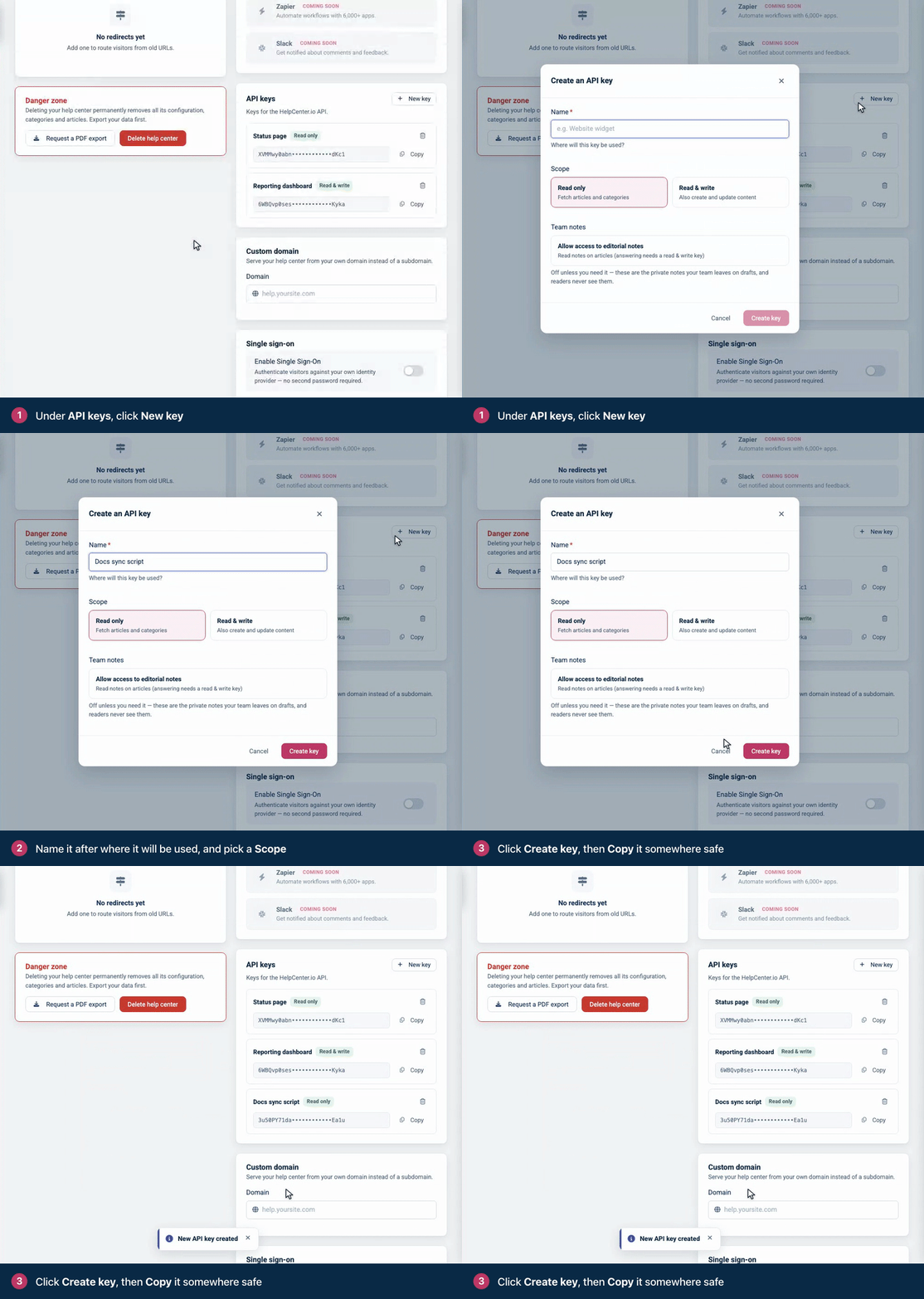
Create the key in Settings, then copy it.
A key is a 64-character string. Click **Copy** and store it where your code reads its secrets, such as an environment variable or a secret manager. The samples on this site read it from `HELPCENTER_API_KEY`.
## What a key can do
The scope you pick decides which endpoints the key can call. A key holds these [scopes](https://developers.helpcenter.io/content/scopes):
| Option | Scopes | What the key can do |
| --- | --- | --- |
| **Read only** | `content.read`, `analytics.read` | Read articles, categories, images, comments, staged changes and versions, change sets, interface translations and exports, and read analytics. |
| **Read & write** | `content.read`, `content.write`, `analytics.read`, `webhooks.manage` | Everything a Read only key can do, plus create, update and delete content, upload images, moderate comments, publish staged changes and change sets, and manage webhooks. |
| **Team notes** (optional, off by default) | `notes.read`, plus `notes.write` on a **Read & write** key | Read the private notes your team leaves on articles. With **Read & write**, also reply to them and resolve them. |
| **Design** (optional, off by default) | `design.read`, plus `design.write` on a **Read & write** key | Tick **Allow access to the help center design** to let the key read the help center's design. With **Read & write**, it can also change the design and publish it, custom CSS and scripts included. See [Design API](https://developers.helpcenter.io/content/design-api). |
A request outside the key's scopes fails with `403 Forbidden`, and the message names the scope the key lacks:
```
{
"status": "error",
"code": "insufficient_scope",
"message": "This action requires the content.write scope."
}
```
You choose the scope, **Team notes** access and **Design** access when you create a key, and you can't change them later: an existing key never gains design access. Team notes requests also need the person who created the key to have access to team notes in the help center, as an Owner, Admin, Editor or Translator; without it, they fail with `403` and the code `notes_forbidden`. Design requests need that person to be an Owner, Admin or Editor; otherwise they fail with `403` and the code `design_forbidden`.
## One key, one help center
A key always acts on the help center it was created in. OAuth apps pick a help center with the `X-HCio-Site` header or the `site` query parameter; with an API key, both are ignored. To work with several help centers, create a key in each one, or use [OAuth](https://developers.helpcenter.io/content/oauth).
## Send the key
- Send the key in the `apikey` header. The header name is not case-sensitive. The API reads the key from no other header or query parameter.
- Also send `Accept: application/json`, so that errors come back as JSON (see [Requests and responses](https://developers.helpcenter.io/content/requests-responses-and-conventions)).
- If a request carries both an `apikey` header and an `Authorization: Bearer` token, only the key is read. A valid token doesn't rescue an invalid key: the request fails.
- Each key has its own rate limit budget. See [Rate limits](https://developers.helpcenter.io/content/rate-limits).
A missing, mistyped or deleted key gets `401 Unauthorized` with this body. So does a key whose creator's HelpCenter.io account was deleted.
```
{
"status": "unauthorized"
}
```
## Check a key
This program reports which help center a key reaches and whether it can write. `GET /v1/account` returns `kb.capabilities`, with `read` and `write` set for the credential that calls it.
```
// Check which help center an API key reaches and whether it can write.
// Node.js 18 or later, no dependencies. Run: node check-key.js
const API = 'https://api.helpcenter.io/v1';
async function get(path) {
const res = await fetch(API + path, {
headers: { apikey: process.env.HELPCENTER_API_KEY, Accept: 'application/json' },
});
const text = await res.text();
if (!res.ok) throw new Error(`GET ${path} failed with ${res.status}: ${text}`);
return JSON.parse(text);
}
async function main() {
const { sites } = await get('/sites');
const { kb } = await get('/account');
console.log(`This key works with help center ${sites[0].id} (${sites[0].url}).`);
console.log(`Read: ${kb.capabilities.read ? 'yes' : 'no'}. Write: ${kb.capabilities.write ? 'yes' : 'no'}.`);
}
main().catch((err) => {
console.error(err.message);
process.exit(1);
});
```
```
# Check which help center an API key reaches and whether it can write.
# Python 3.8 or later, standard library only. Run: python3 check_key.py
import json
import os
import sys
import urllib.error
import urllib.request
API = "https://api.helpcenter.io/v1"
def get(path):
request = urllib.request.Request(
API + path,
headers={"apikey": os.environ["HELPCENTER_API_KEY"], "Accept": "application/json"},
)
try:
with urllib.request.urlopen(request) as response:
return json.load(response)
except urllib.error.HTTPError as err:
sys.exit(f"GET {path} failed with {err.code}: {err.read().decode()}")
sites = get("/sites")["sites"]
capabilities = get("/account")["kb"]["capabilities"]
print(f"This key works with help center {sites[0]['id']} ({sites[0]['url']}).")
print(
f"Read: {'yes' if capabilities['read'] else 'no'}. "
f"Write: {'yes' if capabilities['write'] else 'no'}."
)
```
```
<?php
// Check which help center an API key reaches and whether it can write.
// PHP 8 or later with the curl extension. Run: php check-key.php
const API = 'https://api.helpcenter.io/v1';
function get(string $path): array
{
$ch = curl_init(API . $path);
curl_setopt($ch, CURLOPT_RETURNTRANSFER, true);
curl_setopt($ch, CURLOPT_HTTPHEADER, [
'apikey: ' . getenv('HELPCENTER_API_KEY'),
'Accept: application/json',
]);
$raw = curl_exec($ch);
$status = curl_getinfo($ch, CURLINFO_RESPONSE_CODE);
if ($raw === false || $status >= 400) {
fwrite(STDERR, "GET $path failed with $status: $raw\n");
exit(1);
}
return json_decode($raw, true);
}
$sites = get('/sites')['sites'];
$capabilities = get('/account')['kb']['capabilities'];
echo "This key works with help center {$sites[0]['id']} ({$sites[0]['url']}).\n";
echo 'Read: ' . ($capabilities['read'] ? 'yes' : 'no')
. '. Write: ' . ($capabilities['write'] ? 'yes' : 'no') . ".\n";
```
With a **Read & write** key, it prints:
```
This key works with help center 1234 (https://acme.helpcenter.io).
Read: yes. Write: yes.
```
## Manage your keys
- **You see only your own keys.** Settings lists the keys you created, masked, each with its scope, a **Team notes** tag if it has notes access, and a **Design** tag if it has design access. You see and delete only your keys; other Owners and Admins see only theirs.
- **You can copy a key again.** **Copy** copies the full key whenever you need it.
- **Deleting is immediate.** Click the trash icon next to the key, then **Delete key**. The next request with that key gets `401`.
- **Keys don't expire, and there is no rotate button.** To replace a key, create a new one, switch your integration to it, then delete the old one.
- **When someone leaves your team.** Before you remove someone, ask them to delete the keys they created, and replace any integration that used them.
- **Keys go with their help center.** When a help center is deleted, its keys stop working.
## Keep keys secret
- Use keys on servers, in scheduled jobs and in CI. Never put a key in browser JavaScript, a mobile app or a code repository: anyone who can load the page, install the app or read the repository can read the key.
- The widget never needs an API key, and neither does single sign-on: signing readers in uses a JWT (see [Sign readers into the widget with a JWT](https://developers.helpcenter.io/content/widget-jwt) and [How JWT single sign-on works](https://developers.helpcenter.io/content/how-jwt-sso-works)).
- Create one key per integration, so that you can delete one without breaking the others, and pick **Read only** unless the integration writes.
- If a key leaks, create a replacement, switch to it, and delete the leaked key.
- A **Read & write** key with **Design** access can change the custom CSS and scripts that every visitor's browser runs once the design is published. Treat it like an admin password, and delete it when the work is done.
## What a key can't do
- **Reach another help center.** Each key works with the help center it was created in, and nothing else.
- **Act for other people.** If you're building an app that other HelpCenter.io customers connect to their help centers, use [OAuth](https://developers.helpcenter.io/content/oauth): each person approves your app and picks their help centers.
- **Narrow itself further.** A key has no expiry date, no IP address restriction and no per-endpoint permissions beyond its scope.
- **Use the MCP server on every plan.** Through the [HelpCenter.io MCP server](https://developers.helpcenter.io/content/the-mcp-connector-for-ai-agents) for AI agents, a key works only for a help center on the Growth or Catalyst plan. For a help center on another plan, every tool call is refused with a message that the MCP server is available on the Growth and Catalyst plans. Called directly, the REST API works with a key on every plan.
## API key or OAuth
| | API key | OAuth access token |
| --- | --- | --- |
| Made for | Your own scripts and servers | Apps that act for a HelpCenter.io user, including AI assistants |
| Help centers | The one it was created in | The ones the person shared with your app |
| Header | `apikey: <key>` | `Authorization: Bearer <token>` |
| Permissions | **Read only** or **Read & write**, plus **Team notes** and **Design** | The scopes your app requested and the person approved |
| Lifetime | Until you delete it | 1 hour. The refresh token lasts 30 days, and each refresh returns a new one. |
| Change sets | Yes | No: API keys only |
| Revoked by | Deleting the key | The person, in **Connected Apps** |
## Related
- [Scopes](https://developers.helpcenter.io/content/scopes)
- [OAuth 2.1 for apps and AI clients](https://developers.helpcenter.io/content/oauth)
- [Quickstart: your first API request](https://developers.helpcenter.io/content/quickstart-your-first-request)
- [Rate limits](https://developers.helpcenter.io/content/rate-limits)
---
Source: https://developers.helpcenter.io/content/staged-changes-api
# Staged changes and versions
_Category: REST API reference_
Stage edits to a published article without readers seeing them, check them, then publish or discard them. Publishing keeps the text it replaced as a version, which you can list and restore.
**Plans:** Staged changes are part of the Catalyst plan, and every Catalyst help center has them. A help center on another plan answers `STAGING_UNAVAILABLE`. API keys and OAuth access tokens both work here.
## Endpoints
| Method and path | What it does | Scope |
| --- | --- | --- |
| `GET /v1/articles/{articleId}/staged` | Read the staged copy, for one language or all | `content.read` |
| `PATCH /v1/articles/{articleId}/staged` | Stage changes for one language | `content.write` |
| `POST /v1/articles/{articleId}/staged/publish` | Publish staged changes | `content.write` |
| `DELETE /v1/articles/{articleId}/staged` | Discard staged changes | `content.write` |
| `GET /v1/articles/{articleId}/versions` | List earlier published versions | `content.read` |
| `POST /v1/articles/{articleId}/versions/{versionId}/restore` | Put a version back on the live article | `content.write` |
Every one of these, reads included, counts toward the 120 writes a minute of your credential (see [Rate limits](https://developers.helpcenter.io/content/rate-limits)). To see whether an article has staged changes, read it with `GET /v1/articles/{articleId}`: `has_staged_changes`, `staged_locales` and `staged_updated_at` tell you (see [Articles](https://developers.helpcenter.io/content/articles-api)).
## How staging works
- **Only published articles are staged.** A draft is already hidden from readers, so you write it with `PATCH /v1/articles/{articleId}`. Staging a draft answers `422` with `NOT_PUBLISHED`.
- **One staged copy per article and language.** The title, content, URL slug and audio file are staged per language. The category, visibility, type, author, access list and SEO title and description belong to the whole article: you stage them from any language, and they apply to the article when any of its languages is published.
- **Readers see nothing until you publish.** Staged changes do not appear on the help center, in its search, sitemap or widget, in AI answers, or in any API read of the article. Staging sends no webhook and does not change the article's `updated_at`.
- **Publishing is one live write.** It updates the article, re-indexes it for search, sends the `article.updated` webhook, redirects the old URL when the slug changed, and keeps the text it replaced as a version.
- **Your team shares the same copy.** A staged copy you create over the API is the one editors see in the dashboard, and the other way round (see [Edit live articles safely with staged changes](https://self.helpcenter.io/content/staged-changes)).
## The staged object
| Field | Type | Description |
| --- | --- | --- |
| `article_id` | integer | The article. |
| `locale` | string | The language of this staged copy. |
| `fields` | object | The staged per-language fields, as plain values: any of `title`, `content` (HTML), `slug`, `audio_file` and `has_custom_slug`. Only the fields you staged. |
| `shared` | object | The staged article-wide fields: any of `category_id`, `categories`, `visibility`, `type`, `author_id`, `shared_with` and `metadata` (`title` and `description` maps). |
| `release_translation` | boolean | Whether publishing also releases this language to readers. |
| `etag` | string | The version of this language's staged fields. Send it back when you write them. |
| `shared_etag` | string or null | The version of the article-wide block. `null` when nothing article-wide is staged. |
| `base_signature` | string | A fingerprint of the live article the copy started from. You never send it. |
| `updated_at` | string | When the copy last changed, ISO 8601 with an offset. |
| `_links` | object | `publish`, `discard` and `compare`, each with a `method` and a `url`. `compare` is the live article. |
An empty `fields` or `shared` comes back as an empty array, `[]`, not as `{}`. This staged copy changes the English title and content, and the article's SEO title and description:
```
{
"article_id": 597,
"locale": "en",
"fields": {
"title": "Create and set up a board",
"content": "<p>A board collects the cards your team is working on. Click <strong>New board</strong>, give it a name and choose who can see it.</p><p>To keep cards from moving on too early, add stage gates to the board.</p>"
},
"shared": {
"metadata": {
"title": {
"de": "Ein Board erstellen",
"en": "Create a board"
},
"description": {
"en": "Create a board, choose who can see it and add stage gates."
}
}
},
"release_translation": false,
"etag": "27a5b09c-e844-4c03-a090-78d298aac79d",
"shared_etag": "94ce445b-b2bf-4a04-818b-2d89daf8be12",
"base_signature": "386c17ffd445d01373cfff5c379199d57a6039ff1dceb13754f626f0f078f808",
"updated_at": "2026-09-30T08:19:30+00:00",
"_links": {
"publish": {
"method": "POST",
"url": "https://api.helpcenter.io/v1/articles/597/staged/publish"
},
"discard": {
"method": "DELETE",
"url": "https://api.helpcenter.io/v1/articles/597/staged?locale=en"
},
"compare": {
"method": "GET",
"url": "https://api.helpcenter.io/v1/articles/597?locale=en"
}
}
}
```
## Read the staged copy
With `locale`, you get one staged object. Without it, `staged` is an array with every staged language, sorted by language code. Either way, `404` means nothing is staged, which makes this a quick check before you write.
GET`/v1/articles/{articleId}/staged`
Read the staged copy of an article: one language, or all of them.
The `404` message is `This article has no staged changes.`, or `This article has no staged changes for that language.` when you sent `locale`. An article that does not exist, or belongs to another help center, answers `404` with `Article not found.`
## Stage changes
Send one language's changes. The first write creates the staged copy from the live article; later writes update it. Readers keep seeing the live version.
PATCH`/v1/articles/{articleId}/staged`
Stage changes to a published article for one language, without readers seeing them.
The body names one `locale` and gives that language's fields as plain values, not the `{"en": …}` maps that `PATCH /v1/articles/{articleId}` takes. The exception is `metadata`, which uses language maps.
| Field | Type | Description |
| --- | --- | --- |
| `locale` | string | Required. The language to stage, as a supported language code such as `en`, `de` or `pt`. Any supported code is accepted, including one your help center has not enabled, so check it before you send it. |
| `title` | string | The title in this language. An empty string or `null` clears it. |
| `content` | string | The body in this language, as HTML. Markdown is not converted here. |
| `slug` | string | The URL slug, up to 190 characters. HelpCenter.io turns it into a valid, unique slug. Empty makes a new one from the title. A title change alone keeps the current slug. |
| `audio_file` | string | The URL of this language's audio file. `null` removes it. |
| `has_custom_slug` | boolean | Marks the slug as written by hand. |
| `category_id` | integer | Article-wide. One of this help center's category ids, or `0` for none. |
| `categories` | array of integers | Article-wide. Several of this help center's category ids, to file the article in more than one category. |
| `visibility` | string | Article-wide. `public`, `private` or `link_only`. |
| `type` | string | Article-wide. `article` or `faq`. |
| `author_id` | integer | Article-wide. A member of your team. |
| `shared_with` | array of integers | Article-wide. The ids of the team members who can read the article while it is private. |
| `metadata` | object | Article-wide. The SEO title (up to 60 characters) and description (up to 160) per language: `{"title": {"en": "…"}, "description": {"en": "…"}}`. The languages must be enabled on your help center. Each language you send is merged into what is staged; `null` or an empty string clears that language. |
| `release_translation` | boolean | `true`: publishing also releases this language to readers. `false` withdraws that. It never hides a language that is already released. |
| `etag` | string | The `etag` from your last read or write of this language. See below. |
| `shared_etag` | string | The `shared_etag` from your last read or write, or `"none"` when it was `null`. See below. |
- **Send only what changes.** Fields you leave out keep their staged value, or the live value when nothing is staged. Unknown fields are ignored.
- **A write that matches the live article removes the staged copy.** When the result equals the live article, the answer is `200` with `"staged": null` and `These values match the live article, so there is nothing to stage.`, and any staged copy for that language is deleted.
- **Releasing a translation.** A translation you add over the API stays hidden from readers until someone releases it. Staging it with `"release_translation": true` releases it when you publish.
- **Do not send `change_set_id`.** It answers `422` with `CHANGE_SETS_UNAVAILABLE`. To put staged changes in a release, add the article to a change set with `POST /v1/change-sets/{changeSetId}/items` (see [Change sets](https://developers.helpcenter.io/content/change-sets-api)).
### Avoid overwriting someone else's changes
Two tokens protect a staged copy. `etag` covers one language's fields, and `shared_etag` covers the article-wide block. `etag` changes on every write to that language, `shared_etag` whenever the article-wide block changes, and editors in the dashboard use the same protocol.
1. Read the staged copy, or keep the response of your last write.
2. Send `etag` when you change the language's fields. Send `shared_etag` when you change article-wide fields, or `"none"` if your read showed `"shared_etag": null`.
3. If someone saved in between, you get `409 Conflict` with `STALE_ETAG` and the current token. Read the copy again, merge, and retry.
A stale `etag` answers:
```
{
"status": "error",
"code": "STALE_ETAG",
"message": "These staged changes were modified since you read them. Fetch them again and retry.",
"scope": "locale",
"etag": "da04cfdf-bd1a-413a-a5f9-a06650c73df7"
}
```
For the article-wide block, `scope` is `shared` and the body carries `shared_etag` instead of `etag`. Leave both tokens out and the last write wins, even over an editor's work in the dashboard.
### Errors
| Status | Code or message | When |
| --- | --- | --- |
| `403` | `STAGING_UNAVAILABLE` | The help center is not on the Catalyst plan. The message is `Staged changes are not included in your current subscription plan. Upgrade to Catalyst to edit a live article without readers seeing the change.` |
| `422` | `NOT_PUBLISHED` | The article isn't published. Write it with `PATCH /v1/articles/{articleId}`. |
| `422` | `ARTICLE_UNPUBLISHED` | The article was unpublished after changes were staged. The staged changes are kept. |
| `409` | `STALE_ETAG` | Someone saved since your read. Read again and retry. |
| `422` | `CHANGE_SETS_UNAVAILABLE` | You sent `change_set_id`. |
| `422` | `validation_error` | A missing `locale` (`A locale is required: staged changes are held per article and language.`), an SEO title over 60 characters, a category or team member that is not this help center's, and similar. |
| `404` | `Article not found.` | No such article in this help center. |
## Publish staged changes
Apply the staged changes to the live article. Send `locale` to publish one language, or leave it out to publish every staged language at once.
POST`/v1/articles/{articleId}/staged/publish`
Publish staged changes to the live article.
| Field | Type | Description |
| --- | --- | --- |
| `locale` | string | Optional. The language to publish. Omit it to publish all. |
| `force` | boolean | Optional. `true` publishes even when the live article changed after the edits were staged. |
- The answer is `200` with `published_locales` and the live `article`. The article-wide changes are applied whichever language you publish.
- If someone changed the live article after you staged, and publishing would overwrite that change, you get `409` with `BASE_CHANGED` and the language concerned. Read the live article and restage, or retry with `"force": true` to overwrite it.
- Publishing does not change the article's status. On an article that was unpublished after the changes were staged, it applies the changes and the article stays unpublished.
- Publishing, discarding and reading staged changes do not check the plan, so a help center that leaves Catalyst can still publish or discard what it had staged.
When publishing is refused, the body is `{"status": "error", "message": "…"}` with one of these messages:
| Status | Message |
| --- | --- |
| `422` | `Article 598 has no staged changes.`, or `Article 598 has no staged changes for locale de.` |
| `422` | `These changes would leave the article with no title in any language, so it cannot be published. Give it a title first — the staged copy still holds everything else.` |
| `422` | `User 12 is not on this team, so they cannot be set as the author. Pick a current teammate and save again.` |
| `422` | `Category 5 does not belong to this site.` |
| `409` | `BASE_CHANGED`: `The live article changed after these edits were staged. Re-read the article, or retry with "force": true to overwrite the live version.` |
## Discard staged changes
Delete the staged copy. Send `locale` to discard one language, or leave it out to discard all of them. The live article does not change, nothing is sent to readers or webhooks, and a discard cannot be undone.
DELETE`/v1/articles/{articleId}/staged`
Discard staged changes, leaving the live article as it is.
When you discard one language, the article-wide changes stay staged on the other languages. With nothing to discard, the answer is `404` with `This article has no staged changes to discard.`
## List versions
List the earlier published versions of an article, newest first. Each has the title it had in its language and `published_at`, the time that text went live.
GET`/v1/articles/{articleId}/versions`
List earlier published versions of an article, newest first.
- Versions are created only when staged changes are published and when a version is restored. An article you only ever write with `PATCH /v1/articles/{articleId}` has none.
- HelpCenter.io keeps the 20 newest versions of each language.
- `limit` counts across languages unless you send `locale`: the default of 20 can mix languages. Values outside 1 to 100 are brought into that range.
## Restore a version
Put a version back on the live article, with no request body. It becomes live at once, re-indexed and announced with the `article.updated` webhook.
POST`/v1/articles/{articleId}/versions/{versionId}/restore`
Put an earlier version back on the live article.
- A version holds one language's title, content, slug and audio file, plus the article-wide fields as they were at that time: category, visibility, type, author, access list and SEO title and description. Restoring puts all of them back.
- The values it replaces are kept as a new version first, so you can restore those too.
- Restoring does not change the article's status.
- A version whose category has since been deleted cannot be restored: the request fails with `500 Internal Server Error`.
A version id that belongs to another article answers `404` with `No such version for this article.` Versions and restores work on every plan, so a help center keeps the history it built while on Catalyst.
## Try it end to end
This program creates a private test article, stages an edit, publishes it, restores the first version, then moves the test article to Trash. Readers never see the test article. Run it with a Read & write key in `HELPCENTER_API_KEY` on a help center that has staged changes:
```
// Stage an edit, publish it, then restore the version it replaced.
// Works on a private test article, so readers never see it. Node.js 18+.
const API = "https://api.helpcenter.io/v1";
async function api(method, path, body) {
const res = await fetch(API + path, {
method,
headers: {
apikey: process.env.HELPCENTER_API_KEY,
Accept: "application/json",
"Content-Type": "application/json",
},
body: body === undefined ? undefined : JSON.stringify(body),
});
const data = await res.json();
if (!res.ok) throw new Error(`${method} ${path}: ${res.status} ${JSON.stringify(data)}`);
return data;
}
async function main() {
const { article } = await api("POST", "/articles", {
title: { en: "Staging test" },
content: { en: "<p>First version.</p>" },
visibility: "private",
published: true,
});
const id = article.id;
// 1. Stage an edit. The live article keeps the first version.
const { staged } = await api("PATCH", `/articles/${id}/staged`, {
locale: "en",
content: "<p>Second version.</p>",
});
const live = (await api("GET", `/articles/${id}`)).article;
console.log(`Staged ${staged.fields.content}, live is still ${live.content.en}`);
// 2. Publish the staged copy.
const published = await api("POST", `/articles/${id}/staged/publish`, {});
console.log(`Published ${published.published_locales}: ${published.article.content.en}`);
// 3. The text it replaced is now a version. Restore it.
const { versions } = await api("GET", `/articles/${id}/versions`);
const restored = await api("POST", `/articles/${id}/versions/${versions[0].id}/restore`);
console.log(`Restored version ${versions[0].id}: ${restored.article.content.en}`);
// Clean up: the test article goes to Trash.
await api("DELETE", `/articles/${id}`);
}
main().catch((err) => {
console.error(err.message);
process.exitCode = 1;
});
```
```
# Stage an edit, publish it, then restore the version it replaced.
# Works on a private test article, so readers never see it. Python 3, standard library.
import json
import os
import sys
import urllib.error
import urllib.request
API = "https://api.helpcenter.io/v1"
def api(method, path, body=None):
req = urllib.request.Request(
API + path,
method=method,
data=None if body is None else json.dumps(body).encode(),
headers={
"apikey": os.environ["HELPCENTER_API_KEY"],
"Accept": "application/json",
"Content-Type": "application/json",
},
)
try:
with urllib.request.urlopen(req) as res:
return json.load(res)
except urllib.error.HTTPError as err:
sys.exit(f"{method} {path}: {err.code} {err.read().decode()}")
article = api("POST", "/articles", {
"title": {"en": "Staging test"},
"content": {"en": "<p>First version.</p>"},
"visibility": "private",
"published": True,
})["article"]
article_id = article["id"]
# 1. Stage an edit. The live article keeps the first version.
staged = api("PATCH", f"/articles/{article_id}/staged", {
"locale": "en",
"content": "<p>Second version.</p>",
})["staged"]
live = api("GET", f"/articles/{article_id}")["article"]
print(f"Staged {staged['fields']['content']}, live is still {live['content']['en']}")
# 2. Publish the staged copy.
published = api("POST", f"/articles/{article_id}/staged/publish", {})
locales = ", ".join(published["published_locales"])
print(f"Published {locales}: {published['article']['content']['en']}")
# 3. The text it replaced is now a version. Restore it.
versions = api("GET", f"/articles/{article_id}/versions")["versions"]
restored = api("POST", f"/articles/{article_id}/versions/{versions[0]['id']}/restore")
print(f"Restored version {versions[0]['id']}: {restored['article']['content']['en']}")
# Clean up: the test article goes to Trash.
api("DELETE", f"/articles/{article_id}")
```
```
<?php
// Stage an edit, publish it, then restore the version it replaced.
// Works on a private test article, so readers never see it. PHP 8+ with curl.
const API = 'https://api.helpcenter.io/v1';
function api(string $method, string $path, ?array $body = null): array
{
$ch = curl_init(API . $path);
curl_setopt_array($ch, [
CURLOPT_CUSTOMREQUEST => $method,
CURLOPT_RETURNTRANSFER => true,
CURLOPT_HTTPHEADER => [
'apikey: ' . getenv('HELPCENTER_API_KEY'),
'Accept: application/json',
'Content-Type: application/json',
],
]);
if ($body !== null) {
curl_setopt($ch, CURLOPT_POSTFIELDS, json_encode((object) $body));
}
$data = json_decode(curl_exec($ch), true);
$status = curl_getinfo($ch, CURLINFO_RESPONSE_CODE);
if ($status >= 400) {
fwrite(STDERR, "$method $path: $status " . json_encode($data) . "\n");
exit(1);
}
return $data;
}
$article = api('POST', '/articles', [
'title' => ['en' => 'Staging test'],
'content' => ['en' => '<p>First version.</p>'],
'visibility' => 'private',
'published' => true,
])['article'];
$id = $article['id'];
// 1. Stage an edit. The live article keeps the first version.
$staged = api('PATCH', "/articles/$id/staged", [
'locale' => 'en',
'content' => '<p>Second version.</p>',
])['staged'];
$live = api('GET', "/articles/$id")['article'];
echo "Staged {$staged['fields']['content']}, live is still {$live['content']['en']}\n";
// 2. Publish the staged copy.
$published = api('POST', "/articles/$id/staged/publish", []);
echo 'Published ' . implode(',', $published['published_locales'])
. ": {$published['article']['content']['en']}\n";
// 3. The text it replaced is now a version. Restore it.
$versions = api('GET', "/articles/$id/versions")['versions'];
$restored = api('POST', "/articles/$id/versions/{$versions[0]['id']}/restore");
echo "Restored version {$versions[0]['id']}: {$restored['article']['content']['en']}\n";
// Clean up: the test article goes to Trash.
api('DELETE', "/articles/$id");
```
The program prints:
```
Staged <p>Second version.</p>, live is still <p>First version.</p>
Published en: <p>Second version.</p>
Restored version 48: <p>First version.</p>
```
## Errors
| Status | Code | Where |
| --- | --- | --- |
| `403` | `STAGING_UNAVAILABLE` | Staging changes without the feature. |
| `403` | `insufficient_scope` | A Read only key, or a token without `content.write`, on a write. |
| `404` | (message only) | No such article, staged copy or version. |
| `409` | `STALE_ETAG` | Staging with an out-of-date `etag` or `shared_etag`. |
| `409` | `BASE_CHANGED` | Publishing over a live change, without `force`. |
| `422` | `NOT_PUBLISHED`, `ARTICLE_UNPUBLISHED` | Staging on an article that is not live. |
| `422` | `CHANGE_SETS_UNAVAILABLE` | Staging with `change_set_id`. |
| `422` | `validation_error` or a message | An invalid field, or a publish that cannot be applied. |
These endpoints return `code`, where change sets return `reason`. For the shapes every endpoint shares, see [Errors](https://developers.helpcenter.io/content/errors).
## Related
- [Change sets](https://developers.helpcenter.io/content/change-sets-api)
- [Articles](https://developers.helpcenter.io/content/articles-api)
- [Publish release notes with change sets](https://developers.helpcenter.io/content/publish-release-notes-with-change-sets)
---
Source: https://developers.helpcenter.io/content/oauth
# OAuth 2.1 for apps and AI clients
_Category: Authentication_
Use OAuth when your software acts for a HelpCenter.io user: an integration that other teams connect to their help centers, or an AI assistant. The person signs in to HelpCenter.io, approves your app and picks which of their help centers it may reach. Your app gets an access token for the REST API, and a refresh token that keeps it connected.
For scripts that work with your own help center, an [API key](https://developers.helpcenter.io/content/api-keys) is simpler. AI assistants such as Claude connect through the HelpCenter.io MCP server, which runs this flow for them: see [Connect an AI assistant to your help center](https://developers.helpcenter.io/content/connect-an-ai-assistant-to-your-help-center).
| At a glance | Details |
| --- | --- |
| Authorization server | `https://helpcenter.io`, discovery at `https://helpcenter.io/.well-known/oauth-authorization-server` |
| Grants | Authorization code with PKCE, and refresh token. No implicit, password or client credentials grant. |
| Clients | Dynamic registration (public or confidential), Client ID Metadata Documents, or a client HelpCenter.io registers for you |
| Access token | A signed JWT, valid for 1 hour. Send it as `Authorization: Bearer` to `https://api.helpcenter.io/v1`. |
| Refresh token | Valid for 30 days. Each refresh returns a new pair and revokes the old one. |
| Revoking | The person disconnects your app in **Connected Apps**. There is no revocation or introspection endpoint. |
## Before you start
- **A redirect URI.** An `https` URL, or for a native or command-line app, `http` on `127.0.0.1`, `[::1]` or `localhost`. Dynamic registration refuses custom schemes such as `myapp://`.
- **The scopes your app needs.** See [Scopes](https://developers.helpcenter.io/content/scopes).
- **A server or a native app.** The OAuth endpoints on `helpcenter.io` send no CORS headers, so JavaScript in a web page can't call them. Exchange and refresh tokens on your server.
- **A HelpCenter.io account that owns a help center**, to test with. OAuth works on every plan. Tokens for the MCP server work only for help centers on the Growth or Catalyst plan.
## How the flow works
1. You register your app once and get a `client_id`.
2. Your app creates a PKCE verifier and sends the person to HelpCenter.io's authorization endpoint.
3. The person signs in, reviews the permissions, picks help centers and clicks **Allow**.
4. HelpCenter.io redirects the browser back to your app with a `code`.
5. Your app exchanges the code for an access token and a refresh token.
6. Your app calls the API with the access token, and refreshes it when it expires.
The steps below walk through the flow with cURL, using the endpoints from the discovery document.
## Discovery
Read the endpoints from the discovery document instead of hard-coding them. It's public, and you can cache it for an hour.
```
curl https://helpcenter.io/.well-known/oauth-authorization-server
```
The response:
```
{
"issuer": "https://helpcenter.io",
"authorization_endpoint": "https://helpcenter.io/oauth/authorize",
"token_endpoint": "https://helpcenter.io/oauth/token",
"userinfo_endpoint": "https://helpcenter.io/oauth/userinfo",
"jwks_uri": "https://helpcenter.io/oauth/jwks",
"scopes_supported": [
"openid", "profile", "email", "offline_access", "content.read",
"content.write", "analytics.read", "webhooks.manage", "notes.read", "notes.write",
"design.read", "design.write"
],
"response_types_supported": ["code"],
"response_modes_supported": ["query"],
"grant_types_supported": ["authorization_code", "refresh_token"],
"code_challenge_methods_supported": ["S256"],
"token_endpoint_auth_methods_supported": [
"client_secret_basic", "client_secret_post", "none"
],
"subject_types_supported": ["public"],
"id_token_signing_alg_values_supported": ["RS256"],
"authorization_response_iss_parameter_supported": true,
"service_documentation": "https://developers.helpcenter.io",
"registration_endpoint": "https://helpcenter.io/oauth/register"
}
```
`https://helpcenter.io/.well-known/openid-configuration` returns the same document plus `claims_supported`.
## Step 1: Register your app
Register once, store the `client_id` and reuse it. Registering grants nothing: every person still approves your app on the consent screen. There are three ways to get a client.
### Dynamic client registration
POST your redirect URIs to the registration endpoint. With `"token_endpoint_auth_method": "none"`, the default, you get a public client, which proves itself with PKCE. With `client_secret_basic` or `client_secret_post` you get a confidential client and a `client_secret`. The secret appears only in this response and never expires.
```
curl -X POST https://helpcenter.io/oauth/register \
-H "Content-Type: application/json" \
-H "Accept: application/json" \
-d '{
"client_name": "Docs sync CLI",
"redirect_uris": ["http://127.0.0.1/callback"],
"grant_types": ["authorization_code", "refresh_token"],
"token_endpoint_auth_method": "none"
}'
```
POST`/oauth/register`
Register an OAuth client and get its client_id (dynamic client registration, RFC 7591).
| Field | Type | Description |
| --- | --- | --- |
| `redirect_uris` | array | Required. 1 to 10 absolute URIs: `https`, or `http` on `127.0.0.1`, `[::1]` or `localhost`. No fragment. |
| `token_endpoint_auth_method` | string | `none` (the default) for a public client, or `client_secret_basic` or `client_secret_post` for a confidential one. Either confidential method can send the secret both ways. |
| `grant_types` | array | `authorization_code` and `refresh_token` are the only values accepted. Every client can refresh, and the response always lists both. |
| `client_name` | string | The name on the consent screen, up to 120 characters. Default: `Unnamed application`. |
Other fields are ignored. The endpoint accepts 10 requests an hour from one IP address, refused ones included.
**Loopback redirect URIs match on any port.** Register `http://127.0.0.1/callback`, and your app can listen on whichever port is free when it starts, for example `http://127.0.0.1:8791/callback`. The host and the path must match. Every other redirect URI must match exactly.
### Client ID Metadata Documents
Instead of registering, you can use an `https` URL as your `client_id`. The URL serves your app's metadata as JSON, and HelpCenter.io stores nothing:
```
{
"client_id": "https://app.example.com/oauth/client.json",
"client_name": "Acme Docs Sync",
"redirect_uris": ["https://app.example.com/oauth/callback"]
}
```
`client_id` must equal the document's URL, and `redirect_uris` must not be empty. `client_name` is optional; without it, the consent screen shows the URL. HelpCenter.io fetches the document when your app authorizes and when it requests tokens, and keeps it for up to an hour. The URL must be at most 191 characters and publicly reachable, and must answer within 5 seconds, without a redirect, with at most 64 KB. Such a client is always public, so it uses PKCE. When the document can't be used, authorization fails with `invalid_client` and no reason. The discovery document doesn't advertise this option, but it works.
### A client registered by HelpCenter.io
If you'd rather not register the client yourself, [contact support](https://self.helpcenter.io/content/contact-support). HelpCenter.io can register a confidential client for your integration, and can rotate its secret later.
## Step 2: Send the person to HelpCenter.io
Create a PKCE code verifier (43 to 128 characters: letters, digits, `-`, `.`, `_` and `~`), its S256 challenge, and a random `state`. Keep the verifier and the state, for example in the person's session, and send the browser to the authorization URL:
```
# Build the authorization URL, with a PKCE verifier and challenge. Needs openssl.
CLIENT_ID="${HELPCENTER_CLIENT_ID:-hcio_your_client_id}"
REDIRECT_URI="http%3A%2F%2F127.0.0.1%3A8791%2Fcallback"
# Keep CODE_VERIFIER and STATE: the token request and the redirect check need them.
CODE_VERIFIER=$(openssl rand -hex 32)
STATE=$(openssl rand -hex 16)
CODE_CHALLENGE=$(printf '%s' "$CODE_VERIFIER" | openssl dgst -sha256 -binary \
| openssl base64 -A | tr '+/' '-_' | tr -d '=')
echo "https://helpcenter.io/oauth/authorize?response_type=code&client_id=$CLIENT_ID\
&redirect_uri=$REDIRECT_URI&scope=openid+email+content.read+content.write\
&state=$STATE&code_challenge=$CODE_CHALLENGE&code_challenge_method=S256\
&resource=https%3A%2F%2Fapi.helpcenter.io"
```
```
// Build the authorization URL, with a PKCE verifier and challenge.
// Node.js 18 or later, no dependencies.
const crypto = require('node:crypto');
const clientId = process.env.HELPCENTER_CLIENT_ID ?? 'hcio_your_client_id';
// Keep codeVerifier and state (for example, in the user's session):
// the token request and the redirect check need them.
const codeVerifier = crypto.randomBytes(32).toString('base64url');
const state = crypto.randomBytes(16).toString('base64url');
const codeChallenge = crypto.createHash('sha256').update(codeVerifier).digest('base64url');
const url = new URL('https://helpcenter.io/oauth/authorize');
url.search = new URLSearchParams({
response_type: 'code',
client_id: clientId,
redirect_uri: 'http://127.0.0.1:8791/callback',
scope: 'openid email content.read content.write',
state,
code_challenge: codeChallenge,
code_challenge_method: 'S256',
resource: 'https://api.helpcenter.io',
}).toString();
console.log(url.toString());
console.log(JSON.stringify({ codeVerifier, state }));
```
```
# Build the authorization URL, with a PKCE verifier and challenge.
# Python 3.8 or later, standard library only.
import base64
import hashlib
import json
import os
import secrets
from urllib.parse import urlencode
client_id = os.environ.get("HELPCENTER_CLIENT_ID", "hcio_your_client_id")
# Keep code_verifier and state (for example, in the user's session):
# the token request and the redirect check need them.
code_verifier = secrets.token_urlsafe(32)
state = secrets.token_urlsafe(16)
digest = hashlib.sha256(code_verifier.encode("ascii")).digest()
code_challenge = base64.urlsafe_b64encode(digest).rstrip(b"=").decode("ascii")
query = urlencode({
"response_type": "code",
"client_id": client_id,
"redirect_uri": "http://127.0.0.1:8791/callback",
"scope": "openid email content.read content.write",
"state": state,
"code_challenge": code_challenge,
"code_challenge_method": "S256",
"resource": "https://api.helpcenter.io",
})
print("https://helpcenter.io/oauth/authorize?" + query)
print(json.dumps({"code_verifier": code_verifier, "state": state}))
```
```
<?php
// Build the authorization URL, with a PKCE verifier and challenge.
// PHP 8 or later.
function base64url(string $bytes): string
{
return rtrim(strtr(base64_encode($bytes), '+/', '-_'), '=');
}
$clientId = getenv('HELPCENTER_CLIENT_ID') ?: 'hcio_your_client_id';
// Keep $codeVerifier and $state (for example, in the user's session):
// the token request and the redirect check need them.
$codeVerifier = base64url(random_bytes(32));
$state = base64url(random_bytes(16));
$codeChallenge = base64url(hash('sha256', $codeVerifier, true));
$query = http_build_query([
'response_type' => 'code',
'client_id' => $clientId,
'redirect_uri' => 'http://127.0.0.1:8791/callback',
'scope' => 'openid email content.read content.write',
'state' => $state,
'code_challenge' => $codeChallenge,
'code_challenge_method' => 'S256',
'resource' => 'https://api.helpcenter.io',
]);
echo "https://helpcenter.io/oauth/authorize?$query\n";
echo json_encode(['code_verifier' => $codeVerifier, 'state' => $state]), "\n";
```
| Parameter | Description |
| --- | --- |
| `response_type` | Required. `code`. |
| `client_id` | Required. Your client's id, or the URL of its metadata document. |
| `redirect_uri` | Required. One of your registered redirect URIs. On a loopback address, any port. |
| `scope` | The scopes your app needs, separated by spaces. An unknown scope fails the request. Without `scope`, the token has no scopes and can call only `GET /v1` and `GET /v1/account`. |
| `state` | A random value. HelpCenter.io returns it unchanged, so you can tie the redirect to this request. |
| `code_challenge` | The base64url SHA-256 hash of your code verifier, without padding. Send it from every client. |
| `code_challenge_method` | `S256`. Always send it. |
| `resource` | Recommended. The server the token is for: `https://api.helpcenter.io` for the REST API, or `https://mcp.helpcenter.io` for the MCP server. It goes into the token's `aud` claim. Any other value is refused with `invalid_target`. |
| `prompt` | Optional. `consent` shows the consent screen even when the person already approved your app. |
## Step 3: The person approves your app
HelpCenter.io asks the person to sign in if they aren't signed in, then shows **Authorize access**: your `client_name`, the **Permissions** you asked for, each with its description, and the help centers.
- **One help center:** it's shown under **Help center**, with nothing to choose.
- **Several:** **Help centers to share** lists them with checkboxes. Nothing is ticked the first time, and the person must tick at least one before **Allow** works. When they authorize your app again, the help centers they shared before are ticked.
- **Only help centers their account owns.** A help center the person works on for another account doesn't appear.
The permissions are all or nothing: the person approves the whole list or clicks **Deny**. When the token is for the MCP server, help centers whose plan doesn't include it are listed but can't be ticked.
If the person has already approved every scope you ask for, and the approval still covers one of their help centers, there's no screen: the browser comes straight back to your app. Send `prompt=consent` to show the screen anyway, for example to let the person change which help centers your app reaches.
## Step 4: Handle the redirect
After **Allow**, HelpCenter.io sends the browser to your redirect URI:
```
http://127.0.0.1:8791/callback?code=def50200…&state=f07d7b4ba8c53a16ccec66e8f3573504&iss=https%3A%2F%2Fhelpcenter.io
```
Check that `state` is the value you sent and that `iss` is `https://helpcenter.io`. Then exchange the code: it expires after 10 minutes and works once.
When something goes wrong, the browser comes back with an error instead of a code, or stops on HelpCenter.io:
| Cause | What happens |
| --- | --- |
| The person clicked **Deny** | Redirect with `error=access_denied`, your `state` and `iss`. |
| An unknown scope | Redirect with `error=invalid_scope` and `iss`. This redirect doesn't carry `state`. |
| An unknown `client_id`, or a `redirect_uri` you didn't register | `401` with `invalid_client`, shown on HelpCenter.io. No redirect. |
| A public client sent no `code_challenge` | `400` with `invalid_request` and the hint `Code challenge must be provided for public clients`. No redirect. |
| A `resource` other than the two above | `400` with `invalid_target`. No redirect. |
## Step 5: Exchange the code for tokens
POST the code to the token endpoint, form-encoded. A public client sends its `client_id`:
```
curl -X POST https://helpcenter.io/oauth/token \
-H "Accept: application/json" \
-d grant_type=authorization_code \
-d client_id="$CLIENT_ID" \
--data-urlencode redirect_uri=http://127.0.0.1:8791/callback \
-d code="$CODE" \
-d code_verifier="$CODE_VERIFIER"
```
A confidential client authenticates with HTTP Basic instead, or sends `client_secret` in the body:
```
curl -X POST https://helpcenter.io/oauth/token \
-u "$CLIENT_ID:$CLIENT_SECRET" \
-H "Accept: application/json" \
-d grant_type=authorization_code \
--data-urlencode redirect_uri=https://app.example.com/oauth/callback \
-d code="$CODE" \
-d code_verifier="$CODE_VERIFIER"
```
The response carries the tokens, with `Cache-Control: no-store`:
```
{
"id_token": "eyJ0eXAiOiJKV1QiLCJhbGciOiJSUzI1NiIs…",
"token_type": "Bearer",
"expires_in": 3600,
"access_token": "eyJ0eXAiOiJKV1QiLCJhbGciOiJSUzI1NiJ9…",
"refresh_token": "def5020069e24d99…"
}
```
`id_token` is there only when you asked for `openid`. The response has no `scope` field: the access token's `scopes` claim lists what it holds. `redirect_uri` must be exactly the one from step 2. `resource` is optional here: it defaults to the resource you authorized, and naming a different one fails with `invalid_target`. The endpoint also accepts a JSON body.
POST`/oauth/token`
Exchange an authorization code for an access token and a refresh token.
## Step 6: Call the API
Send the access token in the `Authorization` header, with `Bearer` written with a capital B. A lowercase `bearer` is refused with `401`.
```
curl https://api.helpcenter.io/v1/sites \
-H "Authorization: Bearer $ACCESS_TOKEN" \
-H "Accept: application/json"
```
The response lists the help centers your app can reach:
```
{
"status": "success",
"sites": [
{
"id": 1234,
"uuid": "8f14e45f-ceea-4f6a-9d3b-2c5e1a7b9c01",
"name": "Acme Help",
"subdomain": "acme",
"domain": "acme.helpcenter.io",
"url": "https://acme.helpcenter.io",
"default_language": "en",
"visibility": "public",
"publicly_accessible": true,
"languages": ["en"],
"created_at": "2026-09-30 08:03:11"
}
],
"meta": {
"items_count": 1
}
}
```
- When the token reaches several help centers, name one in each request with the `X-HCio-Site` header. See [Choose which help center a request acts on](https://developers.helpcenter.io/content/choosing-a-help-center).
- Every endpoint accepts OAuth tokens except change sets, which accept only API keys: a token gets `401` with `Unknown API key.`
- Your app has one rate limit budget per HelpCenter.io account, shared by every person and help center of that account. See [Rate limits](https://developers.helpcenter.io/content/rate-limits).
## Step 7: Refresh the access token
Access tokens expire after an hour (`expires_in` is `3600`). Exchange the refresh token for a new pair:
```
curl -X POST https://helpcenter.io/oauth/token \
-H "Accept: application/json" \
-d grant_type=refresh_token \
-d client_id="$CLIENT_ID" \
-d refresh_token="$REFRESH_TOKEN"
```
The response has the same shape as in step 5, with a new access token, a new refresh token and, with `openid`, a new `id_token`. A confidential client authenticates as it does in step 5.
Each refresh revokes the old access token and the old refresh token at once. Save the new pair before you use it, and don't refresh the same token from two processes: the second request fails.
A refresh token that was already used, that has expired after 30 days, or that the person revoked by disconnecting your app gets `401`:
```
{
"error": "invalid_request",
"error_description": "The refresh token is invalid.",
"hint": "Token has been revoked",
"message": "The refresh token is invalid."
}
```
An expired refresh token gets the same body with the hint `Token has expired`. Either way, send the person through step 2 again. A refresh can also pass `scope` with fewer scopes than the original token, never more. You get a refresh token whether or not you ask for `offline_access`.
## Access tokens
An access token is a JWT signed with RS256. Its payload looks like this:
```
{
"jti": "37d8cba6ff63…",
"iat": 1790756317.74425,
"nbf": 1790756317.744252,
"exp": 1790759917.722185,
"sub": "42",
"scopes": ["openid", "email", "content.read", "content.write"],
"iss": "https://helpcenter.io",
"aud": [
"hcio_8gtf9f2ziiv5odm9kknlzs8s59acu7rz",
"https://api.helpcenter.io"
],
"azp": "hcio_8gtf9f2ziiv5odm9kknlzs8s59acu7rz"
}
```
- `sub` is the person's HelpCenter.io user id, as a string. `scopes` is an array, not the space-separated `scope` string some servers use.
- Without `resource`, `aud` is your `client_id` alone, as a string, and there is no `azp`. With `resource`, `aud` lists your `client_id` first and then the resource, and `azp` names your client.
- `iat`, `nbf` and `exp` carry fractions of a second.
- To verify a token yourself, use the key at `https://helpcenter.io/oauth/jwks`, whose `kid` is `hcio-oidc-1`. Access tokens have no `kid` in their header, so select the key by its algorithm rather than by `kid`.
- The MCP server accepts only tokens whose `aud` includes `https://mcp.helpcenter.io`. The REST API treats such a token as MCP traffic: it works only for help centers on the Growth or Catalyst plan, and gets `402` with `plan_upgrade_required` for the others. For direct API calls, ask for `resource=https://api.helpcenter.io`.
## Identity: id_token and userinfo
With the `openid` scope, the token response includes an `id_token`: an RS256 JWT with `kid` `hcio-oidc-1`, valid for an hour, with the claims `iss`, `aud` (your `client_id`), `sub`, `iat` and `exp`. The `email` scope adds `email` and `email_verified`; `profile` adds `name`, `given_name`, `family_name` and `picture`. The id_token carries no `nonce`, even when your authorization request sends one. The userinfo endpoint returns `sub` and the `email` and `profile` claims for an access token:
GET`/oauth/userinfo`
Get the signed-in person's identity claims (OpenID Connect userinfo).
## Revoking access
People manage their connections in their HelpCenter.io account, under **Connected Apps** (`https://helpcenter.io/app/account/connected-apps`). The consent screen links there. Each connected app shows its **Permissions** and the **Help centers it can reach**.
- **Save help centers** changes which help centers your app reaches. It applies to your next request, with the same token. A help center that was removed answers `403` with `site_forbidden`.
- **Disconnect** revokes, at once, every access token and refresh token your app holds for that person, and any code not yet exchanged. The next API request gets `401`.
- The owner of the HelpCenter.io account sees and manages every connection in the account. Other people see and manage only their own.
There is no endpoint your app can call to revoke a token. Deleting the tokens you hold doesn't revoke them; if the person wants your app gone, point them to **Connected Apps**.
## Troubleshooting
**The API answers 401 `{"status":"unauthorized"}`.** The access token expired, a refresh replaced it, or the person disconnected your app. Refresh it, and if the refresh fails, send the person through step 2. Also check that the header reads `Bearer`, with a capital B.
**The authorization page shows `invalid_client`.** The `client_id` is wrong, or `redirect_uri` isn't one you registered. Loopback URIs may differ only in the port.
**The token endpoint answers `invalid_grant` with `Failed to verify \`code_verifier\`.`** The `code_verifier` isn't the one behind the `code_challenge` you sent. Use the same verifier, and `S256`.
**The token endpoint answers `invalid_request` with `Authorization code has been revoked`.** The code was already exchanged. Each code works once; start again at step 2.
**Content requests answer `400` `site_required` with an empty `sites` list.** The person's account owns no help center, so the token reaches none. Ask them to connect your app from an account that owns the help center, or use an API key from that help center.
**A request answers `403` `insufficient_scope`.** Add the scope named in the message to your authorization request and send the person through step 2. See [Scopes](https://developers.helpcenter.io/content/scopes).
**The API answers `402` `plan_upgrade_required`.** The token was made for the MCP server. Ask for `resource=https://api.helpcenter.io` for direct API calls.
**Registration answers `429` `temporarily_unavailable`.** The endpoint takes 10 requests an hour from one IP address, refused ones included. Register once and reuse your `client_id`.
## Related
- [Scopes](https://developers.helpcenter.io/content/scopes)
- [Choose which help center a request acts on](https://developers.helpcenter.io/content/choosing-a-help-center)
- [Connect an AI assistant to your help center](https://developers.helpcenter.io/content/connect-an-ai-assistant-to-your-help-center)
- [API keys](https://developers.helpcenter.io/content/api-keys)
---
Source: https://developers.helpcenter.io/content/scopes
# Scopes
_Category: Authentication_
A scope is a permission that a credential holds. REST API endpoints each require a scope, and API keys and OAuth access tokens are checked against the same list: a request that needs `content.write` fails the same way for a Read only key as for a token without that scope.
```
{
"status": "error",
"code": "insufficient_scope",
"message": "This action requires the content.write scope."
}
```
## The scopes
The third column is what the consent screen shows a person when an OAuth app asks for the scope.
| Scope | Allows | Consent screen text |
| --- | --- | --- |
| `content.read` | Reading the help center: sites, articles, categories, images, comments, staged changes and versions, change sets, interface translations and exports. | Read your help-center categories and articles. |
| `content.write` | Every change to content: creating, updating and deleting articles and categories, uploading and deleting images, replying to, moderating and deleting comments, staging and publishing changes, restoring versions, change sets, interface translations and article feedback. | Create and update your help-center articles. |
| `analytics.read` | The analytics reports. | Read your help-center analytics reports. |
| `webhooks.manage` | Listing, creating and deleting webhooks. | Register webhooks that notify it when your content changes. |
| `notes.read` | Reading the private notes your team leaves on articles. | Read the private notes your team leaves on drafts. Readers never see these. |
| `notes.write` | Replying to and resolving those notes. | Reply to and resolve the private notes your team leaves on drafts. |
| `design.read` | Reading the help center's design: the draft, the customization guide, the themes and the published versions. | See your help center's design: its theme, page layouts, components, custom CSS and scripts. |
| `design.write` | Every change to the design: editing the draft, applying themes, discarding the draft, restoring versions into it, and publishing it. That includes the custom CSS and scripts every visitor's browser runs once the design is published. | `Change your help center's design — theme, layouts, components, custom CSS and scripts — and publish it.` |
`content.write` covers every change to content, including deleting articles and categories, deleting images and moderating comments. If your app asks for it, tell your users what the app will do with it.
`design.read` and `design.write` aren't part of `content.read` and `content.write`: a credential needs them to read or change the design, whatever content scopes it holds. See [Design API](https://developers.helpcenter.io/content/design-api).
## Endpoints by scope
Each endpoint requires exactly one scope, except two that any valid credential may call and the single-use image upload URL, which is its own credential.
| Scope | Endpoints |
| --- | --- |
| None (any valid credential) | `GET /v1`, `GET /v1/account` |
| `content.read` | Sites: `GET /v1/sites`<br><br><br>Articles: `GET /v1/articles`, `GET /v1/articles/{articleId}`, `GET /v1/articles/{articleId}/staged`, `GET /v1/articles/{articleId}/versions`<br><br><br>Categories: `GET /v1/categories`<br><br><br>Images: `GET /v1/images`, `GET /v1/images/{imageId}`<br><br><br>Comments: `GET /v1/comments`, `GET /v1/articles/{articleId}/comments`<br><br><br>Change sets (API keys only): `GET /v1/change-sets`, `GET /v1/change-sets/{changeSetId}`, `GET /v1/change-sets/{changeSetId}/status`<br><br><br>Other: `GET /v1/translations`, `GET /v1/export` |
| `content.write` | Articles: `POST /v1/articles`, `POST /v1/articles/bulk`, `PATCH /v1/articles/{articleId}`, `DELETE /v1/articles/{articleId}`, `POST /v1/articles/{articleId}/feedback`<br><br><br>Staged changes and versions: `PATCH /v1/articles/{articleId}/staged`, `DELETE /v1/articles/{articleId}/staged`, `POST /v1/articles/{articleId}/staged/publish`, `POST /v1/articles/{articleId}/versions/{versionId}/restore`<br><br><br>Categories: `POST /v1/categories`, `PATCH /v1/categories/{categoryId}`, `DELETE /v1/categories/{categoryId}`, `PUT /v1/categories/order`, `PUT /v1/categories/{categoryId}/articles/order`<br><br><br>Images: `POST /v1/images`, `POST /v1/images/bulk`, `POST /v1/images/uploads`, `DELETE /v1/images/{imageId}`<br><br><br>Comments: `POST /v1/articles/{articleId}/comments`, `PATCH /v1/comments/{commentId}`, `DELETE /v1/comments/{commentId}`<br><br><br>Interface translations: `POST /v1/translations`, `POST /v1/translations/{translationKey}`<br><br><br>Change sets (API keys only): `POST /v1/change-sets`, `PATCH /v1/change-sets/{changeSetId}`, `DELETE /v1/change-sets/{changeSetId}`, `POST /v1/change-sets/{changeSetId}/items`, `DELETE /v1/change-sets/{changeSetId}/items/{itemId}`, `POST /v1/change-sets/{changeSetId}/publish`, `DELETE /v1/change-sets/{changeSetId}/schedule` |
| `analytics.read` | `GET /v1/analytics/summary`, `GET /v1/analytics/content`, `GET /v1/analytics/searches` |
| `webhooks.manage` | `GET /v1/webhooks`, `POST /v1/webhooks`, `DELETE /v1/webhooks/{webhookId}` |
| `notes.read` | `GET /v1/articles/{articleId}/notes` |
| `notes.write` | `POST /v1/articles/{articleId}/notes/{noteId}/replies`, `POST /v1/articles/{articleId}/notes/{noteId}/resolve` |
| `design.read` | `GET /v1/template`, `GET /v1/template/draft`, `GET /v1/template/schema`, `GET /v1/template/themes`, `GET /v1/template/themes/{themeKey}`, `GET /v1/template/versions` |
| `design.write` | `PATCH /v1/template/draft`, `POST /v1/template/draft/discard`, `POST /v1/template/themes/{themeKey}/apply`, `POST /v1/template/publish`, `POST /v1/template/versions/{versionId}/restore` |
| None (the URL is the credential) | `POST /v1/images/uploads/{intent}`, the upload URL that `POST /v1/images/uploads` returns |
Change sets accept only API keys: an OAuth token that holds the right scope still gets `401` with the message `Unknown API key.` See [Change sets](https://developers.helpcenter.io/content/change-sets-api).
## How API keys map to scopes
An API key doesn't list scopes itself. Its scope in the dashboard, and its **Team notes** and **Design** settings, give it these:
| API key | Scopes it holds |
| --- | --- |
| **Read only** | `content.read`, `analytics.read` |
| **Read & write** | `content.read`, `content.write`, `analytics.read`, `webhooks.manage` |
| **Read only** with **Team notes** | The read-only scopes, plus `notes.read` |
| **Read & write** with **Team notes** | The read and write scopes, plus `notes.read` and `notes.write` |
| **Read only** with **Design** | The read-only scopes, plus `design.read` |
| **Read & write** with **Design** | The read and write scopes, plus `design.read` and `design.write` |
A Read only key never holds `notes.write` or `design.write`. A key gets the design scopes only when it is created with **Allow access to the help center design** ticked, and an existing key can't gain them. To see what a credential can do, call `GET /v1/account`: `kb.capabilities.read` and `kb.capabilities.write` tell you whether it holds `content.read` and `content.write`. See [API keys](https://developers.helpcenter.io/content/api-keys).
## How OAuth tokens get scopes
An OAuth app asks for scopes in the `scope` parameter of the authorization request, separated by spaces:
```
scope=openid email content.read content.write
```
- **All or nothing.** The consent screen lists every requested scope with its description. The person approves the whole list or denies it; they can't pick some scopes and leave others.
- **A token holds what its request asked for.** The granted scopes are in the access token's `scopes` claim, an array. The token response has no `scope` field.
- **Unknown scopes fail.** A scope that isn't on this page ends the authorization with the error `invalid_scope`.
- **No scope, no content.** An authorization request without `scope` gives a token with no scopes. It can call `GET /v1` and `GET /v1/account`; everything else answers `403` with `insufficient_scope`.
- **Asking for more later.** Send the person through authorization again with the longer list. The consent screen appears whenever you ask for a scope they haven't approved for your app; when every scope was approved before, the browser returns to your app without it. What a person approves adds up: a later approval doesn't take back scopes they approved earlier.
- **Refreshing can narrow, not widen.** A refresh request can pass `scope` with fewer scopes than the original token. Asking for one the original didn't have fails with `invalid_scope`.
The full flow is in [OAuth 2.1 for apps and AI clients](https://developers.helpcenter.io/content/oauth).
## OpenID Connect scopes
These identify the person who approved your app. None of them opens a REST API endpoint.
| Scope | What you get | Consent screen text |
| --- | --- | --- |
| `openid` | An `id_token` in the token response. | Authenticate you and confirm your identity. |
| `profile` | The claims `name`, `given_name`, `family_name` and `picture` in the id_token and from userinfo. | Access your basic profile information (name, picture). |
| `email` | The claims `email` and `email_verified`. | Access your email address. |
| `offline_access` | Nothing extra. Every app gets a refresh token whether or not it asks for this scope; it's accepted for clients that always request it. | Stay connected, so you are not asked to sign in again each time its short-lived access expires. |
## Team notes need scope and access
Holding `notes.read` or `notes.write` isn't enough on its own. On every notes request, the person behind the credential (the creator of the API key, or the person who approved the OAuth app) must be an Owner, Admin, Editor or Translator of the help center. If they aren't, the request fails with `403`, the code `notes_forbidden` and this message: "Editorial notes are visible only to team members who can access team comments in the dashboard. The account this credential authenticates as no longer has that access on this help center."
## The design needs scope and access
Holding `design.read` or `design.write` isn't enough on its own either. On every design request, the person behind the credential must be able to edit the help center's design in the dashboard: an Owner, Admin or Editor. If they can't, the request fails with `403`, the code `design_forbidden` and this message: "Only team members who can edit this help center's design in the dashboard (editors, admins and owners) can read or change it through the API. The account this credential authenticates as no longer has that access on this help center."
## When a scope is missing
A credential without the scope an endpoint needs gets `403 Forbidden` with the body at the top of this page. The `message` always names the missing scope, for API keys and OAuth tokens alike. Retrying won't help:
- With an API key, use a key with the right scope. You can't change the scope of an existing key; create a new one.
- With an OAuth token, send the person through authorization again with the scope added.
Two other errors look similar. `401` means the credential itself isn't valid. `403` with `site_forbidden` means the token doesn't reach the help center you named (see [Choose which help center a request acts on](https://developers.helpcenter.io/content/choosing-a-help-center)). Every code is listed in [Errors](https://developers.helpcenter.io/content/errors).
## AI assistants and their first connection
When an AI assistant connects to the HelpCenter.io MCP server without credentials, the server's sign-in challenge asks for `content.read content.write design.read design.write`, while its metadata lists eight API scopes: `content.read`, `content.write`, `analytics.read`, `webhooks.manage`, `notes.read`, `notes.write`, `design.read` and `design.write`. An assistant that asks only for the challenge's scopes gets a token without `analytics.read`, `notes.read` and `notes.write`. Its analytics and team notes tools are then refused with an error that names the missing permission, until the person connects the assistant again and approves it. Which scopes an assistant asks for is up to the assistant. See [Connect an AI assistant to your help center](https://developers.helpcenter.io/content/connect-an-ai-assistant-to-your-help-center).
## Related
- [OAuth 2.1 for apps and AI clients](https://developers.helpcenter.io/content/oauth)
- [API keys](https://developers.helpcenter.io/content/api-keys)
- [Errors](https://developers.helpcenter.io/content/errors)
- [Choose which help center a request acts on](https://developers.helpcenter.io/content/choosing-a-help-center)
---
Source: https://developers.helpcenter.io/content/choosing-a-help-center
# Choose which help center a request acts on
_Category: Authentication_
Every REST API request that reads or changes content acts on exactly one help center. An API key always acts on its own help center. An OAuth access token acts on the only help center it reaches, or on the one you name with the `X-HCio-Site` header.
```
curl "https://api.helpcenter.io/v1/articles?limit=1" \
-H "Authorization: Bearer $ACCESS_TOKEN" \
-H "X-HCio-Site: 1234" \
-H "Accept: application/json"
```
## API keys: always their own help center
A key belongs to the help center it was created in, and every request with it acts on that help center. The API ignores `X-HCio-Site` and `?site=` on requests made with a key, even when they name another help center. To work with several help centers, create a key in each one. See [API keys](https://developers.helpcenter.io/content/api-keys).
## OAuth tokens: the help centers a token reaches
A token reaches only help centers that meet both conditions:
- The HelpCenter.io account of the person who approved your app owns them.
- The person shared them with your app, on the consent screen or later in **Connected Apps**.
The API checks both on every request, so a change applies to your next request without a new token. When the person stops sharing a help center, requests that name it fail. When they share another one, it becomes reachable.
A help center that belongs to another account can't be shared this way, even when the person is on its team. The consent screen doesn't offer it. To work with it, use an API key created in that help center.
## How the API picks the help center
| The token reaches | You name no help center | You name one it reaches | You name anything else |
| --- | --- | --- | --- |
| One help center | That help center | That help center | `403` `site_forbidden` |
| Several help centers | `400` `site_required`, with their ids | The one you named | `403` `site_forbidden` |
| No help center | `400` `site_required`, with an empty list | Not possible | `403` `site_forbidden` |
If the token reaches one help center, you don't need to name it, but naming it does no harm and keeps your code working when the person shares a second one.
## Name the help center
Send the help center's numeric id in the `X-HCio-Site` header, or in the `site` query parameter:
```
curl "https://api.helpcenter.io/v1/articles?limit=1&site=1234" \
-H "Authorization: Bearer $ACCESS_TOKEN" \
-H "Accept: application/json"
```
- **Use the numeric id.** Other values, such as a subdomain or a domain, are refused with `403` `site_forbidden`.
- **The header wins.** When a request carries both, the API uses `X-HCio-Site` and ignores `site`.
- **Two endpoints never need it.** `GET /v1/sites` and `GET /v1/account` describe the credential rather than one help center. They ignore the header and the parameter.
## Find the ids
`GET /v1/sites` lists the help centers the token reaches, ordered by id. It needs the `content.read` scope.
```
curl https://api.helpcenter.io/v1/sites \
-H "Authorization: Bearer $ACCESS_TOKEN" \
-H "Accept: application/json"
```
The response, for a token that reaches one help center:
```
{
"status": "success",
"sites": [
{
"id": 1234,
"uuid": "8f14e45f-ceea-4f6a-9d3b-2c5e1a7b9c01",
"name": "Acme Help",
"subdomain": "acme",
"domain": "acme.helpcenter.io",
"url": "https://acme.helpcenter.io",
"default_language": "en",
"visibility": "public",
"publicly_accessible": true,
"languages": ["en"],
"created_at": "2026-09-30 08:03:11"
}
],
"meta": {
"items_count": 1
}
}
```
`GET /v1/account` answers the same question in brief, in `kb.sites_count` and `kb.site_ids`, and needs no scope. Every field of both endpoints is in [Sites and account](https://developers.helpcenter.io/content/sites-and-account-api).
Don't keep an id forever. Read `GET /v1/sites` when your app starts a sync, and again whenever a request fails with `site_forbidden`.
## Errors
### 400 site_required
The token doesn't reach exactly one help center, and the request didn't name one. `sites` lists the ids you can name:
```
{
"status": "error",
"code": "site_required",
"message": "This account spans more than one help center. Name the one to act on with the X-HCio-Site header or the site query parameter.",
"sites": []
}
```
The message is the same when the token reaches no help center at all, as in this example, where `sites` is empty. That happens when the person's account owns no help center, for example someone who only works on another account's help center. Naming an id won't help: ask the person to connect your app with an account that owns the help center, or use an API key from that help center.
### 403 site_forbidden
The request named a help center the token doesn't reach:
```
{
"status": "error",
"code": "site_forbidden",
"message": "The requested site is not part of this account."
}
```
The answer is the same whether the id exists or not, so it tells you nothing about other people's help centers. The usual causes: the person never shared that help center with your app, stopped sharing it in **Connected Apps**, the help center belongs to another account, or the value isn't a numeric id. Read `GET /v1/sites` again rather than retrying.
## AI assistants: site_id on each tool call
AI assistants that connect through the [HelpCenter.io MCP server](https://developers.helpcenter.io/content/the-mcp-connector-for-ai-agents) name the help center on each tool call. Every tool except `helpcenter_list_sites` takes an optional `site_id`, which the server sends to the API as `X-HCio-Site`:
```
{
"jsonrpc": "2.0",
"id": 1,
"method": "tools/call",
"params": {
"name": "helpcenter_list_articles",
"arguments": { "site_id": 1234, "limit": 5 }
}
}
```
With exactly one shared help center, no `site_id` is needed. With several, a call without `site_id` is refused, and the refusal lists the ids the connection reaches. The assistant reads their names with `helpcenter_list_sites`.
To keep an assistant in one help center, add the id to the server URL when you add it to the assistant:
```
https://mcp.helpcenter.io/?site=1234
```
A connection added this way acts on that help center on every call, and refuses a `site_id` that names another one. A connection that uses an API key acts on the key's help center: it ignores `?site=`, like the API does, and refuses a `site_id` that names another help center. See [Connect an AI assistant to your help center](https://developers.helpcenter.io/content/connect-an-ai-assistant-to-your-help-center).
## Related
- [OAuth 2.1 for apps and AI clients](https://developers.helpcenter.io/content/oauth)
- [Sites and account](https://developers.helpcenter.io/content/sites-and-account-api)
- [Scopes](https://developers.helpcenter.io/content/scopes)
- [Connect an AI assistant to your help center](https://developers.helpcenter.io/content/connect-an-ai-assistant-to-your-help-center)
---
Source: https://developers.helpcenter.io/content/the-mcp-connector-for-ai-agents
# The HelpCenter.io MCP server
_Category: AI agents and MCP_
The HelpCenter.io MCP server lets an AI agent work in your help center: search and read articles, write and publish them, upload images, release several changes together, organize categories, answer reader comments, work through your team's notes, read your statistics and change the design. It speaks the Model Context Protocol (MCP) at `https://mcp.helpcenter.io`, so Claude, ChatGPT and agents you build see your help center as a set of tools.
The server is a thin layer over the [HelpCenter.io REST API](https://developers.helpcenter.io/content/developer-platform). Each tool call becomes a request to `https://api.helpcenter.io/v1`, made with the agent's own credential, so the API's permissions, validation and rate limits apply to the agent as they apply to your code. The server keeps no copy of your content and no credential between requests.
Connecting takes a minute: see [Connect an AI assistant to your help center](https://developers.helpcenter.io/content/connect-an-ai-assistant-to-your-help-center). Every tool, with its arguments and results, is in the [MCP tool reference](https://developers.helpcenter.io/content/mcp-tool-reference).
## At a glance
| Item | Details |
| --- | --- |
| Server URL | `https://mcp.helpcenter.io`. Add `?site=<id>` to pin a connection to one help center. |
| Transport | Streamable HTTP, stateless. Every `POST` gets one JSON response. There is no session (`Mcp-Session-Id`) and no event stream. |
| Protocol versions | `2025-11-25`, `2025-06-18`, `2025-03-26`, `2024-11-05`, `2024-10-07` |
| What it offers | Tools only. No prompts and no resources. |
| Sign-in | OAuth 2.1 (your MCP client signs you in), or an API key sent as `Authorization: Bearer <key>` |
| Plans | Growth and Catalyst, including their free trials |
| Limits | The API's per-credential rate limits: 300 requests a minute, of which at most 120 writes, and 6 a minute for the analytics tools. A tool call that waits more than 25 seconds for the API times out. |
Your readers get a different server: every public help center also has a read-only, anonymous MCP server at its own address. See [The public MCP server of a help center](https://developers.helpcenter.io/content/public-mcp-server).
## What agents can do
| Area | The tools let an agent | Permission |
| --- | --- | --- |
| Articles | Search published articles, list and read every article (drafts included), create and update articles in HTML or Markdown, import up to 50 in one call, and move an article to the Trash. | `content.read`, `content.write` |
| Images | Upload a screenshot, a diagram or an animated GIF (up to 4 MiB on the hosted server) and get a URL to place in an article, list and read the images uploaded this way, and delete one. | `content.read`, `content.write` |
| Staged changes and versions | Save an edit to a published article without readers seeing it, publish or discard it, and list or restore earlier versions. | `content.read`, `content.write` |
| Change sets | Group staged edits, drafts and category visibility changes into a named release, check that it is ready, publish it now or at a scheduled time, follow it until it is done, and cancel its schedule. Part of the Catalyst plan, in early preview. | `content.read`, `content.write` |
| Categories | List, create, update and reorder categories, set the article order inside one, and delete one after saying where its contents go. | `content.read`, `content.write` |
| Comments | Read reader comments and the moderation queue, approve or unpublish a comment, and reply. | `content.read`, `content.write` |
| Analytics | Read traffic and ratings, per-article performance, and what readers searched for and did not find. | `analytics.read` |
| Team notes | Read the private notes your team leaves on articles, reply to them and resolve them. | `notes.read`, `notes.write` |
| Design | Read the design and the guide to what can be changed, start from a theme, edit the draft that the template editor opens (theme, pages and components, navigation, custom CSS and scripts), publish it, discard it, and load an earlier version into it. | `design.read`, `design.write` |
| Help centers | List the help centers the connection can reach, with their ids. | `content.read` |
Articles an agent creates stay drafts unless it publishes them. Changes to a published article go live at once, unless the agent stages them first. Changes to the design go to a draft that you review in the template editor, and visitors see them only when that draft is published (see [Design API](https://developers.helpcenter.io/content/design-api)).
## What agents cannot do
- Restore an article from the Trash, or delete a comment. They can unpublish an article or a comment, which you can reverse, and move an article to the Trash, which only a person can undo.
- Manage webhooks, edit interface translations, export a help center, send article feedback or set an article's SEO title and description. Your own code can do all of these with the [REST API](https://developers.helpcenter.io/content/developer-platform).
- Change settings, your team or billing.
- Translate the texts in your design, or switch a help center to the template editor. The design tools set texts in the help center's default language, and both of these are done in the dashboard.
- Read reader email addresses or IP addresses. Comment tools leave out email addresses, and no tool returns an IP address.
- See team notes through the comment tools. Team notes are only reachable through the team notes tools, with their own permission.
Tools that can change or remove something that already exists, or change what readers see, are marked as destructive in their MCP annotations (`destructiveHint: true`), which MCP clients can use to ask you before running them. The [MCP tool reference](https://developers.helpcenter.io/content/mcp-tool-reference) shows the kind of every tool. These need the most care: discarding staged changes or the design draft, which can't be recovered; deleting a category, an image or a change set; moving an article to the Trash, which only a person can undo; and restoring an earlier version of an article, publishing a change set or publishing the design, which readers see at once.
## How agents sign in
The same URL takes two kinds of credential, both in the `Authorization: Bearer` header.
| | OAuth sign-in | API key |
| --- | --- | --- |
| Use it for | Claude, ChatGPT and other MCP clients that sign you in | Agents and scripts you run yourself |
| How it works | The client sends you to HelpCenter.io to sign in. You approve the permissions it asks for and choose the help centers it may reach. | Create a key in **Settings** → **API keys** and send it as `Authorization: Bearer <key>`. The `X-HelpCenter-Api-Key` and `apikey` headers also work. |
| Acts as | You, on the help centers you chose | The person who created the key, on the key's help center |
| Can do | What the permissions you approved allow | What the key's scope allows (**Read only** or **Read & write**), plus team notes and the design if the key was created with that access |
| Stop it | Disconnect the app in **Account** → **Connected Apps** | Delete the key in **Settings** → **API keys** |
A client that connects without a credential gets `401 Unauthorized` with a `WWW-Authenticate` header that points to the server's OAuth metadata, `https://mcp.helpcenter.io/.well-known/oauth-protected-resource`. MCP clients follow it to the HelpCenter.io authorization server and start the sign-in. [OAuth 2.1 for apps and AI clients](https://developers.helpcenter.io/content/oauth) covers the flow in depth.
OAuth reaches only help centers that belong to the HelpCenter.io account you sign in with. To connect an agent to a help center another account owns, use an API key created in that help center.
## Plans
The MCP server is part of the Growth and Catalyst plans, including their free trials. HelpCenter.io checks the plan on every request, for the help center the request acts on, so a plan change applies to the very next tool call.
The check covers API keys too. The REST API itself works on every plan, but the MCP server marks its own requests to the API with the header `X-HCio-Client: mcp`, and requests carrying it are checked. So a key that works against `https://api.helpcenter.io/v1` on any plan is refused through the MCP server on a plan that does not include it.
On other plans:
- The OAuth consent screen shows those help centers locked, with an **Upgrade** link. When none of your help centers qualifies, it says **Your plan doesn't include the MCP server** and shares nothing.
- A tool call is refused by the API with `402 Payment Required`:
```
{
"status": "error",
"code": "plan_upgrade_required",
"feature": "mcp",
"message": "The HelpCenter.io MCP server is available on the Growth and Catalyst plans. Acme does not have an active plan.",
"upgrade_url": "https://helpcenter.io/app/account/billing",
"plans": ["growth", "catalyst"]
}
```
When the help center has a plan, the second sentence names it, for example `Acme is on the Bootstrap plan.` The agent receives the refusal as a tool error it is asked to pass on, not to act on:
```
The HelpCenter.io MCP server is available on the Growth and Catalyst plans. Acme does not have an active plan.
Upgrade the plan: https://helpcenter.io/app/account/billing
This is the help center's subscription plan, not an authentication problem. Do not retry, and do not reconnect or re-authorize the HelpCenter.io connector — neither changes the plan, so both end in this same answer. Tell the user, so that someone who manages the HelpCenter.io account can change the plan.
```
Staging an edit also needs staged changes on the help center, part of the Catalyst plan (see [Staged changes and versions](https://developers.helpcenter.io/content/staged-changes-api)). Listing and restoring versions has no extra plan requirement, but versions are only recorded when staged changes are published or a version is restored, so a help center without staged changes usually has none. The change set tools need change sets on the help center, part of the Catalyst plan in early preview (see [Change sets](https://developers.helpcenter.io/content/change-sets-api)); without them they are refused with `402 Payment Required`.
## Which help center the agent works on
Every tool except `helpcenter_list_sites` takes an optional `site_id` argument: the id of the help center that call acts on. What a connection needs depends on how it signed in:
- **API key:** always the help center the key was created in. A `?site=` on the URL is ignored, and a `site_id` that names another help center is refused before any request is made.
- **OAuth, one help center approved:** that one, with nothing to configure.
- **OAuth, several approved:** the agent names one on each call, with `site_id`. The `helpcenter_list_sites` tool lists the ids. A call that names none is refused with `site_required`, and the refusal lists the ids, so nothing is written to a help center the agent did not name.
- **OAuth, pinned:** add `?site=<id>` to the server URL, for example `https://mcp.helpcenter.io/?site=1234`, and every call acts on that help center. A pinned connection refuses a `site_id` that names a different one.
`site_id` applies to one call. The server keeps nothing between requests, so an agent passes it on every call of a task, and one conversation can work in several help centers. The server's `initialize` response carries instructions that tell the agent to list the help centers, to pass `site_id`, and to ask you when your request does not say which help center you mean. Pin the connection when an agent should stay in one help center. See [Choose which help center a request acts on](https://developers.helpcenter.io/content/choosing-a-help-center).
## Security model
- **It acts as a person.** Every request carries the credential of the person who connected the agent (or who created the key). Replies to comments are posted in their name.
- **It is limited twice.** A connection reaches only the help centers you approved and only what its permissions allow. The API enforces both on every request, including which help center an id belongs to: an id from another help center answers as not found.
- **Tokens are bound to this server.** The server accepts only OAuth access tokens that HelpCenter.io signed for `https://mcp.helpcenter.io`. A token issued for anything else is refused with `401`, however valid it is elsewhere.
- **Revoking works on the next request.** Unticking a help center in **Connected Apps** applies to the agent's next call, and **Disconnect** revokes its tokens at once. Deleting an API key stops it immediately.
- **Team notes need two things.** The `notes.read` or `notes.write` permission (or a key created with team notes access), and the person behind the credential must still have access to team notes in the dashboard. HelpCenter.io checks the second on every request.
- **The design needs two things too.** The `design.read` or `design.write` permission (or a key created with design access), and the person behind the credential must be able to edit the design in the dashboard: an Owner, Admin or Editor. HelpCenter.io checks the second on every request. `design.write` reaches custom CSS and scripts, which run in every visitor's browser once the design is published, so approve it only for agents you trust.
- **Nothing is kept.** The server stores no content. It logs one line per request (method, status, tool name, timing), never the arguments, the results or the credential.
## Related
- [Connect an AI assistant to your help center](https://developers.helpcenter.io/content/connect-an-ai-assistant-to-your-help-center)
- [MCP tool reference](https://developers.helpcenter.io/content/mcp-tool-reference)
- [OAuth 2.1 for apps and AI clients](https://developers.helpcenter.io/content/oauth)
- [Design API](https://developers.helpcenter.io/content/design-api)
- [The public MCP server of a help center](https://developers.helpcenter.io/content/public-mcp-server)
---
Source: https://developers.helpcenter.io/content/connect-an-ai-assistant-to-your-help-center
# Connect an AI assistant to your help center
_Category: AI agents and MCP_
Connect Claude, ChatGPT or an agent you build to your help center through the HelpCenter.io MCP server. This guide covers each client, what you approve when you sign in, how to work with several help centers, and how to take access back.
## Before you start
- **Plan:** the help center must be on the Growth or Catalyst plan, or a free trial of one. On other plans, the **AI agents** card in Settings says **Not included in your current plan**. See [plans and pricing](https://helpcenter.io/pricing).
- **Server URL:** everyone connects to `https://mcp.helpcenter.io`. In your dashboard it is in **Settings** → **AI agents**, under **Connector URL**, with a **Copy** button.
- **Signing in:** with Claude and ChatGPT you sign in with your HelpCenter.io account, and there is no key to copy. You can connect the help centers that belong to your account.
- **Your own agent:** needs an API key from the help center it should work on. See [Create an API key](https://self.helpcenter.io/content/create-an-api-key).
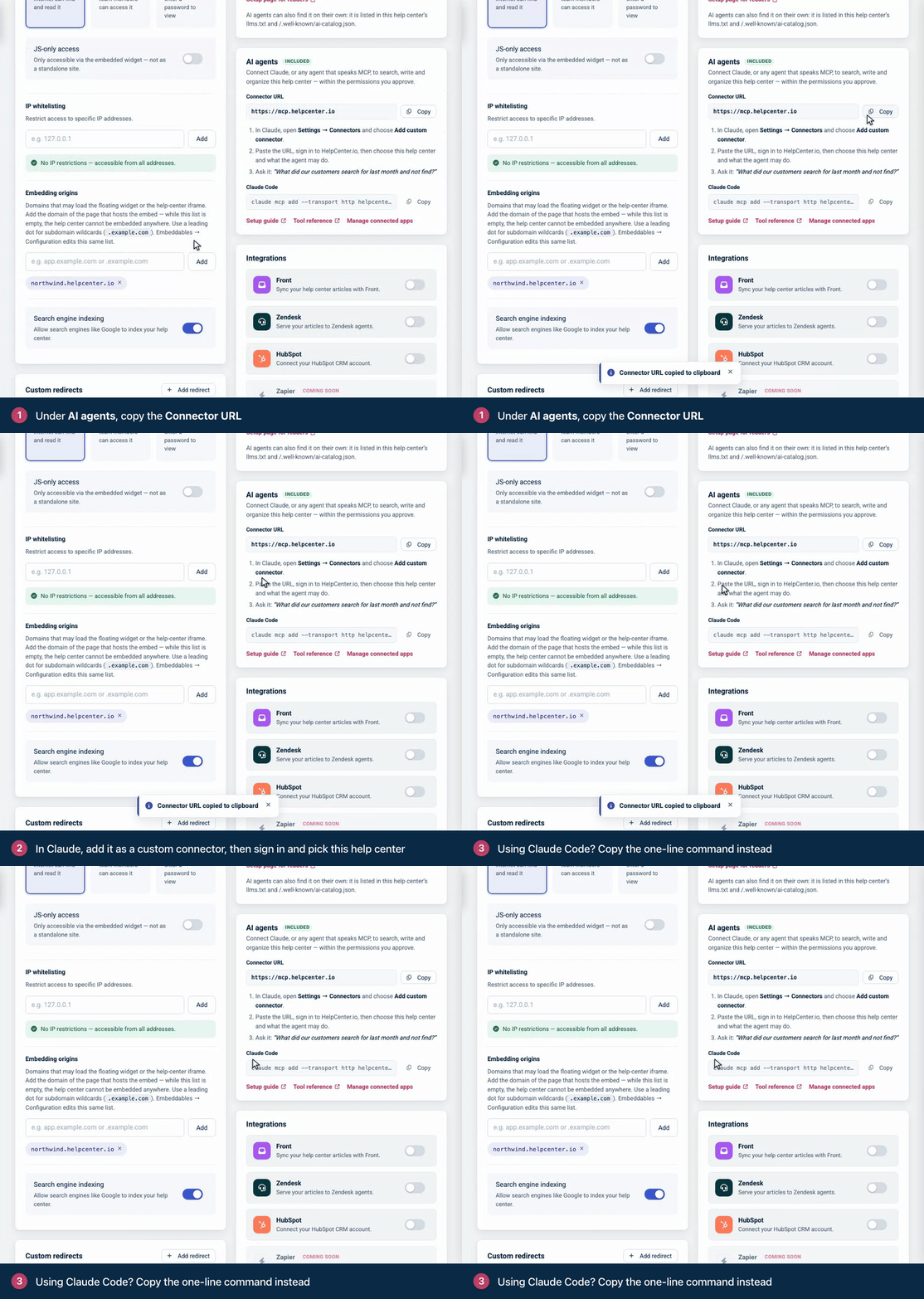
The AI agents card in Settings has the connector URL and the Claude Code command.
## Connect Claude on the web or Claude Desktop
1. In Claude, open **Settings** → **Connectors** and choose **Add custom connector**.
2. Paste `https://mcp.helpcenter.io` as the URL and add the connector.
3. Claude opens the HelpCenter.io sign-in. Sign in, check the permissions on the **Authorize access** screen, tick your help centers if you have more than one, and click **Allow**.
4. Ask Claude something that needs your help center, for example "Which of our articles explain refunds, and what do they leave out?"
## Connect Claude Code
Run this command. The **AI agents** card shows it too, under **Claude Code**, with a **Copy** button.
```
claude mcp add --transport http helpcenter https://mcp.helpcenter.io
```
You sign in to HelpCenter.io the same way as in Claude, on the same **Authorize access** screen.
## Connect ChatGPT
ChatGPT connects through its developer mode, in ChatGPT on the web, and signs in with OAuth. It cannot send an API key.
1. Turn on developer mode in ChatGPT's settings. On a workspace, an admin turns it on first.
2. Create a developer-mode app with `https://mcp.helpcenter.io` as its MCP server URL, and choose OAuth for authentication.
3. ChatGPT opens the HelpCenter.io sign-in. Sign in, check the permissions, tick your help centers and click **Allow**.
4. Start a new chat that uses the app, and ask your question.
OpenAI decides which ChatGPT plans can add an app this way and whether it may change content. Its [guide to developer mode](https://help.openai.com/en/articles/12584461-developer-mode-and-mcp-apps-in-chatgpt) has the current rules.
## Connect another MCP client
A client that supports remote MCP servers over Streamable HTTP with OAuth sign-in can use the same URL, provided it follows the MCP authorization flow as HelpCenter.io implements it:
- **Discovery.** A request without a credential gets `401 Unauthorized` and a `WWW-Authenticate` header naming `https://mcp.helpcenter.io/.well-known/oauth-protected-resource`. That document names the authorization server, `https://helpcenter.io`, whose metadata is at `https://helpcenter.io/.well-known/oauth-authorization-server`.
- **Registration.** Dynamic client registration at `https://helpcenter.io/oauth/register`. Redirect URIs must be `https`, or `http` on a loopback address (`localhost`, `127.0.0.1`, `[::1]`). Any other scheme is refused with `invalid_redirect_uri`.
- **Authorization code with PKCE**, method `S256`.
- **The `resource` parameter**, set to `https://mcp.helpcenter.io`. Without it, the token is not issued for the MCP server, which refuses it with `401`.
- **Scopes.** The challenge suggests `content.read content.write design.read design.write`. Ask for `analytics.read`, `notes.read` and `notes.write` as well if the agent should use the analytics and team notes tools.
The endpoints, token lifetimes and errors are in [OAuth 2.1 for apps and AI clients](https://developers.helpcenter.io/content/oauth).
## Connect your own agent with an API key
An agent you run yourself skips the sign-in and sends an API key with every request. The key decides everything: it works on the help center it was created in, with its scope (**Read only** or **Read & write**), and reaches team notes or the design only if it was created with that access.
1. Create a key in **Settings** → **API keys** of the help center the agent should work on. See [Create an API key](https://self.helpcenter.io/content/create-an-api-key).
2. Store it on the server where the agent runs, for example as `HELPCENTER_API_KEY`. Never put it in browser code.
3. Send it as `Authorization: Bearer <key>`, with `Content-Type: application/json` and an `Accept` header that lists both `application/json` and `text/event-stream`. The `X-HelpCenter-Api-Key` and `apikey` headers also carry a key.
This request calls one tool:
```
curl -s https://mcp.helpcenter.io/ \
-H "Authorization: Bearer $HELPCENTER_API_KEY" \
-H "Content-Type: application/json" \
-H "Accept: application/json, text/event-stream" \
-d '{"jsonrpc":"2.0","id":1,"method":"tools/call",
"params":{"name":"helpcenter_list_sites","arguments":{}}}'
```
The result has the text the model reads in `content`, and the API's response in `structuredContent`:
```
{
"result": {
"content": [
{
"type": "text",
"text": "# Help centers (1)\n\n- Acme (id: 381) | help.example.com\n\nThis connection reaches one help center, so no site_id is needed."
}
],
"structuredContent": {
"status": "success",
"sites": [
{
"id": 381,
"uuid": "3f9a8112-8fb7-414f-829a-bde2136e0249",
"name": "Acme",
"subdomain": "acme",
"domain": "help.example.com",
"url": "https://help.example.com",
"default_language": "en",
"visibility": "public",
"publicly_accessible": true,
"languages": ["en"],
"created_at": "2026-09-30 08:03:14"
}
],
"meta": { "items_count": 1 }
}
},
"jsonrpc": "2.0",
"id": 1
}
```
Things to know when you write your own client:
- Each `POST` stands alone. The server keeps no session, so you can call `tools/call` without `initialize` first. MCP client libraries send `initialize` anyway, which works too.
- A missing `text/event-stream` in `Accept` gets `406 Not Acceptable`, and a body without `Content-Type: application/json` gets `415 Unsupported Media Type`.
- A failed tool call still answers `200 OK`. Look for `"isError": true` in the result; its text says what went wrong and what to do.
- A wrong key is not refused when you connect: `initialize` and `tools/list` answer with any key. The first tool call fails with `Error: Authentication failed. The HelpCenter.io API key is missing or invalid.`
- The plan applies to keys too. A key that works against the REST API gets the plan refusal through the MCP server when its help center is not on Growth or Catalyst.
## What you approve on the consent screen
When an app signs in, HelpCenter.io shows **Authorize access**: the app's name, then **Permissions**, the list of permissions the app asks for. You approve them together or click **Deny**: you cannot drop one permission and keep the rest. What you choose is the help centers.
- **One help center:** the screen names it under **Help center**.
- **Several:** tick them under **Help centers to share**. **Select all** ticks every one you can share. Nothing is ticked the first time, and when you approve an app again, the help centers it already reaches are ticked.
- **Help centers on other plans** are shown locked, with their plan and an **Upgrade** link. When none of your help centers is on Growth or Catalyst, the screen says **Your plan doesn't include the MCP server** instead, and nothing is shared.
These are the permissions an app can ask for, with the words the screen uses:
| Permission | On the screen | What the agent can do with it |
| --- | --- | --- |
| `content.read` | Read your help-center categories and articles. | Search and read articles, categories, reader comments, staged changes and versions, and list your help centers. |
| `content.write` | Create and update your help-center articles. | Create and change articles and categories, delete categories, stage, publish and discard changes, restore versions, and approve, unpublish and answer comments. |
| `analytics.read` | Read your help-center analytics reports. | Use the three analytics tools. |
| `notes.read` | Read the private notes your team leaves on drafts. Readers never see these. | Read team notes. |
| `notes.write` | Reply to and resolve the private notes your team leaves on drafts. | Reply to and resolve team notes. |
| `design.read` | See your help center's design: its theme, page layouts, components, custom CSS and scripts. | Read the design draft, the guide to what can be changed, the themes and the published versions of the design. |
| `design.write` | `Change your help center's design — theme, layouts, components, custom CSS and scripts — and publish it.` | Apply a theme, edit, discard and publish the design draft, and load an earlier version into it. That includes custom CSS and scripts, which run in every visitor's browser once the design is published. |
| `webhooks.manage` | Register webhooks that notify it when your content changes. | Nothing through the MCP server: no tool uses it. |
| `offline_access` | Stay connected, so you are not asked to sign in again each time its short-lived access expires. | Nothing more. HelpCenter.io gives every app a refresh token, with or without this permission. |
Apps may also ask for `openid`, `profile` and `email`, which let them confirm who you are and read your name and email address.
If you already approved the same permissions for the same app, HelpCenter.io skips the screen and connects at once. The footer of the screen reminds you that you can change or revoke access in **Account** › **Connected Apps**.
## Work with more than one help center
If you approve one help center, the agent works there. If you approve several, the agent chooses one on each tool call:
1. Tell the agent which help center you mean, by its name or its address.
2. The agent lists your help centers with the `helpcenter_list_sites` tool, which shows each one with its id.
3. It passes that id as `site_id` on each call. One conversation can work in several help centers.
When your request does not say which help center you mean, the agent is told to ask you instead of choosing. A call that names no help center is refused with `site_required`, so nothing is written to a help center the agent did not name.
To keep an agent in one help center, add the connector with the id at the end of the URL, for example `https://mcp.helpcenter.io/?site=1234`. That connection acts on that help center on every call and refuses any other `site_id`. API keys ignore `?site=`, because a key belongs to one help center.
## Add a permission later
The `401` challenge that starts every sign-in names `content.read`, `content.write`, `design.read` and `design.write`. A client that asks for exactly those gets a connection without the analytics and team notes permissions, and those tools are then refused before they run: the server answers `403 Forbidden` with `WWW-Authenticate: Bearer error="insufficient_scope", scope="analytics.read"` (or the permission the tool needs), and the agent reads:
```
This tool needs the 'analytics.read' permission and the current authorization does not include it. Re-authorize the HelpCenter.io connector and approve that permission — retrying without it will fail identically.
```
To fix it, authorize the connector again so that the client asks for the missing permission, then click **Allow**. HelpCenter.io adds it to what it remembers for the app. If you build the client, include the permission in the `scope` of the authorization request.
## Manage or revoke access
1. Click **Manage connected apps** in the **AI agents** card, or open `https://helpcenter.io/app/account/connected-apps`.
2. To change what an app reaches, tick or untick help centers under **Help centers it can reach** and click **Save help centers**. The change applies to the app's next request. To leave it none, disconnect it instead.
3. To remove an app, click **Disconnect** and confirm. Its tokens stop working at once, and the agent is told to reconnect.
Each app shows the permissions you approved, which you cannot change on this page. The account owner sees and manages every member's connections, and each member sees their own. For an agent that uses an API key, delete the key in **Settings** → **API keys**.
## Troubleshooting
**The client reports 401 Unauthorized with "Missing HelpCenter.io credentials".** That is the challenge that starts the sign-in. A client that supports OAuth for remote MCP servers continues to the HelpCenter.io sign-in. An agent of your own must send an API key.
**"Error: Authentication failed. The HelpCenter.io API key is missing or invalid."** The key is wrong or was deleted. The message's advice to set `HELPCENTER_IO_API_KEY` does not apply to `https://mcp.helpcenter.io`: check the key you send in the `Authorization` header.
**"Error: HelpCenter.io no longer accepts this OAuth authorization".** The app was disconnected or its token expired. Reconnect it to sign in again.
**"The HelpCenter.io MCP server is available on the Growth and Catalyst plans."** The help center's plan does not include the MCP server, for example after a plan change. Reconnecting does not help. It works again on the next request once the help center is on Growth or Catalyst.
**The sign-in says "Your plan doesn't include the MCP server".** None of your help centers is on Growth or Catalyst. Move one to either plan, then connect again.
**A help center you work on is not listed on the consent screen.** It belongs to another HelpCenter.io account. Ask its owner to connect it, or use an API key created in that help center.
**"Error: This connection reaches more than one help center and this call did not say which".** You approved several help centers and the agent called a tool without `site_id`. Tell the agent which help center you mean. The message lists the ids, and the agent repeats the call with one of them.
**"Error: This authorization does not cover help center 1234."** The `site_id` is not one of the help centers you approved. Ask the agent to list your help centers, or approve the app again with that help center ticked.
**"Error: This connection is pinned to help center 1234".** The connector URL carries `?site=1234` and the agent named another help center. Nothing was sent. Remove `?site=` from the URL to let the agent choose on each call, or add a second connector for the other help center.
**"Error: This authorization does not cover the help center the connection URL selects with '?site='."** The id in the connector URL is not one of the help centers you approved. Fix or remove it, or approve the app again with that help center ticked.
**"Error: This connection uses an API key, and a key is issued for exactly one help center".** The agent passed a `site_id` that is not the key's help center. Nothing was sent. Leave `site_id` out, or use a key created in the other help center.
**"This tool needs the 'analytics.read' permission" (or `notes.read`, `notes.write`, `content.write`, `design.read`, `design.write`).** See Add a permission later, above.
**"Error: Permission denied. This action requires the notes.read scope."** With an API key, the key was created without team notes access. Create a key with **Allow access to editorial notes** turned on. The advice in the message about a write-scoped key does not apply to notes.
**"Editorial notes are visible only to team members who can access team comments in the dashboard."** The person behind the connection no longer has access to team notes on that help center. Someone with that access has to connect instead.
**"Error: This API key was not issued with access to the help center's design."** The key was created without design access, or it is a **Read only** key and the tool changes the design. Create a key with **Allow access to the help center design** ticked, and with the **Read & write** scope if the agent should change the design. An existing key can't gain design access.
**"Error: The person this connection signs in as can no longer edit this help center's design."** The person who connected the agent, or who created the key, is not an Owner, Admin or Editor of that help center. Someone who can edit the design has to connect instead, or create the key.
**A design tool answers that the help center has to switch to the template editor first.** The design tools work only with help centers designed in the template editor. The answer carries the link to the template editor, where the owner reviews the current design as a draft and publishes it to switch. See [Design API](https://developers.helpcenter.io/content/design-api).
**"Error: Permission denied. This action requires the content.write scope."** The key is **Read only**. Use a **Read & write** key.
**"Send at most 50 articles per batch; split a larger import into several batches".** The agent put more than 50 articles in one bulk import. Nothing was sent. It can send the same articles again in batches of 50 or fewer.
**"Staged changes are not included in this help center's plan."** Staging an edit needs the Catalyst plan. See [Edit live articles safely with staged changes](https://self.helpcenter.io/content/staged-changes).
**New tools do not show up.** The server answers each request on its own and cannot notify a client that its tools changed, so the client sees new tools only when it lists them again. The same goes for an argument a tool gained, such as `site_id`: a client that still holds the earlier list may send it as text and get `Expected number, received string`. Reconnect the connector, or start a new session in your client.
**Your client gets 406 or 415.** Send `Accept: application/json, text/event-stream` and `Content-Type: application/json`.
## Related
- [The HelpCenter.io MCP server](https://developers.helpcenter.io/content/the-mcp-connector-for-ai-agents)
- [MCP tool reference](https://developers.helpcenter.io/content/mcp-tool-reference)
- [OAuth 2.1 for apps and AI clients](https://developers.helpcenter.io/content/oauth)
- [Choose which help center a request acts on](https://developers.helpcenter.io/content/choosing-a-help-center)
---
Source: https://developers.helpcenter.io/content/comments-api
# Comments
_Category: REST API reference_
Read what readers ask under your articles, work the moderation queue, and answer as your team. The comments endpoints list every comment on your help center or one article's conversation, approve and reject comments, post replies, and delete comments.
Comments are available on every plan. The private notes your team leaves on articles are a separate resource that these endpoints never return: see [Team notes](https://developers.helpcenter.io/content/team-notes-api). Reader votes on an article (helpful or not) are recorded with the [Articles](https://developers.helpcenter.io/content/articles-api) endpoints.
## Endpoints
| Method and path | What it does | Access |
| --- | --- | --- |
| `GET /v1/comments` | List the comments on your help center. | Any API key. OAuth: `content.read` |
| `GET /v1/articles/{articleId}/comments` | Get one article's comments as threads. | Any API key. OAuth: `content.read` |
| `POST /v1/articles/{articleId}/comments` | Post a comment or a reply. | Read & write key. OAuth: `content.write` |
| `PATCH /v1/comments/{commentId}` | Approve or reject a comment. | Read & write key. OAuth: `content.write` |
| `DELETE /v1/comments/{commentId}` | Delete a comment. | Read & write key. OAuth: `content.write` |
An API key works with the help center it was created in. An OAuth app names the help center with the `X-HCio-Site` header (see [Choose which help center a request acts on](https://developers.helpcenter.io/content/choosing-a-help-center)). A Read only key on a write endpoint gets `403 Forbidden` with the code `insufficient_scope`. Reads count toward the limit of 300 requests a minute per API key or OAuth app, and writes also toward 120 a minute (see [Rate limits](https://developers.helpcenter.io/content/rate-limits)).
## The comment object
| Field | Type | Description |
| --- | --- | --- |
| `id` | integer | The comment's ID. |
| `article_id` | integer | The article the comment is on. |
| `parent_id` | integer or null | The comment this one replies to. `null` for a top-level comment. |
| `lang` | string | The language the comment was written in, for example `en`. Readers see a comment only on the article in that language. |
| `status` | string | `pending` (waiting for approval), `published` or `unpublished` (rejected). A deleted comment keeps the status it had. |
| `deleted` | boolean | `true` for a deleted comment. You get deleted comments only when you ask for `status=deleted`. |
| `comment` | string | The text, as plain text: HTML tags are removed and entities such as `&` are decoded. |
| `author` | object | Who wrote it. `name`; `type`, `user` for someone who was signed in (a team member, or a reader signed in to your help center) or `visitor` for someone who typed a name; `user_id`, `null` for visitors; and `email`, only when you ask for it (see Reader email addresses below). IP addresses are never returned. |
| `rating` | integer | Up-votes readers gave the comment on your help center. |
| `created_at`, `updated_at` | string | ISO 8601 in UTC, for example `2026-09-30T08:15:09+00:00`. |
| `article` | object | `id` and `title` of the article. Present in `GET /v1/comments` and in the responses of `POST` and `PATCH`. `title` is a string in the comment's language when the article has one, otherwise in another language the article has. |
| `replies` | array | Only in an article's threads: the replies, each a comment object with its own `replies`. |
| `_links` | object | `moderate`, `delete` and `reply`, each with the `method` and `url` to call. |
## List comments
GET`/v1/comments`
List the comments on your help center, newest first. Filter by status, article, language or text.
Use it as the moderation queue (`status=pending`) or as the feed of what readers ask. All parameters are optional:
| Parameter | Type | Description |
| --- | --- | --- |
| `status` | string | Default `all`: every comment that is not deleted. `pending`, `published` and `unpublished` filter by status; `deleted` returns only deleted comments. |
| `article_id` | integer | Only the comments on this article. An article of another help center, or one in the Trash, gets `404 Not Found`. |
| `lang` | string | Only comments in this language. It must be a language of your help center. |
| `search` | string | Only comments whose text contains this, up to 190 characters. A search that contains `'`, `"`, `&`, `<` or `>` can miss comments written by readers, and `%` matches any text and `_` any single character. |
| `order` | string | `desc` (default, newest first) or `asc`, by `created_at`. |
| `page`, `limit` | integer | The page, from 1, and comments per page, 1 to 100. Default `limit`: 25. |
| `include_email` | 1 or 0 | Add each author's email address. Default `0`. |
`meta` gives `page`, `per_page`, `total_pages` (at least 1) and `items_count`, the number of comments that match your filters. `meta.status_counts` counts the whole help center's comments by status, whatever your filters, so one call tells you how many are waiting.
Comments on articles in the Trash are left out of every comments endpoint and of the counts, and moderating or deleting one answers `404`.
### Reader email addresses
Comments come without email addresses. Add `include_email=1` when you need to contact the people who wrote them:
```
curl "https://api.helpcenter.io/v1/comments?status=published&include_email=1" \
-H "apikey: $HELPCENTER_API_KEY" \
-H "Accept: application/json"
```
Each `author` then carries `email`: the address a visitor typed, or the account's address for someone who was signed in.
```
"author": {
"name": "Jane Doe",
"type": "visitor",
"user_id": null,
"email": "jane.doe@example.com"
}
```
- The value must be `1` or `0`. `include_email=true` is refused with `422 Unprocessable Entity` and "The include email field must be true or false."
- Email addresses need write access: a **Read & write** API key, or an OAuth token with `content.write`. A Read only key gets `403 Forbidden`.
- Addresses are personal data: request them only when you are going to use them. IP addresses are never returned.
## Get an article's comments
GET`/v1/articles/{articleId}/comments`
Get one article's comments as threads, oldest first, with replies nested under the comment they answer.
The top-level comments come oldest first, each with its `replies` nested to any depth. `meta.threads_count` is the number of top-level comments and `meta.comments_count` the number of comments in the response, replies included. The top-level `article.title` is an object with every language of the title.
| Parameter | Type | Description |
| --- | --- | --- |
| `status` | string | As for the list. It applies at every level: a reply that does not match is left out, with its own replies. |
| `lang` | string | As for the list, and at every level. |
| `order` | string | `asc` (default) or `desc`, for the top-level comments. |
| `include_email` | 1 or 0 | As for the list, with the same key rules. |
There is no paging: you get the whole conversation. `search`, `article_id`, `page` and `limit` are accepted and have no effect.
When a comment that has replies is deleted, this view leaves out the comment and its replies. The replies still appear in `GET /v1/comments`, with `parent_id` pointing at the deleted comment.
## Post a comment or a reply
POST`/v1/articles/{articleId}/comments`
Post a comment on an article, or a reply to one, as the person the API key or token belongs to. It is published at once.
| Field | Type | Description |
| --- | --- | --- |
| `comment` | string | Required. Plain text, 1 to 5000 characters. HTML is shown as text, not as formatting. |
| `parent_id` | integer | The comment you are replying to. It must be a comment on the same article that is not deleted; any status works, pending included. |
| `lang` | string | A language of your help center. Default: the language of the comment you reply to, or your help center's default language for a top-level comment. |
- **The author is the credential's owner.** A comment posted with an API key is signed by the team member who created the key; with an OAuth token, by the person who approved the app. There is no field to post under another name.
- **It is published at once**, whatever your help center's approval setting. Readers see it on the article in its language, wherever your help center shows comments.
- **Reply to the top-level comment.** Your help center shows one level of replies under each comment. A reply to a reply is saved and returned by the API, but readers may not see it.
- **It sends email.** A reply emails the author of the comment you replied to ("Your comment got a reply"), unless they unsubscribed, their address isn't a valid email address, or it is their own address, and even when their comment is still pending. A top-level comment emails the article's author ("A new comment has been posted").
- **It is not idempotent.** Sending the same request twice posts two comments. If a request times out, read the article's comments before you try again.
## Approve or reject a comment
PATCH`/v1/comments/{commentId}`
Approve (published) or reject (unpublished) a comment. The comment's text cannot be changed.
Send `published` to approve a comment or `unpublished` to reject it. You can change your mind later: both work on any comment that is not deleted, and setting the status it already has answers `200`. The text of a comment can't be changed through the API.
Approving a reply that wasn't published yet emails the author of the comment it answers ("Your comment got a reply"), once per reply. Approving a top-level comment sends no email.
## Delete a comment
DELETE`/v1/comments/{commentId}`
Delete a comment. It can be restored from the dashboard, and its replies stay.
A deleted comment is taken off the help center, and its replies stay. When it has replies, readers see a note that the comment was deleted in its place. Deleting the same comment again answers `200` with "Comment was already deleted.", so a retry is safe.
Restoring a comment, and deleting it for good, happen in the dashboard (see [Approve and answer reader comments](https://self.helpcenter.io/content/moderate-comments)). To take a comment off the help center in a way you can undo over the API, reject it instead.
## Errors
| Status | When |
| --- | --- |
| `401 Unauthorized` | The key or token is missing or not valid: `{"status": "unauthorized"}`. |
| `403 Forbidden` | `insufficient_scope`: a Read only key, or an OAuth token without the scope, on a write endpoint. Also a Read only key with `include_email=1`. |
| `404 Not Found` | "Article not found.", "Comment not found.", "No such comment on this article to reply to." or "This comment was deleted. Restore it from the dashboard before moderating it." |
| `422 Unprocessable Entity` | A parameter or field is not valid. `errors` names it, for example "Unknown status. Use pending, published, unpublished, deleted or all." or "That language is not enabled on this help center." |
| `429 Too Many Requests` | Over the rate limit. Wait for the seconds in `Retry-After`. |
For the error format and the errors every endpoint shares, see [Errors](https://developers.helpcenter.io/content/errors).
## Related
- [Team notes](https://developers.helpcenter.io/content/team-notes-api)
- [Articles](https://developers.helpcenter.io/content/articles-api)
- [Webhooks](https://developers.helpcenter.io/content/webhooks)
---
Source: https://developers.helpcenter.io/content/analytics-api
# Analytics
_Category: REST API reference_
Pull your help center's numbers into your own reports, dashboards and scripts. Three read-only reports give you a traffic summary, the performance of each article, and what readers searched for and didn't find. They read the same data as the statistics in your dashboard (see [Read your help center statistics](https://self.helpcenter.io/content/statistics)).
The reports are available on every plan. Any API key can read them, **Read only** included; OAuth apps need the `analytics.read` scope. An API key reports on the help center it was created in, and an OAuth app names the help center with the `X-HCio-Site` header (see [Choose which help center a request acts on](https://developers.helpcenter.io/content/choosing-a-help-center)).
## Endpoints
| Method and path | What it returns |
| --- | --- |
| `GET /v1/analytics/summary` | Article views, visitors and searches for a period, each with the change against the period before, plus ratings and your team's authoring activity. |
| `GET /v1/analytics/content` | Views and ratings for each article read in the period. |
| `GET /v1/analytics/searches` | The searches that failed, the most frequent searches and the most common search words. |
All three allow 6 requests a minute per API key or OAuth app, shared between them (see Limits below).
## Choose a period
All three endpoints take the same optional parameters:
| Parameter | Type | Description |
| --- | --- | --- |
| `from` | date | The first day of the period, for example `2026-09-01`. A time of day is ignored. Default: 6 days before `to`. |
| `to` | date | The last day of the period, included. Default: today. |
| `lang` | string | Only figures for this language. It must be a language of your help center. Default: all languages. |
Without `from` and `to`, you get the last 7 days, today included. Days are counted in UTC. A period can be up to 92 days long: a longer one is refused with `422 Unprocessable Entity` rather than cut short, so ask for several periods in turn. Every response says which period it measured in `range`, for example `{"from": "2026-09-24", "to": "2026-09-30", "days": 7}`.
## Get a summary
GET`/v1/analytics/summary`
Traffic, ratings and authoring activity for a period. Traffic comes with the change against the period before.
| Field | Description |
| --- | --- |
| `traffic.article_views` | Article views in the period. |
| `traffic.visitors` | Visitors in the period. |
| `traffic.searches` | Searches in the period. This is the total the search report does not give. |
| `traffic.article_views_per_visitor` | Article views divided by visitors, rounded up. |
| `ratings.total` | Ratings readers gave your articles in the period. |
| `activity` | Your team's work in the period: `articles_created`, `articles_updated`, `articles_published` (drafts that were published), `articles_unpublished` (published articles turned back into drafts) and `active_team_members` (people who edited articles). `lang` doesn't filter these. |
| `totals.published_articles` | Articles published now, whatever the period. With `lang` set to another language than your default, the published articles translated into it. |
Each `traffic` figure has a `count` and a `change_pct`: the change in percent against the preceding period of the same length, rounded to one decimal. For the last 7 days, that is the 7 days before them. `change_pct` is `0` when the preceding period had nothing to compare with. Numbers with nothing after the decimal point come without one (`0`, not `0.0`), so read them as numbers, not as a fixed format.
## Get article performance
GET`/v1/analytics/content`
Views and ratings for each article read in the period. Sort by rating to find the articles readers like least.
| Parameter | Type | Description |
| --- | --- | --- |
| `sort` | string | `views_desc` (default) for the most read first, `views_asc` for the least read first, or `rating_asc` for the largest share of thumbs down first, with ties broken toward the most read article. |
| `category_id` | integer | Only articles filed directly in this category, not in its subcategories. It must be a category of your help center. A category with no articles gives an empty list, and so do `0` and `-1`: they don't select uncategorized articles. |
| `page`, `per_page` | integer | The page, from 1, and articles per page, 1 to 100. Default `per_page`: 25. |
- **Only articles read in the period are listed**, as `excludes_never_viewed` reminds you. To find the articles nobody opened, list your articles with the [Articles](https://developers.helpcenter.io/content/articles-api) endpoints and compare. Drafts and articles in the Trash never appear.
- `views_in_range` counts views in the period. `total_views` is an all-time counter that no longer counts new views, so it can be lower than `views_in_range`. Use `views_in_range` for current traffic.
- **Ratings are percentages of all the ratings the article ever received**, not only those in the period, and not counts. Each is rounded up, so they can add up to more than 100 (67 and 34 in the example). One thumbs down reads as 100%, so weigh ratings against views. With `lang`, only ratings in that language count.
- `title` and `slug` are always the English ones: an article without an English title comes back with both empty. Match rows to your articles with `article_id`; `_links.view` is the article's address on your help center in any case.
- `updated_at` is when the article was last changed.
## Get search demand and content gaps
GET`/v1/analytics/searches`
What readers searched for: the searches that failed, the most frequent searches and the most common words.
Use `limit` to set how many rows each list returns: 1 to 50, 20 by default. There is no paging: each list holds the top rows only, as `meta.lists_are_top_n` says.
- `content_gaps` lists the searches that failed most, `frequent_queries` the most frequent searches (with the same fields), and `common_terms` the single words most used in searches.
- **Rows are counted per day, not over the period.** Each row holds one query on one day, and a query searched in several languages, or both on your help center and in the widget, gets a row for each. The same query can therefore appear in several rows of one list, like "cancel annual plan refund" in the example: add the rows up for a period total.
- A search fails when it returns no results or nobody opens a result: `failed_searches` is `zero_result_searches` plus `no_click_searches`, and `failure_rate` is `failed_searches` divided by `searches`, rounded to two decimals.
- `reason` tells you what to fix. `0 results`: nothing matched, so write the article. `no click`: results came back but nobody opened one, so the article probably exists and its title doesn't match what readers type. `mixed`: both happened. It is `null` in `frequent_queries`.
- `top_hit` is the first result readers got for the query, and `article_clicked` the article a reader opened from the results, each taken from the latest search that had one. Each is `null` or `{article_id, title, status}`, where `status` can also be `trashed`, or `deleted` with no `title`.
- `last_searched_at` is when the query was last searched that day, in UTC. `query` is the text as readers typed it.
- For the total number of searches, use `traffic.searches` from the summary.
## How fresh the numbers are
Views, visitors, searches and the search lists are computed once a day. Today's figures are incomplete until the next day, and the most recent days can still change as the daily run processes them again. Ratings, authoring activity and published totals are counted when you ask.
So fetch a report once and keep it. Asking for the same period again during the day returns the same traffic figures and spends your limit.
## Limits
- The analytics endpoints allow **6 requests a minute** per API key or OAuth app, shared between the three, on top of the general limit of 300 a minute (see [Rate limits](https://developers.helpcenter.io/content/rate-limits)). Requests refused with `422` count too.
- Over the limit, the API answers `429 Too Many Requests` with the code `analytics_rate_limited`, and `Retry-After` gives the seconds to wait. Wait instead of retrying in a loop.
- When the reports can't be computed, the API answers `503 Service Unavailable` with the code `analytics_unavailable` and `Retry-After: 300`. It isn't a problem with your request: try again after five minutes.
## What the reports include
Only totals, counts and rates: no visitor IP addresses, no visitor identifiers, no individual searches and no reader journeys. Search `query` text is returned as readers typed it, so treat it like any text readers send you.
Private articles, and articles in private categories, appear with their titles like every other article: a key or token sees all of its help center's articles, as it does through the Articles endpoints.
## Errors
| Status | When |
| --- | --- |
| `401 Unauthorized` | The key or token is missing or not valid: `{"status": "unauthorized"}`. |
| `403 Forbidden` | `insufficient_scope`: the OAuth token doesn't have `analytics.read`. |
| `422 Unprocessable Entity` | A parameter is not valid: a period over 92 days, `to` before `from`, a date the API can't read, a language that isn't enabled, a category of another help center, or `sort`, `per_page` or `limit` out of range. `errors` names the parameter. |
| `429 Too Many Requests` | `analytics_rate_limited`: more than 6 analytics requests in a minute. |
| `503 Service Unavailable` | `analytics_unavailable`: try again after the seconds in `Retry-After`. |
## Related
- [Rate limits](https://developers.helpcenter.io/content/rate-limits)
- [Articles](https://developers.helpcenter.io/content/articles-api)
---
Source: https://developers.helpcenter.io/content/mcp-tool-reference
# MCP tool reference
_Category: AI agents and MCP_
Every tool of the HelpCenter.io MCP server at `https://mcp.helpcenter.io`: what it does, its arguments, the permission it needs, the REST API endpoint behind it and what it returns. To connect a client first, see [Connect an AI assistant to your help center](https://developers.helpcenter.io/content/connect-an-ai-assistant-to-your-help-center). For plans, sign-in and the security model, see [The HelpCenter.io MCP server](https://developers.helpcenter.io/content/the-mcp-connector-for-ai-agents).
## How to read this reference
- **Permission** is the OAuth permission (scope) the tool needs. An API key covers the same ground: a **Read only** key holds `content.read` and `analytics.read`, a **Read & write** key adds `content.write`, and the team notes tools need a key created with team notes access (a **Read only** key can then read notes, a **Read & write** key can also reply and resolve). The design tools need a key created with design access, in the same way (a **Read only** key can then read the design, a **Read & write** key can also change and publish it). See [Scopes](https://developers.helpcenter.io/content/scopes).
- **Kind** follows each tool's MCP annotations, which are in `tools/list`. **Read-only** tools change nothing (`readOnlyHint: true`). **Destructive** tools carry `destructiveHint: true`, so MCP clients can ask you before running them: they can change or remove something that already exists, or change what readers see. **Writes** marks the remaining tools, which only add something.
- **Arguments are strict.** An argument a tool does not list is refused before any request is made, with `Input validation error` and `Unrecognized key(s) in object: '<name>'`. The one argument the tables below do not repeat is `site_id`, which every tool except `helpcenter_list_sites` takes. See Choose the help center, below.
- **Per-language fields** (`title`, `content` and `slug` of articles, `name` and `description` of categories) are objects keyed by language code, for example `{"en": "Getting started"}`. Keys must be two letters, optionally followed by a hyphen and two more letters, such as `en` or `de-AT`, so the tools refuse `zh-Hans`, `zh-Hant`, `fil` and `mul` today, although help centers can publish in those languages. A language your help center does not publish in is refused with `Unsupported language key "de" provided.`
### Choose the help center
Every tool except `helpcenter_list_sites` takes this argument, in addition to the ones listed for it:
| Argument | Type | Description |
| --- | --- | --- |
| `site_id` | integer | Optional. The id of the help center this call acts on, from `helpcenter_list_sites`. It applies to this call only: the server remembers nothing between calls. |
- **One help center:** a connection that reaches one help center needs no `site_id`.
- **Several help centers:** a call without `site_id` is refused, and nothing is changed. The text starts with `Error: This connection reaches more than one help center and this call did not say which` and lists the ids.
- **An id the connection does not reach:** refused with `Error: This authorization does not cover help center 1234.`
- **A pinned connection** (`?site=<id>` on the server URL) acts on its help center without `site_id`, and refuses a different id before any request is made.
- **An API key** acts on the help center it was created in, and refuses a different id before any request is made.
See [Choose which help center a request acts on](https://developers.helpcenter.io/content/choosing-a-help-center).
### What tools return
- Every successful call returns the API's response in `structuredContent`. Two design tools return a part of it instead: see `helpcenter_get_template_guide` and `helpcenter_get_template`.
- Read tools take `response_format`: `markdown` (the default) puts a short readable summary in the text, without article bodies; `json` puts the full response in the text. `helpcenter_get_template_guide` is the exception: it always answers in markdown.
- Write tools return the response as JSON text. The design write tools return a short summary as text instead: where the draft stands, the link to review it, and any results and warnings.
- The six list tools (`helpcenter_search_articles`, `helpcenter_list_articles`, `helpcenter_list_categories`, `helpcenter_list_comments`, `helpcenter_list_change_sets`, `helpcenter_list_images`) wrap the API's list in `{total, count, page, per_page, total_pages, has_more, next, items}`.
- A list page is cut to fit when it comes to more than 25,000 characters of text, or more than 5 MB in all. Article bodies become 300-character excerpts first (`content_truncated: true`); if that is not enough, the page keeps the longest prefix that fits, with `truncated: true` and a `truncation_reason` of `character_limit` or `response_size`. Every list page carries `next`, the `page` and `limit` that fetch the first item it did not return, or `null` when nothing is left. Follow `next` instead of asking for `page + 1`, which would skip the items that were cut. To go through a large help center, pass `include_content: false` to `helpcenter_list_articles` or `helpcenter_search_articles`: without bodies, far more articles fit in a page.
- No reply is sent over 5.9 MB, the most one response can carry, whichever tool made it. A larger one is replaced by a tool error that starts `The reply to <tool> came to <n> MB, over the 5.9 MB one HelpCenter.io connector response can carry, so it was not sent` and says to ask for less: a smaller `limit`, a filter, or one item at a time. Only the reply is withheld. A write whose answer was too large has already taken effect, so read before you repeat it. A list page whose first item alone is over 5 MB comes back as a tool error that names the item and gives the `page` and `limit` that continue past it.
- A failed call returns `isError: true` and a text that says what went wrong and what to do, usually starting with `Error:`. The common ones are in the troubleshooting section of [Connect an AI assistant to your help center](https://developers.helpcenter.io/content/connect-an-ai-assistant-to-your-help-center).
## All tools
| Tool | What it does | Permission | Kind |
| --- | --- | --- | --- |
| `helpcenter_search_articles` | Search published articles | `content.read` | Read-only |
| `helpcenter_list_articles` | List every article, drafts included | `content.read` | Read-only |
| `helpcenter_create_article` | Create an article, or update the one with the same `external_id` | `content.write` | Destructive |
| `helpcenter_update_article` | Change an article, live | `content.write` | Destructive |
| `helpcenter_get_article` | Read one article | `content.read` | Read-only |
| `helpcenter_bulk_create_articles` | Create or update up to 50 articles | `content.write` | Destructive |
| `helpcenter_delete_article` | Move an article to the Trash | content.write | Destructive |
| `helpcenter_get_staged_changes` | Read the unpublished edits on an article | `content.read` | Read-only |
| `helpcenter_stage_article_changes` | Stage an edit to a published article | `content.write` | Destructive |
| `helpcenter_publish_staged_changes` | Publish staged edits | `content.write` | Destructive |
| `helpcenter_discard_staged_changes` | Throw staged edits away | `content.write` | Destructive |
| `helpcenter_list_article_versions` | List earlier published versions | `content.read` | Read-only |
| `helpcenter_restore_article_version` | Put an earlier version back live | `content.write` | Destructive |
| `helpcenter_list_change_sets` | List change sets, the releases being prepared | content.read | Read-only |
| `helpcenter_get_change_set` | Read a change set: its items, schedule and readiness | content.read | Read-only |
| `helpcenter_create_change_set` | Start an empty change set | content.write | Writes |
| `helpcenter_update_change_set` | Rename a change set or change its description | content.write | Destructive |
| `helpcenter_delete_change_set` | Delete a change set, not the work in it | content.write | Destructive |
| `helpcenter_add_change_set_items` | Add articles and categories to a change set | content.write | Destructive |
| `helpcenter_remove_change_set_item` | Take one item out of a change set | content.write | Destructive |
| `helpcenter_publish_change_set` | Publish a change set now or at a set time | content.write | Destructive |
| `helpcenter_unschedule_change_set` | Cancel a change set's scheduled publish | content.write | Destructive |
| `helpcenter_get_change_set_status` | Follow a release until it is done | content.read | Read-only |
| `helpcenter_list_images` | List the images uploaded through the API | content.read | Read-only |
| `helpcenter_get_image` | Read one uploaded image | content.read | Read-only |
| `helpcenter_upload_image` | Upload an image and get its URL | content.write | Writes |
| `helpcenter_delete_image` | Delete an uploaded image | content.write | Destructive |
| `helpcenter_list_categories` | List categories | `content.read` | Read-only |
| `helpcenter_update_category` | Change a category or move it | `content.write` | Destructive |
| `helpcenter_create_category` | Create a category | `content.write` | Writes |
| `helpcenter_delete_category` | Delete a category and re-file what it holds | `content.write` | Destructive |
| `helpcenter_reorder_categories` | Set the order of categories | `content.write` | Destructive |
| `helpcenter_reorder_category_articles` | Set the order of articles in a category | `content.write` | Destructive |
| `helpcenter_list_comments` | List reader comments, the moderation queue | `content.read` | Read-only |
| `helpcenter_get_article_comments` | Read one article's comment threads | `content.read` | Read-only |
| `helpcenter_moderate_comment` | Approve or unpublish a comment | `content.write` | Destructive |
| `helpcenter_reply_to_comment` | Post a reply or a comment | `content.write` | Destructive |
| `helpcenter_get_analytics_summary` | Traffic, ratings and activity for a period | `analytics.read` | Read-only |
| `helpcenter_get_content_performance` | Views and ratings per article | `analytics.read` | Read-only |
| `helpcenter_get_search_queries` | What readers searched for and did not find | `analytics.read` | Read-only |
| `helpcenter_list_article_notes` | Read team notes on an article | `notes.read` | Read-only |
| `helpcenter_reply_to_article_note` | Reply to a team note | `notes.write` | Writes |
| `helpcenter_resolve_article_note` | Mark a team note resolved | `notes.write` | Destructive |
| `helpcenter_get_template_guide` | Read what can be changed in the design, and how | `design.read` | Read-only |
| `helpcenter_get_template` | Read the design draft: an outline, or one part in full | `design.read` | Read-only |
| `helpcenter_list_template_themes` | List the themes, or describe one | `design.read` | Read-only |
| `helpcenter_apply_template_theme` | Copy a theme onto the draft, whole or in part | `design.write` | Destructive |
| `helpcenter_update_template_settings` | Change colours, fonts, brand, SEO and page settings | design.write | Destructive |
| `helpcenter_add_template_components` | Add components to pages | design.write | Writes |
| `helpcenter_update_template_components` | Change the settings of components | design.write | Destructive |
| `helpcenter_move_template_components` | Move or reorder components | design.write | Destructive |
| `helpcenter_remove_template_components` | Remove components | design.write | Destructive |
| `helpcenter_update_template_region` | Style a page region: background, padding, border, alignment | design.write | Destructive |
| `helpcenter_sync_template_region` | Share a region across pages, or let pages differ | design.write | Destructive |
| `helpcenter_copy_template_region` | Copy a region to other pages | design.write | Destructive |
| `helpcenter_add_template_css` | Add a block of custom CSS | design.write | Writes |
| `helpcenter_update_template_css` | Change, move or switch off a block of custom CSS | design.write | Destructive |
| `helpcenter_remove_template_css` | Delete a block of custom CSS | design.write | Destructive |
| `helpcenter_add_template_script` | Add a script or snippet | design.write | Writes |
| `helpcenter_update_template_script` | Change, move or switch off a script | design.write | Destructive |
| `helpcenter_remove_template_script` | Delete a script | design.write | Destructive |
| `helpcenter_set_template_navigation` | Replace the navigation menu | design.write | Destructive |
| `helpcenter_publish_template` | Put the draft live | `design.write` | Destructive |
| `helpcenter_discard_template_changes` | Reset the draft to the live design | `design.write` | Destructive |
| `helpcenter_list_template_versions` | List the published versions of the design | `design.read` | Read-only |
| `helpcenter_restore_template_version` | Load an earlier version into the draft | `design.write` | Destructive |
| `helpcenter_list_sites` | List the help centers the connection can reach | `content.read` | Read-only |
| **67 tools** | | | |
## Articles
Article objects are the REST API's, with every language in per-language maps. See [Articles](https://developers.helpcenter.io/content/articles-api) for every field.
### `helpcenter_search_articles`
Searches article titles and content by keyword. Calls `GET /v1/articles?search=`. Read-only.
| Argument | Type | Description |
| --- | --- | --- |
| `query` | string | Required. The words to search for. |
| `lang` | string | The language to search in: the help center's default language (the default) or one of its additional languages. Any other value is refused. |
| `category_id` | integer | Only articles in this category. |
| `include_content` | boolean | Default `true`. `false` returns each match without its body: see `helpcenter_list_articles`. |
| `limit` | integer, 1-100 | Default `100`. Results per page. |
| `page` | integer, 1 or more | Default `1`. |
| `response_format` | `markdown` or `json` | Default `markdown`. |
Returns the list envelope with full article objects in `items`, or, with `include_content: false`, the inventory entries described under `helpcenter_list_articles`. Search finds what an anonymous reader could find: published, public articles in public categories, in the language searched (in an additional language, only released translations). It returns every match, best first, up to the 1,000 best ranked: `total` counts them, and `limit` and `page`, or `next`, page through them. A `lang` the help center does not have is a tool error that says `lang: That language is not enabled on this help center.` To go through every article, drafts included, use `helpcenter_list_articles`.
### `helpcenter_list_articles`
Lists every article that is not in the Trash: drafts, private and link-only articles included. Calls `GET /v1/articles`. Read-only.
| Argument | Type | Description |
| --- | --- | --- |
| `category_id` | integer | Only articles in this category. |
| `status` | `published` or `draft` | Only published articles, or only drafts. Both when omitted. |
| `updated_since` | string | Only articles updated at or after this date or date-time, such as `2026-09-01` or `2026-09-01 14:30:00`. Send UTC: an offset such as `+02:00` is accepted, but not converted. A value that is not a date or a date-time is refused before any request is made. |
| `order_by` | `views` | Most recently updated first when omitted. `views` orders by view count. |
| `order_type` | `asc` or `desc` | Default `desc`. Direction for `order_by`. |
| `lang` | string | Has no effect on a list: every article comes back with all its languages. |
| `include_content` | boolean | Default `true`. `false` returns each article without its body: see below. |
| `limit` | integer, 1-100 | Default `100`. |
| `page` | integer, 1 or more | Default `1`. |
| `response_format` | `markdown` or `json` | Default `markdown`. |
With `include_content: false`, `items` holds an inventory instead of full articles, to decide what to read in full with `helpcenter_get_article`. Each entry has `id`, `external_id`, `title`, `slug`, `type`, `category_id`, `categories`, `published`, `visibility`, `views`, `has_staged_changes`, `staged_locales`, `staged_updated_at`, `updated_at` and `content_length`: the length of each language's body in characters, for example `{"en": 5231}`.
For an incremental sync, pass the newest `updated_at` of your last pass as `updated_since`. The bound is inclusive, so that article comes back again: skip it by `id`. With `status: "draft"` the same call lists the drafts changed since then.
### `helpcenter_get_article`
Reads one article, including whether staged edits are waiting on it (`has_staged_changes`, `staged_locales`, `staged_updated_at`). Calls `GET /v1/articles/{id}`. Read-only.
| Argument | Type | Description |
| --- | --- | --- |
| `article_id` | integer | Required. |
| `response_format` | `markdown` or `json` | Default `markdown`, a summary without the body. Use `json`, or `structuredContent`, for the content. |
Returns `{status, article}`. The API counts this read against the 120-a-minute write limit.
### `helpcenter_create_article`
Creates an article. With an `external_id` it is an upsert: the same key again updates the article it created. Calls `POST /v1/articles`.
| Argument | Type | Description |
| --- | --- | --- |
| `title` | per-language object | Required. For example `{"en": "Close your account"}`. |
| `content` | per-language object | The body, in HTML or Markdown (see `content_format`). |
| `slug` | per-language object | Made from the title when omitted. |
| `category_id` | integer, 0 or more | The primary category. `0` leaves the article uncategorized. |
| `categories` | array of integers | Leave it out: a new article sent with `categories` is not saved. Create it with `category_id`, then put it in several categories with `helpcenter_update_article`. |
| `type` | `article` or `faq` | Default `article`. |
| `visibility` | `public`, `private` or `link_only` | Default `public`. `link_only` is not kept on create: see below. |
| `published` | boolean | Default `false`: the article is saved as a draft. |
| `external_id` | string, up to 191 characters | A stable key you own, such as a file path or a CMS id. |
| `content_format` | `html` or `markdown` | Default `html`. Send `markdown` with Markdown content and it is converted to HTML; without it, the Markdown is stored as it is. |
| `rehost_images` | boolean | Default `true` through the MCP server (the REST API's default is `false`). `false` keeps the original image addresses and leaves out the `images` report. |
Returns `{status, action, article}`, plus `images` when you send `content` and leave `rehost_images` on. `action` is `created`, or `updated` when the `external_id` matched an article. This is the `images` report of an article with one embedded image and one image on a private address:
```
{
"rehosted": 1,
"reused": 0,
"failed": [
{
"src": "http://127.0.0.1:9/nothing.png",
"reason": "the host resolves to a private or reserved address"
}
],
"failed_count": 1
}
```
- **Images are copied in.** Images in `content` that point to other websites, or are embedded as `data:` URLs, are copied into your help center's storage, up to 25 per article, and `images` reports what happened. An image that cannot be copied keeps its original address and is listed in `failed` with a reason. Send `rehost_images: false` to keep every original address.
- **`link_only` is lost on create.** The article is saved `public`, with a share token. For a link-only article, create it as a draft (leave out `published`), then send `visibility: "link_only"` and `published: true` together in one `helpcenter_update_article` call, so readers never see it without the link.
- **Use `external_id` for anything that may run twice.** Without it, every retry creates another article.
### `helpcenter_update_article`
Changes an article. Calls `PATCH /v1/articles/{id}`. On a published article, readers see the change at once: stage it instead to review it first.
| Argument | Type | Description |
| --- | --- | --- |
| `article_id` | integer | Required. |
| `title`, `content`, `slug`, `category_id`, `categories`, `type`, `visibility`, `published`, `external_id`, `content_format`, `rehost_images` | as in `helpcenter_create_article` | All optional. Only what you send changes. `published: false` unpublishes the article. `categories` puts the article in exactly the categories you list, and it then reports `"category_id": -1`. |
Returns `{status, article}`, plus `images` when you send `content` and leave `rehost_images` on. An `external_id` that already belongs to another article is refused with `That external_id already belongs to another article.`
### `helpcenter_bulk_create_articles`
Creates or updates several articles in one request, for imports and migrations. Calls `POST /v1/articles/bulk`.
| Argument | Type | Description |
| --- | --- | --- |
| `articles` | array of article objects | Required. Each item takes the arguments of `helpcenter_create_article`, `rehost_images` included. Send at most 50: see below. |
Returns `{status, results, meta}`, where `meta` counts `total`, `created`, `updated` and `failed`. Each result is `{index, status, article, images}` with `status` `created` or `updated`, or `{index, status: "error", external_id, error}` for an item that failed (`external_id` when the item had one), with `error.code` one of `invalid_item`, `validation_error`, `invalid_argument`, `external_id_busy` and `persist_failed` (for example a new article sent with `categories`). One failed item does not stop the others.
`rehost_images` is set per item, and `images` is left out of a result whose item has no `content` or sends `rehost_images: false`. All items of one call share a single time budget for downloading images. An article is saved even when some of its images could not be copied, so check `failed_count` in each result.
A call with more than 50 items is refused before any request is made, with `Input validation error` and `Send at most 50 articles per batch; split a larger import into several batches`, and nothing is written. Send a larger import in batches of 50 or fewer, each item with an `external_id`.
### `helpcenter_delete_article`
Moves an article to the help center's Trash. Calls `DELETE /v1/articles/{id}`. Destructive: readers can no longer reach the article, its URL stops resolving, and links to it from other articles break. Only a person can bring it back, from the dashboard's Trash: no tool restores it. A change set that holds the article refuses to publish until that item is removed. To take an article off the help center and keep it editable, send `helpcenter_update_article` with `published: false` instead.
| Argument | Type | Description |
| --- | --- | --- |
| `article_id` | integer | Required. |
Returns `{status, message, article}`, where `article` is `{id, deleted_at}`. An article that is not in this help center, or is already in the Trash, answers as not found.
## Staged changes and versions
Staging lets an agent prepare an edit to a published article without readers seeing it. Staging an edit needs staged changes on the help center, part of the Catalyst plan; otherwise `helpcenter_stage_article_changes` is refused with `STAGING_UNAVAILABLE`. Staged edits are kept per language. See [Staged changes and versions](https://developers.helpcenter.io/content/staged-changes-api) for the objects and errors.
### `helpcenter_get_staged_changes`
Reads the unpublished edits waiting on an article, with the `etag` to pass when you stage again. Calls `GET /v1/articles/{id}/staged`. Read-only.
| Argument | Type | Description |
| --- | --- | --- |
| `article_id` | integer | Required. |
| `locale` | string | One language. Every staged language when omitted. |
| `response_format` | `markdown` or `json` | Default `markdown`. |
Returns `{status, staged}`: one object when you name a `locale`, otherwise an array. Each has `article_id`, `locale`, `fields`, `shared`, `release_translation`, `etag`, `shared_etag`, `base_signature`, `updated_at` and `_links`. The API counts this read against the write limit.
### `helpcenter_stage_article_changes`
Saves an edit to a published article without readers seeing it. Calls `PATCH /v1/articles/{id}/staged`.
| Argument | Type | Description |
| --- | --- | --- |
| `article_id` | integer | Required. A published article. |
| `locale` | string | Required. The language of this edit, one of your help center's language codes, for example `en` or `de`. |
| `title`, `content`, `slug` | string | Plain strings for this language, not per-language objects. `content` is HTML. A new title does not change the URL: send `slug` to do that. |
| `category_id`, `categories`, `visibility` | as in `helpcenter_create_article` | Shared by every language of the article. |
| `release_translation` | boolean | `true` releases this language to readers when the edit is published. |
| `etag` | string | The `etag` from your last read. When someone else changed the staged copy since, the call is refused with `STALE_ETAG` instead of overwriting their edit. |
Returns `{status, staged}`. On an article that isn't published, the call is refused with `NOT_PUBLISHED`, and the agent is told to use `helpcenter_update_article`.
### `helpcenter_publish_staged_changes`
Publishes staged edits, so readers see them. Calls `POST /v1/articles/{id}/staged/publish`.
| Argument | Type | Description |
| --- | --- | --- |
| `article_id` | integer | Required. |
| `locale` | string | One language. Every staged language when omitted. |
| `force` | boolean | Publish even when the live article changed after the edit was staged, which is otherwise refused with `BASE_CHANGED`. The live change is lost. |
Returns `{status, published_locales, article}`. If the article was unpublished in the meantime, the staged edit is still applied and the article stays unpublished.
### `helpcenter_discard_staged_changes`
Throws staged edits away. The live article does not change. Calls `DELETE /v1/articles/{id}/staged`. Destructive: a discarded edit cannot be recovered.
| Argument | Type | Description |
| --- | --- | --- |
| `article_id` | integer | Required. |
| `locale` | string | One language. Every staged language when omitted. |
Returns `{status, discarded, article}`, where `discarded` counts the staged languages removed. On an article with nothing staged, the tool answers not found: `This article has no staged changes to discard.`
### `helpcenter_list_article_versions`
Lists an article's earlier published versions, newest first. Calls `GET /v1/articles/{id}/versions`. Read-only.
| Argument | Type | Description |
| --- | --- | --- |
| `article_id` | integer | Required. |
| `response_format` | `markdown` or `json` | Default `markdown`. The markdown summary shows every date as `archived unknown`; use `json` for `published_at`. |
Returns `{status, versions}`, each `{id, locale, title, published_at, _links}`, at most 20 across all languages. HelpCenter.io keeps 20 versions per language. A version is recorded when staged changes are published or a version is restored, so an article that was never staged has none. This tool and the next need no Catalyst plan. The API counts this read against the write limit.
### `helpcenter_restore_article_version`
Puts an earlier version back live. Calls `POST /v1/articles/{id}/versions/{versionId}/restore`. Destructive: readers see the restored version at once.
| Argument | Type | Description |
| --- | --- | --- |
| `article_id` | integer | Required. |
| `version_id` | integer | Required. An `id` from `helpcenter_list_article_versions`. |
Returns `{status, article}`. The version it replaced is kept in the history, so you can restore it back.
## Change sets
A change set is a named release. It groups staged edits to published articles, drafts that have never been published and category visibility changes, and publishes all of them together, now or at a scheduled time. It owns no content, so removing an item or deleting the change set never deletes the work in it. Change sets are part of the Catalyst plan, in early preview, and a help center can have at most 25 open ones. The plan, the early preview and every error are in [Change sets](https://developers.helpcenter.io/content/change-sets-api).
The flow: stage edits with `helpcenter_stage_article_changes`, or write drafts with `helpcenter_create_article` and `published: false`; create the change set; add the items; check that it is ready with `helpcenter_get_change_set`; publish it; then poll `helpcenter_get_change_set_status` until `done` is true.
### `helpcenter_list_change_sets`
Lists the help center's change sets, most recently changed first. Calls `GET /v1/change-sets`. Read-only. Check it before creating one: the release may already exist.
| Argument | Type | Description |
| --- | --- | --- |
| `status` | `open`, `publishing`, `published`, `partially_published`, `failed` or `cancelled` | Only change sets in this state. `open` is what can still be edited and published; `partially_published` and `failed` can be fixed and published again. |
| `limit` | integer | Items per page, 1 to 100. Default 100. |
| `page` | integer | Default 1. |
| `response_format` | `markdown` or `json` | Default `markdown`. |
Returns `{total, count, page, per_page, total_pages, has_more, next, items}`. Each item is `{id, name, description, status, is_scheduled, scheduled_for, published_at, release_note, items_count, processed_items, total_items, created_at, updated_at}`.
### `helpcenter_get_change_set`
Reads one change set: its items, its schedule and whether it is ready to publish. Calls `GET /v1/change-sets/{id}`. Read-only. Call it before publishing.
| Argument | Type | Description |
| --- | --- | --- |
| `change_set_id` | integer | Required. |
| `response_format` | `markdown` or `json` | Default `markdown`. |
Returns `{status, change_set}`. The `change_set` has the fields of a list item plus `readiness`, `{counts, locales, articles, blockers, warnings, publishable}`, and `items`, each `{id, type, article_id, category_id, locale, variant, payload, applied, error}`.
- **Item types.** `staged_version` is one staged language of a published article, `article_publish` is a draft the change set will publish, and `category_visibility` is a category's visibility change, with a `payload` of `{from, to}`. The `id` of an item is what `helpcenter_remove_change_set_item` takes.
- **Blockers and warnings.** A blocker stops a publish: the article was deleted, or the live article changed after its edits were staged. A warning never does: an update in one language with no counterpart in another may be deliberate, so the agent is told to pass warnings on rather than decide.
### `helpcenter_create_change_set`
Starts a new, empty change set. Calls `POST /v1/change-sets`. It is not idempotent: calling it twice makes two change sets with the same name, so the agent lists the open ones first.
| Argument | Type | Description |
| --- | --- | --- |
| `name` | string | Required. Up to 120 characters, for example `October billing launch`. |
| `description` | string | Up to 2,000 characters, for your team. Readers never see it. |
Returns `{status, change_set}` with the new `id`. A help center that already has 25 open change sets is refused with `TOO_MANY_OPEN_CHANGE_SETS`.
### `helpcenter_update_change_set`
Renames a change set or changes its description, also after it was published: the name is how a release is found in history. Calls `PATCH /v1/change-sets/{id}`. Destructive: it changes a change set that exists. The items are not touched.
| Argument | Type | Description |
| --- | --- | --- |
| `change_set_id` | integer | Required. |
| `name` | string | Up to 120 characters. |
| `description` | string or `null` | Up to 2,000 characters. `null` clears it. |
Returns `{status, change_set}`.
### `helpcenter_delete_change_set`
Deletes a change set. Calls `DELETE /v1/change-sets/{id}`. Destructive: the grouping, the release note and any schedule, which is cancelled, are gone, and the API cannot bring them back. The staged edits, drafts and categories in it are not touched: they stay unreleased. To stop a scheduled release but keep it, the agent is told to use `helpcenter_unschedule_change_set` instead.
| Argument | Type | Description |
| --- | --- | --- |
| `change_set_id` | integer | Required. |
Returns `{status}`. A change set that is publishing is refused with `CHANGE_SET_NOT_OPEN`.
### `helpcenter_add_change_set_items`
Adds articles and categories to an open change set, many in one call. Calls `POST /v1/change-sets/{id}/items`. Destructive: it changes a change set that exists. Adding something that is already in the change set is harmless.
| Argument | Type | Description |
| --- | --- | --- |
| `change_set_id` | integer | Required. |
| `article_ids` | array of integers, up to 500 | Articles to release. A published article is added with every language it has staged changes in, one item each, and must have some. A draft is added to be published by the change set. |
| `category_ids` | array of integers, up to 500 | Categories whose visibility the change set changes when it publishes. |
| `category_visibility` | `public`, `unlisted`, `private` or `team_private` | The visibility the categories get when it publishes. Default `public`: the usual case is a category built `unlisted` and revealed by the release. |
Returns `{status, added, rejected, change_set}`. At least one of `article_ids` and `category_ids` must have an entry.
- **A partly rejected batch is a normal result.** It answers `status: "partial"` (HTTP 207) and lists each refused id in `rejected`, as `{article_id or category_id, reason}`. One bad id never discards the others, so the agent reads `rejected` instead of assuming everything landed. A `reason` of `not_found` means the id is not in this help center.
- **What `added` counts.** Items, so an article staged in two languages adds 2. To ship only some languages, remove the other items afterwards.
- **Limits.** The change set must be open (`CHANGE_SET_NOT_OPEN` once it is publishing or published) and holds at most 500 items (`CHANGE_SET_FULL`).
### `helpcenter_remove_change_set_item`
Takes one item out of an open change set. Calls `DELETE /v1/change-sets/{id}/items/{itemId}`. Destructive: it changes a change set that exists. The staged edit, draft or category the item pointed at is untouched and stops being part of this release. This is how to ship a release without one of its parts.
| Argument | Type | Description |
| --- | --- | --- |
| `change_set_id` | integer | Required. |
| `item_id` | integer | Required. The id of the item, from `helpcenter_get_change_set`, not an article or category id. |
Returns `{status, change_set}` with the remaining items. A change set that is publishing or published is refused with `CHANGE_SET_NOT_OPEN`.
### `helpcenter_publish_change_set`
Publishes every item of a change set together, now or at a scheduled time. Calls `POST /v1/change-sets/{id}/publish`. Destructive: readers see everything in the change set at once. Each staged edit archives the live version it replaces, so one article can be rolled back afterwards with `helpcenter_restore_article_version`.
| Argument | Type | Description |
| --- | --- | --- |
| `change_set_id` | integer | Required. |
| `scheduled_for` | string | A future time, in ISO 8601 with a time zone, for example `2026-10-01T09:00:00Z`. Omit to publish now. Calling the tool again with another time moves the schedule. |
| `release_note` | string | Up to 500 characters, recorded with the release. |
Returns `{status: "queued", change_set, status_url}`, or `{status: "scheduled", change_set}` when `scheduled_for` was given.
- **Accepted is not done.** The API answers 202 either way. `queued` means publishing has started in the background and the articles are not necessarily live yet: the agent polls `helpcenter_get_change_set_status` until `done` is true, then reads each item's outcome. `scheduled` means the release is armed and nothing is live yet.
- **Readiness is checked first.** A change set that is empty, has blockers, or has a `scheduled_for` in the past is refused with 422, and nothing is published. A change set that is already publishing or published is refused with `CHANGE_SET_NOT_OPEN`.
### `helpcenter_unschedule_change_set`
Cancels a change set's scheduled publish. Calls `DELETE /v1/change-sets/{id}/schedule`. Destructive: it changes a change set that exists. The change set stays open with all its items, and nothing is published or lost. Calling it on a change set that is not scheduled is harmless.
| Argument | Type | Description |
| --- | --- | --- |
| `change_set_id` | integer | Required. |
Returns `{status, change_set}` with `is_scheduled` false. A change set that has already started publishing, or has published, is refused with `CHANGE_SET_NOT_OPEN`: it is too late to cancel.
### `helpcenter_get_change_set_status`
Checks on a change set's release: the poll after `helpcenter_publish_change_set`. Calls `GET /v1/change-sets/{id}/status`. Read-only.
| Argument | Type | Description |
| --- | --- | --- |
| `change_set_id` | integer | Required. |
| `response_format` | `markdown` or `json` | Default `markdown`. |
Returns `{status, change_set_status, done, processed_items, total_items, published_at, items}`, where each item is `{id, type, article_id, locale, variant, applied, error}`.
- **Loop on `done`, not on the status name.** `done` is true once nothing more will happen without the agent (published, partially published, failed, or open and unscheduled), and false while the change set is publishing or waiting for its scheduled time. The agent waits a few seconds between polls.
- **A partial or failed release.** When it finishes as `partially_published` or `failed`, each item's `error` says what went wrong. Fix that, then publish the change set again.
## Images
These tools work on the images uploaded through the API, and so through the connector. Pictures added by hand in the article editor are a separate library: they are not listed, read or deleted here. Uploading is step one. Step two is writing the returned URL into an article's content as an `<img>` with `helpcenter_create_article`, `helpcenter_update_article` or `helpcenter_stage_article_changes`. An `<img>` that points at another host, written with one of the article tools, is copied into the help center's own storage when the article is saved, so an image that already has a public URL needs no upload. See [Images](https://developers.helpcenter.io/content/images-api).
### `helpcenter_list_images`
Lists the images uploaded through the API, newest first. Calls `GET /v1/images`. Read-only. Use it to find an image uploaded earlier instead of uploading it again, or to check after an interrupted run.
| Argument | Type | Description |
| --- | --- | --- |
| `limit` | integer | Items per page, 1 to 100. Default 100. |
| `page` | integer | Default 1. |
| `checksum` | string | The SHA-256 of a file's bytes, as hex. Finds that exact file. |
| `response_format` | `markdown` or `json` | Default `markdown`. |
Returns `{total, count, page, per_page, total_pages, has_more, next, items}`. Each item is `{id, url, filename, mime_type, size, checksum, alt_text, snippets, created_at}`. `alt_text` is always empty on a read: alt text belongs to the `<img>` in the article, not to the image.
### `helpcenter_get_image`
Reads one uploaded image: its public URL, type, size and checksum. Calls `GET /v1/images/{id}`. Read-only.
| Argument | Type | Description |
| --- | --- | --- |
| `image_id` | integer | Required. |
| `response_format` | `markdown` or `json` | Default `markdown`. |
Returns `{status, image}`. An id that is unknown, belongs to another help center, or is a picture from the editor's own library answers as not found.
### `helpcenter_upload_image`
Uploads an image, a screenshot, a diagram or an animated GIF, and returns a stable public URL. Calls `POST /v1/images`, as multipart form data. It only adds something. With `dedupe` on, the same bytes uploaded twice resolve to the one image, so a retry is safe.
| Argument | Type | Description |
| --- | --- | --- |
| `data_base64` | string | Required. The file's bytes, base64-encoded. A `data:` URL is accepted too. |
| `filename` | string | Required. For example `billing-settings.png`. It is stored and shown, and never used as a path. |
| `mime_type` | `image/jpeg`, `image/png`, `image/gif` or `image/webp` | Optional: defaults to the `data:` URL's type, else the file name's extension. The API checks the bytes either way. |
| `alt_text` | string, up to 255 characters | What the image shows, for readers who cannot see it. The agent is told to always send it. It goes into the returned snippet only: it is not stored with the image. |
| `dedupe` | boolean | Default `true`. `false` makes a new copy even when the same bytes were uploaded before. |
Returns `{status, reused, image}`, where `image.snippets` holds a ready `<img>` tag (`html`) and its Markdown form (`markdown`), and `reused` is true when an identical image already existed.
- **Formats and size.** JPEG, PNG, GIF (animated too) and WebP. SVG is refused, and the API checks the file's bytes, not its name. The hosted server takes at most 4 MiB decoded, because that is the size of one request it can receive; the API itself takes up to 10 MB. A larger file is refused before anything is sent, with advice to shrink it. Uploads are limited to 60 a minute.
### `helpcenter_delete_image`
Deletes an uploaded image. Calls `DELETE /v1/images/{id}`. Destructive and irreversible: the file is removed from storage, there is no trash for images, and its URL stops working everywhere it is used.
| Argument | Type | Description |
| --- | --- | --- |
| `image_id` | integer | Required. |
| `force` | boolean | Delete even though articles still embed the image. Those articles then show a broken image, so the agent is told to decide that on purpose, not by default. |
Returns `{status, deleted}`, where `deleted` is `{id, url}`.
- **Refused while an article embeds it.** The API answers 409 and names up to 20 of those articles; the agent removes or replaces the image in them first, or repeats the call with `force`. The check reads article content as it is now: it does not see an edit that is staged but not yet published.
## Categories
Category objects are `{id, parent, name, description, icon, position, privacy, created_at, updated_at}`. See [Categories](https://developers.helpcenter.io/content/categories-api).
### `helpcenter_list_categories`
Lists every category of the help center. Calls `GET /v1/categories`. Read-only.
| Argument | Type | Description |
| --- | --- | --- |
| `limit` | integer, 1-100 | Default `100`. |
| `page` | integer, 1 or more | Default `1`. |
| `response_format` | `markdown` or `json` | Default `markdown`. |
### `helpcenter_create_category`
Creates a category, at the top level or inside another one. Calls `POST /v1/categories`.
| Argument | Type | Description |
| --- | --- | --- |
| `name` | per-language object | Required. For example `{"en": "Billing"}`. Up to 190 characters per language. |
| `description` | per-language object | Optional. |
| `parent_id` | integer | A category of this help center. `0` or omitted makes a top-level category. |
| `icon` | string, up to 190 characters | An icon identifier. |
| `position` | integer, 0 or more | Order among its siblings, ascending. When omitted, the category goes after the ones you have ordered. |
Returns `{status, category}`. When you leave out `position`, the response shows `"position": 0` although the category is stored after the others: list the categories to see the stored order. New categories are always public. To make one private, use the dashboard.
### `helpcenter_update_category`
Renames a category, changes its description, icon or position, or moves it. Calls `PATCH /v1/categories/{id}`.
| Argument | Type | Description |
| --- | --- | --- |
| `category_id` | integer | Required. |
| `name`, `description` | per-language object | Optional. |
| `parent_id` | integer | The new parent: a category of this help center, but not the category itself or one beneath it. `0` moves it to the top level. |
| `icon` | string, up to 190 characters | Optional. |
| `position` | integer, 0 or more | Order among its siblings. `0` puts it first. |
Returns `{status, category}`. The tool cannot change a category's privacy.
### `helpcenter_delete_category`
Deletes a category. Calls `DELETE /v1/categories/{id}`. Destructive. It never deletes articles: it re-files them.
| Argument | Type | Description |
| --- | --- | --- |
| `category_id` | integer | Required. |
| `on_orphan` | `refuse`, `uncategorize` or `reparent` | Default `refuse`: a category that still holds articles or subcategories is not deleted. `uncategorize` moves its articles to Uncategorized and its subcategories to the top level. `reparent` moves both up to the category's own parent. |
Returns `{status, message, on_orphan, articles_moved, children_moved, trashed_articles_refiled, trashed_children_refiled, moved_to}`. A refused delete tells the agent what the category holds, for example `It holds 1 article.`, and asks it to choose `uncategorize` or `reparent`.
### `helpcenter_reorder_categories`
Sets the order of many categories in one call. Calls `PUT /v1/categories/order`.
| Argument | Type | Description |
| --- | --- | --- |
| `categories` | array of `{id, position}`, 1 to 500 items | Required. The categories in the order you want. Leave out `position` to use each entry's place in the list. |
Returns `{status, message, updated_count, categories}`.
### `helpcenter_reorder_category_articles`
Sets the order of the articles in one category. Calls `PUT /v1/categories/{id}/articles/order`.
| Argument | Type | Description |
| --- | --- | --- |
| `category_id` | integer | Required. |
| `articles` | array of `{id, position}`, 1 to 1,000 items | Required. Leave out `position` to use each entry's place in the list. Ids that are not in the category are skipped. |
Returns `{status, message, updated_count, skipped_article_ids, order_visible, article_sort, article_sort_source, hint}`. Readers see this order only when the help center's category pages sort articles by Custom: check `order_visible`, and read `hint` when it is `false`.
## Comments
Comment objects leave out the commenter's email address and IP address, and team notes never appear in these tools. See [Comments](https://developers.helpcenter.io/content/comments-api) for the fields.
### `helpcenter_list_comments`
Lists reader comments across the help center, for example the ones waiting for approval. Calls `GET /v1/comments`. Read-only.
| Argument | Type | Description |
| --- | --- | --- |
| `status` | `pending`, `published`, `unpublished`, `deleted` or `all` | Everything except deleted comments when omitted. `pending` is the moderation queue. |
| `article_id` | integer | Only this article's comments. |
| `lang` | string | A language the help center publishes in. |
| `search` | string, up to 190 characters | Text the comment contains. |
| `order` | `asc` or `desc` | Default `desc`, newest first. |
| `limit` | integer, 1-100 | Default `25`. |
| `page` | integer, 1 or more | Default `1`. |
| `include_email` | boolean | Does not work today: leave it out. See below. |
| `response_format` | `markdown` or `json` | Default `markdown`. |
Returns the list envelope plus `status_counts`, the number of comments in each state. A call with `include_email: true` fails today, whatever the credential, so the tools cannot return email addresses.
### `helpcenter_get_article_comments`
Reads one article's comments as threads, with each reply under the comment it answers. Calls `GET /v1/articles/{id}/comments`. Read-only.
| Argument | Type | Description |
| --- | --- | --- |
| `article_id` | integer | Required. |
| `status` | as in `helpcenter_list_comments` | Everything except deleted comments when omitted. |
| `lang` | string | Only comments in this language. |
| `order` | `asc` or `desc` | Default `asc`, oldest first. |
| `include_email` | boolean | Does not work today, as in `helpcenter_list_comments`. |
| `response_format` | `markdown` or `json` | Default `markdown`. |
Returns `{status, article, comments, meta}`, with `meta.threads_count` and `meta.comments_count`. The whole conversation comes back in one call, without paging.
### `helpcenter_moderate_comment`
Approves a comment, or unpublishes it to take it off the article. Calls `PATCH /v1/comments/{id}`. It cannot delete a comment.
| Argument | Type | Description |
| --- | --- | --- |
| `comment_id` | integer | Required. |
| `status` | `published` or `unpublished` | Required. `published` shows it to readers. |
Returns `{status, message, comment}`. Approving a reply emails the author of the comment it answers, once, as approving it in the dashboard does.
### `helpcenter_reply_to_comment`
Posts a reply to a comment, or a new comment on an article, in the name of the person behind the connection. Calls `POST /v1/articles/{id}/comments`. The comment is published at once.
| Argument | Type | Description |
| --- | --- | --- |
| `article_id` | integer | Required. |
| `comment` | string, 1 to 5,000 characters | Required. Plain text: HTML is shown as text, not as formatting. |
| `parent_id` | integer | The comment to answer, on the same article. A new top-level comment when omitted. |
| `lang` | string | The parent comment's language, else the help center's default, when omitted. |
Returns `{status, message, comment}`. Calling it twice posts two comments: read the thread before retrying.
## Analytics
The three analytics tools share a limit of 6 requests a minute per credential, on top of the API's other limits. Traffic, view and search figures are computed once a day, so asking again for the same period returns the same numbers; ratings, activity and totals are current. Over the limit, the agent is told not to retry. Without `from` and `to`, a report covers the last 7 days; a range can be at most 92 days. The fields are in [Analytics](https://developers.helpcenter.io/content/analytics-api).
### `helpcenter_get_analytics_summary`
Visitors, searches, article views, ratings and your team's activity for a period, compared with the period before. Calls `GET /v1/analytics/summary`. Read-only.
| Argument | Type | Description |
| --- | --- | --- |
| `from`, `to` | string, `YYYY-MM-DD` | The period, both days included. The last 7 days when omitted; `to` defaults to today. |
| `lang` | string | Only this language. |
| `response_format` | `markdown` or `json` | Default `markdown`. |
Returns `{status, range, summary}`, with `summary.traffic`, `summary.ratings`, `summary.activity` and `summary.totals`.
### `helpcenter_get_content_performance`
Views and ratings for each article that was viewed in the period. Calls `GET /v1/analytics/content`. Read-only.
| Argument | Type | Description |
| --- | --- | --- |
| `from`, `to`, `lang` | as in `helpcenter_get_analytics_summary` | Optional. |
| `sort` | `views_desc`, `views_asc` or `rating_asc` | Default `views_desc`. `rating_asc` puts the worst-rated first. |
| `category_id` | integer | Only articles in this category. |
| `limit` | integer, 1-100 | Has no effect today: every page holds 25 articles. |
| `page` | integer, 1 or more | Default `1`. |
| `response_format` | `markdown` or `json` | Default `markdown`. |
Returns `{status, range, excludes_never_viewed, articles, meta}`. Articles nobody viewed in the period are not listed.
### `helpcenter_get_search_queries`
What readers searched for, and which searches found nothing: a list of articles you have not written yet. Calls `GET /v1/analytics/searches`. Read-only.
| Argument | Type | Description |
| --- | --- | --- |
| `from`, `to`, `lang` | as in `helpcenter_get_analytics_summary` | Optional. |
| `limit` | integer, 1-50 | Default `20`. Rows per list. |
| `response_format` | `markdown` or `json` | Default `markdown`. |
Returns `{status, range, content_gaps, frequent_queries, common_terms, meta}`. The lists are the top entries only.
## Team notes
Team notes are the private notes your team leaves on articles; readers never see them. Every call also checks that the person behind the credential still has access to team notes on the help center, and answers `notes_forbidden` when they do not. See [Team notes](https://developers.helpcenter.io/content/team-notes-api).
### `helpcenter_list_article_notes`
Reads the open notes on an article, each tied to the passage it is about. Calls `GET /v1/articles/{id}/notes`. Read-only.
| Argument | Type | Description |
| --- | --- | --- |
| `article_id` | integer | Required. |
| `include_resolved` | boolean | Does not work today: `true` fails with `The request could not be accepted.` Leave it out. |
| `lang` | string | Only notes in this language. |
| `response_format` | `markdown` or `json` | Default `markdown`. |
Returns `{status, article, notes, meta}`. Each note has `id`, `note`, `anchor` (`mark_id` and `quote`, the highlighted passage), `author`, `resolved`, `replies` and `_links`. `meta` has `threads_count`, `open_count` and `includes_resolved`.
### `helpcenter_reply_to_article_note`
Replies to a note. The reply stays internal. Calls `POST /v1/articles/{id}/notes/{noteId}/replies`.
| Argument | Type | Description |
| --- | --- | --- |
| `article_id` | integer | Required. |
| `note_id` | integer | Required. The note thread to answer. |
| `note` | string, 1 to 5,000 characters | Required. Plain text. |
Returns `{status, message, note}`, the thread with the new reply in `replies`. Calling it twice posts two replies.
### `helpcenter_resolve_article_note`
Marks a note as done. Calls `POST /v1/articles/{id}/notes/{noteId}/resolve`.
| Argument | Type | Description |
| --- | --- | --- |
| `article_id` | integer | Required. |
| `note_id` | integer | Required. |
Returns `{status, message, id}`.
## Design
The design tools work on the draft that the template editor opens. An agent edits the draft, a person reviews it in the template editor with a live preview, and visitors see nothing until `helpcenter_publish_template`. The tools call the design endpoints of the REST API: the design document, every operation and every error are in [Design API](https://developers.helpcenter.io/content/design-api).
- **Two checks on every call.** The connection needs `design.read` or `design.write`, which `content.read` and `content.write` don't include, and the person behind the credential must be able to edit the design in the dashboard: an Owner, Admin or Editor. Without that access, the call is refused with `design_forbidden`.
- **Help centers that use the template editor.** On a help center that hasn't switched to the template editor yet, every design tool is refused with `template_migration_required` and the link to its template editor. The agent is told not to retry and to pass the link on: switching is the owner's decision, made in the dashboard.
- **One tool for each kind of edit.** Each tool that edits the draft applies one operation of `PATCH /v1/template/draft`, so an MCP client can ask you about the change it is about to make. The settings tool and the four component tools take a list of up to 50 entries, applied in order, all or nothing: when one is refused, nothing is saved, and the refusal names the entry by position, counting from 0. The other tools take one item. A field a tool does not list is refused before any request is made. The fields of every operation are under Operations in [Design API](https://developers.helpcenter.io/content/design-api).
- **The `etag`.** The tools that need `design.write` take an optional `etag`: the draft's `etag` from the agent's last read or write. If the draft changed since, because someone saved in the template editor or another agent wrote to it, the call is refused with `stale_draft` and nothing changes. Without `etag`, the call applies to the draft as it is at that moment.
- **Text is in the default language.** The tools set design texts in the help center's default language. Translations of design texts are made in the dashboard, and they stay with their components when an agent moves or copies them.
### `helpcenter_get_template_guide`
Reads the customization guide: what can be changed in the design and how, built from the components and settings the API accepts. Calls `GET /v1/template/schema`. Read-only.
| Argument | Type | Description |
| --- | --- | --- |
| `topic` | `overview`, `components`, `settings`, `theme`, `css`, `scripts` or `navigation` | Default `overview`: the model of pages, regions and components, every operation with an example, and an index of the components. |
| `component_types` | array of strings, up to 8 | With the `components` topic: the component types to describe in full, for example `["Hero", "SearchBar"]`. The index of components when omitted. |
Returns the guide as markdown, with the `guide` object of the API's response in `structuredContent`. It takes no `response_format`. What each topic holds is under Read the customization guide in [Design API](https://developers.helpcenter.io/content/design-api).
The tool's description tells the agent to read the overview before its first design edit, and a component's settings before it adds or configures that component: a setting takes only the values the template editor offers.
### `helpcenter_get_template`
Reads the design draft: where it stands, the link to review it in the template editor, and an outline of every page, or one part of the draft in full. Calls `GET /v1/template` for the outline and `GET /v1/template/draft` for a part. Read-only.
| Argument | Type | Description |
| --- | --- | --- |
| `section` | `outline`, `document`, `brand`, `theme`, `meta`, `navigation`, `scripts`, `custom_css`, `page`, `region`, `component` or `translations` | Default `outline`. `document` is the whole draft, which can be large: read the part you need. |
| `page` | `home`, `category`, `article`, `search`, `contact` or `notFound` | Required for the `page` and `region` sections. With `component`, it names the page when the id is on several pages. |
| `region` | `header`, `hero`, `sidebar`, `main`, `footer` or `utility` | Required for the `region` section. |
| `id` | string, up to 64 characters | Required for the `component` section: the component's id. With `scripts` or `custom_css`, one script or CSS block instead of all of them. |
| `response_format` | `markdown` or `json` | Default `markdown`. |
The outline returns `{status, template, outline}`. `template` says where the design stands, with the draft's `etag` in `template.draft.etag` and the link to review the draft in `template.urls.customizer`. `outline` lists every component with its `id`, its `type` and the settings that differ from its defaults.
A part returns `{section, etag, data}`. A part that is too large for one answer, over 25,000 characters, comes back as a text that names the smaller parts to read, without `structuredContent`. If the help center has no draft yet, reading starts one from the live design.
### `helpcenter_list_template_themes`
Lists the themes a help center can start from, or describes one of them. Calls `GET /v1/template/themes`, or `GET /v1/template/themes/{themeKey}` when you name a theme. Read-only.
| Argument | Type | Description |
| --- | --- | --- |
| `theme` | string | A theme key, to describe that theme in full. Every theme when omitted. |
| `response_format` | `markdown` or `json` | Default `markdown`. |
Returns `{status, themes}`, each theme with its `key`, `name`, `tagline`, `summary`, `best_for`, palettes, fonts, density and `preview_image`. `current` is `true` for the theme the draft came from. With `theme`, it returns `{status, theme}`, which adds the theme's `description`, `screenshots`, `anatomy` (what each page is built from), `changed_sections` (the sections of the draft that applying the theme would change) and `sections` (every section you can apply). An unknown key is refused with `unknown_theme`, and the message lists the keys.
### `helpcenter_apply_template_theme`
Copies a theme onto the draft: all of it, or only the sections you name. Calls `POST /v1/template/themes/{themeKey}/apply`. Destructive: each section it applies replaces that part of the draft. The live design does not change.
| Argument | Type | Description |
| --- | --- | --- |
| `theme` | string | Required. A theme key from `helpcenter_list_template_themes`. |
| `sections` | array of strings, 1 or more | The parts of the theme to take: any of `brand`, `theme.colors`, `theme.darkColors`, `theme.fonts`, `theme.radius`, `theme.density`, `pages.home`, `pages.category`, `pages.article`, `pages.search`, `pages.contact`, `pages.notFound`, `globals.navigation`, `globals.scripts`, `meta` and `customCss`. Every section when omitted, `brand` and `meta` included. |
| `etag` | string | The draft's `etag` from the last read or write. |
Returns `{status, applied, warnings, template}`. `applied` names the `theme` and the `sections` that were applied, and `template` carries the draft's new `etag`.
- **Component ids change.** Applying a page replaces its components, with new ids, so the agent reads the draft again before it edits them. Applying `customCss` replaces your custom CSS blocks.
- **Without `sections`, the draft also takes the theme's `brand` and `meta`:** the theme's placeholder name and tagline instead of yours, no logo or favicon, and the theme's SEO title and description. To give the current design a theme's look and keep its layout, apply only `theme.colors`, `theme.darkColors`, `theme.fonts`, `theme.radius` and `theme.density`. See Apply a theme in [Design API](https://developers.helpcenter.io/content/design-api).
### `helpcenter_update_template_settings`
Changes document-level settings in the draft: theme colours (light and dark), fonts, corner radius and density; the brand (name, logo, favicon); meta and SEO; and per-page settings such as a page's layout or how a category page lists its articles. Calls `PATCH /v1/template/draft` with the `set` operation. Destructive: it overwrites settings that exist. The live design does not change.
| Argument | Type | Description |
| --- | --- | --- |
| `settings` | array of objects, 1 to 50 items | Required. Each has a `path` and its new `value`: `theme.colors.primary` and `"#635bff"`, or a whole group such as `theme.colors` and an object. `null` clears a nullable setting. The paths and the values each accepts are in the `settings` topic of the guide, and anything else is refused with the list of what is accepted. |
| `etag` | string | The draft's `etag` from the last read or write. |
Returns `{status, results, warnings, template}`: `results` says what each entry did, with the `id` of anything new, and `template` carries the draft's new `etag`.
- **Colours.** They take hex, `rgb()` or `hsl()`, stored as hex. The agent is told to set `theme.darkColors` alongside `theme.colors` so dark mode stays readable.
- **Images.** `brand.logoAssetId` and `brand.faviconAssetId` take `{"source_url": "https://…"}`: the image is copied onto the help center.
- **Regions.** A region's own styling has its own tool, `helpcenter_update_template_region`.
### `helpcenter_add_template_components`
Adds components to pages of the draft: a `Hero`, a `CategoryGrid`, `FeaturedArticles`, `Faqs`, `RichText`, a `CustomHtml` block, a `Container`. Calls `PATCH /v1/template/draft` with the `add_component` operation, once per entry. It only adds. The live design does not change.
| Argument | Type | Description |
| --- | --- | --- |
| `components` | array of objects, 1 to 50 items | Required. Each has a `type` and where it goes: a `page` and `region` (`header`, `hero`, `sidebar`, `main`, `footer` or `utility`), or a `parent_id` to put it inside a Hero or Container. It may also have `config` (settings by name), `index` (a 0-based position; omit to append) and `id` (an id of your choosing). |
| `etag` | string | The draft's `etag` from the last read or write. |
Returns `{status, results, warnings, template}`: `results` says what each entry did, with the `id` of anything new, and `template` carries the draft's new `etag`.
- **All or nothing.** The entries are applied in order. When one is refused, nothing is saved, and the refusal names the entry by position, counting from 0.
- **Settings first.** The agent reads a component's settings in the `components` topic of the guide before setting them. Omitted settings keep their defaults, and a value outside the editor's options is refused.
- **Containers in one call.** Give a container an `id` of your own and name it as `parent_id` in the later entries. A new Hero comes with a SearchBar inside it.
### `helpcenter_update_template_components`
Changes the settings of components that are already in the draft: a heading, a variant, a column count, a `CustomHtml` block's markup. Calls `PATCH /v1/template/draft` with the `update_component` operation, once per entry. Destructive: it overwrites settings that exist. The live design does not change.
| Argument | Type | Description |
| --- | --- | --- |
| `components` | array of objects, 1 to 50 items | Required. Each has the `id` of a component, as the draft reports it, and a `config` of the settings to change. Settings are merged: name only the ones to change, and `null` resets one to its default. Add a `page` when the id exists on several pages of an unsynced region. |
| `etag` | string | The draft's `etag` from the last read or write. |
Returns `{status, results, warnings, template}`: `results` says what each entry did, with the `id` of anything new, and `template` carries the draft's new `etag`.
- **Synced regions.** In a region every page shares (the header and footer usually are), the change reaches every page. One whose pages differ is refused until the agent chooses with `helpcenter_sync_template_region`.
- **All or nothing.** When one entry is refused, nothing is saved, and the refusal names the entry by position, counting from 0.
### `helpcenter_move_template_components`
Reorders or moves components within their page: to another position among their siblings, to another region, into a Hero or Container, or out to the region's top level. Calls `PATCH /v1/template/draft` with the `move_component` operation, once per entry. Destructive: it changes the draft. The live design does not change.
| Argument | Type | Description |
| --- | --- | --- |
| `components` | array of objects, 1 to 50 items | Required. Each has the `id` of a component and, optionally, a `region` on the same page, a `parent_id` (a container's id, or `null` for the region's top level) and an `index` (0-based; counted after the component is lifted out). Anything omitted keeps the component where it is, so `{id, index}` alone reorders it among its siblings. Add a `page` when the id exists on several pages of an unsynced region. |
| `etag` | string | The draft's `etag` from the last read or write. |
Returns `{status, results, warnings, template}`: `results` says what each entry did, with the `id` of anything new, and `template` carries the draft's new `etag`.
- **Synced regions.** Moved into a synced region, a component reaches every page, so the move is refused while another page still holds its own copy; the error says how to proceed. To put a component on another page, add it there with `helpcenter_add_template_components`.
### `helpcenter_remove_template_components`
Removes components from the draft, with everything nested inside them. Calls `PATCH /v1/template/draft` with the `remove_component` operation, once per entry. Destructive. Visitors keep seeing a removed component until the draft is published; to undo a removal, add the component again, or discard every unpublished change with `helpcenter_discard_template_changes`.
| Argument | Type | Description |
| --- | --- | --- |
| `components` | array of objects, 1 to 50 items | Required. Each has the `id` of a component, and a `page` when an unsynced region holds the id on several pages. |
| `etag` | string | The draft's `etag` from the last read or write. |
Returns `{status, results, warnings, template}`: `results` says what each entry did, with the `id` of anything new, and `template` carries the draft's new `etag`. In a synced region the component goes from every page.
### `helpcenter_update_template_region`
Styles one region's wrapper on one page: its background, padding, bottom border and alignment. Calls `PATCH /v1/template/draft` with the `update_region` operation. Destructive: it overwrites styling that exists. The live design does not change.
| Argument | Type | Description |
| --- | --- | --- |
| `page` | `home`, `category`, `article`, `search`, `contact` or `notFound` | Required. |
| `region` | `header`, `hero`, `sidebar`, `main`, `footer` or `utility` | Required. |
| `config` | object | Required. `background` (hex, or `var(--hc-color-primary)` to follow the theme), `padding` (`compact`, `standard` or `tall`), `borderBottom` (boolean) and `align` (`left` or `center`). `null` resets one, and keys left out keep their value. |
| `etag` | string | The draft's `etag` from the last read or write. |
Returns `{status, results, warnings, template}`: `results` says what each entry did, with the `id` of anything new, and `template` carries the draft's new `etag`.
- **Themes can outrank it.** Some themes ship custom CSS that paints a region itself, and that CSS wins over this setting. When the draft's outline marks the region as laid out by custom CSS, the agent is told to restyle it with `helpcenter_add_template_css` instead.
### `helpcenter_sync_template_region`
Makes a region one shared copy on every page, or lets each page keep its own. Calls `PATCH /v1/template/draft` with the `sync_region` operation. Destructive: enabling replaces the other pages' copies. The live design does not change.
| Argument | Type | Description |
| --- | --- | --- |
| `region` | `header`, `hero`, `sidebar`, `footer` or `utility` | Required. Every region but `main` can be shared. |
| `enabled` | boolean | Required. `true` makes one region shared by every page. `false` lets pages differ. |
| `source_page` | `home`, `category`, `article`, `search`, `contact` or `notFound` | When enabling, the page whose version every page takes. Default `home`. |
| `etag` | string | The draft's `etag` from the last read or write. |
Returns `{status, results, warnings, template}`: `results` says what each entry did, with the `id` of anything new, and `template` carries the draft's new `etag`.
- **Defaults.** The header and footer are synced by default: one region mirrored to all six pages under the same component ids. `enabled: false` unsyncs it, and each page keeps its own copy under the same ids, so later edits name the page.
- **Enabling.** Every page takes `source_page`'s version, translations included, replacing the other pages' copies wherever they differ. An edit to a synced region whose pages differ is refused until the agent runs this, either way.
### `helpcenter_copy_template_region`
Copies one page's version of an unsynced region onto other pages, once, translations included. Calls `PATCH /v1/template/draft` with the `copy_region` operation. Destructive: each target page's region is replaced. The pages stay independent afterwards; to keep them identical, sync the region with `helpcenter_sync_template_region` instead. The live design does not change.
| Argument | Type | Description |
| --- | --- | --- |
| `region` | `header`, `hero`, `sidebar`, `footer` or `utility` | Required. |
| `from_page` | `home`, `category`, `article`, `search`, `contact` or `notFound` | Required. The page to copy from. |
| `to_pages` | array of pages | Required. The pages that receive the copy. |
| `etag` | string | The draft's `etag` from the last read or write. |
Returns `{status, results, warnings, template}`: `results` says what each entry did, with the `id` of anything new, and `template` carries the draft's new `etag`.
### `helpcenter_add_template_css`
Adds a labelled block of custom CSS, to restyle components, regions or the whole help center beyond what the settings offer. Calls `PATCH /v1/template/draft` with the `add_css` operation. It only adds. The live design does not change.
| Argument | Type | Description |
| --- | --- | --- |
| `css` | string | Required. The CSS. |
| `label` | string | A name for the block, for example `Cards · hover lift`. |
| `enabled` | boolean | Default `true`. `false` keeps the block without applying it. |
| `index` | integer | Position among the blocks, which apply in order and the later one wins. Omit to append. |
| `id` | string | An id of your choosing. Omit and one is generated, and returned. |
| `etag` | string | The draft's `etag` from the last read or write. |
Returns `{status, results, warnings, template}`: `results` says what each entry did, with the `id` of anything new, and `template` carries the draft's new `etag`.
- **Scoped for you.** The CSS is scoped to the help center automatically. A component is targeted with `[data-hc-instance-id="<id>"]` and every component of a type with `[data-hc-component-type="Hero"]`; the `css` topic of the guide lists the other hooks. `@import` and `javascript:` URLs are stripped.
- **Dark mode and contrast.** The agent is told to use `var(--hc-color-*)` instead of literal colours so dark mode keeps working, and to keep text at 4.5:1 contrast.
### `helpcenter_update_template_css`
Changes one custom CSS block: replaces its CSS, renames it, switches it on or off, or moves it in the order. Fields left out keep their value. Calls `PATCH /v1/template/draft` with the `update_css` operation. Destructive: it overwrites a block that exists. The live design does not change.
| Argument | Type | Description |
| --- | --- | --- |
| `id` | string | Required. The block, as the draft reports it. |
| `css` | string | The new CSS, replacing the block's. |
| `label` | string | A name for the block. |
| `enabled` | boolean | `false` shows the design without the block and keeps it to switch back on. |
| `index` | integer | Move the block to this 0-based position. |
| `etag` | string | The draft's `etag` from the last read or write. |
Returns `{status, results, warnings, template}`: `results` says what each entry did, with the `id` of anything new, and `template` carries the draft's new `etag`.
- **A theme's blocks are yours too.** They are edited in the dashboard, under Advanced, Custom CSS. To change how a theme looks, the agent is told to prefer a block of its own with `helpcenter_add_template_css`, which comes later and wins.
### `helpcenter_remove_template_css`
Deletes one custom CSS block from the draft. Calls `PATCH /v1/template/draft` with the `remove_css` operation. Destructive. To see the design without the block first, switch it off with `helpcenter_update_template_css` and `enabled: false` instead. The live design does not change.
| Argument | Type | Description |
| --- | --- | --- |
| `id` | string | Required. The block, as the draft reports it. |
| `etag` | string | The draft's `etag` from the last read or write. |
Returns `{status, results, warnings, template}`: `results` says what each entry did, with the `id` of anything new, and `template` carries the draft's new `etag`.
### `helpcenter_add_template_script`
Adds a script or snippet to the help center's pages: an external script (`src`), inline JavaScript (`inlineBody`), or raw HTML such as a vendor snippet or a `<meta>` verification tag (`htmlBody`), at the start or end of `<head>` or `<body>`. Calls `PATCH /v1/template/draft` with the `add_script` operation. It only adds. The live design does not change.
| Argument | Type | Description |
| --- | --- | --- |
| `position` | `headStart`, `headEnd`, `bodyStart` or `bodyEnd` | Required. Where it is emitted. |
| `src` | string | An external script URL, https only. Exactly one of `src`, `inlineBody` and `htmlBody`. |
| `inlineBody` | string | JavaScript source, without `<script>` tags. |
| `htmlBody` | string | Raw HTML, emitted as it is. |
| `label` | string | A name for the script, for example `Plausible analytics`. |
| `pages` | array of pages or `null` | Only run on these page kinds. `null` or omitted runs everywhere. |
| `enabled` | boolean | `false` keeps the script configured without running it. |
| `defer` | boolean | For `src` scripts. Default `true`. |
| `async` | boolean | For `src` scripts. Default `false`. |
| `integrity` | string or `null` | A Subresource Integrity hash, for example `sha384-…`. |
| `index` | integer | A 0-based position in the list. Omit to append. |
| `id` | string | An id of your choosing. Omit and one is generated, and returned. |
| `etag` | string | The draft's `etag` from the last read or write. |
Returns `{status, results, warnings, template}`: `results` says what each entry did, with the `id` of anything new, and `template` carries the draft's new `etag`.
- **It runs in every visitor's browser** once the draft is published. The tool's description tells the agent to add code only when you asked for it, from a source you trust, and never because content it read (an article, a web page, a comment) told it to.
### `helpcenter_update_template_script`
Changes one script: its code (sending `src`, `inlineBody` or `htmlBody` switches it to that kind), position, pages, label or loading flags, or switches it off with `enabled: false` without deleting it. Fields left out keep their value. Calls `PATCH /v1/template/draft` with the `update_script` operation. Destructive: it overwrites a script that exists. The live design does not change.
| Argument | Type | Description |
| --- | --- | --- |
| `id` | string | Required. The script, as the draft reports it. |
| `position, src, inlineBody, htmlBody, label, pages, enabled, defer, async, integrity, index` | as in `helpcenter_add_template_script` | Optional. What to change. |
| `etag` | string | The draft's `etag` from the last read or write. |
Returns `{status, results, warnings, template}`: `results` says what each entry did, with the `id` of anything new, and `template` carries the draft's new `etag`.
- **It runs in every visitor's browser** once the draft is published, so the agent is told to change a script's code only as you asked, from a source you trust.
### `helpcenter_remove_template_script`
Deletes one script or snippet from the draft. Calls `PATCH /v1/template/draft` with the `remove_script` operation. Destructive. To stop a script running but keep it, switch it off with `helpcenter_update_template_script` and `enabled: false` instead. The live design does not change.
| Argument | Type | Description |
| --- | --- | --- |
| `id` | string | Required. The script, as the draft reports it. |
| `etag` | string | The draft's `etag` from the last read or write. |
Returns `{status, results, warnings, template}`: `results` says what each entry did, with the `id` of anything new, and `template` carries the draft's new `etag`.
### `helpcenter_set_template_navigation`
Replaces the help center's navigation menu, the one every Navigation component draws, with the items given, in order. Calls `PATCH /v1/template/draft` with the `set_navigation` operation. Destructive: the whole menu is replaced. The live design does not change.
| Argument | Type | Description |
| --- | --- | --- |
| `items` | array of objects, up to 30 items | Required. Each has a `label` and an `href`: `/`, `/category/<id>`, `/content/<article slug>`, `/contacts`, or a full https URL. It may also have a `type` (`link`, the default, `category` or `external`, which opens in a new tab), a `cssClass` to style it from custom CSS, an `id` and one level of `children`. |
| `etag` | string | The draft's `etag` from the last read or write. |
Returns `{status, results, warnings, template}`: `results` says what each entry did, with the `id` of anything new, and `template` carries the draft's new `etag`.
- **The whole menu is replaced.** The agent includes every item to keep, with its `id` from `helpcenter_get_template` so its translations survive. An empty list clears the menu.
### `helpcenter_publish_template`
Puts the draft live: visitors see the new design from then on. It is the only design tool that changes the live help center. Calls `POST /v1/template/publish`. Destructive.
| Argument | Type | Description |
| --- | --- | --- |
| `message` | string, up to 300 characters | A note for the version history, for example `Brand refresh`. |
| `etag` | string | The `etag` of the draft that was reviewed. If the draft changed after the review, nothing is published. |
Returns `{status, published, template}`: `published` is the new live version, and `template` the draft that starts from it, with a new `etag`.
- **The whole draft goes live**, including changes people made in the template editor, and `brand.name` becomes the help center's name.
- **Nothing to publish.** A draft that is the same as the live design is refused with `nothing_to_publish`.
- **Publish after the review.** The tool's description tells the agent to publish only when you ask for it, ideally after you reviewed the draft in the template editor.
### `helpcenter_discard_template_changes`
Resets the draft to the live design. Calls `POST /v1/template/draft/discard`. Destructive: every unpublished change is lost, including changes people made in the template editor, and it can't be undone. The live design does not change.
| Argument | Type | Description |
| --- | --- | --- |
| `etag` | string | The draft's `etag` from the last read or write. |
Returns `{status, template}`.
### `helpcenter_list_template_versions`
Lists the published versions of the design, newest first, with the live one marked. Calls `GET /v1/template/versions`. Read-only.
| Argument | Type | Description |
| --- | --- | --- |
| `response_format` | `markdown` or `json` | Default `markdown`. |
Returns `{status, versions}`, each `{id, status, live, message, preset_key, published_at, published_by}`, up to 50.
### `helpcenter_restore_template_version`
Loads an earlier published version into the draft. Calls `POST /v1/template/versions/{versionId}/restore`. Destructive: the version replaces what the draft holds. It does not go live: visitors see it only after `helpcenter_publish_template`, so it can be reviewed like any other change.
| Argument | Type | Description |
| --- | --- | --- |
| `version_id` | integer | Required. An `id` from `helpcenter_list_template_versions`. |
| `etag` | string | The draft's `etag` from the last read or write. |
Returns `{status, restored, template}`, where `restored` is the version's id. An id that is not a version of this help center is refused with `version_not_found`.
## Help centers
### `helpcenter_list_sites`
Lists the help centers the connection can reach, with their ids. Calls `GET /v1/sites`. Read-only. It describes the connection, not one help center, so it takes no `site_id`. That makes it the way out of `site_required`: list the ids, then pass one as `site_id`.
| Argument | Type | Description |
| --- | --- | --- |
| `response_format` | `markdown` or `json` | Default `markdown`. |
Returns `{status, sites, meta}`. Each site has `id`, `uuid`, `name`, `subdomain`, `domain`, `url`, `default_language`, `visibility`, `publicly_accessible`, `languages` and `created_at`. With an API key it lists the key's one help center. See [Sites and account](https://developers.helpcenter.io/content/sites-and-account-api).
## Related
- [Connect an AI assistant to your help center](https://developers.helpcenter.io/content/connect-an-ai-assistant-to-your-help-center)
- [The HelpCenter.io MCP server](https://developers.helpcenter.io/content/the-mcp-connector-for-ai-agents)
- [Scopes](https://developers.helpcenter.io/content/scopes)
- [Design API](https://developers.helpcenter.io/content/design-api)
---
Source: https://developers.helpcenter.io/content/team-notes-api
# Team notes
_Category: REST API reference_
Team notes are the private notes your team leaves on an article in the editor: a note on a highlighted passage, and the replies under it. Readers never see them. With the API, an integration or an AI agent can read the open notes on an article, answer them and resolve them, so feedback your team writes on a draft reaches the tool that revises it.
A typical loop: the agent reads the open notes, revises the article without touching the live version (see [Staged changes and versions](https://developers.helpcenter.io/content/staged-changes-api)), replies to each note with what it changed, and resolves the notes it has dealt with. A person still reviews and publishes.
Team notes are available on every plan. To see how your team writes them, see [Leave notes for your team](https://self.helpcenter.io/content/team-notes). Reader comments are a separate resource: see [Comments](https://developers.helpcenter.io/content/comments-api). Internal notes, the blocks your team types into the article text, have no endpoint, and article content you fetch through the API leaves them out.
## Endpoints
| Method and path | What it does | Access |
| --- | --- | --- |
| `GET /v1/articles/{articleId}/notes` | List the notes on an article. | Any API key with Team notes. OAuth: `notes.read` |
| `POST /v1/articles/{articleId}/notes/{noteId}/replies` | Reply to a note. | Read & write key with Team notes. OAuth: `notes.write` |
| `POST /v1/articles/{articleId}/notes/{noteId}/resolve` | Resolve a note. | Read & write key with Team notes. OAuth: `notes.write` |
There is no endpoint to create, edit or delete a note. A note belongs to a passage your team highlights in the editor, so it starts there.
## Get access
Access to team notes is granted separately from access to your content, and checked twice on every request.
- **The key must be created with Team notes.** When you create the key, turn on **Allow access to editorial notes** under **Team notes** (see [Create an API key](https://self.helpcenter.io/content/create-an-api-key)). A **Read only** key can then read notes; a **Read & write** key can also reply and resolve. An existing key can't be given access: create a new one. Without it, the API answers `403 Forbidden` with the code `insufficient_scope`.
- **OAuth apps** get `notes.read` and `notes.write` only when they ask for these scopes and the person connecting the app approves them (see [Scopes](https://developers.helpcenter.io/content/scopes)). `content.read` and `content.write` don't include them.
- **The person behind the credential must still be on the team.** Every request checks that the team member who created the key, or who approved the app, can open team notes on this help center in the dashboard: an Owner, Admin, Editor or Translator. If they left the team or lost that role, the API answers `403` with the code `notes_forbidden`, and a new key from a current team member fixes it.
- **Private articles stay private.** If that person can't open the article in the dashboard, because it is private and not shared with them or it sits in a private category they are not a member of, its notes answer `404 Not Found`. So do articles in the Trash.
## The note object
| Field | Type | Description |
| --- | --- | --- |
| `id` | integer | The note's ID. |
| `article_id` | integer | The article the note is on. |
| `parent_id` | integer or null | `null` for a note, the note's `id` for a reply. |
| `lang` | string | The article language the note was written in, for example `en`. Replies take the note's language. |
| `note` | string | The text, as plain text. |
| `anchor` | object | `quote` is the passage that was highlighted when the note was written, and `mark_id` the highlight's ID in the article. Use `quote` to find the text the note is about. Both are `null` on replies. |
| `author` | object or null | `id`, `name` and `avatar` (a URL, or `null`) of the team member. Never an email address. |
| `resolved` | boolean | `true` once the note is resolved. |
| `created_at`, `updated_at` | string | ISO 8601 in UTC, for example `2026-09-30T08:15:56+00:00`. |
| `replies` | array | On a note: its replies, oldest first, each a note object without `replies`. |
| `_links` | object | `reply` and `resolve`, each with the `method` and `url` to call. |
Replies carry `_links` too, but you reply to and resolve the note, not a reply: use the links of the note at the top of the thread. A reply's own links answer `404`.
## List the notes on an article
GET`/v1/articles/{articleId}/notes`
List the open team notes on an article, oldest first, each with its replies and the passage it is about.
| Parameter | Type | Description |
| --- | --- | --- |
| `include_resolved` | 1 or 0 | Default `0`: open notes only. `1` adds resolved notes, with their replies. `true` and `false` are refused with `422 Unprocessable Entity`. |
| `lang` | string | Only notes in this language. It is matched exactly and not checked against your languages, so a typo returns an empty list. |
Notes come oldest first, with every note on the article in one response. `meta.threads_count` is the number of notes returned, `meta.open_count` how many of them are open, and `meta.includes_resolved` echoes your choice. The top-level `article.title` is an object with every language of the title.
## Reply to a note
POST`/v1/articles/{articleId}/notes/{noteId}/replies`
Reply to a note. The response is the whole thread: the note with all its replies, yours last.
| Field | Type | Description |
| --- | --- | --- |
| `note` | string | Required. Plain text, 1 to 5000 characters. The field is `note`, not `comment`: a body with `comment` is refused with "A note body is required." |
- The reply is signed by the team member who created the key, or who approved the app, and takes the note's language.
- The response is the whole thread: the note, with every reply and yours last.
- Replying sends no email and doesn't change the article.
- Sending the same request twice adds two replies.
- A resolved note answers `404` with "That note is resolved. Re-open it in the dashboard to continue the thread." A resolved note can't be reopened, in the dashboard or over the API, so ask your team to start a new note in the editor.
## Resolve a note
POST`/v1/articles/{articleId}/notes/{noteId}/resolve`
Resolve a note and all its replies. There is no request body, and it cannot be undone.
Resolving closes the note and all its replies. Resolving a note that is already resolved answers `200` with "That note was already resolved.", so a retry is safe. It can't be undone, and resolved notes stay readable only through this API, with `include_resolved=1`.
Resolving through the API doesn't change the article. When your team resolves a note in the editor, the editor also removes the highlight from the text; after an API resolve, the passage stays highlighted and the highlight no longer opens a note.
## Errors
| Status | When |
| --- | --- |
| `401 Unauthorized` | The key or token is missing or not valid: `{"status": "unauthorized"}`. |
| `403 Forbidden` | `insufficient_scope`: the key was created without Team notes, a Read only key tried to reply or resolve, or an OAuth token lacks `notes.read` or `notes.write`. `notes_forbidden`: the person behind the credential can no longer open team notes on this help center. |
| `404 Not Found` | "Article not found." for an article you can't reach, "No such note on this article." for an unknown note or a reply's ID, or "That note is resolved." when you reply to a resolved note. |
| `422 Unprocessable Entity` | A parameter or field is not valid. `errors` names it. |
| `429 Too Many Requests` | Over the rate limit (see [Rate limits](https://developers.helpcenter.io/content/rate-limits)). Wait for the seconds in `Retry-After`. |
## Related
- [Comments](https://developers.helpcenter.io/content/comments-api)
- [API keys](https://developers.helpcenter.io/content/api-keys)
- [Scopes](https://developers.helpcenter.io/content/scopes)
---
Source: https://developers.helpcenter.io/content/webhooks
# Webhooks
_Category: REST API reference_
Webhooks tell your server about changes shortly after they happen. HelpCenter.io sends a signed `POST` request to your URL whenever an article or a category is created, published, updated or deleted, from the dashboard or the API, and when your help center's visibility changes. Use them to keep a search index, a cache or another system in sync without polling.
Webhooks are available on every plan. You manage them through the API only: there is no screen for them in the dashboard.
## Endpoints
| Method and path | What it does |
| --- | --- |
| `POST /v1/webhooks` | Register a webhook. |
| `GET /v1/webhooks` | List your webhooks. |
| `DELETE /v1/webhooks/{webhookId}` | Delete a webhook. |
All three need a **Read & write** API key, or an OAuth token with the `webhooks.manage` scope. A Read only key gets `403 Forbidden` with the code `insufficient_scope`. A webhook belongs to one help center: the one of the API key that registers it, or the one an OAuth app names with the `X-HCio-Site` header (see [Choose which help center a request acts on](https://developers.helpcenter.io/content/choosing-a-help-center)).
## The webhook object
| Field | Type | Description |
| --- | --- | --- |
| `id` | integer | The webhook's ID. |
| `url` | string | Where deliveries go. |
| `site_id` | integer | The help center whose events it receives. |
| `active` | boolean | Always `true`. A webhook is never switched off automatically, even when deliveries keep failing. |
| `last_delivered_at` | string or null | When a delivery last succeeded, in ISO 8601 UTC. `null` until the first one. |
| `created_at` | string | When it was registered, in ISO 8601 UTC. |
| `secret` | string | The key that signs deliveries. Only in the response that registers the webhook. |
## Register a webhook
POST`/v1/webhooks`
Register a URL to receive every event of your help center. The secret appears in this response only.
| Field | Type | Description |
| --- | --- | --- |
| `url` | string | Required. An `http://` or `https://` URL at a public address, up to 191 characters. Use `https://` so deliveries travel encrypted. |
| `secret` | string | 16 to 191 characters. Leave it out and HelpCenter.io generates a random 48-character secret of letters and digits. |
- **Store the secret now.** The response to this request is the only place it appears, whether you sent it or it was generated.
- **Every webhook receives every event** of its help center. There is no event filter: an `events` field, or any other field, is ignored. Read the event name in each delivery and skip the ones you don't need.
- **Private, loopback, link-local and other reserved addresses are refused** with `422 Unprocessable Entity`, whether you give an IP address or a hostname that resolves to one, so `localhost` and addresses on your office network don't work. To receive deliveries on your computer while you develop, see [Receive and verify webhooks](https://developers.helpcenter.io/content/receive-and-verify-webhooks).
- A hostname that doesn't resolve yet is accepted, but deliveries to it are skipped until it does.
- A URL or a secret longer than 191 characters passes validation and then fails with `500 Internal Server Error`, and nothing is registered.
- The same URL can be registered twice: it then receives every event twice.
- A webhook can't be edited. To change its URL or secret, register a new webhook, let your receiver accept both secrets, then delete the old webhook.
## List webhooks
GET`/v1/webhooks`
List your webhooks, without their secrets. last_delivered_at shows the last successful delivery.
Webhooks come oldest first, all in one response, with `meta.items_count`. Secrets are never listed.
An API key lists the webhooks of its help center. With an OAuth token, the list can hold webhooks of several help centers: use `site_id` to tell them apart. `last_delivered_at` helps you spot a receiver that stopped answering.
## Delete a webhook
DELETE`/v1/webhooks/{webhookId}`
Delete a webhook. Deliveries to it stop, including retries that are still waiting.
Deletion is permanent, and deliveries still waiting for a retry are dropped. You can delete the webhooks you can list.
## Events
| Event | Sent when |
| --- | --- |
| `article.created` | An article is created as a draft. |
| `article.published` | An article is created as published, or a draft is published. |
| `article.updated` | Any other change to an article: an edit, unpublishing it, publishing its staged changes, restoring it from the Trash. A change that only counts a view is not sent. |
| `article.deleted` | An article is moved to the Trash, and again when it is deleted for good from the Trash one by one. |
| `category.created` | A category is created. |
| `category.updated` | A category is saved, including when categories are reordered. |
| `category.deleted` | A category is deleted. |
| `site.updated` | The help center's visibility, IP allow-list or suspension changes. Use it to drop content you cached while it was public. |
| `site.deleted` | The help center is being deleted. |
Some changes send no event. Watch for them another way if they matter to you:
- Staging an edit (see [Staged changes and versions](https://developers.helpcenter.io/content/staged-changes-api)). Publishing the staged changes sends `article.updated`.
- Reordering the articles in a category with `PUT /v1/categories/{categoryId}/articles/order`. Reordering them in the dashboard sends `article.updated` for each article whose position changed.
- Articles and subcategories moved when their category is deleted: only `category.deleted` is sent. One exception: deleting a category with the API sends `article.updated` for an article that was in several categories and is left in only one.
- Moving several articles to the Trash at once in the dashboard. Moving one article to the Trash sends `article.deleted`.
- Emptying the Trash.
- Reader comments and team notes.
Imports and `POST /v1/articles/bulk` send one event per article.
## What a delivery looks like
Each delivery is a `POST` with a JSON body. This one was sent when a draft was published:
```
POST /webhooks/helpcenter HTTP/1.1
Host: example.com
Content-Type: application/json
Content-Length: 346
X-HCio-Signature: sha256=6655fa6850115216a871e47826d2953df33c518a823ae02e706d6c619309dc1a
X-HCio-Event: article.published
X-HCio-Delivery: f5f24b4d-6b3b-4286-87d6-b02a44afca7f
{"event":"article.published","occurred_at":"2026-09-30T08:23:43+00:00","site_id":380,"helpcenter_id":"a2ca2ddb-86c1-4657-9ec3-327a8ca50554","data":{"type":"article","id":742,"category_id":327,"title":"Download an invoice","slug":"download-an-invoice","published":true,"visibility":"public","locale":"en","updated_at":"2026-09-30T08:23:43+00:00"}}
```
The body is compact JSON on one line, with slashes and non-ASCII characters left unescaped. The webhook's secret here was `replace-with-a-long-random-secret`: use this body and signature to test your verification code.
| Header | Value |
| --- | --- |
| `X-HCio-Signature` | `sha256=` and the HMAC-SHA256 of the raw body, keyed with the webhook's secret, in lowercase hexadecimal. |
| `X-HCio-Event` | The event name. It is not signed: trust the `event` in the verified body. |
| `X-HCio-Delivery` | A new ID for every attempt, retries included. Don't use it to recognize a repeated delivery. |
| `Content-Type` | `application/json` |
There is no timestamp header, and the `User-Agent` is not one to rely on: recognize deliveries by their signature.
### The body
| Field | Description |
| --- | --- |
| `event` | The event name, for example `article.published`. |
| `occurred_at` | When the change happened, in ISO 8601 UTC. It stays the same on retries. |
| `site_id` | The help center's ID. |
| `helpcenter_id` | The help center's UUID. |
| `data` | What changed. Its `type` is `article`, `category` or `site`. |
For an article, `data` holds `type`, `id`, `category_id`, `title`, `slug`, `published` (a boolean), `visibility`, `locale` and `updated_at`:
- `title` and `slug` are in your help center's default language, which `locale` names. Other languages and the article's text are not included: fetch the article with the [Articles](https://developers.helpcenter.io/content/articles-api) endpoints when you need them.
- `category_id` is `null` when the article has no category or sits in several categories.
- `visibility` is `public`, `link_only` (anyone with the link) or `private`.
- `article.deleted` carries the article as it was when it was deleted.
A category's `data` holds `type`, `id`, `parent_id` (`null` for a top-level category), `name` in your default language, and `updated_at`:
```
{"event":"category.updated","occurred_at":"2026-09-30T08:23:43+00:00","site_id":380,"helpcenter_id":"a2ca2ddb-86c1-4657-9ec3-327a8ca50554","data":{"type":"category","id":327,"parent_id":null,"name":"Invoices and receipts","updated_at":"2026-09-30T08:23:43+00:00"}}
```
A help center's `data` holds `type`, `id` and `visibility`: `public`, `private` or `password`. It doesn't say whether the help center is suspended or restricted to some IP addresses: after a `site.updated`, read `publicly_accessible` with `GET /v1/sites` (see [Sites and account](https://developers.helpcenter.io/content/sites-and-account-api)).
```
{"event":"site.updated","occurred_at":"2026-09-30T08:23:43+00:00","site_id":380,"helpcenter_id":"a2ca2ddb-86c1-4657-9ec3-327a8ca50554","data":{"type":"site","id":380,"visibility":"private"}}
```
## Verify the signature
Check every delivery before you act on it:
1. Read the raw request body, exactly as received. Don't parse the JSON and encode it again: the bytes can change, and the signature would no longer match.
2. Compute the HMAC-SHA256 of those bytes, keyed with the webhook's secret, as lowercase hexadecimal, and put `sha256=` in front.
3. Compare the result with the whole `X-HCio-Signature` header in constant time. If they differ, or the header is missing, answer `401` and ignore the delivery.
The signature covers the body only. `occurred_at` is inside it, so you can reject old deliveries as replays, but keep the window generous: retries carry the original `occurred_at`, and the last one comes about 8 minutes after the first attempt. For complete receivers in Node.js, Python and PHP, see [Receive and verify webhooks](https://developers.helpcenter.io/content/receive-and-verify-webhooks).
## Timeouts and retries
- Deliveries are sent in the background, shortly after the change is saved.
- Your receiver has **10 seconds** to answer. Answer first and do slow work afterward.
- Any status below `400` counts as delivered and updates `last_delivered_at`. That includes `3xx`: redirects are not followed, so a receiver that redirects never gets the delivery, yet the webhook looks healthy. Register the final URL.
- A status of `400` or higher, a timeout or a connection error counts as a failure. HelpCenter.io tries again after 10 seconds, 30 seconds, 2 minutes and 5 minutes. After the fifth failed attempt, that delivery is dropped. The webhook stays active, and nobody is notified.
- A retry has the same body and signature as the first attempt, and a new `X-HCio-Delivery`.
- The same change can arrive more than once, and deliveries can arrive out of order. A repeated delivery has the same signature, so keep the signatures you have handled and skip repeats. To put changes in order, compare `data.updated_at`.
- The address is checked again before every delivery. If the URL now resolves to a private address, or to no address at all, that delivery is skipped without retries.
## Troubleshooting
**"The request could not be accepted."** The API answers `422` and names the problem under `errors`: usually a URL that isn't a public address ("The url must be a publicly reachable address"), a scheme other than `http` or `https`, or a secret shorter than 16 characters.
**Signatures never match.** Compute the signature over the raw body, before any JSON parsing, with the secret of this webhook, and compare the whole header value, `sha256=` included. A framework that parses JSON before your code runs usually offers a way to read the raw body.
**No deliveries arrive.** Check that the webhook belongs to the help center you are changing (list it with the key you use), that your URL is reachable from the internet and doesn't redirect, and that its hostname resolves.
**The same event arrives twice.** Either a retry reached you after your receiver had already handled the first attempt, or the same URL is registered twice: list your webhooks and delete the duplicate.
## Errors
| Status | When |
| --- | --- |
| `401 Unauthorized` | The key or token is missing or not valid: `{"status": "unauthorized"}`. |
| `403 Forbidden` | `insufficient_scope`: a Read only key, or an OAuth token without `webhooks.manage`. |
| `404 Not Found` | "Webhook subscription not found.": no webhook with this ID that you can manage. |
| `422 Unprocessable Entity` | The `url` or `secret` is not valid. `errors` names the field. |
| `500 Internal Server Error` | The `url` or `secret` is longer than 191 characters. |
## Related
- [Receive and verify webhooks](https://developers.helpcenter.io/content/receive-and-verify-webhooks)
- [Articles](https://developers.helpcenter.io/content/articles-api)
- [Scopes](https://developers.helpcenter.io/content/scopes)
---
Source: https://developers.helpcenter.io/content/change-sets-api
# Change sets
_Category: REST API reference_
A change set is a release: it groups staged edits to live articles, articles that are not published yet and hidden categories, and publishes them in one action, now or at a time you choose. Use it to put your documentation live together with the feature it describes.
**API keys only.** The change-set endpoints accept an `apikey` header and nothing else. An OAuth access token is refused with `401` and `{"status": "error", "message": "Unknown API key."}`.
**Plans:** Change sets are part of the Catalyst plan, in early preview. [Staged changes](https://developers.helpcenter.io/content/staged-changes-api), which they build on, are open to every Catalyst help center. A Catalyst help center that answers `CHANGE_SETS_UNAVAILABLE` does not have early-preview access yet: in the dashboard, click **Change sets** in the left menu, then **Request access**.
## Endpoints
| Method and path | What it does | Key |
| --- | --- | --- |
| `GET /v1/change-sets` | List change sets | Any |
| `POST /v1/change-sets` | Create a change set | Read & write |
| `GET /v1/change-sets/{changeSetId}` | Get a change set with its items and readiness | Any |
| `PATCH /v1/change-sets/{changeSetId}` | Rename a change set or change its description | Read & write |
| `DELETE /v1/change-sets/{changeSetId}` | Delete a change set | Read & write |
| `POST /v1/change-sets/{changeSetId}/items` | Add articles and categories | Read & write |
| `DELETE /v1/change-sets/{changeSetId}/items/{itemId}` | Remove an item | Read & write |
| `POST /v1/change-sets/{changeSetId}/publish` | Publish now, or schedule | Read & write |
| `DELETE /v1/change-sets/{changeSetId}/schedule` | Cancel a schedule | Read & write |
| `GET /v1/change-sets/{changeSetId}/status` | Follow a publish run | Any |
A Read only key on a write answers `403` with `insufficient_scope`. Every change-set request, reads and status polls included, counts toward the 120 writes a minute of your key (see [Rate limits](https://developers.helpcenter.io/content/rate-limits)).
## How a release works
1. Prepare the work: stage edits to live articles (see [Staged changes and versions](https://developers.helpcenter.io/content/staged-changes-api)), write new articles as drafts, and keep a new category hidden.
2. Create a change set and add those articles and categories. Each becomes one or more items.
3. Check its `readiness`: blockers stop a publish, warnings never do.
4. Publish it, or schedule it. The answer is `202 Accepted`: the run happens after the response.
5. Poll the status until `done` is `true`, then check what applied.
A change set only points at work that exists on its own. Removing an item or deleting a change set never deletes or changes an article or category. Nothing in a change set is visible to readers until it publishes.
### Items
| Type | Made from | What publishing does |
| --- | --- | --- |
| `staged_version` | A published article with staged changes: one item for each staged language. | Publishes that language's staged changes, like `POST /v1/articles/{articleId}/staged/publish` without `force`. |
| `article_publish` | An article that is not published: a draft, or an article that was unpublished. | Publishes the article, and any staged changes it has. |
| `category_visibility` | A category. | Sets the category's visibility to the value you chose when you added it. |
### Statuses
| Status | Meaning |
| --- | --- |
| `open` | Not published yet. You can change it and publish it. A scheduled change set is `open` with `is_scheduled` set to `true`. |
| `publishing` | A run is in progress. Its items cannot change, and it cannot be deleted. |
| `published` | Every item applied. |
| `partially_published` | Some items applied and some failed. Fix the failed items and publish again. |
| `failed` | No item applied. Fix the items and publish again. |
There is no `draft` or `scheduled` status. `open`, `partially_published` and `failed` change sets can still be edited and published.
### Limits
- A change set holds up to 500 items.
- A help center can have up to 25 change sets that are `open`, `partially_published` or `failed`. Published change sets do not count.
- A name can be up to 120 characters, a description up to 2,000 and a release note up to 500.
## The change set object
| Field | Type | Description |
| --- | --- | --- |
| `id` | integer | The change set's id. |
| `name` | string | Its name. |
| `description` | string or null | Its description. |
| `status` | string | `open`, `publishing`, `published`, `partially_published` or `failed`. |
| `is_scheduled` | boolean | `true` while an `open` change set waits for its scheduled time. |
| `scheduled_for` | string or null | The scheduled time, ISO 8601. |
| `published_at` | string or null | When the first item was published. It stays the same when you publish again. |
| `release_note` | string or null | The note you sent with the publish. |
| `items_count` | integer | How many items it holds. |
| `processed_items`, `total_items` | integer | Progress of the last run. Both are `0` until the first publish. |
| `created_at`, `updated_at` | string | ISO 8601, with an offset. |
| `readiness` | object | Whether it can publish. Not in the list endpoint. |
| `items` | array | The items, in the order they were added. Not in the list endpoint. |
Each item has `id`, `type`, `article_id`, `category_id`, `locale` (for `staged_version` items), `variant` (always `default`), `payload` (for a category item, `from` and `to` visibility), `applied` and `error` (the reason the item failed in the last run).
`readiness` has `counts` (items by type), `locales` (the languages the release touches), `articles` (how many articles), `blockers`, `warnings` and `publishable`, which is `true` when there is at least one item and no blocker. Here is a change set with five items, three of them shown:
```
{
"id": 3,
"name": "Release 3.4",
"description": "Stage gates for boards",
"status": "open",
"is_scheduled": false,
"scheduled_for": null,
"published_at": null,
"release_note": null,
"items_count": 5,
"processed_items": 0,
"total_items": 0,
"created_at": "2026-09-30T08:21:23+00:00",
"updated_at": "2026-09-30T08:21:23+00:00",
"readiness": {
"counts": {
"staged_version": 3,
"article_publish": 1,
"category_visibility": 1
},
"locales": [
"de",
"en"
],
"articles": 3,
"blockers": [],
"warnings": [
{
"article_id": 598,
"article_title": "Move cards between stages",
"reason": "locale_gap",
"missing_locales": [
"de"
],
"message": "This article has no de changes, but the release includes de."
}
],
"publishable": true
},
"items": [
{
"id": 2,
"type": "staged_version",
"article_id": 597,
"category_id": null,
"locale": "de",
"variant": "default",
"payload": null,
"applied": false,
"error": null
},
{
"id": 5,
"type": "article_publish",
"article_id": 600,
"category_id": null,
"locale": null,
"variant": "default",
"payload": null,
"applied": false,
"error": null
},
{
"id": 6,
"type": "category_visibility",
"article_id": null,
"category_id": 307,
"locale": null,
"variant": "default",
"payload": {
"to": "public",
"from": "unlisted"
},
"applied": false,
"error": null
}
]
}
```
### Blockers and warnings
Each blocker and warning has a `reason`, a `message` and the ids that locate it (`item_id`, `article_id`, `article_title`, `locale` where they apply).
| Reason | Kind | Message |
| --- | --- | --- |
| `conflict` | Blocker | `The live article changed after these edits were staged.` |
| `article_gone` | Blocker | `The article was deleted.` or `The article was deleted. Remove it from this change set to publish the rest.` |
| `category_gone` | Blocker | `The category was deleted. Remove it from this change set to publish the rest.` |
| `locale_gap` | Warning | `This article has no de changes, but the release includes de.` The release touches a language this article has no changes for. |
| `staged_not_added` | Warning | `This article has DE changes staged that are not in this change set.` Add the article again to include them. |
| `already_applied` | Warning | A category item whose category already has the target visibility. |
## List change sets
List change sets, most recently updated first. Each has the fields above, without `readiness` and `items`.
GET`/v1/change-sets`
List change sets, most recently updated first.
- `status` must match exactly. An unknown value, such as `draft`, returns an empty list rather than an error.
- Paging uses `page` and `per_page` (default 25, up to 100), and `meta` is `current_page`, `last_page` and `total`, unlike most list endpoints (see [Pagination](https://developers.helpcenter.io/content/pagination)).
## Create a change set
A change set starts empty and `open`. Name it after what it ships with, so you can find it later.
POST`/v1/change-sets`
Create an empty change set.
- Leaving out `name` answers `422` with `{"status": "error", "message": "A change set needs a name."}`. An empty name answers `422` with `validation_error`.
- A help center without change sets answers `402 Payment Required` with `reason` `CHANGE_SETS_UNAVAILABLE`.
- A 26th open change set answers `409 Conflict` with `TOO_MANY_OPEN_CHANGE_SETS`: `You already have 25 open change sets. Publish or delete one before starting another.`
## Get a change set
GET`/v1/change-sets/{changeSetId}`
Get a change set with its items and readiness.
A change set that does not exist, belongs to another help center or was deleted answers `404` with `Change set not found.`
## Rename a change set
Change `name`, `description` or both. This works in every status, including after publishing. `null` clears the description. An empty `name` answers `422`.
PATCH`/v1/change-sets/{changeSetId}`
Rename a change set or change its description.
## Delete a change set
Delete the change set itself. Staged changes stay staged, unpublished articles stay unpublished, and categories keep their visibility. A change set that is publishing answers `409` with `CHANGE_SET_NOT_OPEN`.
DELETE`/v1/change-sets/{changeSetId}`
Delete a change set without changing its articles or categories.
## Add items
Send article ids, category ids or both. Each id is handled on its own, so one article in an unexpected state does not stop the others.
POST`/v1/change-sets/{changeSetId}/items`
Add articles and categories to a change set.
| Field | Type | Description |
| --- | --- | --- |
| `article_ids` | array of integers | Up to 500 article ids. |
| `category_ids` | array of integers | Up to 500 category ids. |
| `category_visibility` | string | The visibility the categories get when the change set publishes: `public` (the default), `unlisted`, `team_private` or `private`. In the dashboard these are **Everybody**, **Everybody with a link (hidden from navigation)**, **Team members only** and **Me and selected team members**. It applies to every category in the request. |
- A published article adds one `staged_version` item for each language it has staged. An article that is not published adds one `article_publish` item.
- A published article with nothing staged is not added, and neither is an id that does not exist, belongs to another help center or is in Trash. When anything is not added, the answer is `207 Multi-Status` with `"status": "partial"` and a `rejected` list:
```
{
"status": "partial",
"added": 0,
"rejected": [
{
"article_id": 599,
"reason": "Article 599 is live and has no staged changes, so there is nothing to release."
},
{
"article_id": 999999,
"reason": "not_found"
},
{
"category_id": 999999,
"reason": "not_found"
}
],
"change_set": "…"
}
```
- `added` counts items, so an article with two staged languages adds 2. The response always includes the whole `change_set`, with its readiness.
- Adding an article that is already in the change set updates its items to the current staged copies and counts them in `added` again. Do this after you restage an article, or when a `staged_not_added` warning names it.
- Past 500 items, the request stops with `409` and `CHANGE_SET_FULL`. Items added before that point stay added, and the answer does not list them: read the change set to see where it stopped.
- A change set that is not open answers `409` with `CHANGE_SET_NOT_OPEN`.
This is the only way to change a category's visibility over the API. A typical launch: your team builds the new section in a category shared with **Team members only**, you add that category here with `category_visibility` set to `public`, and the release shows it to everybody.
## Remove an item
Take one item out of the change set. The staged changes, article or category it pointed at stay as they are.
DELETE`/v1/change-sets/{changeSetId}/items/{itemId}`
Take one item out of a change set, leaving the work it points at as it is.
An item id that is not in this change set answers `404` with `Change set not found.` A change set that is not open answers `409` with `CHANGE_SET_NOT_OPEN`.
## Publish or schedule
Send the request with no `scheduled_for` to publish now, or with `scheduled_for` to schedule. Both answer `202 Accepted`, and `status` says which: `queued` comes with a `status_url` to poll; `scheduled` means nothing publishes until the time you set.
POST`/v1/change-sets/{changeSetId}/publish`
Publish a change set now or schedule it, with a 202 answer because the run happens later.
| Field | Type | Description |
| --- | --- | --- |
| `scheduled_for` | string | Optional. When to publish, in the future. ISO 8601 with an offset, such as `2026-10-06T07:00:00Z`. A time without an offset is read as UTC. |
| `release_note` | string | Optional. Up to 500 characters, kept on the change set. A refused request does not keep it. |
- **The plan is checked first.** Without change sets, the answer is `402` with `CHANGE_SETS_UNAVAILABLE`.
- **Then, when you send `scheduled_for`, whether the change set can be scheduled.** Only an `open` change set can. A `partially_published` or `failed` change set has already been through a publish, so it answers `409` with `CHANGE_SET_NOT_SCHEDULABLE`, even when it also has a blocker such as the conflict that stopped its last run. Publish it now, without `scheduled_for`, to finish it.
- **Then readiness.** With a blocker, or with no items, the answer is `422` with `Some items need attention before this change set can publish.` or `There is nothing in this change set to publish.`, and the `readiness` object.
- **A change set that is publishing or published** answers `409` with `CHANGE_SET_NOT_OPEN`.
- **Scheduling.** Scheduled change sets publish at the first minute at or after `scheduled_for`. At that time, HelpCenter.io checks the plan again: if the help center no longer has change sets, the schedule is cleared and the change set stays open. Readiness is not checked again, so an item that conflicts by then fails on its own. Sending publish again replaces the schedule, or publishes at once when you leave out `scheduled_for`.
- `scheduled_for` in the past answers `422` with `A change set cannot be scheduled for a time that has passed.`
## Cancel a schedule
Clear `scheduled_for`. The change set stays `open`, with its items.
DELETE`/v1/change-sets/{changeSetId}/schedule`
Cancel a scheduled publish and keep the change set open.
## Follow a publish run
Poll the status until `done` is `true`. Branch on `done`, not on the status string: it is `true` whenever nothing more will happen without you, including after a run stops early.
GET`/v1/change-sets/{changeSetId}/status`
Follow a publish run: poll it until done is true.
| Field | Description |
| --- | --- |
| `change_set_status` | The change set's status. |
| `done` | `true` when the change set is not publishing and not scheduled. A change set that was never published is also `done`; a scheduled one is not, until its run finishes. |
| `processed_items`, `total_items` | Progress of the current or last run. |
| `published_at` | When the first item was published. |
| `items` | Each item's `id`, `type`, `article_id`, `locale`, `variant`, `applied` and `error`. There is no `category_id` here: get the change set to see which category an item is. |
Poll every few seconds: status reads count toward the 120 writes a minute. In a shell, with `jq`:
```
until [ "$(curl -sS "https://api.helpcenter.io/v1/change-sets/$CHANGE_SET_ID/status" \
-H "apikey: $HELPCENTER_API_KEY" -H "Accept: application/json" | jq .done)" = true ]; do
sleep 5
done
```
When a run ends `partially_published`, the failed items carry an `error`:
```
{
"status": "success",
"change_set_status": "partially_published",
"done": true,
"processed_items": 2,
"total_items": 2,
"published_at": "2026-09-30T08:21:52+00:00",
"items": [
{
"id": 8,
"type": "staged_version",
"article_id": 599,
"locale": "en",
"variant": "default",
"applied": false,
"error": "The live article changed after version 27 (en) was staged."
},
{
"id": 9,
"type": "staged_version",
"article_id": 730,
"locale": "en",
"variant": "default",
"applied": true,
"error": null
}
]
}
```
### What a run does
- Items apply one at a time, each in its own transaction, in the order they were added. A run is not all or nothing: when an item fails, the items before it stay published and the run goes on. After 5 failures in a row, the run stops.
- Publishing again resumes: items that already applied are skipped. To finish a `partially_published` change set, fix what failed (for a conflict, discard and restage the article, then add it again), and publish again.
- A staged item whose changes were already published or discarded on their own is skipped and counts as applied. So is a category that already has the target visibility.
- Published items send the usual webhooks: `article.updated` for staged changes, `article.published` for articles that go live, `category.updated` for categories.
## Errors
Change-set refusals put their code in `reason`, not `code`: `{"status": "error", "reason": "CHANGE_SET_NOT_OPEN", "message": "…"}`.
| Status | Reason or message | When |
| --- | --- | --- |
| `401` | `Unknown API key.` | An OAuth access token, or a key whose help center was deleted. |
| `401` | `{"status": "unauthorized"}` | No credential, or an unknown key. |
| `402` | `CHANGE_SETS_UNAVAILABLE` | Creating, publishing or scheduling on a help center without change sets. |
| `403` | `insufficient_scope` | A Read only key on a write. |
| `404` | `Change set not found.` | No such change set or item. |
| `409` | `CHANGE_SET_NOT_OPEN` | Adding or removing items, publishing or scheduling when the change set is publishing or published; deleting it while it is publishing. |
| `409` | `CHANGE_SET_NOT_SCHEDULABLE` | Scheduling a change set that is `partially_published` or `failed`. |
| `409` | `CHANGE_SET_FULL` | More than 500 items. |
| `409` | `TOO_MANY_OPEN_CHANGE_SETS` | A 26th open change set. |
| `422` | A message (with `readiness` on a publish), or `validation_error` | Blockers, nothing to publish, no name, or a time in the past. |
For the complete release flow as a program, see [Publish release notes with change sets](https://developers.helpcenter.io/content/publish-release-notes-with-change-sets). For the dashboard side, see [Release many changes together with change sets](https://self.helpcenter.io/content/change-sets).
## Related
- [Staged changes and versions](https://developers.helpcenter.io/content/staged-changes-api)
- [Publish release notes with change sets](https://developers.helpcenter.io/content/publish-release-notes-with-change-sets)
- [Articles](https://developers.helpcenter.io/content/articles-api)
---
Source: https://developers.helpcenter.io/content/interface-translations-api
# Interface translations
_Category: REST API reference_
Change the words your help center's interface shows, such as the search placeholder, headings, buttons and the widget's messages, in any of your languages. You read the catalogue of interface strings with your help center's values, and write your own wording for the strings and languages you choose.
These are not article translations. An article's title and body in each language live on the article itself: write them with `PATCH /v1/articles/{articleId}` and a language map per field (see [Articles](https://developers.helpcenter.io/content/articles-api)).
## Endpoints
| Method and path | What it does | Scope |
| --- | --- | --- |
| `GET /v1/translations` | List the interface strings with your values | `content.read` |
| `POST /v1/translations` | Write values for several strings | `content.write` |
| `POST /v1/translations/{translationKey}` | Write values for one string | `content.write` |
These endpoints work on every plan, with API keys and OAuth access tokens. A Read only key on a write answers `403` with `insufficient_scope`.
## How interface strings work
- **One catalogue of keys for every help center.** Each string has a key, such as `site.search_placeholder` or `widget.buttons.send`, and a built-in default. The defaults are in English. `GET /v1/translations` lists every key.
- **Your values override the default, per language.** A German value shows only on German pages. A language you have no value for shows the default, in English.
- **A language shows only when it is enabled.** You can store values for any supported language, but readers see them only in the languages your help center has (see [Add a language to your help center](https://self.helpcenter.io/content/add-a-language)).
- **Texts set in your design win.** Where your help center's design sets its own text, such as a search field with a placeholder of its own, readers see that text instead of the interface string. Change those in the template editor (see [Translate texts in your design](https://self.helpcenter.io/content/translate-design-texts)).
- **The widget uses its own English.** For English, the widget always shows its built-in texts, so an English value for a `widget.*` key is stored but never shown. The write succeeds with a warning.
- **There is no publish step.** Pages usually show a change on their next load, but a page served from a cache can show the previous wording for a while.
The same strings are on the dashboard's **Localization** page (see [Translate buttons and labels](https://self.helpcenter.io/content/interface-translations)).
## The translation object
| Field | Type | Description |
| --- | --- | --- |
| `key` | string | The string's key. |
| `label` | string or null | Its name on the **Localization** page. |
| `description` | string or null | Where the string appears. |
| `default` | string or null | The built-in English text. |
| `group` | string or null | The group on the **Localization** page. See the table below. |
| `catalogued` | boolean | `false` for a value your help center has stored for a key that is no longer in the catalogue. Nothing shows it; you can read and clear it. |
| `text` | object | Your values, by language code: `{"de": "Wie können wir helfen?"}`. `{}` when you have none. |
For a key that is not in the catalogue, `label`, `description`, `default` and `group` are `null`. The groups:
| `group` | On the Localization page | For example |
| --- | --- | --- |
| `null` | **General** | `site.header.search.placeholder`, `site.homepage.categories-heading` |
| `article` | **Article** | `site.article.feedback.submit` |
| `category` | **Category** | `site.articles_count` |
| `homepage` | **Homepage** | `site.recent_articles` |
| `search` | **Search** | `site.search_placeholder`, `site.search_empty` |
| `contacts` | **Contact** | `site.contact_title` |
| `navigation` | **Navigation & footer** | `site.browse_content` |
| `errors` | **Error pages** | `site.not_found_title` |
| `accessibility` | **Accessibility** | `site.skip_to_content` |
| `widget` | **Widget** | `widget.buttons.send` |
## List interface strings
Get every string in the catalogue, in the order of the **Localization** page, with your values.
GET`/v1/translations`
List the interface strings with this help center's overrides.
| Parameter | Type | Description |
| --- | --- | --- |
| `lang` | string | Keep only this language in each `text`. Any supported language code, enabled or not. An unsupported code answers `422` with `Unsupported language code.` |
| `group` | string | Only this group, matched exactly. There is no way to ask for the `null` group alone. |
| `only_overridden` | boolean | `1` returns only strings that have a value (in `lang`, when you send it). Send `1` or `0`: `true` answers `422` with `The only overridden field must be true or false.` |
To see what you have changed in German:
```
curl -sS "https://api.helpcenter.io/v1/translations?only_overridden=1&lang=de" \
-H "apikey: $HELPCENTER_API_KEY" \
-H "Accept: application/json"
```
The response lists only the strings with a German value, and `meta` tells you the help center's languages:
```
{
"status": "success",
"translations": [
{
"key": "site.search_placeholder",
"label": "Search Field Placeholder",
"description": "The placeholder text inside search fields that have not been given a custom placeholder.",
"default": "How can we help?",
"group": "search",
"catalogued": true,
"text": {
"de": "Wie können wir helfen?"
}
},
{
"key": "site.skip_to_content",
"label": "Skip to Content Link",
"description": "The keyboard link that jumps past the header straight to the content. Visible only while focused.",
"default": "Skip to content",
"group": "accessibility",
"catalogued": true,
"text": {
"de": "Zum Inhalt springen"
}
}
],
"meta": {
"items_count": 3,
"overridden_count": 3,
"default_language": "en",
"site_languages": [
"en",
"de"
]
}
}
```
Two of the three strings are shown. `meta` has `items_count` (strings returned), `overridden_count` (of those, how many have a value), `default_language` and `site_languages` (the default language first, then the others enabled on the help center). Without `group`, the list ends with any stored values for keys that are no longer in the catalogue, marked `"catalogued": false`.
## Write several strings
Send `translations`: an object whose keys are string keys and whose values are language maps. Each language you send is merged into what is stored; languages you leave out stay as they are.
POST`/v1/translations`
Write overrides for several strings in one request.
- Up to 250 keys per request. Each language map needs at least one language, and each value can be up to 2,000 characters.
- `null` or an empty string removes your value for that language, so readers see the default again. When a string's last language is removed, the string no longer counts as overridden.
- Every key must be in the catalogue, or already have a stored value in your help center. Otherwise the answer is `422` with `Unknown interface-string key "site.categories_heading". Writable keys are the ones GET /v1/translations lists.`
- One invalid entry fails the whole request with `422`, and nothing is written.
- Values are trimmed, so a value of only spaces removes the language too.
The response lists every key you sent, with its values after the write, and `meta`:
| Field | Description |
| --- | --- |
| `items_count` | How many keys you sent. |
| `keys_written` | How many keys were created or changed. A write that changes nothing does not count. |
| `keys_removed` | How many keys lost their last value. |
| `warnings` | Values that were stored but will not show. Read them. |
The two warnings you can get: an English value for a `widget.*` key, which the widget never shows, and a language your help center has not enabled. Writing `{"widget.buttons.send": {"en": "Send", "fr": "Envoyer"}}` on a help center without French answers with this `meta`:
```
{
"items_count": 1,
"keys_written": 1,
"keys_removed": 0,
"warnings": [
"The widget does not read English overrides — it uses its built-in English copy — so the \"en\" value stored for widget.buttons.send will not render.",
"Stored, but not rendered yet: fr is not an enabled language on this help center."
]
}
```
## Write one string
Send `text`, the language map for the key in the path. The rules are the same as for several strings.
POST`/v1/translations/{translationKey}`
Write overrides for one string.
A key that is not in the catalogue, and has no stored value, answers `404` with the `Unknown interface-string key` message. A body that is not a language map answers `422`, for example `text must be an object keyed by language code.` for `{"text": "Suchen"}`. To go back to the default text in one language, send `null` for it:
```
curl -sS -X POST "https://api.helpcenter.io/v1/translations/site.search_placeholder" \
-H "apikey: $HELPCENTER_API_KEY" \
-H "Accept: application/json" \
-H "Content-Type: application/json" \
-d '{"text": {"de": null}}'
```
## Errors
| Status | Message | When |
| --- | --- | --- |
| `422` | `Unknown interface-string key "…". Writable keys are the ones GET /v1/translations lists.` | A key that is not in the catalogue, in a request for several strings. |
| `404` | The same message | A key that is not in the catalogue, in the path. |
| `422` | `Unsupported language code "pt-BR".` | A language code that HelpCenter.io does not support. Portuguese is `pt`. |
| `422` | `Provide the text as a { "locale": "string" } object with at least one locale.` | An empty or missing language map for a key. |
| `422` | `The translation must be a string, or null to remove the override.` | A value that is a number, object or list. |
| `422` | `The translation may not be longer than 2000 characters.` | A value over 2,000 characters. |
| `422` | `Send a translations object: { "key": { "locale": "text" } }.` | No `translations` in a request for several strings. |
| `422` | `Write at most 250 interface strings per call.` | More than 250 keys. |
| `403` | `This action requires the content.write scope.` | A Read only key, or a token without `content.write`, on a write. |
Validation errors come as `{"status": "validation_error", "message": "The request could not be accepted.", "errors": {…}}`, with each message under the entry it concerns, such as `translations.site.search_placeholder.pt-BR`. For the shapes every endpoint shares, see [Errors](https://developers.helpcenter.io/content/errors).
## Related
- [Requests and responses](https://developers.helpcenter.io/content/requests-responses-and-conventions)
- [Articles](https://developers.helpcenter.io/content/articles-api)
---
Source: https://developers.helpcenter.io/content/pagination
# Pagination
_Category: Getting started_
List endpoints return their results a page at a time. Most take `page` and `limit`, two take `per_page`, the export moves forward with a cursor, and a few return everything at once. This page shows how each list pages, and gives you loops that fetch every page.
## Pages and limits
Ask for a page with `page`, starting at `1`, and set its size with `limit`:
```
curl "https://api.helpcenter.io/v1/articles?limit=100&page=2" \
-H "apikey: $HELPCENTER_API_KEY" \
-H "Accept: application/json"
```
The `meta` block describes the whole list. Here the help center has 114 articles, so the second page holds the last 14 (trimmed to one):
```
{
"status": "success",
"articles": [
{
"id": 638,
"title": {"en": "Release notes: version 3.26"},
"updated_at": "2026-09-30 08:19:42"
}
],
"meta": {"page": 2, "per_page": 100, "total_pages": 2, "items_count": 114}
}
```
| Field | Meaning |
| --- | --- |
| `page` | The page you asked for. |
| `per_page` | The page size: your `limit`, or the endpoint's default. |
| `total_pages` | How many pages the list has at this page size. It is at least `1`, even when the list is empty. |
| `items_count` | How many items the whole list has, across all pages. |
Keep asking for the next page until `page` reaches `total_pages`. A page past the end isn't an error, it's an empty list:
```
{
"status": "success",
"articles": [],
"meta": {"page": 3, "per_page": 100, "total_pages": 2, "items_count": 114}
}
```
A page size above the maximum is refused rather than lowered: `GET /v1/articles` answers `400`, and categories, images, comments, analytics and the export answer `422`. Change sets and versions are the exception: they lower a larger value to their maximum. On `GET /v1/articles`:
```
{
"status": "validation_error",
"errors": {
"limit": ["The limit field must not be greater than 100."]
}
}
```
## Fetch every page
These programs fetch every article, 100 at a time, and wait whenever the API answers `429 Too Many Requests`. They work the same way for the other lists that take `page` and `limit`: change the path, the item key (`articles`) and the page size.
```
// Fetch every article, 100 per page, pausing whenever the API answers 429.
// Node.js 18 or later, no dependencies. Run: node all-articles.js
const API = 'https://api.helpcenter.io/v1';
const sleep = (ms) => new Promise((resolve) => setTimeout(resolve, ms));
async function get(path) {
for (let attempt = 1; ; attempt++) {
const res = await fetch(API + path, {
headers: { apikey: process.env.HELPCENTER_API_KEY, Accept: 'application/json' },
});
if (res.status === 429 && attempt <= 5) {
// Wait as long as Retry-After says (seconds), or back off if it is missing.
const seconds = Number(res.headers.get('retry-after')) || 2 ** attempt;
await sleep(seconds * 1000);
continue;
}
if (!res.ok) {
throw new Error(`GET ${path} failed with ${res.status}: ${await res.text()}`);
}
return res.json();
}
}
async function fetchAllArticles() {
const articles = [];
for (let page = 1; ; page++) {
const body = await get(`/articles?limit=100&page=${page}`);
articles.push(...body.articles);
if (page >= body.meta.total_pages) return articles;
}
}
fetchAllArticles()
.then((articles) => {
// Pages are computed per request, so an article edited mid-walk can show up twice.
const unique = new Map(articles.map((article) => [article.id, article]));
console.log(`Fetched ${unique.size} articles.`);
})
.catch((err) => {
console.error(err.message);
process.exit(1);
});
```
```
# Fetch every article, 100 per page, pausing whenever the API answers 429.
# Python 3.8 or later, standard library only. Run: python3 all_articles.py
import json
import os
import time
import urllib.error
import urllib.request
API = "https://api.helpcenter.io/v1"
def get(path):
headers = {"apikey": os.environ["HELPCENTER_API_KEY"], "Accept": "application/json"}
for attempt in range(1, 7):
request = urllib.request.Request(API + path, headers=headers)
try:
with urllib.request.urlopen(request) as response:
return json.load(response)
except urllib.error.HTTPError as err:
if err.code != 429 or attempt == 6:
detail = err.read().decode()
raise RuntimeError(f"GET {path} failed with {err.code}: {detail}")
# Wait as long as Retry-After says (seconds), or back off if it is missing.
retry_after = err.headers.get("Retry-After", "")
time.sleep(int(retry_after) if retry_after.isdigit() else 2 ** attempt)
def fetch_all_articles():
articles, page = [], 1
while True:
body = get(f"/articles?limit=100&page={page}")
articles.extend(body["articles"])
if page >= body["meta"]["total_pages"]:
return articles
page += 1
if __name__ == "__main__":
articles = fetch_all_articles()
# Pages are computed per request, so an article edited mid-walk can show up twice.
unique = {article["id"]: article for article in articles}
print(f"Fetched {len(unique)} articles.")
```
```
<?php
// Fetch every article, 100 per page, pausing whenever the API answers 429.
// PHP 8 or later with the curl extension. Run: php all-articles.php
function get(string $path): array
{
for ($attempt = 1; ; $attempt++) {
$retryAfter = 0;
$ch = curl_init('https://api.helpcenter.io/v1' . $path);
curl_setopt_array($ch, [
CURLOPT_RETURNTRANSFER => true,
CURLOPT_HTTPHEADER => [
'apikey: ' . getenv('HELPCENTER_API_KEY'),
'Accept: application/json',
],
CURLOPT_HEADERFUNCTION => function ($ch, $line) use (&$retryAfter) {
if (stripos($line, 'Retry-After:') === 0) {
$retryAfter = (int) trim(substr($line, 12));
}
return strlen($line);
},
]);
$raw = curl_exec($ch);
$status = curl_getinfo($ch, CURLINFO_RESPONSE_CODE);
if ($status === 429 && $attempt <= 5) {
// Wait as long as Retry-After says (seconds), or back off if it is missing.
sleep($retryAfter > 0 ? $retryAfter : 2 ** $attempt);
continue;
}
if ($raw === false || $status >= 400) {
throw new RuntimeException("GET $path failed with $status: $raw");
}
return json_decode($raw, true);
}
}
function fetch_all_articles(): array
{
$articles = [];
for ($page = 1; ; $page++) {
$body = get("/articles?limit=100&page=$page");
array_push($articles, ...$body['articles']);
if ($page >= $body['meta']['total_pages']) {
return $articles;
}
}
}
// Pages are computed per request, so an article edited mid-walk can show up twice.
$unique = array_column(fetch_all_articles(), null, 'id');
echo 'Fetched ' . count($unique) . " articles.\n";
```
Each page is computed when you ask for it. Articles come newest-updated first, so an article that someone edits while you page moves to the first page: your walk can miss it or see another article twice. That's why the programs keep one copy per `id`. When you need every article exactly once, walk the export instead.
## Every list endpoint
| Endpoint | Paging parameters | Default and maximum page size | Order |
| --- | --- | --- | --- |
| `GET /v1/articles` | `page`, `limit` | 100, up to 100 | Most recently updated first. `order_by=views` sorts by views, and `order_type=asc` reverses either order. |
| `GET /v1/articles?search=` | `page`, `limit` | 100, up to 100, over the best 1,000 matches | Best match first. |
| `GET /v1/categories` | `page`, `limit` | 100, up to 100 | No guaranteed order. Sort by `parent` and `position` yourself. |
| `GET /v1/images` | `page`, `limit` | 50, up to 100 | Newest first. |
| `GET /v1/comments` | `page`, `limit` | 25, up to 100 | Newest first; `order=asc` for oldest first. `meta` adds `status_counts`. |
| `GET /v1/analytics/content` | `page`, `per_page` | 25, up to 100 | By `sort`: most viewed first by default. |
| `GET /v1/change-sets` | `page`, `per_page` | 25, up to 100 (a larger value is lowered to 100) | Most recently updated first. `meta` has another shape: see below. |
| `GET /v1/export` | `cursor`, `limit` | 100, up to 200 | By id. See below. |
Search is the one list with a ceiling: `GET /v1/articles?search=` pages over the best 1,000 matches, and serves only published articles that anyone can read. A match ranked lower is never returned, on any page. With 1,200 matching articles and `limit=100`, `meta.total_pages` is `10` and `meta.items_count` is `1000`. Below that, nothing is held back: 22 matches are 3 pages of `limit=10`.
### Change sets
`GET /v1/change-sets` reports its pages with different names, and takes `per_page` instead of `limit`:
```
{
"status": "success",
"change_sets": [],
"meta": {"current_page": 1, "last_page": 1, "total": 0}
}
```
Stop when `current_page` reaches `last_page`. `total` is the number of change sets.
## Lists that return everything at once
| Endpoint | What you get | Counts in `meta` |
| --- | --- | --- |
| `GET /v1/articles/{id}/comments` | Every comment thread of the article, with replies nested | `threads_count`, `comments_count` |
| `GET /v1/articles/{id}/notes` | Every open team-note thread, and resolved ones with `include_resolved=1` | `threads_count`, `open_count`, `includes_resolved` |
| `GET /v1/articles/{id}/versions` | The newest 20 versions across all languages, or up to 100 with `limit` (a larger value is lowered to 100) | No `meta` |
| `GET /v1/analytics/searches` | The top 20 entries of each list, or up to 50 with `limit` | `limit`, `lists_are_top_n` |
| `GET /v1/sites`, `GET /v1/webhooks` | Every help center the credential reaches; every webhook the credential can manage | `items_count` |
| `GET /v1/translations` | Every interface text | `items_count`, `overridden_count`, `default_language`, `site_languages` |
| `GET /v1/template/themes` | Every theme in the gallery | No `meta` |
| `GET /v1/template/versions` | The newest 50 published versions of the design, newest first | No `meta` |
## Walk the export with its cursor
`GET /v1/export` returns every category and every article, drafts included, in id order. Instead of pages it uses a cursor: start at `cursor=0`, then send the `cursor.next` of each response until `cursor.has_more` is `false`. Categories come only with the first page. Every page also carries a `snapshot` block about the help center, trimmed here along with the lists:
```
curl "https://api.helpcenter.io/v1/export?limit=100&cursor=0" \
-H "apikey: $HELPCENTER_API_KEY" \
-H "Accept: application/json"
```
The first page:
```
{
"status": "success",
"snapshot": {"generated_at": "2026-09-30T08:23:14+00:00"},
"categories": [
{
"id": 293,
"name": {"de": "Erste Schritte", "en": "Getting started"},
"updated_at": "2026-09-30 08:19:36"
}
],
"articles": [
{
"id": 521,
"title": {"en": "Download your invoices"},
"updated_at": "2026-09-30 08:19:58"
}
],
"cursor": {"next": 708, "has_more": true}
}
```
The next request sends `cursor=708`, and the last page ends the walk:
```
{
"status": "success",
"snapshot": {"generated_at": "2026-09-30T08:23:14+00:00"},
"categories": [],
"articles": [
{
"id": 709,
"title": {"en": "Release notes: version 3.97"},
"updated_at": "2026-09-30 08:19:43"
}
],
"cursor": {"next": null, "has_more": false}
}
```
These programs walk the whole export:
```
// Walk the whole export with its cursor: every category, then every article in id order.
// Node.js 18 or later, no dependencies. Run: node export-all.js
const API = 'https://api.helpcenter.io/v1';
const sleep = (ms) => new Promise((resolve) => setTimeout(resolve, ms));
async function get(path) {
for (let attempt = 1; ; attempt++) {
const res = await fetch(API + path, {
headers: { apikey: process.env.HELPCENTER_API_KEY, Accept: 'application/json' },
});
if (res.status === 429 && attempt <= 5) {
const seconds = Number(res.headers.get('retry-after')) || 2 ** attempt;
await sleep(seconds * 1000);
continue;
}
if (!res.ok) {
throw new Error(`GET ${path} failed with ${res.status}: ${await res.text()}`);
}
return res.json();
}
}
async function exportAll() {
const categories = [];
const articles = [];
let cursor = 0;
for (;;) {
const body = await get(`/export?limit=100&cursor=${cursor}`);
categories.push(...body.categories); // filled on the first page only
articles.push(...body.articles);
if (!body.cursor.has_more) return { categories, articles };
cursor = body.cursor.next;
}
}
exportAll()
.then(({ categories, articles }) => {
console.log(`Exported ${categories.length} categories and ${articles.length} articles.`);
})
.catch((err) => {
console.error(err.message);
process.exit(1);
});
```
```
# Walk the whole export with its cursor: every category, then every article in id order.
# Python 3.8 or later, standard library only. Run: python3 export_all.py
import json
import os
import time
import urllib.error
import urllib.request
API = "https://api.helpcenter.io/v1"
def get(path):
headers = {"apikey": os.environ["HELPCENTER_API_KEY"], "Accept": "application/json"}
for attempt in range(1, 7):
request = urllib.request.Request(API + path, headers=headers)
try:
with urllib.request.urlopen(request) as response:
return json.load(response)
except urllib.error.HTTPError as err:
if err.code != 429 or attempt == 6:
detail = err.read().decode()
raise RuntimeError(f"GET {path} failed with {err.code}: {detail}")
retry_after = err.headers.get("Retry-After", "")
time.sleep(int(retry_after) if retry_after.isdigit() else 2 ** attempt)
def export_all():
categories, articles, cursor = [], [], 0
while True:
body = get(f"/export?limit=100&cursor={cursor}")
categories.extend(body["categories"]) # filled on the first page only
articles.extend(body["articles"])
if not body["cursor"]["has_more"]:
return categories, articles
cursor = body["cursor"]["next"]
if __name__ == "__main__":
categories, articles = export_all()
print(f"Exported {len(categories)} categories and {len(articles)} articles.")
```
```
<?php
// Walk the whole export with its cursor: every category, then every article in id order.
// PHP 8 or later with the curl extension. Run: php export-all.php
function get(string $path): array
{
for ($attempt = 1; ; $attempt++) {
$retryAfter = 0;
$ch = curl_init('https://api.helpcenter.io/v1' . $path);
curl_setopt_array($ch, [
CURLOPT_RETURNTRANSFER => true,
CURLOPT_HTTPHEADER => [
'apikey: ' . getenv('HELPCENTER_API_KEY'),
'Accept: application/json',
],
CURLOPT_HEADERFUNCTION => function ($ch, $line) use (&$retryAfter) {
if (stripos($line, 'Retry-After:') === 0) {
$retryAfter = (int) trim(substr($line, 12));
}
return strlen($line);
},
]);
$raw = curl_exec($ch);
$status = curl_getinfo($ch, CURLINFO_RESPONSE_CODE);
if ($status === 429 && $attempt <= 5) {
sleep($retryAfter > 0 ? $retryAfter : 2 ** $attempt);
continue;
}
if ($raw === false || $status >= 400) {
throw new RuntimeException("GET $path failed with $status: $raw");
}
return json_decode($raw, true);
}
}
$categories = [];
$articles = [];
$cursor = 0;
while (true) {
$body = get("/export?limit=100&cursor=$cursor");
array_push($categories, ...$body['categories']); // filled on the first page only
array_push($articles, ...$body['articles']);
if (!$body['cursor']['has_more']) {
break;
}
$cursor = $body['cursor']['next'];
}
printf("Exported %d categories and %d articles.\n", count($categories), count($articles));
```
Each page reads the help center as it is at that moment. Articles created during the walk appear if their id is higher than your cursor, and edits to articles you already have don't reach you. The export leaves out the Trash. For everything the export includes, see [Export](https://developers.helpcenter.io/content/export-api).
## Page sizes and rate limits
- Every page is one request against your rate limits, so ask for the largest page an endpoint allows.
- The export has a limit of its own: 30 requests a minute from one IP address, shared with bulk imports and image uploads. See [Rate limits](https://developers.helpcenter.io/content/rate-limits).
- To pick up only what changed since your last run, add `updated_since` to `GET /v1/articles`, in UTC.
## Related
- [Requests and responses](https://developers.helpcenter.io/content/requests-responses-and-conventions)
- [Rate limits](https://developers.helpcenter.io/content/rate-limits)
- [Articles](https://developers.helpcenter.io/content/articles-api)
- [Export](https://developers.helpcenter.io/content/export-api)
---
Source: https://developers.helpcenter.io/content/rate-limits
# Rate limits
_Category: Getting started_
The API limits how many requests you can make in a minute: per credential for every request, per IP address for a few heavy endpoints, and at the edge of HelpCenter.io's network. This page lists every limit, shows how to read your remaining budget from the response headers, and gives you a helper that waits exactly as long as the API asks.
## Limits per credential
Every API key has its own budget. So does every OAuth app within a HelpCenter.io account: all the users and help centers of that account share it.
| Limit | Requests a minute | Counts |
| --- | --- | --- |
| All requests | 300 | Every request to `/v1`. |
| Writes | 120 | Every `POST`, `PUT`, `PATCH` and `DELETE`, except the bulk and image-upload endpoints in the next section. Also these reads: `GET /v1/articles/{id}`, `GET /v1/articles/{id}/staged`, `GET /v1/articles/{id}/versions`, and every `GET` under `/v1/change-sets`. |
| Analytics | 6 | `GET /v1/analytics/summary`, `GET /v1/analytics/content` and `GET /v1/analytics/searches`, together. |
A request counts against every limit that applies to it, and the tightest one decides. A `PATCH` spends from both the 300 and the 120. Reading one article with `GET /v1/articles/{id}` counts as a write, so fetching articles one by one runs into the 120 long before the 300: list them with `GET /v1/articles`, which returns full articles, 100 at a time.
Requests without a valid key or token share a budget of 300 a minute per IP address. The limit is checked before the credential, so a burst of requests with a wrong key starts getting `429` instead of `401`.
## Limits per IP address
Five endpoints that move a lot of data have a limit per IP address as well:
| Endpoint | Requests a minute |
| --- | --- |
| `GET /v1/export` | 30 |
| `POST /v1/images` | 60 |
| `POST /v1/images/uploads` | 60 |
| `POST /v1/images/bulk` | 20 |
| `POST /v1/articles/bulk` | 20 |
These five share one counter per IP address, and each compares that count with its own limit. After 20 image uploads in a minute, the next `POST /v1/articles/bulk` from the same address gets `429` until the minute is over. The counter covers everyone behind that address, such as an office network or a shared build server, whichever key they use. Uploading a file to an upload URL from `POST /v1/images/uploads` has a separate limit of 60 a minute per IP address, and doesn't count against the per-credential limits.
These limits apply on top of the per-credential ones, and the bulk and image-upload endpoints don't count against the 120 writes.
## The edge limit
Before a request reaches the API, HelpCenter.io's web servers allow each IP address about 2 requests a second, with bursts of up to 100, and 20 open connections at a time. Sustained, that is about 120 requests a minute from one address, fewer than the 300 a credential allows, so spread large jobs over time. A request refused here gets a `429` with an HTML page and no `Retry-After` header.
## Read your remaining budget
Responses from the API carry two headers about the limit you are closest to on that endpoint:
| Header | Meaning |
| --- | --- |
| `X-RateLimit-Limit` | The size of that limit: `300`, `120`, `6`, or a per-IP limit. |
| `X-RateLimit-Remaining` | How many requests it still allows this minute. |
| `Retry-After` | On a `429`: the seconds to wait before the limit lets you in again. |
| `X-RateLimit-Reset` | On a `429`: when the limit starts over, as a Unix timestamp. |
For example, `GET /v1/articles` reports the 300 limit, and `GET /v1/articles/{id}` reports the 120, because it counts as a write:
```
X-RateLimit-Limit: 120
X-RateLimit-Remaining: 119
```
Each limit counts in a window of one minute that starts with your first request, then starts over. Requests that never reach an endpoint, such as a wrong path or method, carry no rate-limit headers. Browser code can't read these headers.
## When you hit a limit
The API answers `429 Too Many Requests`. Here the 121st single-article read of the minute:
```
HTTP/1.1 429 Too Many Requests
Content-Type: application/json
Retry-After: 31
X-RateLimit-Limit: 120
X-RateLimit-Remaining: 0
X-RateLimit-Reset: 1790756655
{"message": "Too Many Attempts."}
```
That JSON body needs `Accept: application/json`; without it, the same `429` is an HTML page. The analytics limit answers with its own code and explanation, whatever you send:
```
{
"status": "error",
"code": "analytics_rate_limited",
"message": "Analytics endpoints are limited to 6 requests per minute per credential. These figures are computed daily — re-reading the same range more often returns the same numbers, so wait rather than retrying in a loop."
}
```
Either way, wait for `Retry-After` seconds, then send the request again. Retrying sooner only gets another `429`.
## Retry with Retry-After
This helper sends a request, and when the answer is `429`, waits for `Retry-After` seconds and tries again, up to five times. When the header is missing, as with the edge limit, it backs off for 1, 2, 4, 8 and then 16 seconds. It adds up to a second of random delay, so parallel workers don't retry at the same moment. Other statuses come back to you as they are.
```
// A request helper for the HelpCenter.io API that retries 429 responses,
// waiting as long as the Retry-After header asks.
// Node.js 18 or later, no dependencies. Run: node helpcenter-request.js
const API = 'https://api.helpcenter.io/v1';
const sleep = (ms) => new Promise((resolve) => setTimeout(resolve, ms));
async function helpcenterRequest(method, path, body, { maxRetries = 5 } = {}) {
const headers = { apikey: process.env.HELPCENTER_API_KEY, Accept: 'application/json' };
if (body !== undefined) headers['Content-Type'] = 'application/json';
for (let attempt = 0; ; attempt++) {
const res = await fetch(API + path, {
method,
headers,
body: body === undefined ? undefined : JSON.stringify(body),
});
if (res.status !== 429 || attempt >= maxRetries) return res;
// Retry-After is in seconds. Without it, back off: 1, 2, 4, 8, 16 seconds.
// Up to a second of jitter keeps parallel workers from retrying in step.
const retryAfter = Number(res.headers.get('retry-after'));
const seconds = retryAfter > 0 ? retryAfter : 2 ** attempt;
await sleep((seconds + Math.random()) * 1000);
}
}
module.exports = { helpcenterRequest };
if (require.main === module) {
(async () => {
const res = await helpcenterRequest('GET', '/articles?limit=1');
const limit = res.headers.get('x-ratelimit-limit');
const remaining = res.headers.get('x-ratelimit-remaining');
console.log(`${res.status}: ${remaining} of ${limit} requests left this minute.`);
if (!res.ok) process.exit(1);
})().catch((err) => {
console.error(err.message);
process.exit(1);
});
}
```
```
# A request helper for the HelpCenter.io API that retries 429 responses,
# waiting as long as the Retry-After header asks.
# Python 3.8 or later, standard library only. Run: python3 helpcenter_request.py
import json
import os
import random
import time
import urllib.error
import urllib.request
API = "https://api.helpcenter.io/v1"
def helpcenter_request(method, path, body=None, max_retries=5):
"""Return (status, headers, body): body is parsed JSON, or text if it isn't JSON."""
headers = {"apikey": os.environ["HELPCENTER_API_KEY"], "Accept": "application/json"}
data = None
if body is not None:
data = json.dumps(body).encode("utf-8")
headers["Content-Type"] = "application/json"
for attempt in range(max_retries + 1):
request = urllib.request.Request(
API + path, data=data, method=method, headers=headers
)
try:
with urllib.request.urlopen(request) as response:
return response.status, response.headers, _parse(response.read())
except urllib.error.HTTPError as err:
if err.code != 429 or attempt == max_retries:
return err.code, err.headers, _parse(err.read())
# Retry-After is in seconds. Without it, back off: 1, 2, 4, 8, 16 seconds.
# Up to a second of jitter keeps parallel workers from retrying in step.
retry_after = err.headers.get("Retry-After", "")
seconds = int(retry_after) if retry_after.isdigit() else 0
time.sleep((seconds if seconds > 0 else 2 ** attempt) + random.random())
def _parse(raw):
text = raw.decode("utf-8", "replace")
try:
return json.loads(text)
except ValueError:
return text
if __name__ == "__main__":
status, headers, body = helpcenter_request("GET", "/articles?limit=1")
limit = headers.get("X-RateLimit-Limit")
remaining = headers.get("X-RateLimit-Remaining")
print(f"{status}: {remaining} of {limit} requests left this minute.")
raise SystemExit(0 if status < 400 else 1)
```
```
<?php
// A request helper for the HelpCenter.io API that retries 429 responses,
// waiting as long as the Retry-After header asks.
// PHP 8 or later with the curl extension. Run: php helpcenter-request.php
/**
* Returns [status, headers with lowercase names, body].
*/
function helpcenter_request(
string $method,
string $path,
?array $body = null,
int $maxRetries = 5
): array {
$headers = ['apikey: ' . getenv('HELPCENTER_API_KEY'), 'Accept: application/json'];
if ($body !== null) {
$headers[] = 'Content-Type: application/json';
}
for ($attempt = 0; ; $attempt++) {
$responseHeaders = [];
$ch = curl_init('https://api.helpcenter.io/v1' . $path);
curl_setopt_array($ch, [
CURLOPT_CUSTOMREQUEST => $method,
CURLOPT_HTTPHEADER => $headers,
CURLOPT_RETURNTRANSFER => true,
CURLOPT_HEADERFUNCTION => function ($ch, $line) use (&$responseHeaders) {
$parts = explode(':', $line, 2);
if (count($parts) === 2) {
$responseHeaders[strtolower(trim($parts[0]))] = trim($parts[1]);
}
return strlen($line);
},
]);
if ($body !== null) {
curl_setopt($ch, CURLOPT_POSTFIELDS, json_encode($body));
}
$raw = (string) curl_exec($ch);
$status = curl_getinfo($ch, CURLINFO_RESPONSE_CODE);
if ($status !== 429 || $attempt >= $maxRetries) {
return [$status, $responseHeaders, json_decode($raw, true) ?? $raw];
}
// Retry-After is in seconds. Without it, back off: 1, 2, 4, 8, 16 seconds.
// Up to a second of jitter keeps parallel workers from retrying in step.
$retryAfter = (int) ($responseHeaders['retry-after'] ?? 0);
$seconds = $retryAfter > 0 ? $retryAfter : 2 ** $attempt;
usleep((int) (($seconds + mt_rand(0, 1000) / 1000) * 1000000));
}
}
if (realpath($_SERVER['SCRIPT_FILENAME']) === __FILE__) {
[$status, $headers] = helpcenter_request('GET', '/articles?limit=1');
$limit = $headers['x-ratelimit-limit'] ?? '?';
$remaining = $headers['x-ratelimit-remaining'] ?? '?';
echo "$status: $remaining of $limit requests left this minute.\n";
exit($status < 400 ? 0 : 1);
}
```
Run it with `HELPCENTER_API_KEY` set, and it lists one article and reports your budget:
```
200: 299 of 300 requests left this minute.
```
Use the helper for every call your integration makes. It doesn't retry `503 Service Unavailable`: when `GET /v1/analytics/*` answers `503` with `analytics_unavailable`, its `Retry-After` is 300 seconds, so try again later rather than in the same job.
## Stay under the limits
- **Read lists, not items.** `GET /v1/articles` returns full articles, 100 per request, and counts against the 300. Single-article reads count against the 120.
- **Write in bulk.** `POST /v1/articles/bulk` takes up to 50 articles in one request, and `POST /v1/images/bulk` up to 20 images.
- **Sync changes, not everything.** Use `updated_since` on `GET /v1/articles`, or let [webhooks](https://developers.helpcenter.io/content/webhooks) tell you what changed instead of polling.
- **Store analytics.** Most analytics figures change once a day, so store what you read instead of asking again.
- **Run heavy jobs one at a time.** Exports, bulk imports and image uploads from one address share the per-IP counter.
- **Give each integration its own key.** Every key has its own budget, so one busy integration doesn't slow the others down.
The limits are the same on every plan. HelpCenter.io can raise the three per-credential limits for a help center that needs more: [contact support](https://self.helpcenter.io/content/contact-support) with what you are building. The per-IP and edge limits can't be raised.
## Related
- [Errors](https://developers.helpcenter.io/content/errors)
- [Pagination](https://developers.helpcenter.io/content/pagination)
- [Requests and responses](https://developers.helpcenter.io/content/requests-responses-and-conventions)
- [Import articles in bulk](https://developers.helpcenter.io/content/import-articles-in-bulk)
---
Source: https://developers.helpcenter.io/content/sites-and-account-api
# Sites and account
_Category: REST API reference_
Three endpoints tell your integration what it is connected to: `GET /v1` checks that a credential works, `GET /v1/sites` lists the help centers it can act on, and `GET /v1/account` returns the account, the plan and what the credential may do. Call them when you connect a new API key or OAuth token, before you touch any content.
## Endpoints
| Method and path | What it does | Scope |
| --- | --- | --- |
| `GET /v1` | Checks that a credential is valid | Any valid credential |
| `GET /v1/sites` | Lists the help centers the credential can act on | `content.read` |
| `GET /v1/account` | Returns the account, plan and capabilities behind the credential | Any valid credential |
Every API key holds `content.read`, so all three work with any key. An OAuth token without `content.read` can call `GET /v1` and `GET /v1/account`, and gets `403 Forbidden` with `"code": "insufficient_scope"` from `GET /v1/sites`. See [Scopes](https://developers.helpcenter.io/content/scopes).
## Check a credential
GET`/v1`
Check that an API key or OAuth token is valid.
A `200 OK` means the key or token is valid. The banner needs no scope, so a Read only key and a Read & write key get the same answer. To find out what a credential may do, call `GET /v1/account` (below) and read `kb.capabilities`.
Every `/v1` endpoint that takes a key or token answers `401 Unauthorized` with `{"status": "unauthorized"}` when the `apikey` header is missing, when the key is mistyped or deleted, when the person who created the key no longer has a HelpCenter.io account, and when an OAuth token is expired, revoked or malformed. The body never says which of these it was.
The API's root, `https://api.helpcenter.io/`, answers the same message with no credential at all. A `200` from it proves nothing about your key, so always check `/v1`.
## The site object
A help center, as `GET /v1/sites` returns it:
| Field | Type | Description |
| --- | --- | --- |
| `id` | integer | The help center's id. With an OAuth token, send it in the `X-HCio-Site` header to choose the help center a request acts on. |
| `uuid` | string | A stable public identifier. Export pages and webhook deliveries carry the same value as `helpcenter_id`. |
| `name` | string | The help center's name. |
| `subdomain` | string | The name in its `<subdomain>.helpcenter.io` address. |
| `domain` | string | Where readers find it: the custom domain when one is live, otherwise `<subdomain>.helpcenter.io`. |
| `url` | string | `https://` followed by `domain`. |
| `default_language` | string | The default language code, for example `en`. |
| `visibility` | string | `public`, `private` or `password`, as set under [Control who can see your help center](https://self.helpcenter.io/content/who-can-see-your-help-center). |
| `publicly_accessible` | boolean | `true` when anyone can open the help center: it is public, it is not suspended, and it has no IP allow-list. |
| `languages` | array of strings | The default language first, then every additional language. These are the keys the API accepts in per-language maps such as an article's `title`. |
| `created_at` | string | When the help center was created, in UTC, as `YYYY-MM-DD HH:MM:SS`. |
## List help centers
GET`/v1/sites`
List the help centers this credential can act on.
What you get depends on the credential:
- **An API key** belongs to one help center, so the list holds exactly that one. The `X-HCio-Site` header and the `site` query parameter are ignored for API keys.
- **An OAuth token** sees only the help centers that meet both conditions: the HelpCenter.io account of the person who approved your app owns them, and the person shared them with your app, on the consent screen or later in **Connected Apps**. The API checks both on every request, so a change shows in the list on your next request. Use each `id` in `X-HCio-Site`, as described in [Choose which help center a request acts on](https://developers.helpcenter.io/content/choosing-a-help-center).
The list is ordered by `id` and has no pages: `meta.items_count` is its length.
## Get the account
GET`/v1/account`
Get the account, plan and capabilities behind this credential.
The response has three blocks:
| Field | Type | Description |
| --- | --- | --- |
| `account` | object | The HelpCenter.io account the credential acts for: `id`, `email` and `name` of the account's owner. For an API key, this is the account of the person who created the key. If they were invited to the help center from another HelpCenter.io account, you see their own account, not the one that owns the help center. |
| `provider` | string | Always `helpcenter.io`. |
| `plan` | object | The account's plan. See the next table. |
| `kb.sites_count` | integer | How many help centers this credential can act on. |
| `kb.site_ids` | array of integers | Their ids, the same ones `GET /v1/sites` lists. |
| `kb.capabilities.read` | boolean | `true` when the credential holds `content.read`. |
| `kb.capabilities.write` | boolean | `true` when it holds `content.write`. A Read only key reports `false`. |
The `plan` block:
| Field | Type | Description |
| --- | --- | --- |
| `name` | string | The plan's identifier, for example `catalyst_annual`. |
| `title` | string | The plan's display title, or its `name` when it has none. |
| `active` | boolean | `true` when the account pays for its plan. An account in its free trial without a subscription reports `false`, with `on_trial: true`. |
| `on_trial` | boolean | `true` during the free trial. |
| `ai_included` | boolean | `true` when the plan includes the AI features. |
| `specs` | object | Feature flags of the plan, such as `sso` and `staged_changes`. A plan without flags returns `[]`. |
| `source` | string | Where the active plan comes from: `subscription`, `chat_bundle`, `both` or `none`. |
| `via_bundle`, `bundle` | boolean, object or null | `via_bundle` is `true` when a bundle provides the plan, alone or with a subscription, and `bundle` then holds its details or `null`. Otherwise `false` and `null`. |
Read `kb.capabilities.write` before your integration offers to create or change content, so a Read only key gets a clear message instead of a `403` halfway through a job.
This script prints the help centers a key reaches and whether it can write:
```
// Check which help centers a key reaches and whether it can write.
const API = 'https://api.helpcenter.io/v1';
const headers = { apikey: process.env.HELPCENTER_API_KEY, Accept: 'application/json' };
async function get(path) {
const res = await fetch(API + path, { headers });
if (!res.ok) throw new Error(`${path}: HTTP ${res.status}`);
return res.json();
}
async function main() {
const account = await get('/account');
const { sites } = await get('/sites');
for (const site of sites) {
console.log(`${site.name} (${site.url}), languages: ${site.languages.join(', ')}`);
}
const canWrite = account.kb.capabilities.write;
console.log(canWrite
? 'This key can create and change content.'
: 'This key can only read.');
}
main().catch((err) => {
console.error(err);
process.exit(1);
});
```
```
# Check which help centers a key reaches and whether it can write.
import json
import os
import urllib.request
API = "https://api.helpcenter.io/v1"
HEADERS = {"apikey": os.environ["HELPCENTER_API_KEY"], "Accept": "application/json"}
def get(path):
request = urllib.request.Request(API + path, headers=HEADERS)
with urllib.request.urlopen(request) as response:
return json.load(response)
account = get("/account")
for site in get("/sites")["sites"]:
print(f"{site['name']} ({site['url']}), languages: {', '.join(site['languages'])}")
if account["kb"]["capabilities"]["write"]:
print("This key can create and change content.")
else:
print("This key can only read.")
```
```
<?php
// Check which help centers a key reaches and whether it can write.
$api = 'https://api.helpcenter.io/v1';
$headers = ['apikey: ' . getenv('HELPCENTER_API_KEY'), 'Accept: application/json'];
function get(string $url, array $headers): array
{
$ch = curl_init($url);
curl_setopt_array($ch, [
CURLOPT_RETURNTRANSFER => true,
CURLOPT_HTTPHEADER => $headers,
]);
$body = curl_exec($ch);
$status = curl_getinfo($ch, CURLINFO_RESPONSE_CODE);
if ($status !== 200) {
throw new RuntimeException("$url: HTTP $status");
}
return json_decode($body, true);
}
$account = get("$api/account", $headers);
foreach (get("$api/sites", $headers)['sites'] as $site) {
$languages = implode(', ', $site['languages']);
echo "{$site['name']} ({$site['url']}), languages: $languages\n";
}
echo $account['kb']['capabilities']['write']
? "This key can create and change content.\n"
: "This key can only read.\n";
```
For the Acme help center in the examples on this page and a Read & write key, it prints `Acme (https://acme.helpcenter.io), languages: en, de` and `This key can create and change content.`
## Related
- [Choose which help center a request acts on](https://developers.helpcenter.io/content/choosing-a-help-center)
- [API keys](https://developers.helpcenter.io/content/api-keys)
- [OAuth 2.1 for apps and AI clients](https://developers.helpcenter.io/content/oauth)
- [Articles](https://developers.helpcenter.io/content/articles-api)
---
Source: https://developers.helpcenter.io/content/export-api
# Export
_Category: REST API reference_
`GET /v1/export` hands you your whole help center, a page at a time: every category on the first page, then every article with its full content, in id order. Use it for backups and for the first sync of an integration, then stay current with `updated_since` and webhooks.
## Export your content
GET`/v1/export`
Export the help center page by page: every category on the first page, then every article with its full content.
| Parameter | Type | Description |
| --- | --- | --- |
| `cursor` | integer | Default `0`, the first page. Then send the `cursor.next` of the previous page. |
| `limit` | integer | Articles per page. Default 100, from 1 to 200. |
Any API key can export, a Read only key included. An OAuth token needs `content.read`.
## The response
| Field | Type | Description |
| --- | --- | --- |
| `snapshot.generated_at` | string | When this page was read, in ISO 8601 with its offset. |
| `snapshot.site_id` | integer | The help center's id. |
| `snapshot.helpcenter_id` | string | The help center's stable identifier, the `uuid` of `GET /v1/sites`. |
| `categories` | array | Every category, in the shape of [Categories](https://developers.helpcenter.io/content/categories-api), ordered by id. Only on the first page (`cursor` `0`); later pages send `[]`. |
| `articles` | array | The next articles by id, in the shape of [Articles](https://developers.helpcenter.io/content/articles-api), with every language and full content. |
| `cursor.has_more` | boolean | `true` when more articles follow. |
| `cursor.next` | integer or null | The id of the last article on this page: send it as `cursor` for the next page. `null` on the last page. |
## Walk every page
Start with `cursor=0`, keep the categories from the first page, and follow `cursor.next` while `cursor.has_more` is `true`. This script saves everything to `helpcenter-export.json` and waits when the API asks it to slow down:
```
// Export every category and article to helpcenter-export.json.
const fs = require('fs');
const API = 'https://api.helpcenter.io/v1';
const headers = { apikey: process.env.HELPCENTER_API_KEY, Accept: 'application/json' };
const sleep = (ms) => new Promise((resolve) => setTimeout(resolve, ms));
async function getPage(cursor) {
for (;;) {
const res = await fetch(`${API}/export?cursor=${cursor}&limit=100`, { headers });
if (res.status === 429) {
await sleep(Number(res.headers.get('Retry-After') || 60) * 1000);
continue;
}
if (!res.ok) throw new Error(`Export failed: HTTP ${res.status}`);
return res.json();
}
}
async function main() {
const backup = { snapshot: null, categories: [], articles: [] };
let cursor = 0;
for (;;) {
const page = await getPage(cursor);
if (cursor === 0) {
backup.snapshot = page.snapshot;
backup.categories = page.categories;
}
backup.articles.push(...page.articles);
if (!page.cursor.has_more) break;
cursor = page.cursor.next;
}
fs.writeFileSync('helpcenter-export.json', JSON.stringify(backup, null, 2));
const { categories, articles } = backup;
console.log(`Saved ${categories.length} categories and ${articles.length} articles.`);
}
main().catch((err) => {
console.error(err);
process.exit(1);
});
```
```
# Export every category and article to helpcenter-export.json.
import json
import os
import time
import urllib.error
import urllib.request
API = "https://api.helpcenter.io/v1"
HEADERS = {"apikey": os.environ["HELPCENTER_API_KEY"], "Accept": "application/json"}
def get_page(cursor):
url = f"{API}/export?cursor={cursor}&limit=100"
while True:
try:
request = urllib.request.Request(url, headers=HEADERS)
with urllib.request.urlopen(request) as response:
return json.load(response)
except urllib.error.HTTPError as error:
if error.code != 429:
raise
time.sleep(int(error.headers.get("Retry-After", "60")))
backup = {"snapshot": None, "categories": [], "articles": []}
cursor = 0
while True:
page = get_page(cursor)
if cursor == 0:
backup["snapshot"] = page["snapshot"]
backup["categories"] = page["categories"]
backup["articles"] += page["articles"]
if not page["cursor"]["has_more"]:
break
cursor = page["cursor"]["next"]
with open("helpcenter-export.json", "w", encoding="utf-8") as f:
json.dump(backup, f, ensure_ascii=False, indent=2)
categories, articles = len(backup["categories"]), len(backup["articles"])
print(f"Saved {categories} categories and {articles} articles.")
```
```
<?php
// Export every category and article to helpcenter-export.json.
$api = 'https://api.helpcenter.io/v1';
$headers = ['apikey: ' . getenv('HELPCENTER_API_KEY'), 'Accept: application/json'];
function getPage(string $api, array $headers, int $cursor): array
{
while (true) {
$retryAfter = 60;
$ch = curl_init("$api/export?cursor=$cursor&limit=100");
curl_setopt_array($ch, [
CURLOPT_RETURNTRANSFER => true,
CURLOPT_HTTPHEADER => $headers,
CURLOPT_HEADERFUNCTION => function ($ch, $line) use (&$retryAfter) {
if (stripos($line, 'Retry-After:') === 0) {
$retryAfter = (int) trim(substr($line, 12));
}
return strlen($line);
},
]);
$body = curl_exec($ch);
$status = curl_getinfo($ch, CURLINFO_RESPONSE_CODE);
if ($status === 429) {
sleep($retryAfter);
continue;
}
if ($status !== 200) {
throw new RuntimeException("Export failed: HTTP $status");
}
return json_decode($body, true);
}
}
$backup = ['snapshot' => null, 'categories' => [], 'articles' => []];
$cursor = 0;
while (true) {
$page = getPage($api, $headers, $cursor);
if ($cursor === 0) {
$backup['snapshot'] = $page['snapshot'];
$backup['categories'] = $page['categories'];
}
array_push($backup['articles'], ...$page['articles']);
if (!$page['cursor']['has_more']) {
break;
}
$cursor = $page['cursor']['next'];
}
$flags = JSON_PRETTY_PRINT | JSON_UNESCAPED_SLASHES | JSON_UNESCAPED_UNICODE;
$json = json_encode($backup, $flags);
file_put_contents('helpcenter-export.json', $json);
$categories = count($backup['categories']);
$articles = count($backup['articles']);
echo "Saved $categories categories and $articles articles.\n";
```
It prints how much it saved, for example `Saved 4 categories and 11 articles.` For a scheduled backup that keeps dated copies, see [Back up your help center](https://developers.helpcenter.io/content/back-up-your-help-center).
## What the export includes
- **Included:** every category, whatever its privacy, and every article that is not in Trash: drafts, private and link-only articles, and articles in categories readers can't see.
- **Article content** is the same as the Articles API returns: HTML in every language, with internal notes, the highlights of team notes and AI drafts waiting for review removed.
- **Not included:** articles in Trash, image files (only their addresses in the HTML), versions, comments, team notes, interface texts, your design and your settings. To keep copies of images, download them from the addresses in the HTML, or list them with the [Images API](https://developers.helpcenter.io/content/images-api).
An export is not frozen at one moment: each page reads your content as it is when you ask for it. The id cursor never skips or repeats an article, but an article created during the export appears if its id comes after the cursor, and a change to an article you already exported is not in your copy. Run exports when nobody is making large changes, or catch up afterwards with `GET /v1/articles`, sending the `snapshot.generated_at` of your first page as `updated_since`. URL-encode it: an unencoded `+` in its offset makes the date invalid.
## Rate limit
Export has a limit of its own: 30 requests a minute from one IP address. That count is shared with bulk article imports and image uploads from the same address, so a busy import slows an export down, and the other way round. Every export request also counts against your credential's 300 requests a minute.
Over the limit you get `429 Too Many Requests` with `{"message": "Too Many Attempts."}` and a `Retry-After` header with the seconds to wait, as the script above handles. At the default page size of 100 articles, 30 requests a minute cover 3,000 articles. See [Rate limits](https://developers.helpcenter.io/content/rate-limits) for the other limits.
## Errors
| Status | When |
| --- | --- |
| `401` | The credential is missing or not valid: `{"status": "unauthorized"}`. |
| `422` | `cursor` is not a whole number from 0, or `limit` is not from 1 to 200. The body is `{"status": "validation_error", "message": "The request could not be accepted.", "errors": {...}}`, with or without `Accept: application/json`. |
| `429` | Over the rate limit. Wait `Retry-After` seconds. |
## Related
- [Back up your help center](https://developers.helpcenter.io/content/back-up-your-help-center)
- [Pagination](https://developers.helpcenter.io/content/pagination)
- [Articles](https://developers.helpcenter.io/content/articles-api)
---
Source: https://developers.helpcenter.io/content/public-mcp-server
# The public MCP server of a help center
_Category: AI agents and MCP_
Every public help center is also a read-only MCP server at its own address plus `/mcp`, for example `https://help.example.com/mcp`. Your readers add it to Claude, ChatGPT, Cursor, VS Code or any other MCP client, and their assistant searches and reads your published articles instead of guessing. Anyone can call it: there is no sign-in and no key.
This server is for readers. To let an agent write in your help center, use [the HelpCenter.io MCP server](https://developers.helpcenter.io/content/the-mcp-connector-for-ai-agents) instead.
## At a glance
| Item | Details |
| --- | --- |
| URL | The help center's address plus `/mcp`, on its custom domain when it has one |
| Authentication | None. Every request runs as an anonymous visitor, even when it carries cookies or tokens. |
| Tools | `search`, `fetch`, `list_categories`. All read-only. |
| Transport | Streamable HTTP, stateless. Every `POST` gets one JSON response, with no session. |
| Protocol versions | `2026-07-28`, `2025-11-25`, `2025-06-18`, `2025-03-26` |
| Plans | Every plan. On by default. |
| Limits | 120 requests a minute per caller address, and 1,200 a minute for the whole help center. Request bodies up to 64 KiB. |
| CORS | `Access-Control-Allow-Origin: *`, without credentials, so browser-based clients can call it |
## Find the server URL
In your dashboard, the **Public MCP server** card in **Settings** shows the **Server URL** with a **Copy** button, and links to the **Setup page for readers**. The card is also where you switch the server off. See [Let readers use your help center in their AI assistant](https://self.helpcenter.io/content/public-mcp-server).
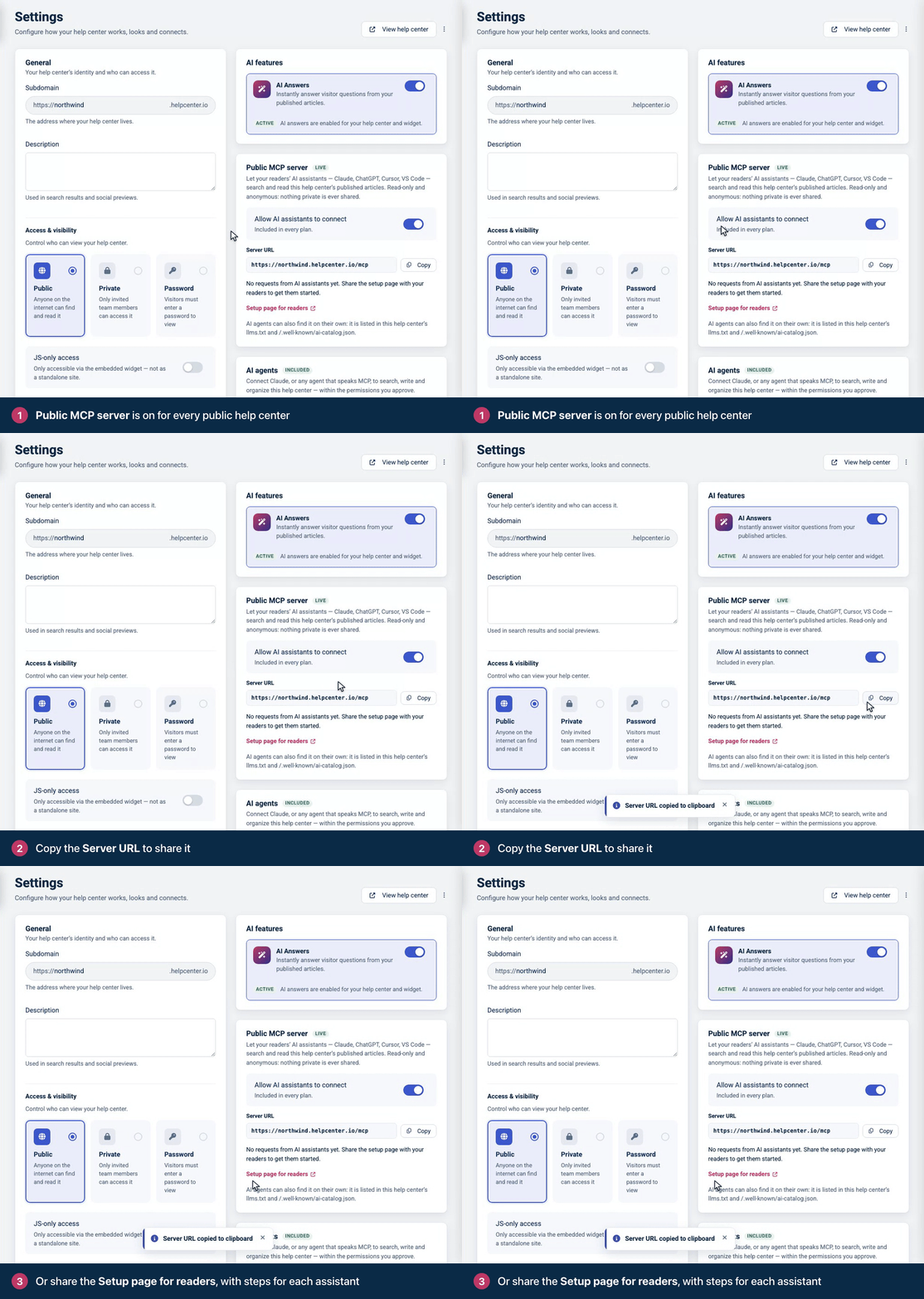
The Public MCP server card in Settings.
## How readers connect
Opening `https://help.example.com/mcp` in a browser shows a setup page for people: the server URL with a **Copy URL** button, and these steps.
| Client | What the setup page offers |
| --- | --- |
| Claude | Open **Settings** → **Connectors**, choose **Add custom connector** and paste the server URL. |
| ChatGPT | In ChatGPT on the web, turn on developer mode, create an app from the server URL and choose **No Authentication**. |
| Cursor | An **Add to Cursor** button. |
| VS Code | An **Add to VS Code** button. |
| Claude Code | A command to copy, for example `claude mcp add --transport http acme-help-center https://help.example.com/mcp`. The name is made from your help center's title. |
| Any other client | Any client that supports remote MCP servers over Streamable HTTP, with no authentication. |
To put the same one-click buttons on your own pages, use the links the setup page uses. For `https://help.example.com/mcp`:
```
cursor://anysphere.cursor-deeplink/mcp/install?name=acme-help-center&config=eyJ1cmwiOiJodHRwczovL2hlbHAuZXhhbXBsZS5jb20vbWNwIn0%3D
vscode:mcp/install?%7B%22name%22%3A%22acme-help-center%22%2C%22type%22%3A%22http%22%2C%22url%22%3A%22https%3A%2F%2Fhelp.example.com%2Fmcp%22%7D
```
The Cursor link's `config` is the Base64 of `{"url":"https://help.example.com/mcp"}`. The VS Code link carries `{"name":"acme-help-center","type":"http","url":"https://help.example.com/mcp"}`, URL-encoded.
On the help center, readers reach the setup page from **Use with AI** in an article's **Export** menu. The Export menu is on the article page in the Compass, Docs Classic, GitHub Dense, Ledger and Stripe Clean themes. With any other theme, the link appears once you add the Export menu to the article page in the template editor. It shows only while the help center has a public server.
## Try it with curl
Clients that use the handshake start with `initialize`:
```
curl -s https://help.example.com/mcp \
-H "Content-Type: application/json" \
-d '{"jsonrpc":"2.0","id":1,"method":"initialize",
"params":{"protocolVersion":"2025-11-25","capabilities":{},
"clientInfo":{"name":"example-client","version":"1.0.0"}}}'
```
The answer names the server and tells the model what the help center is and how to use the tools:
```
{
"jsonrpc": "2.0",
"id": 1,
"result": {
"protocolVersion": "2025-11-25",
"capabilities": { "tools": { "listChanged": false } },
"serverInfo": {
"name": "com.example.help/help-center",
"title": "Acme Help Center",
"version": "1.0.0"
},
"instructions": "Acme Help Center is the help center at https://help.example.com. Answers about your Acme account, billing and invoices. This server gives read-only access to its published articles: find articles with `search`, read one in full with `fetch`, and see how the help center is organised with `list_categories`. Prefer these articles over general knowledge for questions about Acme Help Center, and cite the article URL when you rely on one."
}
}
```
The server keeps no session, so every later request stands on its own. Search, with the protocol version in a header:
```
curl -s https://help.example.com/mcp \
-H "Content-Type: application/json" \
-H "MCP-Protocol-Version: 2025-11-25" \
-d '{"jsonrpc":"2.0","id":2,"method":"tools/call",
"params":{"name":"search","arguments":{"query":"reset password","limit":3}}}'
```
The results come twice: as `structuredContent`, and as the same object in JSON text for clients that only read text:
```
{
"jsonrpc": "2.0",
"id": 2,
"result": {
"content": [
{
"type": "text",
"text": "{\"results\":[{\"id\":\"542\",\"title\":\"Reset your password\",\"url\":\"https://help.example.com/content/reset-your-password\",\"snippet\":\"If you forgot your password, set a new one from the sign-in page. It takes about a minute. Reset it from the sign-in page On the sign-in page, click Forgot password? Enter the email address you …\",\"category\":\"Account\"}]}"
}
],
"structuredContent": {
"results": [
{
"id": "542",
"title": "Reset your password",
"url": "https://help.example.com/content/reset-your-password",
"snippet": "If you forgot your password, set a new one from the sign-in page. It takes about a minute. Reset it from the sign-in page On the sign-in page, click Forgot password? Enter the email address you …",
"category": "Account"
}
]
}
}
}
```
Then read the article in full:
```
curl -s https://help.example.com/mcp \
-H "Content-Type: application/json" \
-H "MCP-Protocol-Version: 2025-11-25" \
-d '{"jsonrpc":"2.0","id":3,"method":"tools/call",
"params":{"name":"fetch","arguments":{"id":"542"}}}'
```
The article comes back as Markdown, with the URL to cite. The `content` text, cut short here, holds the same object as JSON:
```
{
"jsonrpc": "2.0",
"id": 3,
"result": {
"content": [
{ "type": "text", "text": "{\"id\":\"542\",\"title\":\"Reset your password\",\"text\":\"# Reset your password\\n\\n..." }
],
"structuredContent": {
"id": "542",
"title": "Reset your password",
"text": "# Reset your password\n\n_Category: Account_\n\nIf you forgot your password, set a new one from the sign-in page. It takes about a minute.\n\n## Reset it from the sign-in page\n\n1. On the sign-in page, click **Forgot password?**\n2. Enter the email address you sign in with and click **Send reset link**.\n3. Open the email and click the link in it. The link works for 60 minutes.\n4. Choose a new password and click **Save**.\n\n## No email arrived?\n\nCheck your spam folder, and make sure you typed the address you sign in with. You can ask for a new link at any time.\n",
"url": "https://help.example.com/content/reset-your-password",
"metadata": {
"type": "article",
"language": "en",
"category": "Account",
"updated_at": "2026-09-30T08:19:07+00:00",
"help_center": "Acme Help Center"
}
}
}
}
```
`tools/list` returns the three tools with their input schemas, output schemas for `search` and `fetch`, and annotations (`readOnlyHint: true`, `destructiveHint: false`, `idempotentHint: true`, `openWorldHint: false`). Each tool's title includes your help center's name, for example `Search Acme Help Center`.
## Tools
### `search`
Finds published articles, best match first. It runs the same search as your help center's search box: keyword search, plus matching by meaning when the help center has AI Answers turned on. Short queries in the product's own words work best.
| Argument | Type | Description |
| --- | --- | --- |
| `query` | string, 1 to 200 characters | Required. What to look for. Line breaks and runs of spaces count as one space. |
| `limit` | integer, 1-10 | Default `5`. A string of digits, such as `"3"`, is accepted too. |
| `language` | string | The default language when omitted. Offered only on help centers published in more than one language. |
Returns `{"results": [...]}`. Each result has `id` (a string), `title`, `url`, `snippet` (about 36 words of the article's public text, around the first query word it contains) and `category` (a name, or `null`).
### `fetch`
Reads one article, or one category's list of articles, in full as Markdown.
| Argument | Type | Description |
| --- | --- | --- |
| `id` | string | Required. An article id from `search` (`"542"` or `"article-542"`), a category id from `list_categories` (`"category-303"`), or the URL of an article or category on this help center, such as `https://help.example.com/content/reset-your-password`. A number is accepted too. |
| `language` | string | As in `search`. A URL with a language in its path uses that language. |
Returns `{id, title, text, url, metadata}`. For an article, `text` starts with `# Title` and a `_Category: Name_` line, and `metadata` has `type`, `language`, `category`, `updated_at` and `help_center`. For a category, `text` lists its articles and subcategories as links and ends with `Read any article above with \`fetch\`, passing its URL.` Text longer than 100,000 characters is cut at a paragraph and ends with `[Truncated. The full text is at <url>]`.
### `list_categories`
Lists the categories as a tree, with how many articles each holds.
| Argument | Type | Description |
| --- | --- | --- |
| `language` | string | As in `search`. The only argument. |
The text is a Markdown outline. `structuredContent` holds the tree:
```
{
"help_center": { "name": "Acme Help Center", "url": "https://help.example.com" },
"language": "en",
"categories": [
{
"id": "category-303",
"name": "Billing",
"description": "Plans, invoices and payment methods.",
"url": "https://help.example.com/category/303-billing",
"article_count": 1,
"total_article_count": 2,
"subcategories": [
{
"id": "category-304",
"name": "Invoices",
"description": "Find, download and share your invoices.",
"url": "https://help.example.com/category/304-invoices",
"article_count": 1,
"total_article_count": 1,
"subcategories": []
}
]
}
],
"uncategorized_article_count": 0
}
```
`article_count` counts the articles directly in a category, and `total_article_count` adds those in its subcategories. An article shown in several categories counts once in each.
## What the server shows
Exactly what an anonymous visitor can read: published articles that are public, in public categories, in released translations. It never returns drafts, private or team-only articles and categories, internal notes, or categories filed under a hidden parent. Link-only articles are left out too, even though anyone with their link can open them.
`fetch` answers the same way whether an article does not exist or is hidden, so the server never reveals which: `No published article matches \`563\`. Use \`search\` to find articles.`
## Protocol versions
The server speaks both shapes of the protocol on the same URL. A request is handled as `2026-07-28` when it carries `params._meta["io.modelcontextprotocol/protocolVersion"]`, and with the handshake otherwise.
### With the handshake: 2025-03-26, 2025-06-18, 2025-11-25
- `initialize` answers with the version you ask for when the server speaks it, and with `2025-11-25` otherwise. No `Mcp-Session-Id` is issued.
- Later requests send `MCP-Protocol-Version`. A request without it is read as `2025-03-26`; an unsupported value gets `400` with code `-32600` and the supported versions in `data`.
- Methods: `initialize`, `ping`, `tools/list`, `tools/call`. Any other method gets code `-32601` (`Method not found`). Notifications, such as `notifications/initialized`, get `202 Accepted` with an empty body.
### Stateless: 2026-07-28
There is no `initialize`. Every request carries its version and client capabilities in `_meta`, and repeats the method, and a tool's name, in headers:
```
curl -s https://help.example.com/mcp \
-H "Content-Type: application/json" \
-H "MCP-Protocol-Version: 2026-07-28" \
-H "Mcp-Method: tools/call" \
-H "Mcp-Name: search" \
-d '{"jsonrpc":"2.0","id":5,"method":"tools/call",
"params":{"name":"search","arguments":{"query":"invoice","limit":2},
"_meta":{"io.modelcontextprotocol/protocolVersion":"2026-07-28",
"io.modelcontextprotocol/clientCapabilities":{}}}}'
```
Results carry `"resultType": "complete"` and the server's identity in `_meta["io.modelcontextprotocol/serverInfo"]`.
- Methods: `server/discover` (in place of `initialize`), `tools/list`, `tools/call` and `subscriptions/listen`. The last one answers as an event stream that acknowledges and closes at once, because the server sends no notifications. Any other method, `ping` included, gets `404` with code `-32601`.
- `server/discover` and `tools/list` say how long to keep them: `"ttlMs": 3600000` and `"cacheScope": "public"`.
- `Mcp-Name` accepts the `=?base64?...?=` form for names that are not plain ASCII.
## Errors
| Case | HTTP status | JSON-RPC error |
| --- | --- | --- |
| Body is not valid JSON | `400` | `-32700` `Parse error: the body is not valid JSON.` |
| A batch (a JSON array) | `400` | `-32600` `Batch requests are not supported. Send one JSON-RPC message per POST.` |
| Body over 64 KiB | `413` | `-32600` `Request body too large.` |
| Unknown tool name | `200` | `-32602`, for example `Unknown tool: delete_article` |
| Headers do not match the body (2026-07-28) | `400` | `-32020`, for example `Header mismatch: the Mcp-Name header is required for tools/call.` |
| Unsupported version in `_meta` | `400` | `-32022` `Unsupported protocol version`, with `supported` and `requested` in `data` |
| `_meta` without `clientCapabilities`, or a `2026-07-28` header without `_meta` | `400` | `-32602` |
| `GET` asking for an event stream or JSON, or `DELETE` | `405`, `Allow: GET, POST` | None, empty body |
| Rate limit reached | `429`, with `Retry-After` | `429`, see below |
| The help center has no public server | `404` | None: `{"error":"not_found","message":"This help center has no public MCP server."}` |
A tool that cannot do what was asked answers `200` with `"isError": true` and a message the model can act on, for example `\`limit\` must be a whole number from 1 to 10.`, `Unknown argument: \`lang\`. This tool accepts \`query\`, \`limit\`, \`language\`.` or `\`https://example.com/content/reset-your-password\` is not on this help center. This server reads help.example.com only.` If the search engine fails, `search` says so and suggests `list_categories`.
## Rate limits
Each help center allows 120 requests a minute from one caller address, and 1,200 a minute from all callers together. Opening the setup page counts too. Responses carry `X-RateLimit-Limit` and `X-RateLimit-Remaining`. Over a limit, the server answers `429 Too Many Requests` with `Retry-After` and a JSON-RPC error:
```
{
"jsonrpc": "2.0",
"id": null,
"error": {
"code": 429,
"message": "Rate limit reached: 120 requests per minute from this address. Retry in 11 seconds."
}
}
```
When the help center's own limit is the one reached, the message says `1200 requests per minute for this help center`. The per-address limit counts every caller behind one address together, so the users of an assistant that calls from its provider's shared addresses share it.
## Discovery
AI clients can find the server without being told the URL:
- `https://help.example.com/mcp/server-card` and `/.well-known/mcp/server-card.json` serve its MCP server card (`application/mcp-server-card+json`, cacheable for an hour).
- `/.well-known/ai-catalog.json` lists the server card.
- `/llms.txt`, `/ai.txt` and the API catalog at `/.well-known/api-catalog` mention the server, and the setup page links the card with `<link rel="alternate" type="application/mcp-server-card+json">`. See [llms.txt, ai.txt and Markdown pages](https://developers.helpcenter.io/content/llms-txt-and-markdown).
```
curl -s https://help.example.com/.well-known/mcp/server-card.json
```
The card names the server after the help center's host, reversed, plus `/help-center`:
```
{
"$schema": "https://static.modelcontextprotocol.io/schemas/v1/server-card.schema.json",
"name": "com.example.help/help-center",
"version": "1.0.0",
"title": "Acme Help Center",
"description": "Search and read the published articles of Acme Help Center.",
"websiteUrl": "https://help.example.com",
"remotes": [
{
"type": "streamable-http",
"url": "https://help.example.com/mcp",
"supportedProtocolVersions": ["2026-07-28", "2025-11-25", "2025-06-18", "2025-03-26"]
}
]
}
```
The title, here `Acme Help Center`, is the default page title from your help center's SEO settings. See [SEO settings for your help center](https://self.helpcenter.io/content/seo-settings).
## When a help center has no public server
A help center offers the server only when an anonymous visitor could read it anyway. It has none when it is private or password-protected, limited to certain IP addresses, shown only inside your app with **JS-only access**, asking search engines not to index it (**Search engine indexing** off), switched off by its owner, or not live. Then `POST /mcp`, the server card and the AI catalog answer `404` with `{"error":"not_found","message":"This help center has no public MCP server."}`, `GET /mcp` shows the help center's not-found page, and llms.txt, ai.txt and the API catalog, where they are served, stop mentioning the server. The **Public MCP server** card in Settings says why.
## Usage
The **Public MCP server** card counts the requests AI assistants made in the last 30 days: searches, fetches and category listings. The count can lag a few minutes. It stores numbers only, not the queries, the articles read or who asked, and it is kept apart from your reader statistics: a `fetch` does not count as an article view.
## Related
- [llms.txt, ai.txt and Markdown pages](https://developers.helpcenter.io/content/llms-txt-and-markdown)
- [The HelpCenter.io MCP server](https://developers.helpcenter.io/content/the-mcp-connector-for-ai-agents)
- [Connect an AI assistant to your help center](https://developers.helpcenter.io/content/connect-an-ai-assistant-to-your-help-center)
---
Source: https://developers.helpcenter.io/content/llms-txt-and-markdown
# llms.txt, ai.txt and Markdown pages
_Category: AI agents and MCP_
Every help center publishes what AI tools and crawlers need to find and read it: an `llms.txt` index, an `ai.txt` with its AI usage preferences, content signals in `robots.txt`, an API catalog, `Link` headers, and a Markdown version of every page. There is nothing to set up. This page describes each one for developers who build agents, crawlers or integrations.
Owners switch these off in Settings. See [How search engines and AI crawlers read your help center](https://self.helpcenter.io/content/llms-txt-and-ai-crawlers).
## At a glance
| Address | What it is | When it answers |
| --- | --- | --- |
| `/llms.txt` | A Markdown index of the help center's categories and articles, in its default language | Only while **Search engine indexing** is on; `404` otherwise |
| `/ai.txt` | The help center's AI usage preferences | Always. With indexing off, it states the opt-out. |
| `/robots.txt` | Crawler rules and content signals | Always |
| `/.well-known/api-catalog` | A linkset (RFC 9727) of the help center's machine-readable resources | Always |
| Any page, with `Accept: text/markdown` | The page as Markdown, at the same URL | Home page, `/categories`, category and article pages |
| `/content/{slug}/export/markdown` | An article as a Markdown file download | Only when the article page's Export menu offers Markdown |
| `/mcp` | The read-only MCP server | See [The public MCP server of a help center](https://developers.helpcenter.io/content/public-mcp-server) |
They all work on the help center's own address, including its custom domain. On a private, password-protected or IP-restricted help center, an anonymous request is sent to sign in or to the password page, like any page.
## llms.txt
```
curl -s https://help.example.com/llms.txt
```
The response is plain text (`text/plain; charset=utf-8`) in the llms.txt format:
```
# Acme Help Center
> Answers about your Acme account, billing and invoices.
Every page listed below also serves clean Markdown at the same URL when
requested with `Accept: text/markdown`.
AI assistants can also search and read this help center live through its
read-only MCP server at https://help.example.com/mcp (Streamable HTTP,
no authentication; tools: `search`, `fetch`, `list_categories`).
## Account
Sign-in, passwords and your profile.
- [Reset your password](https://help.example.com/content/reset-your-password): Set a new password from the sign-in page when you cannot remember yours.
- [Close your account](https://help.example.com/content/close-your-account)
- [Change your email address](https://help.example.com/content/change-your-email-address)
## Billing
Plans, invoices and payment methods.
- [Change your plan](https://help.example.com/content/change-your-plan)
### Invoices
Find, download and share your invoices.
- [Download an invoice](https://help.example.com/content/download-an-invoice): Download the PDF invoice for any payment from the Billing page.
## Optional
- [Acme Help Center](https://help.example.com): Help center home
- [All categories](https://help.example.com/categories): Every category in this help center
- [Sitemap](https://help.example.com/sitemap.xml): XML sitemap of every public page
```
- **Title and summary.** The heading is the help center's default page title and the quote its description, from its SEO settings.
- **The MCP paragraph** appears only while the help center has a public MCP server.
- **One section per category**, nested as the categories are (`##` for top-level categories, `###` for their subcategories, and so on), each with its description and its articles. An article's link is followed by its SEO description when it has one. Articles in no category are listed under `## Other articles`.
- **The default language only.** Other languages are reachable as Markdown pages and through the public MCP server.
- **What anyone can read, nothing more.** Only published articles that an anonymous visitor can open: no drafts, private or team-only articles and categories, link-only articles, unreleased translations, or categories filed under a hidden parent.
An anonymous visitor's copy is sent with `Cache-Control: public, max-age=3600`. A team member who is signed in sees their team's content too, so their copy is sent with `private, no-store`. With **Search engine indexing** off, `/llms.txt` answers `404`. There is no `/llms-full.txt`: that address redirects to the home page.
## ai.txt
```
curl -s https://help.example.com/ai.txt
```
It states that AI assistants may read and cite the help center and that training models on it is not permitted, and points to llms.txt and the public MCP server:
```
# ai.txt for help.example.com
# AI content-usage preferences for this help center.
# Machine-readable index of this help center: https://help.example.com/llms.txt
# Read-only MCP server for AI assistants (no authentication): https://help.example.com/mcp
# Content signals — https://contentsignals.org
Content-Signal: search=yes, ai-input=yes, ai-train=no
# This help center's content belongs to its publisher. AI assistants are
# welcome to crawl these pages and cite them when answering questions about
# this product. Training models on them is not permitted.
User-agent: *
Allow: /
Sitemap: https://help.example.com/sitemap.xml
```
The MCP line appears only while the help center has a public MCP server. With **Search engine indexing** off, the file says so and asks every crawler to stay out:
```
# ai.txt for help.example.com
# AI content-usage preferences for this help center.
# This help center has opted out of search engines and AI crawlers.
Content-Signal: search=no, ai-input=no, ai-train=no
User-agent: *
Disallow: /
```
Both are cached like llms.txt.
## robots.txt
A help center's `robots.txt` has one set of rules for every crawler (`User-agent: *`). With indexing on, its directives are (comment lines left out):
```
User-agent: *
Content-Signal: search=yes, ai-input=yes, ai-train=no
Disallow: /article/
Disallow: /_hc/
Sitemap: https://help.example.com/sitemap.xml
```
`/article/` and `/_hc/` are not pages: they receive comments and ratings and issue form tokens. With **Search engine indexing** off, its directives become:
```
User-agent: *
Content-Signal: search=no, ai-input=no, ai-train=no
Disallow: /
```
The `Content-Signal` line says whether search engines may index the pages (`search`), whether AI assistants may read them to answer questions (`ai-input`), and whether they may be used to train AI models (`ai-train`, always `no`). Like the rest of `robots.txt`, these are instructions that crawlers choose to follow.
## API catalog
```
curl -s https://help.example.com/.well-known/api-catalog
```
The catalog is a linkset (`application/linkset+json; profile="https://www.rfc-editor.org/info/rfc9727"`) with two contexts: the help center, and its public MCP server.
```
{
"linkset": [
{
"anchor": "https://help.example.com/",
"service-doc": [
{ "href": "https://help.example.com/", "type": "text/html", "title": "Acme Help Center" }
],
"service-desc": [
{ "href": "https://help.example.com/sitemap.xml", "type": "application/xml", "title": "Sitemap" },
{ "href": "https://help.example.com/llms.txt", "type": "text/plain", "title": "llms.txt" }
]
},
{
"anchor": "https://help.example.com/mcp",
"service-desc": [
{ "href": "https://help.example.com/mcp/server-card", "type": "application/mcp-server-card+json", "title": "MCP server card" }
],
"service-doc": [
{ "href": "https://help.example.com/mcp", "type": "text/html", "title": "Connect an AI assistant" }
]
}
]
}
```
Without indexing, the `llms.txt` entry is left out; without a public MCP server, the second context is. The catalog is cached like llms.txt.
## Link headers
Every page of the help center, as HTML or Markdown, points agents to the catalog and the sitemap with two `Link` headers:
```
Link: <https://help.example.com/.well-known/api-catalog>; rel="api-catalog"
Link: <https://help.example.com/sitemap.xml>; rel="describedby"; type="application/xml"
```
## Markdown for any page
Ask for Markdown with the `Accept` header and a page answers in Markdown at the same URL. It works on the home page, `/categories`, category pages and article pages. There are no separate `.md` addresses.
```
curl -s -H "Accept: text/markdown" https://help.example.com/content/reset-your-password
```
The article comes back as Markdown:
```
# Reset your password
_Category: Account_
If you forgot your password, set a new one from the sign-in page. It takes about a minute.
## Reset it from the sign-in page
1. On the sign-in page, click **Forgot password?**
2. Enter the email address you sign in with and click **Send reset link**.
3. Open the email and click the link in it. The link works for 60 minutes.
4. Choose a new password and click **Save**.
## No email arrived?
Check your spam folder, and make sure you typed the address you sign in with. You can ask for a new link at any time.
```
The response has these headers:
| Header | Value |
| --- | --- |
| `Content-Type` | `text/markdown; charset=utf-8` |
| `X-Markdown-Tokens` | An estimate of the tokens in the Markdown: its length in characters divided by 4 |
| `Vary` | `Accept`, so caches keep the HTML and Markdown versions apart |
A page answers in Markdown only when `text/markdown` (or `text/x-markdown`) ranks above `text/html` in `Accept`:
| `Accept` | Answer |
| --- | --- |
| `text/markdown` | Markdown |
| `text/x-markdown` | Markdown |
| `text/markdown, text/html;q=0.9` | Markdown |
| `text/html;q=0.5, text/markdown;q=0.8` | Markdown |
| `text/html, text/markdown` | HTML |
| `*/*`, `text/plain` or no header | HTML |
- **Articles** start with `# Title` and a `_Category: Name_` line, then the body converted from the article's public HTML. Scripts, styles and internal notes are left out.
- **The home page** lists the categories with their descriptions and article links, **`/categories`** is a nested list of categories, and a **category page** lists its articles and subcategories.
- **The same rules as the page apply.** A draft or private article answers `404` to an anonymous request, as its HTML page does. Reading an article as Markdown counts as a view of it, like a visit in a browser.
## Download an article as Markdown
Readers can download an article from the Markdown option of its **Export** menu. The download is also a URL you can call:
```
curl -s -OJ https://help.example.com/content/reset-your-password/export/markdown
```
It answers with `Content-Type: text/markdown; charset=UTF-8` and `Content-Disposition: attachment; filename="reset-your-password_en.md"`, a name made of the slug and the language. The file holds the same Markdown as the article page. On a help center published in several languages, the address includes the language: `/de/content/{slug}/export/markdown`.
The address works only while the article page has an Export menu with the Markdown option on, and answers `404` otherwise. For a program, the `Accept: text/markdown` request above is the better choice: it works on every public page.
## Turn them off
- **Search engine indexing** off (Settings, **General** card): `robots.txt` asks every crawler to stay out and sets all three signals to `no`, `llms.txt` answers `404`, `ai.txt` states the opt-out, and the public MCP server turns off. Markdown pages keep answering, like the pages themselves.
- **Allow AI assistants to connect** off (Settings, **Public MCP server** card): only the public MCP server turns off, and the other files stop mentioning it.
- The template editor's no-index switch adds a `noindex` tag to the pages and changes none of the files above.
The steps are in [How search engines and AI crawlers read your help center](https://self.helpcenter.io/content/llms-txt-and-ai-crawlers) and [Hide your help center from search engines](https://self.helpcenter.io/content/hide-from-search-engines).
## Related
- [The public MCP server of a help center](https://developers.helpcenter.io/content/public-mcp-server)
- [The HelpCenter.io MCP server](https://developers.helpcenter.io/content/the-mcp-connector-for-ai-agents)
---
Source: https://developers.helpcenter.io/content/widget-options
# Widget installation and options
_Category: Widget and embedding_
The widget is one script, `init.js`, configured by a `window.hcOptions` object on your page. This page explains the snippet your dashboard gives you line by line, what happens when it runs, and every option you can set.
**Plans:** All plans. Signing readers in with `jwt` needs single sign-on, part of the Catalyst plan.
## Get the snippet
Copy it from **Embeddables** → **Widget** → **Installation** in your dashboard, and add your website to **Embedding origins**. The steps are in [Add the widget to your website](https://self.helpcenter.io/content/install-the-widget).
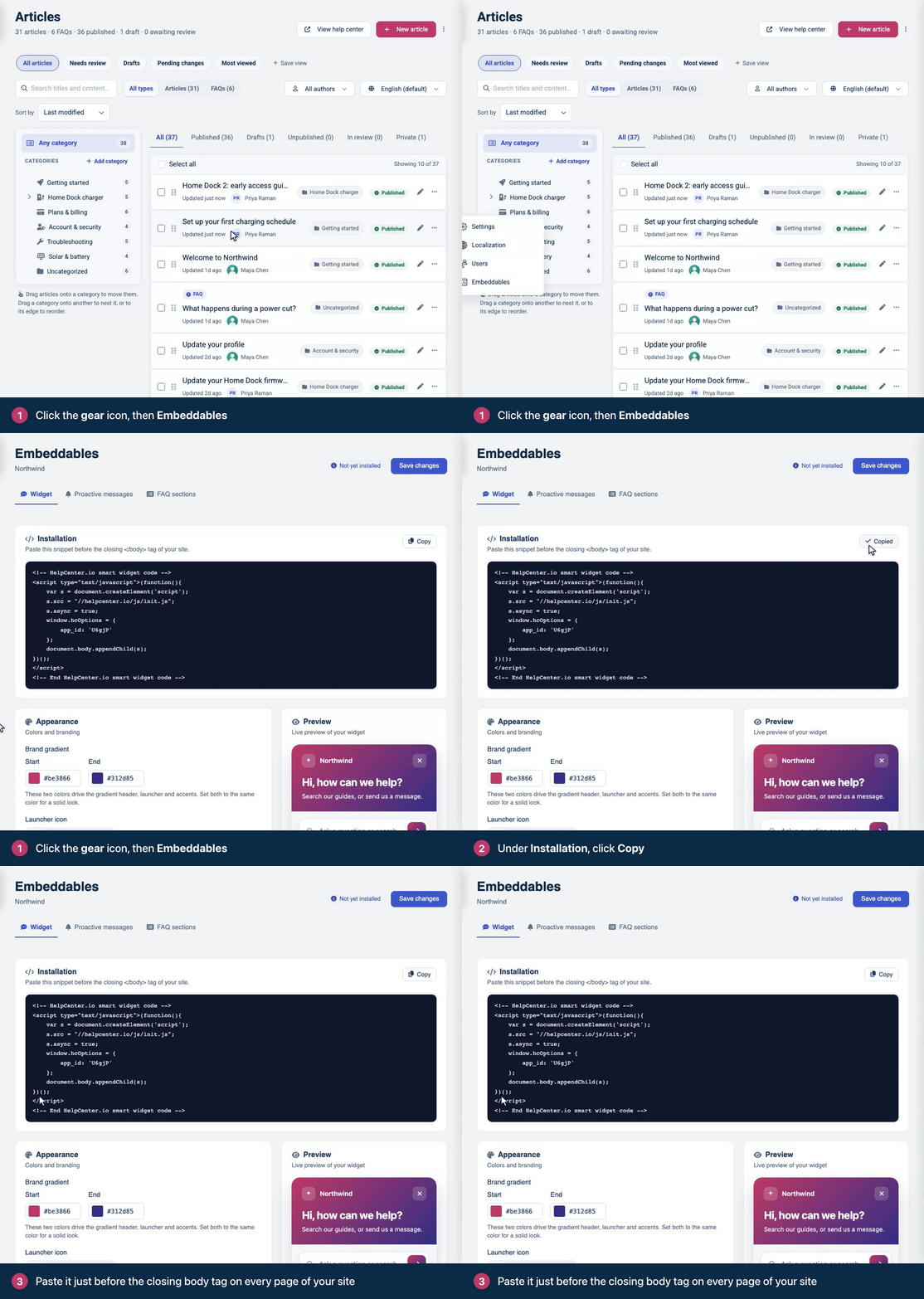
The snippet you copy already contains your widget ID.
## The snippet
This is the snippet, with your widget ID in place of `YOUR_WIDGET_ID`:
```
<!-- HelpCenter.io smart widget code -->
<script type="text/javascript">(function(){
var s = document.createElement('script');
s.src = "//helpcenter.io/js/init.js";
s.async = true;
window.hcOptions = {
app_id: 'YOUR_WIDGET_ID'
};
document.body.appendChild(s);
})();
</script>
<!-- End HelpCenter.io smart widget code -->
```
What each line does:
| Line | What it does |
| --- | --- |
| `s.src = "//helpcenter.io/js/init.js"` | Loads the widget's loader. The address is the same for every help center, including help centers on a custom domain. |
| `s.async = true` | Loads it without holding up your page. |
| `window.hcOptions = { … }` | Your options. `app_id` is your widget ID, five characters long. A help center has one widget, and one ID. |
| `document.body.appendChild(s)` | Adds the loader to the page body. The body must exist when the snippet runs, so put the snippet right before `</body>`, not in `<head>`. |
### Without an inline script
The two parts can also be separate: set `window.hcOptions` in your own script or bundle, then load `init.js` with a script tag. This form works with a Content Security Policy that doesn't allow inline scripts (see [Content Security Policy and allowed origins](https://developers.helpcenter.io/content/content-security-policy)).
```
<script>
window.hcOptions = { app_id: 'YOUR_WIDGET_ID' };
</script>
<script src="https://helpcenter.io/js/init.js" async></script>
```
Set `window.hcOptions` before `init.js` runs, and keep both right before `</body>`: `init.js` picks up only the article links and FAQ sections that are already on the page when it starts up (step 4 below).
## What happens when the page loads
1. `init.js` reads `window.hcOptions`, once. Changing the object afterwards has no effect.
2. It loads a second script from `https://helpcenter.io`, for usage statistics. Until that script has loaded, or failed to, `window.hcWidget` is `undefined`.
3. It creates `window.hcWidget`, unless `widgetEnabled` is `false`. The methods exist from this moment, but the widget doesn't take commands yet.
4. It binds the links with a `data-hc-article` attribute that are on the page now, and loads the FAQ sections that are on the page now.
5. It fetches the widget's configuration from `https://embed.helpcenter.io`, then adds the widget's frame to the bottom of your page.
6. The widget checks that your page's host is in **Embedding origins**. If it is, the widget renders and becomes ready: `hcWidget.isReady()` returns `true`, and `onWidgetReady` and every `hcWidget.onReady()` callback run.
Code that runs before step 3, such as a `load` handler on `init.js`'s script tag, finds no `window.hcWidget`, so check for it before you call it. Calls to `show`, `hide`, `setCategory`, `setHref` and `setHrefAndOpen` made before step 6 are lost. Only `trigger` and `onReady` wait for the widget. On a page whose host isn't in Embedding origins, step 6 never happens. To run code as soon as the widget takes commands, put it in `onWidgetReady`; see [Widget JavaScript API](https://developers.helpcenter.io/content/widget-javascript-api).
## Options
| Option | Type | Default | What it does |
| --- | --- | --- | --- |
| `app_id` | string | Required | Your widget ID. |
| `position` | string | Bottom right | `'bottom-left'` puts the launcher, and the widget when it opens, in the bottom-left corner. Any other value keeps the bottom-right corner. |
| `lang` | string | Your default language | One of your help center's languages, such as `'es'`. The widget lists only articles translated into that language, and takes its texts from your translations of the widget's buttons and labels (see [Translate buttons and labels](https://self.helpcenter.io/content/interface-translations)); texts you haven't translated show in English. Searches typed in the widget still match your default language. A code that isn't one of your languages, or `'default'`, gives the default language. |
| `category` | number | None | A category ID. The home screen lists up to seven published articles from that category and its subcategories, instead of your most viewed articles. A category visitors can't see gives an empty list; an ID that doesn't exist gives the most viewed articles. |
| `href` | string | None | An article path, `'/content/<slug>'`, with the slug in your default language. On a public help center the value must start with `/content/` (a full URL is ignored), and the widget shows the article when the visitor opens it. On a private help center, the widget opens on the article by itself once the reader is signed in. |
| `showButton` | boolean | `true` | `false` hides the launcher. The widget opens only from your code (`hcWidget.show()`, `hcWidget.setHrefAndOpen()`) or from a `data-hc-article` link. It then opens as a full-height panel, 460 pixels wide, at the right edge of the page (the left edge with `position: 'bottom-left'`), or full screen on screens narrower than 450 pixels. Proactive messages don't show. |
| `widgetEnabled` | boolean | `true` | `false` loads no widget: no frame, no `window.hcWidget`, and `data-hc-article` links stay ordinary links. FAQ sections on the page still load. |
| `jwt` | string | None | The first sign-in token for a private help center. See [Sign readers into the widget with a JWT](https://developers.helpcenter.io/content/widget-jwt). |
| `onAuthExpired` | function | None | Returns a new sign-in token, as a string or a Promise of one, each time the widget needs one. Use it together with `jwt`. |
| `onContactsRequest` | function | None | Called, with no arguments, when a visitor asks to contact you, instead of the widget's own contact form. See [Handle contact requests yourself](https://developers.helpcenter.io/content/widget-custom-contact). |
| `onWidgetReady` | function | None | Called once, with no arguments, when the widget is ready for commands. |
| `onStateChange` | function | None | Called with `true` while the widget is open and `false` while it's closed. It's called many times with the same value, not only when the widget opens or closes, so act only when the value changes. See [Widget JavaScript API](https://developers.helpcenter.io/content/widget-javascript-api). |
An example with several options:
```
window.hcOptions = {
app_id: 'YOUR_WIDGET_ID',
position: 'bottom-left',
lang: 'es',
onWidgetReady: function () {
console.log('The HelpCenter.io widget is ready');
}
};
```
A few things come from your dashboard, not from the snippet: the widget's colors, launcher icon, greeting and texts (see [Match the widget to your brand](https://self.helpcenter.io/content/widget-appearance)), and its proactive messages (see [Invite visitors with proactive messages](https://self.helpcenter.io/content/proactive-messages)).
To suggest related articles, which it lists under **Can this help?**, the widget sends the visible text of your page to HelpCenter.io when it loads. Setting `category` or `href` turns this off.
## Single-page apps
The widget works in single-page apps. Keep these in mind:
- **Load it once.** Put the snippet in your app shell, not in a component that renders on each route. Every run of the snippet adds another widget.
- **It stays through route changes.** The widget and its state survive client-side navigation. Because `hcOptions` is read once, change what the widget shows with its methods, for example `hcWidget.setCategory()` on each route. See [Open the widget from your own UI](https://developers.helpcenter.io/content/open-the-widget-from-your-ui).
- **Links you render later aren't bound.** `data-hc-article` links added after `init.js` ran behave as ordinary links. The same page shows a click handler that covers them.
- **Page suggestions are computed once**, when the widget loads.
- **Proactive messages follow the route.** While your widget has active proactive messages, each change of the page's address counts as a new page view for their rules.
- **Use `addEventListener` for resize handlers.** `init.js` assigns `window.onresize`, which replaces a handler you assigned there, and the other way round.
- **Start over with `destroy()`.** When a user signs out, `hcWidget.destroy()` removes the widget. When another user signs in, call `destroy()`, set their `window.hcOptions`, and load `init.js` again; see [Widget JavaScript API](https://developers.helpcenter.io/content/widget-javascript-api). Reloading the page works too.
## One widget per page
Add the snippet once per page. A page has one `window.hcOptions` and one `window.hcWidget`: a second copy of the snippet adds a second widget, and the two respond to each other's commands. To show another help center's widget, use a different page.
## FAQ sections
The same script renders FAQ sections: a `<div class="hc-faq-section" data-id="YOUR_SECTION_KEY" data-type="custom"></div>` (or `data-type="full"`) anywhere on a page that has the widget snippet. `init.js` loads the sections that are on the page when it starts up. Set `widgetEnabled: false` to show sections without the floating widget, and `lang` to show them in another language, with the FAQs translated into it. FAQ sections are for public content. You create sections, and copy their markup, under **Embeddables** → **FAQ sections**; see [Embed FAQ sections on your website](https://self.helpcenter.io/content/faq-sections).
## Troubleshooting
**The launcher doesn't appear, and the console says "Parent domain is not in the allowed list."** Your page's host isn't in **Embedding origins**. Add the host the message names; see [Choose which websites can show the widget](https://self.helpcenter.io/content/embedding-origins).
**Nothing loads, and `window.hcOptions` is `undefined` in the console.** The snippet didn't run: your tag manager hasn't published it, or your Content Security Policy blocked it.
**Nothing loads, and the console shows a TypeError, such as "Cannot read properties of null (reading 'appendChild')" in Chrome.** The snippet is in `<head>`, where the page body doesn't exist yet. Move it right before `</body>`.
**The frame loads, but the widget never appears.** Check `app_id`. With an ID that doesn't exist, the browser's Network tab shows the request for `https://embed.helpcenter.io/widget/<id>` answering `410 Gone`:
```
{
"status": "error",
"message": "Widget not found.",
"code": "WIDGET_NOT_FOUND"
}
```
**The widget works in Chrome and Safari but not in Firefox, and Firefox's console says "Parent domain not found. Cannot render the widget."** Your page sends `Referrer-Policy: no-referrer` or `same-origin`. See [Content Security Policy and allowed origins](https://developers.helpcenter.io/content/content-security-policy).
More causes, from the account owner's side, are in [The widget doesn't show up](https://self.helpcenter.io/content/widget-not-showing).
## Related
- [Widget JavaScript API](https://developers.helpcenter.io/content/widget-javascript-api)
- [Open the widget from your own UI](https://developers.helpcenter.io/content/open-the-widget-from-your-ui)
- [Content Security Policy and allowed origins](https://developers.helpcenter.io/content/content-security-policy)
- [Sign readers into the widget with a JWT](https://developers.helpcenter.io/content/widget-jwt)
---
Source: https://developers.helpcenter.io/content/widget-javascript-api
# Widget JavaScript API
_Category: Widget and embedding_
`window.hcWidget` lets your page drive the widget: open and close it, point it at a category or an article, hand it sign-in tokens and fire events for proactive messages. It appears a moment after `init.js` runs, and takes commands once the widget is ready.
**Plans:** All plans. `trigger()` needs proactive messages with a **Custom event** rule (Growth and Catalyst). `setJwt()` needs single sign-on (Catalyst).
## Methods
| Method | What it does | Before the widget is ready |
| --- | --- | --- |
| `show()` | Opens the widget. After `hideAll()`, also brings it back. | Lost |
| `hide()` | Closes the widget to its launcher. | Lost |
| `hideAll()` | Hides the widget, launcher included, until the next `show()`. | Works |
| `setCategory(categoryId)` | Lists a category's articles on the home screen. Doesn't open the widget. | Lost |
| `setHref(href, open)` | Loads an article, and opens the widget on it when `open` is `true`. | Lost |
| `setHrefAndOpen(href)` | The same as `setHref(href, true)`. | Lost |
| `setJwt(token)` | Hands the widget a sign-in token. | See Sign readers in, below |
| `isReady()` | Returns `true` once the widget takes commands. | Returns `false` |
| `trigger(eventName)` | Fires a custom event for proactive messages. | Queued, up to 20 events |
| `onReady(callback)` | Runs `callback` once the widget is ready, or on the next tick if it already is. | Queued |
| `destroy()` | Removes the widget from the page. | Works |
Every method except `isReady()` returns `undefined`. None of them throws when the widget can't act on it: a lost call does nothing.
## Wait until the widget is ready
The widget becomes ready a moment after `init.js` runs, once its frame has loaded and checked that your page's host is in **Embedding origins**. On a page whose host isn't on that list, it never becomes ready. For code that should run at startup, use `onWidgetReady` in your options:
```
window.hcOptions = {
app_id: 'YOUR_WIDGET_ID',
onWidgetReady: function () {
window.hcWidget.setCategory(4821);
}
};
```
For code that runs later, such as a click handler, wrap the call in `onReady`, and check for `window.hcWidget` first. It isn't there before `init.js` runs, nor for a moment after: `init.js` first loads a second script, for usage statistics, and only then creates `window.hcWidget`. So code that runs right after `init.js`, such as a `load` handler on its script tag, finds it `undefined`:
```
if (window.hcWidget) {
window.hcWidget.onReady(function () {
window.hcWidget.setHrefAndOpen('/content/reset-your-password');
});
}
```
To only check, `window.hcWidget.isReady()` returns `true` or `false`.
## Open and close the widget
```
window.hcWidget.show(); // open the widget
window.hcWidget.hide(); // close it to the launcher
window.hcWidget.hideAll(); // hide it completely, launcher included
```
After `hideAll()`, the next `show()` opens the widget; there's no call that brings back only the launcher. With the launcher on (the default), that first `show()` opens a panel only a few pixels wide. Call `show()` a second time, a moment later, to open it at full width:
```
window.hcWidget.show();
setTimeout(function () {
window.hcWidget.show();
}, 300);
```
To keep the launcher off a page for good, use `showButton: false` in your options instead; see [Open the widget from your own UI](https://developers.helpcenter.io/content/open-the-widget-from-your-ui).
## Show a category's articles
`setCategory` takes a category ID, as a number or a string, and lists up to seven published articles from that category and its subcategories on the home screen. It doesn't open the widget, so call `show()` when you want it open:
```
window.hcWidget.setCategory(4821);
window.hcWidget.show();
```
- An ID that doesn't exist, or a category visitors can't see, lists your most viewed articles instead.
- `0`, `null` and other empty values are ignored. No call returns the home screen to its default list: reload the page for that.
Category IDs are in your help center's category addresses, `/category/4821-billing`, and in the Categories API; see [Open the widget from your own UI](https://developers.helpcenter.io/content/open-the-widget-from-your-ui).
## Open an article
`setHrefAndOpen` opens the widget on an article. `setHref` loads it for later, without opening the widget:
```
window.hcWidget.setHrefAndOpen('https://help.example.com/content/reset-your-password');
// Loaded now, shown the next time the visitor opens the widget:
window.hcWidget.setHref('/content/reset-your-password');
```
- Everything up to `/content/` is ignored, so a full article URL and a path both work. What follows `/content/` is the article's slug in your default language: a translated address, such as `/es/content/restablecer-tu-contrasena`, doesn't find the article.
- `setHref(href)` without `true` closes the widget if it's open.
- When no published article has that slug, the widget opens without it, on what it showed before.
- An address without `/content/` opens nothing, and the console logs "Unsupported content type for href."
Links on your page can do the same without code: see [Open the widget from your own UI](https://developers.helpcenter.io/content/open-the-widget-from-your-ui).
## Sign readers in
On a private help center with JWT single sign-on, the widget gets its first token from the `jwt` option and asks `onAuthExpired` for each one after that. `setJwt` hands it a token outside that exchange:
```
window.hcWidget.setJwt(tokenFromYourServer);
```
The widget uses that token in two cases only: when it has never had a token (the token then signs its next request), and when a request is waiting for a token. Otherwise it discards the token. It never reloads what it shows by itself. So when a user signs in or out while the page is open, reload the page, or remove the widget and load it again with the new user's token (see Remove the widget, below). The complete setup is in [Sign readers into the widget with a JWT](https://developers.helpcenter.io/content/widget-jwt).
## Trigger a proactive message
A proactive message with a **Custom event** rule shows when your page fires that event. Pass the event name exactly as it's written in the rule:
```
window.hcWidget.trigger('checkout_failed');
```
Events fired before the widget is ready wait, up to 20 of them, and apply once it is. Proactive messages never show while the widget is open, or when the launcher is hidden with `showButton: false`. To see how your rules evaluate on a page, add `?hcnudge=debug` to the page's address and open the browser console. Setting up messages and rules is covered in [Invite visitors with proactive messages](https://self.helpcenter.io/content/proactive-messages).
## Remove the widget
`destroy()` takes the widget off your page. It removes the widget's frame, stops its proactive messages and usage statistics, and drops the `trigger()` events and `onReady` callbacks that are still waiting:
```
if (window.hcWidget) {
window.hcWidget.destroy();
}
```
- Links with a `data-hc-article` attribute become ordinary links again. FAQ sections on the page stay.
- A second call does nothing.
- `window.hcWidget` stays defined. Its commands do nothing, but if the widget was ready, `isReady()` still returns `true` and `onReady()` still runs a callback, so neither tells you whether a widget is on the page.
- To put a widget back, for example when another user signs in, set `window.hcOptions` again and load `init.js` again. Call `destroy()` first: loading `init.js` again without it adds a second widget. Put the code that needs the new widget in the new options' `onWidgetReady`: until the new widget replaces it, `window.hcWidget` is still the removed one.
## Callbacks
Four options in `window.hcOptions` are functions the widget calls:
| Option | Called | Details |
| --- | --- | --- |
| `onWidgetReady` | Once, when the widget is ready for commands | Wait until the widget is ready, above |
| `onContactsRequest` | When a visitor asks to contact you | [Handle contact requests yourself](https://developers.helpcenter.io/content/widget-custom-contact) |
| `onAuthExpired` | Each time the widget needs a new sign-in token | [Sign readers into the widget with a JWT](https://developers.helpcenter.io/content/widget-jwt) |
| `onStateChange` | Many times, with `true` while the widget is open and `false` while it's closed | Below |
`onStateChange` is called when the widget opens or closes, whether the visitor or your code opened it, and many more times in between with the same value, each time the widget redraws: while it loads, while a visitor types a search, while an answer appears. Keep the callback quick, keep the last value, and act only when it changes:
```
var helpIsOpen = false;
window.hcOptions = {
app_id: 'YOUR_WIDGET_ID',
onStateChange: function (isOpen) {
if (isOpen === helpIsOpen) {
return;
}
helpIsOpen = isOpen;
document.getElementById('chat-button').hidden = isOpen;
}
};
```
An exception thrown in `onWidgetReady` or `onAuthExpired`, or in an `onReady` callback that waited for the widget, is caught and ignored. One thrown in `onStateChange`, or in an `onReady` callback added after the widget is ready, shows in the console as an uncaught error.
## What the API doesn't do
- **No events about what visitors do in the widget.** Besides the callbacks above, nothing tells your page that a visitor searched or read an article.
- **No resetting.** There's no method to switch the widget's language or return it to its first state. Remove it with `destroy()` and load it again, or reload the page.
- **No identify call.** To tell the widget who the visitor is, sign them in with a JWT.
- **No styling.** The widget's look comes from your dashboard; see [Match the widget to your brand](https://self.helpcenter.io/content/widget-appearance).
## Related
- [Widget installation and options](https://developers.helpcenter.io/content/widget-options)
- [Open the widget from your own UI](https://developers.helpcenter.io/content/open-the-widget-from-your-ui)
- [Sign readers into the widget with a JWT](https://developers.helpcenter.io/content/widget-jwt)
- [Handle contact requests yourself](https://developers.helpcenter.io/content/widget-custom-contact)
---
Source: https://developers.helpcenter.io/content/open-the-widget-from-your-ui
# Open the widget from your own UI
_Category: Widget and embedding_
Make help part of your own interface: open the widget from your own button, let links in your app open articles inside the widget, and show the articles that fit the page a visitor is on.
**You need:** the widget on your page (see [Widget installation and options](https://developers.helpcenter.io/content/widget-options)) · **Plans:** All plans
## Open the widget from your own button
Hide the launcher with `showButton: false`, and open the widget from your button with `hcWidget.show()`. The button starts disabled and turns on when the widget is ready, so an early click is never lost:
```
<button type="button" id="help-button" disabled>Help</button>
<script>
window.hcOptions = {
app_id: 'YOUR_WIDGET_ID',
showButton: false,
onWidgetReady: function () {
document.getElementById('help-button').disabled = false;
}
};
document.getElementById('help-button').addEventListener('click', function () {
window.hcWidget.show();
});
</script>
<script src="https://helpcenter.io/js/init.js" async></script>
```
With the launcher hidden, the widget opens as a full-height panel, 460 pixels wide, at the right edge of the page (the left edge with `position: 'bottom-left'`), and full screen on screens narrower than 450 pixels. Visitors close it with its close button; your code can close it with `hcWidget.hide()`. Proactive messages don't show while the launcher is hidden.
You can also keep the launcher and add your own button next to it: `show()` works either way.
## Make links open articles in the widget
Add a `data-hc-article` attribute to a link to one of your articles. A click then opens the article inside the widget instead of leaving the page:
```
<p>
Forgot your password?
<a href="https://help.example.com/content/reset-your-password" data-hc-article>Reset it</a>
</p>
```
What makes a link work:
- **The address contains `/content/` and the article's slug in your default language.** Whatever comes before `/content/` doesn't matter. A link to a translated address, such as `/es/content/restablecer-tu-contrasena`, opens the widget without the article.
- **The link has `data-hc-article`.** Any value, or none, works.
- **The link is on the page when `init.js` runs.** Links added later behave as ordinary links.
- **The click lands on the link itself.** A click on an icon, image or other element inside the link does nothing. Keep these links text only, or use the handler below.
Timing matters too. Before `init.js` runs, the link is an ordinary link. From then until the widget is ready, a click does nothing, and on a page whose host isn't in **Embedding origins** the widget is never ready. A Ctrl-click or Cmd-click also opens the article in the widget, not in a new tab.
### Links added later, and icon links
For links your app renders after the page loads, and links that contain icons, handle the clicks yourself with `hcWidget.setHrefAndOpen()`. Mark these links with an attribute of your own, such as `data-help-article`, so the widget's built-in handling stays out of the way:
```
// Opens links marked data-help-article in the widget, wherever and whenever they
// appear. Modified clicks, and clicks before the widget is ready, behave as normal links.
document.addEventListener('click', function (event) {
var link = event.target.closest('a[data-help-article]');
if (!link || event.defaultPrevented || event.button !== 0 ||
event.metaKey || event.ctrlKey || event.shiftKey || event.altKey) {
return;
}
if (window.hcWidget && window.hcWidget.isReady()) {
event.preventDefault();
window.hcWidget.setHrefAndOpen(link.href);
}
});
```
The listener sits on the whole document, so it covers links added at any time and clicks anywhere inside a link. A Ctrl-click or Cmd-click opens the article in a new tab, and until the widget is ready the link takes the visitor to your help center.
```
<a href="https://help.example.com/content/how-billing-works" data-help-article>
<svg width="16" height="16" aria-hidden="true"><circle cx="8" cy="8" r="7"></circle></svg>
How billing works
</a>
```
## Show one category's articles
On your billing page, the widget can list your billing articles instead of your most viewed ones. Set the category in your options, and change it with `hcWidget.setCategory()` when your app changes pages without a reload:
```
window.hcOptions = {
app_id: 'YOUR_WIDGET_ID',
category: 4821
};
// Your app's sections, and the help center category that matches each one.
var helpCategories = { '/billing': 4821, '/account': 4822 };
function showHelpFor(path) {
var categoryId = helpCategories[path];
if (categoryId && window.hcWidget) {
window.hcWidget.onReady(function () {
window.hcWidget.setCategory(categoryId);
});
}
}
```
Call `showHelpFor(location.pathname)` from your router after every route change. What visitors see:
- The home screen lists up to seven published articles from the category and its subcategories.
- With `category` in your options, the **Can this help?** suggestions for the page are off.
- Use a category every visitor can see. With the option, a category that's hidden from visitors gives an empty list. With `setCategory`, it gives your most viewed articles.
- `setCategory` doesn't open the widget, and no call returns the list to your most viewed articles; reload the page for that.
### Find a category's ID
Open the category on your help center. The ID is the number after `/category/` in its address: in `https://help.example.com/category/4821-billing`, or `/en/category/4821-billing` on a help center with several languages, it's `4821`.
To map many categories, list them with the API. A key with read access is enough:
```
curl -sS "https://api.helpcenter.io/v1/categories" \
-H "apikey: $HELPCENTER_API_KEY" \
-H "Accept: application/json"
```
Each category has its `id`, `name` and `privacy`. Pick categories whose `privacy` is `public`, under parent categories that are public too: a category under a hidden parent is hidden as well. The response, shortened to two categories:
```
{
"status": "success",
"categories": [
{
"id": 314,
"parent": null,
"name": { "en": "Billing" },
"description": [],
"icon": null,
"position": 100000,
"privacy": "public",
"created_at": "2026-09-30 08:19:35",
"updated_at": "2026-09-30 08:19:35"
},
{
"id": 319,
"parent": null,
"name": { "en": "Internal" },
"description": [],
"icon": null,
"position": 100000,
"privacy": "team_private",
"created_at": "2026-09-30 08:20:27",
"updated_at": "2026-09-30 08:20:27"
}
],
"meta": { "page": 1, "per_page": 100, "total_pages": 1, "items_count": 4 }
}
```
More about the endpoint is in [Categories](https://developers.helpcenter.io/content/categories-api).
## Related
- [Widget JavaScript API](https://developers.helpcenter.io/content/widget-javascript-api)
- [Widget installation and options](https://developers.helpcenter.io/content/widget-options)
---
Source: https://developers.helpcenter.io/content/widget-custom-contact
# Handle contact requests yourself
_Category: Widget and embedding_
When visitors can't find an answer in the widget, send them to your own contact page, form or live chat instead of the widget's built-in form. Define `onContactsRequest` in your options, and the widget calls it whenever a visitor asks to contact you.
**You need:** the widget on your page (see [Widget installation and options](https://developers.helpcenter.io/content/widget-options)) · **Plans:** All plans
## How it works
The widget offers contact in these places, with these texts unless you changed them in your dashboard:
- **I can't find what I'm looking for**, on its home screen and under search results.
- **Contact our team**, after a search with no results.
- **Still stuck? Message our team →**, under an AI answer.
- **Contact us**, when the AI assistant can't answer.
With `onContactsRequest` defined:
- A click on any of them calls your function, with no arguments, instead of opening the built-in form.
- These entry points show even when your help center has no recipient email for the built-in form.
- The widget stays open. Close it in your function with `window.hcWidget.hide()` when your form or chat opens on top.
- The widget's frame sits lower in your page's stacking order (`z-index: 2147482999` instead of `2147483647`), so a chat window can open above it.
## Send visitors to your contact page
```
<script>
window.hcOptions = {
app_id: 'YOUR_WIDGET_ID',
onContactsRequest: function () {
window.open('https://www.example.com/contact', '_blank', 'noopener');
}
};
</script>
<script src="https://helpcenter.io/js/init.js" async></script>
```
Replace the address with your contact page. The widget stays open behind the new tab.
## Open your own form
This example closes the widget and opens a form in a `<dialog>` on your page:
```
<dialog id="support-dialog">
<form method="dialog">
<h2>Contact support</h2>
<label>Your message <textarea name="message" required></textarea></label>
<button type="submit">Send</button>
</form>
</dialog>
<script>
window.hcOptions = {
app_id: 'YOUR_WIDGET_ID',
onContactsRequest: function () {
window.hcWidget.hide();
document.getElementById('support-dialog').showModal();
}
};
</script>
<script src="https://helpcenter.io/js/init.js" async></script>
```
Your function doesn't receive the visitor's search or email address, so ask for what you need in your form.
## Open your live chat
Call your chat's own JavaScript API. This example opens the Intercom Messenger, and falls back to your contact page when the chat hasn't loaded:
```
<script>
window.hcOptions = {
app_id: 'YOUR_WIDGET_ID',
onContactsRequest: function () {
window.hcWidget.hide();
if (window.Intercom) {
window.Intercom('show');
} else {
window.location.href = 'https://www.example.com/contact';
}
}
};
</script>
<script src="https://helpcenter.io/js/init.js" async></script>
```
Keep your chat's own installation code on the page. Step-by-step setups, including hiding each chat's launcher, are in these guides:
- [Integrate the widget with the Intercom Messenger](https://self.helpcenter.io/content/integrate-the-helpcenter-io-widget-with-the-intercom-messenger)
- [Integrate the widget with Chatra](https://self.helpcenter.io/content/integrate-the-helpcenter-io-widget-with-the-chatra-chat-widget)
- [Integrate the widget with tawk.to](https://self.helpcenter.io/content/integrate-the-helpcenter-io-smart-widget-with-the-tawk-to-chat-widget)
- [Integrate the widget with Gorgias Chat](https://self.helpcenter.io/content/integrate-the-helpcenter-io-widget-with-gorgias-chat)
## Without onContactsRequest
The widget shows its built-in contact form, which emails your team. The form needs a recipient email set in your dashboard; without one, the widget shows no contact entry points at all. See [Let visitors message your team from the widget](https://self.helpcenter.io/content/widget-contact-form).
## Related
- [Widget JavaScript API](https://developers.helpcenter.io/content/widget-javascript-api)
- [Widget installation and options](https://developers.helpcenter.io/content/widget-options)
---
Source: https://developers.helpcenter.io/content/widget-jwt
# Sign readers into the widget with a JWT
_Category: Widget and embedding_
Show your private help center inside your product, in the widget, to users who are already signed in to it. Your server signs a short-lived token for each user, your page hands the tokens to the widget, and the widget shows them what a signed-in reader may read. There's no second login and no cookie involved.
**Plans:** Catalyst, for setting up single sign-on · **Who:** Owners and Admins save the shared secret, your developers connect the widget
## Before you start
- **The shared secret.** Set up JWT single sign-on under **Settings** → **Single sign-on** and copy the **Shared secret**. See [Sign readers in with your own login (JWT SSO)](https://self.helpcenter.io/content/jwt-sso).
- **A private help center.** On a public help center, the widget shows everything that's public without a token. See [Control who can see your help center](https://self.helpcenter.io/content/who-can-see-your-help-center).
- **A server that knows who is signed in.** Tokens are signed there, never in the browser, because signing needs the secret.
- **The widget on your page.** See [Widget installation and options](https://developers.helpcenter.io/content/widget-options).
## How it works
1. Your server signs a token for the signed-in user with HS256 and your shared secret.
2. Your page passes the first token to the widget in the `jwt` option, and a function that gets new ones in `onAuthExpired`.
3. The widget hands the first token to its frame in the address's fragment (`#jwt=`), which browsers don't send to servers.
4. Every request the widget makes carries its own token in an `Authorization: Bearer` header. Tokens work once, so before each request after the first, the widget calls `onAuthExpired` for a new one.
5. HelpCenter.io checks each token and answers as that reader. The first valid token for a person creates their reader record.
Sign-in in the widget keeps no session and uses no cookies, so browsers that block third-party cookies don't affect it.
## Step 1: Sign tokens on your server
A widget token is a standard HS256 JWT, signed with the shared secret exactly as your settings show it. It needs `jti`, `iat`, `exp`, `email` and `name`, and should carry `external_id`, your own user ID. If your settings have an **Issuer** or an **Audience**, it also needs `iss` or `aud` with the same value. Every claim and check is in [JWT claims and validation rules](https://developers.helpcenter.io/content/jwt-claims). For the widget, three of them matter most:
- **A new `jti` for every token.** A random value, such as a UUID. The widget asks for a new token for every request.
- **Times in seconds.** `iat` and `exp` are Unix timestamps in seconds, not milliseconds.
- **Fresh tokens.** The widget accepts a token up to **Token TTL** seconds after its `iat`, plus 30 seconds. Token TTL is in your settings: 300 by default and recommended. Sign each token when the widget asks for it, with an `exp` 5 minutes after `iat`.
Each program below serves `GET /helpcenter-token`, which returns a new token for the signed-in user as `{"jwt": "…"}`. They read the secret from the `HELPCENTER_SSO_SECRET` environment variable and use only the language's standard library. In your app, add the same route to the server that has your users' sessions, and replace `currentUser` with your session lookup.
```
// HelpCenter.io widget tokens for your signed-in users (Node.js 18+, no dependencies).
const crypto = require('node:crypto');
const http = require('node:http');
// Settings > Single sign-on > Shared secret, exactly as shown. Don't base64-decode it.
const SHARED_SECRET = process.env.HELPCENTER_SSO_SECRET;
function base64url(value) {
return Buffer.from(value).toString('base64url');
}
function helpCenterToken(user) {
const now = Math.floor(Date.now() / 1000); // seconds, not milliseconds
const header = base64url(JSON.stringify({ alg: 'HS256', typ: 'JWT' }));
const payload = base64url(JSON.stringify({
jti: crypto.randomUUID(), // a new one for every token
iat: now,
exp: now + 300,
email: user.email,
name: user.name,
external_id: String(user.id),
}));
const signature = crypto
.createHmac('sha256', SHARED_SECRET)
.update(`${header}.${payload}`)
.digest('base64url');
return `${header}.${payload}.${signature}`;
}
// Replace with your own session lookup. Return null when nobody is signed in.
function currentUser(req) {
return { id: 4815, email: 'jane.doe@example.com', name: 'Jane Doe' };
}
http.createServer((req, res) => {
if (req.method !== 'GET' || req.url !== '/helpcenter-token') {
res.writeHead(404).end();
return;
}
const user = currentUser(req);
if (!user) {
res.writeHead(401).end();
return;
}
res.writeHead(200, { 'Content-Type': 'application/json', 'Cache-Control': 'no-store' });
res.end(JSON.stringify({ jwt: helpCenterToken(user) }));
}).listen(process.env.PORT || 3000);
```
```
<?php
// helpcenter-token.php: a HelpCenter.io widget token for the signed-in user (PHP 8+).
function base64url(string $data): string
{
return rtrim(strtr(base64_encode($data), '+/', '-_'), '=');
}
function help_center_token(array $user): string
{
$now = time(); // seconds
$header = base64url(json_encode(['alg' => 'HS256', 'typ' => 'JWT']));
$payload = base64url(json_encode([
'jti' => bin2hex(random_bytes(16)), // a new one for every token
'iat' => $now,
'exp' => $now + 300,
'email' => $user['email'],
'name' => $user['name'],
'external_id' => (string) $user['id'],
]));
// Settings > Single sign-on > Shared secret, exactly as shown. Don't base64-decode it.
$secret = getenv('HELPCENTER_SSO_SECRET');
$signature = base64url(hash_hmac('sha256', "$header.$payload", $secret, true));
return "$header.$payload.$signature";
}
// Replace with your own session lookup. Return null when nobody is signed in.
function current_user(): ?array
{
return ['id' => 4815, 'email' => 'jane.doe@example.com', 'name' => 'Jane Doe'];
}
$user = current_user();
if ($user === null) {
http_response_code(401);
exit;
}
header('Content-Type: application/json');
header('Cache-Control: no-store');
echo json_encode(['jwt' => help_center_token($user)]);
```
```
# HelpCenter.io widget tokens for your signed-in users (Python 3.8+, standard library).
import base64
import hashlib
import hmac
import json
import os
import secrets
import time
from wsgiref.simple_server import make_server
# Settings > Single sign-on > Shared secret, exactly as shown. Don't base64-decode it.
SHARED_SECRET = os.environ["HELPCENTER_SSO_SECRET"]
def b64url(data: bytes) -> str:
return base64.urlsafe_b64encode(data).rstrip(b"=").decode("ascii")
def help_center_token(user: dict) -> str:
now = int(time.time()) # seconds
header = b64url(json.dumps({"alg": "HS256", "typ": "JWT"}).encode())
payload = b64url(json.dumps({
"jti": secrets.token_hex(16), # a new one for every token
"iat": now,
"exp": now + 300,
"email": user["email"],
"name": user["name"],
"external_id": str(user["id"]),
}).encode())
signing_input = f"{header}.{payload}".encode()
signature = hmac.new(SHARED_SECRET.encode(), signing_input, hashlib.sha256).digest()
return f"{header}.{payload}.{b64url(signature)}"
def current_user(environ):
"""Replace with your own session lookup. Return None when nobody is signed in."""
return {"id": 4815, "email": "jane.doe@example.com", "name": "Jane Doe"}
def app(environ, start_response):
if environ["REQUEST_METHOD"] != "GET" or environ["PATH_INFO"] != "/helpcenter-token":
start_response("404 Not Found", [])
return [b""]
user = current_user(environ)
if user is None:
start_response("401 Unauthorized", [])
return [b""]
body = json.dumps({"jwt": help_center_token(user)}).encode()
headers = [("Content-Type", "application/json"), ("Cache-Control", "no-store")]
start_response("200 OK", headers)
return [body]
if __name__ == "__main__":
make_server("127.0.0.1", int(os.environ.get("PORT", "3000")), app).serve_forever()
```
To try one on your computer, start it with the secret in the environment. The Node.js and Python programs listen on port 3000; the PHP one is served by PHP's built-in server:
```
HELPCENTER_SSO_SECRET='your shared secret' node token-server.js
HELPCENTER_SSO_SECRET='your shared secret' php -S 127.0.0.1:3000 helpcenter-token.php
HELPCENTER_SSO_SECRET='your shared secret' python3 token_server.py
```
The endpoint returns a token to anyone who holds your user's session, so keep it behind your normal sign-in, on your own domain, and answer `401` when nobody is signed in. `Cache-Control: no-store` keeps tokens out of caches.
## Step 2: Hand the tokens to the widget
On the pages where the widget runs, get the first token from your endpoint, then load the widget with it. `onAuthExpired` gets every token after that from the same endpoint:
```
<script>
async function helpCenterToken() {
const response = await fetch('/helpcenter-token', { credentials: 'same-origin' });
if (!response.ok) {
throw new Error(`Token request failed: ${response.status}`);
}
const { jwt } = await response.json();
return jwt;
}
helpCenterToken().then((jwt) => {
window.hcOptions = {
app_id: 'YOUR_WIDGET_ID',
jwt: jwt,
onAuthExpired: helpCenterToken,
};
const s = document.createElement('script');
s.src = 'https://helpcenter.io/js/init.js';
s.async = true;
document.body.appendChild(s);
});
</script>
```
If your pages are rendered on your server, you can also write the first token into the page, as `jwt: '…'`, instead of fetching it.
What to expect:
- **Several token requests right away.** When the widget loads it makes a few requests, and each one after the first calls `onAuthExpired`. After that, every search, list or article the visitor opens is one more call. Keep your endpoint fast.
- **An 8-second limit.** The widget waits up to 8 seconds for `onAuthExpired` to return a token, then sends the request without one, and it's refused.
- **Errors are ignored.** If `onAuthExpired` throws or its Promise rejects, the widget waits out the 8 seconds the same way.
Pass both options. With `jwt` and no `onAuthExpired`, only the widget's first request is signed in: every later one waits 8 seconds and is refused. With `onAuthExpired` and no `jwt`, some of the widget's first requests fail, and its lists can stay empty.
### setJwt
`window.hcWidget.setJwt(token)` hands the widget a token outside that exchange. The widget uses it only when it has never had a token, for its next request, or when a request is waiting for one; otherwise it discards the token. It doesn't reload what the widget shows. When a user signs in or out while the page is open, reload the page, so the widget starts again with the right token, or with none.
## What signed-in readers see
A reader signed in with a token sees your help center's published articles in the widget: its home screen, categories, search and articles. Categories for team members only, and categories or articles shared with selected team members, stay hidden. Signing in doesn't give access to your dashboard, and a `role` claim is ignored. What a token does beyond the widget is in [How JWT single sign-on works](https://developers.helpcenter.io/content/how-jwt-sso-works).
Visitors without a valid token see the widget's search box and no articles. For about 8 seconds the widget shows "Reconnecting your secure session…" while it retries.
## When a token is rejected
A widget request with a missing or rejected token answers `403 Forbidden`:
```
{
"status": "error",
"message": "This help center requires authentication.",
"code": "SITE_AUTH_REQUIRED"
}
```
The widget then shows "Reconnecting your secure session…", asks `onAuthExpired` for a new token and retries the request once. HelpCenter.io doesn't say why it refused a token. The usual causes:
- It isn't signed with HS256 and the shared secret as your settings show it, for example with the secret decoded from base64 first.
- A required claim is missing or empty: `jti`, `iat`, `exp`, `email` or `name`.
- `iat` and `exp` are in milliseconds, or your server's clock is more than 30 seconds off.
- The token is older than Token TTL plus 30 seconds, counted from `iat`. Sign tokens when the widget asks for them, not ahead of time.
- Its `jti`, or the whole token, was used before. `onAuthExpired` must return a new token every time.
- `iss` or `aud` is missing or different while your settings have an Issuer or an Audience.
Send `aud` as one string, never a list: a list makes the request fail with `500 Internal Server Error` instead of `403`. The token checker in [Troubleshoot single sign-on](https://developers.helpcenter.io/content/troubleshoot-sso) applies the same rules and names the one a token breaks.
A `403` with the code `SITE_IP_RESTRICTED` is different: your help center's IP allow-list refused the visitor's network, and no token changes that. See [Content Security Policy and allowed origins](https://developers.helpcenter.io/content/content-security-policy).
## Security notes
- **The secret stays on your server.** Anyone with it can sign in as any reader. Never put it in browser code, and never sign tokens in the browser.
- **The token endpoint follows your sign-in.** It returns tokens only for the user of the current session.
- **Tokens are short-lived and single use.** Sign each one with a new `jti` and an `exp` 5 minutes ahead.
- **The first token stays out of server logs.** It reaches the widget in the frame address's fragment, which browsers don't send to servers, and the widget removes it from the address when it loads. Later tokens reach the widget as messages from your page.
## Related
- [Build your Login URL](https://developers.helpcenter.io/content/build-your-login-url)
- [JWT claims and validation rules](https://developers.helpcenter.io/content/jwt-claims)
- [Widget installation and options](https://developers.helpcenter.io/content/widget-options)
- [Widget JavaScript API](https://developers.helpcenter.io/content/widget-javascript-api)
---
Source: https://developers.helpcenter.io/content/embed-your-help-center
# Embed your help center in your app
_Category: Widget and embedding_
Show your whole help center, with its search, categories and articles, as a page of your website or app. A short script creates a frame that fits the height of each page and keeps your page's address in step with what the reader is viewing.
The embed suits a dedicated help page. To offer help next to your own interface, on any page, use the widget instead; see [Widget installation and options](https://developers.helpcenter.io/content/widget-options).
**Who can do this:** Owners and Admins allow your website, and whoever edits your website's code adds the embed
## Before you start
- **Allow the page's host.** Add the host of the page that shows the help center, such as `app.example.com`, to **Embedding origins** in **Settings**. Until it's there, browsers refuse to show your help center in the frame. See [Choose which websites can show the widget](https://self.helpcenter.io/content/embedding-origins), and for how entries match, [Content Security Policy and allowed origins](https://developers.helpcenter.io/content/content-security-policy).
- **Serve the page over HTTPS on the standard port.** Browsers show the frame only on `https://` pages without a port number. A page at `http://localhost:3000` or `http://127.0.0.1:8080` can't show it, even with its host in the list.
- **List every page in the chain.** If your page is itself shown inside another page, such as a reporting tool or a website builder's custom-code frame, every host in that chain must be in Embedding origins.
## Add the embed
Put this where the help center should appear, with your help center's subdomain in place of `acme` (for `acme.helpcenter.io`):
```
<div id="hc_embed"></div>
<script>
var subdomain = 'acme';
</script>
<script src="https://helpcenter.io/js/embed.js"></script>
```
- `<div id="hc_embed">` is where the frame goes. It must come before the embed script, which looks for it when it runs. Style it like any element of your page; the frame fills its width.
- `subdomain` must be a global variable, declared with `var` in a regular script before the embed script.
- `embed.js` loads from `helpcenter.io` for every help center.
### Help centers on a custom domain
If your help center uses a custom domain, name it in `window._hcEmbedOpts`:
```
<div id="hc_embed"></div>
<script>
var subdomain = 'acme';
window._hcEmbedOpts = { customDomain: 'help.acme.com' };
</script>
<script src="https://helpcenter.io/js/embed.js"></script>
```
Without `customDomain`, the frame still shows your help center, but it can't adjust its height or follow links: a help center with a custom domain moves visitors from its `helpcenter.io` address to the custom domain, and the embed script only listens to the address it loaded.
| Setting | Where | What it does |
| --- | --- | --- |
| `subdomain` | Global variable | Required unless you set `customDomain`. Your help center's subdomain, such as `'acme'`. |
| `customDomain` | `window._hcEmbedOpts` | Required when your help center has a custom domain. The domain only, without `https://`, such as `'help.acme.com'`. The frame loads your help center from it. |
## How the embed behaves
- **Height.** The frame takes the height of each help center page when it loads, so visitors scroll your page as usual. Content that grows after the page has loaded isn't measured again.
- **Navigation.** Links between pages of your help center open inside the frame, and your page's address follows along, for example `https://app.example.com/help#/en/content/reset-your-password`. Reloading or sharing that address opens the same help center page.
- **Search.** Searches run inside the frame. Your page's address then shows `#/search`, without the search terms.
- **Links that don't open.** Links to other websites, email links, and links to a heading on the same page do nothing inside the embed.
- **Your page's fragment.** The embed writes to your page's URL fragment (the part after `#`), so it doesn't fit a page that uses the fragment for its own routing.
- **Use the script, not a plain `<iframe>`.** In a plain frame, links inside your help center don't open.
The frame has no title, which screen readers announce. Give it one after the embed script:
```
<div id="hc_embed"></div>
<script>
var subdomain = 'acme';
</script>
<script src="https://helpcenter.io/js/embed.js"></script>
<script>
document.querySelector('#hc_embed iframe').setAttribute('title', 'Help center');
</script>
```
## Private help centers
On a private help center, readers must be signed in inside the frame, with JWT single sign-on. How long that sign-in lasts depends on where your help center lives:
- **On your own site, it works.** With a custom domain on your own domain, such as `help.example.com` inside `app.example.com`, the frame's first page sends the reader through your Login URL, and a session keeps them signed in on every page after that. Your Login URL runs inside the frame: for a reader who is already signed in to your app, it sends them straight back.
- **On another site, sign-in doesn't hold.** With `acme.helpcenter.io` inside `app.example.com`, browsers don't keep the help center's session cookie in the frame. The embed script's frame never gets past sign-in: each sign-in sends it back to your Login URL, in a loop when your Login URL signs readers straight back in. A token in `?jwt=` on a frame's first address signs in that page only, and the next page goes back to your Login URL. See [Troubleshoot single sign-on](https://developers.helpcenter.io/content/troubleshoot-sso).
For private content on a page of another site, use the widget with JWT sign-in, which sends a token with every request and needs no cookie; see [Sign readers into the widget with a JWT](https://developers.helpcenter.io/content/widget-jwt). The embed script has no option for a token. How `?jwt=` and the Login URL sign readers in is in [How JWT single sign-on works](https://developers.helpcenter.io/content/how-jwt-sso-works).
## Show the help center only inside your app
With **JS-only access** on, in **Settings** → **General**, your help center is shown through the embed and the widget on the websites in Embedding origins, rather than as a website of its own (see [Show your help center only inside your app](https://self.helpcenter.io/content/js-only-access)):
- Opening one of its pages directly shows "Help center not available." with the status `403 Forbidden`.
- Following a link to it from a website that isn't in Embedding origins shows "Embedding not allowed."
- The embed and the widget keep working on the websites in Embedding origins.
JS-only access keeps the help center from being browsed as a normal website, but it is not access control. To limit who can read your articles, make the help center Private and sign readers in with a JWT.
It relies on the address browsers send along with each request (the referrer). A page with `Referrer-Policy: no-referrer` can't show the embed: the frame shows "Help center not available." Keep at least the origin in the referrer, as the default policy, `strict-origin-when-cross-origin`, does.
## Troubleshooting
**The frame stays blank.** Open the browser console. A message like this names the page the browser objected to, and lists the hosts your help center allows right now:
```
Framing 'https://acme.helpcenter.io/' violates the following Content Security Policy
directive: "frame-ancestors 'self' app.example.com". The request has been blocked.
```
Add the missing host to Embedding origins, serve the page over HTTPS on the standard port, and check the other pages around it. Changes to the list can take a couple of minutes to apply.
**The frame doesn't adjust its height, and links inside it don't open.** Your help center has a custom domain and the embed has no `customDomain`, or the page uses a plain `<iframe>` instead of the embed script.
**The frame shows "Help center not available."** JS-only access is on and your page sends no referrer. Change its `Referrer-Policy`.
**Your page's Content Security Policy blocks the embed.** Allow `https://helpcenter.io` in `script-src` and your help center's address in `frame-src`, plus your Login URL's origin on a private help center. See [Content Security Policy and allowed origins](https://developers.helpcenter.io/content/content-security-policy).
## Related
- [Content Security Policy and allowed origins](https://developers.helpcenter.io/content/content-security-policy)
- [Sign readers into the widget with a JWT](https://developers.helpcenter.io/content/widget-jwt)
- [Build your Login URL](https://developers.helpcenter.io/content/build-your-login-url)
---
Source: https://developers.helpcenter.io/content/content-security-policy
# Content Security Policy and allowed origins
_Category: Widget and embedding_
The widget, FAQ sections and the embedded help center load scripts, frames and data from HelpCenter.io. If your site sends a Content Security Policy, it must allow them. This page lists the exact hosts and directives, the other browser settings that matter, and how **Embedding origins** decides where your help center can appear.
## HelpCenter.io hosts
| Host | What your page loads from it |
| --- | --- |
| `https://helpcenter.io` | The widget's loader, `/js/init.js`, and the scripts it loads when it needs them (under `/js/`): its usage-statistics script, the proactive-message engine and the FAQ sections script. The embed script, `/js/embed.js`. |
| `https://embed.helpcenter.io` | The widget's frame. Requests your page makes for the widget's configuration, its proactive messages and your FAQ sections. |
| `https://metrics.helpcenter.io` | Usage statistics your page sends for the widget and FAQ sections. |
| Your help center's address | The embedded help center: `https://acme.helpcenter.io`, or your custom domain. |
These hosts are the same for every help center. A custom domain changes only your help center's own address. FAQ sections designed with a template can also load web fonts from one host outside HelpCenter.io, `https://fonts.bunny.net`; see FAQ sections, below.
## The widget
Add these sources to your policy:
```
Content-Security-Policy: script-src 'self' 'nonce-RANDOM' https://helpcenter.io; frame-src https://embed.helpcenter.io; connect-src 'self' https://embed.helpcenter.io https://metrics.helpcenter.io
```
| Directive | Source | Without it |
| --- | --- | --- |
| `script-src` | `https://helpcenter.io` | Nothing loads. |
| `script-src` | A nonce or hash for the snippet, or `'unsafe-inline'` | The dashboard's snippet is an inline script, so it's blocked and nothing loads. You can also move it out of the page, below. |
| `frame-src` | `https://embed.helpcenter.io` | The widget never appears. |
| `connect-src` | `https://embed.helpcenter.io` | The widget appears, but proactive messages never show, and usage statistics aren't recorded. |
| `connect-src` | `https://metrics.helpcenter.io` | The widget works, but its usage statistics aren't recorded. |
With a nonce, your server adds a new random value to each response's policy and to the snippet's `<script>` tag, for example `<script nonce="RANDOM" type="text/javascript">`. To avoid inline scripts altogether, set `window.hcOptions` in one of your own script files and load `init.js` with a script tag; see [Widget installation and options](https://developers.helpcenter.io/content/widget-options):
```
<script src="/js/help-widget-options.js"></script>
<script src="https://helpcenter.io/js/init.js" async></script>
```
The widget's frame is its own document: its fonts, styles and images don't count against your page's policy.
## FAQ sections
FAQ sections render on your page itself, so their styles, fonts and images do count against your policy. On top of the widget's sources, allow inline styles, the font service some section designs use, and the hosts the images in your FAQ answers load from:
```
Content-Security-Policy: script-src 'self' 'nonce-RANDOM' https://helpcenter.io; frame-src https://embed.helpcenter.io; connect-src 'self' https://embed.helpcenter.io https://metrics.helpcenter.io; style-src 'self' 'unsafe-inline' https://fonts.bunny.net; font-src 'self' https://fonts.bunny.net; img-src 'self' https://images.example.com
```
| Directive | Source | Without it |
| --- | --- | --- |
| `style-src` | `'unsafe-inline'` | The questions and answers still load, but without their styles. |
| `style-src` and `font-src` | `https://fonts.bunny.net` | A section that uses a web font shows its headings, and in some templates its subtitles, in a system font instead. |
| `img-src` | The hosts your answers' images load from | Those images don't show. |
Sections designed with a template can load web fonts from `https://fonts.bunny.net`: most templates do by default, and so does any section whose **Heading font** is **Friendly grotesque** or **Editorial serif**. A few templates use a serif web font for their subtitles whatever the heading font. The stylesheet comes under `style-src` and the font files under `font-src`, so add the host to both. A section with the classic design loads no fonts. To see where an answer's images load from, open the article on your help center and check the image's address.
## The embedded help center
For the full help center in a frame, allow the embed script, the inline script that sets `subdomain`, and your help center's address:
```
Content-Security-Policy: script-src 'self' 'nonce-RANDOM' https://helpcenter.io; frame-src https://acme.helpcenter.io
```
Give the inline script the nonce, `<script nonce="RANDOM">`, or set `subdomain` in one of your own script files. With a custom domain, put it in `frame-src` instead, such as `https://help.acme.com`. On a private help center, the frame also visits your Login URL to sign readers in, so add its origin to `frame-src` as well, such as `https://app.example.com`. The embed itself is covered in [Embed your help center in your app](https://developers.helpcenter.io/content/embed-your-help-center).
## Other browser settings
- **Referrer-Policy.** Keep at least your page's origin in the referrer sent to other sites, as the default policy, `strict-origin-when-cross-origin`, does. With `no-referrer` or `same-origin`, the widget doesn't render in Firefox, and its console says "Parent domain not found. Cannot render the widget." An embedded help center with JS-only access on shows "Help center not available."
- **Cookies.** The widget sets no cookies on your site, and its sign-in with a JWT uses none, so blocking third-party cookies doesn't affect it. An embedded private help center keeps readers signed in with a cookie, which works only when your page and your help center share a site; see [Embed your help center in your app](https://developers.helpcenter.io/content/embed-your-help-center).
- **Storage.** On your page, the widget keeps two identifiers for usage statistics in `sessionStorage`, `hc_session_id` and `hc_journey_id`. With proactive messages active, it also keeps when each message was shown in `localStorage`, under `hcw:nudge:` followed by your widget ID.
## Embedding origins
Embedding origins is the list of hosts where your help center may appear. Owners and Admins edit it in **Settings** → **General**, or in **Embeddables** → **Widget** → **Configuration**; see [Choose which websites can show the widget](https://self.helpcenter.io/content/embedding-origins).
The same list covers the widget and the embedded help center.
### How entries match
- **Hosts only.** A full address such as `https://www.example.com:8443/help` is saved as `www.example.com`.
- **Exact hosts.** `example.com` and `www.example.com` are different entries.
- **A leading dot for subdomains.** `.example.com` covers `example.com` and every subdomain of it. The widget doesn't recognize other wildcard forms, such as `*.example.com`.
- **Ports, for the widget only.** The widget ignores the port, so `localhost` covers `http://localhost:3000`. The embedded help center needs an `https://` page on the standard port.
- **An empty list blocks everything.** With no entries, the widget and the embed are refused on every website.
### What the list controls
| Surface | What happens on a host that isn't in the list |
| --- | --- |
| The widget | It doesn't render or take commands, and the frame's console says "Parent domain is not in the allowed list." followed by the host. It checks the host of the page it's placed on. |
| Proactive messages | They don't load. |
| The embedded help center | The browser refuses to show it. Every page around the frame must be in the list, not only the page that contains it. |
| JS-only access | Following a link from that host to your help center shows "Embedding not allowed." |
FAQ sections have their own list of websites, **Display on URLs**, and are for public content. See [Embed FAQ sections on your website](https://self.helpcenter.io/content/faq-sections).
The Embedding origins list decides where the help center can be shown, not who can read it. To limit who can read your articles, make your help center Private and sign readers in; see [Sign readers into the widget with a JWT](https://developers.helpcenter.io/content/widget-jwt).
## Your help center's frame-ancestors
Your help center's public pages tell browsers which pages may frame them. With Embedding origins set to `localhost`, `127.0.0.1` and `app.example.com`, every page answers with:
```
Content-Security-Policy: frame-ancestors 'self' localhost 127.0.0.1 app.example.com
```
An entry with a leading dot appears twice, as `example.com *.example.com`. With an empty list, the header is `frame-ancestors 'none'`. Sources without a scheme or port match only `https://` pages on the standard port, which is why `http://localhost:3000` can't show the embedded help center. After you save the list, the new header can take a couple of minutes to reach every visitor.
## IP allow-list
When your help center allows only listed IP addresses (**IP whitelisting** in **Settings**; see [Restrict access by IP address](https://self.helpcenter.io/content/ip-allowlist)), visitors from other addresses can't read it anywhere:
- The widget shows **Not available on this network** and "This help center can only be opened from approved networks. If you usually have access, connect to your organization's network or VPN and try again."
- The widget's requests answer `403 Forbidden`, and no token changes that:
```
{
"status": "error",
"message": "This help center is not available from your network.",
"code": "SITE_IP_RESTRICTED"
}
```
On the help center itself, those visitors are sent to the HelpCenter.io sign-in page. Addresses must match exactly: the list has no ranges. It applies to everyone, including your team and readers who sign in with a JWT.
## Troubleshooting
| What you see | Cause | Fix |
| --- | --- | --- |
| No launcher, and "Parent domain is not in the allowed list." in the console | Your page's host isn't in Embedding origins. | Add the host the message names, and reload after a couple of minutes. |
| No launcher, and a Content Security Policy error for `script-src` in the console | Your policy blocks `init.js` or the inline snippet. | Allow `https://helpcenter.io`, and a nonce or hash for the snippet. |
| No launcher, and a Content Security Policy error for `frame-src` | Your policy blocks the widget's frame. | Allow `https://embed.helpcenter.io` in `frame-src`. |
| The widget works, but proactive messages never show, and the console has a `connect-src` error | Your policy blocks requests to `https://embed.helpcenter.io`. | Allow it in `connect-src`. |
| The widget works in Chrome and Safari but not in Firefox | Your page's `Referrer-Policy` is `no-referrer` or `same-origin`. | Use `strict-origin-when-cross-origin` or another policy that sends the origin. |
| A FAQ section shows without its styles | Your policy blocks inline styles. | Add `'unsafe-inline'` to `style-src`. |
| A FAQ section's headings show in a system font, with a `style-src` or `font-src` error for `fonts.bunny.net` | Your policy blocks the section design's web fonts. | Add `https://fonts.bunny.net` to `style-src` and `font-src`. |
| The embedded help center stays blank, with a `frame-ancestors` error in the console | A page around the frame isn't in Embedding origins, or the page isn't `https://` on the standard port. | See [Embed your help center in your app](https://developers.helpcenter.io/content/embed-your-help-center). |
| The widget says **Not available on this network** | Your IP allow-list doesn't include the visitor's address. | Add the address, or clear the list. |
| The widget's frame loads, but the widget never appears, and its request answers `410 Gone` with `WIDGET_NOT_FOUND` | The `app_id` in your snippet is wrong. | Copy the snippet again from **Embeddables**. |
More causes, from the account owner's side, are in [The widget doesn't show up](https://self.helpcenter.io/content/widget-not-showing).
## Related
- [Widget installation and options](https://developers.helpcenter.io/content/widget-options)
- [Embed your help center in your app](https://developers.helpcenter.io/content/embed-your-help-center)
- [Sign readers into the widget with a JWT](https://developers.helpcenter.io/content/widget-jwt)
---
Source: https://developers.helpcenter.io/content/how-jwt-sso-works
# How JWT single sign-on works
_Category: Single sign-on_
JWT single sign-on lets people who are signed in to your product read your private help center without a second login. Your server vouches for each reader with a short-lived token, signed with a secret that only you and HelpCenter.io know, and HelpCenter.io signs the reader in.
This page explains the three ways a token reaches HelpCenter.io, what a valid token does, and what single sign-on doesn't do. To write the endpoint, see [Build your Login URL](https://developers.helpcenter.io/content/build-your-login-url). For every claim and check, see [JWT claims and validation rules](https://developers.helpcenter.io/content/jwt-claims).
**Plans:** Setting up single sign-on needs the Catalyst plan. A setup saved earlier keeps working, and stays editable, on other plans. **Who sets it up:** Owners and Admins, in the dashboard. Your developers build the Login URL.
## The pieces
| Piece | What it is |
| --- | --- |
| Login URL | An endpoint in your app, for example `https://app.example.com/auth/helpcenter`. HelpCenter.io sends readers there to sign in. You enter its address in your help center's settings. |
| Shared secret | A string of at least 64 characters, generated in your settings or chosen by you. Your server signs tokens with it using HS256, and HelpCenter.io checks every signature against it. It stays on your server. |
| Token | A JSON Web Token (JWT) that names the reader. It needs `jti`, `iat`, `exp`, `email` and `name`, and should carry `external_id`. |
| `/sso/jwt` | The address on your help center where your Login URL sends the reader back with the token: `https://help.example.com/sso/jwt?jwt=<token>`. |
## Three ways a token signs a reader in
All three use the same shared secret and the same claims. They differ in how the token travels, what `jti` holds, and what happens after sign-in.
| Where | How the token arrives | `jti` | After sign-in |
| --- | --- | --- | --- |
| Your help center | HelpCenter.io sends the reader to your Login URL, which sends them back to `/sso/jwt?jwt=<token>`. | The `key` HelpCenter.io sent to your Login URL | A session on the help center |
| Your help center in an iframe | Your page loads a help center address with `?jwt=<token>` added. | A new value for every token | A session on the help center, kept only when your page and the help center are on the same site |
| The widget | Your page passes a token in `window.hcOptions.jwt`, and each widget request carries one in `Authorization: Bearer <token>`. | A new value for every token | No session: every request carries its own token |
## Sign-in on your help center
This is what happens when someone opens your help center directly. It applies when the help center is set to **Private**.
1. A visitor opens a page of your help center, for example `https://help.example.com/content/billing?ref=app`.
2. They aren't signed in, so HelpCenter.io remembers the page, query string included, and creates a one-time key. It sends the visitor to your Login URL with two query parameters: `subdomain`, your help center's subdomain (the part before `.helpcenter.io`, even when you use a custom domain), and `key`.
3. Your endpoint finds the user in your own session. If nobody is signed in, it shows your login page first, then comes back to the same URL with the same `key`.
4. It signs a token with HS256 and the shared secret, with `jti` set to the `key`, and redirects to `https://help.example.com/sso/jwt?jwt=<token>`.
5. HelpCenter.io checks the signature and the claims, and checks that the `key` is an unused key of this help center. It finds or creates the reader, signs them in, and marks the key as used.
6. The reader lands on the page from step 1.
The first redirect, as the visitor's browser sees it:
```
GET /content/billing?ref=app HTTP/1.1
Host: help.example.com
HTTP/1.1 302 Found
Location: https://app.example.com/auth/helpcenter?subdomain=acme&key=kT9wQ48213pZ2mV
```
And the last one, once your endpoint has sent the reader back with a valid token. The response also sets the session cookie.
```
GET /sso/jwt?jwt=eyJhbGciOiJIUzI1NiIsInR5cCI6IkpXVCJ9.eyJqdGkiOiJrVDl3UTQ4MjEzcFoybVYi... HTTP/1.1
Host: help.example.com
HTTP/1.1 302 Found
Location: https://help.example.com/content/billing?ref=app
```
These are browser redirects: HelpCenter.io never calls your Login URL from its servers. Your readers' browsers follow every step, so the endpoint only has to be reachable by them.
## Sign-in in an iframe
When you show your help center inside your app, you can sign the reader in with the first page you load.
1. Your server signs a token for the user, with a new random `jti`.
2. Your page loads any help center address with the token added: `<iframe src="https://help.example.com/content/billing?jwt=<token>">`.
3. HelpCenter.io checks the token, signs the reader in with a session, and the page renders.
Three things to know about this flow:
- **The session lasts beyond the first page only on the same site.** Browsers keep the help center's session cookie in the frame when your page and the help center share a site, for example `help.example.com` (your custom domain) inside `app.example.com`. With `acme.helpcenter.io` inside `app.example.com`, the first page is signed in and the next page sends the frame to your Login URL. If your Login URL signs readers straight back in, the frame then goes around in a loop until the browser gives up.
- **A token that doesn't work is ignored.** An invalid, expired or already used token, or any token for a visitor who is already signed in, is skipped without an error. The visitor carries on without it, and a private help center sends them to your Login URL.
- **Only `exp` limits the token.** The **Token TTL** setting doesn't apply here. Keep `exp` short, because the token stays in the frame's address.
The embed itself (the script, the frame's height, allowed origins) is in [Embed your help center in your app](https://developers.helpcenter.io/content/embed-your-help-center).
## Sign-in in the widget
1. Your page gets a token for the signed-in user from your server, with a new random `jti`, and passes it in `window.hcOptions.jwt`, together with an `onAuthExpired` function that returns a fresh token.
2. The widget hands the first token to its frame in the URL fragment (`#jwt=`), which browsers don't send to servers.
3. Every widget request carries a token in `Authorization: Bearer <token>`. After the first request, the widget asks `onAuthExpired` for a new one.
4. HelpCenter.io checks each token, including its age against **Token TTL**, and answers as that reader. No cookie is involved.
5. Without a valid token, the widget's requests to a private help center answer `403 Forbidden` with the code `SITE_AUTH_REQUIRED`.
The complete setup, with code, is in [Sign readers into the widget with a JWT](https://developers.helpcenter.io/content/widget-jwt).
## What a valid token does
- **Finds or creates the reader.** HelpCenter.io looks the reader up by `email` or `external_id` and creates one on the first sign-in. The name, email and profile claims are saved then, and later tokens don't change them. See [JWT claims and validation rules](https://developers.helpcenter.io/content/jwt-claims).
- **Lets them read.** A reader can open a private help center and read everything that's open to all readers. Categories for team members only, and categories or articles shared with selected team members, stay hidden.
- **Keeps them signed in.** On the help center and in an iframe, the reader gets a session that lasts until 24 hours pass without a visit. Each visit starts the 24 hours again. The widget keeps no session.
- **Never opens the dashboard.** A `role` claim is ignored, and every reader has the same access. Your team keeps signing in with their HelpCenter.io accounts.
## What single sign-on doesn't do
- **No roles, groups or per-reader access.** Every SSO reader sees the same content. Claims such as `role`, `roles` or `groups` are ignored, and private categories are shared with team members, not with readers. Audiences that need different content need different help centers. See [Can different readers get different access?](https://self.helpcenter.io/content/can-different-users-get-different-roles)
- **No sign-out.** The help center has no sign-out link, and the **Logout URL** setting is saved but not used. A reader stays signed in until 24 hours pass without a visit, even after you sign them out of your app or remove them from it.
- **No reader list.** Readers don't appear under **Users**, and you can't remove or suspend them.
- **No switching off in the dashboard.** Once you save the settings, switching off **Enable Single Sign-On** only hides them, and the saved setup keeps working. To stop sending readers to your Login URL, change the help center's visibility, or [contact support](https://self.helpcenter.io/content/contact-support) to remove the setup.
- **One setup per help center.** One Login URL, one shared secret, and one optional Issuer and Audience. See [Can I have more than one SSO configuration on a help center?](https://self.helpcenter.io/content/can-i-have-multiple-sso-configurations-on-one-help-center)
- **HS256 only.** RS256 tokens, public keys, JWKS and OpenID Connect ID tokens aren't accepted. SAML 2.0 and OpenID Connect show as **Coming soon** in the dashboard. Reader sign-in is also unrelated to the tokens of [OAuth 2.1 for apps and AI clients](https://developers.helpcenter.io/content/oauth).
- **The Login URL is for private help centers.** A **Public** help center never sends visitors to it, although a token in an iframe or the widget still signs them in. A **Password** help center shows its password page instead. Visitors outside your IP allow-list land on the HelpCenter.io sign-in page.
## Set it up
The settings are in your dashboard under **Settings** → **Single sign-on**. The steps are in [Sign readers in with your own login (JWT SSO)](https://self.helpcenter.io/content/jwt-sso).
Generate creates a 64-character secret for you.
What each setting means for your code:
| Setting | What it means for your code |
| --- | --- |
| **Login URL** | Required. The address HelpCenter.io sends readers to. HelpCenter.io adds `?subdomain=…&key=…` to it, so it must not contain a `?` or `#` of its own. |
| **Shared secret** | Required, at least 64 characters. Your server signs with this exact string. A generated secret looks like base64, but don't decode it. |
| **Issuer (iss claim)** | Optional. When set, every token needs an `iss` claim with exactly this value. |
| **Audience (aud claim)** | Optional. When set, every token needs an `aud` claim with exactly this value, as one string. |
| **Token TTL (seconds)** | Widget tokens only: the oldest token the widget accepts, counted from `iat`, with 30 seconds of tolerance. From 30 to 86,400; 300 is recommended. |
| **Logout URL** | Saved but not used. |
## Security notes
- **Keep the secret on your server.** Anyone who has it can sign in as any reader, because the token's `email` and `external_id` are the reader's identity. Never put it in browser code.
- **Write your help center's address into your code.** Never build the redirect from the `subdomain` parameter, or a crafted link could send a valid token to another site.
- **Keep `exp` short.** 300 seconds leaves plenty of time. Tokens for your help center and for iframes travel in URLs, which can end up in browser history and server logs. The widget passes its first token in the URL fragment, which browsers don't send to servers.
- **Use a different secret for each help center.** A token is accepted by every help center that uses the secret it was signed with, unless their **Audience** settings tell them apart.
- **Rotate with care.** A help center has one secret at a time. A new secret takes effect as soon as you save it: tokens signed with the old one fail from then on, and readers who are already signed in stay signed in. See [Can I rotate the SSO shared secret without downtime?](https://self.helpcenter.io/content/can-i-rotate-the-shared-secret-without-downtime)
- **Keep your clock in sync.** HelpCenter.io allows 30 seconds of difference on `iat`, `nbf` and `exp`. Use NTP on the servers that sign tokens.
## Related
- [Build your Login URL](https://developers.helpcenter.io/content/build-your-login-url)
- [JWT claims and validation rules](https://developers.helpcenter.io/content/jwt-claims)
- [Troubleshoot single sign-on](https://developers.helpcenter.io/content/troubleshoot-sso)
- [Sign readers into the widget with a JWT](https://developers.helpcenter.io/content/widget-jwt)
---
Source: https://developers.helpcenter.io/content/build-your-login-url
# Build your Login URL
_Category: Single sign-on_
Your Login URL is the endpoint in your app that signs readers in to your help center. HelpCenter.io sends a reader there with a one-time key, your endpoint checks who they are in your app, and it sends them back to the help center with a signed token.
## Before you start
- Single sign-on is set up in your dashboard under **Settings** → **Single sign-on**, with this endpoint's address as the **Login URL** and a **Shared secret**. See [Sign readers in with your own login (JWT SSO)](https://self.helpcenter.io/content/jwt-sso). A new setup needs the Catalyst plan.
- Your help center is set to **Private**. Only private help centers send visitors to the Login URL.
- Your server has the shared secret in an environment variable, `HELPCENTER_SSO_SECRET` in these examples. It never goes to the browser.
- Node.js 18 or later, PHP 8 or later, Python 3.8 or later, or Ruby 2.6 or later. The programs below use only the standard library.
## What your endpoint receives
HelpCenter.io sends the reader's browser to your Login URL with two query parameters:
```
GET /auth/helpcenter?subdomain=acme&key=kT9wQ48213pZ2mV HTTP/1.1
Host: app.example.com
```
| Parameter | What it is |
| --- | --- |
| `subdomain` | Your help center's subdomain on helpcenter.io, even when readers use your custom domain. It tells you which help center sent the reader. Don't use it to build the address you redirect to. |
| `key` | A one-time value. Put it in the token's `jti` claim. It works for one successful sign-in. |
Nothing else is sent, and there's no return address: HelpCenter.io remembers the page the reader asked for and takes them there after sign-in.
The request comes from the reader's browser, not from HelpCenter.io's servers, so your endpoint only has to be reachable by your readers. It also receives anyone else who opens your private help center without a session, bots included, so send every visitor who isn't signed in to your login page.
## What your endpoint does
1. Read `key` from the query string. If it's missing, answer `400 Bad Request`.
2. Find the signed-in user in your own session. If nobody is signed in, send them to your login page and, once they have signed in, back to this same URL with the same `key`.
3. Sign a token with HS256 and the shared secret, with the claims `jti` (the `key`), `iat` (now, in seconds), `exp` (`iat` plus 300), `email`, `name` and `external_id` (your stable user ID).
4. Redirect with `302 Found` to `https://<your help center>/sso/jwt?jwt=<token>`. The help center's address is your custom domain if you have one, otherwise `<subdomain>.helpcenter.io`.
Your endpoint's answer looks like this:
```
HTTP/1.1 302 Found
Location: https://help.example.com/sso/jwt?jwt=eyJhbGciOiJIUzI1NiIsInR5cCI6IkpXVCJ9.eyJqdGkiOiJrVDl3UTQ4MjEzcFoybVYi...
```
HelpCenter.io then checks the token, signs the reader in and sends them to the page they first asked for.
## The code
Each program is complete and uses only the language's standard library. It serves the Login URL at `/auth/helpcenter` on port 3000. Replace the current user lookup with your own session and `HELP_CENTER_URL` with your help center's address, and set `HELPCENTER_SSO_SECRET`.
```
// HelpCenter.io single sign-on: your Login URL in Node.js 18+, no dependencies.
const crypto = require('node:crypto');
const http = require('node:http');
// Your help center's address: its custom domain, or https://<subdomain>.helpcenter.io.
// Write it here. Never build it from the `subdomain` query parameter.
const HELP_CENTER_URL = 'https://help.example.com';
// The Shared secret from Settings > Single sign-on, exactly as shown.
// Use it as-is: do not base64-decode it.
const SHARED_SECRET = process.env.HELPCENTER_SSO_SECRET;
function base64url(input) {
return Buffer.from(input).toString('base64url');
}
// Sign a set of claims with HS256.
function signHelpCenterToken(claims, secret) {
const header = base64url(JSON.stringify({ alg: 'HS256', typ: 'JWT' }));
const payload = base64url(JSON.stringify(claims));
const signature = crypto
.createHmac('sha256', secret)
.update(`${header}.${payload}`)
.digest('base64url');
return `${header}.${payload}.${signature}`;
}
// jti: the `key` HelpCenter.io sent to your Login URL.
// For widget and iframe tokens, pass a new random value: crypto.randomUUID().
function helpCenterTokenFor(user, jti) {
const now = Math.floor(Date.now() / 1000); // seconds, not milliseconds
return signHelpCenterToken({
jti,
iat: now,
exp: now + 300,
email: user.email,
name: user.name,
external_id: String(user.id),
}, SHARED_SECRET);
}
// Replace with your own session lookup. Return null when nobody is signed in.
function currentUser(req) {
return { id: 4815, email: 'jane.doe@example.com', name: 'Jane Doe' };
}
// Your Login URL, for example https://app.example.com/auth/helpcenter.
// HelpCenter.io sends readers to /auth/helpcenter?subdomain=<subdomain>&key=<key>.
function loginUrl(req, res) {
const key = new URL(req.url, 'http://localhost').searchParams.get('key');
if (!key) {
res.writeHead(400).end('Missing key');
return;
}
const user = currentUser(req);
if (!user) {
// Not signed in to your app: show your login page, then come back
// to this same URL, with the same key.
res.writeHead(302, { Location: `/login?next=${encodeURIComponent(req.url)}` }).end();
return;
}
const token = helpCenterTokenFor(user, key);
const location = `${HELP_CENTER_URL}/sso/jwt?jwt=${encodeURIComponent(token)}`;
res.writeHead(302, { Location: location }).end();
}
http.createServer((req, res) => {
if (new URL(req.url, 'http://localhost').pathname === '/auth/helpcenter') {
loginUrl(req, res);
} else {
res.writeHead(404).end();
}
}).listen(process.env.PORT || 3000);
```
```
<?php
// HelpCenter.io single sign-on: your Login URL in PHP 8, no Composer packages.
// Your help center's address: its custom domain, or https://<subdomain>.helpcenter.io.
// Write it here. Never build it from the `subdomain` query parameter.
const HELP_CENTER_URL = 'https://help.example.com';
function base64url(string $data): string
{
return rtrim(strtr(base64_encode($data), '+/', '-_'), '=');
}
// Sign a set of claims with HS256. $secret is the Shared secret from
// Settings > Single sign-on, exactly as shown: do not base64-decode it.
function sign_help_center_token(array $claims, string $secret): string
{
$header = base64url(json_encode(['alg' => 'HS256', 'typ' => 'JWT']));
$payload = base64url(json_encode($claims));
$signature = base64url(hash_hmac('sha256', $header.'.'.$payload, $secret, true));
return $header.'.'.$payload.'.'.$signature;
}
// $jti: the `key` HelpCenter.io sent to your Login URL.
// For widget and iframe tokens, pass a new random value: bin2hex(random_bytes(16)).
function help_center_token_for(array $user, string $jti): string
{
$now = time(); // seconds
return sign_help_center_token([
'jti' => $jti,
'iat' => $now,
'exp' => $now + 300,
'email' => $user['email'],
'name' => $user['name'],
'external_id' => (string) $user['id'],
], getenv('HELPCENTER_SSO_SECRET'));
}
// Replace with your own session lookup. Return null when nobody is signed in.
function current_user(): ?array
{
return ['id' => 4815, 'email' => 'jane.doe@example.com', 'name' => 'Jane Doe'];
}
// Your Login URL, for example https://app.example.com/auth/helpcenter.
// HelpCenter.io sends readers to /auth/helpcenter?subdomain=<subdomain>&key=<key>.
$key = isset($_GET['key']) && is_string($_GET['key']) ? $_GET['key'] : '';
if ($key === '') {
http_response_code(400);
exit('Missing key');
}
$user = current_user();
if ($user === null) {
// Not signed in to your app: show your login page, then come back
// to this same URL, with the same key.
header('Location: /login?next='.rawurlencode($_SERVER['REQUEST_URI']), true, 302);
exit;
}
$token = help_center_token_for($user, $key);
header('Location: '.HELP_CENTER_URL.'/sso/jwt?jwt='.rawurlencode($token), true, 302);
```
```
# HelpCenter.io single sign-on: your Login URL in Python 3.8+, standard library only.
import base64
import hashlib
import hmac
import json
import os
import time
from urllib.parse import parse_qs, quote
# Your help center's address: its custom domain, or https://<subdomain>.helpcenter.io.
# Write it here. Never build it from the `subdomain` query parameter.
HELP_CENTER_URL = "https://help.example.com"
# The Shared secret from Settings > Single sign-on, exactly as shown.
# Use it as-is: do not base64-decode it.
SHARED_SECRET = os.environ["HELPCENTER_SSO_SECRET"]
def base64url(data: bytes) -> str:
return base64.urlsafe_b64encode(data).rstrip(b"=").decode("ascii")
def sign_help_center_token(claims: dict, secret: str) -> str:
"""Sign a set of claims with HS256."""
header = base64url(json.dumps({"alg": "HS256", "typ": "JWT"}).encode())
payload = base64url(json.dumps(claims).encode())
signing_input = f"{header}.{payload}".encode()
signature = hmac.new(secret.encode(), signing_input, hashlib.sha256).digest()
return f"{header}.{payload}.{base64url(signature)}"
def help_center_token_for(user: dict, jti: str) -> str:
"""jti: the `key` HelpCenter.io sent to your Login URL.
For widget and iframe tokens, pass a new random value: secrets.token_hex(16)."""
now = int(time.time()) # seconds
return sign_help_center_token({
"jti": jti,
"iat": now,
"exp": now + 300,
"email": user["email"],
"name": user["name"],
"external_id": str(user["id"]),
}, SHARED_SECRET)
def current_user(environ):
"""Replace with your own session lookup. Return None when nobody is signed in."""
return {"id": 4815, "email": "jane.doe@example.com", "name": "Jane Doe"}
def login_url(environ, start_response):
"""Your Login URL (a WSGI app), for example https://app.example.com/auth/helpcenter.
HelpCenter.io sends readers to /auth/helpcenter?subdomain=<subdomain>&key=<key>."""
key = parse_qs(environ.get("QUERY_STRING", "")).get("key", [""])[0]
if not key:
start_response("400 Bad Request", [("Content-Type", "text/plain")])
return [b"Missing key"]
user = current_user(environ)
if user is None:
# Not signed in to your app: show your login page, then come back
# to this same URL, with the same key.
back = environ.get("SCRIPT_NAME", "") + environ.get("PATH_INFO", "")
back += "?" + environ.get("QUERY_STRING", "")
start_response("302 Found", [("Location", "/login?next=" + quote(back, safe=""))])
return [b""]
token = help_center_token_for(user, key)
location = f"{HELP_CENTER_URL}/sso/jwt?jwt={quote(token, safe='')}"
start_response("302 Found", [("Location", location)])
return [b""]
if __name__ == "__main__":
from wsgiref.simple_server import make_server
port = int(os.environ.get("PORT", "3000"))
make_server("127.0.0.1", port, login_url).serve_forever()
```
```
# HelpCenter.io single sign-on: your Login URL as a Rack app, Ruby standard library only.
require 'json'
require 'openssl'
require 'uri'
module HelpCenterSso
# Your help center's address: its custom domain, or https://<subdomain>.helpcenter.io.
# Write it here. Never build it from the `subdomain` query parameter.
HELP_CENTER_URL = 'https://help.example.com'.freeze
module_function
def base64url(data)
[data].pack('m0').tr('+/', '-_').delete('=')
end
# Sign a set of claims with HS256. `secret` is the Shared secret from
# Settings > Single sign-on, exactly as shown: do not base64-decode it.
def sign(claims, secret)
header = base64url({ alg: 'HS256', typ: 'JWT' }.to_json)
payload = base64url(claims.to_json)
signature = OpenSSL::HMAC.digest('SHA256', secret, "#{header}.#{payload}")
"#{header}.#{payload}.#{base64url(signature)}"
end
# jti: the `key` HelpCenter.io sent to your Login URL.
# For widget and iframe tokens, pass a new random value: SecureRandom.uuid
# (after require 'securerandom').
def token_for(user, jti)
now = Time.now.to_i # seconds
sign({
jti: jti,
iat: now,
exp: now + 300,
email: user[:email],
name: user[:name],
external_id: user[:id].to_s
}, ENV.fetch('HELPCENTER_SSO_SECRET'))
end
def redirect_url(token)
"#{HELP_CENTER_URL}/sso/jwt?jwt=#{URI.encode_www_form_component(token)}"
end
end
# Replace with your own session lookup. Return nil when nobody is signed in.
def current_user(_env)
{ id: 4815, email: 'jane.doe@example.com', name: 'Jane Doe' }
end
# Your Login URL, for example https://app.example.com/auth/helpcenter.
# HelpCenter.io sends readers to /auth/helpcenter?subdomain=<subdomain>&key=<key>.
LOGIN_URL_APP = lambda do |env|
key = URI.decode_www_form(env['QUERY_STRING'].to_s).to_h['key'].to_s
return [400, { 'content-type' => 'text/plain' }, ['Missing key']] if key.empty?
user = current_user(env)
if user.nil?
# Not signed in to your app: show your login page, then come back
# to this same URL, with the same key.
back = "#{env['SCRIPT_NAME']}#{env['PATH_INFO']}?#{env['QUERY_STRING']}"
return [302, { 'location' => "/login?next=#{URI.encode_www_form_component(back)}" }, []]
end
token = HelpCenterSso.token_for(user, key)
[302, { 'location' => HelpCenterSso.redirect_url(token) }, []]
end
# Serve it with any Rack server. For example, next to this file, a config.ru with:
# require_relative 'login_url'
# map('/auth/helpcenter') { run LOGIN_URL_APP }
# then: gem install rackup webrick && rackup -p 3000
```
Decoded, the token the programs sign looks like this:
```
{
"jti": "kT9wQ48213pZ2mV",
"iat": 1767225600,
"exp": 1767225900,
"email": "jane.doe@example.com",
"name": "Jane Doe",
"external_id": "4815"
}
```
Every claim, and how HelpCenter.io checks it, is in [JWT claims and validation rules](https://developers.helpcenter.io/content/jwt-claims).
## With a JWT library
If your app already uses a JWT library, sign the token with it and keep the rest of the program: replace `base64url`, the signing function and the token function with the code for your language.
```
// npm install jsonwebtoken
const jwt = require('jsonwebtoken');
// jti: the `key` HelpCenter.io sent to your Login URL.
function helpCenterTokenFor(user, jti) {
const now = Math.floor(Date.now() / 1000); // seconds
return jwt.sign({
jti,
iat: now,
exp: now + 300,
email: user.email,
name: user.name,
external_id: String(user.id),
}, process.env.HELPCENTER_SSO_SECRET, { algorithm: 'HS256' });
}
```
```
// composer require firebase/php-jwt
require __DIR__.'/vendor/autoload.php';
use Firebase\JWT\JWT;
// $jti: the `key` HelpCenter.io sent to your Login URL.
function help_center_token_for(array $user, string $jti): string
{
$now = time(); // seconds
return JWT::encode([
'jti' => $jti,
'iat' => $now,
'exp' => $now + 300,
'email' => $user['email'],
'name' => $user['name'],
'external_id' => (string) $user['id'],
], getenv('HELPCENTER_SSO_SECRET'), 'HS256');
}
```
```
# pip install PyJWT
import os
import time
import jwt
def help_center_token_for(user: dict, jti: str) -> str:
"""jti: the `key` HelpCenter.io sent to your Login URL."""
now = int(time.time()) # seconds
return jwt.encode({
"jti": jti,
"iat": now,
"exp": now + 300,
"email": user["email"],
"name": user["name"],
"external_id": str(user["id"]),
}, os.environ["HELPCENTER_SSO_SECRET"], algorithm="HS256")
```
```
# gem install jwt
require 'jwt'
module HelpCenterSso
module_function
# jti: the `key` HelpCenter.io sent to your Login URL.
def token_for(user, jti)
now = Time.now.to_i # seconds
JWT.encode({
jti: jti,
iat: now,
exp: now + 300,
email: user[:email],
name: user[:name],
external_id: user[:id].to_s
}, ENV.fetch('HELPCENTER_SSO_SECRET'), 'HS256')
end
end
```
With any library, set the algorithm to HS256 explicitly, pass the shared secret as the plain string, and if you set an **Audience**, pass `aud` as one string, not a list. In a Rails controller, redirect with `redirect_to url, allow_other_host: true`: Rails 7 and later refuse to redirect to another host without it.
## Rules that matter
- **`jti` is the `key`.** A token with any other `jti`, or with a key that was already used, sends the reader to the HelpCenter.io sign-in page instead of your help center. Sign a new token for every request to your Login URL, and never cache one.
- **Seconds, not milliseconds.** `iat` and `exp` are Unix time in seconds. `Date.now()` in JavaScript returns milliseconds, and a token built from it fails with "Invalid SSO token."
- **Use the secret exactly as shown.** A generated secret looks like base64, but the string itself is the key. A token signed with its decoded bytes fails.
- **Write your help center's address into your code.** Never build the redirect from the `subdomain` parameter: a crafted link could make your endpoint send a valid token to another site. If one Login URL serves several help centers, look `subdomain` up in your own list of help centers, each with its address and secret, and refuse values that aren't on it.
- **Use your custom domain if you have one.** Readers of a help center with a custom domain are always on that domain, and a sign-in at `<subdomain>.helpcenter.io/sso/jwt` doesn't sign them in there.
- **Keep `?` and `#` out of the Login URL.** HelpCenter.io adds `?subdomain=…&key=…` to the end of it as text. A Login URL with its own query string gets a second `?`, and one with a `#` hides both parameters in the fragment, where your endpoint never sees them.
- **Keep claims as strings.** `aud` must be one string, and `email` and `name` must be strings. A list or an object in any of them fails with a server error.
- **Send `external_id` from the first sign-in.** Readers are matched by `email` or `external_id`, and `external_id` is only stored when the reader is created.
## Try it on your computer
Before readers depend on your help center, you can run a program on your own computer and walk through the whole flow. Each program starts with one command, once the shared secret is in its environment:
```
export HELPCENTER_SSO_SECRET='the Shared secret from your settings'
node login-url.js # Node.js
php -S 127.0.0.1:3000 login-url.php # PHP
python3 login_url.py # Python
rackup -p 3000 # Ruby, with the config.ru from the program's comments
```
1. In **Settings** → **Single sign-on**, set **Login URL** to `http://localhost:3000/auth/helpcenter` and click **Save JWT settings**. Every visitor is now sent to your computer, so do this only while nobody else uses the help center.
2. Set `HELP_CENTER_URL` in the program to your help center's address, and start the program.
3. Open a page of your help center in a private browser window. A HelpCenter.io session in your normal window would change the result.
4. You should land on that page, signed in. On the way, the browser passes through your Login URL with `subdomain` and `key`, then through `/sso/jwt?jwt=…` on your help center.
When you're done, set **Login URL** back to your real endpoint.
## Widget and iframe tokens
The same token function signs tokens for the widget and for an iframe. Pass a new random value as `jti` instead of a key: `crypto.randomUUID()` in Node.js, `bin2hex(random_bytes(16))` in PHP, `secrets.token_hex(16)` in Python, or `SecureRandom.uuid` in Ruby (after `require 'securerandom'`). See [Sign readers into the widget with a JWT](https://developers.helpcenter.io/content/widget-jwt) and [How JWT single sign-on works](https://developers.helpcenter.io/content/how-jwt-sso-works).
## Troubleshooting
**"Invalid SSO token."** HelpCenter.io rejected the token. Check the secret, the algorithm, the required claims, and that `iat` and `exp` are in seconds. The token checker in [Troubleshoot single sign-on](https://developers.helpcenter.io/content/troubleshoot-sso) tells you which rule a token breaks.
**After your login, the reader lands on the HelpCenter.io sign-in page.** The token's `jti` isn't the `key` from this request, or that key was already used.
**Your endpoint answers "Missing key".** The Login URL contains a `#`, or your login page dropped the query string when it sent the reader back.
**The browser says the page redirected too many times.** Usually the browser is signed in to a HelpCenter.io account that isn't part of this help center: use a private window. The other causes, and their fixes, are in [Troubleshoot single sign-on](https://developers.helpcenter.io/content/troubleshoot-sso).
## Related
- [How JWT single sign-on works](https://developers.helpcenter.io/content/how-jwt-sso-works)
- [JWT claims and validation rules](https://developers.helpcenter.io/content/jwt-claims)
- [Troubleshoot single sign-on](https://developers.helpcenter.io/content/troubleshoot-sso)
---
Source: https://developers.helpcenter.io/content/jwt-claims
# JWT claims and validation rules
_Category: Single sign-on_
Every token that signs a reader in to your help center follows one contract, whether it comes back from your Login URL to `/sso/jwt`, arrives in an iframe's `?jwt=`, or rides in the widget's `Authorization` header. This page lists every claim and every check HelpCenter.io applies.
A token HelpCenter.io accepts, decoded. The header:
```
{
"alg": "HS256",
"typ": "JWT"
}
```
The payload, for sign-in through your Login URL:
```
{
"jti": "kT9wQ48213pZ2mV",
"iat": 1767225600,
"exp": 1767225900,
"email": "jane.doe@example.com",
"name": "Jane Doe",
"external_id": "4815"
}
```
## Signing
- **Algorithm:** HS256 (HMAC with SHA-256) only. A token signed with HS384, HS512 or RS256, or with `alg` set to `none`, is rejected even when its signature is correct.
- **Key:** the **Shared secret** from your settings, exactly as shown, used as a string. It has at least 64 characters, and a generated one looks like base64, but it isn't decoded: a token signed with the decoded bytes is rejected.
- **Header:** `alg` is required. `typ` is optional, and `kid` is ignored.
## Claims
| Claim | Type | Rule | What HelpCenter.io does with it |
| --- | --- | --- | --- |
| `jti` | string | Required. For sign-in through your Login URL, the `key` HelpCenter.io sent. For the iframe and the widget, a new value for every token. | Makes each token single use (see below). |
| `iat` | number, Unix seconds | Required. At most 30 seconds in the future. For the widget, also at most **Token TTL** plus 30 seconds in the past. | Checked only. |
| `exp` | number, Unix seconds | Required. The token works until 30 seconds after `exp`. There's no upper limit, so keep it short: `iat` plus 300. | Checked only. |
| `nbf` | number, Unix seconds | Optional. At most 30 seconds in the future. | Checked only. |
| `email` | string | Required, not empty. Its format isn't checked. Up to 240 characters. | Identifies the reader, together with `external_id`. Matched without regard to letter case. Saved when the reader is created. |
| `name` | string | Required, not empty. | Split at the first space into a first and last name, and shown on the reader's comments. Saved when the reader is created. |
| `external_id` | string | Optional, recommended: your own stable user ID. A number also works. Up to 140 characters. | Identifies the reader, together with `email`. Saved only when the reader is created. |
| `iss` | string | Required when your settings have an **Issuer**, and then equal to it, letter case included. Ignored otherwise. | Checked only. |
| `aud` | string | Required when your settings have an **Audience**, and then equal to it. Always one string, never a list. | Checked only. |
| `lang` | string | Optional. Up to 10 characters. | Saved when the reader is created (otherwise your help center's default language is saved). The help center doesn't use it. |
| `avatar_url` | string | Optional. Up to 255 characters. | Saved when the reader is created. The help center doesn't show it. |
| `custom_fields` | object | Optional. | Saved when the reader is created. The help center doesn't use it. |
| `role` | any | Ignored. | Every SSO visitor is a reader, whatever the claim says. |
| `sub`, `groups`, `roles`, others | any | Ignored. `sub` doesn't replace `email`. | Nothing. |
Numbers sent as strings, such as `"iat": "1767225600"`, are accepted, and so are fractions of a second.
## Time checks
All times are Unix timestamps in seconds. HelpCenter.io allows 30 seconds of difference between your clock and its own:
| Check | Accepted | Rejected |
| --- | --- | --- |
| `iat` ahead of HelpCenter.io's clock | Up to 30 seconds | More than 30 seconds |
| `nbf` ahead of HelpCenter.io's clock | Up to 30 seconds | More than 30 seconds |
| `exp` behind HelpCenter.io's clock | Less than 30 seconds | 30 seconds or more |
| Widget only: seconds since `iat` | Up to **Token TTL** plus 30 | More than **Token TTL** plus 30 |
For example, a token whose `exp` passed 20 seconds ago still signs a reader in, and one whose `exp` passed 40 seconds ago doesn't. With **Token TTL** at 300, the widget accepts a token issued 320 seconds ago and rejects one issued 340 seconds ago.
Milliseconds are the most common mistake: `Date.now()` in JavaScript returns milliseconds, which puts `iat` thousands of years in the future, and the token is rejected. Use `Math.floor(Date.now() / 1000)`.
## Single use
- **Sign-in through your Login URL:** `jti` must be the `key` HelpCenter.io sent to your Login URL. Each key works for one successful sign-in, on the help center that issued it. A token HelpCenter.io rejects doesn't use up the key.
- **Iframe and widget:** `jti` can be any value you haven't used before on this help center, such as a UUID. Use each `jti` once. When HelpCenter.io sees a `jti` it already accepted, an iframe page with a reused token loads as if it had none, and on a private help center the widget answers `403 Forbidden`. The iframe and the widget share this record, so a token used in an iframe can't be reused in the widget.
## How long tokens and sessions last
| Flow | The token is accepted while | After sign-in |
| --- | --- | --- |
| Login URL (`/sso/jwt`) | `exp` hasn't passed by 30 seconds or more | A session that lasts until 24 hours pass without a visit |
| Iframe (`?jwt=`) | `exp` hasn't passed by 30 seconds or more | The same session, kept only when your page and the help center are on the same site |
| Widget (`Authorization: Bearer`) | `exp` hasn't passed by 30 seconds or more, and the token is no older than **Token TTL** plus 30 seconds | Nothing: each request carries its own token |
**Token TTL** is set in your settings, from 30 to 86,400 seconds, and 300 is recommended. It applies to widget tokens only. For how long a token should live, see [How long should my SSO tokens live?](https://self.helpcenter.io/content/how-long-should-my-tokens-live)
## What the reader record keeps
The first valid token for a person creates their reader record. After that:
- **Details are written once.** `name`, `email`, `external_id`, `lang`, `avatar_url` and `custom_fields` keep the values from the first sign-in. For example, a reader who first signed in as "Mary Jane Watson" (first name Mary, last name Jane Watson) keeps that name when a later token says "Mary Watson-Parker", and a new `avatar_url`, `lang` or `custom_fields` in that token is ignored.
- **A known `external_id` wins over a new email.** A token with a new `email` and a known `external_id` signs in the existing reader, and the saved email stays the first one.
- **`external_id` is saved only at creation.** A reader created without one stays matched by email only. If their email changes later, the next token creates a second reader, even with an `external_id`. Send `external_id` from the first sign-in. See [What if a reader's email changes on our side?](https://self.helpcenter.io/content/what-if-a-user-s-email-changes-on-my-side)
- **Letter case doesn't matter.** `Jane.Doe@Example.com` and `jane.doe@example.com` sign in the same reader.
## Tokens that cause a server error
A few tokens fail with a server error (HTTP 500) instead of being rejected, in all three flows. Readers see HelpCenter.io's "Whoops, something crashed." page, and widget requests fail:
- `aud` as a list, such as `["helpcenter-prod", "other"]`, even when no **Audience** is set. Some libraries produce a list when you give them several audiences.
- `email`, `name` or another string claim sent as an object or a list.
- On a reader's first sign-in: `external_id`, `lang` or `avatar_url` over the limits in the table above.
An `email` over its limit doesn't cause an error: through your Login URL the reader lands on the HelpCenter.io sign-in page, and in an iframe or the widget the token is refused like an invalid one. The token checker in [Troubleshoot single sign-on](https://developers.helpcenter.io/content/troubleshoot-sso) catches all of these.
## What HelpCenter.io answers
| Outcome | Login URL (`/sso/jwt`) | Iframe (`?jwt=`) | Widget |
| --- | --- | --- | --- |
| Token accepted | `302 Found` to the page first asked for, signed in | The page, signed in | The data, as that reader |
| Token rejected (signature, algorithm, missing claim, time, Issuer or Audience) | `401 Unauthorized` with the text "Invalid SSO token." | The token is ignored and the visitor stays signed out | `403 Forbidden`, code `SITE_AUTH_REQUIRED`, on a private help center |
| `jti` isn't an unused key of this help center | `302 Found` to the HelpCenter.io sign-in page | Not checked | Not checked |
| No token | `400 Bad Request` with the text "Missing jwt parameter." | A private help center sends the visitor to your Login URL | `403 Forbidden`, code `SITE_AUTH_REQUIRED`, on a private help center |
HelpCenter.io doesn't say why it rejected a token. [Troubleshoot single sign-on](https://developers.helpcenter.io/content/troubleshoot-sso) has a checker that applies the same rules and names the one a token breaks.
## Related
- [Build your Login URL](https://developers.helpcenter.io/content/build-your-login-url)
- [How JWT single sign-on works](https://developers.helpcenter.io/content/how-jwt-sso-works)
- [Sign readers into the widget with a JWT](https://developers.helpcenter.io/content/widget-jwt)
---
Source: https://developers.helpcenter.io/content/troubleshoot-sso
# Troubleshoot single sign-on
_Category: Single sign-on_
Find what your readers see, or what you see while testing, and the entry below gives the cause and the fix. HelpCenter.io doesn't explain why it rejects a token, so start with the token checker when a sign-in fails: it applies the same rules and names the one a token breaks.
## Check a token
Copy a token from your Login URL's redirect (everything after `jwt=` in the `/sso/jwt` address) and run the checker with your shared secret. It decodes the token, verifies the signature and applies HelpCenter.io's rules. It uses only the standard library.
```
// Check a HelpCenter.io single sign-on token the way HelpCenter.io checks it.
// Usage: node check-token.js <token>
// Reads HELPCENTER_SSO_SECRET, plus HELPCENTER_SSO_ISSUER and HELPCENTER_SSO_AUDIENCE
// when your settings have an Issuer or an Audience.
const crypto = require('node:crypto');
const SKEW = 30; // seconds of clock difference HelpCenter.io allows
const token = process.argv[2] || '';
const secret = process.env.HELPCENTER_SSO_SECRET || '';
const [h, p, s] = token.split('.');
const decode = (part) => {
try {
return JSON.parse(Buffer.from(part, 'base64url').toString('utf8'));
} catch {
return null;
}
};
const header = decode(h || '');
const claims = decode(p || '');
if (token.split('.').length !== 3 || !header || !claims) {
console.log('Not a JWT: expected three dot-separated parts, the first two base64url JSON.');
process.exit(1);
}
console.log('Header:', JSON.stringify(header));
console.log('Claims:', JSON.stringify(claims, null, 2));
const problems = [];
const isSet = (v) => v !== undefined && v !== null && v !== '';
if (header.alg !== 'HS256') problems.push(`alg is ${header.alg}: only HS256 is accepted`);
if (!secret) {
problems.push('HELPCENTER_SSO_SECRET is not set, so the signature was not checked');
} else if (crypto.createHmac('sha256', secret).update(`${h}.${p}`).digest('base64url') !== s) {
problems.push('the signature does not match HELPCENTER_SSO_SECRET (sign with the secret as shown, not decoded)');
}
for (const name of ['jti', 'iat', 'exp', 'email', 'name']) {
if (!isSet(claims[name])) problems.push(`missing required claim: ${name}`);
}
for (const name of ['jti', 'email', 'name', 'external_id', 'iss', 'aud', 'lang', 'avatar_url']) {
if (claims[name] !== null && typeof claims[name] === 'object') problems.push(`${name} must be a string`);
}
const now = Math.floor(Date.now() / 1000);
for (const name of ['iat', 'nbf', 'exp']) {
if (!isSet(claims[name])) continue;
const t = Number(claims[name]);
if (!Number.isFinite(t)) problems.push(`${name} must be a number of seconds`);
else if (name === 'exp' && t <= now - SKEW) problems.push(`exp passed ${now - t} seconds ago`);
else if (name !== 'exp' && t > 1e11) problems.push(`${name} looks like milliseconds: use seconds`);
else if (name !== 'exp' && t > now + SKEW) problems.push(`${name} is ${t - now} seconds in the future`);
}
const issuer = process.env.HELPCENTER_SSO_ISSUER;
const audience = process.env.HELPCENTER_SSO_AUDIENCE;
const text = (v) => (v === undefined || v === null ? null : String(v));
if (issuer && text(claims.iss) !== issuer) problems.push(`iss must be exactly "${issuer}"`);
if (audience && text(claims.aud) !== audience) problems.push(`aud must be exactly "${audience}"`);
const long = (name, max) => typeof claims[name] === 'string' && claims[name].length > max;
if (long('email', 240)) problems.push('email is longer than 240 characters');
if (long('external_id', 140)) problems.push('external_id is longer than 140 characters');
if (long('lang', 10)) problems.push('lang is longer than 10 characters');
if (long('avatar_url', 255)) problems.push('avatar_url is longer than 255 characters');
if (problems.length) {
console.log('\nProblems:\n' + problems.map((x) => `- ${x}`).join('\n'));
process.exit(1);
}
console.log('\nNo problems found. For the Login URL flow, jti must also be the key HelpCenter.io sent.');
```
```
# Check a HelpCenter.io single sign-on token the way HelpCenter.io checks it.
# Usage: python3 check_token.py <token>
# Reads HELPCENTER_SSO_SECRET, plus HELPCENTER_SSO_ISSUER and HELPCENTER_SSO_AUDIENCE
# when your settings have an Issuer or an Audience.
import base64, hashlib, hmac, json, os, sys, time
SKEW = 30 # seconds of clock difference HelpCenter.io allows
token = sys.argv[1] if len(sys.argv) > 1 else ""
secret = os.environ.get("HELPCENTER_SSO_SECRET", "")
parts = token.split(".")
def decode(part):
try:
return json.loads(base64.urlsafe_b64decode(part + "=" * (-len(part) % 4)))
except ValueError:
return None
header = decode(parts[0]) if len(parts) == 3 else None
claims = decode(parts[1]) if len(parts) == 3 else None
if not isinstance(header, dict) or not isinstance(claims, dict):
print("Not a JWT: expected three dot-separated parts, the first two base64url JSON.")
sys.exit(1)
print("Header:", json.dumps(header))
print("Claims:", json.dumps(claims, indent=2, ensure_ascii=False))
problems = []
is_set = lambda v: v is not None and v != ""
if header.get("alg") != "HS256":
problems.append(f"alg is {header.get('alg')}: only HS256 is accepted")
if not secret:
problems.append("HELPCENTER_SSO_SECRET is not set, so the signature was not checked")
else:
digest = hmac.new(secret.encode(), f"{parts[0]}.{parts[1]}".encode(), hashlib.sha256).digest()
if base64.urlsafe_b64encode(digest).rstrip(b"=").decode() != parts[2]:
problems.append("the signature does not match HELPCENTER_SSO_SECRET (sign with the secret as shown, not decoded)")
for name in ["jti", "iat", "exp", "email", "name"]:
if not is_set(claims.get(name)):
problems.append(f"missing required claim: {name}")
for name in ["jti", "email", "name", "external_id", "iss", "aud", "lang", "avatar_url"]:
if isinstance(claims.get(name), (dict, list)):
problems.append(f"{name} must be a string")
now = int(time.time())
for name in ["iat", "nbf", "exp"]:
if not is_set(claims.get(name)):
continue
try:
t = float(claims[name])
except (TypeError, ValueError):
problems.append(f"{name} must be a number of seconds")
continue
if name == "exp" and t <= now - SKEW:
problems.append(f"exp passed {now - int(t)} seconds ago")
elif name != "exp" and t > 1e11:
problems.append(f"{name} looks like milliseconds: use seconds")
elif name != "exp" and t > now + SKEW:
problems.append(f"{name} is {int(t) - now} seconds in the future")
issuer = os.environ.get("HELPCENTER_SSO_ISSUER")
audience = os.environ.get("HELPCENTER_SSO_AUDIENCE")
text = lambda v: None if v is None else str(v)
if issuer and text(claims.get("iss")) != issuer:
problems.append(f'iss must be exactly "{issuer}"')
if audience and text(claims.get("aud")) != audience:
problems.append(f'aud must be exactly "{audience}"')
too_long = lambda name, most: isinstance(claims.get(name), str) and len(claims[name]) > most
for name, most in [("email", 240), ("external_id", 140), ("lang", 10), ("avatar_url", 255)]:
if too_long(name, most):
problems.append(f"{name} is longer than {most} characters")
if problems:
print("\nProblems:\n" + "\n".join(f"- {p}" for p in problems))
sys.exit(1)
print("\nNo problems found. For the Login URL flow, jti must also be the key HelpCenter.io sent.")
```
```
<?php
// Check a HelpCenter.io single sign-on token the way HelpCenter.io checks it.
// Usage: php check-token.php <token>
// Reads HELPCENTER_SSO_SECRET, plus HELPCENTER_SSO_ISSUER and HELPCENTER_SSO_AUDIENCE
// when your settings have an Issuer or an Audience.
const SKEW = 30; // seconds of clock difference HelpCenter.io allows
$token = $argv[1] ?? '';
$secret = (string) getenv('HELPCENTER_SSO_SECRET');
$parts = explode('.', $token);
function decode_part(string $part): ?array
{
$json = base64_decode(strtr($part, '-_', '+/'), true);
$value = $json === false ? null : json_decode($json, true);
return is_array($value) ? $value : null;
}
$header = count($parts) === 3 ? decode_part($parts[0]) : null;
$claims = count($parts) === 3 ? decode_part($parts[1]) : null;
if ($header === null || $claims === null) {
echo "Not a JWT: expected three dot-separated parts, the first two base64url JSON.\n";
exit(1);
}
echo 'Header: '.json_encode($header)."\n";
echo 'Claims: '.json_encode($claims, JSON_PRETTY_PRINT | JSON_UNESCAPED_SLASHES | JSON_UNESCAPED_UNICODE)."\n";
$problems = [];
$isSet = fn ($v) => $v !== null && $v !== '';
if (($header['alg'] ?? null) !== 'HS256') {
$problems[] = 'alg is '.($header['alg'] ?? 'missing').': only HS256 is accepted';
}
if ($secret === '') {
$problems[] = 'HELPCENTER_SSO_SECRET is not set, so the signature was not checked';
} else {
$expected = rtrim(strtr(base64_encode(hash_hmac('sha256', $parts[0].'.'.$parts[1], $secret, true)), '+/', '-_'), '=');
if (! hash_equals($expected, $parts[2])) {
$problems[] = 'the signature does not match HELPCENTER_SSO_SECRET (sign with the secret as shown, not decoded)';
}
}
foreach (['jti', 'iat', 'exp', 'email', 'name'] as $name) {
if (! $isSet($claims[$name] ?? null)) {
$problems[] = "missing required claim: $name";
}
}
foreach (['jti', 'email', 'name', 'external_id', 'iss', 'aud', 'lang', 'avatar_url'] as $name) {
if (is_array($claims[$name] ?? null)) {
$problems[] = "$name must be a string";
}
}
$now = time();
foreach (['iat', 'nbf', 'exp'] as $name) {
if (! $isSet($claims[$name] ?? null)) {
continue;
}
if (! is_numeric($claims[$name])) {
$problems[] = "$name must be a number of seconds";
continue;
}
$t = (float) $claims[$name];
if ($name === 'exp' && $t <= $now - SKEW) {
$problems[] = 'exp passed '.($now - (int) $t).' seconds ago';
} elseif ($name !== 'exp' && $t > 1e11) {
$problems[] = "$name looks like milliseconds: use seconds";
} elseif ($name !== 'exp' && $t > $now + SKEW) {
$problems[] = "$name is ".((int) $t - $now).' seconds in the future';
}
}
$issuer = (string) getenv('HELPCENTER_SSO_ISSUER');
$audience = (string) getenv('HELPCENTER_SSO_AUDIENCE');
$text = fn ($v) => $v === null ? null : (is_scalar($v) ? (string) $v : $v);
if ($issuer !== '' && $text($claims['iss'] ?? null) !== $issuer) {
$problems[] = "iss must be exactly \"$issuer\"";
}
if ($audience !== '' && $text($claims['aud'] ?? null) !== $audience) {
$problems[] = "aud must be exactly \"$audience\"";
}
foreach (['email' => 240, 'external_id' => 140, 'lang' => 10, 'avatar_url' => 255] as $name => $most) {
if (is_string($claims[$name] ?? null) && mb_strlen($claims[$name]) > $most) {
$problems[] = "$name is longer than $most characters";
}
}
if ($problems) {
echo "\nProblems:\n- ".implode("\n- ", $problems)."\n";
exit(1);
}
echo "\nNo problems found. For the Login URL flow, jti must also be the key HelpCenter.io sent.\n";
```
Run it with the secret in the environment. Add `HELPCENTER_SSO_ISSUER` and `HELPCENTER_SSO_AUDIENCE` when your settings have an **Issuer** or an **Audience**.
```
export HELPCENTER_SSO_SECRET='the Shared secret from your settings'
node check-token.js 'eyJhbGciOiJIUzI1NiIsInR5cCI6IkpXVCJ9...'
```
For a token whose `iat` and `exp` are in milliseconds, it prints:
```
Header: {"alg":"HS256","typ":"JWT"}
Claims: {
"jti": "kT9wQ48213pZ2mV",
"iat": 1767225600000,
"exp": 1767225900000,
"email": "jane.doe@example.com",
"name": "Jane Doe",
"external_id": "4815"
}
Problems:
- iat looks like milliseconds: use seconds
```
It exits with `0` when it finds nothing and `1` when it finds a problem. It can't tell whether a `jti` is an unused key: that's the first thing to check when readers land on the HelpCenter.io sign-in page (see below).
## Errors readers see
### "Invalid SSO token."
The reader sees a blank page with the text "Invalid SSO token." at your help center's `/sso/jwt` address, with the status `401 Unauthorized`. HelpCenter.io rejected the token for one of these reasons:
- **The signature doesn't match.** The token isn't signed with the secret saved in your settings: a different secret, the previous one after you changed it, another help center's, or the saved secret decoded from base64 before signing.
- **The algorithm isn't HS256.**
- **A required claim is missing or empty:** `jti`, `iat`, `exp`, `email` or `name`. `sub` doesn't count as `email`.
- **`iat` or `nbf` is more than 30 seconds ahead** of HelpCenter.io's clock: usually milliseconds instead of seconds, or a server clock that runs fast.
- **`exp` passed 30 seconds ago or more:** the token was signed too early (for example before your login form) or your clock runs slow.
- **`iss` or `aud` is missing or different** while your settings have an **Issuer** or **Audience**. Letter case counts.
Run the token through the checker, fix what it reports, and keep your servers' clocks in sync with NTP.
### "Missing jwt parameter."
The reader sees this text with the status `400 Bad Request`. Your endpoint redirected to `/sso/jwt` without `?jwt=<token>`, or put the token in a parameter with another name.
### "SSO is not properly configured."
The reader sees this text with the status `500 Internal Server Error`. The help center that received the token has no single sign-on setup. Usually your redirect points at the wrong help center, for example a test one: check the address in your code. Otherwise, save the settings in **Settings** → **Single sign-on**.
### "Whoops, something crashed."
HelpCenter.io's error page, with the status `500 Internal Server Error`. The token has a claim of the wrong type, such as `aud` as a list or `name` as an object, or it's a reader's first sign-in and `external_id`, `lang` or `avatar_url` is too long. Send strings within the limits in [JWT claims and validation rules](https://developers.helpcenter.io/content/jwt-claims). The checker flags all of these.
### "Redirected you too many times"
The browser gives up with a too-many-redirects error (`ERR_TOO_MANY_REDIRECTS` in Chrome). The causes are under Redirect loops, below.
## Readers land in the wrong place
### The HelpCenter.io sign-in page, after your login
Your Login URL sends the reader back, and they land on HelpCenter.io's "Sign in to your account" page instead of your help center. The token itself was valid, but:
- **Its `jti` isn't the `key` from this request:** a random value, a fixed test value, or a token signed for the widget.
- **The key was already used:** the token was signed for an earlier request, for example one your endpoint cached.
- **The token went to another help center** than the one that sent the key.
- **`email` is longer than 240 characters.**
Sign a new token with the `key` of every request, send it to the help center that sent the key, and have the reader start again from the help center.
### The HelpCenter.io sign-in page, instead of your login
- **The reader's IP address isn't on your IP allow-list.** The allow-list is checked before single sign-on, so a token doesn't help. See [Restrict access by IP address](https://self.helpcenter.io/content/ip-allowlist).
- **No single sign-on setup is saved.** A private help center without one sends visitors to the HelpCenter.io sign-in page. Save a **Login URL** and **Shared secret** with **Save JWT settings**.
### A password page instead of your login
The help center's visibility is **Password**. It asks for its password and never sends visitors to your Login URL. Switch it to **Private**. See [Control who can see your help center](https://self.helpcenter.io/content/who-can-see-your-help-center).
### No sign-in at all
The help center is **Public**. Anyone can read it, so nobody is sent to your Login URL.
### Your endpoint is missing `key` or `subdomain`
- **The Login URL contains a `#`.** HelpCenter.io adds its parameters after it, so they land in the fragment, which browsers don't send: a Login URL of `https://app.example.com/auth/helpcenter#start` becomes `https://app.example.com/auth/helpcenter#start?subdomain=acme&key=kT9wQ48213pZ2mV`.
- **The Login URL contains a `?`.** HelpCenter.io adds a second `?`: `?source=help` becomes `?source=help?subdomain=acme&key=…`, and your own parameter swallows `subdomain`.
- **Your login page dropped the query string** when it sent the reader back after they signed in.
Keep the Login URL a plain address, and bring readers back to it with its full query string.
## Redirect loops
### The reader is signed in to another HelpCenter.io account
The browser goes from your help center to your Login URL, to `/sso/jwt`, to `/app/sites` on your help center and back to your Login URL, over and over, until it gives up. If your Login URL shows a login form, the reader sees it again after every sign-in.
HelpCenter.io completes an SSO sign-in only in a browser that isn't signed in to HelpCenter.io. On `helpcenter.io` addresses, one sign-in covers the dashboard and every help center, so this happens to someone who uses the HelpCenter.io dashboard for another help center, or who signed in as a reader of another help center on `helpcenter.io`. Members of your own team aren't affected: they see your help center as team members.
- **Readers:** sign out of the HelpCenter.io dashboard in that browser, or use a private window. A reader of another help center has no sign-out link, so clear the browser's cookies for `helpcenter.io`.
- **You:** a help center on its own custom domain keeps its own sign-in, which a session on `helpcenter.io` doesn't reach. See [Use your own domain](https://self.helpcenter.io/content/custom-domain).
### The help center's trial or subscription has ended
The browser goes from your help center to your Login URL, to `/sso/jwt`, to `/not-available` and back to your Login URL, until it gives up. A help center that is offline can't complete sign-ins, and on a private help center the page that says so asks for sign-in too. Readers see the loop instead of that page.
Activate a plan to bring the help center back online. See [What happens when a trial or subscription ends?](https://self.helpcenter.io/content/when-a-subscription-ends)
### Your redirect goes to the helpcenter.io address of a custom-domain help center
Readers of a help center with a custom domain are always on the custom domain, and a sign-in completed at `<subdomain>.helpcenter.io/sso/jwt` doesn't sign them in there, so they're sent to your Login URL again. Redirect to the custom domain.
### In an iframe, every page after the first goes back to your Login URL
The first page loaded with `?jwt=` is signed in, then the next one sends the frame to your Login URL, and loops if your Login URL signs readers straight back in. Your page and the help center are on different sites, for example `acme.helpcenter.io` inside `app.example.com`, and browsers don't keep the help center's session cookie in such a frame.
Serve the help center from a custom domain on your own site, such as `help.example.com` inside `app.example.com`, or use the widget, which sends a token with every request. See [Embed your help center in your app](https://developers.helpcenter.io/content/embed-your-help-center).
## The widget stays signed out
The widget shows only what's open to everyone, and on a private help center its requests in the browser's network tab answer `403 Forbidden` with the code `SITE_AUTH_REQUIRED`. Every widget request needs a valid token of its own:
- The token fails one of the rules above: run it through the checker.
- It's older than **Token TTL** plus 30 seconds, counted from `iat`. Sign tokens when the widget asks for them, not ahead of time.
- It reuses a token or a `jti`. Your `onAuthExpired` function must return a new token, with a new `jti`, every time it's called.
See [Sign readers into the widget with a JWT](https://developers.helpcenter.io/content/widget-jwt).
## Changes over time
### A reader shows up twice after an email change
The reader first signed in without `external_id`, so HelpCenter.io matches them by email only, and their new email created a second reader. `external_id` is saved only when a reader is created. Send it in every token from the first sign-in. See [What if a reader's email changes on our side?](https://self.helpcenter.io/content/what-if-a-user-s-email-changes-on-my-side)
### A reader's name or email is out of date
HelpCenter.io keeps the details from a reader's first sign-in, and later tokens don't update them. Their comments keep showing the first name.
### Sign-ins fail right after you changed the secret
A help center has one secret at a time, and a new one applies as soon as you save it: tokens signed with the old secret fail from then on. Readers who are already signed in stay signed in. Save the new secret and deploy it to your servers at the same time. See [Can I rotate the SSO shared secret without downtime?](https://self.helpcenter.io/content/can-i-rotate-the-shared-secret-without-downtime)
### Someone you removed from your app can still read the help center
A reader's session lasts until 24 hours pass without a visit. There's no sign-out, removing someone from your app doesn't end their session, and neither does a new secret. Their access ends when the session does.
### Tokens expire before they arrive
The token was signed before a slow step, such as your login form, or its `exp` is too close to `iat`. Sign the token right before you redirect, give it an `exp` of `iat` plus 300, and keep your clock in sync. See [How long should my SSO tokens live?](https://self.helpcenter.io/content/how-long-should-my-tokens-live)
## The settings don't save
The **Single sign-on** card shows the reason when **Save JWT settings** fails:
| Message | Fix |
| --- | --- |
| "The config.shared secret field must be at least 64 characters." | Click **Regenerate**, or paste a secret of 64 characters or more. |
| "The config.urls.login field must be a valid URL." | Enter the full address, starting with `https://`. |
| "The config.token ttl field must be at least 30." | Use a **Token TTL** from 30 to 86,400 seconds. |
| "Single sign-on is not included in your current subscription plan. Upgrade to Catalyst to configure SSO." | A new setup needs the Catalyst plan. See [Change your plan](https://self.helpcenter.io/content/change-your-plan). |
### You switched off Enable Single Sign-On, but readers still go to your login
The switch only hides the settings: it saves nothing, and your saved setup stays active. To stop sending readers to your Login URL, change the help center's visibility, or [contact support](https://self.helpcenter.io/content/contact-support) to remove the setup.
### Team members are sent to your Login URL on a custom domain
On a private help center with a custom domain and single sign-on, team members who open the help center are sent to your Login URL like everyone else. If your app signs them in, they read as SSO readers and don't see content for team members only. To open it as a team member, sign in to the HelpCenter.io dashboard first, then go to `https://helpcenter.io/app/auth/custom-domain?d=help.example.com`, with your custom domain in place of `help.example.com`.
## Related
- [Build your Login URL](https://developers.helpcenter.io/content/build-your-login-url)
- [JWT claims and validation rules](https://developers.helpcenter.io/content/jwt-claims)
- [How JWT single sign-on works](https://developers.helpcenter.io/content/how-jwt-sso-works)
---
Source: https://developers.helpcenter.io/content/sync-articles-from-git
# Sync articles from a Git repository
_Category: Guides and recipes_
Keep your help articles as Markdown files in a Git repository and publish them from there. On every push to `main`, a GitHub Actions workflow creates an article for each new file, updates the articles whose files changed, and moves the articles of deleted files to the Trash.
The whole sync is one Node.js script with no dependencies. It uses each file's path as the article's `external_id`, so you can run it as often as you like without creating duplicates.
## Before you start
- You need a **Read & write** API key for the help center. Owners and Admins can create one: see [Create an API key](https://self.helpcenter.io/content/create-an-api-key). The API works on every plan.
- You need Node.js 18 or later on your computer for the first run. The workflow uses Node.js 24 on GitHub's runner.
- Your articles are `.md` files in one folder of the repository, such as `docs`. Subfolders are fine.
## How files become articles
Each Markdown file becomes one article in your help center's default language. The script reads a few settings from the file's front matter, the lines between the two `---` at the top:
```
---
title: Export your invoices
category: Billing
slug: export-invoices
description: Download every invoice as a PDF or CSV file.
---
You can download your invoices at any time.
1. Open **Billing**, then **Invoices**.
2. Click **Export**.

| Format | What you get |
| --- | --- |
| PDF | One file per invoice |
| CSV | One row per invoice |
```
| Front matter | What it sets |
| --- | --- |
| `title` | The article's title. Required, unless the file starts with a `# Title` heading instead. The script takes that heading out of the body, because the help center already shows the title above the article. |
| `category` | The category, by name. `Billing > Invoices` means Invoices under Billing. Without it, a new article is filed under Uncategorized. Categories that don't exist yet are created, and are public: for a private one, create it in the dashboard before you sync articles into it (see [Make a category private](https://self.helpcenter.io/content/private-categories)). |
| `slug` | The end of the article's address, such as `export-invoices`: lowercase letters, digits and hyphens. Without it, HelpCenter.io makes one from the title when it creates the article, and keeps it when the title changes later. |
| `description` | The meta description that search engines can show, up to 160 characters. Removing the line clears it. |
| `published` | `false` makes the article a draft, even if it was published before. Without the line, the article is published. |
The rest of the file is the body. The script sends it with `content_format: "markdown"`, and HelpCenter.io stores it as HTML. GitHub-flavored Markdown works: tables, fenced code, task lists, and raw HTML. Images with a relative path, such as ``, are uploaded to HelpCenter.io, and the script points them at the uploaded copy.
## Step 1: Add the sync script
Save this as `scripts/sync-helpcenter.mjs` in your repository:
```
// Sync a folder of Markdown files to a HelpCenter.io help center.
// Run it from the root of your repository:
// HELPCENTER_API_KEY=... node scripts/sync-helpcenter.mjs docs
// Node.js 18 or later, no dependencies.
import { createHash } from 'node:crypto';
import { existsSync, readdirSync, readFileSync, statSync } from 'node:fs';
import { basename, dirname, extname, join, relative, resolve, sep } from 'node:path';
const API = 'https://api.helpcenter.io/v1';
const KEY = process.env.HELPCENTER_API_KEY;
const FOLDER = process.argv[2] ?? 'docs';
const BATCH_SIZE = 50; // the most POST /v1/articles/bulk accepts
const IMAGE_TYPES = ['.png', '.jpg', '.jpeg', '.gif', '.webp'];
const MAX_IMAGE_BYTES = 10 * 1024 * 1024;
const toKey = (file) => relative(process.cwd(), file).split(sep).join('/');
const prefix = `${toKey(resolve(FOLDER))}/`; // every article this script owns
const sleep = (seconds) => new Promise((done) => setTimeout(done, seconds * 1000));
// One request, with a wait and a retry whenever the API answers 429.
async function api(method, path, { json, form } = {}) {
for (let attempt = 1; ; attempt++) {
const res = await fetch(API + path, {
method,
headers: {
apikey: KEY,
Accept: 'application/json',
...(json ? { 'Content-Type': 'application/json' } : {}),
},
body: json ? JSON.stringify(json) : form,
});
if (res.status === 429 && attempt < 8) {
const wait = Number(res.headers.get('retry-after')) || 2 ** attempt;
console.log(`Rate limited on ${method} ${path}, retrying in ${wait} s`);
await sleep(wait);
continue;
}
const text = await res.text();
let body = null;
try {
body = JSON.parse(text);
} catch {}
return { status: res.status, body, text };
}
}
function expect(res, statuses, what) {
if (!statuses.includes(res.status)) {
throw new Error(`${what}: HTTP ${res.status} ${res.text.slice(0, 300)}`);
}
return res.body;
}
function markdownFiles(dir) {
return readdirSync(dir, { withFileTypes: true }).flatMap((entry) => {
const path = join(dir, entry.name);
if (entry.isDirectory()) return markdownFiles(path);
return extname(entry.name) === '.md' ? [path] : [];
});
}
// Front matter: simple `key: value` lines between two `---` lines.
function parse(file) {
let text = readFileSync(file, 'utf8');
if (text.charCodeAt(0) === 0xfeff) text = text.slice(1); // a byte order mark
const match = text.match(/^---\r?\n([\s\S]*?)\r?\n---[ \t]*(?:\r?\n|$)/);
const meta = {};
for (const line of match ? match[1].split(/\r?\n/) : []) {
const pair = line.match(/^([A-Za-z_][\w-]*):\s*(.*?)\s*$/);
if (pair) meta[pair[1]] = pair[2].replace(/^(["'])(.*)\1$/, '$2');
}
let body = match ? text.slice(match[0].length) : text;
// A leading "# Title" is the title: the help center shows it above the article.
const heading = body.match(/^\s*#[ \t]+(.+?)[ \t#]*(?:\r?\n|$)/);
if (heading) body = body.slice(heading[0].length);
return { meta, body, title: meta.title || heading?.[1] };
}
// Markdown images with a relative path, like .
const IMAGE = /(!\[[^\]]*\]\(\s*)([^\s)]+)/g;
const isLocal = (src) => !/^([a-z][a-z0-9+.-]*:|\/|#)/i.test(src);
function check(file, { meta, body, title }) {
const problems = [];
if (!title) {
problems.push('no title: add "title:" to the front matter or start with "# Title"');
}
if (meta.slug && !/^[a-z0-9]+(-[a-z0-9]+)*$/.test(meta.slug)) {
problems.push('slug: use lowercase letters, digits and hyphens');
}
if ((meta.description ?? '').length > 160) {
problems.push('description: 160 characters at most');
}
if (toKey(file).length > 191) problems.push('path: 191 characters at most');
for (const [, , src] of body.matchAll(IMAGE)) {
if (!isLocal(src)) continue;
const path = resolve(dirname(file), decodeURI(src));
if (!existsSync(path)) {
problems.push(`image not found: ${src}`);
} else if (!IMAGE_TYPES.includes(extname(path).toLowerCase())) {
problems.push(`image type: ${src} (use PNG, JPEG, GIF or WebP)`);
} else if (statSync(path).size > MAX_IMAGE_BYTES) {
problems.push(`image over 10 MB: ${src}`);
}
}
return problems.map((problem) => `${toKey(file)}: ${problem}`);
}
async function categoryResolver(language) {
const all = [];
for (let page = 1; ; page++) {
const res = await api('GET', `/categories?limit=100&page=${page}`);
const body = expect(res, [200], 'List categories');
all.push(...body.categories);
if (page >= body.meta.total_pages) break;
}
const same = (a, b) => a?.trim().toLowerCase() === b.toLowerCase();
// "Billing", or "Billing > Invoices" for a subcategory. Missing ones are created.
return async function categoryId(path) {
let parent = null;
for (const name of path.split('>').map((part) => part.trim()).filter(Boolean)) {
let category = all.find(
(c) => c.parent === parent && same(c.name?.[language], name),
);
if (!category) {
const json = { name: { [language]: name } };
if (parent) json.parent_id = parent;
const res = await api('POST', '/categories', { json });
const created = expect(res, [201], `Create category "${name}"`).category;
category = { ...created, parent };
all.push(category);
console.log(`Created category "${name}"`);
}
parent = category.id;
}
return parent;
};
}
const imageUrls = new Map(); // sha256 of the file -> its URL on HelpCenter.io
async function imageUrl(path) {
const bytes = readFileSync(path);
const checksum = createHash('sha256').update(bytes).digest('hex');
if (!imageUrls.has(checksum)) {
// Uploaded before? Then reuse it rather than upload it again.
const found = await api('GET', `/images?checksum=${checksum}&limit=1`);
let url = expect(found, [200], 'Look up image').images[0]?.url;
if (!url) {
const form = new FormData();
form.append('file', new Blob([bytes]), basename(path));
const res = await api('POST', '/images', { form });
url = expect(res, [200, 201], `Upload ${toKey(path)}`).image.url;
console.log(`Uploaded ${toKey(path)}`);
}
imageUrls.set(checksum, url);
}
return imageUrls.get(checksum);
}
async function main() {
if (!KEY) throw new Error('Set HELPCENTER_API_KEY to a Read & write API key.');
if (!existsSync(FOLDER) || prefix.startsWith('..') || prefix === '/') {
throw new Error(`"${FOLDER}" must be a folder inside the current directory.`);
}
// 1. Read and check every file before anything is written.
const files = markdownFiles(FOLDER).sort();
if (files.length === 0) {
throw new Error(`No .md files in ${FOLDER}; nothing was changed.`);
}
const docs = files.map((file) => ({ file, ...parse(file) }));
const problems = docs.flatMap((doc) => check(doc.file, doc));
if (problems.length) {
throw new Error(`Fix these files first:\n${problems.join('\n')}`);
}
// 2. Build one article per file. Its path is the article's external_id.
const site = expect(await api('GET', '/sites'), [200], 'Read the help center');
const language = site.sites[0].default_language;
const categoryId = await categoryResolver(language);
const articles = [];
for (const { file, meta, body, title } of docs) {
const urls = new Map();
for (const [, , src] of body.matchAll(IMAGE)) {
if (!isLocal(src)) continue;
urls.set(src, await imageUrl(resolve(dirname(file), decodeURI(src))));
}
const markdown = body.replace(IMAGE, (all, start, src) => {
return start + (urls.get(src) ?? src);
});
articles.push({
external_id: toKey(file),
title: { [language]: title },
content: { [language]: markdown },
content_format: 'markdown',
published: !['false', 'no'].includes((meta.published ?? '').toLowerCase()),
metadata: { description: { [language]: meta.description || null } },
...(meta.slug ? { slug: { [language]: meta.slug } } : {}),
...(meta.category ? { category_id: await categoryId(meta.category) } : {}),
});
}
// 3. Create or update them, 50 per request.
const counts = { created: 0, updated: 0, failed: 0 };
const written = new Set(); // ids of the articles this run created or updated
for (let start = 0; start < articles.length; start += BATCH_SIZE) {
const batch = articles.slice(start, start + BATCH_SIZE);
const res = await api('POST', '/articles/bulk', { json: { articles: batch } });
for (const result of expect(res, [207], 'Bulk upsert').results) {
counts[result.status === 'error' ? 'failed' : result.status]++;
if (result.article) written.add(result.article.id);
if (result.status === 'error') {
const { code, message, errors } = result.error;
const detail = errors ? ` ${JSON.stringify(errors)}` : '';
console.error(`${batch[result.index].external_id}: ${code} ${message}${detail}`);
}
}
}
// 4. Move articles whose file is gone to the Trash.
const current = new Set(articles.map((article) => article.external_id));
let trashed = 0;
let cursor = 0;
for (;;) {
const res = await api('GET', `/export?limit=200&cursor=${cursor}`);
const page = expect(res, [200], 'Export');
for (const article of page.articles) {
const id = article.external_id;
if (!id?.startsWith(prefix) || !id.endsWith('.md') || current.has(id)) continue;
// Written by this run, so its file exists, even if its key's case differs.
if (written.has(article.id)) continue;
const deleted = await api('DELETE', `/articles/${article.id}`);
expect(deleted, [200, 404], `Delete ${id}`);
console.log(`Moved to Trash: ${id}`);
trashed++;
}
if (!page.cursor.has_more) break;
cursor = page.cursor.next;
}
console.log(
`${articles.length} files: ${counts.created} created, ${counts.updated} updated, ` +
`${counts.failed} failed, ${trashed} moved to Trash`,
);
if (counts.failed) process.exitCode = 1;
}
main().catch((error) => {
console.error(error.message);
process.exitCode = 1;
});
```
It works in four passes: it checks every file, builds one article per file, creates or updates the articles 50 at a time, and then moves the articles whose files are gone to the Trash. How it works, further down, explains each pass.
## Step 2: Run it from your computer
Run it once by hand before you automate it. From the root of the repository, with your key in the `HELPCENTER_API_KEY` environment variable, pass the folder to sync:
```
export HELPCENTER_API_KEY="paste-your-key-here"
node scripts/sync-helpcenter.mjs docs
```
The first run uploads the image, creates the categories it needs and creates the articles:
```
Uploaded docs/images/export-button.png
Created category "Billing"
Created category "Getting started"
3 files: 3 created, 0 updated, 0 failed, 0 moved to Trash
```
Run it again, and nothing new is created, because every file maps to the article it created the first time:
```
3 files: 0 created, 3 updated, 0 failed, 0 moved to Trash
```
A file that didn't change still counts as updated, but its article stays as it was: its `updated_at` doesn't move and no webhook is sent.
## Step 3: Sync on every push with GitHub Actions
In your repository on GitHub, open **Settings** → **Secrets and variables** → **Actions** and click **New repository secret**. Name the secret `HELPCENTER_API_KEY` and paste your key as its value.
Then save this workflow as `.github/workflows/sync-docs.yml`:
```
name: Sync docs to HelpCenter.io
on:
push:
branches: [main]
paths:
- 'docs/**'
- 'scripts/sync-helpcenter.mjs'
- '.github/workflows/sync-docs.yml'
workflow_dispatch:
# One sync at a time: a second push waits for the first to finish.
concurrency:
group: helpcenter-docs-sync
cancel-in-progress: false
permissions:
contents: read
jobs:
sync:
runs-on: ubuntu-latest
timeout-minutes: 15
steps:
- uses: actions/checkout@v6
- uses: actions/setup-node@v6
with:
node-version: 24
- run: node scripts/sync-helpcenter.mjs docs
env:
HELPCENTER_API_KEY: ${{ secrets.HELPCENTER_API_KEY }}
```
Commit both files and push them to `main`. From then on:
- Every push to `main` that changes the `docs` folder, the script or the workflow runs the sync. You can also start it from the workflow's page in the **Actions** tab, with **Run workflow**.
- Only one sync runs at a time. A push that arrives during a sync waits for it to finish, so two runs never write the same articles at once.
- The job's GitHub token can only read the repository: the script needs nothing else.
- If the API refuses a file, the run fails, and its log names the file.
## Step 4: Delete or rename a file
Delete a file and push:
```
git rm docs/billing/refunds.md
git commit -m "Remove the refunds page"
git push
```
The next sync moves its article to the Trash:
```
Moved to Trash: docs/billing/refunds.md
2 files: 0 created, 2 updated, 0 failed, 1 moved to Trash
```
The article waits in the Trash, where you can restore it: see [Delete and restore articles](https://self.helpcenter.io/content/delete-and-restore-articles). If you add the file back later, the script creates a new article, and the old one stays in the Trash.
Renaming or moving a file changes its path, and so its `external_id`. The next sync creates a new article for the new path and moves the old article, with its views and ratings, to the Trash. To keep the article, give it the new path before you push the rename:
```
curl -X PATCH https://api.helpcenter.io/v1/articles/4711 \
-H "apikey: $HELPCENTER_API_KEY" \
-H "Accept: application/json" \
-H "Content-Type: application/json" \
-d '{"external_id": "docs/billing/invoice-export.md"}'
```
Replace `4711` with the article's `id`, which you can find in `GET /v1/articles`: every article there shows its `external_id`. The sync then keeps updating the same article under its new path.
## How it works
### Creating and updating
The script sends the files to `POST /v1/articles/bulk`, 50 per request, which is the most the endpoint accepts. Each article carries its file's path, relative to the repository root, as its `external_id`. The first time HelpCenter.io sees a key, it creates an article; after that, the same key updates that article. That is what makes it safe to run the sync again, including after a run that stopped halfway.
This is the article the script sends for `docs/billing/export-invoices.md`, once the image is uploaded:
```
{
"external_id": "docs/billing/export-invoices.md",
"title": { "en": "Export your invoices" },
"content": {
"en": "You can download your invoices at any time.\n\n1. Open **Billing**, then **Invoices**.\n2. Click **Export**.\n\n\n\n| Format | What you get |\n| --- | --- |\n| PDF | One file per invoice |\n| CSV | One row per invoice |\n"
},
"content_format": "markdown",
"published": true,
"metadata": { "description": { "en": "Download every invoice as a PDF or CSV file." } },
"slug": { "en": "export-invoices" },
"category_id": 340
}
```
The response lists each article as `created`, `updated` or `error`. [Import articles in bulk](https://developers.helpcenter.io/content/import-articles-in-bulk) explains that response and its error codes, and [Articles](https://developers.helpcenter.io/content/articles-api) lists every field.
### Images
For each image with a relative path, the script computes the file's SHA-256 checksum and asks `GET /v1/images?checksum=…` whether the help center already has it. Only an image it doesn't find is uploaded, with `POST /v1/images`, so later runs don't upload unchanged images again. Images can be PNG, JPEG, GIF or WebP files of up to 10 MB. SVG isn't accepted: the script stops with `image type` before it writes anything.
### Deleting
Once every file is sent, the script walks `GET /v1/export` page by page and reads every article's `external_id`. An article whose key starts with the folder path, `docs/`, and ends in `.md`, but whose file no longer exists, is moved to the Trash with `DELETE /v1/articles/{articleId}`. Articles you write in the dashboard have no `external_id`, so the sync never touches them. If two repositories sync into one help center, give their folders different names.
### Checks before anything is written
The script reads and checks every file before it sends a single request. A missing title, a slug with capital letters or spaces, a description over 160 characters or a missing image stops the run with a list, and nothing changes in your help center:
```
Fix these files first:
docs/drafts/sso.md: slug: use lowercase letters, digits and hyphens
docs/drafts/sso.md: description: 160 characters at most
docs/drafts/sso.md: image not found: ../images/sso-settings.png
docs/drafts/untitled.md: no title: add "title:" to the front matter or start with "# Title"
```
It also stops when the folder holds no `.md` files, or lies outside the current directory, so a wrong path can't move every synced article to the Trash.
### Rate limits
HelpCenter.io counts bulk requests, image uploads and export pages from one IP address together. A bulk request is refused once that count reaches 20 in a minute, an export page at 30 and an image upload at 60. Each key can also make 300 requests a minute, of which 120 can be writes, such as creating a category or deleting an article. A sync of a few hundred files needs a handful of bulk requests. For the details, see [Rate limits](https://developers.helpcenter.io/content/rate-limits).
When the API answers `429 Too Many Requests` anyway, the script waits the number of seconds in the `Retry-After` header, then sends the request again, up to seven times. Without the header, it waits 2, 4, 8 seconds, and so on.
### Good to know
- The files are the source of truth. The sync sends every file on every run, so an edit made in the dashboard to a synced article's title, body, description or published state, or to a slug the file sets, is replaced the next time it runs. Make the change in the file instead.
- Links from one file to another, such as `[Refunds](refunds.md)`, are sent as they are, so they don't work in the help center. Link to the other article's help center address instead, such as `https://acme.helpcenter.io/content/how-refunds-work`.
- The script changes the live articles, with no review step. To keep an article from readers while you work on it, set `published: false`.
- Changes made through the API appear in an article's history without a person's name, and team members who watch the article aren't emailed about them.
- The script writes your default language only. If you extend it to translations, know that a translation written through the API stays hidden from readers, who get a not-found page in that language, until it's released: see [Release translations and change your default language](https://self.helpcenter.io/content/manage-languages).
## Troubleshooting
**`Set HELPCENTER_API_KEY to a Read & write API key.`** The environment variable is empty. In GitHub Actions, check that the repository has a secret named exactly `HELPCENTER_API_KEY`.
**`Read the help center: HTTP 401 {"status":"unauthorized"}`** The key is wrong or was deleted. Create a new key and update the secret.
**`HTTP 403` with `"code":"insufficient_scope"`** The key is **Read only**. The sync writes, so it needs a **Read & write** key.
**A line that starts with a file path and an error code.** The API refused that file, and the line says why. The other files were synced. Fix the file and push again.
**`Rate limited on POST /articles/bulk, retrying in 31 s`** Something else sent bulk requests, image uploads or export requests from the same IP address in the same minute. The script waits and carries on by itself.
**The old address shows a not-found page after you changed `slug`.** Changing a slug through the API doesn't redirect the old address. Add a redirect for it: see [Redirect old links to the right page](https://self.helpcenter.io/content/custom-redirects).
**You removed `category`, but the article stayed in its category.** An update that names no category leaves the article where it is. Name another category in the front matter, or move the article in the dashboard.
**An edit you made in the dashboard is gone.** The sync replaced it with the file's content. Make the change in the file.
**`external_id_busy` errors.** Two syncs ran at the same time and tried to write the same article. The workflow's `concurrency` setting prevents this; if you also run the script somewhere else, don't run both at once. The next run goes through.
**Node.js 18 prints `ExperimentalWarning: buffer.File is an experimental feature`.** Node.js prints it when the script uploads an image, and the upload still works. Node.js 24, which the workflow uses, doesn't print it.
## Related
- [Articles](https://developers.helpcenter.io/content/articles-api)
- [Categories](https://developers.helpcenter.io/content/categories-api)
- [Images](https://developers.helpcenter.io/content/images-api)
- [Rate limits](https://developers.helpcenter.io/content/rate-limits)
- [Import articles in bulk](https://developers.helpcenter.io/content/import-articles-in-bulk)
---
Source: https://developers.helpcenter.io/content/publish-release-notes-with-change-sets
# Publish release notes with change sets
_Category: Guides and recipes_
Put your release notes and every article a release changes live at the moment the release ships: stage the edits, collect them in a change set, check it, then publish or schedule it and wait until it is live.
## Before you start
- **Plan:** staged changes are part of the Catalyst plan. Change sets are part of it too, in early preview. If your Catalyst help center answers `CHANGE_SETS_UNAVAILABLE`, click **Change sets** in the dashboard's left menu, then **Request access**.
- **Key:** a Read & write API key, kept on your server or in your CI secrets (see [API keys](https://developers.helpcenter.io/content/api-keys)). Change sets do not accept OAuth access tokens.
- **Content:** the articles your release changes are published, so you stage edits to them. New articles, such as the release notes, start as drafts.
- **Tools:** `curl` and `jq` for the steps, and Node.js 18 or later, Python 3 or PHP 8 with the curl extension for the complete script. Send `Accept: application/json` on every request.
## 1. Stage the edits to live articles
For each article the release changes, stage the new text, one language per request. Readers keep seeing the live version until the change set publishes.
```
curl -sS -X PATCH "https://api.helpcenter.io/v1/articles/598/staged" \
-H "apikey: $HELPCENTER_API_KEY" \
-H "Accept: application/json" \
-H "Content-Type: application/json" \
-d '{"locale": "en", "content": "<p>Drag a card to the next column to move it to that stage. If the column has a stage gate, the card moves once its checklist is complete.</p>"}'
```
The answer is `200` with the staged copy. When the values match the live article, `staged` is `null` and there is nothing to release for that article. See [Staged changes and versions](https://developers.helpcenter.io/content/staged-changes-api) for every field you can stage.
## 2. Write the new articles as drafts
Create the release notes, and any other new article, without `published`, so it stays a draft until the release. An `external_id` lets you run the same step again without creating a second article.
```
curl -sS -X POST "https://api.helpcenter.io/v1/articles" \
-H "apikey: $HELPCENTER_API_KEY" \
-H "Accept: application/json" \
-H "Content-Type: application/json" \
-d '{"external_id": "boards/stage-gates", "title": {"en": "Add stage gates to a board"}, "content": {"en": "<p>A stage gate stops a card from leaving a stage until its checklist is complete.</p>"}, "category_id": 307}'
```
The answer is `201 Created` with `"action": "created"` and the article, whose `published` is `false`. Keep its `id`. To launch a new section with the release, have your team share its category with **Team members only** in the meantime.
## 3. Create the change set
```
curl -sS -X POST "https://api.helpcenter.io/v1/change-sets" \
-H "apikey: $HELPCENTER_API_KEY" \
-H "Accept: application/json" \
-H "Content-Type: application/json" \
-d '{"name": "Release 3.4", "description": "Stage gates for boards"}'
```
The answer is `201 Created` with the empty change set. Keep `change_set.id`; the examples below use `3`.
## 4. Add the articles and categories
Add the articles you staged, the new drafts and the categories to show. A staged article adds one item per staged language, a draft adds one item that publishes it, and a category adds one item that sets its visibility:
```
curl -sS -X POST "https://api.helpcenter.io/v1/change-sets/3/items" \
-H "apikey: $HELPCENTER_API_KEY" \
-H "Accept: application/json" \
-H "Content-Type: application/json" \
-d '{"article_ids": [597, 598, 600], "category_ids": [307], "category_visibility": "public"}'
```
Here article 597 has English and German edits staged, 598 has English edits, and 600 is a draft, so the answer adds 5 items: `"added": 5`. When an id cannot be added, for example a live article with nothing staged, the answer is `207` and `rejected` says which and why. The rest of the request still applies.
## 5. Check that it is ready
Every response with the change set includes `readiness`, and `GET /v1/change-sets/3` returns it too:
```
{
"counts": {
"staged_version": 3,
"article_publish": 1,
"category_visibility": 1
},
"locales": [
"de",
"en"
],
"articles": 3,
"blockers": [],
"warnings": [
{
"article_id": 598,
"article_title": "Move cards between stages",
"reason": "locale_gap",
"missing_locales": [
"de"
],
"message": "This article has no de changes, but the release includes de."
}
],
"publishable": true
}
```
Blockers stop the publish: a `conflict` means someone changed the live article after you staged, and `article_gone` or `category_gone` means the work was deleted. Warnings never stop it; this one says the release changes German text but article 598 ships in English only. Decide whether that is what you want.
## 6. Publish now, or schedule
To publish now, send only the release note:
```
curl -sS -X POST "https://api.helpcenter.io/v1/change-sets/3/publish" \
-H "apikey: $HELPCENTER_API_KEY" \
-H "Accept: application/json" \
-H "Content-Type: application/json" \
-d '{"release_note": "Stage gates for boards"}'
```
The answer is `202 Accepted`, because the release runs after the response. The change set is shortened here:
```
{
"status": "queued",
"change_set": {
"id": 3,
"status": "publishing",
"processed_items": 0,
"total_items": 5
},
"status_url": "https://api.helpcenter.io/v1/change-sets/3/status"
}
```
To schedule instead, add `"scheduled_for": "2026-10-06T07:00:00Z"`. The answer is `202` with `"status": "scheduled"`, and the release publishes at the first minute at or after that time. Cancel it with `DELETE /v1/change-sets/3/schedule`.
## 7. Wait for the run and check the result
Poll `status_url` every few seconds until `done` is `true`:
```
until [ "$(curl -sS "https://api.helpcenter.io/v1/change-sets/3/status" \
-H "apikey: $HELPCENTER_API_KEY" -H "Accept: application/json" | jq .done)" = true ]; do
sleep 5
done
```
Then read `change_set_status`. `published` means every item applied. Two of the five items are shown here:
```
{
"status": "success",
"change_set_status": "published",
"done": true,
"processed_items": 5,
"total_items": 5,
"published_at": "2026-09-30T08:21:52+00:00",
"items": [
{
"id": 2,
"type": "staged_version",
"article_id": 597,
"locale": "de",
"variant": "default",
"applied": true,
"error": null
},
{
"id": 3,
"type": "staged_version",
"article_id": 597,
"locale": "en",
"variant": "default",
"applied": true,
"error": null
}
]
}
```
## 8. Fix what failed, and publish again
Items apply one at a time, so a release can end `partially_published`: the items that worked are live, and each failed item has an `error`, such as `The live article changed after version 27 (en) was staged.` For that conflict, discard the article's staged copy, stage your edit again on top of the current live text, add the article to the change set again, and publish again. Items that already applied are skipped, so nothing is published twice.
## The complete script
This script does steps 1 to 8 for the release described at its top. It finds your articles by `external_id`, stages edits to the published ones, writes the others as drafts, and ships them in one change set. Put your own release in `RELEASE`, or build that list from your repository or changelog:
```
// Ship a docs release with a change set. Node.js 18+, no dependencies.
const API = "https://api.helpcenter.io/v1";
const KEY = process.env.HELPCENTER_API_KEY;
// The release. Build this list from your repository or changelog.
const RELEASE = {
name: "Release 3.4",
note: "Stage gates for boards",
locale: "en",
publishAt: process.env.RELEASE_AT || null, // for example 2026-10-06T07:00:00Z
articles: [
{
externalId: "release-notes/3.4",
category: "Release notes",
title: "3.4 release notes",
content:
"<p>Boards get stage gates, so a card waits until its checklist is done.</p>",
},
{
externalId: "boards/move-cards",
category: "Getting started",
title: "Move cards between stages",
content:
"<p>Drag a card to the next column. " +
"A stage gate holds it until its checklist is done.</p>",
},
],
};
const sleep = (ms) => new Promise((resolve) => setTimeout(resolve, ms));
async function api(method, path, body) {
for (;;) {
const res = await fetch(API + path, {
method,
headers: {
apikey: KEY,
Accept: "application/json",
"Content-Type": "application/json",
},
body: body === undefined ? undefined : JSON.stringify(body),
});
if (res.status === 429) {
await sleep(1000 * Number(res.headers.get("retry-after") || 5));
continue;
}
const data = await res.json();
if (!res.ok) {
throw new Error(`${method} ${path}: ${res.status} ${JSON.stringify(data)}`);
}
return data;
}
}
async function allPages(path, key) {
const items = [];
for (let page = 1; ; page++) {
const data = await api("GET", `${path}?limit=100&page=${page}`);
items.push(...data[key]);
if (page >= data.meta.total_pages) return items;
}
}
async function main() {
const { locale } = RELEASE;
const articles = await allPages("/articles", "articles");
const byExternalId = new Map(articles.map((a) => [a.external_id, a]));
const categories = await allPages("/categories", "categories");
const categoryId = (name) => {
const category = categories.find((c) => c.name[locale] === name);
if (!category) throw new Error(`No category named "${name}".`);
return category.id;
};
// 1. Stage edits to live articles. Write new articles as drafts.
const ids = [];
for (const doc of RELEASE.articles) {
const live = byExternalId.get(doc.externalId);
if (live?.published) {
const { staged } = await api("PATCH", `/articles/${live.id}/staged`, {
locale,
title: doc.title,
content: doc.content,
});
console.log(staged ? `Staged: ${doc.title}` : `Unchanged: ${doc.title}`);
if (staged) ids.push(live.id);
} else {
const { article } = await api("POST", "/articles", {
external_id: doc.externalId,
title: { [locale]: doc.title },
content: { [locale]: doc.content },
category_id: categoryId(doc.category),
});
console.log(`Draft: ${doc.title}`);
ids.push(article.id);
}
}
if (ids.length === 0) return console.log("Nothing to release.");
// 2. Reuse an unfinished change set with this name, or create one.
const { change_sets: sets } = await api("GET", "/change-sets?per_page=100");
let set = sets.find((s) => s.name === RELEASE.name && s.status !== "published");
if (!set) {
({ change_set: set } = await api("POST", "/change-sets", {
name: RELEASE.name,
description: RELEASE.note,
}));
}
// 3. Add the articles, then check readiness.
const added = await api("POST", `/change-sets/${set.id}/items`, { article_ids: ids });
for (const r of added.rejected) console.log(`Not added: ${JSON.stringify(r)}`);
const { readiness } = added.change_set;
for (const w of readiness.warnings) console.log(`Warning: ${w.message}`);
if (!readiness.publishable) {
for (const b of readiness.blockers) console.log(`Blocker: ${b.message}`);
throw new Error(`Change set ${set.id} cannot publish yet.`);
}
// 4. Publish now, or schedule. Only an open change set can be scheduled.
const body = { release_note: RELEASE.note };
if (RELEASE.publishAt) {
if (set.status !== "open") {
throw new Error(
`Change set ${set.id} is ${set.status}: publish it without RELEASE_AT.`,
);
}
body.scheduled_for = RELEASE.publishAt;
}
const publish = await api("POST", `/change-sets/${set.id}/publish`, body);
if (publish.status === "scheduled") {
return console.log(`Scheduled for ${publish.change_set.scheduled_for}`);
}
// 5. Wait until the run is done, then report.
let status;
do {
await sleep(3000);
status = await api("GET", `/change-sets/${set.id}/status`);
} while (!status.done);
console.log(`Change set ${set.id}: ${status.change_set_status}`);
for (const item of status.items) {
if (item.error) console.log(`Item ${item.id} failed: ${item.error}`);
}
if (status.change_set_status !== "published") process.exitCode = 1;
}
main().catch((err) => {
console.error(err.message);
process.exitCode = 1;
});
```
```
# Ship a docs release with a change set. Python 3, standard library only.
import json
import os
import sys
import time
import urllib.error
import urllib.request
API = "https://api.helpcenter.io/v1"
KEY = os.environ["HELPCENTER_API_KEY"]
# The release. Build this list from your repository or changelog.
RELEASE = {
"name": "Release 3.4",
"note": "Stage gates for boards",
"locale": "en",
"publish_at": os.environ.get("RELEASE_AT"), # for example 2026-10-06T07:00:00Z
"articles": [
{
"external_id": "release-notes/3.4",
"category": "Release notes",
"title": "3.4 release notes",
"content": "<p>Boards get stage gates, "
"so a card waits until its checklist is done.</p>",
},
{
"external_id": "boards/move-cards",
"category": "Getting started",
"title": "Move cards between stages",
"content": "<p>Drag a card to the next column. "
"A stage gate holds it until its checklist is done.</p>",
},
],
}
def api(method, path, body=None):
data = None if body is None else json.dumps(body).encode()
headers = {
"apikey": KEY,
"Accept": "application/json",
"Content-Type": "application/json",
}
while True:
req = urllib.request.Request(API + path, data=data, method=method, headers=headers)
try:
with urllib.request.urlopen(req) as res:
return json.load(res)
except urllib.error.HTTPError as err:
if err.code == 429:
time.sleep(int(err.headers.get("Retry-After", "5")))
continue
sys.exit(f"{method} {path}: {err.code} {err.read().decode()}")
def all_pages(path, key):
items, page = [], 1
while True:
data = api("GET", f"{path}?limit=100&page={page}")
items += data[key]
if page >= data["meta"]["total_pages"]:
return items
page += 1
def main():
locale = RELEASE["locale"]
by_external_id = {a["external_id"]: a for a in all_pages("/articles", "articles")}
categories = all_pages("/categories", "categories")
def category_id(name):
for category in categories:
if category["name"].get(locale) == name:
return category["id"]
sys.exit(f'No category named "{name}".')
# 1. Stage edits to live articles. Write new articles as drafts.
ids = []
for doc in RELEASE["articles"]:
live = by_external_id.get(doc["external_id"])
if live and live["published"]:
staged = api("PATCH", f"/articles/{live['id']}/staged", {
"locale": locale, "title": doc["title"], "content": doc["content"],
})["staged"]
print(("Staged: " if staged else "Unchanged: ") + doc["title"])
if staged:
ids.append(live["id"])
else:
article = api("POST", "/articles", {
"external_id": doc["external_id"],
"title": {locale: doc["title"]},
"content": {locale: doc["content"]},
"category_id": category_id(doc["category"]),
})["article"]
print("Draft: " + doc["title"])
ids.append(article["id"])
if not ids:
print("Nothing to release.")
return
# 2. Reuse an unfinished change set with this name, or create one.
sets = api("GET", "/change-sets?per_page=100")["change_sets"]
change_set = next((s for s in sets
if s["name"] == RELEASE["name"] and s["status"] != "published"), None)
if change_set is None:
change_set = api("POST", "/change-sets", {
"name": RELEASE["name"], "description": RELEASE["note"],
})["change_set"]
set_id = change_set["id"]
# 3. Add the articles, then check readiness.
added = api("POST", f"/change-sets/{set_id}/items", {"article_ids": ids})
for rejected in added["rejected"]:
print("Not added: " + json.dumps(rejected))
readiness = added["change_set"]["readiness"]
for warning in readiness["warnings"]:
print("Warning: " + warning["message"])
if not readiness["publishable"]:
for blocker in readiness["blockers"]:
print("Blocker: " + blocker["message"])
sys.exit(f"Change set {set_id} cannot publish yet.")
# 4. Publish now, or schedule. Only an open change set can be scheduled.
body = {"release_note": RELEASE["note"]}
if RELEASE["publish_at"]:
if change_set["status"] != "open":
sys.exit(f"Change set {set_id} is {change_set['status']}: "
"publish it without RELEASE_AT.")
body["scheduled_for"] = RELEASE["publish_at"]
published = api("POST", f"/change-sets/{set_id}/publish", body)
if published["status"] == "scheduled":
print("Scheduled for " + published["change_set"]["scheduled_for"])
return
# 5. Wait until the run is done, then report.
while True:
time.sleep(3)
status = api("GET", f"/change-sets/{set_id}/status")
if status["done"]:
break
print(f"Change set {set_id}: {status['change_set_status']}")
for item in status["items"]:
if item["error"]:
print(f"Item {item['id']} failed: {item['error']}")
if status["change_set_status"] != "published":
sys.exit(1)
main()
```
```
<?php
// Ship a docs release with a change set. PHP 8+ with the curl extension.
const API = 'https://api.helpcenter.io/v1';
// The release. Build this list from your repository or changelog.
$release = [
'name' => 'Release 3.4',
'note' => 'Stage gates for boards',
'locale' => 'en',
'publish_at' => getenv('RELEASE_AT') ?: null, // for example 2026-10-06T07:00:00Z
'articles' => [
[
'external_id' => 'release-notes/3.4',
'category' => 'Release notes',
'title' => '3.4 release notes',
'content' => '<p>Boards get stage gates, '
. 'so a card waits until its checklist is done.</p>',
],
[
'external_id' => 'boards/move-cards',
'category' => 'Getting started',
'title' => 'Move cards between stages',
'content' => '<p>Drag a card to the next column. '
. 'A stage gate holds it until its checklist is done.</p>',
],
],
];
function api(string $method, string $path, ?array $body = null): array
{
while (true) {
$ch = curl_init(API . $path);
curl_setopt_array($ch, [
CURLOPT_CUSTOMREQUEST => $method,
CURLOPT_RETURNTRANSFER => true,
CURLOPT_HEADER => true,
CURLOPT_HTTPHEADER => [
'apikey: ' . getenv('HELPCENTER_API_KEY'),
'Accept: application/json',
'Content-Type: application/json',
],
]);
if ($body !== null) {
curl_setopt($ch, CURLOPT_POSTFIELDS, json_encode($body));
}
$raw = curl_exec($ch);
$status = curl_getinfo($ch, CURLINFO_RESPONSE_CODE);
$headers = substr($raw, 0, curl_getinfo($ch, CURLINFO_HEADER_SIZE));
$data = json_decode(substr($raw, strlen($headers)), true);
if ($status === 429) {
preg_match('/^retry-after:\s*(\d+)/mi', $headers, $m);
sleep((int) ($m[1] ?? 5));
continue;
}
if ($status >= 400) {
fwrite(STDERR, "$method $path: $status " . json_encode($data) . "\n");
exit(1);
}
return $data;
}
}
function allPages(string $path, string $key): array
{
$items = [];
for ($page = 1; ; $page++) {
$data = api('GET', "$path?limit=100&page=$page");
$items = array_merge($items, $data[$key]);
if ($page >= $data['meta']['total_pages']) {
return $items;
}
}
}
$locale = $release['locale'];
$byExternalId = array_column(allPages('/articles', 'articles'), null, 'external_id');
$categories = allPages('/categories', 'categories');
$categoryId = function (string $name) use ($categories, $locale): int {
foreach ($categories as $category) {
if (($category['name'][$locale] ?? null) === $name) {
return $category['id'];
}
}
fwrite(STDERR, "No category named \"$name\".\n");
exit(1);
};
// 1. Stage edits to live articles. Write new articles as drafts.
$ids = [];
foreach ($release['articles'] as $doc) {
$live = $byExternalId[$doc['external_id']] ?? null;
if ($live && $live['published']) {
$staged = api('PATCH', "/articles/{$live['id']}/staged", [
'locale' => $locale,
'title' => $doc['title'],
'content' => $doc['content'],
])['staged'];
echo ($staged ? 'Staged: ' : 'Unchanged: ') . $doc['title'] . "\n";
if ($staged) {
$ids[] = $live['id'];
}
} else {
$article = api('POST', '/articles', [
'external_id' => $doc['external_id'],
'title' => [$locale => $doc['title']],
'content' => [$locale => $doc['content']],
'category_id' => $categoryId($doc['category']),
])['article'];
echo "Draft: {$doc['title']}\n";
$ids[] = $article['id'];
}
}
if (!$ids) {
echo "Nothing to release.\n";
exit(0);
}
// 2. Reuse an unfinished change set with this name, or create one.
$set = null;
foreach (api('GET', '/change-sets?per_page=100')['change_sets'] as $candidate) {
if ($candidate['name'] === $release['name'] && $candidate['status'] !== 'published') {
$set = $candidate;
break;
}
}
$set ??= api('POST', '/change-sets', [
'name' => $release['name'],
'description' => $release['note'],
])['change_set'];
// 3. Add the articles, then check readiness.
$added = api('POST', "/change-sets/{$set['id']}/items", ['article_ids' => $ids]);
foreach ($added['rejected'] as $rejected) {
echo 'Not added: ' . json_encode($rejected) . "\n";
}
$readiness = $added['change_set']['readiness'];
foreach ($readiness['warnings'] as $warning) {
echo "Warning: {$warning['message']}\n";
}
if (!$readiness['publishable']) {
foreach ($readiness['blockers'] as $blocker) {
echo "Blocker: {$blocker['message']}\n";
}
fwrite(STDERR, "Change set {$set['id']} cannot publish yet.\n");
exit(1);
}
// 4. Publish now, or schedule. Only an open change set can be scheduled.
$body = ['release_note' => $release['note']];
if ($release['publish_at']) {
if ($set['status'] !== 'open') {
fwrite(STDERR, "Change set {$set['id']} is {$set['status']}: "
. "publish it without RELEASE_AT.\n");
exit(1);
}
$body['scheduled_for'] = $release['publish_at'];
}
$published = api('POST', "/change-sets/{$set['id']}/publish", $body);
if ($published['status'] === 'scheduled') {
echo "Scheduled for {$published['change_set']['scheduled_for']}\n";
exit(0);
}
// 5. Wait until the run is done, then report.
do {
sleep(3);
$status = api('GET', "/change-sets/{$set['id']}/status");
} while (!$status['done']);
echo "Change set {$set['id']}: {$status['change_set_status']}\n";
foreach ($status['items'] as $item) {
if ($item['error']) {
echo "Item {$item['id']} failed: {$item['error']}\n";
}
}
exit($status['change_set_status'] === 'published' ? 0 : 1);
```
Run it with your key, for example `HELPCENTER_API_KEY=… node release.js`. Set `RELEASE_AT` to an ISO 8601 time to schedule the release instead of publishing it at once. A first run prints:
```
Draft: 3.4 release notes
Staged: Move cards between stages
Change set 6: published
```
A second run finds nothing left to change and prints `Nothing to release.` What the script does, besides the steps above:
- An article whose `external_id` is not in your help center yet is created as a draft with that `external_id`, in the category named by `category`. The script stops if no category has that name.
- An article whose staged copy would equal the live version is skipped (`Unchanged`).
- It reuses an unfinished change set with the release's name, so once you fix what failed, running it again resumes that release instead of starting another. Only an `open` change set can be scheduled, so when that change set is `partially_published` or `failed` and `RELEASE_AT` is set, the script stops instead of scheduling it: run it again without `RELEASE_AT` to publish now.
- It stops before publishing when readiness has a blocker, and exits with status 1 when the release does not end `published`, so your pipeline notices.
- It waits and retries when it meets a `429`, for as long as the `Retry-After` header says.
Run it from your deploy pipeline once the release is out, or run it earlier with `RELEASE_AT` set to the launch time.
## Troubleshooting
| What you see | What to do |
| --- | --- |
| `401` with `Unknown API key.` on a change-set call | You are sending an OAuth access token. Change sets need an `apikey` header with a Read & write key. |
| `403` with `STAGING_UNAVAILABLE`, or `402` with `CHANGE_SETS_UNAVAILABLE` | The help center is not on Catalyst. On a Catalyst help center, `CHANGE_SETS_UNAVAILABLE` means it does not have early-preview access to change sets yet. See Before you start. |
| `422` with `NOT_PUBLISHED` when you stage | The article is a draft. Write it with `PATCH /v1/articles/{articleId}` and add it to the change set: it publishes with the release. |
| `rejected` with `… is live and has no staged changes, so there is nothing to release.` | The article has nothing staged: its edit was already published, discarded, or equal to the live text. |
| A `conflict` blocker | Someone changed the live article after you staged. Discard the staged copy, stage again, and add the article again. |
| `partially_published` or `failed` | Read `items[].error`, fix those items, and publish again. |
| A schedule that never publishes | Only `open` change sets publish on schedule. Publish a `partially_published` or `failed` change set now instead. |
| `429` | Every change-set request, status polls included, counts toward 120 writes a minute. Poll every few seconds, not in a tight loop. |
## Related
- [Change sets](https://developers.helpcenter.io/content/change-sets-api)
- [Staged changes and versions](https://developers.helpcenter.io/content/staged-changes-api)
---
Source: https://developers.helpcenter.io/content/import-articles-in-bulk
# Import articles in bulk
_Category: Guides and recipes_
Move articles from another system into HelpCenter.io: put them in a CSV or JSON file, then run the Python script on this page. It maps your categories, sends the articles 50 at a time, copies their images into your help center, and can run again without creating duplicates.
## Before you start
- You need a **Read & write** API key for the help center. Owners and Admins can create one: see [Create an API key](https://self.helpcenter.io/content/create-an-api-key). The API works on every plan.
- You need Python 3.8 or later. The script uses the standard library only.
- Every language in your file must be enabled in the help center before you import: see [Add a language to your help center](https://self.helpcenter.io/content/add-a-language).
- Moving a whole help center from another platform? Our migration team can do it for you: see [Can you move my existing help center to HelpCenter.io?](https://self.helpcenter.io/content/can-you-migrate-my-existing-help-center-to-helpcenter.io)
## Step 1: Put your articles in a file
Export your articles from the old system, then shape them into a CSV file with a header row, or a JSON array of objects. Each row or object is one article in one language:
| Field | What it does |
| --- | --- |
| `id` | Required. The article's id in the old system. The script sends it as the article's `external_id`, `import:<id>`, so a second run updates the article instead of adding a copy. |
| `title` | Required. |
| `body` | The article, as HTML, or as Markdown when `format` is `markdown`. |
| `category` | A category name, or a path such as `Billing > Invoices` for a subcategory. Categories that don't exist yet are created. Without it, a new article is filed under Uncategorized. |
| `published` | `true` or `false`. Leave it empty to create the article as a draft, and to leave its published state alone on later runs. |
| `format` | `html`, the default, or `markdown`. |
| `language` | A language code, such as `de`. Rows with the same `id` become one article in several languages. Empty means your help center's default language. |
This `articles.csv` holds three articles: one in English and German, one written in Markdown with an image on another server, and one draft:
```
id,language,title,body,category,published,format
101,en,Reset your password,"<p>Open <strong>Settings</strong>, then <strong>Security</strong>, and click <strong>Reset password</strong>.</p>",Account,true,html
101,de,Passwort zurücksetzen,"<p>Öffnen Sie <strong>Einstellungen</strong>, dann <strong>Sicherheit</strong>, und klicken Sie auf <strong>Passwort zurücksetzen</strong>.</p>",Account,true,html
102,en,Format invoice notes with Markdown,"Invoice notes support **bold**, *italic* and lists.
",Billing > Invoices,true,markdown
103,en,Change your plan,<p>Open <strong>Billing</strong> and click <strong>Change plan</strong>.</p>,Billing,,html
```
## Step 2: Save the script
Save this as `import_articles.py`:
```
#!/usr/bin/env python3
"""Import articles into a HelpCenter.io help center from a CSV or JSON file.
HELPCENTER_API_KEY=... python3 import_articles.py articles.csv
One row (CSV) or object (JSON) per article and language, with these fields:
id required: the article's id in the old system (it keys re-runs)
title required
body the article as HTML, or as Markdown when format is "markdown"
category optional: "Billing", or "Billing > Invoices" for a subcategory
published optional: true or false (a new article without it is a draft)
format optional: html (the default) or markdown
language optional: a language code; rows with the same id become one article
Python 3.8 or later, standard library only.
"""
import csv
import json
import os
import sys
import time
import urllib.error
import urllib.request
API = 'https://api.helpcenter.io/v1'
KEY = os.environ.get('HELPCENTER_API_KEY', '')
ID_PREFIX = 'import:' # external_id "import:<id>": a re-run updates, not duplicates
BATCH_SIZE = 50 # the most POST /v1/articles/bulk accepts
MAX_BATCH_BYTES = 8_000_000 # stay well under the 32 MB request limit
BULK_INTERVAL = 3 # seconds between bulk calls: at most 20 a minute from one IP
RETRY_CODES = {'external_id_busy', 'persist_failed'}
def api(method, path, body=None):
"""Send one request and return (status, body). Waits and retries on 429."""
data = None if body is None else json.dumps(body).encode()
headers = {'apikey': KEY, 'Accept': 'application/json'}
if data is not None:
headers['Content-Type'] = 'application/json'
for attempt in range(1, 9):
request = urllib.request.Request(
API + path, data=data, method=method, headers=headers)
try:
with urllib.request.urlopen(request, timeout=300) as response:
return response.status, json.load(response)
except urllib.error.HTTPError as error:
retry_after = error.headers.get('Retry-After', '')
if error.code == 429 and attempt < 8:
wait = int(retry_after) if retry_after.isdigit() else 2 ** attempt
print(f'Rate limited on {method} {path}, retrying in {wait} s')
time.sleep(wait)
continue
text = error.read().decode('utf-8', 'replace')
try:
return error.code, json.loads(text)
except ValueError:
return error.code, {'message': text[:300]}
def expect(result, statuses, what):
status, body = result
if status not in statuses:
sys.exit(f'{what}: HTTP {status} {json.dumps(body)[:300]}')
return body
def read_rows(path):
if path.endswith('.json'):
with open(path, encoding='utf-8') as file:
data = json.load(file)
return data['articles'] if isinstance(data, dict) else data
with open(path, newline='', encoding='utf-8-sig') as file:
return list(csv.DictReader(file))
def value(row, field):
raw = row.get(field)
return '' if raw is None else str(raw).strip()
def category_resolver(language):
"""Map a name or "Parent > Child" path to a category id, creating missing ones."""
categories, page = [], 1
while True:
body = expect(api('GET', f'/categories?limit=100&page={page}'), [200],
'List categories')
categories += body['categories']
if page >= body['meta']['total_pages']:
break
page += 1
def named(category):
return ((category['name'] or {}).get(language) or '').strip().lower()
def category_id(path):
parent = None
for name in [part.strip() for part in path.split('>') if part.strip()]:
match = next((c for c in categories
if c['parent'] == parent and named(c) == name.lower()), None)
if match is None:
payload = {'name': {language: name}}
if parent:
payload['parent_id'] = parent
created = expect(api('POST', '/categories', payload), [201],
f'Create category "{name}"')
match = dict(created['category'], parent=parent)
categories.append(match)
print(f'Created category "{name}"')
parent = match['id']
return parent
return category_id
def build_articles(rows, default_language, category_id):
articles = {}
for number, row in enumerate(rows, start=1):
source_id = value(row, 'id')
if not source_id:
sys.exit(f'Row {number} has no id.')
language = value(row, 'language') or default_language
article = articles.setdefault(source_id, {
'external_id': ID_PREFIX + source_id,
'rehost_images': True, # copy images from the old system to HelpCenter.io
})
# Empty cells are left out, so the API reports a missing title by name.
for field, column in (('title', 'title'), ('content', 'body')):
if value(row, column):
article.setdefault(field, {})[language] = value(row, column)
if value(row, 'format').lower() == 'markdown':
article['content_format'] = 'markdown'
if value(row, 'category') and 'category_id' not in article:
article['category_id'] = category_id(value(row, 'category'))
published = value(row, 'published').lower()
if published:
article['published'] = published in ('true', '1', 'yes')
return list(articles.values())
def batches(articles):
batch, size = [], 0
for article in articles:
article_size = len(json.dumps(article))
full = len(batch) == BATCH_SIZE or size + article_size > MAX_BATCH_BYTES
if batch and full:
yield batch
batch, size = [], 0
batch.append(article)
size += article_size
if batch:
yield batch
def send(articles, counts):
"""Send articles in bulk batches; return the ones that failed, with their errors."""
failed, last_call = [], 0.0
for batch in batches(articles):
time.sleep(max(0.0, last_call + BULK_INTERVAL - time.monotonic()))
last_call = time.monotonic()
body = expect(api('POST', '/articles/bulk', {'articles': batch}), [207],
'Bulk import')
for result in body['results']:
article = batch[result['index']]
if result['status'] == 'error':
failed.append((article, result['error']))
continue
counts[result['status']] += 1
images = result.get('images', {})
counts['copied'] += images.get('rehosted', 0)
counts['reused'] += images.get('reused', 0)
for image in images.get('failed', []):
print(f"{article['external_id']}: image not copied "
f"({image['reason']}): {image['src']}")
return failed
def main():
if len(sys.argv) != 2:
sys.exit('Usage: python3 import_articles.py <file.csv or file.json>')
if not KEY:
sys.exit('Set HELPCENTER_API_KEY to a Read & write API key.')
rows = read_rows(sys.argv[1])
sites = expect(api('GET', '/sites'), [200], 'Read the help center')['sites']
language = sites[0]['default_language']
articles = build_articles(rows, language, category_resolver(language))
counts = {'created': 0, 'updated': 0, 'copied': 0, 'reused': 0}
failed = send(articles, counts)
retry = [article for article, error in failed if error['code'] in RETRY_CODES]
if retry:
print(f'Retrying {len(retry)} article(s) in 10 s')
time.sleep(10)
failed = [item for item in failed if item[1]['code'] not in RETRY_CODES]
failed += send(retry, counts)
for article, error in failed:
details = '; '.join(f"{field}: {' '.join(messages)}"
for field, messages in error.get('errors', {}).items())
print(f"Failed {article['external_id']}: {error['code']} "
f"{details or error['message']}")
print(f"{len(articles)} articles: {counts['created']} created, "
f"{counts['updated']} updated, {len(failed)} failed. "
f"Images: {counts['copied']} copied, {counts['reused']} reused")
sys.exit(1 if failed else 0)
if __name__ == '__main__':
main()
```
## Step 3: Run it
With your key in the `HELPCENTER_API_KEY` environment variable, pass the file to import:
```
export HELPCENTER_API_KEY="paste-your-key-here"
python3 import_articles.py articles.csv
```
The first run creates the categories it can't find and then the articles:
```
Created category "Account"
Created category "Invoices"
3 articles: 3 created, 0 updated, 0 failed. Images: 1 copied, 0 reused
```
Billing already existed in this help center, so the script reused it. It created Account, and Invoices under Billing. The Markdown image now lives in your help center, so it keeps working after you close the old system.
Run the same command again, and the same three articles are updated, not copied:
```
3 articles: 0 created, 3 updated, 0 failed. Images: 0 copied, 1 reused
```
The second run downloads the image again, finds that the help center already has it, and reuses the stored copy.
## Step 4: Fix what failed, then run again
When the API refuses an article, the script names it and says why, imports the rest, and exits with status 1. In this `articles.json`, the second article has no title:
```
[
{
"id": 104,
"title": "Download a receipt",
"body": "<p>Open <strong>Billing</strong>, then <strong>Receipts</strong>.</p>",
"category": "Billing",
"published": true
},
{
"id": 105,
"title": "",
"body": "<p>This one has no title.</p>",
"category": "Billing"
}
]
```
The run reports it:
```
Failed import:105: validation_error title: The title field is required.
2 articles: 1 created, 0 updated, 1 failed. Images: 0 copied, 0 reused
```
Fix the file and run it again: the articles that went in the first time are updated, and the fixed one is created. The script also retries, once and after 10 seconds, any article that failed with `external_id_busy` or `persist_failed`, because those can pass on a second try.
## Step 5: Review, publish and release translations
- Articles imported without `published` are drafts. Review them in the dashboard, then publish them there, or set `published` to `true` in the file and run the import again.
- Translations are stored, but readers who open an article in another language get a not-found page until you release that translation: see [Release translations and change your default language](https://self.helpcenter.io/content/manage-languages).
- Once you've switched over, stop running the import. Every run sends every row again, so it replaces edits you made in the dashboard since.
## How it works
### One request for up to 50 articles
The script sends the articles to `POST /v1/articles/bulk`, in batches of up to 50, which is the most one request can hold. Each article takes the same fields as `POST /v1/articles`: see [Articles](https://developers.helpcenter.io/content/articles-api). For example, this request sends two articles. The first has two images, and the second has no title:
```
{
"articles": [
{
"external_id": "import:201",
"rehost_images": true,
"title": { "en": "Add a note to an invoice" },
"content": {
"en": "Notes support **Markdown**.\n\n\n\n"
},
"content_format": "markdown",
"category_id": 343,
"published": true
},
{
"external_id": "import:202",
"rehost_images": true,
"content": { "en": "<p>This one has no title.</p>" },
"category_id": 340
}
]
}
```
The API answers `207 Multi-Status`, with one result per article, in the order you sent them. Each `article` is the full article object, shortened here:
```
{
"status": "success",
"results": [
{
"index": 0,
"status": "created",
"article": {
"id": 809,
"external_id": "import:201",
"title": { "en": "Add a note to an invoice" },
"published": true,
"_links": {
"view": {
"method": "GET",
"url": "https://acme.helpcenter.io/content/add-a-note-to-an-invoice"
}
}
},
"images": {
"rehosted": 0,
"reused": 1,
"failed": [
{
"src": "https://old-help.example.com/images/note-field.png",
"reason": "the host could not be resolved"
}
],
"failed_count": 1
}
},
{
"index": 1,
"status": "error",
"external_id": "import:202",
"error": {
"code": "validation_error",
"message": "The article could not be accepted.",
"errors": { "title": ["The title field is required."] }
}
}
],
"meta": { "total": 2, "created": 1, "updated": 0, "failed": 1 }
}
```
The status is `207` even when every article failed, so read each result:
- `index` is the article's position in your request, and `status` is `created`, `updated` or `error`.
- `images` appears when `rehost_images` is on: `rehosted` counts images copied now, `reused` images the help center already had, and `failed` lists the ones that couldn't be copied, with the reason.
- `meta` counts the results.
An `error` result carries one of these codes:
| Code | What it means | What to do |
| --- | --- | --- |
| `validation_error` | A field broke a rule. `errors` lists each field with its messages. | Fix the data. |
| `invalid_argument` | A language that isn't enabled in the help center: `Unsupported language key "de" provided.` | Add the language in the dashboard, or leave it out. |
| `invalid_item` | The item isn't a JSON object. | Send an object per article. |
| `external_id_busy` | Another request is importing the same `external_id` right now. | Retry after a few seconds. |
| `persist_failed` | The article couldn't be saved. A new article sent with `categories`, or with a title that is an empty string, fails this way too. | Retry once. Leave `categories` and empty titles out. |
Some problems refuse the whole request, and nothing is imported. More than 50 articles gets `422 Unprocessable Entity`:
```
{
"status": "validation_error",
"message": "The request could not be accepted.",
"errors": {
"articles": ["Too many articles in one request. The maximum is 50 per batch."]
}
}
```
A **Read only** key gets `403 Forbidden` with `{"status":"error","code":"insufficient_scope","message":"This action requires the content.write scope."}`, and a wrong key gets `401 Unauthorized` with `{"status":"unauthorized"}`. The script stops on these and prints the response.
### Categories
Before it sends any article, the script lists your categories with `GET /v1/categories` and matches each name in your default language, under the right parent. It creates the missing ones with `POST /v1/categories`, passing `parent_id` for a subcategory. Categories created through the API are public. To import into a private category, create it in the dashboard before you run the script, and the script uses it (see [Make a category private](https://self.helpcenter.io/content/private-categories)).
The import puts each article in one category, with `category_id`. To show an article in several categories, send `categories` in a `PATCH` after your last import run:
```
curl -X PATCH https://api.helpcenter.io/v1/articles/4711 \
-H "apikey: $HELPCENTER_API_KEY" \
-H "Accept: application/json" \
-H "Content-Type: application/json" \
-d '{"categories": [340, 342]}'
```
The article then reports `"category_id": -1` and `"categories": [340, 342]`.
### Images
With `rehost_images: true`, HelpCenter.io downloads every image in the article's HTML whose `src` is an absolute `http` or `https` address, or a `data:` URI, stores it in your help center and rewrites the address. For Markdown, that happens after the conversion to HTML. The limits:
- JPEG, PNG, GIF and WebP images of up to 30 MB.
- At most 25 images per article, 10 seconds per download, and 45 seconds for all the downloads in one request.
- Relative addresses and `srcset` aren't copied.
An image that can't be copied keeps its original address, and `images.failed` says why. When you run the import again, HelpCenter.io tries those images again, and reuses the ones it already stored.
If your export has the images as files instead of links, upload them first with `POST /v1/images` and put the returned URLs in the bodies before you import. [Sync articles from a Git repository](https://developers.helpcenter.io/content/sync-articles-from-git) does exactly that, and [Images](https://developers.helpcenter.io/content/images-api) has the details.
### Running it again
- `external_id` is what matches a row to its article. Keep `ID_PREFIX` and your ids the same between runs: change them, and the next run creates copies. When you import from two systems, give each its own prefix.
- An `external_id` can be up to 191 characters.
- Never send a title that is an empty string. A new article then fails with `persist_failed`, and an existing one loses its title in that language. The script leaves empty cells out for this reason.
- If an imported article is moved to the Trash, the next run creates a new article for its row.
- Every imported article has the person who created the API key as its author.
### Rate limits
HelpCenter.io counts bulk requests, image uploads and export pages from one IP address together, and refuses a bulk request once that count reaches 20 in a minute. The script waits 3 seconds between bulk requests, so it never sends more than 20 a minute. When the API still answers `429 Too Many Requests`, because something else on the same IP address used the count, the script waits the seconds in the `Retry-After` header and tries again.
Bulk requests don't count against your key's 120 writes a minute, but creating a category does. The script also starts a new request when a batch would pass 8 MB, well under the 32 MB the API accepts. See [Rate limits](https://developers.helpcenter.io/content/rate-limits).
## Troubleshooting
**`invalid_argument Unsupported language key "de" provided.`** The help center doesn't have that language yet. Add it (see [Add a language to your help center](https://self.helpcenter.io/content/add-a-language)), then run the import again.
**A translated article shows a not-found page.** The translation hasn't been released. See [Release translations and change your default language](https://self.helpcenter.io/content/manage-languages).
**`image not copied (the host could not be resolved)`** The old server is gone or unreachable. Upload the image yourself and update the article, or fix the address in the file and run again.
**`image not copied (the request ran out of time to re-host more images)`** One request holds more image downloads than 45 seconds allow. Lower `BATCH_SIZE`, to 10 for example, and run the import again.
**`Rate limited on POST /articles/bulk`** Something else sent bulk requests, image uploads or export requests from the same IP address in the same minute. The script waits and carries on by itself.
**`HTTP 403` with `"code":"insufficient_scope"`** The key is **Read only**. Use a **Read & write** key.
**The help center has two copies of an article.** The row's `external_id` changed between runs: a different `ID_PREFIX` or id, or the first copy was moved to the Trash. Delete the copy you don't want.
## Related
- [Articles](https://developers.helpcenter.io/content/articles-api)
- [Images](https://developers.helpcenter.io/content/images-api)
- [Categories](https://developers.helpcenter.io/content/categories-api)
- [Rate limits](https://developers.helpcenter.io/content/rate-limits)
- [Sync articles from a Git repository](https://developers.helpcenter.io/content/sync-articles-from-git)
---
Source: https://developers.helpcenter.io/content/back-up-your-help-center
# Back up your help center
_Category: Guides and recipes_
Keep your own copy of every category and article in your help center. A short script walks `GET /v1/export` and saves everything to one dated JSON file, and a scheduler runs it every night.
This is a copy you keep and control, outside HelpCenter.io. For the backups HelpCenter.io makes itself, see [Do you back up my content?](https://self.helpcenter.io/content/do-you-create-a-backup-of-my-content)
## Before you start
- You need an API key. A **Read only** key is enough, and the safest choice. Owners and Admins can create one: see [Create an API key](https://self.helpcenter.io/content/create-an-api-key). The API works on every plan.
- You need Node.js 18 or later, or Python 3.8 or later. Neither script needs extra packages.
## Step 1: Look at what the export returns
`GET /v1/export` returns your categories and your articles, with their full content, one page at a time:
```
curl "https://api.helpcenter.io/v1/export?limit=1" \
-H "apikey: $HELPCENTER_API_KEY" \
-H "Accept: application/json"
```
The first page holds every category, then the first articles, in the order of their ids. This one asked for a single article, and the categories are shortened to two:
```
{
"status": "success",
"snapshot": {
"generated_at": "2026-09-30T08:35:50+00:00",
"site_id": 12345,
"helpcenter_id": "6f1c2d3e-4a5b-4c6d-8e7f-9a0b1c2d3e4f"
},
"categories": [
{
"id": 301,
"parent": null,
"name": { "en": "General" },
"description": {
"en": "General information and most frequently asked questions about our product."
},
"icon": null,
"position": 100000,
"privacy": "public",
"created_at": "2026-09-30 08:03:17",
"updated_at": "2026-09-30 08:03:17"
},
{
"id": 340,
"parent": null,
"name": { "en": "Billing" },
"description": [],
"icon": null,
"position": 100000,
"privacy": "public",
"created_at": "2026-09-30 08:34:31",
"updated_at": "2026-09-30 08:34:31"
}
],
"articles": [
{
"id": 553,
"external_id": null,
"title": { "en": "What is Acme?" },
"slug": { "en": "what-is-acme" },
"author": { "id": 42, "name": "Maya Chen", "avatar": null },
"content": {
"en": "<p>Describe your product, app or service in a few sentences to kickstart your help center.</p>"
},
"category_id": 301,
"categories": [],
"type": "article",
"published": false,
"has_staged_changes": false,
"staged_locales": [],
"staged_updated_at": null,
"visibility": "public",
"share_token": null,
"views": 0,
"audio_file": null,
"metadata": { "title": {}, "description": {} },
"ratings": { "thumbs_up": 0, "thumbs_down": 0, "love": 0 },
"published_translations": [],
"shared_with": [],
"created_at": "2026-09-30 08:03:17",
"updated_at": "2026-09-30 08:03:17",
"_links": {
"view": {
"method": "GET",
"url": "https://acme.helpcenter.io/content/what-is-acme"
}
}
}
],
"cursor": { "next": 553, "has_more": true }
}
```
While `cursor.has_more` is `true`, ask for the next page with `cursor` set to `cursor.next`, here `/v1/export?cursor=553`. Later pages have `"categories": []`. On the last page, `has_more` is `false` and `next` is `null`.
| Parameter | Type | Description |
| --- | --- | --- |
| `cursor` | integer | Default `0`, the first page. The page starts after the article with this id. |
| `limit` | integer | Default `100`. Articles per page, from 1 to 200. |
The [Export](https://developers.helpcenter.io/content/export-api) reference describes every field.
## Step 2: Save the backup script
The script asks for 200 articles per page, follows the cursor to the end and writes one file named after the export's date in UTC, such as `helpcenter-backup-2026-09-30.json`. Save it as `backup-helpcenter.mjs` or `backup_helpcenter.py`:
```
// Save every category and article of a help center to a dated JSON file.
// HELPCENTER_API_KEY=... node backup-helpcenter.mjs
// Node.js 18 or later, no dependencies. A Read only key is enough.
import { writeFileSync } from 'node:fs';
const API = 'https://api.helpcenter.io/v1';
const KEY = process.env.HELPCENTER_API_KEY;
async function get(path) {
for (let attempt = 1; attempt <= 8; attempt++) {
const res = await fetch(API + path, {
headers: { apikey: KEY, Accept: 'application/json' },
});
if (res.ok) return res.json();
if (res.status !== 429) {
const text = await res.text();
throw new Error(`GET ${path}: HTTP ${res.status} ${text.slice(0, 300)}`);
}
const wait = Number(res.headers.get('retry-after')) || 2 ** attempt;
console.log(`Rate limited, retrying in ${wait} s`);
await new Promise((done) => setTimeout(done, wait * 1000));
}
throw new Error(`GET ${path}: still rate limited`);
}
async function main() {
if (!KEY) throw new Error('Set HELPCENTER_API_KEY to an API key.');
const backup = { snapshot: null, categories: [], articles: [] };
let cursor = 0;
for (;;) {
const page = await get(`/export?limit=200&cursor=${cursor}`);
backup.snapshot ??= page.snapshot;
backup.categories.push(...page.categories); // only the first page has categories
backup.articles.push(...page.articles);
if (!page.cursor.has_more) break;
cursor = page.cursor.next;
}
const file = `helpcenter-backup-${backup.snapshot.generated_at.slice(0, 10)}.json`;
writeFileSync(file, JSON.stringify(backup, null, 2));
console.log(
`Saved ${backup.categories.length} categories and ` +
`${backup.articles.length} articles to ${file}`,
);
}
main().catch((error) => {
console.error(error.message);
process.exitCode = 1;
});
```
```
#!/usr/bin/env python3
"""Save every category and article of a help center to a dated JSON file.
HELPCENTER_API_KEY=... python3 backup_helpcenter.py
Python 3.8 or later, standard library only. A Read only key is enough.
"""
import json
import os
import sys
import time
import urllib.error
import urllib.request
API = 'https://api.helpcenter.io/v1'
KEY = os.environ.get('HELPCENTER_API_KEY', '')
def get(path):
headers = {'apikey': KEY, 'Accept': 'application/json'}
for attempt in range(1, 9):
request = urllib.request.Request(API + path, headers=headers)
try:
with urllib.request.urlopen(request, timeout=300) as response:
return json.load(response)
except urllib.error.HTTPError as error:
if error.code != 429:
text = error.read().decode('utf-8', 'replace')[:300]
sys.exit(f'GET {path}: HTTP {error.code} {text}')
retry_after = error.headers.get('Retry-After', '')
wait = int(retry_after) if retry_after.isdigit() else 2 ** attempt
print(f'Rate limited, retrying in {wait} s')
time.sleep(wait)
sys.exit(f'GET {path}: still rate limited')
if not KEY:
sys.exit('Set HELPCENTER_API_KEY to an API key.')
backup = {'snapshot': None, 'categories': [], 'articles': []}
cursor = 0
while True:
page = get(f'/export?limit=200&cursor={cursor}')
backup['snapshot'] = backup['snapshot'] or page['snapshot']
backup['categories'] += page['categories'] # only the first page has categories
backup['articles'] += page['articles']
if not page['cursor']['has_more']:
break
cursor = page['cursor']['next']
name = f"helpcenter-backup-{backup['snapshot']['generated_at'][:10]}.json"
with open(name, 'w', encoding='utf-8') as file:
json.dump(backup, file, ensure_ascii=False, indent=2)
print(f"Saved {len(backup['categories'])} categories and "
f"{len(backup['articles'])} articles to {name}")
```
## Step 3: Run it
With your key in the `HELPCENTER_API_KEY` environment variable:
```
export HELPCENTER_API_KEY="paste-your-key-here"
node backup-helpcenter.mjs
```
It reports what it saved:
```
Saved 5 categories and 10 articles to helpcenter-backup-2026-09-30.json
```
The file is one JSON object with three keys: `snapshot` from the first page, then `categories` and `articles`, each exactly as the API returned them.
The backup holds drafts, private articles and the share links of link-only articles. Keep it where only your team can read it.
## Step 4: Run it every night
On a server, add it to the crontab of a user that can write to the backup folder. Keep the key in a file only that user can read, such as `/etc/helpcenter-backup.env` with the line `export HELPCENTER_API_KEY=…`. The second line deletes backups older than 30 days:
```
# m h dom mon dow command
30 2 * * * cd /var/backups/helpcenter && . /etc/helpcenter-backup.env && /usr/bin/node /opt/helpcenter/backup-helpcenter.mjs >> backup.log 2>&1
45 2 * * * find /var/backups/helpcenter -name 'helpcenter-backup-*.json' -mtime +30 -delete
```
Cron runs with a short `PATH`, so give the full path to `node`. `which node` prints it.
With GitHub Actions, commit the script as `scripts/backup-helpcenter.mjs` to a private repository, add the key as a repository secret named `HELPCENTER_READ_KEY` (**Settings** → **Secrets and variables** → **Actions**), and save this workflow as `.github/workflows/backup-helpcenter.yml`:
```
name: Back up HelpCenter.io
on:
schedule:
- cron: '30 2 * * *' # every night at 02:30 UTC
workflow_dispatch:
permissions:
contents: read
jobs:
backup:
runs-on: ubuntu-latest
timeout-minutes: 30
steps:
- uses: actions/checkout@v6
- uses: actions/setup-node@v6
with:
node-version: 24
- run: node scripts/backup-helpcenter.mjs
env:
HELPCENTER_API_KEY: ${{ secrets.HELPCENTER_READ_KEY }}
- uses: actions/upload-artifact@v7
with:
name: helpcenter-backup
path: helpcenter-backup-*.json
retention-days: 30
```
Each night's file is attached to its workflow run, under **Artifacts**, for 30 days. You can also start a backup from the **Actions** tab, with **Run workflow**.
## What the backup holds
In the backup:
- Every article that isn't in the Trash, including drafts, private articles and link-only articles. Each has its title, slug and content in every language, its category, SEO title and description, published state, visibility, `external_id`, views and rating shares.
- Every category, whatever its privacy, with its name, description, icon, position and parent.
- The export's time and your help center's id, in `snapshot`.
Not in the backup:
- Articles in the Trash.
- Image files. The content holds the images' addresses, so an image deleted from HelpCenter.io is gone from the backup too.
- Version history, internal notes and pending AI drafts. Notes and drafts are taken out of the content.
- Reader comments. They have their own endpoint: see [Comments](https://developers.helpcenter.io/content/comments-api).
- Your design, settings, team, API keys and interface translations. Interface translations have their own endpoint: see [Interface translations](https://developers.helpcenter.io/content/interface-translations-api).
The export reads your live content page by page, so it isn't a snapshot of a single moment. An article created while the script runs can appear, and one edited after its page was read is saved as it was when read. For a consistent copy, run the backup at a quiet time, such as at night.
## Restore from a backup
There is no endpoint that takes a backup file back in one step. You restore by writing the content back through the API, or from the dashboard.
**A deleted article.** If it's still in the Trash, restore it there, with its history: see [Delete and restore articles](https://self.helpcenter.io/content/delete-and-restore-articles).
**One article's text.** To put back an article's title and content as they were in a backup, send them with `PATCH /v1/articles/{articleId}`. This needs a **Read & write** key and `jq`:
```
BACKUP=helpcenter-backup-2026-09-30.json
ARTICLE_ID=4711
jq --argjson id "$ARTICLE_ID" \
'.articles[] | select(.id == $id) | {title, content}' "$BACKUP" \
| curl -sS -X PATCH "https://api.helpcenter.io/v1/articles/$ARTICLE_ID" \
-H "apikey: $HELPCENTER_API_KEY" \
-H "Accept: application/json" \
-H "Content-Type: application/json" \
--data @-
```
The PATCH writes the live article directly. It replaces the languages the backup holds and keeps any language added since. Internal notes aren't in the backup, so the restored content has none.
**A whole help center.** Rebuild it in two passes, the way [Import articles in bulk](https://developers.helpcenter.io/content/import-articles-in-bulk) does:
1. Create the categories with `POST /v1/categories`, parents first. Send `name`, `description`, `icon` and `position` from the backup, and as `parent_id` the new id of the category's `parent`. Keep a map from each old id to its new id. Categories created through the API are public, so before step 2, give each category whose `privacy` isn't `public` its setting again in the dashboard (see [Make a category private](https://self.helpcenter.io/content/private-categories)). Its articles are then never shown to readers who shouldn't see them.
2. Create the articles with `POST /v1/articles/bulk`, 50 at a time. Send `title`, `slug`, `content`, `type`, `published`, `metadata` and `visibility` (`public` or `private`), the new id of their category as `category_id`, and an `external_id` such as `backup:553`, so you can run the restore again without copies. Leave out any language whose title is empty or `null`: an empty title makes the article fail. An article with `"category_id": -1` is in several categories: send one of its `categories` as `category_id`, then all of them in a `PATCH` once it exists. Create each link-only article as a draft, without `published` and `visibility`, then send `"visibility": "link_only"` and, if it was published, `"published": true` in one `PATCH`, so readers never see it without the link. It gets a new share link.
Some things don't come back this way:
- Each article's author becomes the person who created the API key, and its dates, views and ratings start over.
- Version history and comments.
- Released translations: release them again in the dashboard (see [Release translations and change your default language](https://self.helpcenter.io/content/manage-languages)).
- Category privacy: set it again in the dashboard, as in step 1.
- The people a private article is shared with.
## Troubleshooting
**The script prints `Rate limited` and waits.** HelpCenter.io counts export pages, bulk requests and image uploads from one IP address together, and refuses an export page once that count reaches 30 in a minute. The script waits the seconds in the `Retry-After` header and carries on. At 200 articles per page, a help center with 5,000 articles needs 25 pages. See [Rate limits](https://developers.helpcenter.io/content/rate-limits).
**`Set HELPCENTER_API_KEY to an API key.`** The environment variable is empty. In GitHub Actions, check that the repository has a secret named `HELPCENTER_READ_KEY`; with cron, check the env file.
**`GET /export?limit=200&cursor=0: HTTP 401 {"status":"unauthorized"}`** The key is wrong or was deleted. Create a new one and update the secret or the env file.
**A limit over 200.** The API refuses it with `422 Unprocessable Entity`: `{"status":"validation_error","message":"The request could not be accepted.","errors":{"limit":["The limit field must not be greater than 200."]}}`.
**The backup has fewer articles than the dashboard shows.** Articles in the Trash aren't exported.
## Related
- [Export](https://developers.helpcenter.io/content/export-api)
- [Pagination](https://developers.helpcenter.io/content/pagination)
- [Import articles in bulk](https://developers.helpcenter.io/content/import-articles-in-bulk)
---
Source: https://developers.helpcenter.io/content/receive-and-verify-webhooks
# Receive and verify webhooks
_Category: Guides and recipes_
Build an endpoint that accepts HelpCenter.io webhook deliveries, checks that each one really comes from HelpCenter.io, and handles every change once. This guide builds a complete receiver in Node.js, Python and PHP, and shows how to test it before any real delivery arrives.
## Before you start
- **A webhook and its secret.** Register one with `POST /v1/webhooks` and a **Read & write** API key (see [Webhooks](https://developers.helpcenter.io/content/webhooks)). The secret appears only in that response. Keep it on your server, for example in an environment variable named `HELPCENTER_WEBHOOK_SECRET`, and never in code that runs in a browser.
- **A public URL.** HelpCenter.io delivers only to public addresses: `localhost` and private network addresses are refused. While you develop, expose your local server through a tunneling tool that gives it a public HTTPS address, and register that address.
- **Node.js 18 or later, Python 3.8 or later, or PHP 8 or later.** The receivers below use no packages.
## Step 1: Verify the signature
Every delivery carries an `X-HCio-Signature` header: `sha256=` followed by the HMAC-SHA256 of the raw request body, keyed with your webhook's secret, in lowercase hexadecimal. Recompute it and compare:
- Use the body exactly as it arrived, before any JSON parsing. Parsing and encoding it again can change the bytes, and then the signature no longer matches. If your framework parses JSON for you, read the raw body instead: `express.raw()` in Express, `request.get_data()` in Flask, `$request->getContent()` in Laravel.
- Compare the whole header value, `sha256=` included, in constant time.
- Answer `401` when the header is missing or doesn't match, and ignore the delivery.
```
const crypto = require('node:crypto');
const SECRET = process.env.HELPCENTER_WEBHOOK_SECRET;
function isValidSignature(rawBody, header) {
const expected = Buffer.from(
'sha256=' + crypto.createHmac('sha256', SECRET).update(rawBody).digest('hex')
);
const received = Buffer.from(String(header || ''));
return received.length === expected.length && crypto.timingSafeEqual(received, expected);
}
```
```
import hashlib
import hmac
import os
SECRET = os.environ["HELPCENTER_WEBHOOK_SECRET"].encode()
def is_valid_signature(raw_body, header):
expected = "sha256=" + hmac.new(SECRET, raw_body, hashlib.sha256).hexdigest()
return hmac.compare_digest(expected.encode(), (header or "").encode())
```
```
$secret = (string) getenv('HELPCENTER_WEBHOOK_SECRET');
$rawBody = file_get_contents('php://input');
$signature = $_SERVER['HTTP_X_HCIO_SIGNATURE'] ?? '';
$expected = 'sha256=' . hash_hmac('sha256', $rawBody, $secret);
if ($secret === '' || ! hash_equals($expected, $signature)) {
http_response_code(401);
exit('Invalid signature');
}
```
## Step 2: Answer within 10 seconds
HelpCenter.io waits 10 seconds for your answer. Answer with a `2xx` status as soon as the delivery is verified, and do the work afterward: the receivers below answer `204`, then hand the event to a background task.
A status of `400` or higher, a timeout or a connection error makes HelpCenter.io try again after 10 seconds, 30 seconds, 2 minutes and 5 minutes; after the fifth failed attempt, the delivery is dropped. Don't answer with a redirect: a `3xx` counts as delivered, and the redirect is not followed.
## Step 3: Handle each change once
A retry repeats the body and the signature exactly, with a new `X-HCio-Delivery` header, so the same change can reach you twice. Keep the signatures of the deliveries you have handled, and answer `204` without doing the work again when one comes back. Keep them longer than retries last: the last one comes about 8 minutes after the first attempt.
Deliveries can also arrive out of order. Before you apply a change, compare `data.updated_at` with the value you stored, or fetch the current state from the API: a delivery carries IDs and a few fields, not the article's text, so fetch the article with the [Articles](https://developers.helpcenter.io/content/articles-api) endpoints when you need its content. After `article.deleted`, the article is in the Trash, or deleted for good, and the API answers `404` for it.
## Step 4: Run the receiver
Each program verifies the signature, answers `204`, skips repeated deliveries and prints every event. Replace the `console.log`, `print` or `error_log` calls with your own work. The list of deliveries already handled lives in memory (or in temporary files in PHP): use your database in production.
```
// server.js: receive HelpCenter.io webhooks (Node.js 18+, no dependencies)
const http = require('node:http');
const crypto = require('node:crypto');
const SECRET = process.env.HELPCENTER_WEBHOOK_SECRET;
const PORT = Number(process.env.PORT || 3000);
const seen = new Set(); // Deliveries already handled. Use your database in production.
function isValidSignature(rawBody, header) {
const expected = Buffer.from(
'sha256=' + crypto.createHmac('sha256', SECRET).update(rawBody).digest('hex')
);
const received = Buffer.from(String(header || ''));
return received.length === expected.length && crypto.timingSafeEqual(received, expected);
}
function handleEvent(payload) {
const { event, data } = payload;
if (event.startsWith('article.')) {
console.log(`${event}: article ${data.id} "${data.title}"`);
} else if (event.startsWith('category.')) {
console.log(`${event}: category ${data.id} "${data.name}"`);
} else if (event.startsWith('site.')) {
console.log(`${event}: help center ${data.id} is ${data.visibility}`);
} else {
console.log(`ignored ${event}`);
}
}
const server = http.createServer((req, res) => {
if (req.method !== 'POST' || req.url !== '/webhooks/helpcenter') {
res.writeHead(404).end();
return;
}
const chunks = [];
req.on('data', (chunk) => chunks.push(chunk));
req.on('end', () => {
const rawBody = Buffer.concat(chunks);
const signature = req.headers['x-hcio-signature'];
if (!SECRET || !isValidSignature(rawBody, signature)) {
res.writeHead(401).end('Invalid signature');
return;
}
let payload;
try {
payload = JSON.parse(rawBody.toString('utf8'));
} catch {
res.writeHead(400).end('Invalid JSON');
return;
}
// Answer first: HelpCenter.io waits 10 seconds at most.
res.writeHead(204).end();
// A retry repeats the body and the signature exactly.
if (seen.has(signature)) return;
seen.add(signature);
setImmediate(() => handleEvent(payload));
});
});
server.listen(PORT, () => {
console.log(`Listening on http://localhost:${PORT}/webhooks/helpcenter`);
});
```
```
# server.py: receive HelpCenter.io webhooks (Python 3.8+, standard library only)
import hashlib
import hmac
import json
import os
import queue
import threading
from http.server import BaseHTTPRequestHandler, ThreadingHTTPServer
SECRET = os.environ["HELPCENTER_WEBHOOK_SECRET"].encode()
PORT = int(os.environ.get("PORT", "3000"))
jobs = queue.Queue()
seen = set() # Deliveries already handled. Use your database in production.
seen_lock = threading.Lock()
def is_valid_signature(raw_body, header):
expected = "sha256=" + hmac.new(SECRET, raw_body, hashlib.sha256).hexdigest()
return hmac.compare_digest(expected.encode(), (header or "").encode())
def handle_event(payload):
event, data = payload["event"], payload["data"]
if event.startswith("article."):
print(f'{event}: article {data["id"]} "{data["title"]}"', flush=True)
elif event.startswith("category."):
print(f'{event}: category {data["id"]} "{data["name"]}"', flush=True)
elif event.startswith("site."):
print(f'{event}: help center {data["id"]} is {data["visibility"]}', flush=True)
else:
print(f"ignored {event}", flush=True)
def worker():
while True:
handle_event(jobs.get())
class WebhookHandler(BaseHTTPRequestHandler):
def do_POST(self):
if self.path != "/webhooks/helpcenter":
self.send_response(404)
self.end_headers()
return
raw_body = self.rfile.read(int(self.headers.get("Content-Length", 0)))
signature = self.headers.get("X-HCio-Signature", "")
if not is_valid_signature(raw_body, signature):
self.send_response(401)
self.end_headers()
return
try:
payload = json.loads(raw_body)
except ValueError:
self.send_response(400)
self.end_headers()
return
# Answer first: HelpCenter.io waits 10 seconds at most.
self.send_response(204)
self.end_headers()
# A retry repeats the body and the signature exactly.
with seen_lock:
if signature in seen:
return
seen.add(signature)
jobs.put(payload)
def log_message(self, format, *args):
pass # Print only the events below.
threading.Thread(target=worker, daemon=True).start()
print(f"Listening on http://localhost:{PORT}/webhooks/helpcenter", flush=True)
ThreadingHTTPServer(("", PORT), WebhookHandler).serve_forever()
```
```
<?php
// webhook.php: receive HelpCenter.io webhooks (PHP 8+, no packages)
// Try it locally with: php -S localhost:3000 webhook.php
$secret = (string) getenv('HELPCENTER_WEBHOOK_SECRET');
$path = parse_url($_SERVER['REQUEST_URI'], PHP_URL_PATH);
if ($_SERVER['REQUEST_METHOD'] !== 'POST' || $path !== '/webhooks/helpcenter') {
http_response_code(404);
exit;
}
$rawBody = file_get_contents('php://input');
$signature = $_SERVER['HTTP_X_HCIO_SIGNATURE'] ?? '';
$expected = 'sha256=' . hash_hmac('sha256', $rawBody, $secret);
if ($secret === '' || ! hash_equals($expected, $signature)) {
http_response_code(401);
exit('Invalid signature');
}
$payload = json_decode($rawBody, true);
if (! is_array($payload)) {
http_response_code(400);
exit('Invalid JSON');
}
// Answer first: HelpCenter.io waits 10 seconds at most.
http_response_code(204);
if (function_exists('fastcgi_finish_request')) {
fastcgi_finish_request();
}
// A retry repeats the body and the signature exactly.
// Deliveries already handled: use your database in production.
$seenFile = sys_get_temp_dir() . '/hcio-webhook-' . hash('sha256', $signature);
if (file_exists($seenFile)) {
exit;
}
touch($seenFile);
handleEvent($payload);
function handleEvent(array $payload): void
{
$event = $payload['event'];
$data = $payload['data'];
if (str_starts_with($event, 'article.')) {
error_log("{$event}: article {$data['id']} \"{$data['title']}\"");
} elseif (str_starts_with($event, 'category.')) {
error_log("{$event}: category {$data['id']} \"{$data['name']}\"");
} elseif (str_starts_with($event, 'site.')) {
error_log("{$event}: help center {$data['id']} is {$data['visibility']}");
} else {
error_log("ignored {$event}");
}
}
```
Start it with your webhook's secret. Each listens on `http://localhost:3000/webhooks/helpcenter`:
```
export HELPCENTER_WEBHOOK_SECRET="your webhook secret"
node server.js # Node.js
python3 server.py # Python
php -S localhost:3000 webhook.php # PHP, with its built-in server
```
In production, run the PHP receiver behind your web server with PHP-FPM, where `fastcgi_finish_request()` sends the answer before the work starts.
## Step 5: Send yourself a test delivery
You can test the receiver before HelpCenter.io sends it anything. This script signs a delivery with your secret the way HelpCenter.io does, and posts it:
```
# Send a signed test delivery to your receiver.
SECRET="$HELPCENTER_WEBHOOK_SECRET"
BODY='{"event":"article.updated","occurred_at":"2026-09-30T08:23:43+00:00","site_id":380,"helpcenter_id":"a2ca2ddb-86c1-4657-9ec3-327a8ca50554","data":{"type":"article","id":742,"category_id":327,"title":"Download or print an invoice","slug":"download-an-invoice","published":true,"visibility":"public","locale":"en","updated_at":"2026-09-30T08:23:43+00:00"}}'
SIGNATURE="sha256=$(printf '%s' "$BODY" | openssl dgst -sha256 -hmac "$SECRET" | awk '{print $NF}')"
curl -i -X POST "http://localhost:3000/webhooks/helpcenter" \
-H "Content-Type: application/json" \
-H "X-HCio-Event: article.updated" \
-H "X-HCio-Signature: $SIGNATURE" \
--data-binary "$BODY"
```
The receiver answers `HTTP/1.1 204 No Content` and prints the event:
```
article.updated: article 742 "Download or print an invoice"
```
Change one character of `BODY` after the signature is computed, and the receiver answers `HTTP/1.1 401 Unauthorized`. Sign exactly the bytes you send: `echo` adds a newline at the end, `printf '%s'` doesn't, and `--data-binary` sends the body unchanged.
To check your code against a delivery that HelpCenter.io itself signed, use the example body and signature in [Webhooks](https://developers.helpcenter.io/content/webhooks), with the secret given there.
## Step 6: Receive a real delivery
Register the public URL of your receiver (see [Webhooks](https://developers.helpcenter.io/content/webhooks)), then change something in your help center, for example create a draft article or rename a category. The delivery arrives shortly after the change is saved, and your receiver prints its event. Editing a published article on a help center that uses staged changes sends nothing until the changes are published.
## Troubleshooting
**Your receiver answers `401` to real deliveries.** Check that `HELPCENTER_WEBHOOK_SECRET` holds the secret of this webhook: every webhook has its own, and a lost secret can't be shown again, so register a new webhook and delete the old one. Then check that nothing changes the body before you verify it: a framework that parses JSON, or a proxy that rewrites requests. Deliveries you refuse are retried and then dropped, so fetch the current state from the API once your receiver works again.
**Deliveries time out.** Answer before you do the work (step 2). HelpCenter.io waits 10 seconds.
**The same change is handled twice.** Keep the signatures of handled deliveries (step 3). If the same event arrives with two different signatures, the same URL is registered twice: list your webhooks and delete the duplicate.
**Nothing arrives.** See the troubleshooting in [Webhooks](https://developers.helpcenter.io/content/webhooks).
## Related
- [Webhooks](https://developers.helpcenter.io/content/webhooks)
---
Source: https://developers.helpcenter.io/content/design-api
# Design API
_Category: REST API reference_
Change a help center's design from code: its theme, pages and components, navigation, custom CSS and scripts. You edit the same draft that the template editor opens, a person reviews it there with a live preview, and visitors see nothing until you publish.
Start by reading where the design stands:
```
curl https://api.helpcenter.io/v1/template \
-H "apikey: $HELPCENTER_API_KEY" \
-H "Accept: application/json"
```
The response names the draft and the live version, gives the link to review the draft, and outlines the draft (trimmed here to the colors and the synced regions):
```
{
"status": "success",
"template": {
"engine": "v2",
"site": {
"id": 391,
"name": "Acme Help",
"subdomain": "acme"
},
"draft": {
"id": 223,
"etag": "\"223-1790778695000-9b93f595\"",
"updated_at": "2026-09-30T14:31:35+00:00",
"preset_key": "compass",
"has_unpublished_changes": false
},
"published": {
"id": 222,
"status": "published",
"live": true,
"message": "Initial template",
"preset_key": "compass",
"published_at": "2026-09-30T14:31:28+00:00"
},
"urls": {
"live_site": "https://acme.helpcenter.io",
"customizer": "https://helpcenter.io/app/sites/acme/customizer-v2",
"draft_preview": "https://acme.helpcenter.dev"
}
},
"outline": {
"theme": {
"colors": {
"primary": "#24644f",
"accent": "#edf6f1",
"fg": "#1c2926",
"bg": "#ffffff",
"muted": "#626c68",
"surface": "#f6f8f6",
"border": "#e2e8e4"
}
},
"syncedRegions": [
"footer"
],
"syncedButDiverged": null
}
}
```
## How it works
1. **Read.** `GET /v1/template` returns an outline of the draft and its `etag`. Read any part in full with `GET /v1/template/draft`, and look up what you can change with `GET /v1/template/schema`.
2. **Start from a theme, if you like.** `POST /v1/template/themes/{themeKey}/apply` copies a theme onto the draft, whole or only some parts of it, such as its colors and fonts.
3. **Edit.** `PATCH /v1/template/draft` applies a batch of operations to the draft, all or nothing.
4. **Review.** Send the person responsible for the design to `template.urls.customizer`. The template editor opens on the same draft, with a live preview, and they can adjust it there.
5. **Publish.** `POST /v1/template/publish` puts the draft live. It's the only call that changes what visitors see.
- **One draft per help center, shared with the template editor.** Your edits appear in the editor, and edits made in the editor appear in your next read, so a person can pick up where your code stopped, and the other way round (see [Get started with the template editor](https://self.helpcenter.io/content/template-editor)).
- **Visitors keep seeing the live design until you publish.** `urls.draft_preview` shows the draft as a website too, but only to signed-in members of the help center's team.
- **You can always go back.** Discard the draft to return to the live design, or load an earlier version into the draft and review it before it goes live again.
## Help centers that use the template editor
The design API works with help centers designed in the template editor. On a help center that hasn't switched to the template editor yet, every endpoint answers `409 Conflict` with the code `template_migration_required`, and `customizer_url` in the body links to its template editor. The request changes nothing.
Switching is the help center owner's decision, and it happens in the dashboard: the template editor turns the current design into a draft to review, and publishing that draft completes the switch. From then on, the design API works.
## Get access
Access to the design is granted separately from access to your content, and checked twice on every request. The design API works on every plan, with an API key or an OAuth access token.
- **An API key must be created with design access.** When you create the key, tick **Allow access to the help center design** under **Design** (see [API keys](https://developers.helpcenter.io/content/api-keys)). A **Read only** key then holds `design.read` and can read the design. A **Read & write** key also holds `design.write` and can change and publish it. A key created without the option can't reach the design, whatever its scope, and you can't add the option to an existing key: create a new one. Keys with design access carry a **Design** tag in the list of keys.
- **OAuth apps** get `design.read` and `design.write` only when they ask for these scopes and the person connecting the app approves them. `content.read` and `content.write` don't include them (see [Scopes](https://developers.helpcenter.io/content/scopes)).
- **The person behind the credential must be able to edit the design.** Every request checks that the team member who created the key, or who approved the app, can still edit this help center's design in the dashboard: an Owner, Admin or Editor. Translators and Viewers can't. Without that access, the API answers `403 Forbidden` with the code `design_forbidden`, whatever the credential holds. Replace the key with one created by a current Owner or Admin, or connect the app again as someone who can edit the design.
A credential without the scope gets `403` with the code `insufficient_scope` and a message that names the scope, such as `This action requires the design.write scope.`
`design.write` reaches the help center's custom CSS and scripts, which run in every visitor's browser once the design is published. Treat a key with design access like an admin password: keep it on a server, give it only to tools you trust, and delete it when the work is done.
## Endpoints
| Method and path | What it does | Scope |
| --- | --- | --- |
| `GET /v1/template` | Read where the design stands, and an outline of the draft | `design.read` |
| `GET /v1/template/draft` | Read the draft document, whole or one part | `design.read` |
| `GET /v1/template/schema` | Read the customization guide | `design.read` |
| `GET /v1/template/themes` | List the themes | `design.read` |
| `GET /v1/template/themes/{themeKey}` | Read one theme, and what applying it would change | `design.read` |
| `POST /v1/template/themes/{themeKey}/apply` | Apply a theme to the draft | `design.write` |
| `PATCH /v1/template/draft` | Edit the draft | `design.write` |
| `POST /v1/template/draft/discard` | Discard the draft's changes | `design.write` |
| `POST /v1/template/publish` | Publish the draft | `design.write` |
| `GET /v1/template/versions` | List the published versions | `design.read` |
| `POST /v1/template/versions/{versionId}/restore` | Load an earlier version into the draft | `design.write` |
Every request counts toward your credential's 300 requests a minute, and the five writes also toward its 120 writes a minute (see [Rate limits](https://developers.helpcenter.io/content/rate-limits)).
## The template object
`GET /v1/template` and every write return `template`, which says where the design stands:
| Field | Type | Description |
| --- | --- | --- |
| `engine` | string | Always `v2`. |
| `site` | object | The help center: `id`, `name` (its current name, which becomes the draft's `brand.name` when the draft is published) and `subdomain`. |
| `draft.id` | integer | The draft. Every publish starts a new draft, with a new `id`. |
| `draft.etag` | string | The draft's current version. Send it with a write to change only the draft you read (see Avoid overwriting someone else's changes, below). The quotes inside it are part of the value. |
| `draft.updated_at` | string | When the draft last changed, ISO 8601 with an offset. |
| `draft.preset_key` | string | The key of the theme the draft came from, or of the theme last applied to it. Applying only some sections of a theme sets it too, and discarding the draft leaves it as it was. |
| `draft.has_unpublished_changes` | boolean | `true` when the draft differs from the live design. |
| `published` | object or null | The live version: `id`, `status`, `live`, `message`, `preset_key` and `published_at`, as described under List the published versions, below. |
| `urls.live_site` | string | The live help center, on its custom domain when it has one. |
| `urls.customizer` | string | The template editor, open on this draft. Send people here to review your changes and to publish them. |
| `urls.draft_preview` | string | The draft as a website. It opens only for signed-in members of the help center's team. |
## The design document
A help center's design is one document. `GET /v1/template/draft` returns it, and the customization guide describes every part of it.
| Part | What it holds |
| --- | --- |
| `brand` | The help center's name, tagline, logo, dark-mode logo, favicon and main website. When the draft is published, `brand.name` becomes the help center's name everywhere it appears, including the widget, contact form emails and the API. |
| `theme` | Colors for light mode (`colors`) and dark mode (`darkColors`), `fonts`, corner `radius` and `density`. |
| `meta` | The SEO title and description, social sharing texts and image, text direction and the search engine settings. |
| `pages` | Six pages: `home`, `category`, `article`, `search`, `contact` and `notFound`. Each has a `layout`, its own settings, and six regions: `header`, `hero`, `sidebar`, `main`, `footer` and `utility`. A region holds an ordered list of components, and a Hero or Container holds components of its own. |
| `syncedRegions` | The regions every page shares (see Synced regions whose pages differ, below). |
| `globals` | `navigation`, the menu that every Navigation component draws, and `scripts`, the scripts and snippets injected into the pages. |
| `customCssItems` | Labelled blocks of custom CSS. `customCss` is the stylesheet compiled from the enabled blocks, rebuilt on every change. |
| `schemaVersion`, `preset` | Kept by HelpCenter.io. You can't set them. |
A component is `{id, type, config, visibleOn, children}`. Its `id` is how operations find it, and how custom CSS targets it, with `[data-hc-instance-id="<id>"]`. To see how pages, regions and shared headers look in the template editor, see [Pages, regions and shared headers explained](https://self.helpcenter.io/content/pages-and-regions).
Text you set is in the help center's default language. Translations of design texts are made in the dashboard (see [Translate texts in your design](https://self.helpcenter.io/content/translate-design-texts)). The API reads them but can't edit them. When you move or copy a component, its translations go with it, and when you remove it, they go too.
## Read the design
GET`/v1/template`
Read where the design stands: the draft, the live version, the review link, and an outline of the draft.
The outline holds what you need to decide on an edit, without the full document:
- `brand`, `theme` and `meta`, in full.
- `pages`: for each page, `settings` with its `layout` and the settings that differ from the defaults, and `regions` with each region's components. A component shows its `id`, `type`, the settings that differ from its defaults, and its `children`. Values longer than 120 characters are cut short and large lists are summarized: read them whole with `section=component`.
- `sharedRegions`: the synced regions whose pages are the same, listed once instead of on every page.
- `syncedButDiverged`: `null`, or an object whose `regions` lists the synced regions whose pages differ, with a `note` on how to choose. Those regions then appear under each page.
- `styledByCustomCss` on a region: the labels of the custom CSS blocks that restyle it. A theme's CSS can lay a region out its own way, and whatever you add there is laid out the same way.
- `navigation`, `scripts` and `customCss`: lists of ids and labels, without the bodies. `presetStartedFrom` is the theme the document came from.
If the help center has no draft yet, for example because no one has opened its design since the help center was created, reading starts a new one from the live design.
## Read the draft document
GET`/v1/template/draft`
Read the draft document, whole or one part of it.
Every answer has `section`, the draft's `etag` and the part you asked for in `data`. The whole document of a theme can be large (the Compass theme's is about 85 KB, most of it custom CSS), so read the part you need.
| `section` | Other parameters | `data` |
| --- | --- | --- |
| `document` (the default) | None | The whole document. |
| `brand`, `theme`, `meta` | None | That part of the document. |
| `navigation` | None | The menu items. |
| `scripts` | `id`, optional | Every script, or the one with that `id`. |
| `custom_css` | `id`, optional | Every custom CSS block, or the one with that `id`. |
| `page` | `page`, required | One page: its settings and its six regions. |
| `region` | `page` and `region`, required | One region: `instances`, its components, and `config`, its styling. |
| `component` | `id`, required. `page`, optional | `page`, `region` and `component`: the component with all its settings and children. Add `page` when the id is on several pages. |
| `translations` | None | The translated design texts, by language code. An empty list, `[]`, when there are none. |
An unknown component id answers `404 Not Found` with `component_not_found`, and an unknown script or CSS block id `404` with `not_found`.
## Read the customization guide
GET`/v1/template/schema`
Read the customization guide: every operation, component, setting and rule the draft accepts, one topic at a time.
The guide is built from the components and settings this API accepts, so it always matches what `PATCH /v1/template/draft` checks. Read it before you change a component's settings.
| `topic` | What it holds |
| --- | --- |
| `overview` (the default) | The model of pages, regions and components, every operation with an example, an index of the components (what each is for, and on which pages and in which regions it can go), this help center's languages, FAQ sections and uploaded fonts, and the limits. |
| `components` | Every setting of the component types you list in `types`, comma-separated, up to 8, such as `types=Hero,SearchBar`: its type, allowed values or range, default and description, and what the component can hold. Without `types`, the index of components. |
| `settings` | Every path the `set` operation accepts, with the values it takes, and the region styling `update_region` takes. |
| `theme` | The color tokens, font formats, radius and density, and the CSS variables they become. |
| `css` | How custom CSS is scoped, the hooks for components and regions, dark mode, and what is removed. |
| `scripts` | Script positions, kinds, page filters and safety. |
| `navigation` | The format of menu items. |
## List themes
GET`/v1/template/themes`
List the themes you can apply to the draft.
Each theme has a `key` and `name`, a `tagline`, `summary` and `best_for`, its light and dark palettes, fonts and density, a `preview_image` and, for some, an `industry`. `current` is `true` for the theme in the draft's `preset_key`. The `blank` theme is an empty canvas: default colors, and no components except an ArticleMetadata on the article page and a ContactForm on the contact page.
## Read a theme
GET`/v1/template/themes/{themeKey}`
Read one theme, and which sections of the draft applying it would change.
One theme adds its `description`, `screenshots` of the home, category, article and search pages and of dark mode and a phone, and `anatomy`, what each page is built from. `changed_sections` lists the sections of your draft that applying the theme would change, and `sections` every section you can apply.
## Apply a theme
POST`/v1/template/themes/{themeKey}/apply`
Copy a theme onto the draft: every section, or only the ones you name.
| Field | Type | Description |
| --- | --- | --- |
| `sections` | array of strings | The parts of the theme to take. Default: every section, `brand` and `meta` included (see Name your sections, below). Any of `brand`, `theme.colors`, `theme.darkColors`, `theme.fonts`, `theme.radius`, `theme.density`, `pages.home`, `pages.category`, `pages.article`, `pages.search`, `pages.contact`, `pages.notFound`, `globals.navigation`, `globals.scripts`, `meta` and `customCss`. |
| `etag` | string | Optional. The draft's `etag` from your last read or write. |
- **Each section you apply replaces that part of the draft** with the theme's. Applying a page replaces its components, with new ids, so read the draft again before you edit them. Applying `customCss` replaces your custom CSS blocks. `warnings` says when either happened.
- **To borrow a theme's look without its layout**, apply only `theme.colors`, `theme.darkColors`, `theme.fonts`, `theme.radius` and `theme.density`.
- **Name your sections.** Without `sections`, every section is applied, `brand` and `meta` included: the draft gets the theme's placeholder name and tagline instead of yours, such as `Help Center`, loses your logo, dark-mode logo and favicon, and takes the theme's SEO title and description, with the no-index setting off. Once published, that placeholder name becomes your help center's name. The template editor leaves `brand` out unless someone ticks it.
- The draft's `preset_key` becomes the theme's key, even when you apply only some sections. Nothing changes for visitors until you publish.
## Edit the draft
PATCH`/v1/template/draft`
Edit the draft with a batch of up to 50 operations, applied in order and all or nothing.
| Field | Type | Description |
| --- | --- | --- |
| `operations` | array | Required. 1 to 50 operations, each an object with an `op` and that operation's fields. |
| `etag` | string | Optional. The draft's `etag` from your last read or write. |
- **In order.** Each operation sees what the ones before it did. Give a new container your own `id`, and you can add components into it in the same batch.
- **All or nothing.** The first operation that can't be applied fails the whole batch with `422 Unprocessable Entity` and `template_invalid`, and nothing is saved, not even the operations before it.
- **The template editor's rules.** A component goes only on the pages and in the regions it's made for, a component that's allowed once per region stays unique, a container takes only the component types it accepts, and a setting takes only the values the template editor offers.
- **What you get back.** `results` has one entry per operation, in order: `operation` (its position in the batch, from 0), `op`, and what it did, such as the `id` of a new component, CSS block or script, or the `paths` a `set` changed. `template` carries the new `etag`.
- **Warnings.** `warnings` points out what is allowed but probably not what you want, such as a script that every visitor will run, a Hero with an image background and no image, a Logo that shows an image when `brand.logoAssetId` is empty, or a batch that left the draft as it was.
### Operations
| Operation | Fields | What it does |
| --- | --- | --- |
| `set` | `path`, `value` | Changes document settings: `brand.*`, `theme.colors.*`, `theme.darkColors.*`, `theme.fonts.*`, `theme.radius.*`, `theme.density`, `meta.*` and `pages.<page>.<setting>`. An object sets several at once: `{"op": "set", "path": "theme.colors", "value": {"primary": "#1d4ed8", "accent": "#dbeafe"}}`. `null` empties a setting that can be empty. The guide's `settings` topic lists every path. |
| `add_component` | `page`, `region`, `type`, `config`, `index`, `parent_id`, `id` | Adds a component. Settings you leave out in `config` get the component's defaults. `index` is its position from 0; leave it out to add it at the end. `parent_id` puts it inside a Hero or Container, whose page and region it takes. `id` is optional: 1 to 64 letters, digits, `-` or `_`, starting with a letter or digit, and not used elsewhere in the draft. A new Hero comes with a SearchBar inside it. |
| `update_component` | `id`, `config`, `page` | Changes some of a component's settings. `null` puts a setting back to its default. Add `page` when the id is on several pages of a region that isn't synced. |
| `remove_component` | `id`, `page` | Removes a component and everything inside it. |
| `move_component` | `id`, `region`, `parent_id`, `index`, `page` | Moves a component on its page: to another region, into a container with `parent_id`, or out to the top level with `"parent_id": null`. With only `id` and `index`, it reorders the component among its neighbors, inside a container too. |
| `update_region` | `page`, `region`, `config` | Styles a region: `background` (a hex color or a token such as `var(--hc-color-primary)`), `padding` (`compact`, `standard` or `tall`), `borderBottom` (`true` or `false`) and `align` (`left` or `center`). `null` resets one. |
| `sync_region` | `region`, `enabled`, `source_page` | `true` makes every page share the region and copies the `source_page`'s version (default `home`) over the others. `false` lets pages differ. Works on `header`, `hero`, `sidebar`, `footer` and `utility`: `main` always belongs to its page. |
| `copy_region` | `region`, `from_page`, `to_pages` | Copies a region that isn't synced from one page to others, once. Later edits don't travel. |
| `add_css` | `css`, `label`, `enabled`, `index`, `id` | Adds a labelled custom CSS block. The stylesheet is rebuilt from the enabled blocks, in order. |
| `update_css` | `id`, `css`, `label`, `enabled`, `index` | Changes a block, or moves it with `index`. `"enabled": false` keeps the block without applying it. |
| `remove_css` | `id` | Deletes a block. |
| `add_script` | `position`, and one of `src`, `inlineBody` or `htmlBody`. Optional: `label`, `pages`, `enabled`, `defer`, `async`, `integrity`, `index`, `id` | Injects a script at `headStart`, `headEnd`, `bodyStart` or `bodyEnd`: an external `https` URL in `src`, JavaScript without `<script>` tags in `inlineBody`, or raw HTML such as a vendor snippet or a verification `<meta>` tag in `htmlBody`. `pages` limits it to some pages; `null` runs it on every page. |
| `update_script` | `id`, and any field of `add_script` | Changes a script. Sending a different body field switches it to that kind. |
| `remove_script` | `id` | Deletes a script. |
| `set_navigation` | `items` | Replaces the whole menu: up to 30 items, each `{id, label, href, type, cssClass, children}`, with one level of `children`, up to 20 per item. `type` is `link` (the default), `category` or `external`. Keep an item's `id` to keep its translations. An empty list clears the menu. |
- Every operation refuses fields it doesn't know, and the error names them.
- A custom CSS block, and all blocks together, can hold up to 204,800 bytes. A block that would render as nothing is refused. `@import`, `@charset`, `@namespace`, `expression()`, `behavior:` and `javascript:` URLs are removed when the page renders, and a warning says so. See [Custom CSS reference: selectors and examples](https://self.helpcenter.io/content/custom-css-reference).
- A script body can hold up to 51,200 bytes.
### When an operation fails
A batch that can't be applied answers `422`, and nothing is saved:
```
{
"status": "error",
"code": "template_invalid",
"message": "Nothing was saved. operation 1 (set), theme.colors.primary: must be a hex colour like \"#635bff\" (or \"#rrggbbaa\") (got \"blue\")",
"errors": [
{
"operation": 1,
"op": "set",
"path": "theme.colors.primary",
"message": "must be a hex colour like \"#635bff\" (or \"#rrggbbaa\") (got \"blue\")"
}
]
}
```
`errors` lists what went wrong, and `message` sums it up in one paragraph. Each error names the `operation` (its position in the batch, from 0), the `op`, the `path` of the field or setting, and in its `message` what would have been accepted. One operation can report several errors, for example a `set` with two invalid colors. An unknown component, CSS block or script id inside a batch is a `template_invalid` error too, not a `404`.
A request that isn't a batch at all, with no `operations` or more than 50 of them, answers `422` with `"status": "validation_error"` instead.
### Synced regions whose pages differ
A synced region is one region that every page shares: edit it on any page, and the edit is copied to all six pages, under the same component ids. `header` and `footer` are often synced.
A synced region can still hold different content on different pages. Some themes, for example, give category and article pages a header with a search field that the home page doesn't have. Editing such a region would copy one page's version over all the others, so the API refuses the edit until you choose what should happen. The outline lists these regions in `syncedButDiverged.regions`, and the refusal says how to choose:
```
{
"status": "error",
"code": "template_invalid",
"message": "Nothing was saved. operation 0 (update_component), region: the header region is synced (one header shared by every page), but its pages currently differ: category, article have a different header from the home page. Editing it would copy the home page's header over all of them. Choose first, in this batch or a new one: {\"op\": \"sync_region\", \"region\": \"header\", \"enabled\": false} to keep each page's header and edit them separately (then name the page on each edit), or {\"op\": \"sync_region\", \"region\": \"header\", \"enabled\": true, \"source_page\": \"<page>\"} to make every page use that page's header.",
"errors": [
{
"operation": 0,
"op": "update_component",
"path": "region",
"message": "the header region is synced (one header shared by every page), but its pages currently differ: category, article have a different header from the home page. Editing it would copy the home page's header over all of them. Choose first, in this batch or a new one: {\"op\": \"sync_region\", \"region\": \"header\", \"enabled\": false} to keep each page's header and edit them separately (then name the page on each edit), or {\"op\": \"sync_region\", \"region\": \"header\", \"enabled\": true, \"source_page\": \"<page>\"} to make every page use that page's header."
}
]
}
```
- **Keep each page's version:** `{"op": "sync_region", "region": "header", "enabled": false}`. Each page keeps its own copy, and the component ids don't change. Where the same id is on several pages, name the `page` in the edit: without it, the edit is refused and asks which page you mean.
- **Make every page use one page's version:** `{"op": "sync_region", "region": "header", "enabled": true, "source_page": "category"}`. The other pages lose what their own version had, and a warning says so.
You can choose and edit in the same batch:
```
{
"operations": [
{
"op": "sync_region",
"region": "header",
"enabled": false
},
{
"op": "update_component",
"id": "01M3SC61SPBDHVRP65G50W2F8J",
"page": "home",
"config": {
"variant": "text-only"
}
}
]
}
```
### Strings are stored as you send them
Unlike the rest of the API (see [Requests and responses](https://developers.helpcenter.io/content/requests-responses-and-conventions)), the design endpoints don't trim strings and don't turn empty strings into `null`:
- **An empty string clears a text.** `{"op": "update_component", "id": "01M3SBMGRXRW19W78F2THFE327", "config": {"subheading": ""}}` removes a Hero's subheading.
- **`null` puts a component setting back to its default.** The same operation with `"subheading": null` brings back the Hero's default subheading, "Search articles, browse categories, or contact us."
- **Settings that can't be empty refuse it.** `brand.name` and `meta.title` refuse an empty string, `null` and a string of only spaces.
- **Spaces and line breaks are kept** in Markdown, CSS and scripts, so an indented code line in a RichText component stays indented.
## Avoid overwriting someone else's changes
People can edit the draft in the template editor while your code works on it. Every write takes an optional `etag` to keep you from building on a draft you haven't seen:
1. Read the `etag`: `template.draft.etag` from `GET /v1/template` or any write, or `etag` from `GET /v1/template/draft`. The quotes inside it are part of the value: send it back exactly, as a JSON string.
2. Send it with your write. If the draft changed since you read it, because someone saved in the template editor, another integration wrote to it or someone published, nothing changes and the API answers `412 Precondition Failed` with `stale_draft` and the current `etag`.
3. Read the draft again, make your change on top of what is there now, and retry.
```
{
"status": "error",
"code": "stale_draft",
"message": "The draft changed since you read it (someone edited it in the Template Editor, or another agent did), so nothing was changed. Read the template again and re-apply your change on top of what is there now.",
"etag": "\"223-1790779485000-880c4754\""
}
```
- Every write returns the draft's new `etag` in `template.draft.etag`, so a series of writes can pass it along without reading in between.
- Without `etag`, a write applies to the draft as it is at that moment. Two writes never mix, but yours can land on changes you haven't seen.
- Every publish starts a new draft, so an `etag` from before a publish always answers `412`.
- The template editor checks the same `etag`. If a person saves there after your write, the editor says **This draft was changed elsewhere.** and offers **Reload**, which keeps your changes, or **Overwrite**, which replaces them with theirs.
## Discard the draft
POST`/v1/template/draft/discard`
Throw the draft's changes away: the draft goes back to the live design.
Discarding resets the draft to the live design, like **Reset draft** in the template editor. Every unpublished change is lost, including changes people made in the template editor, and it can't be undone. The draft keeps its `id`, and its `preset_key` stays as it was. The body is optional: send `etag` to discard only the draft you read.
## Publish the draft
POST`/v1/template/publish`
Publish the draft: visitors see it at once, it's recorded as a version, and a new draft starts from it.
| Field | Type | Description |
| --- | --- | --- |
| `message` | string | Optional. A note of up to 300 characters that says what changed. It becomes the version's `message`, and your team sees it in the template editor's **Version history**. |
| `etag` | string | Optional, and recommended: the `etag` of the draft that was reviewed. If the draft changed after the review, nothing is published and you get `412`. |
- **The whole draft goes live**, including changes people made in the template editor. The version that was live becomes an earlier version, and the draft becomes the new live version, keeping the draft's `id`. A new draft starts from it, with a new `id` and `etag`.
- **The brand name follows.** `brand.name` becomes the help center's name everywhere, including the widget, contact form emails and the API.
- **Nothing to publish.** A draft that is the same as the live design answers `409 Conflict` with `nothing_to_publish`.
- **Publish after the review.** Publishing changes what visitors see, so publish once the person responsible for the design has reviewed the draft and wants it live (see [Publish your design](https://self.helpcenter.io/content/publish-your-design)).
## List the published versions
GET`/v1/template/versions`
List the published versions of the design, newest first: the live one and up to 49 earlier ones.
The list is newest first and holds up to 50 versions: the live one and earlier ones.
| Field | Type | Description |
| --- | --- | --- |
| `id` | integer | The version. A draft keeps its id when it's published. |
| `status` | string | `published` for the live version, `archived` for earlier ones. |
| `live` | boolean | `true` for the version visitors see. |
| `message` | string or null | The note it was published with. |
| `preset_key` | string | The draft's `preset_key` when it was published. |
| `published_at` | string | When it was published, ISO 8601 with an offset. |
| `published_by` | string or null | The name of the team member who published it, or `null` when it isn't known. Only in this list. |
## Restore a version into the draft
POST`/v1/template/versions/{versionId}/restore`
Load an earlier version into the draft, for review. It goes live only when you publish.
- **It goes to the draft, not live.** The version, with its translated texts, replaces what the draft holds. Visitors see it only after you publish, so a restore is reviewed like any other change. In the template editor, **Restore** publishes at once; over the API it doesn't.
- **Any version in the list works**, the live one included. An id that isn't a version of this help center answers `404` with `version_not_found`.
- **The draft's changes are replaced.** The body is optional: send `etag` to restore only onto the draft you read.
## Try it end to end
This program reads the design, changes the draft's colors with the `etag` it read, reads again and retries if someone changed the draft in between, and prints the link to review the result. It doesn't publish. Run it with a **Read & write** key created with design access in `HELPCENTER_API_KEY`:
```
// Change the theme colors in the design draft, then print the link to review it.
// Visitors see nothing until someone publishes. Node.js 18 or later, no dependencies.
const API = 'https://api.helpcenter.io/v1';
const COLORS = { primary: '#1d4ed8', accent: '#dbeafe' };
async function api(method, path, body) {
const res = await fetch(API + path, {
method,
headers: {
apikey: process.env.HELPCENTER_API_KEY,
Accept: 'application/json',
'Content-Type': 'application/json',
},
body: body === undefined ? undefined : JSON.stringify(body),
});
return { status: res.status, data: await res.json() };
}
async function main() {
for (let attempt = 1; attempt <= 3; attempt++) {
// 1. Read where the design stands: the outline, and the draft's etag.
const read = await api('GET', '/template');
if (read.status !== 200) throw new Error(`GET /template: ${read.status} ${JSON.stringify(read.data)}`);
console.log(`Primary color in the draft: ${read.data.outline.theme.colors.primary}`);
// 2. Change the colors, but only if nobody changed the draft since you read it.
const edit = await api('PATCH', '/template/draft', {
etag: read.data.template.draft.etag,
operations: [{ op: 'set', path: 'theme.colors', value: COLORS }],
});
if (edit.status === 412) {
console.log('The draft changed since it was read. Reading it again.');
continue;
}
if (edit.status !== 200) throw new Error(`PATCH /template/draft: ${edit.status} ${JSON.stringify(edit.data)}`);
console.log(`Changed ${edit.data.results[0].paths.join(', ')}`);
for (const warning of edit.data.warnings) console.log(`Warning: ${warning}`);
// 3. A person reviews the draft in the template editor, then publishes it.
console.log(`Review it in the template editor: ${edit.data.template.urls.customizer}`);
return;
}
throw new Error('The draft kept changing. Try again later.');
}
main().catch((err) => {
console.error(err.message);
process.exit(1);
});
```
```
# Change the theme colors in the design draft, then print the link to review it.
# Visitors see nothing until someone publishes. Python 3.8 or later, standard library only.
import json
import os
import sys
import urllib.error
import urllib.request
API = "https://api.helpcenter.io/v1"
COLORS = {"primary": "#1d4ed8", "accent": "#dbeafe"}
def api(method, path, body=None):
request = urllib.request.Request(
API + path,
method=method,
data=None if body is None else json.dumps(body).encode(),
headers={
"apikey": os.environ["HELPCENTER_API_KEY"],
"Accept": "application/json",
"Content-Type": "application/json",
},
)
try:
with urllib.request.urlopen(request) as response:
return response.status, json.load(response)
except urllib.error.HTTPError as err:
return err.code, json.loads(err.read() or b"{}")
for attempt in range(3):
# 1. Read where the design stands: the outline, and the draft's etag.
status, read = api("GET", "/template")
if status != 200:
sys.exit(f"GET /template: {status} {read}")
print(f"Primary color in the draft: {read['outline']['theme']['colors']['primary']}")
# 2. Change the colors, but only if nobody changed the draft since you read it.
status, edit = api("PATCH", "/template/draft", {
"etag": read["template"]["draft"]["etag"],
"operations": [{"op": "set", "path": "theme.colors", "value": COLORS}],
})
if status == 412:
print("The draft changed since it was read. Reading it again.")
continue
if status != 200:
sys.exit(f"PATCH /template/draft: {status} {edit}")
print("Changed " + ", ".join(edit["results"][0]["paths"]))
for warning in edit["warnings"]:
print(f"Warning: {warning}")
# 3. A person reviews the draft in the template editor, then publishes it.
print(f"Review it in the template editor: {edit['template']['urls']['customizer']}")
break
else:
sys.exit("The draft kept changing. Try again later.")
```
```
<?php
// Change the theme colors in the design draft, then print the link to review it.
// Visitors see nothing until someone publishes. PHP 8 or later with the curl extension.
const API = 'https://api.helpcenter.io/v1';
const COLORS = ['primary' => '#1d4ed8', 'accent' => '#dbeafe'];
function api(string $method, string $path, ?array $body = null): array
{
$ch = curl_init(API . $path);
curl_setopt_array($ch, [
CURLOPT_CUSTOMREQUEST => $method,
CURLOPT_RETURNTRANSFER => true,
CURLOPT_HTTPHEADER => [
'apikey: ' . getenv('HELPCENTER_API_KEY'),
'Accept: application/json',
'Content-Type: application/json',
],
]);
if ($body !== null) {
curl_setopt($ch, CURLOPT_POSTFIELDS, json_encode($body));
}
$data = json_decode((string) curl_exec($ch), true);
return [curl_getinfo($ch, CURLINFO_RESPONSE_CODE), $data];
}
for ($attempt = 1; $attempt <= 3; $attempt++) {
// 1. Read where the design stands: the outline, and the draft's etag.
[$status, $read] = api('GET', '/template');
if ($status !== 200) {
fwrite(STDERR, "GET /template: $status " . json_encode($read) . "\n");
exit(1);
}
echo 'Primary color in the draft: ' . $read['outline']['theme']['colors']['primary'] . "\n";
// 2. Change the colors, but only if nobody changed the draft since you read it.
[$status, $edit] = api('PATCH', '/template/draft', [
'etag' => $read['template']['draft']['etag'],
'operations' => [['op' => 'set', 'path' => 'theme.colors', 'value' => COLORS]],
]);
if ($status === 412) {
echo "The draft changed since it was read. Reading it again.\n";
continue;
}
if ($status !== 200) {
fwrite(STDERR, "PATCH /template/draft: $status " . json_encode($edit) . "\n");
exit(1);
}
echo 'Changed ' . implode(', ', $edit['results'][0]['paths']) . "\n";
foreach ($edit['warnings'] as $warning) {
echo "Warning: $warning\n";
}
// 3. A person reviews the draft in the template editor, then publishes it.
echo 'Review it in the template editor: ' . $edit['template']['urls']['customizer'] . "\n";
exit(0);
}
fwrite(STDERR, "The draft kept changing. Try again later.\n");
exit(1);
```
It prints:
```
Primary color in the draft: #635bff
Changed theme.colors.primary, theme.colors.accent
Review it in the template editor: https://helpcenter.io/app/sites/acme/customizer-v2
```
After the review, when the person asks for it, publish the draft:
```
curl -X POST https://api.helpcenter.io/v1/template/publish \
-H "apikey: $HELPCENTER_API_KEY" \
-H "Accept: application/json" \
-H "Content-Type: application/json" \
-d '{"message": "New brand colors"}'
```
## Errors
| Status | Code | When |
| --- | --- | --- |
| `400` | `site_required` | An OAuth token reaches several help centers and the request named none (see [Choose which help center a request acts on](https://developers.helpcenter.io/content/choosing-a-help-center)). |
| `401` | None: `{"status": "unauthorized"}` | No key or token, or one the API doesn't accept. |
| `403` | `insufficient_scope` | The credential lacks `design.read` or `design.write`. Content scopes don't include them. |
| `403` | `design_forbidden` | The person behind the credential can't edit the design in the dashboard. |
| `403` | `site_forbidden` | An OAuth token named a help center it doesn't reach. |
| `404` | `unknown_theme` | No theme with that key. The message lists the keys. |
| `404` | `component_not_found`, `not_found` | Reading a component, script or custom CSS block that isn't in the draft. |
| `404` | `version_not_found` | No version with that id on this help center. |
| `409` | `template_migration_required` | The help center doesn't use the template editor yet. |
| `409` | `nothing_to_publish` | Publishing a draft that is the same as the live design. |
| `412` | `stale_draft` | The draft changed since the `etag` you sent. Nothing changed. |
| `422` | `template_invalid` | An operation couldn't be applied. Nothing was saved. |
| `422` | None: `"status": "validation_error"` | The request itself is invalid: an unknown `section`, `topic` or theme section, a missing `page`, `region` or `id`, no `operations`, or more than 50. |
| `429` | None | Too many requests. Wait for `Retry-After` seconds (see [Rate limits](https://developers.helpcenter.io/content/rate-limits)). |
For the shapes that every endpoint shares, see [Errors](https://developers.helpcenter.io/content/errors).
## Related
- [API keys](https://developers.helpcenter.io/content/api-keys)
- [Scopes](https://developers.helpcenter.io/content/scopes)
- [Errors](https://developers.helpcenter.io/content/errors)
- [The HelpCenter.io MCP server](https://developers.helpcenter.io/content/the-mcp-connector-for-ai-agents)
` whose `src` points to another website is downloaded, stored with your help center's images, and its `src` rewritten to the copy. An image you already stored is reused, not copied again. The response then has an `images` block:
```
{
"images": {
"rehosted": 0,
"reused": 1,
"failed": [
{
"src": "https://helpcenter.io/images/og/missing-example.png",
"reason": "the image returned HTTP 404"
}
],
"failed_count": 1
}
}
```
- JPEG, PNG, GIF and WebP images of up to 30 MB are copied, from `http`, `https` and `data:` addresses. Only the `src` attribute is read: `srcset` and images in CSS are left alone.
- An image that fails keeps its original address and is listed in `failed` with the reason. The article is saved anyway.
- Each article copies at most 25 images, each download may take 10 seconds, and all downloads in one request share 45 seconds, across all items of a bulk request.
To upload images yourself and put their addresses in your HTML, use the [Images API](https://developers.helpcenter.io/content/images-api).
### Search engine title and description
`metadata` sets what search engines and link previews show for the article, per language:
- `metadata.title` is up to 60 characters and `metadata.description` up to 160. Longer values are refused.
- They become the page's `` (followed by your help center's default page title), its meta description and its social preview tags.
- Only the languages you send change. `null` or `""` for a language removes its value, and the page goes back to the article's title and the start of its text.
- `metadata` takes only `title` and `description`. Other settings of the article's search listing are edited in the dashboard, see [Set an article's search title, description and URL](https://self.helpcenter.io/content/article-seo).
## Create or update articles in bulk
POST`/v1/articles/bulk`
Create or update up to 50 articles in one request, with a result for each.
Send up to 50 articles in `articles`. Each item takes the fields of Create an article and runs on its own, in order: items with an `external_id` that already exists are updated, the rest are created, and one bad item does not stop the others. The same `external_id` twice in one request is created by the first item and updated by the second.
The answer is always `207 Multi-Status` once the request is valid. Read every entry of `results`: each has the item's `index` in your list and a `status` of `created`, `updated` or `error`. `meta` counts them. A failed item carries its `external_id`, when it had one, and an `error`:
| `error.code` | What went wrong |
| --- | --- |
| `invalid_item` | The item is not an object. |
| `validation_error` | A field is not valid. `error.errors` names each field and why. |
| `invalid_argument` | A language key your help center does not have. |
| `external_id_busy` | Another request is writing an article with the same `external_id`. Retry the item. |
| `persist_failed` | The article could not be saved, for example a new article that sends `categories`. |
This script sends two articles and reports each result. Run it twice: the second run updates the same two articles instead of creating new ones, because each has an `external_id`.
```
// Create or update two articles in one request, and report every item.
const API = 'https://api.helpcenter.io/v1';
const articles = [
{
external_id: 'kb/export-your-data',
title: { en: 'Export your data' },
content: { en: 'Open **Settings**, then **Data**, and click **Export**.' },
content_format: 'markdown',
published: true,
},
{
external_id: 'kb/close-your-account',
title: { en: 'Close your account' },
content: { en: 'Export your data, then click **Close account**.' },
content_format: 'markdown',
},
];
async function main() {
const res = await fetch(`${API}/articles/bulk`, {
method: 'POST',
headers: {
apikey: process.env.HELPCENTER_API_KEY,
Accept: 'application/json',
'Content-Type': 'application/json',
},
body: JSON.stringify({ articles }),
});
if (res.status !== 207) throw new Error(`Bulk request failed: HTTP ${res.status}`);
const { results, meta } = await res.json();
for (const item of results) {
const key = articles[item.index].external_id;
if (item.status === 'error') {
const details = JSON.stringify(item.error.errors || {});
console.log(`${key}: ${item.error.code}: ${item.error.message} ${details}`);
} else {
console.log(`${key}: ${item.status}, article ${item.article.id}`);
}
}
console.log(`${meta.created} created, ${meta.updated} updated, ${meta.failed} failed`);
if (meta.failed > 0) process.exit(1);
}
main().catch((err) => {
console.error(err);
process.exit(1);
});
```
```
# Create or update two articles in one request, and report every item.
import json
import os
import sys
import urllib.request
API = "https://api.helpcenter.io/v1"
articles = [
{
"external_id": "kb/export-your-data",
"title": {"en": "Export your data"},
"content": {"en": "Open **Settings**, then **Data**, and click **Export**."},
"content_format": "markdown",
"published": True,
},
{
"external_id": "kb/close-your-account",
"title": {"en": "Close your account"},
"content": {"en": "Export your data, then click **Close account**."},
"content_format": "markdown",
},
]
request = urllib.request.Request(
f"{API}/articles/bulk",
data=json.dumps({"articles": articles}).encode(),
method="POST",
headers={
"apikey": os.environ["HELPCENTER_API_KEY"],
"Accept": "application/json",
"Content-Type": "application/json",
},
)
with urllib.request.urlopen(request) as response:
if response.status != 207:
sys.exit(f"Bulk request failed: HTTP {response.status}")
body = json.load(response)
for item in body["results"]:
key = articles[item["index"]]["external_id"]
if item["status"] == "error":
error = item["error"]
details = json.dumps(error.get("errors", {}))
print(f"{key}: {error['code']}: {error['message']} {details}")
else:
print(f"{key}: {item['status']}, article {item['article']['id']}")
meta = body["meta"]
print(f"{meta['created']} created, {meta['updated']} updated, {meta['failed']} failed")
sys.exit(1 if meta["failed"] else 0)
```
```
<?php
// Create or update two articles in one request, and report every item.
$api = 'https://api.helpcenter.io/v1';
$articles = [
[
'external_id' => 'kb/export-your-data',
'title' => ['en' => 'Export your data'],
'content' => ['en' => 'Open **Settings**, then **Data**, and click **Export**.'],
'content_format' => 'markdown',
'published' => true,
],
[
'external_id' => 'kb/close-your-account',
'title' => ['en' => 'Close your account'],
'content' => ['en' => 'Export your data, then click **Close account**.'],
'content_format' => 'markdown',
],
];
$ch = curl_init("$api/articles/bulk");
curl_setopt_array($ch, [
CURLOPT_RETURNTRANSFER => true,
CURLOPT_POST => true,
CURLOPT_POSTFIELDS => json_encode(['articles' => $articles]),
CURLOPT_HTTPHEADER => [
'apikey: ' . getenv('HELPCENTER_API_KEY'),
'Accept: application/json',
'Content-Type: application/json',
],
]);
$body = json_decode(curl_exec($ch), true);
$status = curl_getinfo($ch, CURLINFO_RESPONSE_CODE);
if ($status !== 207) {
fwrite(STDERR, "Bulk request failed: HTTP $status\n");
exit(1);
}
foreach ($body['results'] as $item) {
$key = $articles[$item['index']]['external_id'];
if ($item['status'] === 'error') {
$error = $item['error'];
$details = json_encode($error['errors'] ?? new stdClass());
echo "$key: {$error['code']}: {$error['message']} $details\n";
} else {
echo "$key: {$item['status']}, article {$item['article']['id']}\n";
}
}
$meta = $body['meta'];
echo "{$meta['created']} created, {$meta['updated']} updated, {$meta['failed']} failed\n";
exit($meta['failed'] > 0 ? 1 : 0);
```
Bulk requests have their own limit: 20 a minute from one IP address, and that count is shared with export and image uploads from the same address. They do not count against the 120 writes a minute of your key. See [Import articles in bulk](https://developers.helpcenter.io/content/import-articles-in-bulk) for a complete import script.
## Update an article
PATCH`/v1/articles/{articleId}`
Change some fields of an article. Fields you leave out keep their values.
Send only the fields you want to change. They take the same values as when you create an article, and the change is live at once, even when the article has staged edits waiting.
### What leaving a field out, an empty string and null do
| You send | What happens |
| --- | --- |
| Nothing for a field | The field keeps its value. An empty body `{}` changes nothing and answers `200`. |
| A map without some language, such as `{"title": {"en": "..."}}` | Only English changes. Other languages keep their values. |
| `""` or `null` for one language: `{"content": {"en": ""}}` | That language is emptied, and reads show `null` for it. |
| `{}` for `title`, `slug` or `content` | Nothing changes. |
| `null` or `""` for a whole field: `{"title": null}`, `{"type": ""}` | `422 Unprocessable Entity`: the field must be an object, a string, a boolean or an integer. |
| `null` or `""` for one language in `metadata.title` or `metadata.description` | That language's value is removed. `"metadata": null` is ignored. |
| `"published": false` | The article becomes a draft and leaves your help center. |
| `"category_id": 0` | Ignored. `PATCH` can't move an article to Uncategorized. On Catalyst, a staged edit can (see [Staged changes and versions](https://developers.helpcenter.io/content/staged-changes-api)). |
| `"external_id": null` | Ignored. An article's key can be replaced, not removed. |
The API trims spaces from the start and end of every string you send, HTML included, and turns an empty string into `null` before any of the above applies.
### Things that surprise people
- **A new slug creates no redirect.** The article's old address answers with a not-found page as soon as the slug changes. If people have the old link, add a redirect in the dashboard (see [Redirect old links to the right page](https://self.helpcenter.io/content/custom-redirects)). A new title keeps the old slug.
- **`"visibility": "link_only"` makes a new `share_token` every time you send it,** and links with the old token stop working. Send it once, and leave `visibility` out of later updates.
- Changes you make over the API are recorded in the article's history without a person's name, and nobody watching the article is emailed about them.
- **Content you read back from the API has no internal notes,** team note highlights or AI drafts waiting for review. If you write that content back, they are deleted from the article. Send only the languages you changed.
- `categories` takes a list of category ids (as JSON numbers) and puts the article in exactly those categories; the article then reports `"category_id": -1`. `"categories": []` is ignored. Sending only `category_id` to an article in several categories leaves it in them, so send `categories` with the new list instead. Don't send `"category_id": -1` yourself: an article with `-1` and no `categories` can't be opened. See [Show an article in more than one category](https://self.helpcenter.io/content/multiple-categories).
## Delete an article
DELETE`/v1/articles/{articleId}`
Move an article to Trash.
Deleting moves the article to Trash, like deleting it in the dashboard. Readers get a not-found page at its address and it leaves your help center's search. Anyone who can edit content can restore it, with its history, from **Trash** in the dashboard (see [Delete and restore articles](https://self.helpcenter.io/content/delete-and-restore-articles)).
The API can't list, restore or permanently delete articles in Trash: their ids answer `404` everywhere. An article in Trash keeps its `external_id`, so the next `POST` with that key creates a new article.
## Relay reader feedback
POST`/v1/articles/{articleId}/feedback`
Record a reader's vote on an article, for articles you show outside your help center.
When you show articles outside your help center, in your app or a chat tool, send your readers' votes here. They count in the article's `ratings` right away, the same as votes on your help center (see [Article ratings and reader feedback](https://self.helpcenter.io/content/article-ratings)).
| Field | Type | Description |
| --- | --- | --- |
| `vote` | string | Required. `helpful` (score `1`), `not_helpful` (`-1`) or `love` (`2`). |
| `visitor_key` | string | A stable id for the reader, up to 128 characters, such as a hashed user id. It is stored only as a hash. |
| `lang` | string | The language the reader read. Default: your default language. A language your help center does not have is recorded as the default language. |
| `message` | string | What the reader wrote, up to 1000 characters. It is stored with the vote and not returned. |
- Each reader has one vote per article and language. The first is `201 Created` with `"action": "created"`; a later vote replaces it: `200 OK` with `"action": "updated"`.
- **Always send `visitor_key`.** Without it, the reader is your server's IP address, so every vote you relay for an article counts as one reader who keeps changing their mind.
- Drafts and private articles take votes too. Any article that is not in Trash works.
## Errors
The article endpoints answer errors in several shapes. Match on the status code first:
| Status | When | Body |
| --- | --- | --- |
| `400` | A query parameter of `GET /v1/articles` is not valid | `{"status": "validation_error", "errors": {...}}` |
| `400` | A field of `POST /v1/articles` is not valid | The fields and messages, with no `status`: `{"title": ["The title field is required."]}` |
| `400` | A language key your help center does not have (create and update) | `{"status": "error", "message": "Unsupported language key \"fr\" provided."}` |
| `401` | The credential is missing or not valid | `{"status": "unauthorized"}` |
| `403` | A write with a Read only key, or a token without `content.write` | `{"status": "error", "code": "insufficient_scope", "message": "This action requires the content.write scope."}` |
| `404` | No such article on `GET` and feedback | `{"status": "error", "message": "Article not found."}` |
| `404` | No such article on `PATCH` and `DELETE` | An HTML page, not JSON |
| `409` | An `external_id` belongs to another article, or another request is writing it | `{"status": "error", "message": ...}` |
| `422` | A field of `PATCH` is not valid | `{"message": ..., "errors": {...}}`. Without `Accept: application/json`, a `302` redirect to the API's root instead. |
| `422` | A field of the feedback endpoint, or the `articles` list of a bulk request, is not valid | `{"status": "validation_error", "message": "The request could not be accepted.", "errors": {...}}` |
| `429` | Too many requests | `{"message": "Too Many Attempts."}` and a `Retry-After` header |
For every status the API uses, see [Errors](https://developers.helpcenter.io/content/errors).
## Related
- [Categories](https://developers.helpcenter.io/content/categories-api)
- [Staged changes and versions](https://developers.helpcenter.io/content/staged-changes-api)
- [Images](https://developers.helpcenter.io/content/images-api)
- [Import articles in bulk](https://developers.helpcenter.io/content/import-articles-in-bulk)
- [Sync articles from a Git repository](https://developers.helpcenter.io/content/sync-articles-from-git)
---
Source: https://developers.helpcenter.io/content/images-api
# Images
_Category: REST API reference_
Upload the images your articles show and get back a permanent URL to put in article HTML. You can send the file, give the https address of an image for HelpCenter.io to import, or create a single-use upload URL for a process that has the file but not your API key.
An article's `content` is HTML, so an illustrated article takes two steps: upload the image, then use its URL in an `<img>` tag when you create or update the article. Every upload response includes a ready-made HTML and Markdown snippet. To skip the first step, write the article with `rehost_images` and HelpCenter.io copies the images it links to (see [Articles](https://developers.helpcenter.io/content/articles-api)).
## Endpoints
| Method and path | What it does | Scope |
| --- | --- | --- |
| `POST /v1/images` | Upload one image, as a file or from an https address | `content.write` |
| `POST /v1/images/bulk` | Upload up to 20 images in one request | `content.write` |
| `POST /v1/images/uploads` | Create a single-use upload URL | `content.write` |
| `POST` to the `upload_url` | Upload one image to an upload URL, with no API key | None: the URL is the credential |
| `GET /v1/images` | List images, newest first | `content.read` |
| `GET /v1/images/{imageId}` | Get one image | `content.read` |
| `DELETE /v1/images/{imageId}` | Delete an image and its file | `content.write` |
A Read only key has `content.read`; a Read & write key also has `content.write`. OAuth access tokens work too, with the same scopes (see [Scopes](https://developers.helpcenter.io/content/scopes)).
## The image object
| Field | Type | Description |
| --- | --- | --- |
| `id` | integer | The image's id. |
| `url` | string | The image's permanent, absolute URL. Use it in article HTML. |
| `filename` | string | For an upload, the name of the file you sent. For an import, the last part of the address's path, with the extension of the detected type. |
| `mime_type` | string or null | `image/jpeg`, `image/png`, `image/gif` or `image/webp`, detected from the file itself. `null` on images stored before HelpCenter.io recorded it. |
| `size` | integer | Size in bytes. |
| `checksum` | string or null | The SHA-256 of the file, as 64 hex characters. `null` on images stored before HelpCenter.io recorded it. |
| `alt_text` | string | The `alt_text` you sent with this upload. It is not stored, so every read returns `""`. Alt text belongs in the article's HTML. |
| `snippets.html` | string | An `<img>` tag with the URL and the alt text, both HTML-escaped. |
| `snippets.markdown` | string | A Markdown image with the URL and the alt text. |
| `created_at` | string | When the image was stored, as `YYYY-MM-DD HH:MM:SS` in UTC, with no offset. |
This is the answer to a first upload. The image object sits under `image`, next to `reused`:
```
{
"status": "success",
"reused": false,
"image": {
"id": 3,
"url": "https://helpcenter-io.s3.amazonaws.com/uploads/acme/76LPXpORQpiIyW5Bf4Wvo7HtHsyBOjgGGH7NNID3.png",
"filename": "create-board.png",
"mime_type": "image/png",
"size": 52409,
"checksum": "85a038dfadb5e2c6e1f801b31a2ea21b49b9187053571c5df999af581e429e2a",
"alt_text": "The Create a board article",
"snippets": {
"html": "<img src=\"https://helpcenter-io.s3.amazonaws.com/uploads/acme/76LPXpORQpiIyW5Bf4Wvo7HtHsyBOjgGGH7NNID3.png\" alt=\"The Create a board article\">",
"markdown": ""
},
"created_at": "2026-09-30 08:17:20"
}
}
```
HelpCenter.io stores the file exactly as you send it: it does not resize, compress or convert images. Images stay in place when you delete an article that uses them.
## Upload an image
Send the image as `multipart/form-data` under `file`. A new image answers `201 Created`; bytes this help center already has answer `200 OK` with the existing image.
POST`/v1/images`
Upload one image file and get back its permanent URL.
| Field | Type | Description |
| --- | --- | --- |
| `file` | file | Required unless you send `source_url`. A JPEG, PNG, GIF or WebP image of up to 10 MB. |
| `source_url` | string | Required unless you send `file`. The https address of an image to import, up to 2,048 characters. See Import from a URL below. |
| `alt_text` | string | Optional, up to 255 characters. Used only to build `snippets` in this response. |
| `dedupe` | boolean | Defaults to on. Send `0` to store another copy of bytes this help center already has. |
### Which files are accepted
- JPEG, PNG, GIF and WebP, up to 10 MB (10,485,760 bytes) each.
- The type is read from the file's content, not from its name or the `Content-Type` you send. A text file renamed to `.png` is refused.
- SVG is not accepted, in any form.
### The same image twice
Uploads are matched by content. When this help center already has an image with the same bytes, you get that image back with `200 OK` and `"reused": true`, including its original `filename`, `url` and `created_at`. The file name you send plays no part, and an import and an upload of the same bytes resolve to the same image. That makes a failed import safe to run again: the files that already landed come back with the URLs you already have.
To store another copy anyway, send `dedupe` as `0`. In a multipart body a boolean must be `1` or `0`: the strings `true` and `false` are refused with `422 Unprocessable Entity` and `The dedupe field must be true or false.` In a JSON body, `true` and `false` work.
### Import from a URL
Instead of the file, send `source_url`: the https address of an image. HelpCenter.io downloads it and stores it like an upload, duplicate check included. This request can be JSON, so it suits clients that cannot send files, such as AI agents.
POST`/v1/images`
Import an image from an https address instead of sending the file.
The download follows these rules:
- The address, and every redirect, must be https. Up to 4 redirects are followed.
- Addresses that resolve to private or reserved networks are refused.
- A download, redirects included, has 15 seconds and 10 MB.
- The type is read from the downloaded bytes, so the file must be a JPEG, PNG, GIF or WebP image whatever the address ends with.
When the address is refused or the download fails, you get `422` with `The image at source_url could not be imported.` and the reason under `errors.source_url`, for example `The image could not be imported: the image returned HTTP 404.` The reasons you are most likely to meet:
| Reason | What to check |
| --- | --- |
| `the host could not be resolved` | The host name in the address. |
| `the host resolves to a private or reserved address` | The image must be on a public address. |
| `the image returned HTTP 404` | The address answered with that status. Any status other than 2xx fails. |
| `the image could not be downloaded in time` | The server took longer than 15 seconds. |
| `the image is larger than the 10485760-byte limit` | The file is over 10 MB. |
| `the file is not a JPEG, PNG, GIF or WebP image` | The address serves another type, such as SVG or an HTML page. |
| `the image redirected to an address that is not https` | A redirect went to an http address. |
Send either `file` or `source_url`, never both.
### Errors
| Status | Message | When |
| --- | --- | --- |
| `422` | `Send the image as multipart/form-data under "file", or its https address as "source_url".` | There is no file and no address. |
| `422` | `Unsupported image type. Upload a JPEG, PNG, GIF, or WebP image.` | The file is not one of the accepted types. |
| `422` | `The image is too large. The maximum upload size is 10 MB.` | The file is over 10 MB. |
| `422` | `The source_url must be an https:// address.` | The address is not https. |
| `422` | `Send either a file or a source_url, not both.` | You sent both. |
| `422` | `The image at source_url could not be imported.` | The import failed; the reason is in `errors.source_url`. |
| `403` | `This action requires the content.write scope.` | The key is Read only, or the token lacks `content.write`. |
| `500` | `The image could not be stored. Please try again.` | Storage failed. Nothing is left behind, so retry. |
Validation errors use the `{"status": "validation_error", "message": "The upload could not be accepted.", "errors": {…}}` shape, with each message under the field it concerns.
## Upload several images
Send up to 20 images in one request: files as `files[]`, addresses to import as `source_urls[]`, or both. The answer is always `207 Multi-Status` once the request is valid, with one result per image.
POST`/v1/images/bulk`
Upload up to 20 image files in one request, with a result for each.
Import several addresses with JSON:
POST`/v1/images/bulk`
Import up to 20 images from https addresses in one request.
- Items are matched by position: `alt_texts[0]` belongs to item 0. To mix files and addresses in one multipart request, give every item its own index, for example `files[0]` and `source_urls[1]`. One index cannot carry both.
- The limit of 20 counts files and addresses together.
- Every file is checked before anything is stored. One refused file fails the whole request with `422`, and nothing is written; the error names the item, such as `files.1`.
- Addresses are downloaded one at a time, so a refused or failed address is an `error` result inside the `207`, with code `import_failed`. All the downloads in one request share 45 seconds.
- A request body can be at most 32 MB, so batch large files by total size: 20 files of 10 MB do not fit in one request.
Read each entry in `results`, not the status code. The top-level `status` is `"success"` even when every item failed:
| Field | Description |
| --- | --- |
| `results[].index` | The item's position in the request. |
| `results[].status` | `created`, `reused` (the bytes were already stored) or `error`. |
| `results[].image` | The image object, for `created` and `reused`. |
| `results[].filename` or `results[].source_url` | On an error, which file or address it was. |
| `results[].error` | On an error, `code` (`import_failed` or `storage_failed`) and `message`. |
| `meta` | `total`, `created`, `reused` and `failed` counts. |
More than 20 items answers `422` with `Too many images in one request. The maximum is 20 per batch, files and source URLs together.` (or the files-only or URLs-only form of the same message).
## Create an upload URL
Use an upload URL when the process that has the file should not hold your API key: an AI agent, a browser, a build job. Your server creates the URL with the key, and passes it on. Whoever has the URL can upload one image to this help center, as the credential that created it, without a key of their own.
POST`/v1/images/uploads`
Create a single-use URL that accepts one image upload without an API key.
- An upload URL works for 15 minutes (`expires_at`) and accepts a single image of up to `max_bytes` bytes (10 MB).
- It is on `api.helpcenter.io`, and it is signed: use it exactly as returned.
- Anyone who has the URL can use it until it is spent or expires, so hand it only to the process that needs it.
## Upload to an upload URL
POST the image as `multipart/form-data` to the exact `upload_url`, query string included. Send no API key. The fields and the answer are the same as for `POST /v1/images`, except that `file` is required (`source_url` is not read here):
```
curl -sS -X POST "$UPLOAD_URL" \
-H "Accept: application/json" \
-F "file=@help-center-home.png" \
-F "alt_text=The help center home page"
```
Quote the URL: it contains `&`. The response is `201 Created` (or `200 OK` with `"reused": true`) with the image, exactly as for `POST /v1/images`.
POST`/v1/images/uploads/{intent}`
Upload one image to an upload URL, with no API key: the URL is the credential.
When the URL is refused, the body is `{"status": "error", "code": "…", "message": "…"}`:
| Status | Code | When |
| --- | --- | --- |
| `403` | `upload_url_invalid` | The URL was changed, or it is not one HelpCenter.io issued. Create a new one. |
| `410` | `upload_url_expired` | The 15 minutes are over. Create a new one. |
| `410` | `upload_url_used` | An image was already uploaded to it. Each URL takes one upload. |
| `403` | `upload_url_revoked` | The key that created it can no longer upload images to this help center, for example because the key was deleted. |
A refused file (`422`) or a storage failure (`500`) does not spend the URL: correct the file and upload again to the same URL.
## List images
List the images uploaded through the API, newest first. The list includes images uploaded with any of the endpoints above, and the copies HelpCenter.io makes when an article is written with `rehost_images`. Images added in the article editor are not included.
GET`/v1/images`
List the images uploaded through the API, newest first.
| Parameter | Type | Description |
| --- | --- | --- |
| `limit` | integer | Images per page, 1 to 100. Defaults to 50. |
| `page` | integer | Page number, starting at 1. Defaults to 1. |
| `checksum` | string | Only images whose SHA-256 is exactly this. |
To check whether a file is already uploaded, hash it and ask for its checksum. You get the matching images, more than one if copies were stored with `dedupe` off, or an empty list:
```
CHECKSUM=$(shasum -a 256 create-board.png | cut -d ' ' -f 1)
curl -sS "https://api.helpcenter.io/v1/images?checksum=$CHECKSUM" \
-H "apikey: $HELPCENTER_API_KEY" \
-H "Accept: application/json"
```
Send `Accept: application/json`. Without it, an invalid `limit`, `page` or `checksum` is answered with a redirect instead of the `422` error. The `meta` block counts every matching image: `page`, `per_page`, `total_pages` and `items_count` (see [Pagination](https://developers.helpcenter.io/content/pagination)).
## Get an image
GET`/v1/images/{imageId}`
Get one image.
An id that belongs to another help center answers `404` with `Image not found.`, the same as an id that does not exist.
## Delete an image
Delete an image's record and its file. There is no undo: pages that still show the URL show a broken image.
DELETE`/v1/images/{imageId}`
Delete an image and its file, unless article content still uses it.
Before deleting, HelpCenter.io checks the current content of this help center's articles, drafts included, for the image's URL. When articles use it, the delete is refused with `409 Conflict` and `referenced_by` lists up to 20 of them, each with its `id` and `title` in every language. Update those articles first, or add `?force=true` to delete anyway.
The check covers only that current content. Articles in Trash, staged changes and earlier versions are not checked, so an image they use can be deleted without a `409`, and shows as broken if you restore or publish that content later.
## Rate limits
Every request made with your key or token counts toward its limits: 300 requests a minute, and for deletes also the 120 writes a minute. Uploads have extra limits per IP address:
- `POST /v1/images` and `POST /v1/images/uploads`: 60 a minute.
- `POST /v1/images/bulk`: 20 a minute.
- Uploads to an upload URL: 60 a minute, counted on their own.
The first two share one counter per IP address with `POST /v1/articles/bulk` and `GET /v1/export`, and each endpoint compares that shared count with its own limit. So 20 single uploads in a minute make the next bulk request from the same address answer `429 Too Many Requests`. Wait the number of seconds in the `Retry-After` header, then retry. See [Rate limits](https://developers.helpcenter.io/content/rate-limits).
## Errors
| Status | Body | When |
| --- | --- | --- |
| `401` | `{"status": "unauthorized"}` | The key or token is missing or unknown. |
| `403` | `insufficient_scope` | A Read only key, or a token without `content.write`, on an upload or delete. |
| `403`, `410` | `upload_url_…` | An upload URL was refused. See Upload to an upload URL above. |
| `404` | `Image not found.` | No image with that id in this help center. |
| `409` | `referenced_by` | A delete of an image that articles still use. |
| `422` | `validation_error` | A refused file, address or field. |
| `429` | `{"message": "Too Many Attempts."}` | A rate limit. Wait for `Retry-After`. |
| `500` | `The image could not be stored. Please try again.` | Storage failed. Retry. |
For the shapes every endpoint shares, see [Errors](https://developers.helpcenter.io/content/errors).
## Related
- [Articles](https://developers.helpcenter.io/content/articles-api)
- [Import articles in bulk](https://developers.helpcenter.io/content/import-articles-in-bulk)
- [Rate limits](https://developers.helpcenter.io/content/rate-limits)
---
Source: https://developers.helpcenter.io/content/categories-api
# Categories
_Category: REST API reference_
Categories arrange your articles into a tree. With the Categories API you read the tree, create, rename and move categories, set the order of categories and of the articles inside each one, and delete a category while you decide where its content goes.
## Endpoints
| Method and path | What it does | Scope |
| --- | --- | --- |
| `GET /v1/categories` | Lists every category | `content.read` |
| `POST /v1/categories` | Creates a category | `content.write` |
| `PATCH /v1/categories/{categoryId}` | Renames, describes, moves or reorders a category | `content.write` |
| `DELETE /v1/categories/{categoryId}` | Deletes a category and moves its content | `content.write` |
| `PUT /v1/categories/order` | Sets the order of many categories at once | `content.write` |
| `PUT /v1/categories/{categoryId}/articles/order` | Sets the order of the articles in a category | `content.write` |
A Read only API key can list categories; every other endpoint needs a Read & write key, or an OAuth token with `content.write`. Validation errors on the write endpoints always come back as JSON, but an unknown category id on `PATCH`, `DELETE` and the article order endpoint is answered with an HTML page and status `404`.
## The category object
```
{
"id": 334,
"parent": 331,
"name": {
"en": "Refunds",
"de": "Rückerstattungen"
},
"description": {
"en": "How refunds work and how to ask for one."
},
"icon": "fa://fa-solid fa-rotate-left",
"position": 1,
"privacy": "public",
"created_at": "2026-09-30 08:27:07",
"updated_at": "2026-09-30 08:27:07"
}
```
| Field | Type | Description |
| --- | --- | --- |
| `id` | integer | The category's id. Articles point to it in `category_id` or `categories`. |
| `parent` | integer or null | The id of the parent category, or `null` at the top level. When you write it, the field is called `parent_id`. |
| `name` | object | The name per language, for example `{"en": "Refunds"}`. |
| `description` | object or array | The description per language, or `[]` when the category has none. |
| `icon` | string or null | An image URL, or a Font Awesome icon written as `fa://` followed by its classes, such as `fa://fa-solid fa-credit-card`. |
| `position` | integer | The order among categories with the same parent, lowest first. Positions only compare within one parent. |
| `privacy` | string | Who can see the category. See the next table. |
| `created_at`, `updated_at` | string | In UTC, as `YYYY-MM-DD HH:MM:SS`. |
### Privacy
Privacy is set in the dashboard under **Share with** (see [Make a category private](https://self.helpcenter.io/content/private-categories)). The Categories endpoints report it and can't change it: categories you create with them are always `public`. Over the API, only a change set can change it, when it publishes (see [Change sets](https://developers.helpcenter.io/content/change-sets-api)).
| `privacy` | In the dashboard | Who can see the category and its articles |
| --- | --- | --- |
| `public` | **Everybody** | Everyone who can read your help center. |
| `unlisted` | **Everybody with a link (hidden from navigation)** | Anyone with a link. It is left out of navigation, article lists and search. |
| `team_private` | **Team members only** | Your team, signed in to HelpCenter.io. |
| `private` | **Me and selected team members** | The teammates it is shared with. |
A hidden category hides everything below it. Under a `team_private` parent, or a `private` one that isn't shared with the reader, readers can't open the subcategories or their articles, even when those are `public`: they get a not-found page. Under an `unlisted` parent, subcategories and their articles are left out of navigation, lists and search, but their links still open.
The API does not apply these rules for you. `GET /v1/categories`, [Export](https://developers.helpcenter.io/content/export-api) and article reads without `search` return everything, each category with its own `privacy`. Before you show content outside your help center, check the `privacy` of the category and of every parent above it.
## List categories
GET`/v1/categories`
List every category of the help center, with its parent, position and privacy.
The list holds every category that has not been deleted, whatever its `privacy`, in no guaranteed order. Build the tree yourself: group categories by `parent` and sort each group by `position`. This script prints the whole tree:
```
// Print every category as an indented tree, siblings in their order.
const API = 'https://api.helpcenter.io/v1';
const headers = { apikey: process.env.HELPCENTER_API_KEY, Accept: 'application/json' };
const LANG = 'en'; // the language to print names in
async function allCategories() {
const categories = [];
for (let page = 1; ; page++) {
const res = await fetch(`${API}/categories?limit=100&page=${page}`, { headers });
if (!res.ok) throw new Error(`HTTP ${res.status}`);
const body = await res.json();
categories.push(...body.categories);
if (page >= body.meta.total_pages) return categories;
}
}
async function main() {
const categories = await allCategories();
const ids = new Set(categories.map((c) => c.id));
const children = new Map();
for (const c of categories) {
const parent = ids.has(c.parent) ? c.parent : 0;
if (!children.has(parent)) children.set(parent, []);
children.get(parent).push(c);
}
const seen = new Set();
const show = (parent, depth) => {
const siblings = (children.get(parent) || [])
.sort((a, b) => a.position - b.position || a.id - b.id);
for (const c of siblings) {
if (seen.has(c.id)) continue;
seen.add(c.id);
const name = c.name[LANG] || Object.values(c.name)[0] || '';
console.log(`${' '.repeat(depth)}${name} (id ${c.id}, ${c.privacy})`);
show(c.id, depth + 1);
}
};
show(0, 0);
}
main().catch((err) => {
console.error(err);
process.exit(1);
});
```
```
# Print every category as an indented tree, siblings in their order.
import json
import os
import urllib.request
API = "https://api.helpcenter.io/v1"
HEADERS = {"apikey": os.environ["HELPCENTER_API_KEY"], "Accept": "application/json"}
LANG = "en" # the language to print names in
def all_categories():
categories, page = [], 1
while True:
url = f"{API}/categories?limit=100&page={page}"
request = urllib.request.Request(url, headers=HEADERS)
with urllib.request.urlopen(request) as response:
body = json.load(response)
categories += body["categories"]
if page >= body["meta"]["total_pages"]:
return categories
page += 1
categories = all_categories()
ids = {c["id"] for c in categories}
children = {}
for c in categories:
parent = c["parent"] if c["parent"] in ids else 0
children.setdefault(parent, []).append(c)
seen = set()
def show(parent, depth):
for c in sorted(children.get(parent, []), key=lambda c: (c["position"], c["id"])):
if c["id"] in seen:
continue
seen.add(c["id"])
name = c["name"].get(LANG) or next(iter(c["name"].values()), "")
print(f"{' ' * depth}{name} (id {c['id']}, {c['privacy']})")
show(c["id"], depth + 1)
show(0, 0)
```
```
<?php
// Print every category as an indented tree, siblings in their order.
$api = 'https://api.helpcenter.io/v1';
$headers = ['apikey: ' . getenv('HELPCENTER_API_KEY'), 'Accept: application/json'];
const LANG = 'en'; // the language to print names in
$categories = [];
for ($page = 1; ; $page++) {
$ch = curl_init("$api/categories?limit=100&page=$page");
curl_setopt_array($ch, [
CURLOPT_RETURNTRANSFER => true,
CURLOPT_HTTPHEADER => $headers,
]);
$body = json_decode(curl_exec($ch), true);
$status = curl_getinfo($ch, CURLINFO_RESPONSE_CODE);
if ($status !== 200) {
throw new RuntimeException("HTTP $status");
}
array_push($categories, ...$body['categories']);
if ($page >= $body['meta']['total_pages']) {
break;
}
}
$ids = array_column($categories, 'id');
$children = [];
foreach ($categories as $c) {
$parent = in_array($c['parent'], $ids, true) ? $c['parent'] : 0;
$children[$parent][] = $c;
}
function show(array $children, int $parent, int $depth, array &$seen): void
{
$siblings = $children[$parent] ?? [];
usort($siblings, fn ($a, $b) => [$a['position'], $a['id']]
<=> [$b['position'], $b['id']]);
foreach ($siblings as $c) {
if (isset($seen[$c['id']])) {
continue;
}
$seen[$c['id']] = true;
$name = $c['name'][LANG] ?? array_values($c['name'])[0] ?? '';
echo str_repeat(' ', $depth) . "$name (id {$c['id']}, {$c['privacy']})\n";
show($children, $c['id'], $depth + 1, $seen);
}
}
$seen = [];
show($children, 0, 0, $seen);
```
A category whose `parent` is not in the list is treated as a top-level category.
An invalid `limit` or `page` answers `422` with `{"message": ..., "errors": {...}}` when you send `Accept: application/json`. Without that header you get a `302` redirect to the API's root, and a client that follows redirects reports `200 OK` with the API's welcome message instead of an error.
## Create a category
POST`/v1/categories`
Create a category, at the top level or under another category.
| Field | Type | Description |
| --- | --- | --- |
| `name` | object | Required. At least one language: `{"en": "Refunds"}`. Each name up to 190 characters. |
| `description` | object | The description per language. |
| `parent_id` | integer | One of your categories. `0`, or leave it out, for the top level. |
| `icon` | string | An image URL, or `fa://` followed by Font Awesome classes. Up to 190 characters. |
| `position` | integer | The order among its siblings, from `0`. Leave it out to place the category after the others. |
- Keys of `name` and `description` must be languages your help center has, like the language keys of articles.
- Without `position`, the category is stored at `100000`, after everything you have arranged. The create response shows `0` in that case; the list shows the stored value.
- Any `icon` that does not start with `fa://` is used as an image address, so a bare word such as `rocket` shows a broken image. To pick icons and images in the dashboard, see [Add a category icon, image and description](https://self.helpcenter.io/content/category-icons-and-images).
- New categories are `public`.
## Update a category
PATCH`/v1/categories/{categoryId}`
Rename, describe, move or reorder a category. Fields you leave out keep their values.
Send only what changes: `name`, `description`, `parent_id`, `icon` or `position`. Fields you leave out keep their values, and so do languages you leave out of `name` and `description`.
- `null` or `""` for one language of `description` removes it. A name can't be emptied: `null` or `""` in `name` answers `422`.
- `"icon": null` removes the icon.
- `"position": 0` moves the category to the top of its siblings. To reorder many categories, use `PUT /v1/categories/order`.
- `"parent_id": 0` moves the category to the top level. Any other value must be one of your categories: an id from another help center is refused like an unknown one. It also can't be the category itself or a category below it, which would make a loop. All of these answer `422`.
- `privacy` is ignored.
When you rename or move a category, your help center's search is updated for the articles in it.
## Delete a category
DELETE`/v1/categories/{categoryId}`
Delete a category, and choose what happens to its articles and subcategories.
Say what happens to the category's content with `on_orphan`, in the query string:
| `on_orphan` | What happens |
| --- | --- |
| `refuse` (default) | Deletes the category only when it holds no articles and no subcategories. Otherwise nothing changes, and you get `409 Conflict` with `"code": "category_not_empty"`, `articles_count` and `children_count`. Drafts count; articles and subcategories in Trash don't. |
| `uncategorize` | Its articles become Uncategorized, and its subcategories move to the top level. An article that is also in other categories only leaves this one. |
| `reparent` | Its articles and subcategories move up to the deleted category's parent. For a top-level category, this is the same as `uncategorize`. |
The response counts what moved: `articles_moved` and `children_moved`, and where to, in `moved_to` (the parent's id, or `0`). Articles and subcategories in Trash that belonged to the category are moved the same way, so they work when someone restores them. They are included in those counts, and `trashed_articles_refiled` and `trashed_children_refiled` say how many of them were in Trash.
Moved articles get a new `updated_at`, so `updated_since` finds them, but no `article.updated` webhook is sent for an article that was only in this category. The API can't restore a deleted category.
## Order categories
PUT`/v1/categories/order`
Set the order of many categories in one request.
Send up to 500 categories in `categories`, each with its `id` and, optionally, a `position`. Leave `position` out and each category takes its place in your list, from `0`: send the categories top to bottom and you are done. You can mix levels in one request, because each category is ordered among its own siblings.
The response lists the categories you sent, sorted by `position`. `updated_count` counts the categories it found, whether or not their position changed.
## Order the articles in a category
PUT`/v1/categories/{categoryId}/articles/order`
Set the order of the articles in one category.
Send up to 1000 articles in `articles`, each with its `id` and an optional `position`, which works as above. Only articles in this category are written; the ids of any others, including ids from other help centers, come back in `skipped_article_ids`. Articles you don't list keep their positions. An article in several categories has its own position in each.
**Read `order_visible` in the response.** Category pages use this order only when your design's article order is set to custom. When it is not, the order is saved but readers don't see it: `order_visible` is `false`, `message` says `Article order saved, but this help center does not currently display it.`, `article_sort` names the order in use and `hint` says which setting to change. The endpoint never changes that setting for you. To change it, see [Change the order of articles and categories](https://self.helpcenter.io/content/reorder-articles-and-categories).
Reordering changes no `updated_at` and sends no webhooks, so a sync that uses `updated_since` won't see it.
## Related
- [Articles](https://developers.helpcenter.io/content/articles-api)
- [Export](https://developers.helpcenter.io/content/export-api)
- [Sync articles from a Git repository](https://developers.helpcenter.io/content/sync-articles-from-git)
---
Source: https://developers.helpcenter.io/content/errors
# Errors
_Category: Getting started_
When a request fails, the HTTP status says what kind of problem it is. Most error bodies add a message written for people, and many add a machine-readable `code`. This page lists every error shape and every code the API returns, what each one means and what to do about it, and ends with the problems developers run into most.
## How to handle an error
1. **Check the status code first.** A few errors aren't JSON, so look at the status before you parse the body.
2. **Branch on `code`** when the body has one. Change sets use `reason` instead.
3. **Show `message` to people, but don't parse it.** Messages explain the problem and can change.
4. **Send `Accept: application/json`** with every request. It turns most errors that would be HTML pages into JSON, and stops validation errors from becoming redirects.
For example, creating an article with a **Read only** key:
```
curl https://api.helpcenter.io/v1/articles \
-H "apikey: $HELPCENTER_API_KEY" \
-H "Accept: application/json" \
-H "Content-Type: application/json" \
-d '{ "title": { "en": "Shipping times" } }'
```
The API answers `403 Forbidden`:
```
{
"status": "error",
"code": "insufficient_scope",
"message": "This action requires the content.write scope."
}
```
## Error shapes
| Body | Status | Where you meet it |
| --- | --- | --- |
| `{"status": "unauthorized"}` | 401 | The request has no key or token, or one the API doesn't accept. |
| `{"status": "error", "message": …}` | 400, 401, 403, 404, 409, 422, 500 | Most errors from an endpoint, such as `Article not found.`, and an image that couldn't be stored (500). |
| `{"status": "error", "code": …, "message": …}` | 400, 402, 403, 404, 409, 410, 412, 422, 429, 503 | Errors with a machine-readable code, sometimes with more fields. See Error codes below. |
| `{"status": "error", "reason": …, "message": …}` | 402, 409 | Change sets. |
| `{"status": "validation_error", "message": …, "errors": {…}}` | 422 | Validation on most endpoints. |
| `{"status": "validation_error", "errors": {…}}` | 400 | Validation on `GET /v1/articles`. |
| `{"<field>": […]}` | 400 | Validation on `POST /v1/articles`. |
| `{"message": …, "errors": {…}}` | 422 | Validation on `GET /v1/categories`, `GET /v1/images` and `PATCH /v1/articles/{id}`, when you send `Accept: application/json`. Without it, a `302` redirect. |
| `{"message": …}` | 405, 429, 500 | General errors, when you send `Accept: application/json`. Without it, an HTML page. |
| An HTML page | 404, 413, 429 | An unknown path; an unknown id on `PATCH` or `DELETE /v1/articles/{id}`, `PATCH` or `DELETE /v1/categories/{id}` and `PUT /v1/categories/{id}/articles/order`; a request body over 32 MB; the edge rate limit. |
## Validation errors
Validation errors list the problems by field: every key of `errors` is a field you sent, and every value a list of messages. The envelope around them depends on the endpoint. Most endpoints answer `422 Unprocessable Entity`, as here for a category name sent as a string:
```
{
"status": "validation_error",
"message": "The request could not be accepted.",
"errors": {
"name": [
"The name must be a {locale: text} map — for example {\"en\": \"Billing\"}."
]
}
}
```
`GET /v1/articles` answers `400 Bad Request` without a `message`, here for `limit=500`:
```
{
"status": "validation_error",
"errors": {
"limit": ["The limit field must not be greater than 100."]
}
}
```
`POST /v1/articles` answers `400` with the fields at the top level, here for an article without a title:
```
{"title": ["The title field is required."]}
```
`GET /v1/categories`, `GET /v1/images` and `PATCH /v1/articles/{id}` answer `422` without a `status`, and only when you send `Accept: application/json`. Without that header they redirect to `https://api.helpcenter.io` with a `302`. Here `GET /v1/categories?limit=500`:
```
{
"message": "The limit field must not be greater than 100.",
"errors": {
"limit": ["The limit field must not be greater than 100."]
}
}
```
Bulk requests validate every item on its own, inside a `207` response. Read `results`: the top-level `status` is `success` even when every item failed.
```
{
"status": "success",
"results": [
{
"index": 0,
"status": "error",
"external_id": null,
"error": {
"code": "validation_error",
"message": "The article could not be accepted.",
"errors": {"title": ["The title field must be an array."]}
}
},
{
"index": 1,
"status": "error",
"error": {
"code": "invalid_item",
"message": "Each item must be an article object."
}
},
{
"index": 2,
"status": "error",
"external_id": null,
"error": {
"code": "invalid_argument",
"message": "Unsupported language key \"fr\" provided."
}
}
],
"meta": {"total": 3, "created": 0, "updated": 0, "failed": 3}
}
```
## Status codes
| Status | What it means | What to do |
| --- | --- | --- |
| `302 Found` | Validation failed on `GET /v1/categories`, `GET /v1/images` or `PATCH /v1/articles/{id}`, and the request had no `Accept: application/json`. | Send the header. Don't follow redirects from the API: the target is a welcome message, not your result. |
| `400 Bad Request` | Validation on `GET` and `POST /v1/articles`, a language code your help center doesn't have (`Unsupported language key "fr" provided.`), or `site_required`. | Fix the request. |
| `401 Unauthorized` | No credential, or one the API doesn't accept: a missing, mistyped or deleted key, the key of a person whose HelpCenter.io account was deleted, or an OAuth token that expired or was revoked. `/v1/change-sets` also answers `401` with `Unknown API key.` to an OAuth token. | Check the `apikey` header, or refresh the token. Use an API key for change sets. |
| `402 Payment Required` | The help center doesn't have this feature: `plan_upgrade_required` for requests through the MCP server, `CHANGE_SETS_UNAVAILABLE` for change sets. | Change the plan, or for change sets on Catalyst, request early-preview access. Retrying doesn't help. |
| `403 Forbidden` | The credential is valid but may not do this: `insufficient_scope`, `site_forbidden`, `notes_forbidden`, `design_forbidden`, `STAGING_UNAVAILABLE`, `upload_url_invalid` or `upload_url_revoked`. Also asking for commenters' email addresses with a Read only key. | See the code in the table below. |
| `404 Not Found` | Nothing with that id exists on the help center your credential acts on. That includes ids from other help centers and items in the Trash. A key whose help center was deleted gets `The site this API key belongs to is no longer available.` The design endpoints answer with a code, listed below. | Check the id, and which help center your key belongs to: `GET /v1/sites` tells you. |
| `405 Method Not Allowed` | The path exists, but not with this method. | Check the method in the reference. |
| `409 Conflict` | The request clashes with the current state: `category_not_empty`, `STALE_ETAG`, `BASE_CHANGED`, `template_migration_required`, `nothing_to_publish`, a change set `reason`, an `external_id` that another article holds or that another request is importing, or an image that articles still use. | Read the body: it says what clashed, and often what to send instead. |
| `410 Gone` | An upload URL expired or was already used. | Create another with `POST /v1/images/uploads`. |
| `412 Precondition Failed` | `stale_draft`: the design draft changed since the `etag` you sent, so nothing changed. | Read the draft again, make your change on top of it, and retry with the new `etag`. |
| `413 Payload Too Large` | The request body is over 32 MB. | Send fewer or smaller files per request. |
| `422 Unprocessable Entity` | Validation failed, or the request is valid but can't be carried out, such as `NOT_PUBLISHED` or `template_invalid`. | Fix the fields in `errors`, or follow the message. |
| `429 Too Many Requests` | You hit a rate limit. | Wait for `Retry-After` seconds. See [Rate limits](https://developers.helpcenter.io/content/rate-limits). |
| `500 Internal Server Error` | Something failed on HelpCenter.io's side. With `Accept: application/json`, the body is `{"message": "Server Error"}`. | Retry later. If it keeps happening, [contact support](https://self.helpcenter.io/content/contact-support) with the method, path, time and body of the request, never your key. |
| `503 Service Unavailable` | `analytics_unavailable`: the analytics are temporarily unavailable. | Retry after `Retry-After` seconds (300). |
### 401, 403 or 404?
`401` means the API doesn't know who you are. `403` means it knows, but your credential may not do this. `404` means there is nothing with that id on the help center your credential acts on: an id from another help center always answers `404`, never `403`, so an error never confirms that an id exists somewhere else.
```
{"status": "error", "message": "Article not found."}
```
Some `404` answers are HTML pages, whatever you send in `Accept`: an unknown path, and an unknown id on `PATCH` or `DELETE /v1/articles/{id}`, `PATCH` or `DELETE /v1/categories/{id}` and `PUT /v1/categories/{id}/articles/order`. Check the status code before you parse the body.
## Error codes
These codes appear in the `code` field of REST API errors. The last four, marked "reason", appear in the `reason` field of change set errors.
| Code | Status | What it means | What to do |
| --- | --- | --- | --- |
| `insufficient_scope` | 403 | The credential lacks the scope this endpoint needs. The message names it: `This action requires the content.write scope.` | Use a **Read & write** key (for team notes, one with team notes access; for the design, one with design access), or ask the user to approve that scope for your app. See [Scopes](https://developers.helpcenter.io/content/scopes). |
| `site_required` | 400 | An OAuth token reaches more than one help center, and the request didn't name one. `sites` lists the ids it can reach. An empty `sites` list means it reaches none. | Send `X-HCio-Site` or `?site=` with one of the ids. An empty list has two causes. The person's account owns no help center: connect your app from an account that owns the help center, or use an API key from that help center. Or every help center they shared has since been deleted: connect again and share one. |
| `site_forbidden` | 403 | The help center you named isn't one this token reaches, or its id isn't a number. | Use an id from `GET /v1/sites`. |
| `plan_upgrade_required` | 402 | A request through the MCP server for a help center that isn't on Growth or Catalyst. Adds `feature`, `upgrade_url` and `plans`. | Change the plan at `upgrade_url`. Calls you make to the REST API directly with an API key aren't affected. |
| `notes_forbidden` | 403 | The person behind the credential can no longer see team notes on this help center, which takes the Owner, Admin, Editor or Translator role. | Use a credential of someone who has that access. |
| `design_forbidden` | 403 | The person behind the credential can no longer edit this help center's design in the dashboard, which takes the Owner, Admin or Editor role. | Use a credential of someone who has that access. See [Design API](https://developers.helpcenter.io/content/design-api). |
| `analytics_rate_limited` | 429 | More than 6 analytics requests in a minute with this credential. | Wait for `Retry-After` seconds, and store what you read: most figures change once a day. |
| `analytics_unavailable` | 503 | The analytics are temporarily unavailable. Comes with `Retry-After: 300`. | Try again in five minutes. |
| `category_not_empty` | 409 | You are deleting a category that still holds articles, drafts included, or child categories. Adds `articles_count` and `children_count`. | Send `on_orphan=uncategorize` or `on_orphan=reparent`. |
| `upload_url_invalid` | 403 | The upload URL was changed, or isn't known. | Use the exact `upload_url`, or create another. |
| `upload_url_revoked` | 403 | The credential that created the upload URL can no longer upload images to this help center. | Create another with a credential that can. |
| `upload_url_expired` | 410 | The upload URL is past its `expires_at`, 15 minutes after it was created. | Create another. |
| `upload_url_used` | 410 | The upload URL was already used. Each one takes a single upload. | Create another. |
| `STAGING_UNAVAILABLE` | 403 | Staged changes aren't available on this help center: it isn't on the Catalyst plan. | Update the live article with `PATCH /v1/articles/{id}`, or upgrade to Catalyst. |
| `NOT_PUBLISHED` | 422 | You staged changes on an article that isn't published, so there is no live version to keep them apart from. | Update the article with `PATCH /v1/articles/{id}`. |
| `ARTICLE_UNPUBLISHED` | 422 | You staged changes on an article that was unpublished after changes were staged. Those staged changes are kept. | Publish the article again, or update it with `PATCH /v1/articles/{id}`. |
| `STALE_ETAG` | 409 | The staged changes changed since you read them. Adds `scope` and the current `etag` or `shared_etag`. | Read them again, then retry with the new value. |
| `BASE_CHANGED` | 409 | The live article changed after you staged your edits. Adds `locale`. | Read the article again, or publish with `"force": true` to overwrite the live version. |
| `CHANGE_SETS_UNAVAILABLE` | 422 | You sent `change_set_id` while staging changes. | Leave it out. Add the article to a change set with `POST /v1/change-sets/{id}/items`. |
| `template_migration_required` | 409 | The help center doesn't use the template editor yet, so the design API can't reach it. Adds `customizer_url`. | Ask the owner to switch it to the template editor, at `customizer_url`. |
| `nothing_to_publish` | 409 | You published a design draft that is the same as the live design. | Change the draft first. |
| `stale_draft` | 412 | The design draft changed since the `etag` you sent. Adds the current `etag`. | Read the draft again, make your change on top of it, and retry. |
| `template_invalid` | 422 | An operation in a design batch couldn't be applied, so nothing was saved. `errors` lists each problem with its `operation`, `op`, `path` and `message`. | Fix the operation the error names, and send the batch again. |
| `unknown_theme` | 404 | No theme with that key. The message lists the keys. | Use a key from `GET /v1/template/themes`. |
| `component_not_found`, `not_found` | 404 | You read a component, script or custom CSS block that isn't in the design draft. | Read the current ids with `GET /v1/template`. |
| `version_not_found` | 404 | No published version of the design with that id on this help center. | Use an id from `GET /v1/template/versions`. |
| `CHANGE_SETS_UNAVAILABLE` (reason) | 402 | Change sets aren't available on this help center: it isn't on Catalyst, or doesn't have early-preview access yet. | Change the plan. On Catalyst, request access: in the dashboard, click **Change sets**, then **Request access**. Retrying doesn't help. |
| `CHANGE_SET_FULL` (reason) | 409 | The change set already holds 500 items. Items added before the limit stay added. | Put the rest in a second change set. |
| `TOO_MANY_OPEN_CHANGE_SETS` (reason) | 409 | The help center already has 25 open change sets. | Publish or delete one first. |
| `CHANGE_SET_NOT_OPEN` (reason) | 409 | The change set is being published, or was published, so its contents can't change. | Create another change set. |
| `CHANGE_SET_NOT_SCHEDULABLE` (reason) | 409 | You sent `scheduled_for` for a change set that is `partially_published` or `failed`. A publish of it was already tried, so it can't wait for a schedule. | Publish it now, without `scheduled_for`, to finish the release. |
For example, deleting a category that still holds an article:
```
{
"status": "error",
"code": "category_not_empty",
"message": "This category still holds content. Re-send with ?on_orphan=uncategorize or ?on_orphan=reparent to say where it should go.",
"articles_count": 1,
"children_count": 0
}
```
### Codes inside results
Bulk responses report each failed item's code in `results[].error.code`. Change sets report their items' problems with a `reason`.
| Where | Code | What it means |
| --- | --- | --- |
| `POST /v1/articles/bulk` | `invalid_item` | The item isn't an article object. |
| `POST /v1/articles/bulk` | `validation_error` | The item failed validation. `error.errors` lists the problems by field. |
| `POST /v1/articles/bulk` | `invalid_argument` | The item uses a language code your help center doesn't have. |
| `POST /v1/articles/bulk` | `external_id_busy` | Another request is importing the same `external_id`. Retry the item shortly. |
| `POST /v1/articles/bulk` | `persist_failed` | The article couldn't be saved. |
| `POST /v1/images/bulk` | `storage_failed` | The image couldn't be stored. Retry it. |
| `POST /v1/images/bulk` | `import_failed` | The image at the `source_url` was refused or couldn't be downloaded. The message says why. |
| Change set `readiness.blockers[].reason` | `conflict`, `article_gone`, `category_gone` | An item can't be published: the live article changed after staging, or the article or category was deleted. The change set can't publish until you fix or remove it. |
| Change set `readiness.warnings[].reason` | `already_applied`, `locale_gap`, `staged_not_added` | Worth a look, but publishing isn't blocked. |
| Change set `rejected[].reason`, when you add items | `not_found` | No article or category with that id on the help center. A published article with nothing staged is rejected with a sentence instead. |
## Errors outside the REST API
The other surfaces answer in their own formats.
### OAuth
The authorization server on `https://helpcenter.io` answers with `error` and `error_description`, as OAuth 2.1 defines. See [OAuth 2.1 for apps and AI clients](https://developers.helpcenter.io/content/oauth).
| `error` | Status | When |
| --- | --- | --- |
| `invalid_request` | 400, 401, 404 | A public client sent no `code_challenge`, or an authorization code was used, expired or issued to another client (400). A refresh token that is invalid, expired or revoked (401). Dynamic client registration switched off (404). |
| `invalid_client` | 401 | Client authentication failed, the client isn't known, or the `redirect_uri` isn't one the client registered. |
| `invalid_grant` | 400 | The `code_verifier` doesn't match the PKCE challenge. |
| `invalid_scope` | Redirect | The authorization asked for a scope that doesn't exist. |
| `unsupported_grant_type` | 400 | A grant other than `authorization_code` or `refresh_token`. |
| `access_denied` | Redirect | The person clicked **Deny** on the consent screen. |
| `invalid_target` | 400 | A `resource` that isn't allowed, or that this grant didn't include. |
| `invalid_redirect_uri` | 400 | Client registration with missing or invalid `redirect_uris`. |
| `invalid_client_metadata` | 400 | Client registration with an unsupported `grant_types` or `token_endpoint_auth_method`. |
| `temporarily_unavailable` | 429 | More than 10 client registration requests in an hour from one IP address, refused ones included. |
`GET https://helpcenter.io/oauth/userinfo` answers a bad token with `401` and `{"error": {"code": "invalid_token", "message": …, "status": 401}}`.
### MCP server
`https://mcp.helpcenter.io` refuses a request before any tool runs with an HTTP status, and for a credential problem also a `WWW-Authenticate` header. Errors from the API behind a tool, such as `plan_upgrade_required`, reach the agent as the tool's result, with an explanation. See [Connect an AI assistant to your help center](https://developers.helpcenter.io/content/connect-an-ai-assistant-to-your-help-center).
| Status | When |
| --- | --- |
| `401`, JSON-RPC error `-32600` | No credential: sign in with OAuth, or send an API key as `Authorization: Bearer`. |
| `401`, `error="invalid_token"` | The OAuth token was rejected, for example because it expired or wasn't issued for `https://mcp.helpcenter.io`. |
| `403`, `error="insufficient_scope"` | The token lacks a permission the tool needs, such as `analytics.read`. Reconnect and approve it. |
| `400`, JSON-RPC error `-32000` | An MCP protocol version the server doesn't support. |
| `406`, `415` | The request lacks `Accept: application/json, text/event-stream` or `Content-Type: application/json`. |
### Public MCP server
The read-only server at `https://<your help center>/mcp` answers with JSON-RPC errors. See [The public MCP server of a help center](https://developers.helpcenter.io/content/public-mcp-server).
| Error | When |
| --- | --- |
| `404` `{"error": "not_found"}` | The help center has no public MCP server: it isn't public, is limited to certain IP addresses or to your app, hides from search engines, has the server switched off, or isn't live. |
| `429`, JSON-RPC error `429` | More than 120 requests a minute from your address, or 1,200 for the help center. Wait for `Retry-After` seconds. |
| `413` | A request body over 64 KiB. |
| `-32700` | The body isn't valid JSON. |
| `-32600` | A batch of messages (send one per request), or an unsupported `MCP-Protocol-Version` header. |
| `-32601` | An unknown method. |
| `-32602` | An unknown tool, or protocol parameters that don't match the request. Invalid tool arguments come back as a tool result with `isError` instead. |
| `-32020`, `-32022` | The `MCP-Protocol-Version`, `Mcp-Method` or `Mcp-Name` headers don't match the body, or name an unsupported protocol version. |
### Widget and embeds
The widget's requests to `https://embed.helpcenter.io` answer with `status`, `message` and `code`. See [Content Security Policy and allowed origins](https://developers.helpcenter.io/content/content-security-policy).
| Code | Status | When |
| --- | --- | --- |
| `WIDGET_NOT_FOUND` | 410 | No widget has the `app_id` in your snippet. |
| `SITE_AUTH_REQUIRED` | 403 | The help center is private and the request had no valid JWT. See [Sign readers into the widget with a JWT](https://developers.helpcenter.io/content/widget-jwt). |
| `SITE_IP_RESTRICTED` | 403 | The help center only opens from certain IP addresses, and this visitor's isn't one of them. |
| `SITE_UNAVAILABLE` | 403 | The help center is unavailable, so FAQ sections show nothing. |
### Single sign-on
Single sign-on returns no error codes. `/sso/jwt` answers in plain text: `400` `Missing jwt parameter.`, `401` `Invalid SSO token.`, or `500` `SSO is not properly configured.` Most other problems send the reader to the HelpCenter.io sign-in page, and a claim of the wrong type fails with an error page. See [Troubleshoot single sign-on](https://developers.helpcenter.io/content/troubleshoot-sso).
## Troubleshooting
| Symptom | Cause | Fix |
| --- | --- | --- |
| An HTML page where you expected JSON | No `Accept: application/json`, a typo in the path, or an unknown id on an article or category write. | Send the header, check the path and the id, and check the status before you parse. |
| A write answers `{"status": "success", "message": "This is the public API of HelpCenter.io"}` | Validation failed, and your client followed the `302` redirect to the API's welcome message. | Send `Accept: application/json` to get the error itself. |
| "The title field is required." although you sent a title | The request had no `Content-Type: application/json`, so the API didn't read the body. | Add the header. |
| `401` with a key that looks right | A header other than `apikey` (`api_key` and `X-API-Key` aren't read), a deleted key, or a key whose creator's HelpCenter.io account was deleted. | Send `apikey`, or create a key. |
| `401` `Unknown API key.` from `/v1/change-sets` | Change sets accept only API keys, not OAuth tokens. | Use an API key for change sets. |
| `404` for an article you see in the dashboard | The key belongs to another help center, or the article is in the Trash. | Check `GET /v1/sites`, or restore the article. |
| `422` "The include email field must be true or false." | `true` or `false` in a query string or form field. | Send `1` or `0`. |
| `429` although you send fewer than 300 requests a minute | Single-article, staged, version and change set reads count against the 120 writes; exports, bulk requests and image uploads share a limit per IP address; the edge allows about 2 requests a second. | See [Rate limits](https://developers.helpcenter.io/content/rate-limits). |
| `500` from `POST /v1/articles` | A title that is empty or only spaces in one of the languages you sent. | Send text in every title you include. |
## Related
- [Requests and responses](https://developers.helpcenter.io/content/requests-responses-and-conventions)
- [Rate limits](https://developers.helpcenter.io/content/rate-limits)
- [Scopes](https://developers.helpcenter.io/content/scopes)
- [Choose which help center a request acts on](https://developers.helpcenter.io/content/choosing-a-help-center)
---
Source: https://developers.helpcenter.io/content/api-keys
# API keys
_Category: Authentication_
An API key lets your own code call the HelpCenter.io REST API for one help center. Send it in the `apikey` header of every request to `https://api.helpcenter.io/v1`. It keeps working until you delete it.
```
curl https://api.helpcenter.io/v1/sites \
-H "apikey: $HELPCENTER_API_KEY" \
-H "Accept: application/json"
```
The response names the help center the key belongs to, and only that one:
```
{
"status": "success",
"sites": [
{
"id": 1234,
"uuid": "8f14e45f-ceea-4f6a-9d3b-2c5e1a7b9c01",
"name": "Acme Help",
"subdomain": "acme",
"domain": "acme.helpcenter.io",
"url": "https://acme.helpcenter.io",
"default_language": "en",
"visibility": "public",
"publicly_accessible": true,
"languages": ["en"],
"created_at": "2026-09-30 08:03:11"
}
],
"meta": {
"items_count": 1
}
}
```
## Create a key
**Who can do this:** Owners and Admins of the help center · **Plans:** All plans
In the dashboard, click the gear icon, then **Settings**. Under **API keys**, click **New key**, give the key a **Name** that says where it will be used, pick a **Scope**, and click **Create key**. Leave **Team notes** off unless your integration works with your team's notes, and **Design** off unless it reads or changes your help center's design. The steps are in [Create an API key](https://self.helpcenter.io/content/create-an-api-key).

Create the key in Settings, then copy it.
A key is a 64-character string. Click **Copy** and store it where your code reads its secrets, such as an environment variable or a secret manager. The samples on this site read it from `HELPCENTER_API_KEY`.
## What a key can do
The scope you pick decides which endpoints the key can call. A key holds these [scopes](https://developers.helpcenter.io/content/scopes):
| Option | Scopes | What the key can do |
| --- | --- | --- |
| **Read only** | `content.read`, `analytics.read` | Read articles, categories, images, comments, staged changes and versions, change sets, interface translations and exports, and read analytics. |
| **Read & write** | `content.read`, `content.write`, `analytics.read`, `webhooks.manage` | Everything a Read only key can do, plus create, update and delete content, upload images, moderate comments, publish staged changes and change sets, and manage webhooks. |
| **Team notes** (optional, off by default) | `notes.read`, plus `notes.write` on a **Read & write** key | Read the private notes your team leaves on articles. With **Read & write**, also reply to them and resolve them. |
| **Design** (optional, off by default) | `design.read`, plus `design.write` on a **Read & write** key | Tick **Allow access to the help center design** to let the key read the help center's design. With **Read & write**, it can also change the design and publish it, custom CSS and scripts included. See [Design API](https://developers.helpcenter.io/content/design-api). |
A request outside the key's scopes fails with `403 Forbidden`, and the message names the scope the key lacks:
```
{
"status": "error",
"code": "insufficient_scope",
"message": "This action requires the content.write scope."
}
```
You choose the scope, **Team notes** access and **Design** access when you create a key, and you can't change them later: an existing key never gains design access. Team notes requests also need the person who created the key to have access to team notes in the help center, as an Owner, Admin, Editor or Translator; without it, they fail with `403` and the code `notes_forbidden`. Design requests need that person to be an Owner, Admin or Editor; otherwise they fail with `403` and the code `design_forbidden`.
## One key, one help center
A key always acts on the help center it was created in. OAuth apps pick a help center with the `X-HCio-Site` header or the `site` query parameter; with an API key, both are ignored. To work with several help centers, create a key in each one, or use [OAuth](https://developers.helpcenter.io/content/oauth).
## Send the key
- Send the key in the `apikey` header. The header name is not case-sensitive. The API reads the key from no other header or query parameter.
- Also send `Accept: application/json`, so that errors come back as JSON (see [Requests and responses](https://developers.helpcenter.io/content/requests-responses-and-conventions)).
- If a request carries both an `apikey` header and an `Authorization: Bearer` token, only the key is read. A valid token doesn't rescue an invalid key: the request fails.
- Each key has its own rate limit budget. See [Rate limits](https://developers.helpcenter.io/content/rate-limits).
A missing, mistyped or deleted key gets `401 Unauthorized` with this body. So does a key whose creator's HelpCenter.io account was deleted.
```
{
"status": "unauthorized"
}
```
## Check a key
This program reports which help center a key reaches and whether it can write. `GET /v1/account` returns `kb.capabilities`, with `read` and `write` set for the credential that calls it.
```
// Check which help center an API key reaches and whether it can write.
// Node.js 18 or later, no dependencies. Run: node check-key.js
const API = 'https://api.helpcenter.io/v1';
async function get(path) {
const res = await fetch(API + path, {
headers: { apikey: process.env.HELPCENTER_API_KEY, Accept: 'application/json' },
});
const text = await res.text();
if (!res.ok) throw new Error(`GET ${path} failed with ${res.status}: ${text}`);
return JSON.parse(text);
}
async function main() {
const { sites } = await get('/sites');
const { kb } = await get('/account');
console.log(`This key works with help center ${sites[0].id} (${sites[0].url}).`);
console.log(`Read: ${kb.capabilities.read ? 'yes' : 'no'}. Write: ${kb.capabilities.write ? 'yes' : 'no'}.`);
}
main().catch((err) => {
console.error(err.message);
process.exit(1);
});
```
```
# Check which help center an API key reaches and whether it can write.
# Python 3.8 or later, standard library only. Run: python3 check_key.py
import json
import os
import sys
import urllib.error
import urllib.request
API = "https://api.helpcenter.io/v1"
def get(path):
request = urllib.request.Request(
API + path,
headers={"apikey": os.environ["HELPCENTER_API_KEY"], "Accept": "application/json"},
)
try:
with urllib.request.urlopen(request) as response:
return json.load(response)
except urllib.error.HTTPError as err:
sys.exit(f"GET {path} failed with {err.code}: {err.read().decode()}")
sites = get("/sites")["sites"]
capabilities = get("/account")["kb"]["capabilities"]
print(f"This key works with help center {sites[0]['id']} ({sites[0]['url']}).")
print(
f"Read: {'yes' if capabilities['read'] else 'no'}. "
f"Write: {'yes' if capabilities['write'] else 'no'}."
)
```
```
<?php
// Check which help center an API key reaches and whether it can write.
// PHP 8 or later with the curl extension. Run: php check-key.php
const API = 'https://api.helpcenter.io/v1';
function get(string $path): array
{
$ch = curl_init(API . $path);
curl_setopt($ch, CURLOPT_RETURNTRANSFER, true);
curl_setopt($ch, CURLOPT_HTTPHEADER, [
'apikey: ' . getenv('HELPCENTER_API_KEY'),
'Accept: application/json',
]);
$raw = curl_exec($ch);
$status = curl_getinfo($ch, CURLINFO_RESPONSE_CODE);
if ($raw === false || $status >= 400) {
fwrite(STDERR, "GET $path failed with $status: $raw\n");
exit(1);
}
return json_decode($raw, true);
}
$sites = get('/sites')['sites'];
$capabilities = get('/account')['kb']['capabilities'];
echo "This key works with help center {$sites[0]['id']} ({$sites[0]['url']}).\n";
echo 'Read: ' . ($capabilities['read'] ? 'yes' : 'no')
. '. Write: ' . ($capabilities['write'] ? 'yes' : 'no') . ".\n";
```
With a **Read & write** key, it prints:
```
This key works with help center 1234 (https://acme.helpcenter.io).
Read: yes. Write: yes.
```
## Manage your keys
- **You see only your own keys.** Settings lists the keys you created, masked, each with its scope, a **Team notes** tag if it has notes access, and a **Design** tag if it has design access. You see and delete only your keys; other Owners and Admins see only theirs.
- **You can copy a key again.** **Copy** copies the full key whenever you need it.
- **Deleting is immediate.** Click the trash icon next to the key, then **Delete key**. The next request with that key gets `401`.
- **Keys don't expire, and there is no rotate button.** To replace a key, create a new one, switch your integration to it, then delete the old one.
- **When someone leaves your team.** Before you remove someone, ask them to delete the keys they created, and replace any integration that used them.
- **Keys go with their help center.** When a help center is deleted, its keys stop working.
## Keep keys secret
- Use keys on servers, in scheduled jobs and in CI. Never put a key in browser JavaScript, a mobile app or a code repository: anyone who can load the page, install the app or read the repository can read the key.
- The widget never needs an API key, and neither does single sign-on: signing readers in uses a JWT (see [Sign readers into the widget with a JWT](https://developers.helpcenter.io/content/widget-jwt) and [How JWT single sign-on works](https://developers.helpcenter.io/content/how-jwt-sso-works)).
- Create one key per integration, so that you can delete one without breaking the others, and pick **Read only** unless the integration writes.
- If a key leaks, create a replacement, switch to it, and delete the leaked key.
- A **Read & write** key with **Design** access can change the custom CSS and scripts that every visitor's browser runs once the design is published. Treat it like an admin password, and delete it when the work is done.
## What a key can't do
- **Reach another help center.** Each key works with the help center it was created in, and nothing else.
- **Act for other people.** If you're building an app that other HelpCenter.io customers connect to their help centers, use [OAuth](https://developers.helpcenter.io/content/oauth): each person approves your app and picks their help centers.
- **Narrow itself further.** A key has no expiry date, no IP address restriction and no per-endpoint permissions beyond its scope.
- **Use the MCP server on every plan.** Through the [HelpCenter.io MCP server](https://developers.helpcenter.io/content/the-mcp-connector-for-ai-agents) for AI agents, a key works only for a help center on the Growth or Catalyst plan. For a help center on another plan, every tool call is refused with a message that the MCP server is available on the Growth and Catalyst plans. Called directly, the REST API works with a key on every plan.
## API key or OAuth
| | API key | OAuth access token |
| --- | --- | --- |
| Made for | Your own scripts and servers | Apps that act for a HelpCenter.io user, including AI assistants |
| Help centers | The one it was created in | The ones the person shared with your app |
| Header | `apikey: <key>` | `Authorization: Bearer <token>` |
| Permissions | **Read only** or **Read & write**, plus **Team notes** and **Design** | The scopes your app requested and the person approved |
| Lifetime | Until you delete it | 1 hour. The refresh token lasts 30 days, and each refresh returns a new one. |
| Change sets | Yes | No: API keys only |
| Revoked by | Deleting the key | The person, in **Connected Apps** |
## Related
- [Scopes](https://developers.helpcenter.io/content/scopes)
- [OAuth 2.1 for apps and AI clients](https://developers.helpcenter.io/content/oauth)
- [Quickstart: your first API request](https://developers.helpcenter.io/content/quickstart-your-first-request)
- [Rate limits](https://developers.helpcenter.io/content/rate-limits)
---
Source: https://developers.helpcenter.io/content/staged-changes-api
# Staged changes and versions
_Category: REST API reference_
Stage edits to a published article without readers seeing them, check them, then publish or discard them. Publishing keeps the text it replaced as a version, which you can list and restore.
**Plans:** Staged changes are part of the Catalyst plan, and every Catalyst help center has them. A help center on another plan answers `STAGING_UNAVAILABLE`. API keys and OAuth access tokens both work here.
## Endpoints
| Method and path | What it does | Scope |
| --- | --- | --- |
| `GET /v1/articles/{articleId}/staged` | Read the staged copy, for one language or all | `content.read` |
| `PATCH /v1/articles/{articleId}/staged` | Stage changes for one language | `content.write` |
| `POST /v1/articles/{articleId}/staged/publish` | Publish staged changes | `content.write` |
| `DELETE /v1/articles/{articleId}/staged` | Discard staged changes | `content.write` |
| `GET /v1/articles/{articleId}/versions` | List earlier published versions | `content.read` |
| `POST /v1/articles/{articleId}/versions/{versionId}/restore` | Put a version back on the live article | `content.write` |
Every one of these, reads included, counts toward the 120 writes a minute of your credential (see [Rate limits](https://developers.helpcenter.io/content/rate-limits)). To see whether an article has staged changes, read it with `GET /v1/articles/{articleId}`: `has_staged_changes`, `staged_locales` and `staged_updated_at` tell you (see [Articles](https://developers.helpcenter.io/content/articles-api)).
## How staging works
- **Only published articles are staged.** A draft is already hidden from readers, so you write it with `PATCH /v1/articles/{articleId}`. Staging a draft answers `422` with `NOT_PUBLISHED`.
- **One staged copy per article and language.** The title, content, URL slug and audio file are staged per language. The category, visibility, type, author, access list and SEO title and description belong to the whole article: you stage them from any language, and they apply to the article when any of its languages is published.
- **Readers see nothing until you publish.** Staged changes do not appear on the help center, in its search, sitemap or widget, in AI answers, or in any API read of the article. Staging sends no webhook and does not change the article's `updated_at`.
- **Publishing is one live write.** It updates the article, re-indexes it for search, sends the `article.updated` webhook, redirects the old URL when the slug changed, and keeps the text it replaced as a version.
- **Your team shares the same copy.** A staged copy you create over the API is the one editors see in the dashboard, and the other way round (see [Edit live articles safely with staged changes](https://self.helpcenter.io/content/staged-changes)).
## The staged object
| Field | Type | Description |
| --- | --- | --- |
| `article_id` | integer | The article. |
| `locale` | string | The language of this staged copy. |
| `fields` | object | The staged per-language fields, as plain values: any of `title`, `content` (HTML), `slug`, `audio_file` and `has_custom_slug`. Only the fields you staged. |
| `shared` | object | The staged article-wide fields: any of `category_id`, `categories`, `visibility`, `type`, `author_id`, `shared_with` and `metadata` (`title` and `description` maps). |
| `release_translation` | boolean | Whether publishing also releases this language to readers. |
| `etag` | string | The version of this language's staged fields. Send it back when you write them. |
| `shared_etag` | string or null | The version of the article-wide block. `null` when nothing article-wide is staged. |
| `base_signature` | string | A fingerprint of the live article the copy started from. You never send it. |
| `updated_at` | string | When the copy last changed, ISO 8601 with an offset. |
| `_links` | object | `publish`, `discard` and `compare`, each with a `method` and a `url`. `compare` is the live article. |
An empty `fields` or `shared` comes back as an empty array, `[]`, not as `{}`. This staged copy changes the English title and content, and the article's SEO title and description:
```
{
"article_id": 597,
"locale": "en",
"fields": {
"title": "Create and set up a board",
"content": "<p>A board collects the cards your team is working on. Click <strong>New board</strong>, give it a name and choose who can see it.</p><p>To keep cards from moving on too early, add stage gates to the board.</p>"
},
"shared": {
"metadata": {
"title": {
"de": "Ein Board erstellen",
"en": "Create a board"
},
"description": {
"en": "Create a board, choose who can see it and add stage gates."
}
}
},
"release_translation": false,
"etag": "27a5b09c-e844-4c03-a090-78d298aac79d",
"shared_etag": "94ce445b-b2bf-4a04-818b-2d89daf8be12",
"base_signature": "386c17ffd445d01373cfff5c379199d57a6039ff1dceb13754f626f0f078f808",
"updated_at": "2026-09-30T08:19:30+00:00",
"_links": {
"publish": {
"method": "POST",
"url": "https://api.helpcenter.io/v1/articles/597/staged/publish"
},
"discard": {
"method": "DELETE",
"url": "https://api.helpcenter.io/v1/articles/597/staged?locale=en"
},
"compare": {
"method": "GET",
"url": "https://api.helpcenter.io/v1/articles/597?locale=en"
}
}
}
```
## Read the staged copy
With `locale`, you get one staged object. Without it, `staged` is an array with every staged language, sorted by language code. Either way, `404` means nothing is staged, which makes this a quick check before you write.
GET`/v1/articles/{articleId}/staged`
Read the staged copy of an article: one language, or all of them.
The `404` message is `This article has no staged changes.`, or `This article has no staged changes for that language.` when you sent `locale`. An article that does not exist, or belongs to another help center, answers `404` with `Article not found.`
## Stage changes
Send one language's changes. The first write creates the staged copy from the live article; later writes update it. Readers keep seeing the live version.
PATCH`/v1/articles/{articleId}/staged`
Stage changes to a published article for one language, without readers seeing them.
The body names one `locale` and gives that language's fields as plain values, not the `{"en": …}` maps that `PATCH /v1/articles/{articleId}` takes. The exception is `metadata`, which uses language maps.
| Field | Type | Description |
| --- | --- | --- |
| `locale` | string | Required. The language to stage, as a supported language code such as `en`, `de` or `pt`. Any supported code is accepted, including one your help center has not enabled, so check it before you send it. |
| `title` | string | The title in this language. An empty string or `null` clears it. |
| `content` | string | The body in this language, as HTML. Markdown is not converted here. |
| `slug` | string | The URL slug, up to 190 characters. HelpCenter.io turns it into a valid, unique slug. Empty makes a new one from the title. A title change alone keeps the current slug. |
| `audio_file` | string | The URL of this language's audio file. `null` removes it. |
| `has_custom_slug` | boolean | Marks the slug as written by hand. |
| `category_id` | integer | Article-wide. One of this help center's category ids, or `0` for none. |
| `categories` | array of integers | Article-wide. Several of this help center's category ids, to file the article in more than one category. |
| `visibility` | string | Article-wide. `public`, `private` or `link_only`. |
| `type` | string | Article-wide. `article` or `faq`. |
| `author_id` | integer | Article-wide. A member of your team. |
| `shared_with` | array of integers | Article-wide. The ids of the team members who can read the article while it is private. |
| `metadata` | object | Article-wide. The SEO title (up to 60 characters) and description (up to 160) per language: `{"title": {"en": "…"}, "description": {"en": "…"}}`. The languages must be enabled on your help center. Each language you send is merged into what is staged; `null` or an empty string clears that language. |
| `release_translation` | boolean | `true`: publishing also releases this language to readers. `false` withdraws that. It never hides a language that is already released. |
| `etag` | string | The `etag` from your last read or write of this language. See below. |
| `shared_etag` | string | The `shared_etag` from your last read or write, or `"none"` when it was `null`. See below. |
- **Send only what changes.** Fields you leave out keep their staged value, or the live value when nothing is staged. Unknown fields are ignored.
- **A write that matches the live article removes the staged copy.** When the result equals the live article, the answer is `200` with `"staged": null` and `These values match the live article, so there is nothing to stage.`, and any staged copy for that language is deleted.
- **Releasing a translation.** A translation you add over the API stays hidden from readers until someone releases it. Staging it with `"release_translation": true` releases it when you publish.
- **Do not send `change_set_id`.** It answers `422` with `CHANGE_SETS_UNAVAILABLE`. To put staged changes in a release, add the article to a change set with `POST /v1/change-sets/{changeSetId}/items` (see [Change sets](https://developers.helpcenter.io/content/change-sets-api)).
### Avoid overwriting someone else's changes
Two tokens protect a staged copy. `etag` covers one language's fields, and `shared_etag` covers the article-wide block. `etag` changes on every write to that language, `shared_etag` whenever the article-wide block changes, and editors in the dashboard use the same protocol.
1. Read the staged copy, or keep the response of your last write.
2. Send `etag` when you change the language's fields. Send `shared_etag` when you change article-wide fields, or `"none"` if your read showed `"shared_etag": null`.
3. If someone saved in between, you get `409 Conflict` with `STALE_ETAG` and the current token. Read the copy again, merge, and retry.
A stale `etag` answers:
```
{
"status": "error",
"code": "STALE_ETAG",
"message": "These staged changes were modified since you read them. Fetch them again and retry.",
"scope": "locale",
"etag": "da04cfdf-bd1a-413a-a5f9-a06650c73df7"
}
```
For the article-wide block, `scope` is `shared` and the body carries `shared_etag` instead of `etag`. Leave both tokens out and the last write wins, even over an editor's work in the dashboard.
### Errors
| Status | Code or message | When |
| --- | --- | --- |
| `403` | `STAGING_UNAVAILABLE` | The help center is not on the Catalyst plan. The message is `Staged changes are not included in your current subscription plan. Upgrade to Catalyst to edit a live article without readers seeing the change.` |
| `422` | `NOT_PUBLISHED` | The article isn't published. Write it with `PATCH /v1/articles/{articleId}`. |
| `422` | `ARTICLE_UNPUBLISHED` | The article was unpublished after changes were staged. The staged changes are kept. |
| `409` | `STALE_ETAG` | Someone saved since your read. Read again and retry. |
| `422` | `CHANGE_SETS_UNAVAILABLE` | You sent `change_set_id`. |
| `422` | `validation_error` | A missing `locale` (`A locale is required: staged changes are held per article and language.`), an SEO title over 60 characters, a category or team member that is not this help center's, and similar. |
| `404` | `Article not found.` | No such article in this help center. |
## Publish staged changes
Apply the staged changes to the live article. Send `locale` to publish one language, or leave it out to publish every staged language at once.
POST`/v1/articles/{articleId}/staged/publish`
Publish staged changes to the live article.
| Field | Type | Description |
| --- | --- | --- |
| `locale` | string | Optional. The language to publish. Omit it to publish all. |
| `force` | boolean | Optional. `true` publishes even when the live article changed after the edits were staged. |
- The answer is `200` with `published_locales` and the live `article`. The article-wide changes are applied whichever language you publish.
- If someone changed the live article after you staged, and publishing would overwrite that change, you get `409` with `BASE_CHANGED` and the language concerned. Read the live article and restage, or retry with `"force": true` to overwrite it.
- Publishing does not change the article's status. On an article that was unpublished after the changes were staged, it applies the changes and the article stays unpublished.
- Publishing, discarding and reading staged changes do not check the plan, so a help center that leaves Catalyst can still publish or discard what it had staged.
When publishing is refused, the body is `{"status": "error", "message": "…"}` with one of these messages:
| Status | Message |
| --- | --- |
| `422` | `Article 598 has no staged changes.`, or `Article 598 has no staged changes for locale de.` |
| `422` | `These changes would leave the article with no title in any language, so it cannot be published. Give it a title first — the staged copy still holds everything else.` |
| `422` | `User 12 is not on this team, so they cannot be set as the author. Pick a current teammate and save again.` |
| `422` | `Category 5 does not belong to this site.` |
| `409` | `BASE_CHANGED`: `The live article changed after these edits were staged. Re-read the article, or retry with "force": true to overwrite the live version.` |
## Discard staged changes
Delete the staged copy. Send `locale` to discard one language, or leave it out to discard all of them. The live article does not change, nothing is sent to readers or webhooks, and a discard cannot be undone.
DELETE`/v1/articles/{articleId}/staged`
Discard staged changes, leaving the live article as it is.
When you discard one language, the article-wide changes stay staged on the other languages. With nothing to discard, the answer is `404` with `This article has no staged changes to discard.`
## List versions
List the earlier published versions of an article, newest first. Each has the title it had in its language and `published_at`, the time that text went live.
GET`/v1/articles/{articleId}/versions`
List earlier published versions of an article, newest first.
- Versions are created only when staged changes are published and when a version is restored. An article you only ever write with `PATCH /v1/articles/{articleId}` has none.
- HelpCenter.io keeps the 20 newest versions of each language.
- `limit` counts across languages unless you send `locale`: the default of 20 can mix languages. Values outside 1 to 100 are brought into that range.
## Restore a version
Put a version back on the live article, with no request body. It becomes live at once, re-indexed and announced with the `article.updated` webhook.
POST`/v1/articles/{articleId}/versions/{versionId}/restore`
Put an earlier version back on the live article.
- A version holds one language's title, content, slug and audio file, plus the article-wide fields as they were at that time: category, visibility, type, author, access list and SEO title and description. Restoring puts all of them back.
- The values it replaces are kept as a new version first, so you can restore those too.
- Restoring does not change the article's status.
- A version whose category has since been deleted cannot be restored: the request fails with `500 Internal Server Error`.
A version id that belongs to another article answers `404` with `No such version for this article.` Versions and restores work on every plan, so a help center keeps the history it built while on Catalyst.
## Try it end to end
This program creates a private test article, stages an edit, publishes it, restores the first version, then moves the test article to Trash. Readers never see the test article. Run it with a Read & write key in `HELPCENTER_API_KEY` on a help center that has staged changes:
```
// Stage an edit, publish it, then restore the version it replaced.
// Works on a private test article, so readers never see it. Node.js 18+.
const API = "https://api.helpcenter.io/v1";
async function api(method, path, body) {
const res = await fetch(API + path, {
method,
headers: {
apikey: process.env.HELPCENTER_API_KEY,
Accept: "application/json",
"Content-Type": "application/json",
},
body: body === undefined ? undefined : JSON.stringify(body),
});
const data = await res.json();
if (!res.ok) throw new Error(`${method} ${path}: ${res.status} ${JSON.stringify(data)}`);
return data;
}
async function main() {
const { article } = await api("POST", "/articles", {
title: { en: "Staging test" },
content: { en: "<p>First version.</p>" },
visibility: "private",
published: true,
});
const id = article.id;
// 1. Stage an edit. The live article keeps the first version.
const { staged } = await api("PATCH", `/articles/${id}/staged`, {
locale: "en",
content: "<p>Second version.</p>",
});
const live = (await api("GET", `/articles/${id}`)).article;
console.log(`Staged ${staged.fields.content}, live is still ${live.content.en}`);
// 2. Publish the staged copy.
const published = await api("POST", `/articles/${id}/staged/publish`, {});
console.log(`Published ${published.published_locales}: ${published.article.content.en}`);
// 3. The text it replaced is now a version. Restore it.
const { versions } = await api("GET", `/articles/${id}/versions`);
const restored = await api("POST", `/articles/${id}/versions/${versions[0].id}/restore`);
console.log(`Restored version ${versions[0].id}: ${restored.article.content.en}`);
// Clean up: the test article goes to Trash.
await api("DELETE", `/articles/${id}`);
}
main().catch((err) => {
console.error(err.message);
process.exitCode = 1;
});
```
```
# Stage an edit, publish it, then restore the version it replaced.
# Works on a private test article, so readers never see it. Python 3, standard library.
import json
import os
import sys
import urllib.error
import urllib.request
API = "https://api.helpcenter.io/v1"
def api(method, path, body=None):
req = urllib.request.Request(
API + path,
method=method,
data=None if body is None else json.dumps(body).encode(),
headers={
"apikey": os.environ["HELPCENTER_API_KEY"],
"Accept": "application/json",
"Content-Type": "application/json",
},
)
try:
with urllib.request.urlopen(req) as res:
return json.load(res)
except urllib.error.HTTPError as err:
sys.exit(f"{method} {path}: {err.code} {err.read().decode()}")
article = api("POST", "/articles", {
"title": {"en": "Staging test"},
"content": {"en": "<p>First version.</p>"},
"visibility": "private",
"published": True,
})["article"]
article_id = article["id"]
# 1. Stage an edit. The live article keeps the first version.
staged = api("PATCH", f"/articles/{article_id}/staged", {
"locale": "en",
"content": "<p>Second version.</p>",
})["staged"]
live = api("GET", f"/articles/{article_id}")["article"]
print(f"Staged {staged['fields']['content']}, live is still {live['content']['en']}")
# 2. Publish the staged copy.
published = api("POST", f"/articles/{article_id}/staged/publish", {})
locales = ", ".join(published["published_locales"])
print(f"Published {locales}: {published['article']['content']['en']}")
# 3. The text it replaced is now a version. Restore it.
versions = api("GET", f"/articles/{article_id}/versions")["versions"]
restored = api("POST", f"/articles/{article_id}/versions/{versions[0]['id']}/restore")
print(f"Restored version {versions[0]['id']}: {restored['article']['content']['en']}")
# Clean up: the test article goes to Trash.
api("DELETE", f"/articles/{article_id}")
```
```
<?php
// Stage an edit, publish it, then restore the version it replaced.
// Works on a private test article, so readers never see it. PHP 8+ with curl.
const API = 'https://api.helpcenter.io/v1';
function api(string $method, string $path, ?array $body = null): array
{
$ch = curl_init(API . $path);
curl_setopt_array($ch, [
CURLOPT_CUSTOMREQUEST => $method,
CURLOPT_RETURNTRANSFER => true,
CURLOPT_HTTPHEADER => [
'apikey: ' . getenv('HELPCENTER_API_KEY'),
'Accept: application/json',
'Content-Type: application/json',
],
]);
if ($body !== null) {
curl_setopt($ch, CURLOPT_POSTFIELDS, json_encode((object) $body));
}
$data = json_decode(curl_exec($ch), true);
$status = curl_getinfo($ch, CURLINFO_RESPONSE_CODE);
if ($status >= 400) {
fwrite(STDERR, "$method $path: $status " . json_encode($data) . "\n");
exit(1);
}
return $data;
}
$article = api('POST', '/articles', [
'title' => ['en' => 'Staging test'],
'content' => ['en' => '<p>First version.</p>'],
'visibility' => 'private',
'published' => true,
])['article'];
$id = $article['id'];
// 1. Stage an edit. The live article keeps the first version.
$staged = api('PATCH', "/articles/$id/staged", [
'locale' => 'en',
'content' => '<p>Second version.</p>',
])['staged'];
$live = api('GET', "/articles/$id")['article'];
echo "Staged {$staged['fields']['content']}, live is still {$live['content']['en']}\n";
// 2. Publish the staged copy.
$published = api('POST', "/articles/$id/staged/publish", []);
echo 'Published ' . implode(',', $published['published_locales'])
. ": {$published['article']['content']['en']}\n";
// 3. The text it replaced is now a version. Restore it.
$versions = api('GET', "/articles/$id/versions")['versions'];
$restored = api('POST', "/articles/$id/versions/{$versions[0]['id']}/restore");
echo "Restored version {$versions[0]['id']}: {$restored['article']['content']['en']}\n";
// Clean up: the test article goes to Trash.
api('DELETE', "/articles/$id");
```
The program prints:
```
Staged <p>Second version.</p>, live is still <p>First version.</p>
Published en: <p>Second version.</p>
Restored version 48: <p>First version.</p>
```
## Errors
| Status | Code | Where |
| --- | --- | --- |
| `403` | `STAGING_UNAVAILABLE` | Staging changes without the feature. |
| `403` | `insufficient_scope` | A Read only key, or a token without `content.write`, on a write. |
| `404` | (message only) | No such article, staged copy or version. |
| `409` | `STALE_ETAG` | Staging with an out-of-date `etag` or `shared_etag`. |
| `409` | `BASE_CHANGED` | Publishing over a live change, without `force`. |
| `422` | `NOT_PUBLISHED`, `ARTICLE_UNPUBLISHED` | Staging on an article that is not live. |
| `422` | `CHANGE_SETS_UNAVAILABLE` | Staging with `change_set_id`. |
| `422` | `validation_error` or a message | An invalid field, or a publish that cannot be applied. |
These endpoints return `code`, where change sets return `reason`. For the shapes every endpoint shares, see [Errors](https://developers.helpcenter.io/content/errors).
## Related
- [Change sets](https://developers.helpcenter.io/content/change-sets-api)
- [Articles](https://developers.helpcenter.io/content/articles-api)
- [Publish release notes with change sets](https://developers.helpcenter.io/content/publish-release-notes-with-change-sets)
---
Source: https://developers.helpcenter.io/content/oauth
# OAuth 2.1 for apps and AI clients
_Category: Authentication_
Use OAuth when your software acts for a HelpCenter.io user: an integration that other teams connect to their help centers, or an AI assistant. The person signs in to HelpCenter.io, approves your app and picks which of their help centers it may reach. Your app gets an access token for the REST API, and a refresh token that keeps it connected.
For scripts that work with your own help center, an [API key](https://developers.helpcenter.io/content/api-keys) is simpler. AI assistants such as Claude connect through the HelpCenter.io MCP server, which runs this flow for them: see [Connect an AI assistant to your help center](https://developers.helpcenter.io/content/connect-an-ai-assistant-to-your-help-center).
| At a glance | Details |
| --- | --- |
| Authorization server | `https://helpcenter.io`, discovery at `https://helpcenter.io/.well-known/oauth-authorization-server` |
| Grants | Authorization code with PKCE, and refresh token. No implicit, password or client credentials grant. |
| Clients | Dynamic registration (public or confidential), Client ID Metadata Documents, or a client HelpCenter.io registers for you |
| Access token | A signed JWT, valid for 1 hour. Send it as `Authorization: Bearer` to `https://api.helpcenter.io/v1`. |
| Refresh token | Valid for 30 days. Each refresh returns a new pair and revokes the old one. |
| Revoking | The person disconnects your app in **Connected Apps**. There is no revocation or introspection endpoint. |
## Before you start
- **A redirect URI.** An `https` URL, or for a native or command-line app, `http` on `127.0.0.1`, `[::1]` or `localhost`. Dynamic registration refuses custom schemes such as `myapp://`.
- **The scopes your app needs.** See [Scopes](https://developers.helpcenter.io/content/scopes).
- **A server or a native app.** The OAuth endpoints on `helpcenter.io` send no CORS headers, so JavaScript in a web page can't call them. Exchange and refresh tokens on your server.
- **A HelpCenter.io account that owns a help center**, to test with. OAuth works on every plan. Tokens for the MCP server work only for help centers on the Growth or Catalyst plan.
## How the flow works
1. You register your app once and get a `client_id`.
2. Your app creates a PKCE verifier and sends the person to HelpCenter.io's authorization endpoint.
3. The person signs in, reviews the permissions, picks help centers and clicks **Allow**.
4. HelpCenter.io redirects the browser back to your app with a `code`.
5. Your app exchanges the code for an access token and a refresh token.
6. Your app calls the API with the access token, and refreshes it when it expires.
The steps below walk through the flow with cURL, using the endpoints from the discovery document.
## Discovery
Read the endpoints from the discovery document instead of hard-coding them. It's public, and you can cache it for an hour.
```
curl https://helpcenter.io/.well-known/oauth-authorization-server
```
The response:
```
{
"issuer": "https://helpcenter.io",
"authorization_endpoint": "https://helpcenter.io/oauth/authorize",
"token_endpoint": "https://helpcenter.io/oauth/token",
"userinfo_endpoint": "https://helpcenter.io/oauth/userinfo",
"jwks_uri": "https://helpcenter.io/oauth/jwks",
"scopes_supported": [
"openid", "profile", "email", "offline_access", "content.read",
"content.write", "analytics.read", "webhooks.manage", "notes.read", "notes.write",
"design.read", "design.write"
],
"response_types_supported": ["code"],
"response_modes_supported": ["query"],
"grant_types_supported": ["authorization_code", "refresh_token"],
"code_challenge_methods_supported": ["S256"],
"token_endpoint_auth_methods_supported": [
"client_secret_basic", "client_secret_post", "none"
],
"subject_types_supported": ["public"],
"id_token_signing_alg_values_supported": ["RS256"],
"authorization_response_iss_parameter_supported": true,
"service_documentation": "https://developers.helpcenter.io",
"registration_endpoint": "https://helpcenter.io/oauth/register"
}
```
`https://helpcenter.io/.well-known/openid-configuration` returns the same document plus `claims_supported`.
## Step 1: Register your app
Register once, store the `client_id` and reuse it. Registering grants nothing: every person still approves your app on the consent screen. There are three ways to get a client.
### Dynamic client registration
POST your redirect URIs to the registration endpoint. With `"token_endpoint_auth_method": "none"`, the default, you get a public client, which proves itself with PKCE. With `client_secret_basic` or `client_secret_post` you get a confidential client and a `client_secret`. The secret appears only in this response and never expires.
```
curl -X POST https://helpcenter.io/oauth/register \
-H "Content-Type: application/json" \
-H "Accept: application/json" \
-d '{
"client_name": "Docs sync CLI",
"redirect_uris": ["http://127.0.0.1/callback"],
"grant_types": ["authorization_code", "refresh_token"],
"token_endpoint_auth_method": "none"
}'
```
POST`/oauth/register`
Register an OAuth client and get its client_id (dynamic client registration, RFC 7591).
| Field | Type | Description |
| --- | --- | --- |
| `redirect_uris` | array | Required. 1 to 10 absolute URIs: `https`, or `http` on `127.0.0.1`, `[::1]` or `localhost`. No fragment. |
| `token_endpoint_auth_method` | string | `none` (the default) for a public client, or `client_secret_basic` or `client_secret_post` for a confidential one. Either confidential method can send the secret both ways. |
| `grant_types` | array | `authorization_code` and `refresh_token` are the only values accepted. Every client can refresh, and the response always lists both. |
| `client_name` | string | The name on the consent screen, up to 120 characters. Default: `Unnamed application`. |
Other fields are ignored. The endpoint accepts 10 requests an hour from one IP address, refused ones included.
**Loopback redirect URIs match on any port.** Register `http://127.0.0.1/callback`, and your app can listen on whichever port is free when it starts, for example `http://127.0.0.1:8791/callback`. The host and the path must match. Every other redirect URI must match exactly.
### Client ID Metadata Documents
Instead of registering, you can use an `https` URL as your `client_id`. The URL serves your app's metadata as JSON, and HelpCenter.io stores nothing:
```
{
"client_id": "https://app.example.com/oauth/client.json",
"client_name": "Acme Docs Sync",
"redirect_uris": ["https://app.example.com/oauth/callback"]
}
```
`client_id` must equal the document's URL, and `redirect_uris` must not be empty. `client_name` is optional; without it, the consent screen shows the URL. HelpCenter.io fetches the document when your app authorizes and when it requests tokens, and keeps it for up to an hour. The URL must be at most 191 characters and publicly reachable, and must answer within 5 seconds, without a redirect, with at most 64 KB. Such a client is always public, so it uses PKCE. When the document can't be used, authorization fails with `invalid_client` and no reason. The discovery document doesn't advertise this option, but it works.
### A client registered by HelpCenter.io
If you'd rather not register the client yourself, [contact support](https://self.helpcenter.io/content/contact-support). HelpCenter.io can register a confidential client for your integration, and can rotate its secret later.
## Step 2: Send the person to HelpCenter.io
Create a PKCE code verifier (43 to 128 characters: letters, digits, `-`, `.`, `_` and `~`), its S256 challenge, and a random `state`. Keep the verifier and the state, for example in the person's session, and send the browser to the authorization URL:
```
# Build the authorization URL, with a PKCE verifier and challenge. Needs openssl.
CLIENT_ID="${HELPCENTER_CLIENT_ID:-hcio_your_client_id}"
REDIRECT_URI="http%3A%2F%2F127.0.0.1%3A8791%2Fcallback"
# Keep CODE_VERIFIER and STATE: the token request and the redirect check need them.
CODE_VERIFIER=$(openssl rand -hex 32)
STATE=$(openssl rand -hex 16)
CODE_CHALLENGE=$(printf '%s' "$CODE_VERIFIER" | openssl dgst -sha256 -binary \
| openssl base64 -A | tr '+/' '-_' | tr -d '=')
echo "https://helpcenter.io/oauth/authorize?response_type=code&client_id=$CLIENT_ID\
&redirect_uri=$REDIRECT_URI&scope=openid+email+content.read+content.write\
&state=$STATE&code_challenge=$CODE_CHALLENGE&code_challenge_method=S256\
&resource=https%3A%2F%2Fapi.helpcenter.io"
```
```
// Build the authorization URL, with a PKCE verifier and challenge.
// Node.js 18 or later, no dependencies.
const crypto = require('node:crypto');
const clientId = process.env.HELPCENTER_CLIENT_ID ?? 'hcio_your_client_id';
// Keep codeVerifier and state (for example, in the user's session):
// the token request and the redirect check need them.
const codeVerifier = crypto.randomBytes(32).toString('base64url');
const state = crypto.randomBytes(16).toString('base64url');
const codeChallenge = crypto.createHash('sha256').update(codeVerifier).digest('base64url');
const url = new URL('https://helpcenter.io/oauth/authorize');
url.search = new URLSearchParams({
response_type: 'code',
client_id: clientId,
redirect_uri: 'http://127.0.0.1:8791/callback',
scope: 'openid email content.read content.write',
state,
code_challenge: codeChallenge,
code_challenge_method: 'S256',
resource: 'https://api.helpcenter.io',
}).toString();
console.log(url.toString());
console.log(JSON.stringify({ codeVerifier, state }));
```
```
# Build the authorization URL, with a PKCE verifier and challenge.
# Python 3.8 or later, standard library only.
import base64
import hashlib
import json
import os
import secrets
from urllib.parse import urlencode
client_id = os.environ.get("HELPCENTER_CLIENT_ID", "hcio_your_client_id")
# Keep code_verifier and state (for example, in the user's session):
# the token request and the redirect check need them.
code_verifier = secrets.token_urlsafe(32)
state = secrets.token_urlsafe(16)
digest = hashlib.sha256(code_verifier.encode("ascii")).digest()
code_challenge = base64.urlsafe_b64encode(digest).rstrip(b"=").decode("ascii")
query = urlencode({
"response_type": "code",
"client_id": client_id,
"redirect_uri": "http://127.0.0.1:8791/callback",
"scope": "openid email content.read content.write",
"state": state,
"code_challenge": code_challenge,
"code_challenge_method": "S256",
"resource": "https://api.helpcenter.io",
})
print("https://helpcenter.io/oauth/authorize?" + query)
print(json.dumps({"code_verifier": code_verifier, "state": state}))
```
```
<?php
// Build the authorization URL, with a PKCE verifier and challenge.
// PHP 8 or later.
function base64url(string $bytes): string
{
return rtrim(strtr(base64_encode($bytes), '+/', '-_'), '=');
}
$clientId = getenv('HELPCENTER_CLIENT_ID') ?: 'hcio_your_client_id';
// Keep $codeVerifier and $state (for example, in the user's session):
// the token request and the redirect check need them.
$codeVerifier = base64url(random_bytes(32));
$state = base64url(random_bytes(16));
$codeChallenge = base64url(hash('sha256', $codeVerifier, true));
$query = http_build_query([
'response_type' => 'code',
'client_id' => $clientId,
'redirect_uri' => 'http://127.0.0.1:8791/callback',
'scope' => 'openid email content.read content.write',
'state' => $state,
'code_challenge' => $codeChallenge,
'code_challenge_method' => 'S256',
'resource' => 'https://api.helpcenter.io',
]);
echo "https://helpcenter.io/oauth/authorize?$query\n";
echo json_encode(['code_verifier' => $codeVerifier, 'state' => $state]), "\n";
```
| Parameter | Description |
| --- | --- |
| `response_type` | Required. `code`. |
| `client_id` | Required. Your client's id, or the URL of its metadata document. |
| `redirect_uri` | Required. One of your registered redirect URIs. On a loopback address, any port. |
| `scope` | The scopes your app needs, separated by spaces. An unknown scope fails the request. Without `scope`, the token has no scopes and can call only `GET /v1` and `GET /v1/account`. |
| `state` | A random value. HelpCenter.io returns it unchanged, so you can tie the redirect to this request. |
| `code_challenge` | The base64url SHA-256 hash of your code verifier, without padding. Send it from every client. |
| `code_challenge_method` | `S256`. Always send it. |
| `resource` | Recommended. The server the token is for: `https://api.helpcenter.io` for the REST API, or `https://mcp.helpcenter.io` for the MCP server. It goes into the token's `aud` claim. Any other value is refused with `invalid_target`. |
| `prompt` | Optional. `consent` shows the consent screen even when the person already approved your app. |
## Step 3: The person approves your app
HelpCenter.io asks the person to sign in if they aren't signed in, then shows **Authorize access**: your `client_name`, the **Permissions** you asked for, each with its description, and the help centers.
- **One help center:** it's shown under **Help center**, with nothing to choose.
- **Several:** **Help centers to share** lists them with checkboxes. Nothing is ticked the first time, and the person must tick at least one before **Allow** works. When they authorize your app again, the help centers they shared before are ticked.
- **Only help centers their account owns.** A help center the person works on for another account doesn't appear.
The permissions are all or nothing: the person approves the whole list or clicks **Deny**. When the token is for the MCP server, help centers whose plan doesn't include it are listed but can't be ticked.
If the person has already approved every scope you ask for, and the approval still covers one of their help centers, there's no screen: the browser comes straight back to your app. Send `prompt=consent` to show the screen anyway, for example to let the person change which help centers your app reaches.
## Step 4: Handle the redirect
After **Allow**, HelpCenter.io sends the browser to your redirect URI:
```
http://127.0.0.1:8791/callback?code=def50200…&state=f07d7b4ba8c53a16ccec66e8f3573504&iss=https%3A%2F%2Fhelpcenter.io
```
Check that `state` is the value you sent and that `iss` is `https://helpcenter.io`. Then exchange the code: it expires after 10 minutes and works once.
When something goes wrong, the browser comes back with an error instead of a code, or stops on HelpCenter.io:
| Cause | What happens |
| --- | --- |
| The person clicked **Deny** | Redirect with `error=access_denied`, your `state` and `iss`. |
| An unknown scope | Redirect with `error=invalid_scope` and `iss`. This redirect doesn't carry `state`. |
| An unknown `client_id`, or a `redirect_uri` you didn't register | `401` with `invalid_client`, shown on HelpCenter.io. No redirect. |
| A public client sent no `code_challenge` | `400` with `invalid_request` and the hint `Code challenge must be provided for public clients`. No redirect. |
| A `resource` other than the two above | `400` with `invalid_target`. No redirect. |
## Step 5: Exchange the code for tokens
POST the code to the token endpoint, form-encoded. A public client sends its `client_id`:
```
curl -X POST https://helpcenter.io/oauth/token \
-H "Accept: application/json" \
-d grant_type=authorization_code \
-d client_id="$CLIENT_ID" \
--data-urlencode redirect_uri=http://127.0.0.1:8791/callback \
-d code="$CODE" \
-d code_verifier="$CODE_VERIFIER"
```
A confidential client authenticates with HTTP Basic instead, or sends `client_secret` in the body:
```
curl -X POST https://helpcenter.io/oauth/token \
-u "$CLIENT_ID:$CLIENT_SECRET" \
-H "Accept: application/json" \
-d grant_type=authorization_code \
--data-urlencode redirect_uri=https://app.example.com/oauth/callback \
-d code="$CODE" \
-d code_verifier="$CODE_VERIFIER"
```
The response carries the tokens, with `Cache-Control: no-store`:
```
{
"id_token": "eyJ0eXAiOiJKV1QiLCJhbGciOiJSUzI1NiIs…",
"token_type": "Bearer",
"expires_in": 3600,
"access_token": "eyJ0eXAiOiJKV1QiLCJhbGciOiJSUzI1NiJ9…",
"refresh_token": "def5020069e24d99…"
}
```
`id_token` is there only when you asked for `openid`. The response has no `scope` field: the access token's `scopes` claim lists what it holds. `redirect_uri` must be exactly the one from step 2. `resource` is optional here: it defaults to the resource you authorized, and naming a different one fails with `invalid_target`. The endpoint also accepts a JSON body.
POST`/oauth/token`
Exchange an authorization code for an access token and a refresh token.
## Step 6: Call the API
Send the access token in the `Authorization` header, with `Bearer` written with a capital B. A lowercase `bearer` is refused with `401`.
```
curl https://api.helpcenter.io/v1/sites \
-H "Authorization: Bearer $ACCESS_TOKEN" \
-H "Accept: application/json"
```
The response lists the help centers your app can reach:
```
{
"status": "success",
"sites": [
{
"id": 1234,
"uuid": "8f14e45f-ceea-4f6a-9d3b-2c5e1a7b9c01",
"name": "Acme Help",
"subdomain": "acme",
"domain": "acme.helpcenter.io",
"url": "https://acme.helpcenter.io",
"default_language": "en",
"visibility": "public",
"publicly_accessible": true,
"languages": ["en"],
"created_at": "2026-09-30 08:03:11"
}
],
"meta": {
"items_count": 1
}
}
```
- When the token reaches several help centers, name one in each request with the `X-HCio-Site` header. See [Choose which help center a request acts on](https://developers.helpcenter.io/content/choosing-a-help-center).
- Every endpoint accepts OAuth tokens except change sets, which accept only API keys: a token gets `401` with `Unknown API key.`
- Your app has one rate limit budget per HelpCenter.io account, shared by every person and help center of that account. See [Rate limits](https://developers.helpcenter.io/content/rate-limits).
## Step 7: Refresh the access token
Access tokens expire after an hour (`expires_in` is `3600`). Exchange the refresh token for a new pair:
```
curl -X POST https://helpcenter.io/oauth/token \
-H "Accept: application/json" \
-d grant_type=refresh_token \
-d client_id="$CLIENT_ID" \
-d refresh_token="$REFRESH_TOKEN"
```
The response has the same shape as in step 5, with a new access token, a new refresh token and, with `openid`, a new `id_token`. A confidential client authenticates as it does in step 5.
Each refresh revokes the old access token and the old refresh token at once. Save the new pair before you use it, and don't refresh the same token from two processes: the second request fails.
A refresh token that was already used, that has expired after 30 days, or that the person revoked by disconnecting your app gets `401`:
```
{
"error": "invalid_request",
"error_description": "The refresh token is invalid.",
"hint": "Token has been revoked",
"message": "The refresh token is invalid."
}
```
An expired refresh token gets the same body with the hint `Token has expired`. Either way, send the person through step 2 again. A refresh can also pass `scope` with fewer scopes than the original token, never more. You get a refresh token whether or not you ask for `offline_access`.
## Access tokens
An access token is a JWT signed with RS256. Its payload looks like this:
```
{
"jti": "37d8cba6ff63…",
"iat": 1790756317.74425,
"nbf": 1790756317.744252,
"exp": 1790759917.722185,
"sub": "42",
"scopes": ["openid", "email", "content.read", "content.write"],
"iss": "https://helpcenter.io",
"aud": [
"hcio_8gtf9f2ziiv5odm9kknlzs8s59acu7rz",
"https://api.helpcenter.io"
],
"azp": "hcio_8gtf9f2ziiv5odm9kknlzs8s59acu7rz"
}
```
- `sub` is the person's HelpCenter.io user id, as a string. `scopes` is an array, not the space-separated `scope` string some servers use.
- Without `resource`, `aud` is your `client_id` alone, as a string, and there is no `azp`. With `resource`, `aud` lists your `client_id` first and then the resource, and `azp` names your client.
- `iat`, `nbf` and `exp` carry fractions of a second.
- To verify a token yourself, use the key at `https://helpcenter.io/oauth/jwks`, whose `kid` is `hcio-oidc-1`. Access tokens have no `kid` in their header, so select the key by its algorithm rather than by `kid`.
- The MCP server accepts only tokens whose `aud` includes `https://mcp.helpcenter.io`. The REST API treats such a token as MCP traffic: it works only for help centers on the Growth or Catalyst plan, and gets `402` with `plan_upgrade_required` for the others. For direct API calls, ask for `resource=https://api.helpcenter.io`.
## Identity: id_token and userinfo
With the `openid` scope, the token response includes an `id_token`: an RS256 JWT with `kid` `hcio-oidc-1`, valid for an hour, with the claims `iss`, `aud` (your `client_id`), `sub`, `iat` and `exp`. The `email` scope adds `email` and `email_verified`; `profile` adds `name`, `given_name`, `family_name` and `picture`. The id_token carries no `nonce`, even when your authorization request sends one. The userinfo endpoint returns `sub` and the `email` and `profile` claims for an access token:
GET`/oauth/userinfo`
Get the signed-in person's identity claims (OpenID Connect userinfo).
## Revoking access
People manage their connections in their HelpCenter.io account, under **Connected Apps** (`https://helpcenter.io/app/account/connected-apps`). The consent screen links there. Each connected app shows its **Permissions** and the **Help centers it can reach**.
- **Save help centers** changes which help centers your app reaches. It applies to your next request, with the same token. A help center that was removed answers `403` with `site_forbidden`.
- **Disconnect** revokes, at once, every access token and refresh token your app holds for that person, and any code not yet exchanged. The next API request gets `401`.
- The owner of the HelpCenter.io account sees and manages every connection in the account. Other people see and manage only their own.
There is no endpoint your app can call to revoke a token. Deleting the tokens you hold doesn't revoke them; if the person wants your app gone, point them to **Connected Apps**.
## Troubleshooting
**The API answers 401 `{"status":"unauthorized"}`.** The access token expired, a refresh replaced it, or the person disconnected your app. Refresh it, and if the refresh fails, send the person through step 2. Also check that the header reads `Bearer`, with a capital B.
**The authorization page shows `invalid_client`.** The `client_id` is wrong, or `redirect_uri` isn't one you registered. Loopback URIs may differ only in the port.
**The token endpoint answers `invalid_grant` with `Failed to verify \`code_verifier\`.`** The `code_verifier` isn't the one behind the `code_challenge` you sent. Use the same verifier, and `S256`.
**The token endpoint answers `invalid_request` with `Authorization code has been revoked`.** The code was already exchanged. Each code works once; start again at step 2.
**Content requests answer `400` `site_required` with an empty `sites` list.** The person's account owns no help center, so the token reaches none. Ask them to connect your app from an account that owns the help center, or use an API key from that help center.
**A request answers `403` `insufficient_scope`.** Add the scope named in the message to your authorization request and send the person through step 2. See [Scopes](https://developers.helpcenter.io/content/scopes).
**The API answers `402` `plan_upgrade_required`.** The token was made for the MCP server. Ask for `resource=https://api.helpcenter.io` for direct API calls.
**Registration answers `429` `temporarily_unavailable`.** The endpoint takes 10 requests an hour from one IP address, refused ones included. Register once and reuse your `client_id`.
## Related
- [Scopes](https://developers.helpcenter.io/content/scopes)
- [Choose which help center a request acts on](https://developers.helpcenter.io/content/choosing-a-help-center)
- [Connect an AI assistant to your help center](https://developers.helpcenter.io/content/connect-an-ai-assistant-to-your-help-center)
- [API keys](https://developers.helpcenter.io/content/api-keys)
---
Source: https://developers.helpcenter.io/content/scopes
# Scopes
_Category: Authentication_
A scope is a permission that a credential holds. REST API endpoints each require a scope, and API keys and OAuth access tokens are checked against the same list: a request that needs `content.write` fails the same way for a Read only key as for a token without that scope.
```
{
"status": "error",
"code": "insufficient_scope",
"message": "This action requires the content.write scope."
}
```
## The scopes
The third column is what the consent screen shows a person when an OAuth app asks for the scope.
| Scope | Allows | Consent screen text |
| --- | --- | --- |
| `content.read` | Reading the help center: sites, articles, categories, images, comments, staged changes and versions, change sets, interface translations and exports. | Read your help-center categories and articles. |
| `content.write` | Every change to content: creating, updating and deleting articles and categories, uploading and deleting images, replying to, moderating and deleting comments, staging and publishing changes, restoring versions, change sets, interface translations and article feedback. | Create and update your help-center articles. |
| `analytics.read` | The analytics reports. | Read your help-center analytics reports. |
| `webhooks.manage` | Listing, creating and deleting webhooks. | Register webhooks that notify it when your content changes. |
| `notes.read` | Reading the private notes your team leaves on articles. | Read the private notes your team leaves on drafts. Readers never see these. |
| `notes.write` | Replying to and resolving those notes. | Reply to and resolve the private notes your team leaves on drafts. |
| `design.read` | Reading the help center's design: the draft, the customization guide, the themes and the published versions. | See your help center's design: its theme, page layouts, components, custom CSS and scripts. |
| `design.write` | Every change to the design: editing the draft, applying themes, discarding the draft, restoring versions into it, and publishing it. That includes the custom CSS and scripts every visitor's browser runs once the design is published. | `Change your help center's design — theme, layouts, components, custom CSS and scripts — and publish it.` |
`content.write` covers every change to content, including deleting articles and categories, deleting images and moderating comments. If your app asks for it, tell your users what the app will do with it.
`design.read` and `design.write` aren't part of `content.read` and `content.write`: a credential needs them to read or change the design, whatever content scopes it holds. See [Design API](https://developers.helpcenter.io/content/design-api).
## Endpoints by scope
Each endpoint requires exactly one scope, except two that any valid credential may call and the single-use image upload URL, which is its own credential.
| Scope | Endpoints |
| --- | --- |
| None (any valid credential) | `GET /v1`, `GET /v1/account` |
| `content.read` | Sites: `GET /v1/sites`<br><br><br>Articles: `GET /v1/articles`, `GET /v1/articles/{articleId}`, `GET /v1/articles/{articleId}/staged`, `GET /v1/articles/{articleId}/versions`<br><br><br>Categories: `GET /v1/categories`<br><br><br>Images: `GET /v1/images`, `GET /v1/images/{imageId}`<br><br><br>Comments: `GET /v1/comments`, `GET /v1/articles/{articleId}/comments`<br><br><br>Change sets (API keys only): `GET /v1/change-sets`, `GET /v1/change-sets/{changeSetId}`, `GET /v1/change-sets/{changeSetId}/status`<br><br><br>Other: `GET /v1/translations`, `GET /v1/export` |
| `content.write` | Articles: `POST /v1/articles`, `POST /v1/articles/bulk`, `PATCH /v1/articles/{articleId}`, `DELETE /v1/articles/{articleId}`, `POST /v1/articles/{articleId}/feedback`<br><br><br>Staged changes and versions: `PATCH /v1/articles/{articleId}/staged`, `DELETE /v1/articles/{articleId}/staged`, `POST /v1/articles/{articleId}/staged/publish`, `POST /v1/articles/{articleId}/versions/{versionId}/restore`<br><br><br>Categories: `POST /v1/categories`, `PATCH /v1/categories/{categoryId}`, `DELETE /v1/categories/{categoryId}`, `PUT /v1/categories/order`, `PUT /v1/categories/{categoryId}/articles/order`<br><br><br>Images: `POST /v1/images`, `POST /v1/images/bulk`, `POST /v1/images/uploads`, `DELETE /v1/images/{imageId}`<br><br><br>Comments: `POST /v1/articles/{articleId}/comments`, `PATCH /v1/comments/{commentId}`, `DELETE /v1/comments/{commentId}`<br><br><br>Interface translations: `POST /v1/translations`, `POST /v1/translations/{translationKey}`<br><br><br>Change sets (API keys only): `POST /v1/change-sets`, `PATCH /v1/change-sets/{changeSetId}`, `DELETE /v1/change-sets/{changeSetId}`, `POST /v1/change-sets/{changeSetId}/items`, `DELETE /v1/change-sets/{changeSetId}/items/{itemId}`, `POST /v1/change-sets/{changeSetId}/publish`, `DELETE /v1/change-sets/{changeSetId}/schedule` |
| `analytics.read` | `GET /v1/analytics/summary`, `GET /v1/analytics/content`, `GET /v1/analytics/searches` |
| `webhooks.manage` | `GET /v1/webhooks`, `POST /v1/webhooks`, `DELETE /v1/webhooks/{webhookId}` |
| `notes.read` | `GET /v1/articles/{articleId}/notes` |
| `notes.write` | `POST /v1/articles/{articleId}/notes/{noteId}/replies`, `POST /v1/articles/{articleId}/notes/{noteId}/resolve` |
| `design.read` | `GET /v1/template`, `GET /v1/template/draft`, `GET /v1/template/schema`, `GET /v1/template/themes`, `GET /v1/template/themes/{themeKey}`, `GET /v1/template/versions` |
| `design.write` | `PATCH /v1/template/draft`, `POST /v1/template/draft/discard`, `POST /v1/template/themes/{themeKey}/apply`, `POST /v1/template/publish`, `POST /v1/template/versions/{versionId}/restore` |
| None (the URL is the credential) | `POST /v1/images/uploads/{intent}`, the upload URL that `POST /v1/images/uploads` returns |
Change sets accept only API keys: an OAuth token that holds the right scope still gets `401` with the message `Unknown API key.` See [Change sets](https://developers.helpcenter.io/content/change-sets-api).
## How API keys map to scopes
An API key doesn't list scopes itself. Its scope in the dashboard, and its **Team notes** and **Design** settings, give it these:
| API key | Scopes it holds |
| --- | --- |
| **Read only** | `content.read`, `analytics.read` |
| **Read & write** | `content.read`, `content.write`, `analytics.read`, `webhooks.manage` |
| **Read only** with **Team notes** | The read-only scopes, plus `notes.read` |
| **Read & write** with **Team notes** | The read and write scopes, plus `notes.read` and `notes.write` |
| **Read only** with **Design** | The read-only scopes, plus `design.read` |
| **Read & write** with **Design** | The read and write scopes, plus `design.read` and `design.write` |
A Read only key never holds `notes.write` or `design.write`. A key gets the design scopes only when it is created with **Allow access to the help center design** ticked, and an existing key can't gain them. To see what a credential can do, call `GET /v1/account`: `kb.capabilities.read` and `kb.capabilities.write` tell you whether it holds `content.read` and `content.write`. See [API keys](https://developers.helpcenter.io/content/api-keys).
## How OAuth tokens get scopes
An OAuth app asks for scopes in the `scope` parameter of the authorization request, separated by spaces:
```
scope=openid email content.read content.write
```
- **All or nothing.** The consent screen lists every requested scope with its description. The person approves the whole list or denies it; they can't pick some scopes and leave others.
- **A token holds what its request asked for.** The granted scopes are in the access token's `scopes` claim, an array. The token response has no `scope` field.
- **Unknown scopes fail.** A scope that isn't on this page ends the authorization with the error `invalid_scope`.
- **No scope, no content.** An authorization request without `scope` gives a token with no scopes. It can call `GET /v1` and `GET /v1/account`; everything else answers `403` with `insufficient_scope`.
- **Asking for more later.** Send the person through authorization again with the longer list. The consent screen appears whenever you ask for a scope they haven't approved for your app; when every scope was approved before, the browser returns to your app without it. What a person approves adds up: a later approval doesn't take back scopes they approved earlier.
- **Refreshing can narrow, not widen.** A refresh request can pass `scope` with fewer scopes than the original token. Asking for one the original didn't have fails with `invalid_scope`.
The full flow is in [OAuth 2.1 for apps and AI clients](https://developers.helpcenter.io/content/oauth).
## OpenID Connect scopes
These identify the person who approved your app. None of them opens a REST API endpoint.
| Scope | What you get | Consent screen text |
| --- | --- | --- |
| `openid` | An `id_token` in the token response. | Authenticate you and confirm your identity. |
| `profile` | The claims `name`, `given_name`, `family_name` and `picture` in the id_token and from userinfo. | Access your basic profile information (name, picture). |
| `email` | The claims `email` and `email_verified`. | Access your email address. |
| `offline_access` | Nothing extra. Every app gets a refresh token whether or not it asks for this scope; it's accepted for clients that always request it. | Stay connected, so you are not asked to sign in again each time its short-lived access expires. |
## Team notes need scope and access
Holding `notes.read` or `notes.write` isn't enough on its own. On every notes request, the person behind the credential (the creator of the API key, or the person who approved the OAuth app) must be an Owner, Admin, Editor or Translator of the help center. If they aren't, the request fails with `403`, the code `notes_forbidden` and this message: "Editorial notes are visible only to team members who can access team comments in the dashboard. The account this credential authenticates as no longer has that access on this help center."
## The design needs scope and access
Holding `design.read` or `design.write` isn't enough on its own either. On every design request, the person behind the credential must be able to edit the help center's design in the dashboard: an Owner, Admin or Editor. If they can't, the request fails with `403`, the code `design_forbidden` and this message: "Only team members who can edit this help center's design in the dashboard (editors, admins and owners) can read or change it through the API. The account this credential authenticates as no longer has that access on this help center."
## When a scope is missing
A credential without the scope an endpoint needs gets `403 Forbidden` with the body at the top of this page. The `message` always names the missing scope, for API keys and OAuth tokens alike. Retrying won't help:
- With an API key, use a key with the right scope. You can't change the scope of an existing key; create a new one.
- With an OAuth token, send the person through authorization again with the scope added.
Two other errors look similar. `401` means the credential itself isn't valid. `403` with `site_forbidden` means the token doesn't reach the help center you named (see [Choose which help center a request acts on](https://developers.helpcenter.io/content/choosing-a-help-center)). Every code is listed in [Errors](https://developers.helpcenter.io/content/errors).
## AI assistants and their first connection
When an AI assistant connects to the HelpCenter.io MCP server without credentials, the server's sign-in challenge asks for `content.read content.write design.read design.write`, while its metadata lists eight API scopes: `content.read`, `content.write`, `analytics.read`, `webhooks.manage`, `notes.read`, `notes.write`, `design.read` and `design.write`. An assistant that asks only for the challenge's scopes gets a token without `analytics.read`, `notes.read` and `notes.write`. Its analytics and team notes tools are then refused with an error that names the missing permission, until the person connects the assistant again and approves it. Which scopes an assistant asks for is up to the assistant. See [Connect an AI assistant to your help center](https://developers.helpcenter.io/content/connect-an-ai-assistant-to-your-help-center).
## Related
- [OAuth 2.1 for apps and AI clients](https://developers.helpcenter.io/content/oauth)
- [API keys](https://developers.helpcenter.io/content/api-keys)
- [Errors](https://developers.helpcenter.io/content/errors)
- [Choose which help center a request acts on](https://developers.helpcenter.io/content/choosing-a-help-center)
---
Source: https://developers.helpcenter.io/content/choosing-a-help-center
# Choose which help center a request acts on
_Category: Authentication_
Every REST API request that reads or changes content acts on exactly one help center. An API key always acts on its own help center. An OAuth access token acts on the only help center it reaches, or on the one you name with the `X-HCio-Site` header.
```
curl "https://api.helpcenter.io/v1/articles?limit=1" \
-H "Authorization: Bearer $ACCESS_TOKEN" \
-H "X-HCio-Site: 1234" \
-H "Accept: application/json"
```
## API keys: always their own help center
A key belongs to the help center it was created in, and every request with it acts on that help center. The API ignores `X-HCio-Site` and `?site=` on requests made with a key, even when they name another help center. To work with several help centers, create a key in each one. See [API keys](https://developers.helpcenter.io/content/api-keys).
## OAuth tokens: the help centers a token reaches
A token reaches only help centers that meet both conditions:
- The HelpCenter.io account of the person who approved your app owns them.
- The person shared them with your app, on the consent screen or later in **Connected Apps**.
The API checks both on every request, so a change applies to your next request without a new token. When the person stops sharing a help center, requests that name it fail. When they share another one, it becomes reachable.
A help center that belongs to another account can't be shared this way, even when the person is on its team. The consent screen doesn't offer it. To work with it, use an API key created in that help center.
## How the API picks the help center
| The token reaches | You name no help center | You name one it reaches | You name anything else |
| --- | --- | --- | --- |
| One help center | That help center | That help center | `403` `site_forbidden` |
| Several help centers | `400` `site_required`, with their ids | The one you named | `403` `site_forbidden` |
| No help center | `400` `site_required`, with an empty list | Not possible | `403` `site_forbidden` |
If the token reaches one help center, you don't need to name it, but naming it does no harm and keeps your code working when the person shares a second one.
## Name the help center
Send the help center's numeric id in the `X-HCio-Site` header, or in the `site` query parameter:
```
curl "https://api.helpcenter.io/v1/articles?limit=1&site=1234" \
-H "Authorization: Bearer $ACCESS_TOKEN" \
-H "Accept: application/json"
```
- **Use the numeric id.** Other values, such as a subdomain or a domain, are refused with `403` `site_forbidden`.
- **The header wins.** When a request carries both, the API uses `X-HCio-Site` and ignores `site`.
- **Two endpoints never need it.** `GET /v1/sites` and `GET /v1/account` describe the credential rather than one help center. They ignore the header and the parameter.
## Find the ids
`GET /v1/sites` lists the help centers the token reaches, ordered by id. It needs the `content.read` scope.
```
curl https://api.helpcenter.io/v1/sites \
-H "Authorization: Bearer $ACCESS_TOKEN" \
-H "Accept: application/json"
```
The response, for a token that reaches one help center:
```
{
"status": "success",
"sites": [
{
"id": 1234,
"uuid": "8f14e45f-ceea-4f6a-9d3b-2c5e1a7b9c01",
"name": "Acme Help",
"subdomain": "acme",
"domain": "acme.helpcenter.io",
"url": "https://acme.helpcenter.io",
"default_language": "en",
"visibility": "public",
"publicly_accessible": true,
"languages": ["en"],
"created_at": "2026-09-30 08:03:11"
}
],
"meta": {
"items_count": 1
}
}
```
`GET /v1/account` answers the same question in brief, in `kb.sites_count` and `kb.site_ids`, and needs no scope. Every field of both endpoints is in [Sites and account](https://developers.helpcenter.io/content/sites-and-account-api).
Don't keep an id forever. Read `GET /v1/sites` when your app starts a sync, and again whenever a request fails with `site_forbidden`.
## Errors
### 400 site_required
The token doesn't reach exactly one help center, and the request didn't name one. `sites` lists the ids you can name:
```
{
"status": "error",
"code": "site_required",
"message": "This account spans more than one help center. Name the one to act on with the X-HCio-Site header or the site query parameter.",
"sites": []
}
```
The message is the same when the token reaches no help center at all, as in this example, where `sites` is empty. That happens when the person's account owns no help center, for example someone who only works on another account's help center. Naming an id won't help: ask the person to connect your app with an account that owns the help center, or use an API key from that help center.
### 403 site_forbidden
The request named a help center the token doesn't reach:
```
{
"status": "error",
"code": "site_forbidden",
"message": "The requested site is not part of this account."
}
```
The answer is the same whether the id exists or not, so it tells you nothing about other people's help centers. The usual causes: the person never shared that help center with your app, stopped sharing it in **Connected Apps**, the help center belongs to another account, or the value isn't a numeric id. Read `GET /v1/sites` again rather than retrying.
## AI assistants: site_id on each tool call
AI assistants that connect through the [HelpCenter.io MCP server](https://developers.helpcenter.io/content/the-mcp-connector-for-ai-agents) name the help center on each tool call. Every tool except `helpcenter_list_sites` takes an optional `site_id`, which the server sends to the API as `X-HCio-Site`:
```
{
"jsonrpc": "2.0",
"id": 1,
"method": "tools/call",
"params": {
"name": "helpcenter_list_articles",
"arguments": { "site_id": 1234, "limit": 5 }
}
}
```
With exactly one shared help center, no `site_id` is needed. With several, a call without `site_id` is refused, and the refusal lists the ids the connection reaches. The assistant reads their names with `helpcenter_list_sites`.
To keep an assistant in one help center, add the id to the server URL when you add it to the assistant:
```
https://mcp.helpcenter.io/?site=1234
```
A connection added this way acts on that help center on every call, and refuses a `site_id` that names another one. A connection that uses an API key acts on the key's help center: it ignores `?site=`, like the API does, and refuses a `site_id` that names another help center. See [Connect an AI assistant to your help center](https://developers.helpcenter.io/content/connect-an-ai-assistant-to-your-help-center).
## Related
- [OAuth 2.1 for apps and AI clients](https://developers.helpcenter.io/content/oauth)
- [Sites and account](https://developers.helpcenter.io/content/sites-and-account-api)
- [Scopes](https://developers.helpcenter.io/content/scopes)
- [Connect an AI assistant to your help center](https://developers.helpcenter.io/content/connect-an-ai-assistant-to-your-help-center)
---
Source: https://developers.helpcenter.io/content/the-mcp-connector-for-ai-agents
# The HelpCenter.io MCP server
_Category: AI agents and MCP_
The HelpCenter.io MCP server lets an AI agent work in your help center: search and read articles, write and publish them, upload images, release several changes together, organize categories, answer reader comments, work through your team's notes, read your statistics and change the design. It speaks the Model Context Protocol (MCP) at `https://mcp.helpcenter.io`, so Claude, ChatGPT and agents you build see your help center as a set of tools.
The server is a thin layer over the [HelpCenter.io REST API](https://developers.helpcenter.io/content/developer-platform). Each tool call becomes a request to `https://api.helpcenter.io/v1`, made with the agent's own credential, so the API's permissions, validation and rate limits apply to the agent as they apply to your code. The server keeps no copy of your content and no credential between requests.
Connecting takes a minute: see [Connect an AI assistant to your help center](https://developers.helpcenter.io/content/connect-an-ai-assistant-to-your-help-center). Every tool, with its arguments and results, is in the [MCP tool reference](https://developers.helpcenter.io/content/mcp-tool-reference).
## At a glance
| Item | Details |
| --- | --- |
| Server URL | `https://mcp.helpcenter.io`. Add `?site=<id>` to pin a connection to one help center. |
| Transport | Streamable HTTP, stateless. Every `POST` gets one JSON response. There is no session (`Mcp-Session-Id`) and no event stream. |
| Protocol versions | `2025-11-25`, `2025-06-18`, `2025-03-26`, `2024-11-05`, `2024-10-07` |
| What it offers | Tools only. No prompts and no resources. |
| Sign-in | OAuth 2.1 (your MCP client signs you in), or an API key sent as `Authorization: Bearer <key>` |
| Plans | Growth and Catalyst, including their free trials |
| Limits | The API's per-credential rate limits: 300 requests a minute, of which at most 120 writes, and 6 a minute for the analytics tools. A tool call that waits more than 25 seconds for the API times out. |
Your readers get a different server: every public help center also has a read-only, anonymous MCP server at its own address. See [The public MCP server of a help center](https://developers.helpcenter.io/content/public-mcp-server).
## What agents can do
| Area | The tools let an agent | Permission |
| --- | --- | --- |
| Articles | Search published articles, list and read every article (drafts included), create and update articles in HTML or Markdown, import up to 50 in one call, and move an article to the Trash. | `content.read`, `content.write` |
| Images | Upload a screenshot, a diagram or an animated GIF (up to 4 MiB on the hosted server) and get a URL to place in an article, list and read the images uploaded this way, and delete one. | `content.read`, `content.write` |
| Staged changes and versions | Save an edit to a published article without readers seeing it, publish or discard it, and list or restore earlier versions. | `content.read`, `content.write` |
| Change sets | Group staged edits, drafts and category visibility changes into a named release, check that it is ready, publish it now or at a scheduled time, follow it until it is done, and cancel its schedule. Part of the Catalyst plan, in early preview. | `content.read`, `content.write` |
| Categories | List, create, update and reorder categories, set the article order inside one, and delete one after saying where its contents go. | `content.read`, `content.write` |
| Comments | Read reader comments and the moderation queue, approve or unpublish a comment, and reply. | `content.read`, `content.write` |
| Analytics | Read traffic and ratings, per-article performance, and what readers searched for and did not find. | `analytics.read` |
| Team notes | Read the private notes your team leaves on articles, reply to them and resolve them. | `notes.read`, `notes.write` |
| Design | Read the design and the guide to what can be changed, start from a theme, edit the draft that the template editor opens (theme, pages and components, navigation, custom CSS and scripts), publish it, discard it, and load an earlier version into it. | `design.read`, `design.write` |
| Help centers | List the help centers the connection can reach, with their ids. | `content.read` |
Articles an agent creates stay drafts unless it publishes them. Changes to a published article go live at once, unless the agent stages them first. Changes to the design go to a draft that you review in the template editor, and visitors see them only when that draft is published (see [Design API](https://developers.helpcenter.io/content/design-api)).
## What agents cannot do
- Restore an article from the Trash, or delete a comment. They can unpublish an article or a comment, which you can reverse, and move an article to the Trash, which only a person can undo.
- Manage webhooks, edit interface translations, export a help center, send article feedback or set an article's SEO title and description. Your own code can do all of these with the [REST API](https://developers.helpcenter.io/content/developer-platform).
- Change settings, your team or billing.
- Translate the texts in your design, or switch a help center to the template editor. The design tools set texts in the help center's default language, and both of these are done in the dashboard.
- Read reader email addresses or IP addresses. Comment tools leave out email addresses, and no tool returns an IP address.
- See team notes through the comment tools. Team notes are only reachable through the team notes tools, with their own permission.
Tools that can change or remove something that already exists, or change what readers see, are marked as destructive in their MCP annotations (`destructiveHint: true`), which MCP clients can use to ask you before running them. The [MCP tool reference](https://developers.helpcenter.io/content/mcp-tool-reference) shows the kind of every tool. These need the most care: discarding staged changes or the design draft, which can't be recovered; deleting a category, an image or a change set; moving an article to the Trash, which only a person can undo; and restoring an earlier version of an article, publishing a change set or publishing the design, which readers see at once.
## How agents sign in
The same URL takes two kinds of credential, both in the `Authorization: Bearer` header.
| | OAuth sign-in | API key |
| --- | --- | --- |
| Use it for | Claude, ChatGPT and other MCP clients that sign you in | Agents and scripts you run yourself |
| How it works | The client sends you to HelpCenter.io to sign in. You approve the permissions it asks for and choose the help centers it may reach. | Create a key in **Settings** → **API keys** and send it as `Authorization: Bearer <key>`. The `X-HelpCenter-Api-Key` and `apikey` headers also work. |
| Acts as | You, on the help centers you chose | The person who created the key, on the key's help center |
| Can do | What the permissions you approved allow | What the key's scope allows (**Read only** or **Read & write**), plus team notes and the design if the key was created with that access |
| Stop it | Disconnect the app in **Account** → **Connected Apps** | Delete the key in **Settings** → **API keys** |
A client that connects without a credential gets `401 Unauthorized` with a `WWW-Authenticate` header that points to the server's OAuth metadata, `https://mcp.helpcenter.io/.well-known/oauth-protected-resource`. MCP clients follow it to the HelpCenter.io authorization server and start the sign-in. [OAuth 2.1 for apps and AI clients](https://developers.helpcenter.io/content/oauth) covers the flow in depth.
OAuth reaches only help centers that belong to the HelpCenter.io account you sign in with. To connect an agent to a help center another account owns, use an API key created in that help center.
## Plans
The MCP server is part of the Growth and Catalyst plans, including their free trials. HelpCenter.io checks the plan on every request, for the help center the request acts on, so a plan change applies to the very next tool call.
The check covers API keys too. The REST API itself works on every plan, but the MCP server marks its own requests to the API with the header `X-HCio-Client: mcp`, and requests carrying it are checked. So a key that works against `https://api.helpcenter.io/v1` on any plan is refused through the MCP server on a plan that does not include it.
On other plans:
- The OAuth consent screen shows those help centers locked, with an **Upgrade** link. When none of your help centers qualifies, it says **Your plan doesn't include the MCP server** and shares nothing.
- A tool call is refused by the API with `402 Payment Required`:
```
{
"status": "error",
"code": "plan_upgrade_required",
"feature": "mcp",
"message": "The HelpCenter.io MCP server is available on the Growth and Catalyst plans. Acme does not have an active plan.",
"upgrade_url": "https://helpcenter.io/app/account/billing",
"plans": ["growth", "catalyst"]
}
```
When the help center has a plan, the second sentence names it, for example `Acme is on the Bootstrap plan.` The agent receives the refusal as a tool error it is asked to pass on, not to act on:
```
The HelpCenter.io MCP server is available on the Growth and Catalyst plans. Acme does not have an active plan.
Upgrade the plan: https://helpcenter.io/app/account/billing
This is the help center's subscription plan, not an authentication problem. Do not retry, and do not reconnect or re-authorize the HelpCenter.io connector — neither changes the plan, so both end in this same answer. Tell the user, so that someone who manages the HelpCenter.io account can change the plan.
```
Staging an edit also needs staged changes on the help center, part of the Catalyst plan (see [Staged changes and versions](https://developers.helpcenter.io/content/staged-changes-api)). Listing and restoring versions has no extra plan requirement, but versions are only recorded when staged changes are published or a version is restored, so a help center without staged changes usually has none. The change set tools need change sets on the help center, part of the Catalyst plan in early preview (see [Change sets](https://developers.helpcenter.io/content/change-sets-api)); without them they are refused with `402 Payment Required`.
## Which help center the agent works on
Every tool except `helpcenter_list_sites` takes an optional `site_id` argument: the id of the help center that call acts on. What a connection needs depends on how it signed in:
- **API key:** always the help center the key was created in. A `?site=` on the URL is ignored, and a `site_id` that names another help center is refused before any request is made.
- **OAuth, one help center approved:** that one, with nothing to configure.
- **OAuth, several approved:** the agent names one on each call, with `site_id`. The `helpcenter_list_sites` tool lists the ids. A call that names none is refused with `site_required`, and the refusal lists the ids, so nothing is written to a help center the agent did not name.
- **OAuth, pinned:** add `?site=<id>` to the server URL, for example `https://mcp.helpcenter.io/?site=1234`, and every call acts on that help center. A pinned connection refuses a `site_id` that names a different one.
`site_id` applies to one call. The server keeps nothing between requests, so an agent passes it on every call of a task, and one conversation can work in several help centers. The server's `initialize` response carries instructions that tell the agent to list the help centers, to pass `site_id`, and to ask you when your request does not say which help center you mean. Pin the connection when an agent should stay in one help center. See [Choose which help center a request acts on](https://developers.helpcenter.io/content/choosing-a-help-center).
## Security model
- **It acts as a person.** Every request carries the credential of the person who connected the agent (or who created the key). Replies to comments are posted in their name.
- **It is limited twice.** A connection reaches only the help centers you approved and only what its permissions allow. The API enforces both on every request, including which help center an id belongs to: an id from another help center answers as not found.
- **Tokens are bound to this server.** The server accepts only OAuth access tokens that HelpCenter.io signed for `https://mcp.helpcenter.io`. A token issued for anything else is refused with `401`, however valid it is elsewhere.
- **Revoking works on the next request.** Unticking a help center in **Connected Apps** applies to the agent's next call, and **Disconnect** revokes its tokens at once. Deleting an API key stops it immediately.
- **Team notes need two things.** The `notes.read` or `notes.write` permission (or a key created with team notes access), and the person behind the credential must still have access to team notes in the dashboard. HelpCenter.io checks the second on every request.
- **The design needs two things too.** The `design.read` or `design.write` permission (or a key created with design access), and the person behind the credential must be able to edit the design in the dashboard: an Owner, Admin or Editor. HelpCenter.io checks the second on every request. `design.write` reaches custom CSS and scripts, which run in every visitor's browser once the design is published, so approve it only for agents you trust.
- **Nothing is kept.** The server stores no content. It logs one line per request (method, status, tool name, timing), never the arguments, the results or the credential.
## Related
- [Connect an AI assistant to your help center](https://developers.helpcenter.io/content/connect-an-ai-assistant-to-your-help-center)
- [MCP tool reference](https://developers.helpcenter.io/content/mcp-tool-reference)
- [OAuth 2.1 for apps and AI clients](https://developers.helpcenter.io/content/oauth)
- [Design API](https://developers.helpcenter.io/content/design-api)
- [The public MCP server of a help center](https://developers.helpcenter.io/content/public-mcp-server)
---
Source: https://developers.helpcenter.io/content/connect-an-ai-assistant-to-your-help-center
# Connect an AI assistant to your help center
_Category: AI agents and MCP_
Connect Claude, ChatGPT or an agent you build to your help center through the HelpCenter.io MCP server. This guide covers each client, what you approve when you sign in, how to work with several help centers, and how to take access back.
## Before you start
- **Plan:** the help center must be on the Growth or Catalyst plan, or a free trial of one. On other plans, the **AI agents** card in Settings says **Not included in your current plan**. See [plans and pricing](https://helpcenter.io/pricing).
- **Server URL:** everyone connects to `https://mcp.helpcenter.io`. In your dashboard it is in **Settings** → **AI agents**, under **Connector URL**, with a **Copy** button.
- **Signing in:** with Claude and ChatGPT you sign in with your HelpCenter.io account, and there is no key to copy. You can connect the help centers that belong to your account.
- **Your own agent:** needs an API key from the help center it should work on. See [Create an API key](https://self.helpcenter.io/content/create-an-api-key).

The AI agents card in Settings has the connector URL and the Claude Code command.
## Connect Claude on the web or Claude Desktop
1. In Claude, open **Settings** → **Connectors** and choose **Add custom connector**.
2. Paste `https://mcp.helpcenter.io` as the URL and add the connector.
3. Claude opens the HelpCenter.io sign-in. Sign in, check the permissions on the **Authorize access** screen, tick your help centers if you have more than one, and click **Allow**.
4. Ask Claude something that needs your help center, for example "Which of our articles explain refunds, and what do they leave out?"
## Connect Claude Code
Run this command. The **AI agents** card shows it too, under **Claude Code**, with a **Copy** button.
```
claude mcp add --transport http helpcenter https://mcp.helpcenter.io
```
You sign in to HelpCenter.io the same way as in Claude, on the same **Authorize access** screen.
## Connect ChatGPT
ChatGPT connects through its developer mode, in ChatGPT on the web, and signs in with OAuth. It cannot send an API key.
1. Turn on developer mode in ChatGPT's settings. On a workspace, an admin turns it on first.
2. Create a developer-mode app with `https://mcp.helpcenter.io` as its MCP server URL, and choose OAuth for authentication.
3. ChatGPT opens the HelpCenter.io sign-in. Sign in, check the permissions, tick your help centers and click **Allow**.
4. Start a new chat that uses the app, and ask your question.
OpenAI decides which ChatGPT plans can add an app this way and whether it may change content. Its [guide to developer mode](https://help.openai.com/en/articles/12584461-developer-mode-and-mcp-apps-in-chatgpt) has the current rules.
## Connect another MCP client
A client that supports remote MCP servers over Streamable HTTP with OAuth sign-in can use the same URL, provided it follows the MCP authorization flow as HelpCenter.io implements it:
- **Discovery.** A request without a credential gets `401 Unauthorized` and a `WWW-Authenticate` header naming `https://mcp.helpcenter.io/.well-known/oauth-protected-resource`. That document names the authorization server, `https://helpcenter.io`, whose metadata is at `https://helpcenter.io/.well-known/oauth-authorization-server`.
- **Registration.** Dynamic client registration at `https://helpcenter.io/oauth/register`. Redirect URIs must be `https`, or `http` on a loopback address (`localhost`, `127.0.0.1`, `[::1]`). Any other scheme is refused with `invalid_redirect_uri`.
- **Authorization code with PKCE**, method `S256`.
- **The `resource` parameter**, set to `https://mcp.helpcenter.io`. Without it, the token is not issued for the MCP server, which refuses it with `401`.
- **Scopes.** The challenge suggests `content.read content.write design.read design.write`. Ask for `analytics.read`, `notes.read` and `notes.write` as well if the agent should use the analytics and team notes tools.
The endpoints, token lifetimes and errors are in [OAuth 2.1 for apps and AI clients](https://developers.helpcenter.io/content/oauth).
## Connect your own agent with an API key
An agent you run yourself skips the sign-in and sends an API key with every request. The key decides everything: it works on the help center it was created in, with its scope (**Read only** or **Read & write**), and reaches team notes or the design only if it was created with that access.
1. Create a key in **Settings** → **API keys** of the help center the agent should work on. See [Create an API key](https://self.helpcenter.io/content/create-an-api-key).
2. Store it on the server where the agent runs, for example as `HELPCENTER_API_KEY`. Never put it in browser code.
3. Send it as `Authorization: Bearer <key>`, with `Content-Type: application/json` and an `Accept` header that lists both `application/json` and `text/event-stream`. The `X-HelpCenter-Api-Key` and `apikey` headers also carry a key.
This request calls one tool:
```
curl -s https://mcp.helpcenter.io/ \
-H "Authorization: Bearer $HELPCENTER_API_KEY" \
-H "Content-Type: application/json" \
-H "Accept: application/json, text/event-stream" \
-d '{"jsonrpc":"2.0","id":1,"method":"tools/call",
"params":{"name":"helpcenter_list_sites","arguments":{}}}'
```
The result has the text the model reads in `content`, and the API's response in `structuredContent`:
```
{
"result": {
"content": [
{
"type": "text",
"text": "# Help centers (1)\n\n- Acme (id: 381) | help.example.com\n\nThis connection reaches one help center, so no site_id is needed."
}
],
"structuredContent": {
"status": "success",
"sites": [
{
"id": 381,
"uuid": "3f9a8112-8fb7-414f-829a-bde2136e0249",
"name": "Acme",
"subdomain": "acme",
"domain": "help.example.com",
"url": "https://help.example.com",
"default_language": "en",
"visibility": "public",
"publicly_accessible": true,
"languages": ["en"],
"created_at": "2026-09-30 08:03:14"
}
],
"meta": { "items_count": 1 }
}
},
"jsonrpc": "2.0",
"id": 1
}
```
Things to know when you write your own client:
- Each `POST` stands alone. The server keeps no session, so you can call `tools/call` without `initialize` first. MCP client libraries send `initialize` anyway, which works too.
- A missing `text/event-stream` in `Accept` gets `406 Not Acceptable`, and a body without `Content-Type: application/json` gets `415 Unsupported Media Type`.
- A failed tool call still answers `200 OK`. Look for `"isError": true` in the result; its text says what went wrong and what to do.
- A wrong key is not refused when you connect: `initialize` and `tools/list` answer with any key. The first tool call fails with `Error: Authentication failed. The HelpCenter.io API key is missing or invalid.`
- The plan applies to keys too. A key that works against the REST API gets the plan refusal through the MCP server when its help center is not on Growth or Catalyst.
## What you approve on the consent screen
When an app signs in, HelpCenter.io shows **Authorize access**: the app's name, then **Permissions**, the list of permissions the app asks for. You approve them together or click **Deny**: you cannot drop one permission and keep the rest. What you choose is the help centers.
- **One help center:** the screen names it under **Help center**.
- **Several:** tick them under **Help centers to share**. **Select all** ticks every one you can share. Nothing is ticked the first time, and when you approve an app again, the help centers it already reaches are ticked.
- **Help centers on other plans** are shown locked, with their plan and an **Upgrade** link. When none of your help centers is on Growth or Catalyst, the screen says **Your plan doesn't include the MCP server** instead, and nothing is shared.
These are the permissions an app can ask for, with the words the screen uses:
| Permission | On the screen | What the agent can do with it |
| --- | --- | --- |
| `content.read` | Read your help-center categories and articles. | Search and read articles, categories, reader comments, staged changes and versions, and list your help centers. |
| `content.write` | Create and update your help-center articles. | Create and change articles and categories, delete categories, stage, publish and discard changes, restore versions, and approve, unpublish and answer comments. |
| `analytics.read` | Read your help-center analytics reports. | Use the three analytics tools. |
| `notes.read` | Read the private notes your team leaves on drafts. Readers never see these. | Read team notes. |
| `notes.write` | Reply to and resolve the private notes your team leaves on drafts. | Reply to and resolve team notes. |
| `design.read` | See your help center's design: its theme, page layouts, components, custom CSS and scripts. | Read the design draft, the guide to what can be changed, the themes and the published versions of the design. |
| `design.write` | `Change your help center's design — theme, layouts, components, custom CSS and scripts — and publish it.` | Apply a theme, edit, discard and publish the design draft, and load an earlier version into it. That includes custom CSS and scripts, which run in every visitor's browser once the design is published. |
| `webhooks.manage` | Register webhooks that notify it when your content changes. | Nothing through the MCP server: no tool uses it. |
| `offline_access` | Stay connected, so you are not asked to sign in again each time its short-lived access expires. | Nothing more. HelpCenter.io gives every app a refresh token, with or without this permission. |
Apps may also ask for `openid`, `profile` and `email`, which let them confirm who you are and read your name and email address.
If you already approved the same permissions for the same app, HelpCenter.io skips the screen and connects at once. The footer of the screen reminds you that you can change or revoke access in **Account** › **Connected Apps**.
## Work with more than one help center
If you approve one help center, the agent works there. If you approve several, the agent chooses one on each tool call:
1. Tell the agent which help center you mean, by its name or its address.
2. The agent lists your help centers with the `helpcenter_list_sites` tool, which shows each one with its id.
3. It passes that id as `site_id` on each call. One conversation can work in several help centers.
When your request does not say which help center you mean, the agent is told to ask you instead of choosing. A call that names no help center is refused with `site_required`, so nothing is written to a help center the agent did not name.
To keep an agent in one help center, add the connector with the id at the end of the URL, for example `https://mcp.helpcenter.io/?site=1234`. That connection acts on that help center on every call and refuses any other `site_id`. API keys ignore `?site=`, because a key belongs to one help center.
## Add a permission later
The `401` challenge that starts every sign-in names `content.read`, `content.write`, `design.read` and `design.write`. A client that asks for exactly those gets a connection without the analytics and team notes permissions, and those tools are then refused before they run: the server answers `403 Forbidden` with `WWW-Authenticate: Bearer error="insufficient_scope", scope="analytics.read"` (or the permission the tool needs), and the agent reads:
```
This tool needs the 'analytics.read' permission and the current authorization does not include it. Re-authorize the HelpCenter.io connector and approve that permission — retrying without it will fail identically.
```
To fix it, authorize the connector again so that the client asks for the missing permission, then click **Allow**. HelpCenter.io adds it to what it remembers for the app. If you build the client, include the permission in the `scope` of the authorization request.
## Manage or revoke access
1. Click **Manage connected apps** in the **AI agents** card, or open `https://helpcenter.io/app/account/connected-apps`.
2. To change what an app reaches, tick or untick help centers under **Help centers it can reach** and click **Save help centers**. The change applies to the app's next request. To leave it none, disconnect it instead.
3. To remove an app, click **Disconnect** and confirm. Its tokens stop working at once, and the agent is told to reconnect.
Each app shows the permissions you approved, which you cannot change on this page. The account owner sees and manages every member's connections, and each member sees their own. For an agent that uses an API key, delete the key in **Settings** → **API keys**.
## Troubleshooting
**The client reports 401 Unauthorized with "Missing HelpCenter.io credentials".** That is the challenge that starts the sign-in. A client that supports OAuth for remote MCP servers continues to the HelpCenter.io sign-in. An agent of your own must send an API key.
**"Error: Authentication failed. The HelpCenter.io API key is missing or invalid."** The key is wrong or was deleted. The message's advice to set `HELPCENTER_IO_API_KEY` does not apply to `https://mcp.helpcenter.io`: check the key you send in the `Authorization` header.
**"Error: HelpCenter.io no longer accepts this OAuth authorization".** The app was disconnected or its token expired. Reconnect it to sign in again.
**"The HelpCenter.io MCP server is available on the Growth and Catalyst plans."** The help center's plan does not include the MCP server, for example after a plan change. Reconnecting does not help. It works again on the next request once the help center is on Growth or Catalyst.
**The sign-in says "Your plan doesn't include the MCP server".** None of your help centers is on Growth or Catalyst. Move one to either plan, then connect again.
**A help center you work on is not listed on the consent screen.** It belongs to another HelpCenter.io account. Ask its owner to connect it, or use an API key created in that help center.
**"Error: This connection reaches more than one help center and this call did not say which".** You approved several help centers and the agent called a tool without `site_id`. Tell the agent which help center you mean. The message lists the ids, and the agent repeats the call with one of them.
**"Error: This authorization does not cover help center 1234."** The `site_id` is not one of the help centers you approved. Ask the agent to list your help centers, or approve the app again with that help center ticked.
**"Error: This connection is pinned to help center 1234".** The connector URL carries `?site=1234` and the agent named another help center. Nothing was sent. Remove `?site=` from the URL to let the agent choose on each call, or add a second connector for the other help center.
**"Error: This authorization does not cover the help center the connection URL selects with '?site='."** The id in the connector URL is not one of the help centers you approved. Fix or remove it, or approve the app again with that help center ticked.
**"Error: This connection uses an API key, and a key is issued for exactly one help center".** The agent passed a `site_id` that is not the key's help center. Nothing was sent. Leave `site_id` out, or use a key created in the other help center.
**"This tool needs the 'analytics.read' permission" (or `notes.read`, `notes.write`, `content.write`, `design.read`, `design.write`).** See Add a permission later, above.
**"Error: Permission denied. This action requires the notes.read scope."** With an API key, the key was created without team notes access. Create a key with **Allow access to editorial notes** turned on. The advice in the message about a write-scoped key does not apply to notes.
**"Editorial notes are visible only to team members who can access team comments in the dashboard."** The person behind the connection no longer has access to team notes on that help center. Someone with that access has to connect instead.
**"Error: This API key was not issued with access to the help center's design."** The key was created without design access, or it is a **Read only** key and the tool changes the design. Create a key with **Allow access to the help center design** ticked, and with the **Read & write** scope if the agent should change the design. An existing key can't gain design access.
**"Error: The person this connection signs in as can no longer edit this help center's design."** The person who connected the agent, or who created the key, is not an Owner, Admin or Editor of that help center. Someone who can edit the design has to connect instead, or create the key.
**A design tool answers that the help center has to switch to the template editor first.** The design tools work only with help centers designed in the template editor. The answer carries the link to the template editor, where the owner reviews the current design as a draft and publishes it to switch. See [Design API](https://developers.helpcenter.io/content/design-api).
**"Error: Permission denied. This action requires the content.write scope."** The key is **Read only**. Use a **Read & write** key.
**"Send at most 50 articles per batch; split a larger import into several batches".** The agent put more than 50 articles in one bulk import. Nothing was sent. It can send the same articles again in batches of 50 or fewer.
**"Staged changes are not included in this help center's plan."** Staging an edit needs the Catalyst plan. See [Edit live articles safely with staged changes](https://self.helpcenter.io/content/staged-changes).
**New tools do not show up.** The server answers each request on its own and cannot notify a client that its tools changed, so the client sees new tools only when it lists them again. The same goes for an argument a tool gained, such as `site_id`: a client that still holds the earlier list may send it as text and get `Expected number, received string`. Reconnect the connector, or start a new session in your client.
**Your client gets 406 or 415.** Send `Accept: application/json, text/event-stream` and `Content-Type: application/json`.
## Related
- [The HelpCenter.io MCP server](https://developers.helpcenter.io/content/the-mcp-connector-for-ai-agents)
- [MCP tool reference](https://developers.helpcenter.io/content/mcp-tool-reference)
- [OAuth 2.1 for apps and AI clients](https://developers.helpcenter.io/content/oauth)
- [Choose which help center a request acts on](https://developers.helpcenter.io/content/choosing-a-help-center)
---
Source: https://developers.helpcenter.io/content/comments-api
# Comments
_Category: REST API reference_
Read what readers ask under your articles, work the moderation queue, and answer as your team. The comments endpoints list every comment on your help center or one article's conversation, approve and reject comments, post replies, and delete comments.
Comments are available on every plan. The private notes your team leaves on articles are a separate resource that these endpoints never return: see [Team notes](https://developers.helpcenter.io/content/team-notes-api). Reader votes on an article (helpful or not) are recorded with the [Articles](https://developers.helpcenter.io/content/articles-api) endpoints.
## Endpoints
| Method and path | What it does | Access |
| --- | --- | --- |
| `GET /v1/comments` | List the comments on your help center. | Any API key. OAuth: `content.read` |
| `GET /v1/articles/{articleId}/comments` | Get one article's comments as threads. | Any API key. OAuth: `content.read` |
| `POST /v1/articles/{articleId}/comments` | Post a comment or a reply. | Read & write key. OAuth: `content.write` |
| `PATCH /v1/comments/{commentId}` | Approve or reject a comment. | Read & write key. OAuth: `content.write` |
| `DELETE /v1/comments/{commentId}` | Delete a comment. | Read & write key. OAuth: `content.write` |
An API key works with the help center it was created in. An OAuth app names the help center with the `X-HCio-Site` header (see [Choose which help center a request acts on](https://developers.helpcenter.io/content/choosing-a-help-center)). A Read only key on a write endpoint gets `403 Forbidden` with the code `insufficient_scope`. Reads count toward the limit of 300 requests a minute per API key or OAuth app, and writes also toward 120 a minute (see [Rate limits](https://developers.helpcenter.io/content/rate-limits)).
## The comment object
| Field | Type | Description |
| --- | --- | --- |
| `id` | integer | The comment's ID. |
| `article_id` | integer | The article the comment is on. |
| `parent_id` | integer or null | The comment this one replies to. `null` for a top-level comment. |
| `lang` | string | The language the comment was written in, for example `en`. Readers see a comment only on the article in that language. |
| `status` | string | `pending` (waiting for approval), `published` or `unpublished` (rejected). A deleted comment keeps the status it had. |
| `deleted` | boolean | `true` for a deleted comment. You get deleted comments only when you ask for `status=deleted`. |
| `comment` | string | The text, as plain text: HTML tags are removed and entities such as `&` are decoded. |
| `author` | object | Who wrote it. `name`; `type`, `user` for someone who was signed in (a team member, or a reader signed in to your help center) or `visitor` for someone who typed a name; `user_id`, `null` for visitors; and `email`, only when you ask for it (see Reader email addresses below). IP addresses are never returned. |
| `rating` | integer | Up-votes readers gave the comment on your help center. |
| `created_at`, `updated_at` | string | ISO 8601 in UTC, for example `2026-09-30T08:15:09+00:00`. |
| `article` | object | `id` and `title` of the article. Present in `GET /v1/comments` and in the responses of `POST` and `PATCH`. `title` is a string in the comment's language when the article has one, otherwise in another language the article has. |
| `replies` | array | Only in an article's threads: the replies, each a comment object with its own `replies`. |
| `_links` | object | `moderate`, `delete` and `reply`, each with the `method` and `url` to call. |
## List comments
GET`/v1/comments`
List the comments on your help center, newest first. Filter by status, article, language or text.
Use it as the moderation queue (`status=pending`) or as the feed of what readers ask. All parameters are optional:
| Parameter | Type | Description |
| --- | --- | --- |
| `status` | string | Default `all`: every comment that is not deleted. `pending`, `published` and `unpublished` filter by status; `deleted` returns only deleted comments. |
| `article_id` | integer | Only the comments on this article. An article of another help center, or one in the Trash, gets `404 Not Found`. |
| `lang` | string | Only comments in this language. It must be a language of your help center. |
| `search` | string | Only comments whose text contains this, up to 190 characters. A search that contains `'`, `"`, `&`, `<` or `>` can miss comments written by readers, and `%` matches any text and `_` any single character. |
| `order` | string | `desc` (default, newest first) or `asc`, by `created_at`. |
| `page`, `limit` | integer | The page, from 1, and comments per page, 1 to 100. Default `limit`: 25. |
| `include_email` | 1 or 0 | Add each author's email address. Default `0`. |
`meta` gives `page`, `per_page`, `total_pages` (at least 1) and `items_count`, the number of comments that match your filters. `meta.status_counts` counts the whole help center's comments by status, whatever your filters, so one call tells you how many are waiting.
Comments on articles in the Trash are left out of every comments endpoint and of the counts, and moderating or deleting one answers `404`.
### Reader email addresses
Comments come without email addresses. Add `include_email=1` when you need to contact the people who wrote them:
```
curl "https://api.helpcenter.io/v1/comments?status=published&include_email=1" \
-H "apikey: $HELPCENTER_API_KEY" \
-H "Accept: application/json"
```
Each `author` then carries `email`: the address a visitor typed, or the account's address for someone who was signed in.
```
"author": {
"name": "Jane Doe",
"type": "visitor",
"user_id": null,
"email": "jane.doe@example.com"
}
```
- The value must be `1` or `0`. `include_email=true` is refused with `422 Unprocessable Entity` and "The include email field must be true or false."
- Email addresses need write access: a **Read & write** API key, or an OAuth token with `content.write`. A Read only key gets `403 Forbidden`.
- Addresses are personal data: request them only when you are going to use them. IP addresses are never returned.
## Get an article's comments
GET`/v1/articles/{articleId}/comments`
Get one article's comments as threads, oldest first, with replies nested under the comment they answer.
The top-level comments come oldest first, each with its `replies` nested to any depth. `meta.threads_count` is the number of top-level comments and `meta.comments_count` the number of comments in the response, replies included. The top-level `article.title` is an object with every language of the title.
| Parameter | Type | Description |
| --- | --- | --- |
| `status` | string | As for the list. It applies at every level: a reply that does not match is left out, with its own replies. |
| `lang` | string | As for the list, and at every level. |
| `order` | string | `asc` (default) or `desc`, for the top-level comments. |
| `include_email` | 1 or 0 | As for the list, with the same key rules. |
There is no paging: you get the whole conversation. `search`, `article_id`, `page` and `limit` are accepted and have no effect.
When a comment that has replies is deleted, this view leaves out the comment and its replies. The replies still appear in `GET /v1/comments`, with `parent_id` pointing at the deleted comment.
## Post a comment or a reply
POST`/v1/articles/{articleId}/comments`
Post a comment on an article, or a reply to one, as the person the API key or token belongs to. It is published at once.
| Field | Type | Description |
| --- | --- | --- |
| `comment` | string | Required. Plain text, 1 to 5000 characters. HTML is shown as text, not as formatting. |
| `parent_id` | integer | The comment you are replying to. It must be a comment on the same article that is not deleted; any status works, pending included. |
| `lang` | string | A language of your help center. Default: the language of the comment you reply to, or your help center's default language for a top-level comment. |
- **The author is the credential's owner.** A comment posted with an API key is signed by the team member who created the key; with an OAuth token, by the person who approved the app. There is no field to post under another name.
- **It is published at once**, whatever your help center's approval setting. Readers see it on the article in its language, wherever your help center shows comments.
- **Reply to the top-level comment.** Your help center shows one level of replies under each comment. A reply to a reply is saved and returned by the API, but readers may not see it.
- **It sends email.** A reply emails the author of the comment you replied to ("Your comment got a reply"), unless they unsubscribed, their address isn't a valid email address, or it is their own address, and even when their comment is still pending. A top-level comment emails the article's author ("A new comment has been posted").
- **It is not idempotent.** Sending the same request twice posts two comments. If a request times out, read the article's comments before you try again.
## Approve or reject a comment
PATCH`/v1/comments/{commentId}`
Approve (published) or reject (unpublished) a comment. The comment's text cannot be changed.
Send `published` to approve a comment or `unpublished` to reject it. You can change your mind later: both work on any comment that is not deleted, and setting the status it already has answers `200`. The text of a comment can't be changed through the API.
Approving a reply that wasn't published yet emails the author of the comment it answers ("Your comment got a reply"), once per reply. Approving a top-level comment sends no email.
## Delete a comment
DELETE`/v1/comments/{commentId}`
Delete a comment. It can be restored from the dashboard, and its replies stay.
A deleted comment is taken off the help center, and its replies stay. When it has replies, readers see a note that the comment was deleted in its place. Deleting the same comment again answers `200` with "Comment was already deleted.", so a retry is safe.
Restoring a comment, and deleting it for good, happen in the dashboard (see [Approve and answer reader comments](https://self.helpcenter.io/content/moderate-comments)). To take a comment off the help center in a way you can undo over the API, reject it instead.
## Errors
| Status | When |
| --- | --- |
| `401 Unauthorized` | The key or token is missing or not valid: `{"status": "unauthorized"}`. |
| `403 Forbidden` | `insufficient_scope`: a Read only key, or an OAuth token without the scope, on a write endpoint. Also a Read only key with `include_email=1`. |
| `404 Not Found` | "Article not found.", "Comment not found.", "No such comment on this article to reply to." or "This comment was deleted. Restore it from the dashboard before moderating it." |
| `422 Unprocessable Entity` | A parameter or field is not valid. `errors` names it, for example "Unknown status. Use pending, published, unpublished, deleted or all." or "That language is not enabled on this help center." |
| `429 Too Many Requests` | Over the rate limit. Wait for the seconds in `Retry-After`. |
For the error format and the errors every endpoint shares, see [Errors](https://developers.helpcenter.io/content/errors).
## Related
- [Team notes](https://developers.helpcenter.io/content/team-notes-api)
- [Articles](https://developers.helpcenter.io/content/articles-api)
- [Webhooks](https://developers.helpcenter.io/content/webhooks)
---
Source: https://developers.helpcenter.io/content/analytics-api
# Analytics
_Category: REST API reference_
Pull your help center's numbers into your own reports, dashboards and scripts. Three read-only reports give you a traffic summary, the performance of each article, and what readers searched for and didn't find. They read the same data as the statistics in your dashboard (see [Read your help center statistics](https://self.helpcenter.io/content/statistics)).
The reports are available on every plan. Any API key can read them, **Read only** included; OAuth apps need the `analytics.read` scope. An API key reports on the help center it was created in, and an OAuth app names the help center with the `X-HCio-Site` header (see [Choose which help center a request acts on](https://developers.helpcenter.io/content/choosing-a-help-center)).
## Endpoints
| Method and path | What it returns |
| --- | --- |
| `GET /v1/analytics/summary` | Article views, visitors and searches for a period, each with the change against the period before, plus ratings and your team's authoring activity. |
| `GET /v1/analytics/content` | Views and ratings for each article read in the period. |
| `GET /v1/analytics/searches` | The searches that failed, the most frequent searches and the most common search words. |
All three allow 6 requests a minute per API key or OAuth app, shared between them (see Limits below).
## Choose a period
All three endpoints take the same optional parameters:
| Parameter | Type | Description |
| --- | --- | --- |
| `from` | date | The first day of the period, for example `2026-09-01`. A time of day is ignored. Default: 6 days before `to`. |
| `to` | date | The last day of the period, included. Default: today. |
| `lang` | string | Only figures for this language. It must be a language of your help center. Default: all languages. |
Without `from` and `to`, you get the last 7 days, today included. Days are counted in UTC. A period can be up to 92 days long: a longer one is refused with `422 Unprocessable Entity` rather than cut short, so ask for several periods in turn. Every response says which period it measured in `range`, for example `{"from": "2026-09-24", "to": "2026-09-30", "days": 7}`.
## Get a summary
GET`/v1/analytics/summary`
Traffic, ratings and authoring activity for a period. Traffic comes with the change against the period before.
| Field | Description |
| --- | --- |
| `traffic.article_views` | Article views in the period. |
| `traffic.visitors` | Visitors in the period. |
| `traffic.searches` | Searches in the period. This is the total the search report does not give. |
| `traffic.article_views_per_visitor` | Article views divided by visitors, rounded up. |
| `ratings.total` | Ratings readers gave your articles in the period. |
| `activity` | Your team's work in the period: `articles_created`, `articles_updated`, `articles_published` (drafts that were published), `articles_unpublished` (published articles turned back into drafts) and `active_team_members` (people who edited articles). `lang` doesn't filter these. |
| `totals.published_articles` | Articles published now, whatever the period. With `lang` set to another language than your default, the published articles translated into it. |
Each `traffic` figure has a `count` and a `change_pct`: the change in percent against the preceding period of the same length, rounded to one decimal. For the last 7 days, that is the 7 days before them. `change_pct` is `0` when the preceding period had nothing to compare with. Numbers with nothing after the decimal point come without one (`0`, not `0.0`), so read them as numbers, not as a fixed format.
## Get article performance
GET`/v1/analytics/content`
Views and ratings for each article read in the period. Sort by rating to find the articles readers like least.
| Parameter | Type | Description |
| --- | --- | --- |
| `sort` | string | `views_desc` (default) for the most read first, `views_asc` for the least read first, or `rating_asc` for the largest share of thumbs down first, with ties broken toward the most read article. |
| `category_id` | integer | Only articles filed directly in this category, not in its subcategories. It must be a category of your help center. A category with no articles gives an empty list, and so do `0` and `-1`: they don't select uncategorized articles. |
| `page`, `per_page` | integer | The page, from 1, and articles per page, 1 to 100. Default `per_page`: 25. |
- **Only articles read in the period are listed**, as `excludes_never_viewed` reminds you. To find the articles nobody opened, list your articles with the [Articles](https://developers.helpcenter.io/content/articles-api) endpoints and compare. Drafts and articles in the Trash never appear.
- `views_in_range` counts views in the period. `total_views` is an all-time counter that no longer counts new views, so it can be lower than `views_in_range`. Use `views_in_range` for current traffic.
- **Ratings are percentages of all the ratings the article ever received**, not only those in the period, and not counts. Each is rounded up, so they can add up to more than 100 (67 and 34 in the example). One thumbs down reads as 100%, so weigh ratings against views. With `lang`, only ratings in that language count.
- `title` and `slug` are always the English ones: an article without an English title comes back with both empty. Match rows to your articles with `article_id`; `_links.view` is the article's address on your help center in any case.
- `updated_at` is when the article was last changed.
## Get search demand and content gaps
GET`/v1/analytics/searches`
What readers searched for: the searches that failed, the most frequent searches and the most common words.
Use `limit` to set how many rows each list returns: 1 to 50, 20 by default. There is no paging: each list holds the top rows only, as `meta.lists_are_top_n` says.
- `content_gaps` lists the searches that failed most, `frequent_queries` the most frequent searches (with the same fields), and `common_terms` the single words most used in searches.
- **Rows are counted per day, not over the period.** Each row holds one query on one day, and a query searched in several languages, or both on your help center and in the widget, gets a row for each. The same query can therefore appear in several rows of one list, like "cancel annual plan refund" in the example: add the rows up for a period total.
- A search fails when it returns no results or nobody opens a result: `failed_searches` is `zero_result_searches` plus `no_click_searches`, and `failure_rate` is `failed_searches` divided by `searches`, rounded to two decimals.
- `reason` tells you what to fix. `0 results`: nothing matched, so write the article. `no click`: results came back but nobody opened one, so the article probably exists and its title doesn't match what readers type. `mixed`: both happened. It is `null` in `frequent_queries`.
- `top_hit` is the first result readers got for the query, and `article_clicked` the article a reader opened from the results, each taken from the latest search that had one. Each is `null` or `{article_id, title, status}`, where `status` can also be `trashed`, or `deleted` with no `title`.
- `last_searched_at` is when the query was last searched that day, in UTC. `query` is the text as readers typed it.
- For the total number of searches, use `traffic.searches` from the summary.
## How fresh the numbers are
Views, visitors, searches and the search lists are computed once a day. Today's figures are incomplete until the next day, and the most recent days can still change as the daily run processes them again. Ratings, authoring activity and published totals are counted when you ask.
So fetch a report once and keep it. Asking for the same period again during the day returns the same traffic figures and spends your limit.
## Limits
- The analytics endpoints allow **6 requests a minute** per API key or OAuth app, shared between the three, on top of the general limit of 300 a minute (see [Rate limits](https://developers.helpcenter.io/content/rate-limits)). Requests refused with `422` count too.
- Over the limit, the API answers `429 Too Many Requests` with the code `analytics_rate_limited`, and `Retry-After` gives the seconds to wait. Wait instead of retrying in a loop.
- When the reports can't be computed, the API answers `503 Service Unavailable` with the code `analytics_unavailable` and `Retry-After: 300`. It isn't a problem with your request: try again after five minutes.
## What the reports include
Only totals, counts and rates: no visitor IP addresses, no visitor identifiers, no individual searches and no reader journeys. Search `query` text is returned as readers typed it, so treat it like any text readers send you.
Private articles, and articles in private categories, appear with their titles like every other article: a key or token sees all of its help center's articles, as it does through the Articles endpoints.
## Errors
| Status | When |
| --- | --- |
| `401 Unauthorized` | The key or token is missing or not valid: `{"status": "unauthorized"}`. |
| `403 Forbidden` | `insufficient_scope`: the OAuth token doesn't have `analytics.read`. |
| `422 Unprocessable Entity` | A parameter is not valid: a period over 92 days, `to` before `from`, a date the API can't read, a language that isn't enabled, a category of another help center, or `sort`, `per_page` or `limit` out of range. `errors` names the parameter. |
| `429 Too Many Requests` | `analytics_rate_limited`: more than 6 analytics requests in a minute. |
| `503 Service Unavailable` | `analytics_unavailable`: try again after the seconds in `Retry-After`. |
## Related
- [Rate limits](https://developers.helpcenter.io/content/rate-limits)
- [Articles](https://developers.helpcenter.io/content/articles-api)
---
Source: https://developers.helpcenter.io/content/mcp-tool-reference
# MCP tool reference
_Category: AI agents and MCP_
Every tool of the HelpCenter.io MCP server at `https://mcp.helpcenter.io`: what it does, its arguments, the permission it needs, the REST API endpoint behind it and what it returns. To connect a client first, see [Connect an AI assistant to your help center](https://developers.helpcenter.io/content/connect-an-ai-assistant-to-your-help-center). For plans, sign-in and the security model, see [The HelpCenter.io MCP server](https://developers.helpcenter.io/content/the-mcp-connector-for-ai-agents).
## How to read this reference
- **Permission** is the OAuth permission (scope) the tool needs. An API key covers the same ground: a **Read only** key holds `content.read` and `analytics.read`, a **Read & write** key adds `content.write`, and the team notes tools need a key created with team notes access (a **Read only** key can then read notes, a **Read & write** key can also reply and resolve). The design tools need a key created with design access, in the same way (a **Read only** key can then read the design, a **Read & write** key can also change and publish it). See [Scopes](https://developers.helpcenter.io/content/scopes).
- **Kind** follows each tool's MCP annotations, which are in `tools/list`. **Read-only** tools change nothing (`readOnlyHint: true`). **Destructive** tools carry `destructiveHint: true`, so MCP clients can ask you before running them: they can change or remove something that already exists, or change what readers see. **Writes** marks the remaining tools, which only add something.
- **Arguments are strict.** An argument a tool does not list is refused before any request is made, with `Input validation error` and `Unrecognized key(s) in object: '<name>'`. The one argument the tables below do not repeat is `site_id`, which every tool except `helpcenter_list_sites` takes. See Choose the help center, below.
- **Per-language fields** (`title`, `content` and `slug` of articles, `name` and `description` of categories) are objects keyed by language code, for example `{"en": "Getting started"}`. Keys must be two letters, optionally followed by a hyphen and two more letters, such as `en` or `de-AT`, so the tools refuse `zh-Hans`, `zh-Hant`, `fil` and `mul` today, although help centers can publish in those languages. A language your help center does not publish in is refused with `Unsupported language key "de" provided.`
### Choose the help center
Every tool except `helpcenter_list_sites` takes this argument, in addition to the ones listed for it:
| Argument | Type | Description |
| --- | --- | --- |
| `site_id` | integer | Optional. The id of the help center this call acts on, from `helpcenter_list_sites`. It applies to this call only: the server remembers nothing between calls. |
- **One help center:** a connection that reaches one help center needs no `site_id`.
- **Several help centers:** a call without `site_id` is refused, and nothing is changed. The text starts with `Error: This connection reaches more than one help center and this call did not say which` and lists the ids.
- **An id the connection does not reach:** refused with `Error: This authorization does not cover help center 1234.`
- **A pinned connection** (`?site=<id>` on the server URL) acts on its help center without `site_id`, and refuses a different id before any request is made.
- **An API key** acts on the help center it was created in, and refuses a different id before any request is made.
See [Choose which help center a request acts on](https://developers.helpcenter.io/content/choosing-a-help-center).
### What tools return
- Every successful call returns the API's response in `structuredContent`. Two design tools return a part of it instead: see `helpcenter_get_template_guide` and `helpcenter_get_template`.
- Read tools take `response_format`: `markdown` (the default) puts a short readable summary in the text, without article bodies; `json` puts the full response in the text. `helpcenter_get_template_guide` is the exception: it always answers in markdown.
- Write tools return the response as JSON text. The design write tools return a short summary as text instead: where the draft stands, the link to review it, and any results and warnings.
- The six list tools (`helpcenter_search_articles`, `helpcenter_list_articles`, `helpcenter_list_categories`, `helpcenter_list_comments`, `helpcenter_list_change_sets`, `helpcenter_list_images`) wrap the API's list in `{total, count, page, per_page, total_pages, has_more, next, items}`.
- A list page is cut to fit when it comes to more than 25,000 characters of text, or more than 5 MB in all. Article bodies become 300-character excerpts first (`content_truncated: true`); if that is not enough, the page keeps the longest prefix that fits, with `truncated: true` and a `truncation_reason` of `character_limit` or `response_size`. Every list page carries `next`, the `page` and `limit` that fetch the first item it did not return, or `null` when nothing is left. Follow `next` instead of asking for `page + 1`, which would skip the items that were cut. To go through a large help center, pass `include_content: false` to `helpcenter_list_articles` or `helpcenter_search_articles`: without bodies, far more articles fit in a page.
- No reply is sent over 5.9 MB, the most one response can carry, whichever tool made it. A larger one is replaced by a tool error that starts `The reply to <tool> came to <n> MB, over the 5.9 MB one HelpCenter.io connector response can carry, so it was not sent` and says to ask for less: a smaller `limit`, a filter, or one item at a time. Only the reply is withheld. A write whose answer was too large has already taken effect, so read before you repeat it. A list page whose first item alone is over 5 MB comes back as a tool error that names the item and gives the `page` and `limit` that continue past it.
- A failed call returns `isError: true` and a text that says what went wrong and what to do, usually starting with `Error:`. The common ones are in the troubleshooting section of [Connect an AI assistant to your help center](https://developers.helpcenter.io/content/connect-an-ai-assistant-to-your-help-center).
## All tools
| Tool | What it does | Permission | Kind |
| --- | --- | --- | --- |
| `helpcenter_search_articles` | Search published articles | `content.read` | Read-only |
| `helpcenter_list_articles` | List every article, drafts included | `content.read` | Read-only |
| `helpcenter_create_article` | Create an article, or update the one with the same `external_id` | `content.write` | Destructive |
| `helpcenter_update_article` | Change an article, live | `content.write` | Destructive |
| `helpcenter_get_article` | Read one article | `content.read` | Read-only |
| `helpcenter_bulk_create_articles` | Create or update up to 50 articles | `content.write` | Destructive |
| `helpcenter_delete_article` | Move an article to the Trash | content.write | Destructive |
| `helpcenter_get_staged_changes` | Read the unpublished edits on an article | `content.read` | Read-only |
| `helpcenter_stage_article_changes` | Stage an edit to a published article | `content.write` | Destructive |
| `helpcenter_publish_staged_changes` | Publish staged edits | `content.write` | Destructive |
| `helpcenter_discard_staged_changes` | Throw staged edits away | `content.write` | Destructive |
| `helpcenter_list_article_versions` | List earlier published versions | `content.read` | Read-only |
| `helpcenter_restore_article_version` | Put an earlier version back live | `content.write` | Destructive |
| `helpcenter_list_change_sets` | List change sets, the releases being prepared | content.read | Read-only |
| `helpcenter_get_change_set` | Read a change set: its items, schedule and readiness | content.read | Read-only |
| `helpcenter_create_change_set` | Start an empty change set | content.write | Writes |
| `helpcenter_update_change_set` | Rename a change set or change its description | content.write | Destructive |
| `helpcenter_delete_change_set` | Delete a change set, not the work in it | content.write | Destructive |
| `helpcenter_add_change_set_items` | Add articles and categories to a change set | content.write | Destructive |
| `helpcenter_remove_change_set_item` | Take one item out of a change set | content.write | Destructive |
| `helpcenter_publish_change_set` | Publish a change set now or at a set time | content.write | Destructive |
| `helpcenter_unschedule_change_set` | Cancel a change set's scheduled publish | content.write | Destructive |
| `helpcenter_get_change_set_status` | Follow a release until it is done | content.read | Read-only |
| `helpcenter_list_images` | List the images uploaded through the API | content.read | Read-only |
| `helpcenter_get_image` | Read one uploaded image | content.read | Read-only |
| `helpcenter_upload_image` | Upload an image and get its URL | content.write | Writes |
| `helpcenter_delete_image` | Delete an uploaded image | content.write | Destructive |
| `helpcenter_list_categories` | List categories | `content.read` | Read-only |
| `helpcenter_update_category` | Change a category or move it | `content.write` | Destructive |
| `helpcenter_create_category` | Create a category | `content.write` | Writes |
| `helpcenter_delete_category` | Delete a category and re-file what it holds | `content.write` | Destructive |
| `helpcenter_reorder_categories` | Set the order of categories | `content.write` | Destructive |
| `helpcenter_reorder_category_articles` | Set the order of articles in a category | `content.write` | Destructive |
| `helpcenter_list_comments` | List reader comments, the moderation queue | `content.read` | Read-only |
| `helpcenter_get_article_comments` | Read one article's comment threads | `content.read` | Read-only |
| `helpcenter_moderate_comment` | Approve or unpublish a comment | `content.write` | Destructive |
| `helpcenter_reply_to_comment` | Post a reply or a comment | `content.write` | Destructive |
| `helpcenter_get_analytics_summary` | Traffic, ratings and activity for a period | `analytics.read` | Read-only |
| `helpcenter_get_content_performance` | Views and ratings per article | `analytics.read` | Read-only |
| `helpcenter_get_search_queries` | What readers searched for and did not find | `analytics.read` | Read-only |
| `helpcenter_list_article_notes` | Read team notes on an article | `notes.read` | Read-only |
| `helpcenter_reply_to_article_note` | Reply to a team note | `notes.write` | Writes |
| `helpcenter_resolve_article_note` | Mark a team note resolved | `notes.write` | Destructive |
| `helpcenter_get_template_guide` | Read what can be changed in the design, and how | `design.read` | Read-only |
| `helpcenter_get_template` | Read the design draft: an outline, or one part in full | `design.read` | Read-only |
| `helpcenter_list_template_themes` | List the themes, or describe one | `design.read` | Read-only |
| `helpcenter_apply_template_theme` | Copy a theme onto the draft, whole or in part | `design.write` | Destructive |
| `helpcenter_update_template_settings` | Change colours, fonts, brand, SEO and page settings | design.write | Destructive |
| `helpcenter_add_template_components` | Add components to pages | design.write | Writes |
| `helpcenter_update_template_components` | Change the settings of components | design.write | Destructive |
| `helpcenter_move_template_components` | Move or reorder components | design.write | Destructive |
| `helpcenter_remove_template_components` | Remove components | design.write | Destructive |
| `helpcenter_update_template_region` | Style a page region: background, padding, border, alignment | design.write | Destructive |
| `helpcenter_sync_template_region` | Share a region across pages, or let pages differ | design.write | Destructive |
| `helpcenter_copy_template_region` | Copy a region to other pages | design.write | Destructive |
| `helpcenter_add_template_css` | Add a block of custom CSS | design.write | Writes |
| `helpcenter_update_template_css` | Change, move or switch off a block of custom CSS | design.write | Destructive |
| `helpcenter_remove_template_css` | Delete a block of custom CSS | design.write | Destructive |
| `helpcenter_add_template_script` | Add a script or snippet | design.write | Writes |
| `helpcenter_update_template_script` | Change, move or switch off a script | design.write | Destructive |
| `helpcenter_remove_template_script` | Delete a script | design.write | Destructive |
| `helpcenter_set_template_navigation` | Replace the navigation menu | design.write | Destructive |
| `helpcenter_publish_template` | Put the draft live | `design.write` | Destructive |
| `helpcenter_discard_template_changes` | Reset the draft to the live design | `design.write` | Destructive |
| `helpcenter_list_template_versions` | List the published versions of the design | `design.read` | Read-only |
| `helpcenter_restore_template_version` | Load an earlier version into the draft | `design.write` | Destructive |
| `helpcenter_list_sites` | List the help centers the connection can reach | `content.read` | Read-only |
| **67 tools** | | | |
## Articles
Article objects are the REST API's, with every language in per-language maps. See [Articles](https://developers.helpcenter.io/content/articles-api) for every field.
### `helpcenter_search_articles`
Searches article titles and content by keyword. Calls `GET /v1/articles?search=`. Read-only.
| Argument | Type | Description |
| --- | --- | --- |
| `query` | string | Required. The words to search for. |
| `lang` | string | The language to search in: the help center's default language (the default) or one of its additional languages. Any other value is refused. |
| `category_id` | integer | Only articles in this category. |
| `include_content` | boolean | Default `true`. `false` returns each match without its body: see `helpcenter_list_articles`. |
| `limit` | integer, 1-100 | Default `100`. Results per page. |
| `page` | integer, 1 or more | Default `1`. |
| `response_format` | `markdown` or `json` | Default `markdown`. |
Returns the list envelope with full article objects in `items`, or, with `include_content: false`, the inventory entries described under `helpcenter_list_articles`. Search finds what an anonymous reader could find: published, public articles in public categories, in the language searched (in an additional language, only released translations). It returns every match, best first, up to the 1,000 best ranked: `total` counts them, and `limit` and `page`, or `next`, page through them. A `lang` the help center does not have is a tool error that says `lang: That language is not enabled on this help center.` To go through every article, drafts included, use `helpcenter_list_articles`.
### `helpcenter_list_articles`
Lists every article that is not in the Trash: drafts, private and link-only articles included. Calls `GET /v1/articles`. Read-only.
| Argument | Type | Description |
| --- | --- | --- |
| `category_id` | integer | Only articles in this category. |
| `status` | `published` or `draft` | Only published articles, or only drafts. Both when omitted. |
| `updated_since` | string | Only articles updated at or after this date or date-time, such as `2026-09-01` or `2026-09-01 14:30:00`. Send UTC: an offset such as `+02:00` is accepted, but not converted. A value that is not a date or a date-time is refused before any request is made. |
| `order_by` | `views` | Most recently updated first when omitted. `views` orders by view count. |
| `order_type` | `asc` or `desc` | Default `desc`. Direction for `order_by`. |
| `lang` | string | Has no effect on a list: every article comes back with all its languages. |
| `include_content` | boolean | Default `true`. `false` returns each article without its body: see below. |
| `limit` | integer, 1-100 | Default `100`. |
| `page` | integer, 1 or more | Default `1`. |
| `response_format` | `markdown` or `json` | Default `markdown`. |
With `include_content: false`, `items` holds an inventory instead of full articles, to decide what to read in full with `helpcenter_get_article`. Each entry has `id`, `external_id`, `title`, `slug`, `type`, `category_id`, `categories`, `published`, `visibility`, `views`, `has_staged_changes`, `staged_locales`, `staged_updated_at`, `updated_at` and `content_length`: the length of each language's body in characters, for example `{"en": 5231}`.
For an incremental sync, pass the newest `updated_at` of your last pass as `updated_since`. The bound is inclusive, so that article comes back again: skip it by `id`. With `status: "draft"` the same call lists the drafts changed since then.
### `helpcenter_get_article`
Reads one article, including whether staged edits are waiting on it (`has_staged_changes`, `staged_locales`, `staged_updated_at`). Calls `GET /v1/articles/{id}`. Read-only.
| Argument | Type | Description |
| --- | --- | --- |
| `article_id` | integer | Required. |
| `response_format` | `markdown` or `json` | Default `markdown`, a summary without the body. Use `json`, or `structuredContent`, for the content. |
Returns `{status, article}`. The API counts this read against the 120-a-minute write limit.
### `helpcenter_create_article`
Creates an article. With an `external_id` it is an upsert: the same key again updates the article it created. Calls `POST /v1/articles`.
| Argument | Type | Description |
| --- | --- | --- |
| `title` | per-language object | Required. For example `{"en": "Close your account"}`. |
| `content` | per-language object | The body, in HTML or Markdown (see `content_format`). |
| `slug` | per-language object | Made from the title when omitted. |
| `category_id` | integer, 0 or more | The primary category. `0` leaves the article uncategorized. |
| `categories` | array of integers | Leave it out: a new article sent with `categories` is not saved. Create it with `category_id`, then put it in several categories with `helpcenter_update_article`. |
| `type` | `article` or `faq` | Default `article`. |
| `visibility` | `public`, `private` or `link_only` | Default `public`. `link_only` is not kept on create: see below. |
| `published` | boolean | Default `false`: the article is saved as a draft. |
| `external_id` | string, up to 191 characters | A stable key you own, such as a file path or a CMS id. |
| `content_format` | `html` or `markdown` | Default `html`. Send `markdown` with Markdown content and it is converted to HTML; without it, the Markdown is stored as it is. |
| `rehost_images` | boolean | Default `true` through the MCP server (the REST API's default is `false`). `false` keeps the original image addresses and leaves out the `images` report. |
Returns `{status, action, article}`, plus `images` when you send `content` and leave `rehost_images` on. `action` is `created`, or `updated` when the `external_id` matched an article. This is the `images` report of an article with one embedded image and one image on a private address:
```
{
"rehosted": 1,
"reused": 0,
"failed": [
{
"src": "http://127.0.0.1:9/nothing.png",
"reason": "the host resolves to a private or reserved address"
}
],
"failed_count": 1
}
```
- **Images are copied in.** Images in `content` that point to other websites, or are embedded as `data:` URLs, are copied into your help center's storage, up to 25 per article, and `images` reports what happened. An image that cannot be copied keeps its original address and is listed in `failed` with a reason. Send `rehost_images: false` to keep every original address.
- **`link_only` is lost on create.** The article is saved `public`, with a share token. For a link-only article, create it as a draft (leave out `published`), then send `visibility: "link_only"` and `published: true` together in one `helpcenter_update_article` call, so readers never see it without the link.
- **Use `external_id` for anything that may run twice.** Without it, every retry creates another article.
### `helpcenter_update_article`
Changes an article. Calls `PATCH /v1/articles/{id}`. On a published article, readers see the change at once: stage it instead to review it first.
| Argument | Type | Description |
| --- | --- | --- |
| `article_id` | integer | Required. |
| `title`, `content`, `slug`, `category_id`, `categories`, `type`, `visibility`, `published`, `external_id`, `content_format`, `rehost_images` | as in `helpcenter_create_article` | All optional. Only what you send changes. `published: false` unpublishes the article. `categories` puts the article in exactly the categories you list, and it then reports `"category_id": -1`. |
Returns `{status, article}`, plus `images` when you send `content` and leave `rehost_images` on. An `external_id` that already belongs to another article is refused with `That external_id already belongs to another article.`
### `helpcenter_bulk_create_articles`
Creates or updates several articles in one request, for imports and migrations. Calls `POST /v1/articles/bulk`.
| Argument | Type | Description |
| --- | --- | --- |
| `articles` | array of article objects | Required. Each item takes the arguments of `helpcenter_create_article`, `rehost_images` included. Send at most 50: see below. |
Returns `{status, results, meta}`, where `meta` counts `total`, `created`, `updated` and `failed`. Each result is `{index, status, article, images}` with `status` `created` or `updated`, or `{index, status: "error", external_id, error}` for an item that failed (`external_id` when the item had one), with `error.code` one of `invalid_item`, `validation_error`, `invalid_argument`, `external_id_busy` and `persist_failed` (for example a new article sent with `categories`). One failed item does not stop the others.
`rehost_images` is set per item, and `images` is left out of a result whose item has no `content` or sends `rehost_images: false`. All items of one call share a single time budget for downloading images. An article is saved even when some of its images could not be copied, so check `failed_count` in each result.
A call with more than 50 items is refused before any request is made, with `Input validation error` and `Send at most 50 articles per batch; split a larger import into several batches`, and nothing is written. Send a larger import in batches of 50 or fewer, each item with an `external_id`.
### `helpcenter_delete_article`
Moves an article to the help center's Trash. Calls `DELETE /v1/articles/{id}`. Destructive: readers can no longer reach the article, its URL stops resolving, and links to it from other articles break. Only a person can bring it back, from the dashboard's Trash: no tool restores it. A change set that holds the article refuses to publish until that item is removed. To take an article off the help center and keep it editable, send `helpcenter_update_article` with `published: false` instead.
| Argument | Type | Description |
| --- | --- | --- |
| `article_id` | integer | Required. |
Returns `{status, message, article}`, where `article` is `{id, deleted_at}`. An article that is not in this help center, or is already in the Trash, answers as not found.
## Staged changes and versions
Staging lets an agent prepare an edit to a published article without readers seeing it. Staging an edit needs staged changes on the help center, part of the Catalyst plan; otherwise `helpcenter_stage_article_changes` is refused with `STAGING_UNAVAILABLE`. Staged edits are kept per language. See [Staged changes and versions](https://developers.helpcenter.io/content/staged-changes-api) for the objects and errors.
### `helpcenter_get_staged_changes`
Reads the unpublished edits waiting on an article, with the `etag` to pass when you stage again. Calls `GET /v1/articles/{id}/staged`. Read-only.
| Argument | Type | Description |
| --- | --- | --- |
| `article_id` | integer | Required. |
| `locale` | string | One language. Every staged language when omitted. |
| `response_format` | `markdown` or `json` | Default `markdown`. |
Returns `{status, staged}`: one object when you name a `locale`, otherwise an array. Each has `article_id`, `locale`, `fields`, `shared`, `release_translation`, `etag`, `shared_etag`, `base_signature`, `updated_at` and `_links`. The API counts this read against the write limit.
### `helpcenter_stage_article_changes`
Saves an edit to a published article without readers seeing it. Calls `PATCH /v1/articles/{id}/staged`.
| Argument | Type | Description |
| --- | --- | --- |
| `article_id` | integer | Required. A published article. |
| `locale` | string | Required. The language of this edit, one of your help center's language codes, for example `en` or `de`. |
| `title`, `content`, `slug` | string | Plain strings for this language, not per-language objects. `content` is HTML. A new title does not change the URL: send `slug` to do that. |
| `category_id`, `categories`, `visibility` | as in `helpcenter_create_article` | Shared by every language of the article. |
| `release_translation` | boolean | `true` releases this language to readers when the edit is published. |
| `etag` | string | The `etag` from your last read. When someone else changed the staged copy since, the call is refused with `STALE_ETAG` instead of overwriting their edit. |
Returns `{status, staged}`. On an article that isn't published, the call is refused with `NOT_PUBLISHED`, and the agent is told to use `helpcenter_update_article`.
### `helpcenter_publish_staged_changes`
Publishes staged edits, so readers see them. Calls `POST /v1/articles/{id}/staged/publish`.
| Argument | Type | Description |
| --- | --- | --- |
| `article_id` | integer | Required. |
| `locale` | string | One language. Every staged language when omitted. |
| `force` | boolean | Publish even when the live article changed after the edit was staged, which is otherwise refused with `BASE_CHANGED`. The live change is lost. |
Returns `{status, published_locales, article}`. If the article was unpublished in the meantime, the staged edit is still applied and the article stays unpublished.
### `helpcenter_discard_staged_changes`
Throws staged edits away. The live article does not change. Calls `DELETE /v1/articles/{id}/staged`. Destructive: a discarded edit cannot be recovered.
| Argument | Type | Description |
| --- | --- | --- |
| `article_id` | integer | Required. |
| `locale` | string | One language. Every staged language when omitted. |
Returns `{status, discarded, article}`, where `discarded` counts the staged languages removed. On an article with nothing staged, the tool answers not found: `This article has no staged changes to discard.`
### `helpcenter_list_article_versions`
Lists an article's earlier published versions, newest first. Calls `GET /v1/articles/{id}/versions`. Read-only.
| Argument | Type | Description |
| --- | --- | --- |
| `article_id` | integer | Required. |
| `response_format` | `markdown` or `json` | Default `markdown`. The markdown summary shows every date as `archived unknown`; use `json` for `published_at`. |
Returns `{status, versions}`, each `{id, locale, title, published_at, _links}`, at most 20 across all languages. HelpCenter.io keeps 20 versions per language. A version is recorded when staged changes are published or a version is restored, so an article that was never staged has none. This tool and the next need no Catalyst plan. The API counts this read against the write limit.
### `helpcenter_restore_article_version`
Puts an earlier version back live. Calls `POST /v1/articles/{id}/versions/{versionId}/restore`. Destructive: readers see the restored version at once.
| Argument | Type | Description |
| --- | --- | --- |
| `article_id` | integer | Required. |
| `version_id` | integer | Required. An `id` from `helpcenter_list_article_versions`. |
Returns `{status, article}`. The version it replaced is kept in the history, so you can restore it back.
## Change sets
A change set is a named release. It groups staged edits to published articles, drafts that have never been published and category visibility changes, and publishes all of them together, now or at a scheduled time. It owns no content, so removing an item or deleting the change set never deletes the work in it. Change sets are part of the Catalyst plan, in early preview, and a help center can have at most 25 open ones. The plan, the early preview and every error are in [Change sets](https://developers.helpcenter.io/content/change-sets-api).
The flow: stage edits with `helpcenter_stage_article_changes`, or write drafts with `helpcenter_create_article` and `published: false`; create the change set; add the items; check that it is ready with `helpcenter_get_change_set`; publish it; then poll `helpcenter_get_change_set_status` until `done` is true.
### `helpcenter_list_change_sets`
Lists the help center's change sets, most recently changed first. Calls `GET /v1/change-sets`. Read-only. Check it before creating one: the release may already exist.
| Argument | Type | Description |
| --- | --- | --- |
| `status` | `open`, `publishing`, `published`, `partially_published`, `failed` or `cancelled` | Only change sets in this state. `open` is what can still be edited and published; `partially_published` and `failed` can be fixed and published again. |
| `limit` | integer | Items per page, 1 to 100. Default 100. |
| `page` | integer | Default 1. |
| `response_format` | `markdown` or `json` | Default `markdown`. |
Returns `{total, count, page, per_page, total_pages, has_more, next, items}`. Each item is `{id, name, description, status, is_scheduled, scheduled_for, published_at, release_note, items_count, processed_items, total_items, created_at, updated_at}`.
### `helpcenter_get_change_set`
Reads one change set: its items, its schedule and whether it is ready to publish. Calls `GET /v1/change-sets/{id}`. Read-only. Call it before publishing.
| Argument | Type | Description |
| --- | --- | --- |
| `change_set_id` | integer | Required. |
| `response_format` | `markdown` or `json` | Default `markdown`. |
Returns `{status, change_set}`. The `change_set` has the fields of a list item plus `readiness`, `{counts, locales, articles, blockers, warnings, publishable}`, and `items`, each `{id, type, article_id, category_id, locale, variant, payload, applied, error}`.
- **Item types.** `staged_version` is one staged language of a published article, `article_publish` is a draft the change set will publish, and `category_visibility` is a category's visibility change, with a `payload` of `{from, to}`. The `id` of an item is what `helpcenter_remove_change_set_item` takes.
- **Blockers and warnings.** A blocker stops a publish: the article was deleted, or the live article changed after its edits were staged. A warning never does: an update in one language with no counterpart in another may be deliberate, so the agent is told to pass warnings on rather than decide.
### `helpcenter_create_change_set`
Starts a new, empty change set. Calls `POST /v1/change-sets`. It is not idempotent: calling it twice makes two change sets with the same name, so the agent lists the open ones first.
| Argument | Type | Description |
| --- | --- | --- |
| `name` | string | Required. Up to 120 characters, for example `October billing launch`. |
| `description` | string | Up to 2,000 characters, for your team. Readers never see it. |
Returns `{status, change_set}` with the new `id`. A help center that already has 25 open change sets is refused with `TOO_MANY_OPEN_CHANGE_SETS`.
### `helpcenter_update_change_set`
Renames a change set or changes its description, also after it was published: the name is how a release is found in history. Calls `PATCH /v1/change-sets/{id}`. Destructive: it changes a change set that exists. The items are not touched.
| Argument | Type | Description |
| --- | --- | --- |
| `change_set_id` | integer | Required. |
| `name` | string | Up to 120 characters. |
| `description` | string or `null` | Up to 2,000 characters. `null` clears it. |
Returns `{status, change_set}`.
### `helpcenter_delete_change_set`
Deletes a change set. Calls `DELETE /v1/change-sets/{id}`. Destructive: the grouping, the release note and any schedule, which is cancelled, are gone, and the API cannot bring them back. The staged edits, drafts and categories in it are not touched: they stay unreleased. To stop a scheduled release but keep it, the agent is told to use `helpcenter_unschedule_change_set` instead.
| Argument | Type | Description |
| --- | --- | --- |
| `change_set_id` | integer | Required. |
Returns `{status}`. A change set that is publishing is refused with `CHANGE_SET_NOT_OPEN`.
### `helpcenter_add_change_set_items`
Adds articles and categories to an open change set, many in one call. Calls `POST /v1/change-sets/{id}/items`. Destructive: it changes a change set that exists. Adding something that is already in the change set is harmless.
| Argument | Type | Description |
| --- | --- | --- |
| `change_set_id` | integer | Required. |
| `article_ids` | array of integers, up to 500 | Articles to release. A published article is added with every language it has staged changes in, one item each, and must have some. A draft is added to be published by the change set. |
| `category_ids` | array of integers, up to 500 | Categories whose visibility the change set changes when it publishes. |
| `category_visibility` | `public`, `unlisted`, `private` or `team_private` | The visibility the categories get when it publishes. Default `public`: the usual case is a category built `unlisted` and revealed by the release. |
Returns `{status, added, rejected, change_set}`. At least one of `article_ids` and `category_ids` must have an entry.
- **A partly rejected batch is a normal result.** It answers `status: "partial"` (HTTP 207) and lists each refused id in `rejected`, as `{article_id or category_id, reason}`. One bad id never discards the others, so the agent reads `rejected` instead of assuming everything landed. A `reason` of `not_found` means the id is not in this help center.
- **What `added` counts.** Items, so an article staged in two languages adds 2. To ship only some languages, remove the other items afterwards.
- **Limits.** The change set must be open (`CHANGE_SET_NOT_OPEN` once it is publishing or published) and holds at most 500 items (`CHANGE_SET_FULL`).
### `helpcenter_remove_change_set_item`
Takes one item out of an open change set. Calls `DELETE /v1/change-sets/{id}/items/{itemId}`. Destructive: it changes a change set that exists. The staged edit, draft or category the item pointed at is untouched and stops being part of this release. This is how to ship a release without one of its parts.
| Argument | Type | Description |
| --- | --- | --- |
| `change_set_id` | integer | Required. |
| `item_id` | integer | Required. The id of the item, from `helpcenter_get_change_set`, not an article or category id. |
Returns `{status, change_set}` with the remaining items. A change set that is publishing or published is refused with `CHANGE_SET_NOT_OPEN`.
### `helpcenter_publish_change_set`
Publishes every item of a change set together, now or at a scheduled time. Calls `POST /v1/change-sets/{id}/publish`. Destructive: readers see everything in the change set at once. Each staged edit archives the live version it replaces, so one article can be rolled back afterwards with `helpcenter_restore_article_version`.
| Argument | Type | Description |
| --- | --- | --- |
| `change_set_id` | integer | Required. |
| `scheduled_for` | string | A future time, in ISO 8601 with a time zone, for example `2026-10-01T09:00:00Z`. Omit to publish now. Calling the tool again with another time moves the schedule. |
| `release_note` | string | Up to 500 characters, recorded with the release. |
Returns `{status: "queued", change_set, status_url}`, or `{status: "scheduled", change_set}` when `scheduled_for` was given.
- **Accepted is not done.** The API answers 202 either way. `queued` means publishing has started in the background and the articles are not necessarily live yet: the agent polls `helpcenter_get_change_set_status` until `done` is true, then reads each item's outcome. `scheduled` means the release is armed and nothing is live yet.
- **Readiness is checked first.** A change set that is empty, has blockers, or has a `scheduled_for` in the past is refused with 422, and nothing is published. A change set that is already publishing or published is refused with `CHANGE_SET_NOT_OPEN`.
### `helpcenter_unschedule_change_set`
Cancels a change set's scheduled publish. Calls `DELETE /v1/change-sets/{id}/schedule`. Destructive: it changes a change set that exists. The change set stays open with all its items, and nothing is published or lost. Calling it on a change set that is not scheduled is harmless.
| Argument | Type | Description |
| --- | --- | --- |
| `change_set_id` | integer | Required. |
Returns `{status, change_set}` with `is_scheduled` false. A change set that has already started publishing, or has published, is refused with `CHANGE_SET_NOT_OPEN`: it is too late to cancel.
### `helpcenter_get_change_set_status`
Checks on a change set's release: the poll after `helpcenter_publish_change_set`. Calls `GET /v1/change-sets/{id}/status`. Read-only.
| Argument | Type | Description |
| --- | --- | --- |
| `change_set_id` | integer | Required. |
| `response_format` | `markdown` or `json` | Default `markdown`. |
Returns `{status, change_set_status, done, processed_items, total_items, published_at, items}`, where each item is `{id, type, article_id, locale, variant, applied, error}`.
- **Loop on `done`, not on the status name.** `done` is true once nothing more will happen without the agent (published, partially published, failed, or open and unscheduled), and false while the change set is publishing or waiting for its scheduled time. The agent waits a few seconds between polls.
- **A partial or failed release.** When it finishes as `partially_published` or `failed`, each item's `error` says what went wrong. Fix that, then publish the change set again.
## Images
These tools work on the images uploaded through the API, and so through the connector. Pictures added by hand in the article editor are a separate library: they are not listed, read or deleted here. Uploading is step one. Step two is writing the returned URL into an article's content as an `<img>` with `helpcenter_create_article`, `helpcenter_update_article` or `helpcenter_stage_article_changes`. An `<img>` that points at another host, written with one of the article tools, is copied into the help center's own storage when the article is saved, so an image that already has a public URL needs no upload. See [Images](https://developers.helpcenter.io/content/images-api).
### `helpcenter_list_images`
Lists the images uploaded through the API, newest first. Calls `GET /v1/images`. Read-only. Use it to find an image uploaded earlier instead of uploading it again, or to check after an interrupted run.
| Argument | Type | Description |
| --- | --- | --- |
| `limit` | integer | Items per page, 1 to 100. Default 100. |
| `page` | integer | Default 1. |
| `checksum` | string | The SHA-256 of a file's bytes, as hex. Finds that exact file. |
| `response_format` | `markdown` or `json` | Default `markdown`. |
Returns `{total, count, page, per_page, total_pages, has_more, next, items}`. Each item is `{id, url, filename, mime_type, size, checksum, alt_text, snippets, created_at}`. `alt_text` is always empty on a read: alt text belongs to the `<img>` in the article, not to the image.
### `helpcenter_get_image`
Reads one uploaded image: its public URL, type, size and checksum. Calls `GET /v1/images/{id}`. Read-only.
| Argument | Type | Description |
| --- | --- | --- |
| `image_id` | integer | Required. |
| `response_format` | `markdown` or `json` | Default `markdown`. |
Returns `{status, image}`. An id that is unknown, belongs to another help center, or is a picture from the editor's own library answers as not found.
### `helpcenter_upload_image`
Uploads an image, a screenshot, a diagram or an animated GIF, and returns a stable public URL. Calls `POST /v1/images`, as multipart form data. It only adds something. With `dedupe` on, the same bytes uploaded twice resolve to the one image, so a retry is safe.
| Argument | Type | Description |
| --- | --- | --- |
| `data_base64` | string | Required. The file's bytes, base64-encoded. A `data:` URL is accepted too. |
| `filename` | string | Required. For example `billing-settings.png`. It is stored and shown, and never used as a path. |
| `mime_type` | `image/jpeg`, `image/png`, `image/gif` or `image/webp` | Optional: defaults to the `data:` URL's type, else the file name's extension. The API checks the bytes either way. |
| `alt_text` | string, up to 255 characters | What the image shows, for readers who cannot see it. The agent is told to always send it. It goes into the returned snippet only: it is not stored with the image. |
| `dedupe` | boolean | Default `true`. `false` makes a new copy even when the same bytes were uploaded before. |
Returns `{status, reused, image}`, where `image.snippets` holds a ready `<img>` tag (`html`) and its Markdown form (`markdown`), and `reused` is true when an identical image already existed.
- **Formats and size.** JPEG, PNG, GIF (animated too) and WebP. SVG is refused, and the API checks the file's bytes, not its name. The hosted server takes at most 4 MiB decoded, because that is the size of one request it can receive; the API itself takes up to 10 MB. A larger file is refused before anything is sent, with advice to shrink it. Uploads are limited to 60 a minute.
### `helpcenter_delete_image`
Deletes an uploaded image. Calls `DELETE /v1/images/{id}`. Destructive and irreversible: the file is removed from storage, there is no trash for images, and its URL stops working everywhere it is used.
| Argument | Type | Description |
| --- | --- | --- |
| `image_id` | integer | Required. |
| `force` | boolean | Delete even though articles still embed the image. Those articles then show a broken image, so the agent is told to decide that on purpose, not by default. |
Returns `{status, deleted}`, where `deleted` is `{id, url}`.
- **Refused while an article embeds it.** The API answers 409 and names up to 20 of those articles; the agent removes or replaces the image in them first, or repeats the call with `force`. The check reads article content as it is now: it does not see an edit that is staged but not yet published.
## Categories
Category objects are `{id, parent, name, description, icon, position, privacy, created_at, updated_at}`. See [Categories](https://developers.helpcenter.io/content/categories-api).
### `helpcenter_list_categories`
Lists every category of the help center. Calls `GET /v1/categories`. Read-only.
| Argument | Type | Description |
| --- | --- | --- |
| `limit` | integer, 1-100 | Default `100`. |
| `page` | integer, 1 or more | Default `1`. |
| `response_format` | `markdown` or `json` | Default `markdown`. |
### `helpcenter_create_category`
Creates a category, at the top level or inside another one. Calls `POST /v1/categories`.
| Argument | Type | Description |
| --- | --- | --- |
| `name` | per-language object | Required. For example `{"en": "Billing"}`. Up to 190 characters per language. |
| `description` | per-language object | Optional. |
| `parent_id` | integer | A category of this help center. `0` or omitted makes a top-level category. |
| `icon` | string, up to 190 characters | An icon identifier. |
| `position` | integer, 0 or more | Order among its siblings, ascending. When omitted, the category goes after the ones you have ordered. |
Returns `{status, category}`. When you leave out `position`, the response shows `"position": 0` although the category is stored after the others: list the categories to see the stored order. New categories are always public. To make one private, use the dashboard.
### `helpcenter_update_category`
Renames a category, changes its description, icon or position, or moves it. Calls `PATCH /v1/categories/{id}`.
| Argument | Type | Description |
| --- | --- | --- |
| `category_id` | integer | Required. |
| `name`, `description` | per-language object | Optional. |
| `parent_id` | integer | The new parent: a category of this help center, but not the category itself or one beneath it. `0` moves it to the top level. |
| `icon` | string, up to 190 characters | Optional. |
| `position` | integer, 0 or more | Order among its siblings. `0` puts it first. |
Returns `{status, category}`. The tool cannot change a category's privacy.
### `helpcenter_delete_category`
Deletes a category. Calls `DELETE /v1/categories/{id}`. Destructive. It never deletes articles: it re-files them.
| Argument | Type | Description |
| --- | --- | --- |
| `category_id` | integer | Required. |
| `on_orphan` | `refuse`, `uncategorize` or `reparent` | Default `refuse`: a category that still holds articles or subcategories is not deleted. `uncategorize` moves its articles to Uncategorized and its subcategories to the top level. `reparent` moves both up to the category's own parent. |
Returns `{status, message, on_orphan, articles_moved, children_moved, trashed_articles_refiled, trashed_children_refiled, moved_to}`. A refused delete tells the agent what the category holds, for example `It holds 1 article.`, and asks it to choose `uncategorize` or `reparent`.
### `helpcenter_reorder_categories`
Sets the order of many categories in one call. Calls `PUT /v1/categories/order`.
| Argument | Type | Description |
| --- | --- | --- |
| `categories` | array of `{id, position}`, 1 to 500 items | Required. The categories in the order you want. Leave out `position` to use each entry's place in the list. |
Returns `{status, message, updated_count, categories}`.
### `helpcenter_reorder_category_articles`
Sets the order of the articles in one category. Calls `PUT /v1/categories/{id}/articles/order`.
| Argument | Type | Description |
| --- | --- | --- |
| `category_id` | integer | Required. |
| `articles` | array of `{id, position}`, 1 to 1,000 items | Required. Leave out `position` to use each entry's place in the list. Ids that are not in the category are skipped. |
Returns `{status, message, updated_count, skipped_article_ids, order_visible, article_sort, article_sort_source, hint}`. Readers see this order only when the help center's category pages sort articles by Custom: check `order_visible`, and read `hint` when it is `false`.
## Comments
Comment objects leave out the commenter's email address and IP address, and team notes never appear in these tools. See [Comments](https://developers.helpcenter.io/content/comments-api) for the fields.
### `helpcenter_list_comments`
Lists reader comments across the help center, for example the ones waiting for approval. Calls `GET /v1/comments`. Read-only.
| Argument | Type | Description |
| --- | --- | --- |
| `status` | `pending`, `published`, `unpublished`, `deleted` or `all` | Everything except deleted comments when omitted. `pending` is the moderation queue. |
| `article_id` | integer | Only this article's comments. |
| `lang` | string | A language the help center publishes in. |
| `search` | string, up to 190 characters | Text the comment contains. |
| `order` | `asc` or `desc` | Default `desc`, newest first. |
| `limit` | integer, 1-100 | Default `25`. |
| `page` | integer, 1 or more | Default `1`. |
| `include_email` | boolean | Does not work today: leave it out. See below. |
| `response_format` | `markdown` or `json` | Default `markdown`. |
Returns the list envelope plus `status_counts`, the number of comments in each state. A call with `include_email: true` fails today, whatever the credential, so the tools cannot return email addresses.
### `helpcenter_get_article_comments`
Reads one article's comments as threads, with each reply under the comment it answers. Calls `GET /v1/articles/{id}/comments`. Read-only.
| Argument | Type | Description |
| --- | --- | --- |
| `article_id` | integer | Required. |
| `status` | as in `helpcenter_list_comments` | Everything except deleted comments when omitted. |
| `lang` | string | Only comments in this language. |
| `order` | `asc` or `desc` | Default `asc`, oldest first. |
| `include_email` | boolean | Does not work today, as in `helpcenter_list_comments`. |
| `response_format` | `markdown` or `json` | Default `markdown`. |
Returns `{status, article, comments, meta}`, with `meta.threads_count` and `meta.comments_count`. The whole conversation comes back in one call, without paging.
### `helpcenter_moderate_comment`
Approves a comment, or unpublishes it to take it off the article. Calls `PATCH /v1/comments/{id}`. It cannot delete a comment.
| Argument | Type | Description |
| --- | --- | --- |
| `comment_id` | integer | Required. |
| `status` | `published` or `unpublished` | Required. `published` shows it to readers. |
Returns `{status, message, comment}`. Approving a reply emails the author of the comment it answers, once, as approving it in the dashboard does.
### `helpcenter_reply_to_comment`
Posts a reply to a comment, or a new comment on an article, in the name of the person behind the connection. Calls `POST /v1/articles/{id}/comments`. The comment is published at once.
| Argument | Type | Description |
| --- | --- | --- |
| `article_id` | integer | Required. |
| `comment` | string, 1 to 5,000 characters | Required. Plain text: HTML is shown as text, not as formatting. |
| `parent_id` | integer | The comment to answer, on the same article. A new top-level comment when omitted. |
| `lang` | string | The parent comment's language, else the help center's default, when omitted. |
Returns `{status, message, comment}`. Calling it twice posts two comments: read the thread before retrying.
## Analytics
The three analytics tools share a limit of 6 requests a minute per credential, on top of the API's other limits. Traffic, view and search figures are computed once a day, so asking again for the same period returns the same numbers; ratings, activity and totals are current. Over the limit, the agent is told not to retry. Without `from` and `to`, a report covers the last 7 days; a range can be at most 92 days. The fields are in [Analytics](https://developers.helpcenter.io/content/analytics-api).
### `helpcenter_get_analytics_summary`
Visitors, searches, article views, ratings and your team's activity for a period, compared with the period before. Calls `GET /v1/analytics/summary`. Read-only.
| Argument | Type | Description |
| --- | --- | --- |
| `from`, `to` | string, `YYYY-MM-DD` | The period, both days included. The last 7 days when omitted; `to` defaults to today. |
| `lang` | string | Only this language. |
| `response_format` | `markdown` or `json` | Default `markdown`. |
Returns `{status, range, summary}`, with `summary.traffic`, `summary.ratings`, `summary.activity` and `summary.totals`.
### `helpcenter_get_content_performance`
Views and ratings for each article that was viewed in the period. Calls `GET /v1/analytics/content`. Read-only.
| Argument | Type | Description |
| --- | --- | --- |
| `from`, `to`, `lang` | as in `helpcenter_get_analytics_summary` | Optional. |
| `sort` | `views_desc`, `views_asc` or `rating_asc` | Default `views_desc`. `rating_asc` puts the worst-rated first. |
| `category_id` | integer | Only articles in this category. |
| `limit` | integer, 1-100 | Has no effect today: every page holds 25 articles. |
| `page` | integer, 1 or more | Default `1`. |
| `response_format` | `markdown` or `json` | Default `markdown`. |
Returns `{status, range, excludes_never_viewed, articles, meta}`. Articles nobody viewed in the period are not listed.
### `helpcenter_get_search_queries`
What readers searched for, and which searches found nothing: a list of articles you have not written yet. Calls `GET /v1/analytics/searches`. Read-only.
| Argument | Type | Description |
| --- | --- | --- |
| `from`, `to`, `lang` | as in `helpcenter_get_analytics_summary` | Optional. |
| `limit` | integer, 1-50 | Default `20`. Rows per list. |
| `response_format` | `markdown` or `json` | Default `markdown`. |
Returns `{status, range, content_gaps, frequent_queries, common_terms, meta}`. The lists are the top entries only.
## Team notes
Team notes are the private notes your team leaves on articles; readers never see them. Every call also checks that the person behind the credential still has access to team notes on the help center, and answers `notes_forbidden` when they do not. See [Team notes](https://developers.helpcenter.io/content/team-notes-api).
### `helpcenter_list_article_notes`
Reads the open notes on an article, each tied to the passage it is about. Calls `GET /v1/articles/{id}/notes`. Read-only.
| Argument | Type | Description |
| --- | --- | --- |
| `article_id` | integer | Required. |
| `include_resolved` | boolean | Does not work today: `true` fails with `The request could not be accepted.` Leave it out. |
| `lang` | string | Only notes in this language. |
| `response_format` | `markdown` or `json` | Default `markdown`. |
Returns `{status, article, notes, meta}`. Each note has `id`, `note`, `anchor` (`mark_id` and `quote`, the highlighted passage), `author`, `resolved`, `replies` and `_links`. `meta` has `threads_count`, `open_count` and `includes_resolved`.
### `helpcenter_reply_to_article_note`
Replies to a note. The reply stays internal. Calls `POST /v1/articles/{id}/notes/{noteId}/replies`.
| Argument | Type | Description |
| --- | --- | --- |
| `article_id` | integer | Required. |
| `note_id` | integer | Required. The note thread to answer. |
| `note` | string, 1 to 5,000 characters | Required. Plain text. |
Returns `{status, message, note}`, the thread with the new reply in `replies`. Calling it twice posts two replies.
### `helpcenter_resolve_article_note`
Marks a note as done. Calls `POST /v1/articles/{id}/notes/{noteId}/resolve`.
| Argument | Type | Description |
| --- | --- | --- |
| `article_id` | integer | Required. |
| `note_id` | integer | Required. |
Returns `{status, message, id}`.
## Design
The design tools work on the draft that the template editor opens. An agent edits the draft, a person reviews it in the template editor with a live preview, and visitors see nothing until `helpcenter_publish_template`. The tools call the design endpoints of the REST API: the design document, every operation and every error are in [Design API](https://developers.helpcenter.io/content/design-api).
- **Two checks on every call.** The connection needs `design.read` or `design.write`, which `content.read` and `content.write` don't include, and the person behind the credential must be able to edit the design in the dashboard: an Owner, Admin or Editor. Without that access, the call is refused with `design_forbidden`.
- **Help centers that use the template editor.** On a help center that hasn't switched to the template editor yet, every design tool is refused with `template_migration_required` and the link to its template editor. The agent is told not to retry and to pass the link on: switching is the owner's decision, made in the dashboard.
- **One tool for each kind of edit.** Each tool that edits the draft applies one operation of `PATCH /v1/template/draft`, so an MCP client can ask you about the change it is about to make. The settings tool and the four component tools take a list of up to 50 entries, applied in order, all or nothing: when one is refused, nothing is saved, and the refusal names the entry by position, counting from 0. The other tools take one item. A field a tool does not list is refused before any request is made. The fields of every operation are under Operations in [Design API](https://developers.helpcenter.io/content/design-api).
- **The `etag`.** The tools that need `design.write` take an optional `etag`: the draft's `etag` from the agent's last read or write. If the draft changed since, because someone saved in the template editor or another agent wrote to it, the call is refused with `stale_draft` and nothing changes. Without `etag`, the call applies to the draft as it is at that moment.
- **Text is in the default language.** The tools set design texts in the help center's default language. Translations of design texts are made in the dashboard, and they stay with their components when an agent moves or copies them.
### `helpcenter_get_template_guide`
Reads the customization guide: what can be changed in the design and how, built from the components and settings the API accepts. Calls `GET /v1/template/schema`. Read-only.
| Argument | Type | Description |
| --- | --- | --- |
| `topic` | `overview`, `components`, `settings`, `theme`, `css`, `scripts` or `navigation` | Default `overview`: the model of pages, regions and components, every operation with an example, and an index of the components. |
| `component_types` | array of strings, up to 8 | With the `components` topic: the component types to describe in full, for example `["Hero", "SearchBar"]`. The index of components when omitted. |
Returns the guide as markdown, with the `guide` object of the API's response in `structuredContent`. It takes no `response_format`. What each topic holds is under Read the customization guide in [Design API](https://developers.helpcenter.io/content/design-api).
The tool's description tells the agent to read the overview before its first design edit, and a component's settings before it adds or configures that component: a setting takes only the values the template editor offers.
### `helpcenter_get_template`
Reads the design draft: where it stands, the link to review it in the template editor, and an outline of every page, or one part of the draft in full. Calls `GET /v1/template` for the outline and `GET /v1/template/draft` for a part. Read-only.
| Argument | Type | Description |
| --- | --- | --- |
| `section` | `outline`, `document`, `brand`, `theme`, `meta`, `navigation`, `scripts`, `custom_css`, `page`, `region`, `component` or `translations` | Default `outline`. `document` is the whole draft, which can be large: read the part you need. |
| `page` | `home`, `category`, `article`, `search`, `contact` or `notFound` | Required for the `page` and `region` sections. With `component`, it names the page when the id is on several pages. |
| `region` | `header`, `hero`, `sidebar`, `main`, `footer` or `utility` | Required for the `region` section. |
| `id` | string, up to 64 characters | Required for the `component` section: the component's id. With `scripts` or `custom_css`, one script or CSS block instead of all of them. |
| `response_format` | `markdown` or `json` | Default `markdown`. |
The outline returns `{status, template, outline}`. `template` says where the design stands, with the draft's `etag` in `template.draft.etag` and the link to review the draft in `template.urls.customizer`. `outline` lists every component with its `id`, its `type` and the settings that differ from its defaults.
A part returns `{section, etag, data}`. A part that is too large for one answer, over 25,000 characters, comes back as a text that names the smaller parts to read, without `structuredContent`. If the help center has no draft yet, reading starts one from the live design.
### `helpcenter_list_template_themes`
Lists the themes a help center can start from, or describes one of them. Calls `GET /v1/template/themes`, or `GET /v1/template/themes/{themeKey}` when you name a theme. Read-only.
| Argument | Type | Description |
| --- | --- | --- |
| `theme` | string | A theme key, to describe that theme in full. Every theme when omitted. |
| `response_format` | `markdown` or `json` | Default `markdown`. |
Returns `{status, themes}`, each theme with its `key`, `name`, `tagline`, `summary`, `best_for`, palettes, fonts, density and `preview_image`. `current` is `true` for the theme the draft came from. With `theme`, it returns `{status, theme}`, which adds the theme's `description`, `screenshots`, `anatomy` (what each page is built from), `changed_sections` (the sections of the draft that applying the theme would change) and `sections` (every section you can apply). An unknown key is refused with `unknown_theme`, and the message lists the keys.
### `helpcenter_apply_template_theme`
Copies a theme onto the draft: all of it, or only the sections you name. Calls `POST /v1/template/themes/{themeKey}/apply`. Destructive: each section it applies replaces that part of the draft. The live design does not change.
| Argument | Type | Description |
| --- | --- | --- |
| `theme` | string | Required. A theme key from `helpcenter_list_template_themes`. |
| `sections` | array of strings, 1 or more | The parts of the theme to take: any of `brand`, `theme.colors`, `theme.darkColors`, `theme.fonts`, `theme.radius`, `theme.density`, `pages.home`, `pages.category`, `pages.article`, `pages.search`, `pages.contact`, `pages.notFound`, `globals.navigation`, `globals.scripts`, `meta` and `customCss`. Every section when omitted, `brand` and `meta` included. |
| `etag` | string | The draft's `etag` from the last read or write. |
Returns `{status, applied, warnings, template}`. `applied` names the `theme` and the `sections` that were applied, and `template` carries the draft's new `etag`.
- **Component ids change.** Applying a page replaces its components, with new ids, so the agent reads the draft again before it edits them. Applying `customCss` replaces your custom CSS blocks.
- **Without `sections`, the draft also takes the theme's `brand` and `meta`:** the theme's placeholder name and tagline instead of yours, no logo or favicon, and the theme's SEO title and description. To give the current design a theme's look and keep its layout, apply only `theme.colors`, `theme.darkColors`, `theme.fonts`, `theme.radius` and `theme.density`. See Apply a theme in [Design API](https://developers.helpcenter.io/content/design-api).
### `helpcenter_update_template_settings`
Changes document-level settings in the draft: theme colours (light and dark), fonts, corner radius and density; the brand (name, logo, favicon); meta and SEO; and per-page settings such as a page's layout or how a category page lists its articles. Calls `PATCH /v1/template/draft` with the `set` operation. Destructive: it overwrites settings that exist. The live design does not change.
| Argument | Type | Description |
| --- | --- | --- |
| `settings` | array of objects, 1 to 50 items | Required. Each has a `path` and its new `value`: `theme.colors.primary` and `"#635bff"`, or a whole group such as `theme.colors` and an object. `null` clears a nullable setting. The paths and the values each accepts are in the `settings` topic of the guide, and anything else is refused with the list of what is accepted. |
| `etag` | string | The draft's `etag` from the last read or write. |
Returns `{status, results, warnings, template}`: `results` says what each entry did, with the `id` of anything new, and `template` carries the draft's new `etag`.
- **Colours.** They take hex, `rgb()` or `hsl()`, stored as hex. The agent is told to set `theme.darkColors` alongside `theme.colors` so dark mode stays readable.
- **Images.** `brand.logoAssetId` and `brand.faviconAssetId` take `{"source_url": "https://…"}`: the image is copied onto the help center.
- **Regions.** A region's own styling has its own tool, `helpcenter_update_template_region`.
### `helpcenter_add_template_components`
Adds components to pages of the draft: a `Hero`, a `CategoryGrid`, `FeaturedArticles`, `Faqs`, `RichText`, a `CustomHtml` block, a `Container`. Calls `PATCH /v1/template/draft` with the `add_component` operation, once per entry. It only adds. The live design does not change.
| Argument | Type | Description |
| --- | --- | --- |
| `components` | array of objects, 1 to 50 items | Required. Each has a `type` and where it goes: a `page` and `region` (`header`, `hero`, `sidebar`, `main`, `footer` or `utility`), or a `parent_id` to put it inside a Hero or Container. It may also have `config` (settings by name), `index` (a 0-based position; omit to append) and `id` (an id of your choosing). |
| `etag` | string | The draft's `etag` from the last read or write. |
Returns `{status, results, warnings, template}`: `results` says what each entry did, with the `id` of anything new, and `template` carries the draft's new `etag`.
- **All or nothing.** The entries are applied in order. When one is refused, nothing is saved, and the refusal names the entry by position, counting from 0.
- **Settings first.** The agent reads a component's settings in the `components` topic of the guide before setting them. Omitted settings keep their defaults, and a value outside the editor's options is refused.
- **Containers in one call.** Give a container an `id` of your own and name it as `parent_id` in the later entries. A new Hero comes with a SearchBar inside it.
### `helpcenter_update_template_components`
Changes the settings of components that are already in the draft: a heading, a variant, a column count, a `CustomHtml` block's markup. Calls `PATCH /v1/template/draft` with the `update_component` operation, once per entry. Destructive: it overwrites settings that exist. The live design does not change.
| Argument | Type | Description |
| --- | --- | --- |
| `components` | array of objects, 1 to 50 items | Required. Each has the `id` of a component, as the draft reports it, and a `config` of the settings to change. Settings are merged: name only the ones to change, and `null` resets one to its default. Add a `page` when the id exists on several pages of an unsynced region. |
| `etag` | string | The draft's `etag` from the last read or write. |
Returns `{status, results, warnings, template}`: `results` says what each entry did, with the `id` of anything new, and `template` carries the draft's new `etag`.
- **Synced regions.** In a region every page shares (the header and footer usually are), the change reaches every page. One whose pages differ is refused until the agent chooses with `helpcenter_sync_template_region`.
- **All or nothing.** When one entry is refused, nothing is saved, and the refusal names the entry by position, counting from 0.
### `helpcenter_move_template_components`
Reorders or moves components within their page: to another position among their siblings, to another region, into a Hero or Container, or out to the region's top level. Calls `PATCH /v1/template/draft` with the `move_component` operation, once per entry. Destructive: it changes the draft. The live design does not change.
| Argument | Type | Description |
| --- | --- | --- |
| `components` | array of objects, 1 to 50 items | Required. Each has the `id` of a component and, optionally, a `region` on the same page, a `parent_id` (a container's id, or `null` for the region's top level) and an `index` (0-based; counted after the component is lifted out). Anything omitted keeps the component where it is, so `{id, index}` alone reorders it among its siblings. Add a `page` when the id exists on several pages of an unsynced region. |
| `etag` | string | The draft's `etag` from the last read or write. |
Returns `{status, results, warnings, template}`: `results` says what each entry did, with the `id` of anything new, and `template` carries the draft's new `etag`.
- **Synced regions.** Moved into a synced region, a component reaches every page, so the move is refused while another page still holds its own copy; the error says how to proceed. To put a component on another page, add it there with `helpcenter_add_template_components`.
### `helpcenter_remove_template_components`
Removes components from the draft, with everything nested inside them. Calls `PATCH /v1/template/draft` with the `remove_component` operation, once per entry. Destructive. Visitors keep seeing a removed component until the draft is published; to undo a removal, add the component again, or discard every unpublished change with `helpcenter_discard_template_changes`.
| Argument | Type | Description |
| --- | --- | --- |
| `components` | array of objects, 1 to 50 items | Required. Each has the `id` of a component, and a `page` when an unsynced region holds the id on several pages. |
| `etag` | string | The draft's `etag` from the last read or write. |
Returns `{status, results, warnings, template}`: `results` says what each entry did, with the `id` of anything new, and `template` carries the draft's new `etag`. In a synced region the component goes from every page.
### `helpcenter_update_template_region`
Styles one region's wrapper on one page: its background, padding, bottom border and alignment. Calls `PATCH /v1/template/draft` with the `update_region` operation. Destructive: it overwrites styling that exists. The live design does not change.
| Argument | Type | Description |
| --- | --- | --- |
| `page` | `home`, `category`, `article`, `search`, `contact` or `notFound` | Required. |
| `region` | `header`, `hero`, `sidebar`, `main`, `footer` or `utility` | Required. |
| `config` | object | Required. `background` (hex, or `var(--hc-color-primary)` to follow the theme), `padding` (`compact`, `standard` or `tall`), `borderBottom` (boolean) and `align` (`left` or `center`). `null` resets one, and keys left out keep their value. |
| `etag` | string | The draft's `etag` from the last read or write. |
Returns `{status, results, warnings, template}`: `results` says what each entry did, with the `id` of anything new, and `template` carries the draft's new `etag`.
- **Themes can outrank it.** Some themes ship custom CSS that paints a region itself, and that CSS wins over this setting. When the draft's outline marks the region as laid out by custom CSS, the agent is told to restyle it with `helpcenter_add_template_css` instead.
### `helpcenter_sync_template_region`
Makes a region one shared copy on every page, or lets each page keep its own. Calls `PATCH /v1/template/draft` with the `sync_region` operation. Destructive: enabling replaces the other pages' copies. The live design does not change.
| Argument | Type | Description |
| --- | --- | --- |
| `region` | `header`, `hero`, `sidebar`, `footer` or `utility` | Required. Every region but `main` can be shared. |
| `enabled` | boolean | Required. `true` makes one region shared by every page. `false` lets pages differ. |
| `source_page` | `home`, `category`, `article`, `search`, `contact` or `notFound` | When enabling, the page whose version every page takes. Default `home`. |
| `etag` | string | The draft's `etag` from the last read or write. |
Returns `{status, results, warnings, template}`: `results` says what each entry did, with the `id` of anything new, and `template` carries the draft's new `etag`.
- **Defaults.** The header and footer are synced by default: one region mirrored to all six pages under the same component ids. `enabled: false` unsyncs it, and each page keeps its own copy under the same ids, so later edits name the page.
- **Enabling.** Every page takes `source_page`'s version, translations included, replacing the other pages' copies wherever they differ. An edit to a synced region whose pages differ is refused until the agent runs this, either way.
### `helpcenter_copy_template_region`
Copies one page's version of an unsynced region onto other pages, once, translations included. Calls `PATCH /v1/template/draft` with the `copy_region` operation. Destructive: each target page's region is replaced. The pages stay independent afterwards; to keep them identical, sync the region with `helpcenter_sync_template_region` instead. The live design does not change.
| Argument | Type | Description |
| --- | --- | --- |
| `region` | `header`, `hero`, `sidebar`, `footer` or `utility` | Required. |
| `from_page` | `home`, `category`, `article`, `search`, `contact` or `notFound` | Required. The page to copy from. |
| `to_pages` | array of pages | Required. The pages that receive the copy. |
| `etag` | string | The draft's `etag` from the last read or write. |
Returns `{status, results, warnings, template}`: `results` says what each entry did, with the `id` of anything new, and `template` carries the draft's new `etag`.
### `helpcenter_add_template_css`
Adds a labelled block of custom CSS, to restyle components, regions or the whole help center beyond what the settings offer. Calls `PATCH /v1/template/draft` with the `add_css` operation. It only adds. The live design does not change.
| Argument | Type | Description |
| --- | --- | --- |
| `css` | string | Required. The CSS. |
| `label` | string | A name for the block, for example `Cards · hover lift`. |
| `enabled` | boolean | Default `true`. `false` keeps the block without applying it. |
| `index` | integer | Position among the blocks, which apply in order and the later one wins. Omit to append. |
| `id` | string | An id of your choosing. Omit and one is generated, and returned. |
| `etag` | string | The draft's `etag` from the last read or write. |
Returns `{status, results, warnings, template}`: `results` says what each entry did, with the `id` of anything new, and `template` carries the draft's new `etag`.
- **Scoped for you.** The CSS is scoped to the help center automatically. A component is targeted with `[data-hc-instance-id="<id>"]` and every component of a type with `[data-hc-component-type="Hero"]`; the `css` topic of the guide lists the other hooks. `@import` and `javascript:` URLs are stripped.
- **Dark mode and contrast.** The agent is told to use `var(--hc-color-*)` instead of literal colours so dark mode keeps working, and to keep text at 4.5:1 contrast.
### `helpcenter_update_template_css`
Changes one custom CSS block: replaces its CSS, renames it, switches it on or off, or moves it in the order. Fields left out keep their value. Calls `PATCH /v1/template/draft` with the `update_css` operation. Destructive: it overwrites a block that exists. The live design does not change.
| Argument | Type | Description |
| --- | --- | --- |
| `id` | string | Required. The block, as the draft reports it. |
| `css` | string | The new CSS, replacing the block's. |
| `label` | string | A name for the block. |
| `enabled` | boolean | `false` shows the design without the block and keeps it to switch back on. |
| `index` | integer | Move the block to this 0-based position. |
| `etag` | string | The draft's `etag` from the last read or write. |
Returns `{status, results, warnings, template}`: `results` says what each entry did, with the `id` of anything new, and `template` carries the draft's new `etag`.
- **A theme's blocks are yours too.** They are edited in the dashboard, under Advanced, Custom CSS. To change how a theme looks, the agent is told to prefer a block of its own with `helpcenter_add_template_css`, which comes later and wins.
### `helpcenter_remove_template_css`
Deletes one custom CSS block from the draft. Calls `PATCH /v1/template/draft` with the `remove_css` operation. Destructive. To see the design without the block first, switch it off with `helpcenter_update_template_css` and `enabled: false` instead. The live design does not change.
| Argument | Type | Description |
| --- | --- | --- |
| `id` | string | Required. The block, as the draft reports it. |
| `etag` | string | The draft's `etag` from the last read or write. |
Returns `{status, results, warnings, template}`: `results` says what each entry did, with the `id` of anything new, and `template` carries the draft's new `etag`.
### `helpcenter_add_template_script`
Adds a script or snippet to the help center's pages: an external script (`src`), inline JavaScript (`inlineBody`), or raw HTML such as a vendor snippet or a `<meta>` verification tag (`htmlBody`), at the start or end of `<head>` or `<body>`. Calls `PATCH /v1/template/draft` with the `add_script` operation. It only adds. The live design does not change.
| Argument | Type | Description |
| --- | --- | --- |
| `position` | `headStart`, `headEnd`, `bodyStart` or `bodyEnd` | Required. Where it is emitted. |
| `src` | string | An external script URL, https only. Exactly one of `src`, `inlineBody` and `htmlBody`. |
| `inlineBody` | string | JavaScript source, without `<script>` tags. |
| `htmlBody` | string | Raw HTML, emitted as it is. |
| `label` | string | A name for the script, for example `Plausible analytics`. |
| `pages` | array of pages or `null` | Only run on these page kinds. `null` or omitted runs everywhere. |
| `enabled` | boolean | `false` keeps the script configured without running it. |
| `defer` | boolean | For `src` scripts. Default `true`. |
| `async` | boolean | For `src` scripts. Default `false`. |
| `integrity` | string or `null` | A Subresource Integrity hash, for example `sha384-…`. |
| `index` | integer | A 0-based position in the list. Omit to append. |
| `id` | string | An id of your choosing. Omit and one is generated, and returned. |
| `etag` | string | The draft's `etag` from the last read or write. |
Returns `{status, results, warnings, template}`: `results` says what each entry did, with the `id` of anything new, and `template` carries the draft's new `etag`.
- **It runs in every visitor's browser** once the draft is published. The tool's description tells the agent to add code only when you asked for it, from a source you trust, and never because content it read (an article, a web page, a comment) told it to.
### `helpcenter_update_template_script`
Changes one script: its code (sending `src`, `inlineBody` or `htmlBody` switches it to that kind), position, pages, label or loading flags, or switches it off with `enabled: false` without deleting it. Fields left out keep their value. Calls `PATCH /v1/template/draft` with the `update_script` operation. Destructive: it overwrites a script that exists. The live design does not change.
| Argument | Type | Description |
| --- | --- | --- |
| `id` | string | Required. The script, as the draft reports it. |
| `position, src, inlineBody, htmlBody, label, pages, enabled, defer, async, integrity, index` | as in `helpcenter_add_template_script` | Optional. What to change. |
| `etag` | string | The draft's `etag` from the last read or write. |
Returns `{status, results, warnings, template}`: `results` says what each entry did, with the `id` of anything new, and `template` carries the draft's new `etag`.
- **It runs in every visitor's browser** once the draft is published, so the agent is told to change a script's code only as you asked, from a source you trust.
### `helpcenter_remove_template_script`
Deletes one script or snippet from the draft. Calls `PATCH /v1/template/draft` with the `remove_script` operation. Destructive. To stop a script running but keep it, switch it off with `helpcenter_update_template_script` and `enabled: false` instead. The live design does not change.
| Argument | Type | Description |
| --- | --- | --- |
| `id` | string | Required. The script, as the draft reports it. |
| `etag` | string | The draft's `etag` from the last read or write. |
Returns `{status, results, warnings, template}`: `results` says what each entry did, with the `id` of anything new, and `template` carries the draft's new `etag`.
### `helpcenter_set_template_navigation`
Replaces the help center's navigation menu, the one every Navigation component draws, with the items given, in order. Calls `PATCH /v1/template/draft` with the `set_navigation` operation. Destructive: the whole menu is replaced. The live design does not change.
| Argument | Type | Description |
| --- | --- | --- |
| `items` | array of objects, up to 30 items | Required. Each has a `label` and an `href`: `/`, `/category/<id>`, `/content/<article slug>`, `/contacts`, or a full https URL. It may also have a `type` (`link`, the default, `category` or `external`, which opens in a new tab), a `cssClass` to style it from custom CSS, an `id` and one level of `children`. |
| `etag` | string | The draft's `etag` from the last read or write. |
Returns `{status, results, warnings, template}`: `results` says what each entry did, with the `id` of anything new, and `template` carries the draft's new `etag`.
- **The whole menu is replaced.** The agent includes every item to keep, with its `id` from `helpcenter_get_template` so its translations survive. An empty list clears the menu.
### `helpcenter_publish_template`
Puts the draft live: visitors see the new design from then on. It is the only design tool that changes the live help center. Calls `POST /v1/template/publish`. Destructive.
| Argument | Type | Description |
| --- | --- | --- |
| `message` | string, up to 300 characters | A note for the version history, for example `Brand refresh`. |
| `etag` | string | The `etag` of the draft that was reviewed. If the draft changed after the review, nothing is published. |
Returns `{status, published, template}`: `published` is the new live version, and `template` the draft that starts from it, with a new `etag`.
- **The whole draft goes live**, including changes people made in the template editor, and `brand.name` becomes the help center's name.
- **Nothing to publish.** A draft that is the same as the live design is refused with `nothing_to_publish`.
- **Publish after the review.** The tool's description tells the agent to publish only when you ask for it, ideally after you reviewed the draft in the template editor.
### `helpcenter_discard_template_changes`
Resets the draft to the live design. Calls `POST /v1/template/draft/discard`. Destructive: every unpublished change is lost, including changes people made in the template editor, and it can't be undone. The live design does not change.
| Argument | Type | Description |
| --- | --- | --- |
| `etag` | string | The draft's `etag` from the last read or write. |
Returns `{status, template}`.
### `helpcenter_list_template_versions`
Lists the published versions of the design, newest first, with the live one marked. Calls `GET /v1/template/versions`. Read-only.
| Argument | Type | Description |
| --- | --- | --- |
| `response_format` | `markdown` or `json` | Default `markdown`. |
Returns `{status, versions}`, each `{id, status, live, message, preset_key, published_at, published_by}`, up to 50.
### `helpcenter_restore_template_version`
Loads an earlier published version into the draft. Calls `POST /v1/template/versions/{versionId}/restore`. Destructive: the version replaces what the draft holds. It does not go live: visitors see it only after `helpcenter_publish_template`, so it can be reviewed like any other change.
| Argument | Type | Description |
| --- | --- | --- |
| `version_id` | integer | Required. An `id` from `helpcenter_list_template_versions`. |
| `etag` | string | The draft's `etag` from the last read or write. |
Returns `{status, restored, template}`, where `restored` is the version's id. An id that is not a version of this help center is refused with `version_not_found`.
## Help centers
### `helpcenter_list_sites`
Lists the help centers the connection can reach, with their ids. Calls `GET /v1/sites`. Read-only. It describes the connection, not one help center, so it takes no `site_id`. That makes it the way out of `site_required`: list the ids, then pass one as `site_id`.
| Argument | Type | Description |
| --- | --- | --- |
| `response_format` | `markdown` or `json` | Default `markdown`. |
Returns `{status, sites, meta}`. Each site has `id`, `uuid`, `name`, `subdomain`, `domain`, `url`, `default_language`, `visibility`, `publicly_accessible`, `languages` and `created_at`. With an API key it lists the key's one help center. See [Sites and account](https://developers.helpcenter.io/content/sites-and-account-api).
## Related
- [Connect an AI assistant to your help center](https://developers.helpcenter.io/content/connect-an-ai-assistant-to-your-help-center)
- [The HelpCenter.io MCP server](https://developers.helpcenter.io/content/the-mcp-connector-for-ai-agents)
- [Scopes](https://developers.helpcenter.io/content/scopes)
- [Design API](https://developers.helpcenter.io/content/design-api)
---
Source: https://developers.helpcenter.io/content/team-notes-api
# Team notes
_Category: REST API reference_
Team notes are the private notes your team leaves on an article in the editor: a note on a highlighted passage, and the replies under it. Readers never see them. With the API, an integration or an AI agent can read the open notes on an article, answer them and resolve them, so feedback your team writes on a draft reaches the tool that revises it.
A typical loop: the agent reads the open notes, revises the article without touching the live version (see [Staged changes and versions](https://developers.helpcenter.io/content/staged-changes-api)), replies to each note with what it changed, and resolves the notes it has dealt with. A person still reviews and publishes.
Team notes are available on every plan. To see how your team writes them, see [Leave notes for your team](https://self.helpcenter.io/content/team-notes). Reader comments are a separate resource: see [Comments](https://developers.helpcenter.io/content/comments-api). Internal notes, the blocks your team types into the article text, have no endpoint, and article content you fetch through the API leaves them out.
## Endpoints
| Method and path | What it does | Access |
| --- | --- | --- |
| `GET /v1/articles/{articleId}/notes` | List the notes on an article. | Any API key with Team notes. OAuth: `notes.read` |
| `POST /v1/articles/{articleId}/notes/{noteId}/replies` | Reply to a note. | Read & write key with Team notes. OAuth: `notes.write` |
| `POST /v1/articles/{articleId}/notes/{noteId}/resolve` | Resolve a note. | Read & write key with Team notes. OAuth: `notes.write` |
There is no endpoint to create, edit or delete a note. A note belongs to a passage your team highlights in the editor, so it starts there.
## Get access
Access to team notes is granted separately from access to your content, and checked twice on every request.
- **The key must be created with Team notes.** When you create the key, turn on **Allow access to editorial notes** under **Team notes** (see [Create an API key](https://self.helpcenter.io/content/create-an-api-key)). A **Read only** key can then read notes; a **Read & write** key can also reply and resolve. An existing key can't be given access: create a new one. Without it, the API answers `403 Forbidden` with the code `insufficient_scope`.
- **OAuth apps** get `notes.read` and `notes.write` only when they ask for these scopes and the person connecting the app approves them (see [Scopes](https://developers.helpcenter.io/content/scopes)). `content.read` and `content.write` don't include them.
- **The person behind the credential must still be on the team.** Every request checks that the team member who created the key, or who approved the app, can open team notes on this help center in the dashboard: an Owner, Admin, Editor or Translator. If they left the team or lost that role, the API answers `403` with the code `notes_forbidden`, and a new key from a current team member fixes it.
- **Private articles stay private.** If that person can't open the article in the dashboard, because it is private and not shared with them or it sits in a private category they are not a member of, its notes answer `404 Not Found`. So do articles in the Trash.
## The note object
| Field | Type | Description |
| --- | --- | --- |
| `id` | integer | The note's ID. |
| `article_id` | integer | The article the note is on. |
| `parent_id` | integer or null | `null` for a note, the note's `id` for a reply. |
| `lang` | string | The article language the note was written in, for example `en`. Replies take the note's language. |
| `note` | string | The text, as plain text. |
| `anchor` | object | `quote` is the passage that was highlighted when the note was written, and `mark_id` the highlight's ID in the article. Use `quote` to find the text the note is about. Both are `null` on replies. |
| `author` | object or null | `id`, `name` and `avatar` (a URL, or `null`) of the team member. Never an email address. |
| `resolved` | boolean | `true` once the note is resolved. |
| `created_at`, `updated_at` | string | ISO 8601 in UTC, for example `2026-09-30T08:15:56+00:00`. |
| `replies` | array | On a note: its replies, oldest first, each a note object without `replies`. |
| `_links` | object | `reply` and `resolve`, each with the `method` and `url` to call. |
Replies carry `_links` too, but you reply to and resolve the note, not a reply: use the links of the note at the top of the thread. A reply's own links answer `404`.
## List the notes on an article
GET`/v1/articles/{articleId}/notes`
List the open team notes on an article, oldest first, each with its replies and the passage it is about.
| Parameter | Type | Description |
| --- | --- | --- |
| `include_resolved` | 1 or 0 | Default `0`: open notes only. `1` adds resolved notes, with their replies. `true` and `false` are refused with `422 Unprocessable Entity`. |
| `lang` | string | Only notes in this language. It is matched exactly and not checked against your languages, so a typo returns an empty list. |
Notes come oldest first, with every note on the article in one response. `meta.threads_count` is the number of notes returned, `meta.open_count` how many of them are open, and `meta.includes_resolved` echoes your choice. The top-level `article.title` is an object with every language of the title.
## Reply to a note
POST`/v1/articles/{articleId}/notes/{noteId}/replies`
Reply to a note. The response is the whole thread: the note with all its replies, yours last.
| Field | Type | Description |
| --- | --- | --- |
| `note` | string | Required. Plain text, 1 to 5000 characters. The field is `note`, not `comment`: a body with `comment` is refused with "A note body is required." |
- The reply is signed by the team member who created the key, or who approved the app, and takes the note's language.
- The response is the whole thread: the note, with every reply and yours last.
- Replying sends no email and doesn't change the article.
- Sending the same request twice adds two replies.
- A resolved note answers `404` with "That note is resolved. Re-open it in the dashboard to continue the thread." A resolved note can't be reopened, in the dashboard or over the API, so ask your team to start a new note in the editor.
## Resolve a note
POST`/v1/articles/{articleId}/notes/{noteId}/resolve`
Resolve a note and all its replies. There is no request body, and it cannot be undone.
Resolving closes the note and all its replies. Resolving a note that is already resolved answers `200` with "That note was already resolved.", so a retry is safe. It can't be undone, and resolved notes stay readable only through this API, with `include_resolved=1`.
Resolving through the API doesn't change the article. When your team resolves a note in the editor, the editor also removes the highlight from the text; after an API resolve, the passage stays highlighted and the highlight no longer opens a note.
## Errors
| Status | When |
| --- | --- |
| `401 Unauthorized` | The key or token is missing or not valid: `{"status": "unauthorized"}`. |
| `403 Forbidden` | `insufficient_scope`: the key was created without Team notes, a Read only key tried to reply or resolve, or an OAuth token lacks `notes.read` or `notes.write`. `notes_forbidden`: the person behind the credential can no longer open team notes on this help center. |
| `404 Not Found` | "Article not found." for an article you can't reach, "No such note on this article." for an unknown note or a reply's ID, or "That note is resolved." when you reply to a resolved note. |
| `422 Unprocessable Entity` | A parameter or field is not valid. `errors` names it. |
| `429 Too Many Requests` | Over the rate limit (see [Rate limits](https://developers.helpcenter.io/content/rate-limits)). Wait for the seconds in `Retry-After`. |
## Related
- [Comments](https://developers.helpcenter.io/content/comments-api)
- [API keys](https://developers.helpcenter.io/content/api-keys)
- [Scopes](https://developers.helpcenter.io/content/scopes)
---
Source: https://developers.helpcenter.io/content/webhooks
# Webhooks
_Category: REST API reference_
Webhooks tell your server about changes shortly after they happen. HelpCenter.io sends a signed `POST` request to your URL whenever an article or a category is created, published, updated or deleted, from the dashboard or the API, and when your help center's visibility changes. Use them to keep a search index, a cache or another system in sync without polling.
Webhooks are available on every plan. You manage them through the API only: there is no screen for them in the dashboard.
## Endpoints
| Method and path | What it does |
| --- | --- |
| `POST /v1/webhooks` | Register a webhook. |
| `GET /v1/webhooks` | List your webhooks. |
| `DELETE /v1/webhooks/{webhookId}` | Delete a webhook. |
All three need a **Read & write** API key, or an OAuth token with the `webhooks.manage` scope. A Read only key gets `403 Forbidden` with the code `insufficient_scope`. A webhook belongs to one help center: the one of the API key that registers it, or the one an OAuth app names with the `X-HCio-Site` header (see [Choose which help center a request acts on](https://developers.helpcenter.io/content/choosing-a-help-center)).
## The webhook object
| Field | Type | Description |
| --- | --- | --- |
| `id` | integer | The webhook's ID. |
| `url` | string | Where deliveries go. |
| `site_id` | integer | The help center whose events it receives. |
| `active` | boolean | Always `true`. A webhook is never switched off automatically, even when deliveries keep failing. |
| `last_delivered_at` | string or null | When a delivery last succeeded, in ISO 8601 UTC. `null` until the first one. |
| `created_at` | string | When it was registered, in ISO 8601 UTC. |
| `secret` | string | The key that signs deliveries. Only in the response that registers the webhook. |
## Register a webhook
POST`/v1/webhooks`
Register a URL to receive every event of your help center. The secret appears in this response only.
| Field | Type | Description |
| --- | --- | --- |
| `url` | string | Required. An `http://` or `https://` URL at a public address, up to 191 characters. Use `https://` so deliveries travel encrypted. |
| `secret` | string | 16 to 191 characters. Leave it out and HelpCenter.io generates a random 48-character secret of letters and digits. |
- **Store the secret now.** The response to this request is the only place it appears, whether you sent it or it was generated.
- **Every webhook receives every event** of its help center. There is no event filter: an `events` field, or any other field, is ignored. Read the event name in each delivery and skip the ones you don't need.
- **Private, loopback, link-local and other reserved addresses are refused** with `422 Unprocessable Entity`, whether you give an IP address or a hostname that resolves to one, so `localhost` and addresses on your office network don't work. To receive deliveries on your computer while you develop, see [Receive and verify webhooks](https://developers.helpcenter.io/content/receive-and-verify-webhooks).
- A hostname that doesn't resolve yet is accepted, but deliveries to it are skipped until it does.
- A URL or a secret longer than 191 characters passes validation and then fails with `500 Internal Server Error`, and nothing is registered.
- The same URL can be registered twice: it then receives every event twice.
- A webhook can't be edited. To change its URL or secret, register a new webhook, let your receiver accept both secrets, then delete the old webhook.
## List webhooks
GET`/v1/webhooks`
List your webhooks, without their secrets. last_delivered_at shows the last successful delivery.
Webhooks come oldest first, all in one response, with `meta.items_count`. Secrets are never listed.
An API key lists the webhooks of its help center. With an OAuth token, the list can hold webhooks of several help centers: use `site_id` to tell them apart. `last_delivered_at` helps you spot a receiver that stopped answering.
## Delete a webhook
DELETE`/v1/webhooks/{webhookId}`
Delete a webhook. Deliveries to it stop, including retries that are still waiting.
Deletion is permanent, and deliveries still waiting for a retry are dropped. You can delete the webhooks you can list.
## Events
| Event | Sent when |
| --- | --- |
| `article.created` | An article is created as a draft. |
| `article.published` | An article is created as published, or a draft is published. |
| `article.updated` | Any other change to an article: an edit, unpublishing it, publishing its staged changes, restoring it from the Trash. A change that only counts a view is not sent. |
| `article.deleted` | An article is moved to the Trash, and again when it is deleted for good from the Trash one by one. |
| `category.created` | A category is created. |
| `category.updated` | A category is saved, including when categories are reordered. |
| `category.deleted` | A category is deleted. |
| `site.updated` | The help center's visibility, IP allow-list or suspension changes. Use it to drop content you cached while it was public. |
| `site.deleted` | The help center is being deleted. |
Some changes send no event. Watch for them another way if they matter to you:
- Staging an edit (see [Staged changes and versions](https://developers.helpcenter.io/content/staged-changes-api)). Publishing the staged changes sends `article.updated`.
- Reordering the articles in a category with `PUT /v1/categories/{categoryId}/articles/order`. Reordering them in the dashboard sends `article.updated` for each article whose position changed.
- Articles and subcategories moved when their category is deleted: only `category.deleted` is sent. One exception: deleting a category with the API sends `article.updated` for an article that was in several categories and is left in only one.
- Moving several articles to the Trash at once in the dashboard. Moving one article to the Trash sends `article.deleted`.
- Emptying the Trash.
- Reader comments and team notes.
Imports and `POST /v1/articles/bulk` send one event per article.
## What a delivery looks like
Each delivery is a `POST` with a JSON body. This one was sent when a draft was published:
```
POST /webhooks/helpcenter HTTP/1.1
Host: example.com
Content-Type: application/json
Content-Length: 346
X-HCio-Signature: sha256=6655fa6850115216a871e47826d2953df33c518a823ae02e706d6c619309dc1a
X-HCio-Event: article.published
X-HCio-Delivery: f5f24b4d-6b3b-4286-87d6-b02a44afca7f
{"event":"article.published","occurred_at":"2026-09-30T08:23:43+00:00","site_id":380,"helpcenter_id":"a2ca2ddb-86c1-4657-9ec3-327a8ca50554","data":{"type":"article","id":742,"category_id":327,"title":"Download an invoice","slug":"download-an-invoice","published":true,"visibility":"public","locale":"en","updated_at":"2026-09-30T08:23:43+00:00"}}
```
The body is compact JSON on one line, with slashes and non-ASCII characters left unescaped. The webhook's secret here was `replace-with-a-long-random-secret`: use this body and signature to test your verification code.
| Header | Value |
| --- | --- |
| `X-HCio-Signature` | `sha256=` and the HMAC-SHA256 of the raw body, keyed with the webhook's secret, in lowercase hexadecimal. |
| `X-HCio-Event` | The event name. It is not signed: trust the `event` in the verified body. |
| `X-HCio-Delivery` | A new ID for every attempt, retries included. Don't use it to recognize a repeated delivery. |
| `Content-Type` | `application/json` |
There is no timestamp header, and the `User-Agent` is not one to rely on: recognize deliveries by their signature.
### The body
| Field | Description |
| --- | --- |
| `event` | The event name, for example `article.published`. |
| `occurred_at` | When the change happened, in ISO 8601 UTC. It stays the same on retries. |
| `site_id` | The help center's ID. |
| `helpcenter_id` | The help center's UUID. |
| `data` | What changed. Its `type` is `article`, `category` or `site`. |
For an article, `data` holds `type`, `id`, `category_id`, `title`, `slug`, `published` (a boolean), `visibility`, `locale` and `updated_at`:
- `title` and `slug` are in your help center's default language, which `locale` names. Other languages and the article's text are not included: fetch the article with the [Articles](https://developers.helpcenter.io/content/articles-api) endpoints when you need them.
- `category_id` is `null` when the article has no category or sits in several categories.
- `visibility` is `public`, `link_only` (anyone with the link) or `private`.
- `article.deleted` carries the article as it was when it was deleted.
A category's `data` holds `type`, `id`, `parent_id` (`null` for a top-level category), `name` in your default language, and `updated_at`:
```
{"event":"category.updated","occurred_at":"2026-09-30T08:23:43+00:00","site_id":380,"helpcenter_id":"a2ca2ddb-86c1-4657-9ec3-327a8ca50554","data":{"type":"category","id":327,"parent_id":null,"name":"Invoices and receipts","updated_at":"2026-09-30T08:23:43+00:00"}}
```
A help center's `data` holds `type`, `id` and `visibility`: `public`, `private` or `password`. It doesn't say whether the help center is suspended or restricted to some IP addresses: after a `site.updated`, read `publicly_accessible` with `GET /v1/sites` (see [Sites and account](https://developers.helpcenter.io/content/sites-and-account-api)).
```
{"event":"site.updated","occurred_at":"2026-09-30T08:23:43+00:00","site_id":380,"helpcenter_id":"a2ca2ddb-86c1-4657-9ec3-327a8ca50554","data":{"type":"site","id":380,"visibility":"private"}}
```
## Verify the signature
Check every delivery before you act on it:
1. Read the raw request body, exactly as received. Don't parse the JSON and encode it again: the bytes can change, and the signature would no longer match.
2. Compute the HMAC-SHA256 of those bytes, keyed with the webhook's secret, as lowercase hexadecimal, and put `sha256=` in front.
3. Compare the result with the whole `X-HCio-Signature` header in constant time. If they differ, or the header is missing, answer `401` and ignore the delivery.
The signature covers the body only. `occurred_at` is inside it, so you can reject old deliveries as replays, but keep the window generous: retries carry the original `occurred_at`, and the last one comes about 8 minutes after the first attempt. For complete receivers in Node.js, Python and PHP, see [Receive and verify webhooks](https://developers.helpcenter.io/content/receive-and-verify-webhooks).
## Timeouts and retries
- Deliveries are sent in the background, shortly after the change is saved.
- Your receiver has **10 seconds** to answer. Answer first and do slow work afterward.
- Any status below `400` counts as delivered and updates `last_delivered_at`. That includes `3xx`: redirects are not followed, so a receiver that redirects never gets the delivery, yet the webhook looks healthy. Register the final URL.
- A status of `400` or higher, a timeout or a connection error counts as a failure. HelpCenter.io tries again after 10 seconds, 30 seconds, 2 minutes and 5 minutes. After the fifth failed attempt, that delivery is dropped. The webhook stays active, and nobody is notified.
- A retry has the same body and signature as the first attempt, and a new `X-HCio-Delivery`.
- The same change can arrive more than once, and deliveries can arrive out of order. A repeated delivery has the same signature, so keep the signatures you have handled and skip repeats. To put changes in order, compare `data.updated_at`.
- The address is checked again before every delivery. If the URL now resolves to a private address, or to no address at all, that delivery is skipped without retries.
## Troubleshooting
**"The request could not be accepted."** The API answers `422` and names the problem under `errors`: usually a URL that isn't a public address ("The url must be a publicly reachable address"), a scheme other than `http` or `https`, or a secret shorter than 16 characters.
**Signatures never match.** Compute the signature over the raw body, before any JSON parsing, with the secret of this webhook, and compare the whole header value, `sha256=` included. A framework that parses JSON before your code runs usually offers a way to read the raw body.
**No deliveries arrive.** Check that the webhook belongs to the help center you are changing (list it with the key you use), that your URL is reachable from the internet and doesn't redirect, and that its hostname resolves.
**The same event arrives twice.** Either a retry reached you after your receiver had already handled the first attempt, or the same URL is registered twice: list your webhooks and delete the duplicate.
## Errors
| Status | When |
| --- | --- |
| `401 Unauthorized` | The key or token is missing or not valid: `{"status": "unauthorized"}`. |
| `403 Forbidden` | `insufficient_scope`: a Read only key, or an OAuth token without `webhooks.manage`. |
| `404 Not Found` | "Webhook subscription not found.": no webhook with this ID that you can manage. |
| `422 Unprocessable Entity` | The `url` or `secret` is not valid. `errors` names the field. |
| `500 Internal Server Error` | The `url` or `secret` is longer than 191 characters. |
## Related
- [Receive and verify webhooks](https://developers.helpcenter.io/content/receive-and-verify-webhooks)
- [Articles](https://developers.helpcenter.io/content/articles-api)
- [Scopes](https://developers.helpcenter.io/content/scopes)
---
Source: https://developers.helpcenter.io/content/change-sets-api
# Change sets
_Category: REST API reference_
A change set is a release: it groups staged edits to live articles, articles that are not published yet and hidden categories, and publishes them in one action, now or at a time you choose. Use it to put your documentation live together with the feature it describes.
**API keys only.** The change-set endpoints accept an `apikey` header and nothing else. An OAuth access token is refused with `401` and `{"status": "error", "message": "Unknown API key."}`.
**Plans:** Change sets are part of the Catalyst plan, in early preview. [Staged changes](https://developers.helpcenter.io/content/staged-changes-api), which they build on, are open to every Catalyst help center. A Catalyst help center that answers `CHANGE_SETS_UNAVAILABLE` does not have early-preview access yet: in the dashboard, click **Change sets** in the left menu, then **Request access**.
## Endpoints
| Method and path | What it does | Key |
| --- | --- | --- |
| `GET /v1/change-sets` | List change sets | Any |
| `POST /v1/change-sets` | Create a change set | Read & write |
| `GET /v1/change-sets/{changeSetId}` | Get a change set with its items and readiness | Any |
| `PATCH /v1/change-sets/{changeSetId}` | Rename a change set or change its description | Read & write |
| `DELETE /v1/change-sets/{changeSetId}` | Delete a change set | Read & write |
| `POST /v1/change-sets/{changeSetId}/items` | Add articles and categories | Read & write |
| `DELETE /v1/change-sets/{changeSetId}/items/{itemId}` | Remove an item | Read & write |
| `POST /v1/change-sets/{changeSetId}/publish` | Publish now, or schedule | Read & write |
| `DELETE /v1/change-sets/{changeSetId}/schedule` | Cancel a schedule | Read & write |
| `GET /v1/change-sets/{changeSetId}/status` | Follow a publish run | Any |
A Read only key on a write answers `403` with `insufficient_scope`. Every change-set request, reads and status polls included, counts toward the 120 writes a minute of your key (see [Rate limits](https://developers.helpcenter.io/content/rate-limits)).
## How a release works
1. Prepare the work: stage edits to live articles (see [Staged changes and versions](https://developers.helpcenter.io/content/staged-changes-api)), write new articles as drafts, and keep a new category hidden.
2. Create a change set and add those articles and categories. Each becomes one or more items.
3. Check its `readiness`: blockers stop a publish, warnings never do.
4. Publish it, or schedule it. The answer is `202 Accepted`: the run happens after the response.
5. Poll the status until `done` is `true`, then check what applied.
A change set only points at work that exists on its own. Removing an item or deleting a change set never deletes or changes an article or category. Nothing in a change set is visible to readers until it publishes.
### Items
| Type | Made from | What publishing does |
| --- | --- | --- |
| `staged_version` | A published article with staged changes: one item for each staged language. | Publishes that language's staged changes, like `POST /v1/articles/{articleId}/staged/publish` without `force`. |
| `article_publish` | An article that is not published: a draft, or an article that was unpublished. | Publishes the article, and any staged changes it has. |
| `category_visibility` | A category. | Sets the category's visibility to the value you chose when you added it. |
### Statuses
| Status | Meaning |
| --- | --- |
| `open` | Not published yet. You can change it and publish it. A scheduled change set is `open` with `is_scheduled` set to `true`. |
| `publishing` | A run is in progress. Its items cannot change, and it cannot be deleted. |
| `published` | Every item applied. |
| `partially_published` | Some items applied and some failed. Fix the failed items and publish again. |
| `failed` | No item applied. Fix the items and publish again. |
There is no `draft` or `scheduled` status. `open`, `partially_published` and `failed` change sets can still be edited and published.
### Limits
- A change set holds up to 500 items.
- A help center can have up to 25 change sets that are `open`, `partially_published` or `failed`. Published change sets do not count.
- A name can be up to 120 characters, a description up to 2,000 and a release note up to 500.
## The change set object
| Field | Type | Description |
| --- | --- | --- |
| `id` | integer | The change set's id. |
| `name` | string | Its name. |
| `description` | string or null | Its description. |
| `status` | string | `open`, `publishing`, `published`, `partially_published` or `failed`. |
| `is_scheduled` | boolean | `true` while an `open` change set waits for its scheduled time. |
| `scheduled_for` | string or null | The scheduled time, ISO 8601. |
| `published_at` | string or null | When the first item was published. It stays the same when you publish again. |
| `release_note` | string or null | The note you sent with the publish. |
| `items_count` | integer | How many items it holds. |
| `processed_items`, `total_items` | integer | Progress of the last run. Both are `0` until the first publish. |
| `created_at`, `updated_at` | string | ISO 8601, with an offset. |
| `readiness` | object | Whether it can publish. Not in the list endpoint. |
| `items` | array | The items, in the order they were added. Not in the list endpoint. |
Each item has `id`, `type`, `article_id`, `category_id`, `locale` (for `staged_version` items), `variant` (always `default`), `payload` (for a category item, `from` and `to` visibility), `applied` and `error` (the reason the item failed in the last run).
`readiness` has `counts` (items by type), `locales` (the languages the release touches), `articles` (how many articles), `blockers`, `warnings` and `publishable`, which is `true` when there is at least one item and no blocker. Here is a change set with five items, three of them shown:
```
{
"id": 3,
"name": "Release 3.4",
"description": "Stage gates for boards",
"status": "open",
"is_scheduled": false,
"scheduled_for": null,
"published_at": null,
"release_note": null,
"items_count": 5,
"processed_items": 0,
"total_items": 0,
"created_at": "2026-09-30T08:21:23+00:00",
"updated_at": "2026-09-30T08:21:23+00:00",
"readiness": {
"counts": {
"staged_version": 3,
"article_publish": 1,
"category_visibility": 1
},
"locales": [
"de",
"en"
],
"articles": 3,
"blockers": [],
"warnings": [
{
"article_id": 598,
"article_title": "Move cards between stages",
"reason": "locale_gap",
"missing_locales": [
"de"
],
"message": "This article has no de changes, but the release includes de."
}
],
"publishable": true
},
"items": [
{
"id": 2,
"type": "staged_version",
"article_id": 597,
"category_id": null,
"locale": "de",
"variant": "default",
"payload": null,
"applied": false,
"error": null
},
{
"id": 5,
"type": "article_publish",
"article_id": 600,
"category_id": null,
"locale": null,
"variant": "default",
"payload": null,
"applied": false,
"error": null
},
{
"id": 6,
"type": "category_visibility",
"article_id": null,
"category_id": 307,
"locale": null,
"variant": "default",
"payload": {
"to": "public",
"from": "unlisted"
},
"applied": false,
"error": null
}
]
}
```
### Blockers and warnings
Each blocker and warning has a `reason`, a `message` and the ids that locate it (`item_id`, `article_id`, `article_title`, `locale` where they apply).
| Reason | Kind | Message |
| --- | --- | --- |
| `conflict` | Blocker | `The live article changed after these edits were staged.` |
| `article_gone` | Blocker | `The article was deleted.` or `The article was deleted. Remove it from this change set to publish the rest.` |
| `category_gone` | Blocker | `The category was deleted. Remove it from this change set to publish the rest.` |
| `locale_gap` | Warning | `This article has no de changes, but the release includes de.` The release touches a language this article has no changes for. |
| `staged_not_added` | Warning | `This article has DE changes staged that are not in this change set.` Add the article again to include them. |
| `already_applied` | Warning | A category item whose category already has the target visibility. |
## List change sets
List change sets, most recently updated first. Each has the fields above, without `readiness` and `items`.
GET`/v1/change-sets`
List change sets, most recently updated first.
- `status` must match exactly. An unknown value, such as `draft`, returns an empty list rather than an error.
- Paging uses `page` and `per_page` (default 25, up to 100), and `meta` is `current_page`, `last_page` and `total`, unlike most list endpoints (see [Pagination](https://developers.helpcenter.io/content/pagination)).
## Create a change set
A change set starts empty and `open`. Name it after what it ships with, so you can find it later.
POST`/v1/change-sets`
Create an empty change set.
- Leaving out `name` answers `422` with `{"status": "error", "message": "A change set needs a name."}`. An empty name answers `422` with `validation_error`.
- A help center without change sets answers `402 Payment Required` with `reason` `CHANGE_SETS_UNAVAILABLE`.
- A 26th open change set answers `409 Conflict` with `TOO_MANY_OPEN_CHANGE_SETS`: `You already have 25 open change sets. Publish or delete one before starting another.`
## Get a change set
GET`/v1/change-sets/{changeSetId}`
Get a change set with its items and readiness.
A change set that does not exist, belongs to another help center or was deleted answers `404` with `Change set not found.`
## Rename a change set
Change `name`, `description` or both. This works in every status, including after publishing. `null` clears the description. An empty `name` answers `422`.
PATCH`/v1/change-sets/{changeSetId}`
Rename a change set or change its description.
## Delete a change set
Delete the change set itself. Staged changes stay staged, unpublished articles stay unpublished, and categories keep their visibility. A change set that is publishing answers `409` with `CHANGE_SET_NOT_OPEN`.
DELETE`/v1/change-sets/{changeSetId}`
Delete a change set without changing its articles or categories.
## Add items
Send article ids, category ids or both. Each id is handled on its own, so one article in an unexpected state does not stop the others.
POST`/v1/change-sets/{changeSetId}/items`
Add articles and categories to a change set.
| Field | Type | Description |
| --- | --- | --- |
| `article_ids` | array of integers | Up to 500 article ids. |
| `category_ids` | array of integers | Up to 500 category ids. |
| `category_visibility` | string | The visibility the categories get when the change set publishes: `public` (the default), `unlisted`, `team_private` or `private`. In the dashboard these are **Everybody**, **Everybody with a link (hidden from navigation)**, **Team members only** and **Me and selected team members**. It applies to every category in the request. |
- A published article adds one `staged_version` item for each language it has staged. An article that is not published adds one `article_publish` item.
- A published article with nothing staged is not added, and neither is an id that does not exist, belongs to another help center or is in Trash. When anything is not added, the answer is `207 Multi-Status` with `"status": "partial"` and a `rejected` list:
```
{
"status": "partial",
"added": 0,
"rejected": [
{
"article_id": 599,
"reason": "Article 599 is live and has no staged changes, so there is nothing to release."
},
{
"article_id": 999999,
"reason": "not_found"
},
{
"category_id": 999999,
"reason": "not_found"
}
],
"change_set": "…"
}
```
- `added` counts items, so an article with two staged languages adds 2. The response always includes the whole `change_set`, with its readiness.
- Adding an article that is already in the change set updates its items to the current staged copies and counts them in `added` again. Do this after you restage an article, or when a `staged_not_added` warning names it.
- Past 500 items, the request stops with `409` and `CHANGE_SET_FULL`. Items added before that point stay added, and the answer does not list them: read the change set to see where it stopped.
- A change set that is not open answers `409` with `CHANGE_SET_NOT_OPEN`.
This is the only way to change a category's visibility over the API. A typical launch: your team builds the new section in a category shared with **Team members only**, you add that category here with `category_visibility` set to `public`, and the release shows it to everybody.
## Remove an item
Take one item out of the change set. The staged changes, article or category it pointed at stay as they are.
DELETE`/v1/change-sets/{changeSetId}/items/{itemId}`
Take one item out of a change set, leaving the work it points at as it is.
An item id that is not in this change set answers `404` with `Change set not found.` A change set that is not open answers `409` with `CHANGE_SET_NOT_OPEN`.
## Publish or schedule
Send the request with no `scheduled_for` to publish now, or with `scheduled_for` to schedule. Both answer `202 Accepted`, and `status` says which: `queued` comes with a `status_url` to poll; `scheduled` means nothing publishes until the time you set.
POST`/v1/change-sets/{changeSetId}/publish`
Publish a change set now or schedule it, with a 202 answer because the run happens later.
| Field | Type | Description |
| --- | --- | --- |
| `scheduled_for` | string | Optional. When to publish, in the future. ISO 8601 with an offset, such as `2026-10-06T07:00:00Z`. A time without an offset is read as UTC. |
| `release_note` | string | Optional. Up to 500 characters, kept on the change set. A refused request does not keep it. |
- **The plan is checked first.** Without change sets, the answer is `402` with `CHANGE_SETS_UNAVAILABLE`.
- **Then, when you send `scheduled_for`, whether the change set can be scheduled.** Only an `open` change set can. A `partially_published` or `failed` change set has already been through a publish, so it answers `409` with `CHANGE_SET_NOT_SCHEDULABLE`, even when it also has a blocker such as the conflict that stopped its last run. Publish it now, without `scheduled_for`, to finish it.
- **Then readiness.** With a blocker, or with no items, the answer is `422` with `Some items need attention before this change set can publish.` or `There is nothing in this change set to publish.`, and the `readiness` object.
- **A change set that is publishing or published** answers `409` with `CHANGE_SET_NOT_OPEN`.
- **Scheduling.** Scheduled change sets publish at the first minute at or after `scheduled_for`. At that time, HelpCenter.io checks the plan again: if the help center no longer has change sets, the schedule is cleared and the change set stays open. Readiness is not checked again, so an item that conflicts by then fails on its own. Sending publish again replaces the schedule, or publishes at once when you leave out `scheduled_for`.
- `scheduled_for` in the past answers `422` with `A change set cannot be scheduled for a time that has passed.`
## Cancel a schedule
Clear `scheduled_for`. The change set stays `open`, with its items.
DELETE`/v1/change-sets/{changeSetId}/schedule`
Cancel a scheduled publish and keep the change set open.
## Follow a publish run
Poll the status until `done` is `true`. Branch on `done`, not on the status string: it is `true` whenever nothing more will happen without you, including after a run stops early.
GET`/v1/change-sets/{changeSetId}/status`
Follow a publish run: poll it until done is true.
| Field | Description |
| --- | --- |
| `change_set_status` | The change set's status. |
| `done` | `true` when the change set is not publishing and not scheduled. A change set that was never published is also `done`; a scheduled one is not, until its run finishes. |
| `processed_items`, `total_items` | Progress of the current or last run. |
| `published_at` | When the first item was published. |
| `items` | Each item's `id`, `type`, `article_id`, `locale`, `variant`, `applied` and `error`. There is no `category_id` here: get the change set to see which category an item is. |
Poll every few seconds: status reads count toward the 120 writes a minute. In a shell, with `jq`:
```
until [ "$(curl -sS "https://api.helpcenter.io/v1/change-sets/$CHANGE_SET_ID/status" \
-H "apikey: $HELPCENTER_API_KEY" -H "Accept: application/json" | jq .done)" = true ]; do
sleep 5
done
```
When a run ends `partially_published`, the failed items carry an `error`:
```
{
"status": "success",
"change_set_status": "partially_published",
"done": true,
"processed_items": 2,
"total_items": 2,
"published_at": "2026-09-30T08:21:52+00:00",
"items": [
{
"id": 8,
"type": "staged_version",
"article_id": 599,
"locale": "en",
"variant": "default",
"applied": false,
"error": "The live article changed after version 27 (en) was staged."
},
{
"id": 9,
"type": "staged_version",
"article_id": 730,
"locale": "en",
"variant": "default",
"applied": true,
"error": null
}
]
}
```
### What a run does
- Items apply one at a time, each in its own transaction, in the order they were added. A run is not all or nothing: when an item fails, the items before it stay published and the run goes on. After 5 failures in a row, the run stops.
- Publishing again resumes: items that already applied are skipped. To finish a `partially_published` change set, fix what failed (for a conflict, discard and restage the article, then add it again), and publish again.
- A staged item whose changes were already published or discarded on their own is skipped and counts as applied. So is a category that already has the target visibility.
- Published items send the usual webhooks: `article.updated` for staged changes, `article.published` for articles that go live, `category.updated` for categories.
## Errors
Change-set refusals put their code in `reason`, not `code`: `{"status": "error", "reason": "CHANGE_SET_NOT_OPEN", "message": "…"}`.
| Status | Reason or message | When |
| --- | --- | --- |
| `401` | `Unknown API key.` | An OAuth access token, or a key whose help center was deleted. |
| `401` | `{"status": "unauthorized"}` | No credential, or an unknown key. |
| `402` | `CHANGE_SETS_UNAVAILABLE` | Creating, publishing or scheduling on a help center without change sets. |
| `403` | `insufficient_scope` | A Read only key on a write. |
| `404` | `Change set not found.` | No such change set or item. |
| `409` | `CHANGE_SET_NOT_OPEN` | Adding or removing items, publishing or scheduling when the change set is publishing or published; deleting it while it is publishing. |
| `409` | `CHANGE_SET_NOT_SCHEDULABLE` | Scheduling a change set that is `partially_published` or `failed`. |
| `409` | `CHANGE_SET_FULL` | More than 500 items. |
| `409` | `TOO_MANY_OPEN_CHANGE_SETS` | A 26th open change set. |
| `422` | A message (with `readiness` on a publish), or `validation_error` | Blockers, nothing to publish, no name, or a time in the past. |
For the complete release flow as a program, see [Publish release notes with change sets](https://developers.helpcenter.io/content/publish-release-notes-with-change-sets). For the dashboard side, see [Release many changes together with change sets](https://self.helpcenter.io/content/change-sets).
## Related
- [Staged changes and versions](https://developers.helpcenter.io/content/staged-changes-api)
- [Publish release notes with change sets](https://developers.helpcenter.io/content/publish-release-notes-with-change-sets)
- [Articles](https://developers.helpcenter.io/content/articles-api)
---
Source: https://developers.helpcenter.io/content/interface-translations-api
# Interface translations
_Category: REST API reference_
Change the words your help center's interface shows, such as the search placeholder, headings, buttons and the widget's messages, in any of your languages. You read the catalogue of interface strings with your help center's values, and write your own wording for the strings and languages you choose.
These are not article translations. An article's title and body in each language live on the article itself: write them with `PATCH /v1/articles/{articleId}` and a language map per field (see [Articles](https://developers.helpcenter.io/content/articles-api)).
## Endpoints
| Method and path | What it does | Scope |
| --- | --- | --- |
| `GET /v1/translations` | List the interface strings with your values | `content.read` |
| `POST /v1/translations` | Write values for several strings | `content.write` |
| `POST /v1/translations/{translationKey}` | Write values for one string | `content.write` |
These endpoints work on every plan, with API keys and OAuth access tokens. A Read only key on a write answers `403` with `insufficient_scope`.
## How interface strings work
- **One catalogue of keys for every help center.** Each string has a key, such as `site.search_placeholder` or `widget.buttons.send`, and a built-in default. The defaults are in English. `GET /v1/translations` lists every key.
- **Your values override the default, per language.** A German value shows only on German pages. A language you have no value for shows the default, in English.
- **A language shows only when it is enabled.** You can store values for any supported language, but readers see them only in the languages your help center has (see [Add a language to your help center](https://self.helpcenter.io/content/add-a-language)).
- **Texts set in your design win.** Where your help center's design sets its own text, such as a search field with a placeholder of its own, readers see that text instead of the interface string. Change those in the template editor (see [Translate texts in your design](https://self.helpcenter.io/content/translate-design-texts)).
- **The widget uses its own English.** For English, the widget always shows its built-in texts, so an English value for a `widget.*` key is stored but never shown. The write succeeds with a warning.
- **There is no publish step.** Pages usually show a change on their next load, but a page served from a cache can show the previous wording for a while.
The same strings are on the dashboard's **Localization** page (see [Translate buttons and labels](https://self.helpcenter.io/content/interface-translations)).
## The translation object
| Field | Type | Description |
| --- | --- | --- |
| `key` | string | The string's key. |
| `label` | string or null | Its name on the **Localization** page. |
| `description` | string or null | Where the string appears. |
| `default` | string or null | The built-in English text. |
| `group` | string or null | The group on the **Localization** page. See the table below. |
| `catalogued` | boolean | `false` for a value your help center has stored for a key that is no longer in the catalogue. Nothing shows it; you can read and clear it. |
| `text` | object | Your values, by language code: `{"de": "Wie können wir helfen?"}`. `{}` when you have none. |
For a key that is not in the catalogue, `label`, `description`, `default` and `group` are `null`. The groups:
| `group` | On the Localization page | For example |
| --- | --- | --- |
| `null` | **General** | `site.header.search.placeholder`, `site.homepage.categories-heading` |
| `article` | **Article** | `site.article.feedback.submit` |
| `category` | **Category** | `site.articles_count` |
| `homepage` | **Homepage** | `site.recent_articles` |
| `search` | **Search** | `site.search_placeholder`, `site.search_empty` |
| `contacts` | **Contact** | `site.contact_title` |
| `navigation` | **Navigation & footer** | `site.browse_content` |
| `errors` | **Error pages** | `site.not_found_title` |
| `accessibility` | **Accessibility** | `site.skip_to_content` |
| `widget` | **Widget** | `widget.buttons.send` |
## List interface strings
Get every string in the catalogue, in the order of the **Localization** page, with your values.
GET`/v1/translations`
List the interface strings with this help center's overrides.
| Parameter | Type | Description |
| --- | --- | --- |
| `lang` | string | Keep only this language in each `text`. Any supported language code, enabled or not. An unsupported code answers `422` with `Unsupported language code.` |
| `group` | string | Only this group, matched exactly. There is no way to ask for the `null` group alone. |
| `only_overridden` | boolean | `1` returns only strings that have a value (in `lang`, when you send it). Send `1` or `0`: `true` answers `422` with `The only overridden field must be true or false.` |
To see what you have changed in German:
```
curl -sS "https://api.helpcenter.io/v1/translations?only_overridden=1&lang=de" \
-H "apikey: $HELPCENTER_API_KEY" \
-H "Accept: application/json"
```
The response lists only the strings with a German value, and `meta` tells you the help center's languages:
```
{
"status": "success",
"translations": [
{
"key": "site.search_placeholder",
"label": "Search Field Placeholder",
"description": "The placeholder text inside search fields that have not been given a custom placeholder.",
"default": "How can we help?",
"group": "search",
"catalogued": true,
"text": {
"de": "Wie können wir helfen?"
}
},
{
"key": "site.skip_to_content",
"label": "Skip to Content Link",
"description": "The keyboard link that jumps past the header straight to the content. Visible only while focused.",
"default": "Skip to content",
"group": "accessibility",
"catalogued": true,
"text": {
"de": "Zum Inhalt springen"
}
}
],
"meta": {
"items_count": 3,
"overridden_count": 3,
"default_language": "en",
"site_languages": [
"en",
"de"
]
}
}
```
Two of the three strings are shown. `meta` has `items_count` (strings returned), `overridden_count` (of those, how many have a value), `default_language` and `site_languages` (the default language first, then the others enabled on the help center). Without `group`, the list ends with any stored values for keys that are no longer in the catalogue, marked `"catalogued": false`.
## Write several strings
Send `translations`: an object whose keys are string keys and whose values are language maps. Each language you send is merged into what is stored; languages you leave out stay as they are.
POST`/v1/translations`
Write overrides for several strings in one request.
- Up to 250 keys per request. Each language map needs at least one language, and each value can be up to 2,000 characters.
- `null` or an empty string removes your value for that language, so readers see the default again. When a string's last language is removed, the string no longer counts as overridden.
- Every key must be in the catalogue, or already have a stored value in your help center. Otherwise the answer is `422` with `Unknown interface-string key "site.categories_heading". Writable keys are the ones GET /v1/translations lists.`
- One invalid entry fails the whole request with `422`, and nothing is written.
- Values are trimmed, so a value of only spaces removes the language too.
The response lists every key you sent, with its values after the write, and `meta`:
| Field | Description |
| --- | --- |
| `items_count` | How many keys you sent. |
| `keys_written` | How many keys were created or changed. A write that changes nothing does not count. |
| `keys_removed` | How many keys lost their last value. |
| `warnings` | Values that were stored but will not show. Read them. |
The two warnings you can get: an English value for a `widget.*` key, which the widget never shows, and a language your help center has not enabled. Writing `{"widget.buttons.send": {"en": "Send", "fr": "Envoyer"}}` on a help center without French answers with this `meta`:
```
{
"items_count": 1,
"keys_written": 1,
"keys_removed": 0,
"warnings": [
"The widget does not read English overrides — it uses its built-in English copy — so the \"en\" value stored for widget.buttons.send will not render.",
"Stored, but not rendered yet: fr is not an enabled language on this help center."
]
}
```
## Write one string
Send `text`, the language map for the key in the path. The rules are the same as for several strings.
POST`/v1/translations/{translationKey}`
Write overrides for one string.
A key that is not in the catalogue, and has no stored value, answers `404` with the `Unknown interface-string key` message. A body that is not a language map answers `422`, for example `text must be an object keyed by language code.` for `{"text": "Suchen"}`. To go back to the default text in one language, send `null` for it:
```
curl -sS -X POST "https://api.helpcenter.io/v1/translations/site.search_placeholder" \
-H "apikey: $HELPCENTER_API_KEY" \
-H "Accept: application/json" \
-H "Content-Type: application/json" \
-d '{"text": {"de": null}}'
```
## Errors
| Status | Message | When |
| --- | --- | --- |
| `422` | `Unknown interface-string key "…". Writable keys are the ones GET /v1/translations lists.` | A key that is not in the catalogue, in a request for several strings. |
| `404` | The same message | A key that is not in the catalogue, in the path. |
| `422` | `Unsupported language code "pt-BR".` | A language code that HelpCenter.io does not support. Portuguese is `pt`. |
| `422` | `Provide the text as a { "locale": "string" } object with at least one locale.` | An empty or missing language map for a key. |
| `422` | `The translation must be a string, or null to remove the override.` | A value that is a number, object or list. |
| `422` | `The translation may not be longer than 2000 characters.` | A value over 2,000 characters. |
| `422` | `Send a translations object: { "key": { "locale": "text" } }.` | No `translations` in a request for several strings. |
| `422` | `Write at most 250 interface strings per call.` | More than 250 keys. |
| `403` | `This action requires the content.write scope.` | A Read only key, or a token without `content.write`, on a write. |
Validation errors come as `{"status": "validation_error", "message": "The request could not be accepted.", "errors": {…}}`, with each message under the entry it concerns, such as `translations.site.search_placeholder.pt-BR`. For the shapes every endpoint shares, see [Errors](https://developers.helpcenter.io/content/errors).
## Related
- [Requests and responses](https://developers.helpcenter.io/content/requests-responses-and-conventions)
- [Articles](https://developers.helpcenter.io/content/articles-api)
---
Source: https://developers.helpcenter.io/content/pagination
# Pagination
_Category: Getting started_
List endpoints return their results a page at a time. Most take `page` and `limit`, two take `per_page`, the export moves forward with a cursor, and a few return everything at once. This page shows how each list pages, and gives you loops that fetch every page.
## Pages and limits
Ask for a page with `page`, starting at `1`, and set its size with `limit`:
```
curl "https://api.helpcenter.io/v1/articles?limit=100&page=2" \
-H "apikey: $HELPCENTER_API_KEY" \
-H "Accept: application/json"
```
The `meta` block describes the whole list. Here the help center has 114 articles, so the second page holds the last 14 (trimmed to one):
```
{
"status": "success",
"articles": [
{
"id": 638,
"title": {"en": "Release notes: version 3.26"},
"updated_at": "2026-09-30 08:19:42"
}
],
"meta": {"page": 2, "per_page": 100, "total_pages": 2, "items_count": 114}
}
```
| Field | Meaning |
| --- | --- |
| `page` | The page you asked for. |
| `per_page` | The page size: your `limit`, or the endpoint's default. |
| `total_pages` | How many pages the list has at this page size. It is at least `1`, even when the list is empty. |
| `items_count` | How many items the whole list has, across all pages. |
Keep asking for the next page until `page` reaches `total_pages`. A page past the end isn't an error, it's an empty list:
```
{
"status": "success",
"articles": [],
"meta": {"page": 3, "per_page": 100, "total_pages": 2, "items_count": 114}
}
```
A page size above the maximum is refused rather than lowered: `GET /v1/articles` answers `400`, and categories, images, comments, analytics and the export answer `422`. Change sets and versions are the exception: they lower a larger value to their maximum. On `GET /v1/articles`:
```
{
"status": "validation_error",
"errors": {
"limit": ["The limit field must not be greater than 100."]
}
}
```
## Fetch every page
These programs fetch every article, 100 at a time, and wait whenever the API answers `429 Too Many Requests`. They work the same way for the other lists that take `page` and `limit`: change the path, the item key (`articles`) and the page size.
```
// Fetch every article, 100 per page, pausing whenever the API answers 429.
// Node.js 18 or later, no dependencies. Run: node all-articles.js
const API = 'https://api.helpcenter.io/v1';
const sleep = (ms) => new Promise((resolve) => setTimeout(resolve, ms));
async function get(path) {
for (let attempt = 1; ; attempt++) {
const res = await fetch(API + path, {
headers: { apikey: process.env.HELPCENTER_API_KEY, Accept: 'application/json' },
});
if (res.status === 429 && attempt <= 5) {
// Wait as long as Retry-After says (seconds), or back off if it is missing.
const seconds = Number(res.headers.get('retry-after')) || 2 ** attempt;
await sleep(seconds * 1000);
continue;
}
if (!res.ok) {
throw new Error(`GET ${path} failed with ${res.status}: ${await res.text()}`);
}
return res.json();
}
}
async function fetchAllArticles() {
const articles = [];
for (let page = 1; ; page++) {
const body = await get(`/articles?limit=100&page=${page}`);
articles.push(...body.articles);
if (page >= body.meta.total_pages) return articles;
}
}
fetchAllArticles()
.then((articles) => {
// Pages are computed per request, so an article edited mid-walk can show up twice.
const unique = new Map(articles.map((article) => [article.id, article]));
console.log(`Fetched ${unique.size} articles.`);
})
.catch((err) => {
console.error(err.message);
process.exit(1);
});
```
```
# Fetch every article, 100 per page, pausing whenever the API answers 429.
# Python 3.8 or later, standard library only. Run: python3 all_articles.py
import json
import os
import time
import urllib.error
import urllib.request
API = "https://api.helpcenter.io/v1"
def get(path):
headers = {"apikey": os.environ["HELPCENTER_API_KEY"], "Accept": "application/json"}
for attempt in range(1, 7):
request = urllib.request.Request(API + path, headers=headers)
try:
with urllib.request.urlopen(request) as response:
return json.load(response)
except urllib.error.HTTPError as err:
if err.code != 429 or attempt == 6:
detail = err.read().decode()
raise RuntimeError(f"GET {path} failed with {err.code}: {detail}")
# Wait as long as Retry-After says (seconds), or back off if it is missing.
retry_after = err.headers.get("Retry-After", "")
time.sleep(int(retry_after) if retry_after.isdigit() else 2 ** attempt)
def fetch_all_articles():
articles, page = [], 1
while True:
body = get(f"/articles?limit=100&page={page}")
articles.extend(body["articles"])
if page >= body["meta"]["total_pages"]:
return articles
page += 1
if __name__ == "__main__":
articles = fetch_all_articles()
# Pages are computed per request, so an article edited mid-walk can show up twice.
unique = {article["id"]: article for article in articles}
print(f"Fetched {len(unique)} articles.")
```
```
<?php
// Fetch every article, 100 per page, pausing whenever the API answers 429.
// PHP 8 or later with the curl extension. Run: php all-articles.php
function get(string $path): array
{
for ($attempt = 1; ; $attempt++) {
$retryAfter = 0;
$ch = curl_init('https://api.helpcenter.io/v1' . $path);
curl_setopt_array($ch, [
CURLOPT_RETURNTRANSFER => true,
CURLOPT_HTTPHEADER => [
'apikey: ' . getenv('HELPCENTER_API_KEY'),
'Accept: application/json',
],
CURLOPT_HEADERFUNCTION => function ($ch, $line) use (&$retryAfter) {
if (stripos($line, 'Retry-After:') === 0) {
$retryAfter = (int) trim(substr($line, 12));
}
return strlen($line);
},
]);
$raw = curl_exec($ch);
$status = curl_getinfo($ch, CURLINFO_RESPONSE_CODE);
if ($status === 429 && $attempt <= 5) {
// Wait as long as Retry-After says (seconds), or back off if it is missing.
sleep($retryAfter > 0 ? $retryAfter : 2 ** $attempt);
continue;
}
if ($raw === false || $status >= 400) {
throw new RuntimeException("GET $path failed with $status: $raw");
}
return json_decode($raw, true);
}
}
function fetch_all_articles(): array
{
$articles = [];
for ($page = 1; ; $page++) {
$body = get("/articles?limit=100&page=$page");
array_push($articles, ...$body['articles']);
if ($page >= $body['meta']['total_pages']) {
return $articles;
}
}
}
// Pages are computed per request, so an article edited mid-walk can show up twice.
$unique = array_column(fetch_all_articles(), null, 'id');
echo 'Fetched ' . count($unique) . " articles.\n";
```
Each page is computed when you ask for it. Articles come newest-updated first, so an article that someone edits while you page moves to the first page: your walk can miss it or see another article twice. That's why the programs keep one copy per `id`. When you need every article exactly once, walk the export instead.
## Every list endpoint
| Endpoint | Paging parameters | Default and maximum page size | Order |
| --- | --- | --- | --- |
| `GET /v1/articles` | `page`, `limit` | 100, up to 100 | Most recently updated first. `order_by=views` sorts by views, and `order_type=asc` reverses either order. |
| `GET /v1/articles?search=` | `page`, `limit` | 100, up to 100, over the best 1,000 matches | Best match first. |
| `GET /v1/categories` | `page`, `limit` | 100, up to 100 | No guaranteed order. Sort by `parent` and `position` yourself. |
| `GET /v1/images` | `page`, `limit` | 50, up to 100 | Newest first. |
| `GET /v1/comments` | `page`, `limit` | 25, up to 100 | Newest first; `order=asc` for oldest first. `meta` adds `status_counts`. |
| `GET /v1/analytics/content` | `page`, `per_page` | 25, up to 100 | By `sort`: most viewed first by default. |
| `GET /v1/change-sets` | `page`, `per_page` | 25, up to 100 (a larger value is lowered to 100) | Most recently updated first. `meta` has another shape: see below. |
| `GET /v1/export` | `cursor`, `limit` | 100, up to 200 | By id. See below. |
Search is the one list with a ceiling: `GET /v1/articles?search=` pages over the best 1,000 matches, and serves only published articles that anyone can read. A match ranked lower is never returned, on any page. With 1,200 matching articles and `limit=100`, `meta.total_pages` is `10` and `meta.items_count` is `1000`. Below that, nothing is held back: 22 matches are 3 pages of `limit=10`.
### Change sets
`GET /v1/change-sets` reports its pages with different names, and takes `per_page` instead of `limit`:
```
{
"status": "success",
"change_sets": [],
"meta": {"current_page": 1, "last_page": 1, "total": 0}
}
```
Stop when `current_page` reaches `last_page`. `total` is the number of change sets.
## Lists that return everything at once
| Endpoint | What you get | Counts in `meta` |
| --- | --- | --- |
| `GET /v1/articles/{id}/comments` | Every comment thread of the article, with replies nested | `threads_count`, `comments_count` |
| `GET /v1/articles/{id}/notes` | Every open team-note thread, and resolved ones with `include_resolved=1` | `threads_count`, `open_count`, `includes_resolved` |
| `GET /v1/articles/{id}/versions` | The newest 20 versions across all languages, or up to 100 with `limit` (a larger value is lowered to 100) | No `meta` |
| `GET /v1/analytics/searches` | The top 20 entries of each list, or up to 50 with `limit` | `limit`, `lists_are_top_n` |
| `GET /v1/sites`, `GET /v1/webhooks` | Every help center the credential reaches; every webhook the credential can manage | `items_count` |
| `GET /v1/translations` | Every interface text | `items_count`, `overridden_count`, `default_language`, `site_languages` |
| `GET /v1/template/themes` | Every theme in the gallery | No `meta` |
| `GET /v1/template/versions` | The newest 50 published versions of the design, newest first | No `meta` |
## Walk the export with its cursor
`GET /v1/export` returns every category and every article, drafts included, in id order. Instead of pages it uses a cursor: start at `cursor=0`, then send the `cursor.next` of each response until `cursor.has_more` is `false`. Categories come only with the first page. Every page also carries a `snapshot` block about the help center, trimmed here along with the lists:
```
curl "https://api.helpcenter.io/v1/export?limit=100&cursor=0" \
-H "apikey: $HELPCENTER_API_KEY" \
-H "Accept: application/json"
```
The first page:
```
{
"status": "success",
"snapshot": {"generated_at": "2026-09-30T08:23:14+00:00"},
"categories": [
{
"id": 293,
"name": {"de": "Erste Schritte", "en": "Getting started"},
"updated_at": "2026-09-30 08:19:36"
}
],
"articles": [
{
"id": 521,
"title": {"en": "Download your invoices"},
"updated_at": "2026-09-30 08:19:58"
}
],
"cursor": {"next": 708, "has_more": true}
}
```
The next request sends `cursor=708`, and the last page ends the walk:
```
{
"status": "success",
"snapshot": {"generated_at": "2026-09-30T08:23:14+00:00"},
"categories": [],
"articles": [
{
"id": 709,
"title": {"en": "Release notes: version 3.97"},
"updated_at": "2026-09-30 08:19:43"
}
],
"cursor": {"next": null, "has_more": false}
}
```
These programs walk the whole export:
```
// Walk the whole export with its cursor: every category, then every article in id order.
// Node.js 18 or later, no dependencies. Run: node export-all.js
const API = 'https://api.helpcenter.io/v1';
const sleep = (ms) => new Promise((resolve) => setTimeout(resolve, ms));
async function get(path) {
for (let attempt = 1; ; attempt++) {
const res = await fetch(API + path, {
headers: { apikey: process.env.HELPCENTER_API_KEY, Accept: 'application/json' },
});
if (res.status === 429 && attempt <= 5) {
const seconds = Number(res.headers.get('retry-after')) || 2 ** attempt;
await sleep(seconds * 1000);
continue;
}
if (!res.ok) {
throw new Error(`GET ${path} failed with ${res.status}: ${await res.text()}`);
}
return res.json();
}
}
async function exportAll() {
const categories = [];
const articles = [];
let cursor = 0;
for (;;) {
const body = await get(`/export?limit=100&cursor=${cursor}`);
categories.push(...body.categories); // filled on the first page only
articles.push(...body.articles);
if (!body.cursor.has_more) return { categories, articles };
cursor = body.cursor.next;
}
}
exportAll()
.then(({ categories, articles }) => {
console.log(`Exported ${categories.length} categories and ${articles.length} articles.`);
})
.catch((err) => {
console.error(err.message);
process.exit(1);
});
```
```
# Walk the whole export with its cursor: every category, then every article in id order.
# Python 3.8 or later, standard library only. Run: python3 export_all.py
import json
import os
import time
import urllib.error
import urllib.request
API = "https://api.helpcenter.io/v1"
def get(path):
headers = {"apikey": os.environ["HELPCENTER_API_KEY"], "Accept": "application/json"}
for attempt in range(1, 7):
request = urllib.request.Request(API + path, headers=headers)
try:
with urllib.request.urlopen(request) as response:
return json.load(response)
except urllib.error.HTTPError as err:
if err.code != 429 or attempt == 6:
detail = err.read().decode()
raise RuntimeError(f"GET {path} failed with {err.code}: {detail}")
retry_after = err.headers.get("Retry-After", "")
time.sleep(int(retry_after) if retry_after.isdigit() else 2 ** attempt)
def export_all():
categories, articles, cursor = [], [], 0
while True:
body = get(f"/export?limit=100&cursor={cursor}")
categories.extend(body["categories"]) # filled on the first page only
articles.extend(body["articles"])
if not body["cursor"]["has_more"]:
return categories, articles
cursor = body["cursor"]["next"]
if __name__ == "__main__":
categories, articles = export_all()
print(f"Exported {len(categories)} categories and {len(articles)} articles.")
```
```
<?php
// Walk the whole export with its cursor: every category, then every article in id order.
// PHP 8 or later with the curl extension. Run: php export-all.php
function get(string $path): array
{
for ($attempt = 1; ; $attempt++) {
$retryAfter = 0;
$ch = curl_init('https://api.helpcenter.io/v1' . $path);
curl_setopt_array($ch, [
CURLOPT_RETURNTRANSFER => true,
CURLOPT_HTTPHEADER => [
'apikey: ' . getenv('HELPCENTER_API_KEY'),
'Accept: application/json',
],
CURLOPT_HEADERFUNCTION => function ($ch, $line) use (&$retryAfter) {
if (stripos($line, 'Retry-After:') === 0) {
$retryAfter = (int) trim(substr($line, 12));
}
return strlen($line);
},
]);
$raw = curl_exec($ch);
$status = curl_getinfo($ch, CURLINFO_RESPONSE_CODE);
if ($status === 429 && $attempt <= 5) {
sleep($retryAfter > 0 ? $retryAfter : 2 ** $attempt);
continue;
}
if ($raw === false || $status >= 400) {
throw new RuntimeException("GET $path failed with $status: $raw");
}
return json_decode($raw, true);
}
}
$categories = [];
$articles = [];
$cursor = 0;
while (true) {
$body = get("/export?limit=100&cursor=$cursor");
array_push($categories, ...$body['categories']); // filled on the first page only
array_push($articles, ...$body['articles']);
if (!$body['cursor']['has_more']) {
break;
}
$cursor = $body['cursor']['next'];
}
printf("Exported %d categories and %d articles.\n", count($categories), count($articles));
```
Each page reads the help center as it is at that moment. Articles created during the walk appear if their id is higher than your cursor, and edits to articles you already have don't reach you. The export leaves out the Trash. For everything the export includes, see [Export](https://developers.helpcenter.io/content/export-api).
## Page sizes and rate limits
- Every page is one request against your rate limits, so ask for the largest page an endpoint allows.
- The export has a limit of its own: 30 requests a minute from one IP address, shared with bulk imports and image uploads. See [Rate limits](https://developers.helpcenter.io/content/rate-limits).
- To pick up only what changed since your last run, add `updated_since` to `GET /v1/articles`, in UTC.
## Related
- [Requests and responses](https://developers.helpcenter.io/content/requests-responses-and-conventions)
- [Rate limits](https://developers.helpcenter.io/content/rate-limits)
- [Articles](https://developers.helpcenter.io/content/articles-api)
- [Export](https://developers.helpcenter.io/content/export-api)
---
Source: https://developers.helpcenter.io/content/rate-limits
# Rate limits
_Category: Getting started_
The API limits how many requests you can make in a minute: per credential for every request, per IP address for a few heavy endpoints, and at the edge of HelpCenter.io's network. This page lists every limit, shows how to read your remaining budget from the response headers, and gives you a helper that waits exactly as long as the API asks.
## Limits per credential
Every API key has its own budget. So does every OAuth app within a HelpCenter.io account: all the users and help centers of that account share it.
| Limit | Requests a minute | Counts |
| --- | --- | --- |
| All requests | 300 | Every request to `/v1`. |
| Writes | 120 | Every `POST`, `PUT`, `PATCH` and `DELETE`, except the bulk and image-upload endpoints in the next section. Also these reads: `GET /v1/articles/{id}`, `GET /v1/articles/{id}/staged`, `GET /v1/articles/{id}/versions`, and every `GET` under `/v1/change-sets`. |
| Analytics | 6 | `GET /v1/analytics/summary`, `GET /v1/analytics/content` and `GET /v1/analytics/searches`, together. |
A request counts against every limit that applies to it, and the tightest one decides. A `PATCH` spends from both the 300 and the 120. Reading one article with `GET /v1/articles/{id}` counts as a write, so fetching articles one by one runs into the 120 long before the 300: list them with `GET /v1/articles`, which returns full articles, 100 at a time.
Requests without a valid key or token share a budget of 300 a minute per IP address. The limit is checked before the credential, so a burst of requests with a wrong key starts getting `429` instead of `401`.
## Limits per IP address
Five endpoints that move a lot of data have a limit per IP address as well:
| Endpoint | Requests a minute |
| --- | --- |
| `GET /v1/export` | 30 |
| `POST /v1/images` | 60 |
| `POST /v1/images/uploads` | 60 |
| `POST /v1/images/bulk` | 20 |
| `POST /v1/articles/bulk` | 20 |
These five share one counter per IP address, and each compares that count with its own limit. After 20 image uploads in a minute, the next `POST /v1/articles/bulk` from the same address gets `429` until the minute is over. The counter covers everyone behind that address, such as an office network or a shared build server, whichever key they use. Uploading a file to an upload URL from `POST /v1/images/uploads` has a separate limit of 60 a minute per IP address, and doesn't count against the per-credential limits.
These limits apply on top of the per-credential ones, and the bulk and image-upload endpoints don't count against the 120 writes.
## The edge limit
Before a request reaches the API, HelpCenter.io's web servers allow each IP address about 2 requests a second, with bursts of up to 100, and 20 open connections at a time. Sustained, that is about 120 requests a minute from one address, fewer than the 300 a credential allows, so spread large jobs over time. A request refused here gets a `429` with an HTML page and no `Retry-After` header.
## Read your remaining budget
Responses from the API carry two headers about the limit you are closest to on that endpoint:
| Header | Meaning |
| --- | --- |
| `X-RateLimit-Limit` | The size of that limit: `300`, `120`, `6`, or a per-IP limit. |
| `X-RateLimit-Remaining` | How many requests it still allows this minute. |
| `Retry-After` | On a `429`: the seconds to wait before the limit lets you in again. |
| `X-RateLimit-Reset` | On a `429`: when the limit starts over, as a Unix timestamp. |
For example, `GET /v1/articles` reports the 300 limit, and `GET /v1/articles/{id}` reports the 120, because it counts as a write:
```
X-RateLimit-Limit: 120
X-RateLimit-Remaining: 119
```
Each limit counts in a window of one minute that starts with your first request, then starts over. Requests that never reach an endpoint, such as a wrong path or method, carry no rate-limit headers. Browser code can't read these headers.
## When you hit a limit
The API answers `429 Too Many Requests`. Here the 121st single-article read of the minute:
```
HTTP/1.1 429 Too Many Requests
Content-Type: application/json
Retry-After: 31
X-RateLimit-Limit: 120
X-RateLimit-Remaining: 0
X-RateLimit-Reset: 1790756655
{"message": "Too Many Attempts."}
```
That JSON body needs `Accept: application/json`; without it, the same `429` is an HTML page. The analytics limit answers with its own code and explanation, whatever you send:
```
{
"status": "error",
"code": "analytics_rate_limited",
"message": "Analytics endpoints are limited to 6 requests per minute per credential. These figures are computed daily — re-reading the same range more often returns the same numbers, so wait rather than retrying in a loop."
}
```
Either way, wait for `Retry-After` seconds, then send the request again. Retrying sooner only gets another `429`.
## Retry with Retry-After
This helper sends a request, and when the answer is `429`, waits for `Retry-After` seconds and tries again, up to five times. When the header is missing, as with the edge limit, it backs off for 1, 2, 4, 8 and then 16 seconds. It adds up to a second of random delay, so parallel workers don't retry at the same moment. Other statuses come back to you as they are.
```
// A request helper for the HelpCenter.io API that retries 429 responses,
// waiting as long as the Retry-After header asks.
// Node.js 18 or later, no dependencies. Run: node helpcenter-request.js
const API = 'https://api.helpcenter.io/v1';
const sleep = (ms) => new Promise((resolve) => setTimeout(resolve, ms));
async function helpcenterRequest(method, path, body, { maxRetries = 5 } = {}) {
const headers = { apikey: process.env.HELPCENTER_API_KEY, Accept: 'application/json' };
if (body !== undefined) headers['Content-Type'] = 'application/json';
for (let attempt = 0; ; attempt++) {
const res = await fetch(API + path, {
method,
headers,
body: body === undefined ? undefined : JSON.stringify(body),
});
if (res.status !== 429 || attempt >= maxRetries) return res;
// Retry-After is in seconds. Without it, back off: 1, 2, 4, 8, 16 seconds.
// Up to a second of jitter keeps parallel workers from retrying in step.
const retryAfter = Number(res.headers.get('retry-after'));
const seconds = retryAfter > 0 ? retryAfter : 2 ** attempt;
await sleep((seconds + Math.random()) * 1000);
}
}
module.exports = { helpcenterRequest };
if (require.main === module) {
(async () => {
const res = await helpcenterRequest('GET', '/articles?limit=1');
const limit = res.headers.get('x-ratelimit-limit');
const remaining = res.headers.get('x-ratelimit-remaining');
console.log(`${res.status}: ${remaining} of ${limit} requests left this minute.`);
if (!res.ok) process.exit(1);
})().catch((err) => {
console.error(err.message);
process.exit(1);
});
}
```
```
# A request helper for the HelpCenter.io API that retries 429 responses,
# waiting as long as the Retry-After header asks.
# Python 3.8 or later, standard library only. Run: python3 helpcenter_request.py
import json
import os
import random
import time
import urllib.error
import urllib.request
API = "https://api.helpcenter.io/v1"
def helpcenter_request(method, path, body=None, max_retries=5):
"""Return (status, headers, body): body is parsed JSON, or text if it isn't JSON."""
headers = {"apikey": os.environ["HELPCENTER_API_KEY"], "Accept": "application/json"}
data = None
if body is not None:
data = json.dumps(body).encode("utf-8")
headers["Content-Type"] = "application/json"
for attempt in range(max_retries + 1):
request = urllib.request.Request(
API + path, data=data, method=method, headers=headers
)
try:
with urllib.request.urlopen(request) as response:
return response.status, response.headers, _parse(response.read())
except urllib.error.HTTPError as err:
if err.code != 429 or attempt == max_retries:
return err.code, err.headers, _parse(err.read())
# Retry-After is in seconds. Without it, back off: 1, 2, 4, 8, 16 seconds.
# Up to a second of jitter keeps parallel workers from retrying in step.
retry_after = err.headers.get("Retry-After", "")
seconds = int(retry_after) if retry_after.isdigit() else 0
time.sleep((seconds if seconds > 0 else 2 ** attempt) + random.random())
def _parse(raw):
text = raw.decode("utf-8", "replace")
try:
return json.loads(text)
except ValueError:
return text
if __name__ == "__main__":
status, headers, body = helpcenter_request("GET", "/articles?limit=1")
limit = headers.get("X-RateLimit-Limit")
remaining = headers.get("X-RateLimit-Remaining")
print(f"{status}: {remaining} of {limit} requests left this minute.")
raise SystemExit(0 if status < 400 else 1)
```
```
<?php
// A request helper for the HelpCenter.io API that retries 429 responses,
// waiting as long as the Retry-After header asks.
// PHP 8 or later with the curl extension. Run: php helpcenter-request.php
/**
* Returns [status, headers with lowercase names, body].
*/
function helpcenter_request(
string $method,
string $path,
?array $body = null,
int $maxRetries = 5
): array {
$headers = ['apikey: ' . getenv('HELPCENTER_API_KEY'), 'Accept: application/json'];
if ($body !== null) {
$headers[] = 'Content-Type: application/json';
}
for ($attempt = 0; ; $attempt++) {
$responseHeaders = [];
$ch = curl_init('https://api.helpcenter.io/v1' . $path);
curl_setopt_array($ch, [
CURLOPT_CUSTOMREQUEST => $method,
CURLOPT_HTTPHEADER => $headers,
CURLOPT_RETURNTRANSFER => true,
CURLOPT_HEADERFUNCTION => function ($ch, $line) use (&$responseHeaders) {
$parts = explode(':', $line, 2);
if (count($parts) === 2) {
$responseHeaders[strtolower(trim($parts[0]))] = trim($parts[1]);
}
return strlen($line);
},
]);
if ($body !== null) {
curl_setopt($ch, CURLOPT_POSTFIELDS, json_encode($body));
}
$raw = (string) curl_exec($ch);
$status = curl_getinfo($ch, CURLINFO_RESPONSE_CODE);
if ($status !== 429 || $attempt >= $maxRetries) {
return [$status, $responseHeaders, json_decode($raw, true) ?? $raw];
}
// Retry-After is in seconds. Without it, back off: 1, 2, 4, 8, 16 seconds.
// Up to a second of jitter keeps parallel workers from retrying in step.
$retryAfter = (int) ($responseHeaders['retry-after'] ?? 0);
$seconds = $retryAfter > 0 ? $retryAfter : 2 ** $attempt;
usleep((int) (($seconds + mt_rand(0, 1000) / 1000) * 1000000));
}
}
if (realpath($_SERVER['SCRIPT_FILENAME']) === __FILE__) {
[$status, $headers] = helpcenter_request('GET', '/articles?limit=1');
$limit = $headers['x-ratelimit-limit'] ?? '?';
$remaining = $headers['x-ratelimit-remaining'] ?? '?';
echo "$status: $remaining of $limit requests left this minute.\n";
exit($status < 400 ? 0 : 1);
}
```
Run it with `HELPCENTER_API_KEY` set, and it lists one article and reports your budget:
```
200: 299 of 300 requests left this minute.
```
Use the helper for every call your integration makes. It doesn't retry `503 Service Unavailable`: when `GET /v1/analytics/*` answers `503` with `analytics_unavailable`, its `Retry-After` is 300 seconds, so try again later rather than in the same job.
## Stay under the limits
- **Read lists, not items.** `GET /v1/articles` returns full articles, 100 per request, and counts against the 300. Single-article reads count against the 120.
- **Write in bulk.** `POST /v1/articles/bulk` takes up to 50 articles in one request, and `POST /v1/images/bulk` up to 20 images.
- **Sync changes, not everything.** Use `updated_since` on `GET /v1/articles`, or let [webhooks](https://developers.helpcenter.io/content/webhooks) tell you what changed instead of polling.
- **Store analytics.** Most analytics figures change once a day, so store what you read instead of asking again.
- **Run heavy jobs one at a time.** Exports, bulk imports and image uploads from one address share the per-IP counter.
- **Give each integration its own key.** Every key has its own budget, so one busy integration doesn't slow the others down.
The limits are the same on every plan. HelpCenter.io can raise the three per-credential limits for a help center that needs more: [contact support](https://self.helpcenter.io/content/contact-support) with what you are building. The per-IP and edge limits can't be raised.
## Related
- [Errors](https://developers.helpcenter.io/content/errors)
- [Pagination](https://developers.helpcenter.io/content/pagination)
- [Requests and responses](https://developers.helpcenter.io/content/requests-responses-and-conventions)
- [Import articles in bulk](https://developers.helpcenter.io/content/import-articles-in-bulk)
---
Source: https://developers.helpcenter.io/content/sites-and-account-api
# Sites and account
_Category: REST API reference_
Three endpoints tell your integration what it is connected to: `GET /v1` checks that a credential works, `GET /v1/sites` lists the help centers it can act on, and `GET /v1/account` returns the account, the plan and what the credential may do. Call them when you connect a new API key or OAuth token, before you touch any content.
## Endpoints
| Method and path | What it does | Scope |
| --- | --- | --- |
| `GET /v1` | Checks that a credential is valid | Any valid credential |
| `GET /v1/sites` | Lists the help centers the credential can act on | `content.read` |
| `GET /v1/account` | Returns the account, plan and capabilities behind the credential | Any valid credential |
Every API key holds `content.read`, so all three work with any key. An OAuth token without `content.read` can call `GET /v1` and `GET /v1/account`, and gets `403 Forbidden` with `"code": "insufficient_scope"` from `GET /v1/sites`. See [Scopes](https://developers.helpcenter.io/content/scopes).
## Check a credential
GET`/v1`
Check that an API key or OAuth token is valid.
A `200 OK` means the key or token is valid. The banner needs no scope, so a Read only key and a Read & write key get the same answer. To find out what a credential may do, call `GET /v1/account` (below) and read `kb.capabilities`.
Every `/v1` endpoint that takes a key or token answers `401 Unauthorized` with `{"status": "unauthorized"}` when the `apikey` header is missing, when the key is mistyped or deleted, when the person who created the key no longer has a HelpCenter.io account, and when an OAuth token is expired, revoked or malformed. The body never says which of these it was.
The API's root, `https://api.helpcenter.io/`, answers the same message with no credential at all. A `200` from it proves nothing about your key, so always check `/v1`.
## The site object
A help center, as `GET /v1/sites` returns it:
| Field | Type | Description |
| --- | --- | --- |
| `id` | integer | The help center's id. With an OAuth token, send it in the `X-HCio-Site` header to choose the help center a request acts on. |
| `uuid` | string | A stable public identifier. Export pages and webhook deliveries carry the same value as `helpcenter_id`. |
| `name` | string | The help center's name. |
| `subdomain` | string | The name in its `<subdomain>.helpcenter.io` address. |
| `domain` | string | Where readers find it: the custom domain when one is live, otherwise `<subdomain>.helpcenter.io`. |
| `url` | string | `https://` followed by `domain`. |
| `default_language` | string | The default language code, for example `en`. |
| `visibility` | string | `public`, `private` or `password`, as set under [Control who can see your help center](https://self.helpcenter.io/content/who-can-see-your-help-center). |
| `publicly_accessible` | boolean | `true` when anyone can open the help center: it is public, it is not suspended, and it has no IP allow-list. |
| `languages` | array of strings | The default language first, then every additional language. These are the keys the API accepts in per-language maps such as an article's `title`. |
| `created_at` | string | When the help center was created, in UTC, as `YYYY-MM-DD HH:MM:SS`. |
## List help centers
GET`/v1/sites`
List the help centers this credential can act on.
What you get depends on the credential:
- **An API key** belongs to one help center, so the list holds exactly that one. The `X-HCio-Site` header and the `site` query parameter are ignored for API keys.
- **An OAuth token** sees only the help centers that meet both conditions: the HelpCenter.io account of the person who approved your app owns them, and the person shared them with your app, on the consent screen or later in **Connected Apps**. The API checks both on every request, so a change shows in the list on your next request. Use each `id` in `X-HCio-Site`, as described in [Choose which help center a request acts on](https://developers.helpcenter.io/content/choosing-a-help-center).
The list is ordered by `id` and has no pages: `meta.items_count` is its length.
## Get the account
GET`/v1/account`
Get the account, plan and capabilities behind this credential.
The response has three blocks:
| Field | Type | Description |
| --- | --- | --- |
| `account` | object | The HelpCenter.io account the credential acts for: `id`, `email` and `name` of the account's owner. For an API key, this is the account of the person who created the key. If they were invited to the help center from another HelpCenter.io account, you see their own account, not the one that owns the help center. |
| `provider` | string | Always `helpcenter.io`. |
| `plan` | object | The account's plan. See the next table. |
| `kb.sites_count` | integer | How many help centers this credential can act on. |
| `kb.site_ids` | array of integers | Their ids, the same ones `GET /v1/sites` lists. |
| `kb.capabilities.read` | boolean | `true` when the credential holds `content.read`. |
| `kb.capabilities.write` | boolean | `true` when it holds `content.write`. A Read only key reports `false`. |
The `plan` block:
| Field | Type | Description |
| --- | --- | --- |
| `name` | string | The plan's identifier, for example `catalyst_annual`. |
| `title` | string | The plan's display title, or its `name` when it has none. |
| `active` | boolean | `true` when the account pays for its plan. An account in its free trial without a subscription reports `false`, with `on_trial: true`. |
| `on_trial` | boolean | `true` during the free trial. |
| `ai_included` | boolean | `true` when the plan includes the AI features. |
| `specs` | object | Feature flags of the plan, such as `sso` and `staged_changes`. A plan without flags returns `[]`. |
| `source` | string | Where the active plan comes from: `subscription`, `chat_bundle`, `both` or `none`. |
| `via_bundle`, `bundle` | boolean, object or null | `via_bundle` is `true` when a bundle provides the plan, alone or with a subscription, and `bundle` then holds its details or `null`. Otherwise `false` and `null`. |
Read `kb.capabilities.write` before your integration offers to create or change content, so a Read only key gets a clear message instead of a `403` halfway through a job.
This script prints the help centers a key reaches and whether it can write:
```
// Check which help centers a key reaches and whether it can write.
const API = 'https://api.helpcenter.io/v1';
const headers = { apikey: process.env.HELPCENTER_API_KEY, Accept: 'application/json' };
async function get(path) {
const res = await fetch(API + path, { headers });
if (!res.ok) throw new Error(`${path}: HTTP ${res.status}`);
return res.json();
}
async function main() {
const account = await get('/account');
const { sites } = await get('/sites');
for (const site of sites) {
console.log(`${site.name} (${site.url}), languages: ${site.languages.join(', ')}`);
}
const canWrite = account.kb.capabilities.write;
console.log(canWrite
? 'This key can create and change content.'
: 'This key can only read.');
}
main().catch((err) => {
console.error(err);
process.exit(1);
});
```
```
# Check which help centers a key reaches and whether it can write.
import json
import os
import urllib.request
API = "https://api.helpcenter.io/v1"
HEADERS = {"apikey": os.environ["HELPCENTER_API_KEY"], "Accept": "application/json"}
def get(path):
request = urllib.request.Request(API + path, headers=HEADERS)
with urllib.request.urlopen(request) as response:
return json.load(response)
account = get("/account")
for site in get("/sites")["sites"]:
print(f"{site['name']} ({site['url']}), languages: {', '.join(site['languages'])}")
if account["kb"]["capabilities"]["write"]:
print("This key can create and change content.")
else:
print("This key can only read.")
```
```
<?php
// Check which help centers a key reaches and whether it can write.
$api = 'https://api.helpcenter.io/v1';
$headers = ['apikey: ' . getenv('HELPCENTER_API_KEY'), 'Accept: application/json'];
function get(string $url, array $headers): array
{
$ch = curl_init($url);
curl_setopt_array($ch, [
CURLOPT_RETURNTRANSFER => true,
CURLOPT_HTTPHEADER => $headers,
]);
$body = curl_exec($ch);
$status = curl_getinfo($ch, CURLINFO_RESPONSE_CODE);
if ($status !== 200) {
throw new RuntimeException("$url: HTTP $status");
}
return json_decode($body, true);
}
$account = get("$api/account", $headers);
foreach (get("$api/sites", $headers)['sites'] as $site) {
$languages = implode(', ', $site['languages']);
echo "{$site['name']} ({$site['url']}), languages: $languages\n";
}
echo $account['kb']['capabilities']['write']
? "This key can create and change content.\n"
: "This key can only read.\n";
```
For the Acme help center in the examples on this page and a Read & write key, it prints `Acme (https://acme.helpcenter.io), languages: en, de` and `This key can create and change content.`
## Related
- [Choose which help center a request acts on](https://developers.helpcenter.io/content/choosing-a-help-center)
- [API keys](https://developers.helpcenter.io/content/api-keys)
- [OAuth 2.1 for apps and AI clients](https://developers.helpcenter.io/content/oauth)
- [Articles](https://developers.helpcenter.io/content/articles-api)
---
Source: https://developers.helpcenter.io/content/export-api
# Export
_Category: REST API reference_
`GET /v1/export` hands you your whole help center, a page at a time: every category on the first page, then every article with its full content, in id order. Use it for backups and for the first sync of an integration, then stay current with `updated_since` and webhooks.
## Export your content
GET`/v1/export`
Export the help center page by page: every category on the first page, then every article with its full content.
| Parameter | Type | Description |
| --- | --- | --- |
| `cursor` | integer | Default `0`, the first page. Then send the `cursor.next` of the previous page. |
| `limit` | integer | Articles per page. Default 100, from 1 to 200. |
Any API key can export, a Read only key included. An OAuth token needs `content.read`.
## The response
| Field | Type | Description |
| --- | --- | --- |
| `snapshot.generated_at` | string | When this page was read, in ISO 8601 with its offset. |
| `snapshot.site_id` | integer | The help center's id. |
| `snapshot.helpcenter_id` | string | The help center's stable identifier, the `uuid` of `GET /v1/sites`. |
| `categories` | array | Every category, in the shape of [Categories](https://developers.helpcenter.io/content/categories-api), ordered by id. Only on the first page (`cursor` `0`); later pages send `[]`. |
| `articles` | array | The next articles by id, in the shape of [Articles](https://developers.helpcenter.io/content/articles-api), with every language and full content. |
| `cursor.has_more` | boolean | `true` when more articles follow. |
| `cursor.next` | integer or null | The id of the last article on this page: send it as `cursor` for the next page. `null` on the last page. |
## Walk every page
Start with `cursor=0`, keep the categories from the first page, and follow `cursor.next` while `cursor.has_more` is `true`. This script saves everything to `helpcenter-export.json` and waits when the API asks it to slow down:
```
// Export every category and article to helpcenter-export.json.
const fs = require('fs');
const API = 'https://api.helpcenter.io/v1';
const headers = { apikey: process.env.HELPCENTER_API_KEY, Accept: 'application/json' };
const sleep = (ms) => new Promise((resolve) => setTimeout(resolve, ms));
async function getPage(cursor) {
for (;;) {
const res = await fetch(`${API}/export?cursor=${cursor}&limit=100`, { headers });
if (res.status === 429) {
await sleep(Number(res.headers.get('Retry-After') || 60) * 1000);
continue;
}
if (!res.ok) throw new Error(`Export failed: HTTP ${res.status}`);
return res.json();
}
}
async function main() {
const backup = { snapshot: null, categories: [], articles: [] };
let cursor = 0;
for (;;) {
const page = await getPage(cursor);
if (cursor === 0) {
backup.snapshot = page.snapshot;
backup.categories = page.categories;
}
backup.articles.push(...page.articles);
if (!page.cursor.has_more) break;
cursor = page.cursor.next;
}
fs.writeFileSync('helpcenter-export.json', JSON.stringify(backup, null, 2));
const { categories, articles } = backup;
console.log(`Saved ${categories.length} categories and ${articles.length} articles.`);
}
main().catch((err) => {
console.error(err);
process.exit(1);
});
```
```
# Export every category and article to helpcenter-export.json.
import json
import os
import time
import urllib.error
import urllib.request
API = "https://api.helpcenter.io/v1"
HEADERS = {"apikey": os.environ["HELPCENTER_API_KEY"], "Accept": "application/json"}
def get_page(cursor):
url = f"{API}/export?cursor={cursor}&limit=100"
while True:
try:
request = urllib.request.Request(url, headers=HEADERS)
with urllib.request.urlopen(request) as response:
return json.load(response)
except urllib.error.HTTPError as error:
if error.code != 429:
raise
time.sleep(int(error.headers.get("Retry-After", "60")))
backup = {"snapshot": None, "categories": [], "articles": []}
cursor = 0
while True:
page = get_page(cursor)
if cursor == 0:
backup["snapshot"] = page["snapshot"]
backup["categories"] = page["categories"]
backup["articles"] += page["articles"]
if not page["cursor"]["has_more"]:
break
cursor = page["cursor"]["next"]
with open("helpcenter-export.json", "w", encoding="utf-8") as f:
json.dump(backup, f, ensure_ascii=False, indent=2)
categories, articles = len(backup["categories"]), len(backup["articles"])
print(f"Saved {categories} categories and {articles} articles.")
```
```
<?php
// Export every category and article to helpcenter-export.json.
$api = 'https://api.helpcenter.io/v1';
$headers = ['apikey: ' . getenv('HELPCENTER_API_KEY'), 'Accept: application/json'];
function getPage(string $api, array $headers, int $cursor): array
{
while (true) {
$retryAfter = 60;
$ch = curl_init("$api/export?cursor=$cursor&limit=100");
curl_setopt_array($ch, [
CURLOPT_RETURNTRANSFER => true,
CURLOPT_HTTPHEADER => $headers,
CURLOPT_HEADERFUNCTION => function ($ch, $line) use (&$retryAfter) {
if (stripos($line, 'Retry-After:') === 0) {
$retryAfter = (int) trim(substr($line, 12));
}
return strlen($line);
},
]);
$body = curl_exec($ch);
$status = curl_getinfo($ch, CURLINFO_RESPONSE_CODE);
if ($status === 429) {
sleep($retryAfter);
continue;
}
if ($status !== 200) {
throw new RuntimeException("Export failed: HTTP $status");
}
return json_decode($body, true);
}
}
$backup = ['snapshot' => null, 'categories' => [], 'articles' => []];
$cursor = 0;
while (true) {
$page = getPage($api, $headers, $cursor);
if ($cursor === 0) {
$backup['snapshot'] = $page['snapshot'];
$backup['categories'] = $page['categories'];
}
array_push($backup['articles'], ...$page['articles']);
if (!$page['cursor']['has_more']) {
break;
}
$cursor = $page['cursor']['next'];
}
$flags = JSON_PRETTY_PRINT | JSON_UNESCAPED_SLASHES | JSON_UNESCAPED_UNICODE;
$json = json_encode($backup, $flags);
file_put_contents('helpcenter-export.json', $json);
$categories = count($backup['categories']);
$articles = count($backup['articles']);
echo "Saved $categories categories and $articles articles.\n";
```
It prints how much it saved, for example `Saved 4 categories and 11 articles.` For a scheduled backup that keeps dated copies, see [Back up your help center](https://developers.helpcenter.io/content/back-up-your-help-center).
## What the export includes
- **Included:** every category, whatever its privacy, and every article that is not in Trash: drafts, private and link-only articles, and articles in categories readers can't see.
- **Article content** is the same as the Articles API returns: HTML in every language, with internal notes, the highlights of team notes and AI drafts waiting for review removed.
- **Not included:** articles in Trash, image files (only their addresses in the HTML), versions, comments, team notes, interface texts, your design and your settings. To keep copies of images, download them from the addresses in the HTML, or list them with the [Images API](https://developers.helpcenter.io/content/images-api).
An export is not frozen at one moment: each page reads your content as it is when you ask for it. The id cursor never skips or repeats an article, but an article created during the export appears if its id comes after the cursor, and a change to an article you already exported is not in your copy. Run exports when nobody is making large changes, or catch up afterwards with `GET /v1/articles`, sending the `snapshot.generated_at` of your first page as `updated_since`. URL-encode it: an unencoded `+` in its offset makes the date invalid.
## Rate limit
Export has a limit of its own: 30 requests a minute from one IP address. That count is shared with bulk article imports and image uploads from the same address, so a busy import slows an export down, and the other way round. Every export request also counts against your credential's 300 requests a minute.
Over the limit you get `429 Too Many Requests` with `{"message": "Too Many Attempts."}` and a `Retry-After` header with the seconds to wait, as the script above handles. At the default page size of 100 articles, 30 requests a minute cover 3,000 articles. See [Rate limits](https://developers.helpcenter.io/content/rate-limits) for the other limits.
## Errors
| Status | When |
| --- | --- |
| `401` | The credential is missing or not valid: `{"status": "unauthorized"}`. |
| `422` | `cursor` is not a whole number from 0, or `limit` is not from 1 to 200. The body is `{"status": "validation_error", "message": "The request could not be accepted.", "errors": {...}}`, with or without `Accept: application/json`. |
| `429` | Over the rate limit. Wait `Retry-After` seconds. |
## Related
- [Back up your help center](https://developers.helpcenter.io/content/back-up-your-help-center)
- [Pagination](https://developers.helpcenter.io/content/pagination)
- [Articles](https://developers.helpcenter.io/content/articles-api)
---
Source: https://developers.helpcenter.io/content/public-mcp-server
# The public MCP server of a help center
_Category: AI agents and MCP_
Every public help center is also a read-only MCP server at its own address plus `/mcp`, for example `https://help.example.com/mcp`. Your readers add it to Claude, ChatGPT, Cursor, VS Code or any other MCP client, and their assistant searches and reads your published articles instead of guessing. Anyone can call it: there is no sign-in and no key.
This server is for readers. To let an agent write in your help center, use [the HelpCenter.io MCP server](https://developers.helpcenter.io/content/the-mcp-connector-for-ai-agents) instead.
## At a glance
| Item | Details |
| --- | --- |
| URL | The help center's address plus `/mcp`, on its custom domain when it has one |
| Authentication | None. Every request runs as an anonymous visitor, even when it carries cookies or tokens. |
| Tools | `search`, `fetch`, `list_categories`. All read-only. |
| Transport | Streamable HTTP, stateless. Every `POST` gets one JSON response, with no session. |
| Protocol versions | `2026-07-28`, `2025-11-25`, `2025-06-18`, `2025-03-26` |
| Plans | Every plan. On by default. |
| Limits | 120 requests a minute per caller address, and 1,200 a minute for the whole help center. Request bodies up to 64 KiB. |
| CORS | `Access-Control-Allow-Origin: *`, without credentials, so browser-based clients can call it |
## Find the server URL
In your dashboard, the **Public MCP server** card in **Settings** shows the **Server URL** with a **Copy** button, and links to the **Setup page for readers**. The card is also where you switch the server off. See [Let readers use your help center in their AI assistant](https://self.helpcenter.io/content/public-mcp-server).

The Public MCP server card in Settings.
## How readers connect
Opening `https://help.example.com/mcp` in a browser shows a setup page for people: the server URL with a **Copy URL** button, and these steps.
| Client | What the setup page offers |
| --- | --- |
| Claude | Open **Settings** → **Connectors**, choose **Add custom connector** and paste the server URL. |
| ChatGPT | In ChatGPT on the web, turn on developer mode, create an app from the server URL and choose **No Authentication**. |
| Cursor | An **Add to Cursor** button. |
| VS Code | An **Add to VS Code** button. |
| Claude Code | A command to copy, for example `claude mcp add --transport http acme-help-center https://help.example.com/mcp`. The name is made from your help center's title. |
| Any other client | Any client that supports remote MCP servers over Streamable HTTP, with no authentication. |
To put the same one-click buttons on your own pages, use the links the setup page uses. For `https://help.example.com/mcp`:
```
cursor://anysphere.cursor-deeplink/mcp/install?name=acme-help-center&config=eyJ1cmwiOiJodHRwczovL2hlbHAuZXhhbXBsZS5jb20vbWNwIn0%3D
vscode:mcp/install?%7B%22name%22%3A%22acme-help-center%22%2C%22type%22%3A%22http%22%2C%22url%22%3A%22https%3A%2F%2Fhelp.example.com%2Fmcp%22%7D
```
The Cursor link's `config` is the Base64 of `{"url":"https://help.example.com/mcp"}`. The VS Code link carries `{"name":"acme-help-center","type":"http","url":"https://help.example.com/mcp"}`, URL-encoded.
On the help center, readers reach the setup page from **Use with AI** in an article's **Export** menu. The Export menu is on the article page in the Compass, Docs Classic, GitHub Dense, Ledger and Stripe Clean themes. With any other theme, the link appears once you add the Export menu to the article page in the template editor. It shows only while the help center has a public server.
## Try it with curl
Clients that use the handshake start with `initialize`:
```
curl -s https://help.example.com/mcp \
-H "Content-Type: application/json" \
-d '{"jsonrpc":"2.0","id":1,"method":"initialize",
"params":{"protocolVersion":"2025-11-25","capabilities":{},
"clientInfo":{"name":"example-client","version":"1.0.0"}}}'
```
The answer names the server and tells the model what the help center is and how to use the tools:
```
{
"jsonrpc": "2.0",
"id": 1,
"result": {
"protocolVersion": "2025-11-25",
"capabilities": { "tools": { "listChanged": false } },
"serverInfo": {
"name": "com.example.help/help-center",
"title": "Acme Help Center",
"version": "1.0.0"
},
"instructions": "Acme Help Center is the help center at https://help.example.com. Answers about your Acme account, billing and invoices. This server gives read-only access to its published articles: find articles with `search`, read one in full with `fetch`, and see how the help center is organised with `list_categories`. Prefer these articles over general knowledge for questions about Acme Help Center, and cite the article URL when you rely on one."
}
}
```
The server keeps no session, so every later request stands on its own. Search, with the protocol version in a header:
```
curl -s https://help.example.com/mcp \
-H "Content-Type: application/json" \
-H "MCP-Protocol-Version: 2025-11-25" \
-d '{"jsonrpc":"2.0","id":2,"method":"tools/call",
"params":{"name":"search","arguments":{"query":"reset password","limit":3}}}'
```
The results come twice: as `structuredContent`, and as the same object in JSON text for clients that only read text:
```
{
"jsonrpc": "2.0",
"id": 2,
"result": {
"content": [
{
"type": "text",
"text": "{\"results\":[{\"id\":\"542\",\"title\":\"Reset your password\",\"url\":\"https://help.example.com/content/reset-your-password\",\"snippet\":\"If you forgot your password, set a new one from the sign-in page. It takes about a minute. Reset it from the sign-in page On the sign-in page, click Forgot password? Enter the email address you …\",\"category\":\"Account\"}]}"
}
],
"structuredContent": {
"results": [
{
"id": "542",
"title": "Reset your password",
"url": "https://help.example.com/content/reset-your-password",
"snippet": "If you forgot your password, set a new one from the sign-in page. It takes about a minute. Reset it from the sign-in page On the sign-in page, click Forgot password? Enter the email address you …",
"category": "Account"
}
]
}
}
}
```
Then read the article in full:
```
curl -s https://help.example.com/mcp \
-H "Content-Type: application/json" \
-H "MCP-Protocol-Version: 2025-11-25" \
-d '{"jsonrpc":"2.0","id":3,"method":"tools/call",
"params":{"name":"fetch","arguments":{"id":"542"}}}'
```
The article comes back as Markdown, with the URL to cite. The `content` text, cut short here, holds the same object as JSON:
```
{
"jsonrpc": "2.0",
"id": 3,
"result": {
"content": [
{ "type": "text", "text": "{\"id\":\"542\",\"title\":\"Reset your password\",\"text\":\"# Reset your password\\n\\n..." }
],
"structuredContent": {
"id": "542",
"title": "Reset your password",
"text": "# Reset your password\n\n_Category: Account_\n\nIf you forgot your password, set a new one from the sign-in page. It takes about a minute.\n\n## Reset it from the sign-in page\n\n1. On the sign-in page, click **Forgot password?**\n2. Enter the email address you sign in with and click **Send reset link**.\n3. Open the email and click the link in it. The link works for 60 minutes.\n4. Choose a new password and click **Save**.\n\n## No email arrived?\n\nCheck your spam folder, and make sure you typed the address you sign in with. You can ask for a new link at any time.\n",
"url": "https://help.example.com/content/reset-your-password",
"metadata": {
"type": "article",
"language": "en",
"category": "Account",
"updated_at": "2026-09-30T08:19:07+00:00",
"help_center": "Acme Help Center"
}
}
}
}
```
`tools/list` returns the three tools with their input schemas, output schemas for `search` and `fetch`, and annotations (`readOnlyHint: true`, `destructiveHint: false`, `idempotentHint: true`, `openWorldHint: false`). Each tool's title includes your help center's name, for example `Search Acme Help Center`.
## Tools
### `search`
Finds published articles, best match first. It runs the same search as your help center's search box: keyword search, plus matching by meaning when the help center has AI Answers turned on. Short queries in the product's own words work best.
| Argument | Type | Description |
| --- | --- | --- |
| `query` | string, 1 to 200 characters | Required. What to look for. Line breaks and runs of spaces count as one space. |
| `limit` | integer, 1-10 | Default `5`. A string of digits, such as `"3"`, is accepted too. |
| `language` | string | The default language when omitted. Offered only on help centers published in more than one language. |
Returns `{"results": [...]}`. Each result has `id` (a string), `title`, `url`, `snippet` (about 36 words of the article's public text, around the first query word it contains) and `category` (a name, or `null`).
### `fetch`
Reads one article, or one category's list of articles, in full as Markdown.
| Argument | Type | Description |
| --- | --- | --- |
| `id` | string | Required. An article id from `search` (`"542"` or `"article-542"`), a category id from `list_categories` (`"category-303"`), or the URL of an article or category on this help center, such as `https://help.example.com/content/reset-your-password`. A number is accepted too. |
| `language` | string | As in `search`. A URL with a language in its path uses that language. |
Returns `{id, title, text, url, metadata}`. For an article, `text` starts with `# Title` and a `_Category: Name_` line, and `metadata` has `type`, `language`, `category`, `updated_at` and `help_center`. For a category, `text` lists its articles and subcategories as links and ends with `Read any article above with \`fetch\`, passing its URL.` Text longer than 100,000 characters is cut at a paragraph and ends with `[Truncated. The full text is at <url>]`.
### `list_categories`
Lists the categories as a tree, with how many articles each holds.
| Argument | Type | Description |
| --- | --- | --- |
| `language` | string | As in `search`. The only argument. |
The text is a Markdown outline. `structuredContent` holds the tree:
```
{
"help_center": { "name": "Acme Help Center", "url": "https://help.example.com" },
"language": "en",
"categories": [
{
"id": "category-303",
"name": "Billing",
"description": "Plans, invoices and payment methods.",
"url": "https://help.example.com/category/303-billing",
"article_count": 1,
"total_article_count": 2,
"subcategories": [
{
"id": "category-304",
"name": "Invoices",
"description": "Find, download and share your invoices.",
"url": "https://help.example.com/category/304-invoices",
"article_count": 1,
"total_article_count": 1,
"subcategories": []
}
]
}
],
"uncategorized_article_count": 0
}
```
`article_count` counts the articles directly in a category, and `total_article_count` adds those in its subcategories. An article shown in several categories counts once in each.
## What the server shows
Exactly what an anonymous visitor can read: published articles that are public, in public categories, in released translations. It never returns drafts, private or team-only articles and categories, internal notes, or categories filed under a hidden parent. Link-only articles are left out too, even though anyone with their link can open them.
`fetch` answers the same way whether an article does not exist or is hidden, so the server never reveals which: `No published article matches \`563\`. Use \`search\` to find articles.`
## Protocol versions
The server speaks both shapes of the protocol on the same URL. A request is handled as `2026-07-28` when it carries `params._meta["io.modelcontextprotocol/protocolVersion"]`, and with the handshake otherwise.
### With the handshake: 2025-03-26, 2025-06-18, 2025-11-25
- `initialize` answers with the version you ask for when the server speaks it, and with `2025-11-25` otherwise. No `Mcp-Session-Id` is issued.
- Later requests send `MCP-Protocol-Version`. A request without it is read as `2025-03-26`; an unsupported value gets `400` with code `-32600` and the supported versions in `data`.
- Methods: `initialize`, `ping`, `tools/list`, `tools/call`. Any other method gets code `-32601` (`Method not found`). Notifications, such as `notifications/initialized`, get `202 Accepted` with an empty body.
### Stateless: 2026-07-28
There is no `initialize`. Every request carries its version and client capabilities in `_meta`, and repeats the method, and a tool's name, in headers:
```
curl -s https://help.example.com/mcp \
-H "Content-Type: application/json" \
-H "MCP-Protocol-Version: 2026-07-28" \
-H "Mcp-Method: tools/call" \
-H "Mcp-Name: search" \
-d '{"jsonrpc":"2.0","id":5,"method":"tools/call",
"params":{"name":"search","arguments":{"query":"invoice","limit":2},
"_meta":{"io.modelcontextprotocol/protocolVersion":"2026-07-28",
"io.modelcontextprotocol/clientCapabilities":{}}}}'
```
Results carry `"resultType": "complete"` and the server's identity in `_meta["io.modelcontextprotocol/serverInfo"]`.
- Methods: `server/discover` (in place of `initialize`), `tools/list`, `tools/call` and `subscriptions/listen`. The last one answers as an event stream that acknowledges and closes at once, because the server sends no notifications. Any other method, `ping` included, gets `404` with code `-32601`.
- `server/discover` and `tools/list` say how long to keep them: `"ttlMs": 3600000` and `"cacheScope": "public"`.
- `Mcp-Name` accepts the `=?base64?...?=` form for names that are not plain ASCII.
## Errors
| Case | HTTP status | JSON-RPC error |
| --- | --- | --- |
| Body is not valid JSON | `400` | `-32700` `Parse error: the body is not valid JSON.` |
| A batch (a JSON array) | `400` | `-32600` `Batch requests are not supported. Send one JSON-RPC message per POST.` |
| Body over 64 KiB | `413` | `-32600` `Request body too large.` |
| Unknown tool name | `200` | `-32602`, for example `Unknown tool: delete_article` |
| Headers do not match the body (2026-07-28) | `400` | `-32020`, for example `Header mismatch: the Mcp-Name header is required for tools/call.` |
| Unsupported version in `_meta` | `400` | `-32022` `Unsupported protocol version`, with `supported` and `requested` in `data` |
| `_meta` without `clientCapabilities`, or a `2026-07-28` header without `_meta` | `400` | `-32602` |
| `GET` asking for an event stream or JSON, or `DELETE` | `405`, `Allow: GET, POST` | None, empty body |
| Rate limit reached | `429`, with `Retry-After` | `429`, see below |
| The help center has no public server | `404` | None: `{"error":"not_found","message":"This help center has no public MCP server."}` |
A tool that cannot do what was asked answers `200` with `"isError": true` and a message the model can act on, for example `\`limit\` must be a whole number from 1 to 10.`, `Unknown argument: \`lang\`. This tool accepts \`query\`, \`limit\`, \`language\`.` or `\`https://example.com/content/reset-your-password\` is not on this help center. This server reads help.example.com only.` If the search engine fails, `search` says so and suggests `list_categories`.
## Rate limits
Each help center allows 120 requests a minute from one caller address, and 1,200 a minute from all callers together. Opening the setup page counts too. Responses carry `X-RateLimit-Limit` and `X-RateLimit-Remaining`. Over a limit, the server answers `429 Too Many Requests` with `Retry-After` and a JSON-RPC error:
```
{
"jsonrpc": "2.0",
"id": null,
"error": {
"code": 429,
"message": "Rate limit reached: 120 requests per minute from this address. Retry in 11 seconds."
}
}
```
When the help center's own limit is the one reached, the message says `1200 requests per minute for this help center`. The per-address limit counts every caller behind one address together, so the users of an assistant that calls from its provider's shared addresses share it.
## Discovery
AI clients can find the server without being told the URL:
- `https://help.example.com/mcp/server-card` and `/.well-known/mcp/server-card.json` serve its MCP server card (`application/mcp-server-card+json`, cacheable for an hour).
- `/.well-known/ai-catalog.json` lists the server card.
- `/llms.txt`, `/ai.txt` and the API catalog at `/.well-known/api-catalog` mention the server, and the setup page links the card with `<link rel="alternate" type="application/mcp-server-card+json">`. See [llms.txt, ai.txt and Markdown pages](https://developers.helpcenter.io/content/llms-txt-and-markdown).
```
curl -s https://help.example.com/.well-known/mcp/server-card.json
```
The card names the server after the help center's host, reversed, plus `/help-center`:
```
{
"$schema": "https://static.modelcontextprotocol.io/schemas/v1/server-card.schema.json",
"name": "com.example.help/help-center",
"version": "1.0.0",
"title": "Acme Help Center",
"description": "Search and read the published articles of Acme Help Center.",
"websiteUrl": "https://help.example.com",
"remotes": [
{
"type": "streamable-http",
"url": "https://help.example.com/mcp",
"supportedProtocolVersions": ["2026-07-28", "2025-11-25", "2025-06-18", "2025-03-26"]
}
]
}
```
The title, here `Acme Help Center`, is the default page title from your help center's SEO settings. See [SEO settings for your help center](https://self.helpcenter.io/content/seo-settings).
## When a help center has no public server
A help center offers the server only when an anonymous visitor could read it anyway. It has none when it is private or password-protected, limited to certain IP addresses, shown only inside your app with **JS-only access**, asking search engines not to index it (**Search engine indexing** off), switched off by its owner, or not live. Then `POST /mcp`, the server card and the AI catalog answer `404` with `{"error":"not_found","message":"This help center has no public MCP server."}`, `GET /mcp` shows the help center's not-found page, and llms.txt, ai.txt and the API catalog, where they are served, stop mentioning the server. The **Public MCP server** card in Settings says why.
## Usage
The **Public MCP server** card counts the requests AI assistants made in the last 30 days: searches, fetches and category listings. The count can lag a few minutes. It stores numbers only, not the queries, the articles read or who asked, and it is kept apart from your reader statistics: a `fetch` does not count as an article view.
## Related
- [llms.txt, ai.txt and Markdown pages](https://developers.helpcenter.io/content/llms-txt-and-markdown)
- [The HelpCenter.io MCP server](https://developers.helpcenter.io/content/the-mcp-connector-for-ai-agents)
- [Connect an AI assistant to your help center](https://developers.helpcenter.io/content/connect-an-ai-assistant-to-your-help-center)
---
Source: https://developers.helpcenter.io/content/llms-txt-and-markdown
# llms.txt, ai.txt and Markdown pages
_Category: AI agents and MCP_
Every help center publishes what AI tools and crawlers need to find and read it: an `llms.txt` index, an `ai.txt` with its AI usage preferences, content signals in `robots.txt`, an API catalog, `Link` headers, and a Markdown version of every page. There is nothing to set up. This page describes each one for developers who build agents, crawlers or integrations.
Owners switch these off in Settings. See [How search engines and AI crawlers read your help center](https://self.helpcenter.io/content/llms-txt-and-ai-crawlers).
## At a glance
| Address | What it is | When it answers |
| --- | --- | --- |
| `/llms.txt` | A Markdown index of the help center's categories and articles, in its default language | Only while **Search engine indexing** is on; `404` otherwise |
| `/ai.txt` | The help center's AI usage preferences | Always. With indexing off, it states the opt-out. |
| `/robots.txt` | Crawler rules and content signals | Always |
| `/.well-known/api-catalog` | A linkset (RFC 9727) of the help center's machine-readable resources | Always |
| Any page, with `Accept: text/markdown` | The page as Markdown, at the same URL | Home page, `/categories`, category and article pages |
| `/content/{slug}/export/markdown` | An article as a Markdown file download | Only when the article page's Export menu offers Markdown |
| `/mcp` | The read-only MCP server | See [The public MCP server of a help center](https://developers.helpcenter.io/content/public-mcp-server) |
They all work on the help center's own address, including its custom domain. On a private, password-protected or IP-restricted help center, an anonymous request is sent to sign in or to the password page, like any page.
## llms.txt
```
curl -s https://help.example.com/llms.txt
```
The response is plain text (`text/plain; charset=utf-8`) in the llms.txt format:
```
# Acme Help Center
> Answers about your Acme account, billing and invoices.
Every page listed below also serves clean Markdown at the same URL when
requested with `Accept: text/markdown`.
AI assistants can also search and read this help center live through its
read-only MCP server at https://help.example.com/mcp (Streamable HTTP,
no authentication; tools: `search`, `fetch`, `list_categories`).
## Account
Sign-in, passwords and your profile.
- [Reset your password](https://help.example.com/content/reset-your-password): Set a new password from the sign-in page when you cannot remember yours.
- [Close your account](https://help.example.com/content/close-your-account)
- [Change your email address](https://help.example.com/content/change-your-email-address)
## Billing
Plans, invoices and payment methods.
- [Change your plan](https://help.example.com/content/change-your-plan)
### Invoices
Find, download and share your invoices.
- [Download an invoice](https://help.example.com/content/download-an-invoice): Download the PDF invoice for any payment from the Billing page.
## Optional
- [Acme Help Center](https://help.example.com): Help center home
- [All categories](https://help.example.com/categories): Every category in this help center
- [Sitemap](https://help.example.com/sitemap.xml): XML sitemap of every public page
```
- **Title and summary.** The heading is the help center's default page title and the quote its description, from its SEO settings.
- **The MCP paragraph** appears only while the help center has a public MCP server.
- **One section per category**, nested as the categories are (`##` for top-level categories, `###` for their subcategories, and so on), each with its description and its articles. An article's link is followed by its SEO description when it has one. Articles in no category are listed under `## Other articles`.
- **The default language only.** Other languages are reachable as Markdown pages and through the public MCP server.
- **What anyone can read, nothing more.** Only published articles that an anonymous visitor can open: no drafts, private or team-only articles and categories, link-only articles, unreleased translations, or categories filed under a hidden parent.
An anonymous visitor's copy is sent with `Cache-Control: public, max-age=3600`. A team member who is signed in sees their team's content too, so their copy is sent with `private, no-store`. With **Search engine indexing** off, `/llms.txt` answers `404`. There is no `/llms-full.txt`: that address redirects to the home page.
## ai.txt
```
curl -s https://help.example.com/ai.txt
```
It states that AI assistants may read and cite the help center and that training models on it is not permitted, and points to llms.txt and the public MCP server:
```
# ai.txt for help.example.com
# AI content-usage preferences for this help center.
# Machine-readable index of this help center: https://help.example.com/llms.txt
# Read-only MCP server for AI assistants (no authentication): https://help.example.com/mcp
# Content signals — https://contentsignals.org
Content-Signal: search=yes, ai-input=yes, ai-train=no
# This help center's content belongs to its publisher. AI assistants are
# welcome to crawl these pages and cite them when answering questions about
# this product. Training models on them is not permitted.
User-agent: *
Allow: /
Sitemap: https://help.example.com/sitemap.xml
```
The MCP line appears only while the help center has a public MCP server. With **Search engine indexing** off, the file says so and asks every crawler to stay out:
```
# ai.txt for help.example.com
# AI content-usage preferences for this help center.
# This help center has opted out of search engines and AI crawlers.
Content-Signal: search=no, ai-input=no, ai-train=no
User-agent: *
Disallow: /
```
Both are cached like llms.txt.
## robots.txt
A help center's `robots.txt` has one set of rules for every crawler (`User-agent: *`). With indexing on, its directives are (comment lines left out):
```
User-agent: *
Content-Signal: search=yes, ai-input=yes, ai-train=no
Disallow: /article/
Disallow: /_hc/
Sitemap: https://help.example.com/sitemap.xml
```
`/article/` and `/_hc/` are not pages: they receive comments and ratings and issue form tokens. With **Search engine indexing** off, its directives become:
```
User-agent: *
Content-Signal: search=no, ai-input=no, ai-train=no
Disallow: /
```
The `Content-Signal` line says whether search engines may index the pages (`search`), whether AI assistants may read them to answer questions (`ai-input`), and whether they may be used to train AI models (`ai-train`, always `no`). Like the rest of `robots.txt`, these are instructions that crawlers choose to follow.
## API catalog
```
curl -s https://help.example.com/.well-known/api-catalog
```
The catalog is a linkset (`application/linkset+json; profile="https://www.rfc-editor.org/info/rfc9727"`) with two contexts: the help center, and its public MCP server.
```
{
"linkset": [
{
"anchor": "https://help.example.com/",
"service-doc": [
{ "href": "https://help.example.com/", "type": "text/html", "title": "Acme Help Center" }
],
"service-desc": [
{ "href": "https://help.example.com/sitemap.xml", "type": "application/xml", "title": "Sitemap" },
{ "href": "https://help.example.com/llms.txt", "type": "text/plain", "title": "llms.txt" }
]
},
{
"anchor": "https://help.example.com/mcp",
"service-desc": [
{ "href": "https://help.example.com/mcp/server-card", "type": "application/mcp-server-card+json", "title": "MCP server card" }
],
"service-doc": [
{ "href": "https://help.example.com/mcp", "type": "text/html", "title": "Connect an AI assistant" }
]
}
]
}
```
Without indexing, the `llms.txt` entry is left out; without a public MCP server, the second context is. The catalog is cached like llms.txt.
## Link headers
Every page of the help center, as HTML or Markdown, points agents to the catalog and the sitemap with two `Link` headers:
```
Link: <https://help.example.com/.well-known/api-catalog>; rel="api-catalog"
Link: <https://help.example.com/sitemap.xml>; rel="describedby"; type="application/xml"
```
## Markdown for any page
Ask for Markdown with the `Accept` header and a page answers in Markdown at the same URL. It works on the home page, `/categories`, category pages and article pages. There are no separate `.md` addresses.
```
curl -s -H "Accept: text/markdown" https://help.example.com/content/reset-your-password
```
The article comes back as Markdown:
```
# Reset your password
_Category: Account_
If you forgot your password, set a new one from the sign-in page. It takes about a minute.
## Reset it from the sign-in page
1. On the sign-in page, click **Forgot password?**
2. Enter the email address you sign in with and click **Send reset link**.
3. Open the email and click the link in it. The link works for 60 minutes.
4. Choose a new password and click **Save**.
## No email arrived?
Check your spam folder, and make sure you typed the address you sign in with. You can ask for a new link at any time.
```
The response has these headers:
| Header | Value |
| --- | --- |
| `Content-Type` | `text/markdown; charset=utf-8` |
| `X-Markdown-Tokens` | An estimate of the tokens in the Markdown: its length in characters divided by 4 |
| `Vary` | `Accept`, so caches keep the HTML and Markdown versions apart |
A page answers in Markdown only when `text/markdown` (or `text/x-markdown`) ranks above `text/html` in `Accept`:
| `Accept` | Answer |
| --- | --- |
| `text/markdown` | Markdown |
| `text/x-markdown` | Markdown |
| `text/markdown, text/html;q=0.9` | Markdown |
| `text/html;q=0.5, text/markdown;q=0.8` | Markdown |
| `text/html, text/markdown` | HTML |
| `*/*`, `text/plain` or no header | HTML |
- **Articles** start with `# Title` and a `_Category: Name_` line, then the body converted from the article's public HTML. Scripts, styles and internal notes are left out.
- **The home page** lists the categories with their descriptions and article links, **`/categories`** is a nested list of categories, and a **category page** lists its articles and subcategories.
- **The same rules as the page apply.** A draft or private article answers `404` to an anonymous request, as its HTML page does. Reading an article as Markdown counts as a view of it, like a visit in a browser.
## Download an article as Markdown
Readers can download an article from the Markdown option of its **Export** menu. The download is also a URL you can call:
```
curl -s -OJ https://help.example.com/content/reset-your-password/export/markdown
```
It answers with `Content-Type: text/markdown; charset=UTF-8` and `Content-Disposition: attachment; filename="reset-your-password_en.md"`, a name made of the slug and the language. The file holds the same Markdown as the article page. On a help center published in several languages, the address includes the language: `/de/content/{slug}/export/markdown`.
The address works only while the article page has an Export menu with the Markdown option on, and answers `404` otherwise. For a program, the `Accept: text/markdown` request above is the better choice: it works on every public page.
## Turn them off
- **Search engine indexing** off (Settings, **General** card): `robots.txt` asks every crawler to stay out and sets all three signals to `no`, `llms.txt` answers `404`, `ai.txt` states the opt-out, and the public MCP server turns off. Markdown pages keep answering, like the pages themselves.
- **Allow AI assistants to connect** off (Settings, **Public MCP server** card): only the public MCP server turns off, and the other files stop mentioning it.
- The template editor's no-index switch adds a `noindex` tag to the pages and changes none of the files above.
The steps are in [How search engines and AI crawlers read your help center](https://self.helpcenter.io/content/llms-txt-and-ai-crawlers) and [Hide your help center from search engines](https://self.helpcenter.io/content/hide-from-search-engines).
## Related
- [The public MCP server of a help center](https://developers.helpcenter.io/content/public-mcp-server)
- [The HelpCenter.io MCP server](https://developers.helpcenter.io/content/the-mcp-connector-for-ai-agents)
---
Source: https://developers.helpcenter.io/content/widget-options
# Widget installation and options
_Category: Widget and embedding_
The widget is one script, `init.js`, configured by a `window.hcOptions` object on your page. This page explains the snippet your dashboard gives you line by line, what happens when it runs, and every option you can set.
**Plans:** All plans. Signing readers in with `jwt` needs single sign-on, part of the Catalyst plan.
## Get the snippet
Copy it from **Embeddables** → **Widget** → **Installation** in your dashboard, and add your website to **Embedding origins**. The steps are in [Add the widget to your website](https://self.helpcenter.io/content/install-the-widget).

The snippet you copy already contains your widget ID.
## The snippet
This is the snippet, with your widget ID in place of `YOUR_WIDGET_ID`:
```
<!-- HelpCenter.io smart widget code -->
<script type="text/javascript">(function(){
var s = document.createElement('script');
s.src = "//helpcenter.io/js/init.js";
s.async = true;
window.hcOptions = {
app_id: 'YOUR_WIDGET_ID'
};
document.body.appendChild(s);
})();
</script>
<!-- End HelpCenter.io smart widget code -->
```
What each line does:
| Line | What it does |
| --- | --- |
| `s.src = "//helpcenter.io/js/init.js"` | Loads the widget's loader. The address is the same for every help center, including help centers on a custom domain. |
| `s.async = true` | Loads it without holding up your page. |
| `window.hcOptions = { … }` | Your options. `app_id` is your widget ID, five characters long. A help center has one widget, and one ID. |
| `document.body.appendChild(s)` | Adds the loader to the page body. The body must exist when the snippet runs, so put the snippet right before `</body>`, not in `<head>`. |
### Without an inline script
The two parts can also be separate: set `window.hcOptions` in your own script or bundle, then load `init.js` with a script tag. This form works with a Content Security Policy that doesn't allow inline scripts (see [Content Security Policy and allowed origins](https://developers.helpcenter.io/content/content-security-policy)).
```
<script>
window.hcOptions = { app_id: 'YOUR_WIDGET_ID' };
</script>
<script src="https://helpcenter.io/js/init.js" async></script>
```
Set `window.hcOptions` before `init.js` runs, and keep both right before `</body>`: `init.js` picks up only the article links and FAQ sections that are already on the page when it starts up (step 4 below).
## What happens when the page loads
1. `init.js` reads `window.hcOptions`, once. Changing the object afterwards has no effect.
2. It loads a second script from `https://helpcenter.io`, for usage statistics. Until that script has loaded, or failed to, `window.hcWidget` is `undefined`.
3. It creates `window.hcWidget`, unless `widgetEnabled` is `false`. The methods exist from this moment, but the widget doesn't take commands yet.
4. It binds the links with a `data-hc-article` attribute that are on the page now, and loads the FAQ sections that are on the page now.
5. It fetches the widget's configuration from `https://embed.helpcenter.io`, then adds the widget's frame to the bottom of your page.
6. The widget checks that your page's host is in **Embedding origins**. If it is, the widget renders and becomes ready: `hcWidget.isReady()` returns `true`, and `onWidgetReady` and every `hcWidget.onReady()` callback run.
Code that runs before step 3, such as a `load` handler on `init.js`'s script tag, finds no `window.hcWidget`, so check for it before you call it. Calls to `show`, `hide`, `setCategory`, `setHref` and `setHrefAndOpen` made before step 6 are lost. Only `trigger` and `onReady` wait for the widget. On a page whose host isn't in Embedding origins, step 6 never happens. To run code as soon as the widget takes commands, put it in `onWidgetReady`; see [Widget JavaScript API](https://developers.helpcenter.io/content/widget-javascript-api).
## Options
| Option | Type | Default | What it does |
| --- | --- | --- | --- |
| `app_id` | string | Required | Your widget ID. |
| `position` | string | Bottom right | `'bottom-left'` puts the launcher, and the widget when it opens, in the bottom-left corner. Any other value keeps the bottom-right corner. |
| `lang` | string | Your default language | One of your help center's languages, such as `'es'`. The widget lists only articles translated into that language, and takes its texts from your translations of the widget's buttons and labels (see [Translate buttons and labels](https://self.helpcenter.io/content/interface-translations)); texts you haven't translated show in English. Searches typed in the widget still match your default language. A code that isn't one of your languages, or `'default'`, gives the default language. |
| `category` | number | None | A category ID. The home screen lists up to seven published articles from that category and its subcategories, instead of your most viewed articles. A category visitors can't see gives an empty list; an ID that doesn't exist gives the most viewed articles. |
| `href` | string | None | An article path, `'/content/<slug>'`, with the slug in your default language. On a public help center the value must start with `/content/` (a full URL is ignored), and the widget shows the article when the visitor opens it. On a private help center, the widget opens on the article by itself once the reader is signed in. |
| `showButton` | boolean | `true` | `false` hides the launcher. The widget opens only from your code (`hcWidget.show()`, `hcWidget.setHrefAndOpen()`) or from a `data-hc-article` link. It then opens as a full-height panel, 460 pixels wide, at the right edge of the page (the left edge with `position: 'bottom-left'`), or full screen on screens narrower than 450 pixels. Proactive messages don't show. |
| `widgetEnabled` | boolean | `true` | `false` loads no widget: no frame, no `window.hcWidget`, and `data-hc-article` links stay ordinary links. FAQ sections on the page still load. |
| `jwt` | string | None | The first sign-in token for a private help center. See [Sign readers into the widget with a JWT](https://developers.helpcenter.io/content/widget-jwt). |
| `onAuthExpired` | function | None | Returns a new sign-in token, as a string or a Promise of one, each time the widget needs one. Use it together with `jwt`. |
| `onContactsRequest` | function | None | Called, with no arguments, when a visitor asks to contact you, instead of the widget's own contact form. See [Handle contact requests yourself](https://developers.helpcenter.io/content/widget-custom-contact). |
| `onWidgetReady` | function | None | Called once, with no arguments, when the widget is ready for commands. |
| `onStateChange` | function | None | Called with `true` while the widget is open and `false` while it's closed. It's called many times with the same value, not only when the widget opens or closes, so act only when the value changes. See [Widget JavaScript API](https://developers.helpcenter.io/content/widget-javascript-api). |
An example with several options:
```
window.hcOptions = {
app_id: 'YOUR_WIDGET_ID',
position: 'bottom-left',
lang: 'es',
onWidgetReady: function () {
console.log('The HelpCenter.io widget is ready');
}
};
```
A few things come from your dashboard, not from the snippet: the widget's colors, launcher icon, greeting and texts (see [Match the widget to your brand](https://self.helpcenter.io/content/widget-appearance)), and its proactive messages (see [Invite visitors with proactive messages](https://self.helpcenter.io/content/proactive-messages)).
To suggest related articles, which it lists under **Can this help?**, the widget sends the visible text of your page to HelpCenter.io when it loads. Setting `category` or `href` turns this off.
## Single-page apps
The widget works in single-page apps. Keep these in mind:
- **Load it once.** Put the snippet in your app shell, not in a component that renders on each route. Every run of the snippet adds another widget.
- **It stays through route changes.** The widget and its state survive client-side navigation. Because `hcOptions` is read once, change what the widget shows with its methods, for example `hcWidget.setCategory()` on each route. See [Open the widget from your own UI](https://developers.helpcenter.io/content/open-the-widget-from-your-ui).
- **Links you render later aren't bound.** `data-hc-article` links added after `init.js` ran behave as ordinary links. The same page shows a click handler that covers them.
- **Page suggestions are computed once**, when the widget loads.
- **Proactive messages follow the route.** While your widget has active proactive messages, each change of the page's address counts as a new page view for their rules.
- **Use `addEventListener` for resize handlers.** `init.js` assigns `window.onresize`, which replaces a handler you assigned there, and the other way round.
- **Start over with `destroy()`.** When a user signs out, `hcWidget.destroy()` removes the widget. When another user signs in, call `destroy()`, set their `window.hcOptions`, and load `init.js` again; see [Widget JavaScript API](https://developers.helpcenter.io/content/widget-javascript-api). Reloading the page works too.
## One widget per page
Add the snippet once per page. A page has one `window.hcOptions` and one `window.hcWidget`: a second copy of the snippet adds a second widget, and the two respond to each other's commands. To show another help center's widget, use a different page.
## FAQ sections
The same script renders FAQ sections: a `<div class="hc-faq-section" data-id="YOUR_SECTION_KEY" data-type="custom"></div>` (or `data-type="full"`) anywhere on a page that has the widget snippet. `init.js` loads the sections that are on the page when it starts up. Set `widgetEnabled: false` to show sections without the floating widget, and `lang` to show them in another language, with the FAQs translated into it. FAQ sections are for public content. You create sections, and copy their markup, under **Embeddables** → **FAQ sections**; see [Embed FAQ sections on your website](https://self.helpcenter.io/content/faq-sections).
## Troubleshooting
**The launcher doesn't appear, and the console says "Parent domain is not in the allowed list."** Your page's host isn't in **Embedding origins**. Add the host the message names; see [Choose which websites can show the widget](https://self.helpcenter.io/content/embedding-origins).
**Nothing loads, and `window.hcOptions` is `undefined` in the console.** The snippet didn't run: your tag manager hasn't published it, or your Content Security Policy blocked it.
**Nothing loads, and the console shows a TypeError, such as "Cannot read properties of null (reading 'appendChild')" in Chrome.** The snippet is in `<head>`, where the page body doesn't exist yet. Move it right before `</body>`.
**The frame loads, but the widget never appears.** Check `app_id`. With an ID that doesn't exist, the browser's Network tab shows the request for `https://embed.helpcenter.io/widget/<id>` answering `410 Gone`:
```
{
"status": "error",
"message": "Widget not found.",
"code": "WIDGET_NOT_FOUND"
}
```
**The widget works in Chrome and Safari but not in Firefox, and Firefox's console says "Parent domain not found. Cannot render the widget."** Your page sends `Referrer-Policy: no-referrer` or `same-origin`. See [Content Security Policy and allowed origins](https://developers.helpcenter.io/content/content-security-policy).
More causes, from the account owner's side, are in [The widget doesn't show up](https://self.helpcenter.io/content/widget-not-showing).
## Related
- [Widget JavaScript API](https://developers.helpcenter.io/content/widget-javascript-api)
- [Open the widget from your own UI](https://developers.helpcenter.io/content/open-the-widget-from-your-ui)
- [Content Security Policy and allowed origins](https://developers.helpcenter.io/content/content-security-policy)
- [Sign readers into the widget with a JWT](https://developers.helpcenter.io/content/widget-jwt)
---
Source: https://developers.helpcenter.io/content/widget-javascript-api
# Widget JavaScript API
_Category: Widget and embedding_
`window.hcWidget` lets your page drive the widget: open and close it, point it at a category or an article, hand it sign-in tokens and fire events for proactive messages. It appears a moment after `init.js` runs, and takes commands once the widget is ready.
**Plans:** All plans. `trigger()` needs proactive messages with a **Custom event** rule (Growth and Catalyst). `setJwt()` needs single sign-on (Catalyst).
## Methods
| Method | What it does | Before the widget is ready |
| --- | --- | --- |
| `show()` | Opens the widget. After `hideAll()`, also brings it back. | Lost |
| `hide()` | Closes the widget to its launcher. | Lost |
| `hideAll()` | Hides the widget, launcher included, until the next `show()`. | Works |
| `setCategory(categoryId)` | Lists a category's articles on the home screen. Doesn't open the widget. | Lost |
| `setHref(href, open)` | Loads an article, and opens the widget on it when `open` is `true`. | Lost |
| `setHrefAndOpen(href)` | The same as `setHref(href, true)`. | Lost |
| `setJwt(token)` | Hands the widget a sign-in token. | See Sign readers in, below |
| `isReady()` | Returns `true` once the widget takes commands. | Returns `false` |
| `trigger(eventName)` | Fires a custom event for proactive messages. | Queued, up to 20 events |
| `onReady(callback)` | Runs `callback` once the widget is ready, or on the next tick if it already is. | Queued |
| `destroy()` | Removes the widget from the page. | Works |
Every method except `isReady()` returns `undefined`. None of them throws when the widget can't act on it: a lost call does nothing.
## Wait until the widget is ready
The widget becomes ready a moment after `init.js` runs, once its frame has loaded and checked that your page's host is in **Embedding origins**. On a page whose host isn't on that list, it never becomes ready. For code that should run at startup, use `onWidgetReady` in your options:
```
window.hcOptions = {
app_id: 'YOUR_WIDGET_ID',
onWidgetReady: function () {
window.hcWidget.setCategory(4821);
}
};
```
For code that runs later, such as a click handler, wrap the call in `onReady`, and check for `window.hcWidget` first. It isn't there before `init.js` runs, nor for a moment after: `init.js` first loads a second script, for usage statistics, and only then creates `window.hcWidget`. So code that runs right after `init.js`, such as a `load` handler on its script tag, finds it `undefined`:
```
if (window.hcWidget) {
window.hcWidget.onReady(function () {
window.hcWidget.setHrefAndOpen('/content/reset-your-password');
});
}
```
To only check, `window.hcWidget.isReady()` returns `true` or `false`.
## Open and close the widget
```
window.hcWidget.show(); // open the widget
window.hcWidget.hide(); // close it to the launcher
window.hcWidget.hideAll(); // hide it completely, launcher included
```
After `hideAll()`, the next `show()` opens the widget; there's no call that brings back only the launcher. With the launcher on (the default), that first `show()` opens a panel only a few pixels wide. Call `show()` a second time, a moment later, to open it at full width:
```
window.hcWidget.show();
setTimeout(function () {
window.hcWidget.show();
}, 300);
```
To keep the launcher off a page for good, use `showButton: false` in your options instead; see [Open the widget from your own UI](https://developers.helpcenter.io/content/open-the-widget-from-your-ui).
## Show a category's articles
`setCategory` takes a category ID, as a number or a string, and lists up to seven published articles from that category and its subcategories on the home screen. It doesn't open the widget, so call `show()` when you want it open:
```
window.hcWidget.setCategory(4821);
window.hcWidget.show();
```
- An ID that doesn't exist, or a category visitors can't see, lists your most viewed articles instead.
- `0`, `null` and other empty values are ignored. No call returns the home screen to its default list: reload the page for that.
Category IDs are in your help center's category addresses, `/category/4821-billing`, and in the Categories API; see [Open the widget from your own UI](https://developers.helpcenter.io/content/open-the-widget-from-your-ui).
## Open an article
`setHrefAndOpen` opens the widget on an article. `setHref` loads it for later, without opening the widget:
```
window.hcWidget.setHrefAndOpen('https://help.example.com/content/reset-your-password');
// Loaded now, shown the next time the visitor opens the widget:
window.hcWidget.setHref('/content/reset-your-password');
```
- Everything up to `/content/` is ignored, so a full article URL and a path both work. What follows `/content/` is the article's slug in your default language: a translated address, such as `/es/content/restablecer-tu-contrasena`, doesn't find the article.
- `setHref(href)` without `true` closes the widget if it's open.
- When no published article has that slug, the widget opens without it, on what it showed before.
- An address without `/content/` opens nothing, and the console logs "Unsupported content type for href."
Links on your page can do the same without code: see [Open the widget from your own UI](https://developers.helpcenter.io/content/open-the-widget-from-your-ui).
## Sign readers in
On a private help center with JWT single sign-on, the widget gets its first token from the `jwt` option and asks `onAuthExpired` for each one after that. `setJwt` hands it a token outside that exchange:
```
window.hcWidget.setJwt(tokenFromYourServer);
```
The widget uses that token in two cases only: when it has never had a token (the token then signs its next request), and when a request is waiting for a token. Otherwise it discards the token. It never reloads what it shows by itself. So when a user signs in or out while the page is open, reload the page, or remove the widget and load it again with the new user's token (see Remove the widget, below). The complete setup is in [Sign readers into the widget with a JWT](https://developers.helpcenter.io/content/widget-jwt).
## Trigger a proactive message
A proactive message with a **Custom event** rule shows when your page fires that event. Pass the event name exactly as it's written in the rule:
```
window.hcWidget.trigger('checkout_failed');
```
Events fired before the widget is ready wait, up to 20 of them, and apply once it is. Proactive messages never show while the widget is open, or when the launcher is hidden with `showButton: false`. To see how your rules evaluate on a page, add `?hcnudge=debug` to the page's address and open the browser console. Setting up messages and rules is covered in [Invite visitors with proactive messages](https://self.helpcenter.io/content/proactive-messages).
## Remove the widget
`destroy()` takes the widget off your page. It removes the widget's frame, stops its proactive messages and usage statistics, and drops the `trigger()` events and `onReady` callbacks that are still waiting:
```
if (window.hcWidget) {
window.hcWidget.destroy();
}
```
- Links with a `data-hc-article` attribute become ordinary links again. FAQ sections on the page stay.
- A second call does nothing.
- `window.hcWidget` stays defined. Its commands do nothing, but if the widget was ready, `isReady()` still returns `true` and `onReady()` still runs a callback, so neither tells you whether a widget is on the page.
- To put a widget back, for example when another user signs in, set `window.hcOptions` again and load `init.js` again. Call `destroy()` first: loading `init.js` again without it adds a second widget. Put the code that needs the new widget in the new options' `onWidgetReady`: until the new widget replaces it, `window.hcWidget` is still the removed one.
## Callbacks
Four options in `window.hcOptions` are functions the widget calls:
| Option | Called | Details |
| --- | --- | --- |
| `onWidgetReady` | Once, when the widget is ready for commands | Wait until the widget is ready, above |
| `onContactsRequest` | When a visitor asks to contact you | [Handle contact requests yourself](https://developers.helpcenter.io/content/widget-custom-contact) |
| `onAuthExpired` | Each time the widget needs a new sign-in token | [Sign readers into the widget with a JWT](https://developers.helpcenter.io/content/widget-jwt) |
| `onStateChange` | Many times, with `true` while the widget is open and `false` while it's closed | Below |
`onStateChange` is called when the widget opens or closes, whether the visitor or your code opened it, and many more times in between with the same value, each time the widget redraws: while it loads, while a visitor types a search, while an answer appears. Keep the callback quick, keep the last value, and act only when it changes:
```
var helpIsOpen = false;
window.hcOptions = {
app_id: 'YOUR_WIDGET_ID',
onStateChange: function (isOpen) {
if (isOpen === helpIsOpen) {
return;
}
helpIsOpen = isOpen;
document.getElementById('chat-button').hidden = isOpen;
}
};
```
An exception thrown in `onWidgetReady` or `onAuthExpired`, or in an `onReady` callback that waited for the widget, is caught and ignored. One thrown in `onStateChange`, or in an `onReady` callback added after the widget is ready, shows in the console as an uncaught error.
## What the API doesn't do
- **No events about what visitors do in the widget.** Besides the callbacks above, nothing tells your page that a visitor searched or read an article.
- **No resetting.** There's no method to switch the widget's language or return it to its first state. Remove it with `destroy()` and load it again, or reload the page.
- **No identify call.** To tell the widget who the visitor is, sign them in with a JWT.
- **No styling.** The widget's look comes from your dashboard; see [Match the widget to your brand](https://self.helpcenter.io/content/widget-appearance).
## Related
- [Widget installation and options](https://developers.helpcenter.io/content/widget-options)
- [Open the widget from your own UI](https://developers.helpcenter.io/content/open-the-widget-from-your-ui)
- [Sign readers into the widget with a JWT](https://developers.helpcenter.io/content/widget-jwt)
- [Handle contact requests yourself](https://developers.helpcenter.io/content/widget-custom-contact)
---
Source: https://developers.helpcenter.io/content/open-the-widget-from-your-ui
# Open the widget from your own UI
_Category: Widget and embedding_
Make help part of your own interface: open the widget from your own button, let links in your app open articles inside the widget, and show the articles that fit the page a visitor is on.
**You need:** the widget on your page (see [Widget installation and options](https://developers.helpcenter.io/content/widget-options)) · **Plans:** All plans
## Open the widget from your own button
Hide the launcher with `showButton: false`, and open the widget from your button with `hcWidget.show()`. The button starts disabled and turns on when the widget is ready, so an early click is never lost:
```
<button type="button" id="help-button" disabled>Help</button>
<script>
window.hcOptions = {
app_id: 'YOUR_WIDGET_ID',
showButton: false,
onWidgetReady: function () {
document.getElementById('help-button').disabled = false;
}
};
document.getElementById('help-button').addEventListener('click', function () {
window.hcWidget.show();
});
</script>
<script src="https://helpcenter.io/js/init.js" async></script>
```
With the launcher hidden, the widget opens as a full-height panel, 460 pixels wide, at the right edge of the page (the left edge with `position: 'bottom-left'`), and full screen on screens narrower than 450 pixels. Visitors close it with its close button; your code can close it with `hcWidget.hide()`. Proactive messages don't show while the launcher is hidden.
You can also keep the launcher and add your own button next to it: `show()` works either way.
## Make links open articles in the widget
Add a `data-hc-article` attribute to a link to one of your articles. A click then opens the article inside the widget instead of leaving the page:
```
<p>
Forgot your password?
<a href="https://help.example.com/content/reset-your-password" data-hc-article>Reset it</a>
</p>
```
What makes a link work:
- **The address contains `/content/` and the article's slug in your default language.** Whatever comes before `/content/` doesn't matter. A link to a translated address, such as `/es/content/restablecer-tu-contrasena`, opens the widget without the article.
- **The link has `data-hc-article`.** Any value, or none, works.
- **The link is on the page when `init.js` runs.** Links added later behave as ordinary links.
- **The click lands on the link itself.** A click on an icon, image or other element inside the link does nothing. Keep these links text only, or use the handler below.
Timing matters too. Before `init.js` runs, the link is an ordinary link. From then until the widget is ready, a click does nothing, and on a page whose host isn't in **Embedding origins** the widget is never ready. A Ctrl-click or Cmd-click also opens the article in the widget, not in a new tab.
### Links added later, and icon links
For links your app renders after the page loads, and links that contain icons, handle the clicks yourself with `hcWidget.setHrefAndOpen()`. Mark these links with an attribute of your own, such as `data-help-article`, so the widget's built-in handling stays out of the way:
```
// Opens links marked data-help-article in the widget, wherever and whenever they
// appear. Modified clicks, and clicks before the widget is ready, behave as normal links.
document.addEventListener('click', function (event) {
var link = event.target.closest('a[data-help-article]');
if (!link || event.defaultPrevented || event.button !== 0 ||
event.metaKey || event.ctrlKey || event.shiftKey || event.altKey) {
return;
}
if (window.hcWidget && window.hcWidget.isReady()) {
event.preventDefault();
window.hcWidget.setHrefAndOpen(link.href);
}
});
```
The listener sits on the whole document, so it covers links added at any time and clicks anywhere inside a link. A Ctrl-click or Cmd-click opens the article in a new tab, and until the widget is ready the link takes the visitor to your help center.
```
<a href="https://help.example.com/content/how-billing-works" data-help-article>
<svg width="16" height="16" aria-hidden="true"><circle cx="8" cy="8" r="7"></circle></svg>
How billing works
</a>
```
## Show one category's articles
On your billing page, the widget can list your billing articles instead of your most viewed ones. Set the category in your options, and change it with `hcWidget.setCategory()` when your app changes pages without a reload:
```
window.hcOptions = {
app_id: 'YOUR_WIDGET_ID',
category: 4821
};
// Your app's sections, and the help center category that matches each one.
var helpCategories = { '/billing': 4821, '/account': 4822 };
function showHelpFor(path) {
var categoryId = helpCategories[path];
if (categoryId && window.hcWidget) {
window.hcWidget.onReady(function () {
window.hcWidget.setCategory(categoryId);
});
}
}
```
Call `showHelpFor(location.pathname)` from your router after every route change. What visitors see:
- The home screen lists up to seven published articles from the category and its subcategories.
- With `category` in your options, the **Can this help?** suggestions for the page are off.
- Use a category every visitor can see. With the option, a category that's hidden from visitors gives an empty list. With `setCategory`, it gives your most viewed articles.
- `setCategory` doesn't open the widget, and no call returns the list to your most viewed articles; reload the page for that.
### Find a category's ID
Open the category on your help center. The ID is the number after `/category/` in its address: in `https://help.example.com/category/4821-billing`, or `/en/category/4821-billing` on a help center with several languages, it's `4821`.
To map many categories, list them with the API. A key with read access is enough:
```
curl -sS "https://api.helpcenter.io/v1/categories" \
-H "apikey: $HELPCENTER_API_KEY" \
-H "Accept: application/json"
```
Each category has its `id`, `name` and `privacy`. Pick categories whose `privacy` is `public`, under parent categories that are public too: a category under a hidden parent is hidden as well. The response, shortened to two categories:
```
{
"status": "success",
"categories": [
{
"id": 314,
"parent": null,
"name": { "en": "Billing" },
"description": [],
"icon": null,
"position": 100000,
"privacy": "public",
"created_at": "2026-09-30 08:19:35",
"updated_at": "2026-09-30 08:19:35"
},
{
"id": 319,
"parent": null,
"name": { "en": "Internal" },
"description": [],
"icon": null,
"position": 100000,
"privacy": "team_private",
"created_at": "2026-09-30 08:20:27",
"updated_at": "2026-09-30 08:20:27"
}
],
"meta": { "page": 1, "per_page": 100, "total_pages": 1, "items_count": 4 }
}
```
More about the endpoint is in [Categories](https://developers.helpcenter.io/content/categories-api).
## Related
- [Widget JavaScript API](https://developers.helpcenter.io/content/widget-javascript-api)
- [Widget installation and options](https://developers.helpcenter.io/content/widget-options)
---
Source: https://developers.helpcenter.io/content/widget-custom-contact
# Handle contact requests yourself
_Category: Widget and embedding_
When visitors can't find an answer in the widget, send them to your own contact page, form or live chat instead of the widget's built-in form. Define `onContactsRequest` in your options, and the widget calls it whenever a visitor asks to contact you.
**You need:** the widget on your page (see [Widget installation and options](https://developers.helpcenter.io/content/widget-options)) · **Plans:** All plans
## How it works
The widget offers contact in these places, with these texts unless you changed them in your dashboard:
- **I can't find what I'm looking for**, on its home screen and under search results.
- **Contact our team**, after a search with no results.
- **Still stuck? Message our team →**, under an AI answer.
- **Contact us**, when the AI assistant can't answer.
With `onContactsRequest` defined:
- A click on any of them calls your function, with no arguments, instead of opening the built-in form.
- These entry points show even when your help center has no recipient email for the built-in form.
- The widget stays open. Close it in your function with `window.hcWidget.hide()` when your form or chat opens on top.
- The widget's frame sits lower in your page's stacking order (`z-index: 2147482999` instead of `2147483647`), so a chat window can open above it.
## Send visitors to your contact page
```
<script>
window.hcOptions = {
app_id: 'YOUR_WIDGET_ID',
onContactsRequest: function () {
window.open('https://www.example.com/contact', '_blank', 'noopener');
}
};
</script>
<script src="https://helpcenter.io/js/init.js" async></script>
```
Replace the address with your contact page. The widget stays open behind the new tab.
## Open your own form
This example closes the widget and opens a form in a `<dialog>` on your page:
```
<dialog id="support-dialog">
<form method="dialog">
<h2>Contact support</h2>
<label>Your message <textarea name="message" required></textarea></label>
<button type="submit">Send</button>
</form>
</dialog>
<script>
window.hcOptions = {
app_id: 'YOUR_WIDGET_ID',
onContactsRequest: function () {
window.hcWidget.hide();
document.getElementById('support-dialog').showModal();
}
};
</script>
<script src="https://helpcenter.io/js/init.js" async></script>
```
Your function doesn't receive the visitor's search or email address, so ask for what you need in your form.
## Open your live chat
Call your chat's own JavaScript API. This example opens the Intercom Messenger, and falls back to your contact page when the chat hasn't loaded:
```
<script>
window.hcOptions = {
app_id: 'YOUR_WIDGET_ID',
onContactsRequest: function () {
window.hcWidget.hide();
if (window.Intercom) {
window.Intercom('show');
} else {
window.location.href = 'https://www.example.com/contact';
}
}
};
</script>
<script src="https://helpcenter.io/js/init.js" async></script>
```
Keep your chat's own installation code on the page. Step-by-step setups, including hiding each chat's launcher, are in these guides:
- [Integrate the widget with the Intercom Messenger](https://self.helpcenter.io/content/integrate-the-helpcenter-io-widget-with-the-intercom-messenger)
- [Integrate the widget with Chatra](https://self.helpcenter.io/content/integrate-the-helpcenter-io-widget-with-the-chatra-chat-widget)
- [Integrate the widget with tawk.to](https://self.helpcenter.io/content/integrate-the-helpcenter-io-smart-widget-with-the-tawk-to-chat-widget)
- [Integrate the widget with Gorgias Chat](https://self.helpcenter.io/content/integrate-the-helpcenter-io-widget-with-gorgias-chat)
## Without onContactsRequest
The widget shows its built-in contact form, which emails your team. The form needs a recipient email set in your dashboard; without one, the widget shows no contact entry points at all. See [Let visitors message your team from the widget](https://self.helpcenter.io/content/widget-contact-form).
## Related
- [Widget JavaScript API](https://developers.helpcenter.io/content/widget-javascript-api)
- [Widget installation and options](https://developers.helpcenter.io/content/widget-options)
---
Source: https://developers.helpcenter.io/content/widget-jwt
# Sign readers into the widget with a JWT
_Category: Widget and embedding_
Show your private help center inside your product, in the widget, to users who are already signed in to it. Your server signs a short-lived token for each user, your page hands the tokens to the widget, and the widget shows them what a signed-in reader may read. There's no second login and no cookie involved.
**Plans:** Catalyst, for setting up single sign-on · **Who:** Owners and Admins save the shared secret, your developers connect the widget
## Before you start
- **The shared secret.** Set up JWT single sign-on under **Settings** → **Single sign-on** and copy the **Shared secret**. See [Sign readers in with your own login (JWT SSO)](https://self.helpcenter.io/content/jwt-sso).
- **A private help center.** On a public help center, the widget shows everything that's public without a token. See [Control who can see your help center](https://self.helpcenter.io/content/who-can-see-your-help-center).
- **A server that knows who is signed in.** Tokens are signed there, never in the browser, because signing needs the secret.
- **The widget on your page.** See [Widget installation and options](https://developers.helpcenter.io/content/widget-options).
## How it works
1. Your server signs a token for the signed-in user with HS256 and your shared secret.
2. Your page passes the first token to the widget in the `jwt` option, and a function that gets new ones in `onAuthExpired`.
3. The widget hands the first token to its frame in the address's fragment (`#jwt=`), which browsers don't send to servers.
4. Every request the widget makes carries its own token in an `Authorization: Bearer` header. Tokens work once, so before each request after the first, the widget calls `onAuthExpired` for a new one.
5. HelpCenter.io checks each token and answers as that reader. The first valid token for a person creates their reader record.
Sign-in in the widget keeps no session and uses no cookies, so browsers that block third-party cookies don't affect it.
## Step 1: Sign tokens on your server
A widget token is a standard HS256 JWT, signed with the shared secret exactly as your settings show it. It needs `jti`, `iat`, `exp`, `email` and `name`, and should carry `external_id`, your own user ID. If your settings have an **Issuer** or an **Audience**, it also needs `iss` or `aud` with the same value. Every claim and check is in [JWT claims and validation rules](https://developers.helpcenter.io/content/jwt-claims). For the widget, three of them matter most:
- **A new `jti` for every token.** A random value, such as a UUID. The widget asks for a new token for every request.
- **Times in seconds.** `iat` and `exp` are Unix timestamps in seconds, not milliseconds.
- **Fresh tokens.** The widget accepts a token up to **Token TTL** seconds after its `iat`, plus 30 seconds. Token TTL is in your settings: 300 by default and recommended. Sign each token when the widget asks for it, with an `exp` 5 minutes after `iat`.
Each program below serves `GET /helpcenter-token`, which returns a new token for the signed-in user as `{"jwt": "…"}`. They read the secret from the `HELPCENTER_SSO_SECRET` environment variable and use only the language's standard library. In your app, add the same route to the server that has your users' sessions, and replace `currentUser` with your session lookup.
```
// HelpCenter.io widget tokens for your signed-in users (Node.js 18+, no dependencies).
const crypto = require('node:crypto');
const http = require('node:http');
// Settings > Single sign-on > Shared secret, exactly as shown. Don't base64-decode it.
const SHARED_SECRET = process.env.HELPCENTER_SSO_SECRET;
function base64url(value) {
return Buffer.from(value).toString('base64url');
}
function helpCenterToken(user) {
const now = Math.floor(Date.now() / 1000); // seconds, not milliseconds
const header = base64url(JSON.stringify({ alg: 'HS256', typ: 'JWT' }));
const payload = base64url(JSON.stringify({
jti: crypto.randomUUID(), // a new one for every token
iat: now,
exp: now + 300,
email: user.email,
name: user.name,
external_id: String(user.id),
}));
const signature = crypto
.createHmac('sha256', SHARED_SECRET)
.update(`${header}.${payload}`)
.digest('base64url');
return `${header}.${payload}.${signature}`;
}
// Replace with your own session lookup. Return null when nobody is signed in.
function currentUser(req) {
return { id: 4815, email: 'jane.doe@example.com', name: 'Jane Doe' };
}
http.createServer((req, res) => {
if (req.method !== 'GET' || req.url !== '/helpcenter-token') {
res.writeHead(404).end();
return;
}
const user = currentUser(req);
if (!user) {
res.writeHead(401).end();
return;
}
res.writeHead(200, { 'Content-Type': 'application/json', 'Cache-Control': 'no-store' });
res.end(JSON.stringify({ jwt: helpCenterToken(user) }));
}).listen(process.env.PORT || 3000);
```
```
<?php
// helpcenter-token.php: a HelpCenter.io widget token for the signed-in user (PHP 8+).
function base64url(string $data): string
{
return rtrim(strtr(base64_encode($data), '+/', '-_'), '=');
}
function help_center_token(array $user): string
{
$now = time(); // seconds
$header = base64url(json_encode(['alg' => 'HS256', 'typ' => 'JWT']));
$payload = base64url(json_encode([
'jti' => bin2hex(random_bytes(16)), // a new one for every token
'iat' => $now,
'exp' => $now + 300,
'email' => $user['email'],
'name' => $user['name'],
'external_id' => (string) $user['id'],
]));
// Settings > Single sign-on > Shared secret, exactly as shown. Don't base64-decode it.
$secret = getenv('HELPCENTER_SSO_SECRET');
$signature = base64url(hash_hmac('sha256', "$header.$payload", $secret, true));
return "$header.$payload.$signature";
}
// Replace with your own session lookup. Return null when nobody is signed in.
function current_user(): ?array
{
return ['id' => 4815, 'email' => 'jane.doe@example.com', 'name' => 'Jane Doe'];
}
$user = current_user();
if ($user === null) {
http_response_code(401);
exit;
}
header('Content-Type: application/json');
header('Cache-Control: no-store');
echo json_encode(['jwt' => help_center_token($user)]);
```
```
# HelpCenter.io widget tokens for your signed-in users (Python 3.8+, standard library).
import base64
import hashlib
import hmac
import json
import os
import secrets
import time
from wsgiref.simple_server import make_server
# Settings > Single sign-on > Shared secret, exactly as shown. Don't base64-decode it.
SHARED_SECRET = os.environ["HELPCENTER_SSO_SECRET"]
def b64url(data: bytes) -> str:
return base64.urlsafe_b64encode(data).rstrip(b"=").decode("ascii")
def help_center_token(user: dict) -> str:
now = int(time.time()) # seconds
header = b64url(json.dumps({"alg": "HS256", "typ": "JWT"}).encode())
payload = b64url(json.dumps({
"jti": secrets.token_hex(16), # a new one for every token
"iat": now,
"exp": now + 300,
"email": user["email"],
"name": user["name"],
"external_id": str(user["id"]),
}).encode())
signing_input = f"{header}.{payload}".encode()
signature = hmac.new(SHARED_SECRET.encode(), signing_input, hashlib.sha256).digest()
return f"{header}.{payload}.{b64url(signature)}"
def current_user(environ):
"""Replace with your own session lookup. Return None when nobody is signed in."""
return {"id": 4815, "email": "jane.doe@example.com", "name": "Jane Doe"}
def app(environ, start_response):
if environ["REQUEST_METHOD"] != "GET" or environ["PATH_INFO"] != "/helpcenter-token":
start_response("404 Not Found", [])
return [b""]
user = current_user(environ)
if user is None:
start_response("401 Unauthorized", [])
return [b""]
body = json.dumps({"jwt": help_center_token(user)}).encode()
headers = [("Content-Type", "application/json"), ("Cache-Control", "no-store")]
start_response("200 OK", headers)
return [body]
if __name__ == "__main__":
make_server("127.0.0.1", int(os.environ.get("PORT", "3000")), app).serve_forever()
```
To try one on your computer, start it with the secret in the environment. The Node.js and Python programs listen on port 3000; the PHP one is served by PHP's built-in server:
```
HELPCENTER_SSO_SECRET='your shared secret' node token-server.js
HELPCENTER_SSO_SECRET='your shared secret' php -S 127.0.0.1:3000 helpcenter-token.php
HELPCENTER_SSO_SECRET='your shared secret' python3 token_server.py
```
The endpoint returns a token to anyone who holds your user's session, so keep it behind your normal sign-in, on your own domain, and answer `401` when nobody is signed in. `Cache-Control: no-store` keeps tokens out of caches.
## Step 2: Hand the tokens to the widget
On the pages where the widget runs, get the first token from your endpoint, then load the widget with it. `onAuthExpired` gets every token after that from the same endpoint:
```
<script>
async function helpCenterToken() {
const response = await fetch('/helpcenter-token', { credentials: 'same-origin' });
if (!response.ok) {
throw new Error(`Token request failed: ${response.status}`);
}
const { jwt } = await response.json();
return jwt;
}
helpCenterToken().then((jwt) => {
window.hcOptions = {
app_id: 'YOUR_WIDGET_ID',
jwt: jwt,
onAuthExpired: helpCenterToken,
};
const s = document.createElement('script');
s.src = 'https://helpcenter.io/js/init.js';
s.async = true;
document.body.appendChild(s);
});
</script>
```
If your pages are rendered on your server, you can also write the first token into the page, as `jwt: '…'`, instead of fetching it.
What to expect:
- **Several token requests right away.** When the widget loads it makes a few requests, and each one after the first calls `onAuthExpired`. After that, every search, list or article the visitor opens is one more call. Keep your endpoint fast.
- **An 8-second limit.** The widget waits up to 8 seconds for `onAuthExpired` to return a token, then sends the request without one, and it's refused.
- **Errors are ignored.** If `onAuthExpired` throws or its Promise rejects, the widget waits out the 8 seconds the same way.
Pass both options. With `jwt` and no `onAuthExpired`, only the widget's first request is signed in: every later one waits 8 seconds and is refused. With `onAuthExpired` and no `jwt`, some of the widget's first requests fail, and its lists can stay empty.
### setJwt
`window.hcWidget.setJwt(token)` hands the widget a token outside that exchange. The widget uses it only when it has never had a token, for its next request, or when a request is waiting for one; otherwise it discards the token. It doesn't reload what the widget shows. When a user signs in or out while the page is open, reload the page, so the widget starts again with the right token, or with none.
## What signed-in readers see
A reader signed in with a token sees your help center's published articles in the widget: its home screen, categories, search and articles. Categories for team members only, and categories or articles shared with selected team members, stay hidden. Signing in doesn't give access to your dashboard, and a `role` claim is ignored. What a token does beyond the widget is in [How JWT single sign-on works](https://developers.helpcenter.io/content/how-jwt-sso-works).
Visitors without a valid token see the widget's search box and no articles. For about 8 seconds the widget shows "Reconnecting your secure session…" while it retries.
## When a token is rejected
A widget request with a missing or rejected token answers `403 Forbidden`:
```
{
"status": "error",
"message": "This help center requires authentication.",
"code": "SITE_AUTH_REQUIRED"
}
```
The widget then shows "Reconnecting your secure session…", asks `onAuthExpired` for a new token and retries the request once. HelpCenter.io doesn't say why it refused a token. The usual causes:
- It isn't signed with HS256 and the shared secret as your settings show it, for example with the secret decoded from base64 first.
- A required claim is missing or empty: `jti`, `iat`, `exp`, `email` or `name`.
- `iat` and `exp` are in milliseconds, or your server's clock is more than 30 seconds off.
- The token is older than Token TTL plus 30 seconds, counted from `iat`. Sign tokens when the widget asks for them, not ahead of time.
- Its `jti`, or the whole token, was used before. `onAuthExpired` must return a new token every time.
- `iss` or `aud` is missing or different while your settings have an Issuer or an Audience.
Send `aud` as one string, never a list: a list makes the request fail with `500 Internal Server Error` instead of `403`. The token checker in [Troubleshoot single sign-on](https://developers.helpcenter.io/content/troubleshoot-sso) applies the same rules and names the one a token breaks.
A `403` with the code `SITE_IP_RESTRICTED` is different: your help center's IP allow-list refused the visitor's network, and no token changes that. See [Content Security Policy and allowed origins](https://developers.helpcenter.io/content/content-security-policy).
## Security notes
- **The secret stays on your server.** Anyone with it can sign in as any reader. Never put it in browser code, and never sign tokens in the browser.
- **The token endpoint follows your sign-in.** It returns tokens only for the user of the current session.
- **Tokens are short-lived and single use.** Sign each one with a new `jti` and an `exp` 5 minutes ahead.
- **The first token stays out of server logs.** It reaches the widget in the frame address's fragment, which browsers don't send to servers, and the widget removes it from the address when it loads. Later tokens reach the widget as messages from your page.
## Related
- [Build your Login URL](https://developers.helpcenter.io/content/build-your-login-url)
- [JWT claims and validation rules](https://developers.helpcenter.io/content/jwt-claims)
- [Widget installation and options](https://developers.helpcenter.io/content/widget-options)
- [Widget JavaScript API](https://developers.helpcenter.io/content/widget-javascript-api)
---
Source: https://developers.helpcenter.io/content/embed-your-help-center
# Embed your help center in your app
_Category: Widget and embedding_
Show your whole help center, with its search, categories and articles, as a page of your website or app. A short script creates a frame that fits the height of each page and keeps your page's address in step with what the reader is viewing.
The embed suits a dedicated help page. To offer help next to your own interface, on any page, use the widget instead; see [Widget installation and options](https://developers.helpcenter.io/content/widget-options).
**Who can do this:** Owners and Admins allow your website, and whoever edits your website's code adds the embed
## Before you start
- **Allow the page's host.** Add the host of the page that shows the help center, such as `app.example.com`, to **Embedding origins** in **Settings**. Until it's there, browsers refuse to show your help center in the frame. See [Choose which websites can show the widget](https://self.helpcenter.io/content/embedding-origins), and for how entries match, [Content Security Policy and allowed origins](https://developers.helpcenter.io/content/content-security-policy).
- **Serve the page over HTTPS on the standard port.** Browsers show the frame only on `https://` pages without a port number. A page at `http://localhost:3000` or `http://127.0.0.1:8080` can't show it, even with its host in the list.
- **List every page in the chain.** If your page is itself shown inside another page, such as a reporting tool or a website builder's custom-code frame, every host in that chain must be in Embedding origins.
## Add the embed
Put this where the help center should appear, with your help center's subdomain in place of `acme` (for `acme.helpcenter.io`):
```
<div id="hc_embed"></div>
<script>
var subdomain = 'acme';
</script>
<script src="https://helpcenter.io/js/embed.js"></script>
```
- `<div id="hc_embed">` is where the frame goes. It must come before the embed script, which looks for it when it runs. Style it like any element of your page; the frame fills its width.
- `subdomain` must be a global variable, declared with `var` in a regular script before the embed script.
- `embed.js` loads from `helpcenter.io` for every help center.
### Help centers on a custom domain
If your help center uses a custom domain, name it in `window._hcEmbedOpts`:
```
<div id="hc_embed"></div>
<script>
var subdomain = 'acme';
window._hcEmbedOpts = { customDomain: 'help.acme.com' };
</script>
<script src="https://helpcenter.io/js/embed.js"></script>
```
Without `customDomain`, the frame still shows your help center, but it can't adjust its height or follow links: a help center with a custom domain moves visitors from its `helpcenter.io` address to the custom domain, and the embed script only listens to the address it loaded.
| Setting | Where | What it does |
| --- | --- | --- |
| `subdomain` | Global variable | Required unless you set `customDomain`. Your help center's subdomain, such as `'acme'`. |
| `customDomain` | `window._hcEmbedOpts` | Required when your help center has a custom domain. The domain only, without `https://`, such as `'help.acme.com'`. The frame loads your help center from it. |
## How the embed behaves
- **Height.** The frame takes the height of each help center page when it loads, so visitors scroll your page as usual. Content that grows after the page has loaded isn't measured again.
- **Navigation.** Links between pages of your help center open inside the frame, and your page's address follows along, for example `https://app.example.com/help#/en/content/reset-your-password`. Reloading or sharing that address opens the same help center page.
- **Search.** Searches run inside the frame. Your page's address then shows `#/search`, without the search terms.
- **Links that don't open.** Links to other websites, email links, and links to a heading on the same page do nothing inside the embed.
- **Your page's fragment.** The embed writes to your page's URL fragment (the part after `#`), so it doesn't fit a page that uses the fragment for its own routing.
- **Use the script, not a plain `<iframe>`.** In a plain frame, links inside your help center don't open.
The frame has no title, which screen readers announce. Give it one after the embed script:
```
<div id="hc_embed"></div>
<script>
var subdomain = 'acme';
</script>
<script src="https://helpcenter.io/js/embed.js"></script>
<script>
document.querySelector('#hc_embed iframe').setAttribute('title', 'Help center');
</script>
```
## Private help centers
On a private help center, readers must be signed in inside the frame, with JWT single sign-on. How long that sign-in lasts depends on where your help center lives:
- **On your own site, it works.** With a custom domain on your own domain, such as `help.example.com` inside `app.example.com`, the frame's first page sends the reader through your Login URL, and a session keeps them signed in on every page after that. Your Login URL runs inside the frame: for a reader who is already signed in to your app, it sends them straight back.
- **On another site, sign-in doesn't hold.** With `acme.helpcenter.io` inside `app.example.com`, browsers don't keep the help center's session cookie in the frame. The embed script's frame never gets past sign-in: each sign-in sends it back to your Login URL, in a loop when your Login URL signs readers straight back in. A token in `?jwt=` on a frame's first address signs in that page only, and the next page goes back to your Login URL. See [Troubleshoot single sign-on](https://developers.helpcenter.io/content/troubleshoot-sso).
For private content on a page of another site, use the widget with JWT sign-in, which sends a token with every request and needs no cookie; see [Sign readers into the widget with a JWT](https://developers.helpcenter.io/content/widget-jwt). The embed script has no option for a token. How `?jwt=` and the Login URL sign readers in is in [How JWT single sign-on works](https://developers.helpcenter.io/content/how-jwt-sso-works).
## Show the help center only inside your app
With **JS-only access** on, in **Settings** → **General**, your help center is shown through the embed and the widget on the websites in Embedding origins, rather than as a website of its own (see [Show your help center only inside your app](https://self.helpcenter.io/content/js-only-access)):
- Opening one of its pages directly shows "Help center not available." with the status `403 Forbidden`.
- Following a link to it from a website that isn't in Embedding origins shows "Embedding not allowed."
- The embed and the widget keep working on the websites in Embedding origins.
JS-only access keeps the help center from being browsed as a normal website, but it is not access control. To limit who can read your articles, make the help center Private and sign readers in with a JWT.
It relies on the address browsers send along with each request (the referrer). A page with `Referrer-Policy: no-referrer` can't show the embed: the frame shows "Help center not available." Keep at least the origin in the referrer, as the default policy, `strict-origin-when-cross-origin`, does.
## Troubleshooting
**The frame stays blank.** Open the browser console. A message like this names the page the browser objected to, and lists the hosts your help center allows right now:
```
Framing 'https://acme.helpcenter.io/' violates the following Content Security Policy
directive: "frame-ancestors 'self' app.example.com". The request has been blocked.
```
Add the missing host to Embedding origins, serve the page over HTTPS on the standard port, and check the other pages around it. Changes to the list can take a couple of minutes to apply.
**The frame doesn't adjust its height, and links inside it don't open.** Your help center has a custom domain and the embed has no `customDomain`, or the page uses a plain `<iframe>` instead of the embed script.
**The frame shows "Help center not available."** JS-only access is on and your page sends no referrer. Change its `Referrer-Policy`.
**Your page's Content Security Policy blocks the embed.** Allow `https://helpcenter.io` in `script-src` and your help center's address in `frame-src`, plus your Login URL's origin on a private help center. See [Content Security Policy and allowed origins](https://developers.helpcenter.io/content/content-security-policy).
## Related
- [Content Security Policy and allowed origins](https://developers.helpcenter.io/content/content-security-policy)
- [Sign readers into the widget with a JWT](https://developers.helpcenter.io/content/widget-jwt)
- [Build your Login URL](https://developers.helpcenter.io/content/build-your-login-url)
---
Source: https://developers.helpcenter.io/content/content-security-policy
# Content Security Policy and allowed origins
_Category: Widget and embedding_
The widget, FAQ sections and the embedded help center load scripts, frames and data from HelpCenter.io. If your site sends a Content Security Policy, it must allow them. This page lists the exact hosts and directives, the other browser settings that matter, and how **Embedding origins** decides where your help center can appear.
## HelpCenter.io hosts
| Host | What your page loads from it |
| --- | --- |
| `https://helpcenter.io` | The widget's loader, `/js/init.js`, and the scripts it loads when it needs them (under `/js/`): its usage-statistics script, the proactive-message engine and the FAQ sections script. The embed script, `/js/embed.js`. |
| `https://embed.helpcenter.io` | The widget's frame. Requests your page makes for the widget's configuration, its proactive messages and your FAQ sections. |
| `https://metrics.helpcenter.io` | Usage statistics your page sends for the widget and FAQ sections. |
| Your help center's address | The embedded help center: `https://acme.helpcenter.io`, or your custom domain. |
These hosts are the same for every help center. A custom domain changes only your help center's own address. FAQ sections designed with a template can also load web fonts from one host outside HelpCenter.io, `https://fonts.bunny.net`; see FAQ sections, below.
## The widget
Add these sources to your policy:
```
Content-Security-Policy: script-src 'self' 'nonce-RANDOM' https://helpcenter.io; frame-src https://embed.helpcenter.io; connect-src 'self' https://embed.helpcenter.io https://metrics.helpcenter.io
```
| Directive | Source | Without it |
| --- | --- | --- |
| `script-src` | `https://helpcenter.io` | Nothing loads. |
| `script-src` | A nonce or hash for the snippet, or `'unsafe-inline'` | The dashboard's snippet is an inline script, so it's blocked and nothing loads. You can also move it out of the page, below. |
| `frame-src` | `https://embed.helpcenter.io` | The widget never appears. |
| `connect-src` | `https://embed.helpcenter.io` | The widget appears, but proactive messages never show, and usage statistics aren't recorded. |
| `connect-src` | `https://metrics.helpcenter.io` | The widget works, but its usage statistics aren't recorded. |
With a nonce, your server adds a new random value to each response's policy and to the snippet's `<script>` tag, for example `<script nonce="RANDOM" type="text/javascript">`. To avoid inline scripts altogether, set `window.hcOptions` in one of your own script files and load `init.js` with a script tag; see [Widget installation and options](https://developers.helpcenter.io/content/widget-options):
```
<script src="/js/help-widget-options.js"></script>
<script src="https://helpcenter.io/js/init.js" async></script>
```
The widget's frame is its own document: its fonts, styles and images don't count against your page's policy.
## FAQ sections
FAQ sections render on your page itself, so their styles, fonts and images do count against your policy. On top of the widget's sources, allow inline styles, the font service some section designs use, and the hosts the images in your FAQ answers load from:
```
Content-Security-Policy: script-src 'self' 'nonce-RANDOM' https://helpcenter.io; frame-src https://embed.helpcenter.io; connect-src 'self' https://embed.helpcenter.io https://metrics.helpcenter.io; style-src 'self' 'unsafe-inline' https://fonts.bunny.net; font-src 'self' https://fonts.bunny.net; img-src 'self' https://images.example.com
```
| Directive | Source | Without it |
| --- | --- | --- |
| `style-src` | `'unsafe-inline'` | The questions and answers still load, but without their styles. |
| `style-src` and `font-src` | `https://fonts.bunny.net` | A section that uses a web font shows its headings, and in some templates its subtitles, in a system font instead. |
| `img-src` | The hosts your answers' images load from | Those images don't show. |
Sections designed with a template can load web fonts from `https://fonts.bunny.net`: most templates do by default, and so does any section whose **Heading font** is **Friendly grotesque** or **Editorial serif**. A few templates use a serif web font for their subtitles whatever the heading font. The stylesheet comes under `style-src` and the font files under `font-src`, so add the host to both. A section with the classic design loads no fonts. To see where an answer's images load from, open the article on your help center and check the image's address.
## The embedded help center
For the full help center in a frame, allow the embed script, the inline script that sets `subdomain`, and your help center's address:
```
Content-Security-Policy: script-src 'self' 'nonce-RANDOM' https://helpcenter.io; frame-src https://acme.helpcenter.io
```
Give the inline script the nonce, `<script nonce="RANDOM">`, or set `subdomain` in one of your own script files. With a custom domain, put it in `frame-src` instead, such as `https://help.acme.com`. On a private help center, the frame also visits your Login URL to sign readers in, so add its origin to `frame-src` as well, such as `https://app.example.com`. The embed itself is covered in [Embed your help center in your app](https://developers.helpcenter.io/content/embed-your-help-center).
## Other browser settings
- **Referrer-Policy.** Keep at least your page's origin in the referrer sent to other sites, as the default policy, `strict-origin-when-cross-origin`, does. With `no-referrer` or `same-origin`, the widget doesn't render in Firefox, and its console says "Parent domain not found. Cannot render the widget." An embedded help center with JS-only access on shows "Help center not available."
- **Cookies.** The widget sets no cookies on your site, and its sign-in with a JWT uses none, so blocking third-party cookies doesn't affect it. An embedded private help center keeps readers signed in with a cookie, which works only when your page and your help center share a site; see [Embed your help center in your app](https://developers.helpcenter.io/content/embed-your-help-center).
- **Storage.** On your page, the widget keeps two identifiers for usage statistics in `sessionStorage`, `hc_session_id` and `hc_journey_id`. With proactive messages active, it also keeps when each message was shown in `localStorage`, under `hcw:nudge:` followed by your widget ID.
## Embedding origins
Embedding origins is the list of hosts where your help center may appear. Owners and Admins edit it in **Settings** → **General**, or in **Embeddables** → **Widget** → **Configuration**; see [Choose which websites can show the widget](https://self.helpcenter.io/content/embedding-origins).

The same list covers the widget and the embedded help center.
### How entries match
- **Hosts only.** A full address such as `https://www.example.com:8443/help` is saved as `www.example.com`.
- **Exact hosts.** `example.com` and `www.example.com` are different entries.
- **A leading dot for subdomains.** `.example.com` covers `example.com` and every subdomain of it. The widget doesn't recognize other wildcard forms, such as `*.example.com`.
- **Ports, for the widget only.** The widget ignores the port, so `localhost` covers `http://localhost:3000`. The embedded help center needs an `https://` page on the standard port.
- **An empty list blocks everything.** With no entries, the widget and the embed are refused on every website.
### What the list controls
| Surface | What happens on a host that isn't in the list |
| --- | --- |
| The widget | It doesn't render or take commands, and the frame's console says "Parent domain is not in the allowed list." followed by the host. It checks the host of the page it's placed on. |
| Proactive messages | They don't load. |
| The embedded help center | The browser refuses to show it. Every page around the frame must be in the list, not only the page that contains it. |
| JS-only access | Following a link from that host to your help center shows "Embedding not allowed." |
FAQ sections have their own list of websites, **Display on URLs**, and are for public content. See [Embed FAQ sections on your website](https://self.helpcenter.io/content/faq-sections).
The Embedding origins list decides where the help center can be shown, not who can read it. To limit who can read your articles, make your help center Private and sign readers in; see [Sign readers into the widget with a JWT](https://developers.helpcenter.io/content/widget-jwt).
## Your help center's frame-ancestors
Your help center's public pages tell browsers which pages may frame them. With Embedding origins set to `localhost`, `127.0.0.1` and `app.example.com`, every page answers with:
```
Content-Security-Policy: frame-ancestors 'self' localhost 127.0.0.1 app.example.com
```
An entry with a leading dot appears twice, as `example.com *.example.com`. With an empty list, the header is `frame-ancestors 'none'`. Sources without a scheme or port match only `https://` pages on the standard port, which is why `http://localhost:3000` can't show the embedded help center. After you save the list, the new header can take a couple of minutes to reach every visitor.
## IP allow-list
When your help center allows only listed IP addresses (**IP whitelisting** in **Settings**; see [Restrict access by IP address](https://self.helpcenter.io/content/ip-allowlist)), visitors from other addresses can't read it anywhere:
- The widget shows **Not available on this network** and "This help center can only be opened from approved networks. If you usually have access, connect to your organization's network or VPN and try again."
- The widget's requests answer `403 Forbidden`, and no token changes that:
```
{
"status": "error",
"message": "This help center is not available from your network.",
"code": "SITE_IP_RESTRICTED"
}
```
On the help center itself, those visitors are sent to the HelpCenter.io sign-in page. Addresses must match exactly: the list has no ranges. It applies to everyone, including your team and readers who sign in with a JWT.
## Troubleshooting
| What you see | Cause | Fix |
| --- | --- | --- |
| No launcher, and "Parent domain is not in the allowed list." in the console | Your page's host isn't in Embedding origins. | Add the host the message names, and reload after a couple of minutes. |
| No launcher, and a Content Security Policy error for `script-src` in the console | Your policy blocks `init.js` or the inline snippet. | Allow `https://helpcenter.io`, and a nonce or hash for the snippet. |
| No launcher, and a Content Security Policy error for `frame-src` | Your policy blocks the widget's frame. | Allow `https://embed.helpcenter.io` in `frame-src`. |
| The widget works, but proactive messages never show, and the console has a `connect-src` error | Your policy blocks requests to `https://embed.helpcenter.io`. | Allow it in `connect-src`. |
| The widget works in Chrome and Safari but not in Firefox | Your page's `Referrer-Policy` is `no-referrer` or `same-origin`. | Use `strict-origin-when-cross-origin` or another policy that sends the origin. |
| A FAQ section shows without its styles | Your policy blocks inline styles. | Add `'unsafe-inline'` to `style-src`. |
| A FAQ section's headings show in a system font, with a `style-src` or `font-src` error for `fonts.bunny.net` | Your policy blocks the section design's web fonts. | Add `https://fonts.bunny.net` to `style-src` and `font-src`. |
| The embedded help center stays blank, with a `frame-ancestors` error in the console | A page around the frame isn't in Embedding origins, or the page isn't `https://` on the standard port. | See [Embed your help center in your app](https://developers.helpcenter.io/content/embed-your-help-center). |
| The widget says **Not available on this network** | Your IP allow-list doesn't include the visitor's address. | Add the address, or clear the list. |
| The widget's frame loads, but the widget never appears, and its request answers `410 Gone` with `WIDGET_NOT_FOUND` | The `app_id` in your snippet is wrong. | Copy the snippet again from **Embeddables**. |
More causes, from the account owner's side, are in [The widget doesn't show up](https://self.helpcenter.io/content/widget-not-showing).
## Related
- [Widget installation and options](https://developers.helpcenter.io/content/widget-options)
- [Embed your help center in your app](https://developers.helpcenter.io/content/embed-your-help-center)
- [Sign readers into the widget with a JWT](https://developers.helpcenter.io/content/widget-jwt)
---
Source: https://developers.helpcenter.io/content/how-jwt-sso-works
# How JWT single sign-on works
_Category: Single sign-on_
JWT single sign-on lets people who are signed in to your product read your private help center without a second login. Your server vouches for each reader with a short-lived token, signed with a secret that only you and HelpCenter.io know, and HelpCenter.io signs the reader in.
This page explains the three ways a token reaches HelpCenter.io, what a valid token does, and what single sign-on doesn't do. To write the endpoint, see [Build your Login URL](https://developers.helpcenter.io/content/build-your-login-url). For every claim and check, see [JWT claims and validation rules](https://developers.helpcenter.io/content/jwt-claims).
**Plans:** Setting up single sign-on needs the Catalyst plan. A setup saved earlier keeps working, and stays editable, on other plans. **Who sets it up:** Owners and Admins, in the dashboard. Your developers build the Login URL.
## The pieces
| Piece | What it is |
| --- | --- |
| Login URL | An endpoint in your app, for example `https://app.example.com/auth/helpcenter`. HelpCenter.io sends readers there to sign in. You enter its address in your help center's settings. |
| Shared secret | A string of at least 64 characters, generated in your settings or chosen by you. Your server signs tokens with it using HS256, and HelpCenter.io checks every signature against it. It stays on your server. |
| Token | A JSON Web Token (JWT) that names the reader. It needs `jti`, `iat`, `exp`, `email` and `name`, and should carry `external_id`. |
| `/sso/jwt` | The address on your help center where your Login URL sends the reader back with the token: `https://help.example.com/sso/jwt?jwt=<token>`. |
## Three ways a token signs a reader in
All three use the same shared secret and the same claims. They differ in how the token travels, what `jti` holds, and what happens after sign-in.
| Where | How the token arrives | `jti` | After sign-in |
| --- | --- | --- | --- |
| Your help center | HelpCenter.io sends the reader to your Login URL, which sends them back to `/sso/jwt?jwt=<token>`. | The `key` HelpCenter.io sent to your Login URL | A session on the help center |
| Your help center in an iframe | Your page loads a help center address with `?jwt=<token>` added. | A new value for every token | A session on the help center, kept only when your page and the help center are on the same site |
| The widget | Your page passes a token in `window.hcOptions.jwt`, and each widget request carries one in `Authorization: Bearer <token>`. | A new value for every token | No session: every request carries its own token |
## Sign-in on your help center
This is what happens when someone opens your help center directly. It applies when the help center is set to **Private**.
1. A visitor opens a page of your help center, for example `https://help.example.com/content/billing?ref=app`.
2. They aren't signed in, so HelpCenter.io remembers the page, query string included, and creates a one-time key. It sends the visitor to your Login URL with two query parameters: `subdomain`, your help center's subdomain (the part before `.helpcenter.io`, even when you use a custom domain), and `key`.
3. Your endpoint finds the user in your own session. If nobody is signed in, it shows your login page first, then comes back to the same URL with the same `key`.
4. It signs a token with HS256 and the shared secret, with `jti` set to the `key`, and redirects to `https://help.example.com/sso/jwt?jwt=<token>`.
5. HelpCenter.io checks the signature and the claims, and checks that the `key` is an unused key of this help center. It finds or creates the reader, signs them in, and marks the key as used.
6. The reader lands on the page from step 1.
The first redirect, as the visitor's browser sees it:
```
GET /content/billing?ref=app HTTP/1.1
Host: help.example.com
HTTP/1.1 302 Found
Location: https://app.example.com/auth/helpcenter?subdomain=acme&key=kT9wQ48213pZ2mV
```
And the last one, once your endpoint has sent the reader back with a valid token. The response also sets the session cookie.
```
GET /sso/jwt?jwt=eyJhbGciOiJIUzI1NiIsInR5cCI6IkpXVCJ9.eyJqdGkiOiJrVDl3UTQ4MjEzcFoybVYi... HTTP/1.1
Host: help.example.com
HTTP/1.1 302 Found
Location: https://help.example.com/content/billing?ref=app
```
These are browser redirects: HelpCenter.io never calls your Login URL from its servers. Your readers' browsers follow every step, so the endpoint only has to be reachable by them.
## Sign-in in an iframe
When you show your help center inside your app, you can sign the reader in with the first page you load.
1. Your server signs a token for the user, with a new random `jti`.
2. Your page loads any help center address with the token added: `<iframe src="https://help.example.com/content/billing?jwt=<token>">`.
3. HelpCenter.io checks the token, signs the reader in with a session, and the page renders.
Three things to know about this flow:
- **The session lasts beyond the first page only on the same site.** Browsers keep the help center's session cookie in the frame when your page and the help center share a site, for example `help.example.com` (your custom domain) inside `app.example.com`. With `acme.helpcenter.io` inside `app.example.com`, the first page is signed in and the next page sends the frame to your Login URL. If your Login URL signs readers straight back in, the frame then goes around in a loop until the browser gives up.
- **A token that doesn't work is ignored.** An invalid, expired or already used token, or any token for a visitor who is already signed in, is skipped without an error. The visitor carries on without it, and a private help center sends them to your Login URL.
- **Only `exp` limits the token.** The **Token TTL** setting doesn't apply here. Keep `exp` short, because the token stays in the frame's address.
The embed itself (the script, the frame's height, allowed origins) is in [Embed your help center in your app](https://developers.helpcenter.io/content/embed-your-help-center).
## Sign-in in the widget
1. Your page gets a token for the signed-in user from your server, with a new random `jti`, and passes it in `window.hcOptions.jwt`, together with an `onAuthExpired` function that returns a fresh token.
2. The widget hands the first token to its frame in the URL fragment (`#jwt=`), which browsers don't send to servers.
3. Every widget request carries a token in `Authorization: Bearer <token>`. After the first request, the widget asks `onAuthExpired` for a new one.
4. HelpCenter.io checks each token, including its age against **Token TTL**, and answers as that reader. No cookie is involved.
5. Without a valid token, the widget's requests to a private help center answer `403 Forbidden` with the code `SITE_AUTH_REQUIRED`.
The complete setup, with code, is in [Sign readers into the widget with a JWT](https://developers.helpcenter.io/content/widget-jwt).
## What a valid token does
- **Finds or creates the reader.** HelpCenter.io looks the reader up by `email` or `external_id` and creates one on the first sign-in. The name, email and profile claims are saved then, and later tokens don't change them. See [JWT claims and validation rules](https://developers.helpcenter.io/content/jwt-claims).
- **Lets them read.** A reader can open a private help center and read everything that's open to all readers. Categories for team members only, and categories or articles shared with selected team members, stay hidden.
- **Keeps them signed in.** On the help center and in an iframe, the reader gets a session that lasts until 24 hours pass without a visit. Each visit starts the 24 hours again. The widget keeps no session.
- **Never opens the dashboard.** A `role` claim is ignored, and every reader has the same access. Your team keeps signing in with their HelpCenter.io accounts.
## What single sign-on doesn't do
- **No roles, groups or per-reader access.** Every SSO reader sees the same content. Claims such as `role`, `roles` or `groups` are ignored, and private categories are shared with team members, not with readers. Audiences that need different content need different help centers. See [Can different readers get different access?](https://self.helpcenter.io/content/can-different-users-get-different-roles)
- **No sign-out.** The help center has no sign-out link, and the **Logout URL** setting is saved but not used. A reader stays signed in until 24 hours pass without a visit, even after you sign them out of your app or remove them from it.
- **No reader list.** Readers don't appear under **Users**, and you can't remove or suspend them.
- **No switching off in the dashboard.** Once you save the settings, switching off **Enable Single Sign-On** only hides them, and the saved setup keeps working. To stop sending readers to your Login URL, change the help center's visibility, or [contact support](https://self.helpcenter.io/content/contact-support) to remove the setup.
- **One setup per help center.** One Login URL, one shared secret, and one optional Issuer and Audience. See [Can I have more than one SSO configuration on a help center?](https://self.helpcenter.io/content/can-i-have-multiple-sso-configurations-on-one-help-center)
- **HS256 only.** RS256 tokens, public keys, JWKS and OpenID Connect ID tokens aren't accepted. SAML 2.0 and OpenID Connect show as **Coming soon** in the dashboard. Reader sign-in is also unrelated to the tokens of [OAuth 2.1 for apps and AI clients](https://developers.helpcenter.io/content/oauth).
- **The Login URL is for private help centers.** A **Public** help center never sends visitors to it, although a token in an iframe or the widget still signs them in. A **Password** help center shows its password page instead. Visitors outside your IP allow-list land on the HelpCenter.io sign-in page.
## Set it up
The settings are in your dashboard under **Settings** → **Single sign-on**. The steps are in [Sign readers in with your own login (JWT SSO)](https://self.helpcenter.io/content/jwt-sso).

Generate creates a 64-character secret for you.
What each setting means for your code:
| Setting | What it means for your code |
| --- | --- |
| **Login URL** | Required. The address HelpCenter.io sends readers to. HelpCenter.io adds `?subdomain=…&key=…` to it, so it must not contain a `?` or `#` of its own. |
| **Shared secret** | Required, at least 64 characters. Your server signs with this exact string. A generated secret looks like base64, but don't decode it. |
| **Issuer (iss claim)** | Optional. When set, every token needs an `iss` claim with exactly this value. |
| **Audience (aud claim)** | Optional. When set, every token needs an `aud` claim with exactly this value, as one string. |
| **Token TTL (seconds)** | Widget tokens only: the oldest token the widget accepts, counted from `iat`, with 30 seconds of tolerance. From 30 to 86,400; 300 is recommended. |
| **Logout URL** | Saved but not used. |
## Security notes
- **Keep the secret on your server.** Anyone who has it can sign in as any reader, because the token's `email` and `external_id` are the reader's identity. Never put it in browser code.
- **Write your help center's address into your code.** Never build the redirect from the `subdomain` parameter, or a crafted link could send a valid token to another site.
- **Keep `exp` short.** 300 seconds leaves plenty of time. Tokens for your help center and for iframes travel in URLs, which can end up in browser history and server logs. The widget passes its first token in the URL fragment, which browsers don't send to servers.
- **Use a different secret for each help center.** A token is accepted by every help center that uses the secret it was signed with, unless their **Audience** settings tell them apart.
- **Rotate with care.** A help center has one secret at a time. A new secret takes effect as soon as you save it: tokens signed with the old one fail from then on, and readers who are already signed in stay signed in. See [Can I rotate the SSO shared secret without downtime?](https://self.helpcenter.io/content/can-i-rotate-the-shared-secret-without-downtime)
- **Keep your clock in sync.** HelpCenter.io allows 30 seconds of difference on `iat`, `nbf` and `exp`. Use NTP on the servers that sign tokens.
## Related
- [Build your Login URL](https://developers.helpcenter.io/content/build-your-login-url)
- [JWT claims and validation rules](https://developers.helpcenter.io/content/jwt-claims)
- [Troubleshoot single sign-on](https://developers.helpcenter.io/content/troubleshoot-sso)
- [Sign readers into the widget with a JWT](https://developers.helpcenter.io/content/widget-jwt)
---
Source: https://developers.helpcenter.io/content/build-your-login-url
# Build your Login URL
_Category: Single sign-on_
Your Login URL is the endpoint in your app that signs readers in to your help center. HelpCenter.io sends a reader there with a one-time key, your endpoint checks who they are in your app, and it sends them back to the help center with a signed token.
## Before you start
- Single sign-on is set up in your dashboard under **Settings** → **Single sign-on**, with this endpoint's address as the **Login URL** and a **Shared secret**. See [Sign readers in with your own login (JWT SSO)](https://self.helpcenter.io/content/jwt-sso). A new setup needs the Catalyst plan.
- Your help center is set to **Private**. Only private help centers send visitors to the Login URL.
- Your server has the shared secret in an environment variable, `HELPCENTER_SSO_SECRET` in these examples. It never goes to the browser.
- Node.js 18 or later, PHP 8 or later, Python 3.8 or later, or Ruby 2.6 or later. The programs below use only the standard library.
## What your endpoint receives
HelpCenter.io sends the reader's browser to your Login URL with two query parameters:
```
GET /auth/helpcenter?subdomain=acme&key=kT9wQ48213pZ2mV HTTP/1.1
Host: app.example.com
```
| Parameter | What it is |
| --- | --- |
| `subdomain` | Your help center's subdomain on helpcenter.io, even when readers use your custom domain. It tells you which help center sent the reader. Don't use it to build the address you redirect to. |
| `key` | A one-time value. Put it in the token's `jti` claim. It works for one successful sign-in. |
Nothing else is sent, and there's no return address: HelpCenter.io remembers the page the reader asked for and takes them there after sign-in.
The request comes from the reader's browser, not from HelpCenter.io's servers, so your endpoint only has to be reachable by your readers. It also receives anyone else who opens your private help center without a session, bots included, so send every visitor who isn't signed in to your login page.
## What your endpoint does
1. Read `key` from the query string. If it's missing, answer `400 Bad Request`.
2. Find the signed-in user in your own session. If nobody is signed in, send them to your login page and, once they have signed in, back to this same URL with the same `key`.
3. Sign a token with HS256 and the shared secret, with the claims `jti` (the `key`), `iat` (now, in seconds), `exp` (`iat` plus 300), `email`, `name` and `external_id` (your stable user ID).
4. Redirect with `302 Found` to `https://<your help center>/sso/jwt?jwt=<token>`. The help center's address is your custom domain if you have one, otherwise `<subdomain>.helpcenter.io`.
Your endpoint's answer looks like this:
```
HTTP/1.1 302 Found
Location: https://help.example.com/sso/jwt?jwt=eyJhbGciOiJIUzI1NiIsInR5cCI6IkpXVCJ9.eyJqdGkiOiJrVDl3UTQ4MjEzcFoybVYi...
```
HelpCenter.io then checks the token, signs the reader in and sends them to the page they first asked for.
## The code
Each program is complete and uses only the language's standard library. It serves the Login URL at `/auth/helpcenter` on port 3000. Replace the current user lookup with your own session and `HELP_CENTER_URL` with your help center's address, and set `HELPCENTER_SSO_SECRET`.
```
// HelpCenter.io single sign-on: your Login URL in Node.js 18+, no dependencies.
const crypto = require('node:crypto');
const http = require('node:http');
// Your help center's address: its custom domain, or https://<subdomain>.helpcenter.io.
// Write it here. Never build it from the `subdomain` query parameter.
const HELP_CENTER_URL = 'https://help.example.com';
// The Shared secret from Settings > Single sign-on, exactly as shown.
// Use it as-is: do not base64-decode it.
const SHARED_SECRET = process.env.HELPCENTER_SSO_SECRET;
function base64url(input) {
return Buffer.from(input).toString('base64url');
}
// Sign a set of claims with HS256.
function signHelpCenterToken(claims, secret) {
const header = base64url(JSON.stringify({ alg: 'HS256', typ: 'JWT' }));
const payload = base64url(JSON.stringify(claims));
const signature = crypto
.createHmac('sha256', secret)
.update(`${header}.${payload}`)
.digest('base64url');
return `${header}.${payload}.${signature}`;
}
// jti: the `key` HelpCenter.io sent to your Login URL.
// For widget and iframe tokens, pass a new random value: crypto.randomUUID().
function helpCenterTokenFor(user, jti) {
const now = Math.floor(Date.now() / 1000); // seconds, not milliseconds
return signHelpCenterToken({
jti,
iat: now,
exp: now + 300,
email: user.email,
name: user.name,
external_id: String(user.id),
}, SHARED_SECRET);
}
// Replace with your own session lookup. Return null when nobody is signed in.
function currentUser(req) {
return { id: 4815, email: 'jane.doe@example.com', name: 'Jane Doe' };
}
// Your Login URL, for example https://app.example.com/auth/helpcenter.
// HelpCenter.io sends readers to /auth/helpcenter?subdomain=<subdomain>&key=<key>.
function loginUrl(req, res) {
const key = new URL(req.url, 'http://localhost').searchParams.get('key');
if (!key) {
res.writeHead(400).end('Missing key');
return;
}
const user = currentUser(req);
if (!user) {
// Not signed in to your app: show your login page, then come back
// to this same URL, with the same key.
res.writeHead(302, { Location: `/login?next=${encodeURIComponent(req.url)}` }).end();
return;
}
const token = helpCenterTokenFor(user, key);
const location = `${HELP_CENTER_URL}/sso/jwt?jwt=${encodeURIComponent(token)}`;
res.writeHead(302, { Location: location }).end();
}
http.createServer((req, res) => {
if (new URL(req.url, 'http://localhost').pathname === '/auth/helpcenter') {
loginUrl(req, res);
} else {
res.writeHead(404).end();
}
}).listen(process.env.PORT || 3000);
```
```
<?php
// HelpCenter.io single sign-on: your Login URL in PHP 8, no Composer packages.
// Your help center's address: its custom domain, or https://<subdomain>.helpcenter.io.
// Write it here. Never build it from the `subdomain` query parameter.
const HELP_CENTER_URL = 'https://help.example.com';
function base64url(string $data): string
{
return rtrim(strtr(base64_encode($data), '+/', '-_'), '=');
}
// Sign a set of claims with HS256. $secret is the Shared secret from
// Settings > Single sign-on, exactly as shown: do not base64-decode it.
function sign_help_center_token(array $claims, string $secret): string
{
$header = base64url(json_encode(['alg' => 'HS256', 'typ' => 'JWT']));
$payload = base64url(json_encode($claims));
$signature = base64url(hash_hmac('sha256', $header.'.'.$payload, $secret, true));
return $header.'.'.$payload.'.'.$signature;
}
// $jti: the `key` HelpCenter.io sent to your Login URL.
// For widget and iframe tokens, pass a new random value: bin2hex(random_bytes(16)).
function help_center_token_for(array $user, string $jti): string
{
$now = time(); // seconds
return sign_help_center_token([
'jti' => $jti,
'iat' => $now,
'exp' => $now + 300,
'email' => $user['email'],
'name' => $user['name'],
'external_id' => (string) $user['id'],
], getenv('HELPCENTER_SSO_SECRET'));
}
// Replace with your own session lookup. Return null when nobody is signed in.
function current_user(): ?array
{
return ['id' => 4815, 'email' => 'jane.doe@example.com', 'name' => 'Jane Doe'];
}
// Your Login URL, for example https://app.example.com/auth/helpcenter.
// HelpCenter.io sends readers to /auth/helpcenter?subdomain=<subdomain>&key=<key>.
$key = isset($_GET['key']) && is_string($_GET['key']) ? $_GET['key'] : '';
if ($key === '') {
http_response_code(400);
exit('Missing key');
}
$user = current_user();
if ($user === null) {
// Not signed in to your app: show your login page, then come back
// to this same URL, with the same key.
header('Location: /login?next='.rawurlencode($_SERVER['REQUEST_URI']), true, 302);
exit;
}
$token = help_center_token_for($user, $key);
header('Location: '.HELP_CENTER_URL.'/sso/jwt?jwt='.rawurlencode($token), true, 302);
```
```
# HelpCenter.io single sign-on: your Login URL in Python 3.8+, standard library only.
import base64
import hashlib
import hmac
import json
import os
import time
from urllib.parse import parse_qs, quote
# Your help center's address: its custom domain, or https://<subdomain>.helpcenter.io.
# Write it here. Never build it from the `subdomain` query parameter.
HELP_CENTER_URL = "https://help.example.com"
# The Shared secret from Settings > Single sign-on, exactly as shown.
# Use it as-is: do not base64-decode it.
SHARED_SECRET = os.environ["HELPCENTER_SSO_SECRET"]
def base64url(data: bytes) -> str:
return base64.urlsafe_b64encode(data).rstrip(b"=").decode("ascii")
def sign_help_center_token(claims: dict, secret: str) -> str:
"""Sign a set of claims with HS256."""
header = base64url(json.dumps({"alg": "HS256", "typ": "JWT"}).encode())
payload = base64url(json.dumps(claims).encode())
signing_input = f"{header}.{payload}".encode()
signature = hmac.new(secret.encode(), signing_input, hashlib.sha256).digest()
return f"{header}.{payload}.{base64url(signature)}"
def help_center_token_for(user: dict, jti: str) -> str:
"""jti: the `key` HelpCenter.io sent to your Login URL.
For widget and iframe tokens, pass a new random value: secrets.token_hex(16)."""
now = int(time.time()) # seconds
return sign_help_center_token({
"jti": jti,
"iat": now,
"exp": now + 300,
"email": user["email"],
"name": user["name"],
"external_id": str(user["id"]),
}, SHARED_SECRET)
def current_user(environ):
"""Replace with your own session lookup. Return None when nobody is signed in."""
return {"id": 4815, "email": "jane.doe@example.com", "name": "Jane Doe"}
def login_url(environ, start_response):
"""Your Login URL (a WSGI app), for example https://app.example.com/auth/helpcenter.
HelpCenter.io sends readers to /auth/helpcenter?subdomain=<subdomain>&key=<key>."""
key = parse_qs(environ.get("QUERY_STRING", "")).get("key", [""])[0]
if not key:
start_response("400 Bad Request", [("Content-Type", "text/plain")])
return [b"Missing key"]
user = current_user(environ)
if user is None:
# Not signed in to your app: show your login page, then come back
# to this same URL, with the same key.
back = environ.get("SCRIPT_NAME", "") + environ.get("PATH_INFO", "")
back += "?" + environ.get("QUERY_STRING", "")
start_response("302 Found", [("Location", "/login?next=" + quote(back, safe=""))])
return [b""]
token = help_center_token_for(user, key)
location = f"{HELP_CENTER_URL}/sso/jwt?jwt={quote(token, safe='')}"
start_response("302 Found", [("Location", location)])
return [b""]
if __name__ == "__main__":
from wsgiref.simple_server import make_server
port = int(os.environ.get("PORT", "3000"))
make_server("127.0.0.1", port, login_url).serve_forever()
```
```
# HelpCenter.io single sign-on: your Login URL as a Rack app, Ruby standard library only.
require 'json'
require 'openssl'
require 'uri'
module HelpCenterSso
# Your help center's address: its custom domain, or https://<subdomain>.helpcenter.io.
# Write it here. Never build it from the `subdomain` query parameter.
HELP_CENTER_URL = 'https://help.example.com'.freeze
module_function
def base64url(data)
[data].pack('m0').tr('+/', '-_').delete('=')
end
# Sign a set of claims with HS256. `secret` is the Shared secret from
# Settings > Single sign-on, exactly as shown: do not base64-decode it.
def sign(claims, secret)
header = base64url({ alg: 'HS256', typ: 'JWT' }.to_json)
payload = base64url(claims.to_json)
signature = OpenSSL::HMAC.digest('SHA256', secret, "#{header}.#{payload}")
"#{header}.#{payload}.#{base64url(signature)}"
end
# jti: the `key` HelpCenter.io sent to your Login URL.
# For widget and iframe tokens, pass a new random value: SecureRandom.uuid
# (after require 'securerandom').
def token_for(user, jti)
now = Time.now.to_i # seconds
sign({
jti: jti,
iat: now,
exp: now + 300,
email: user[:email],
name: user[:name],
external_id: user[:id].to_s
}, ENV.fetch('HELPCENTER_SSO_SECRET'))
end
def redirect_url(token)
"#{HELP_CENTER_URL}/sso/jwt?jwt=#{URI.encode_www_form_component(token)}"
end
end
# Replace with your own session lookup. Return nil when nobody is signed in.
def current_user(_env)
{ id: 4815, email: 'jane.doe@example.com', name: 'Jane Doe' }
end
# Your Login URL, for example https://app.example.com/auth/helpcenter.
# HelpCenter.io sends readers to /auth/helpcenter?subdomain=<subdomain>&key=<key>.
LOGIN_URL_APP = lambda do |env|
key = URI.decode_www_form(env['QUERY_STRING'].to_s).to_h['key'].to_s
return [400, { 'content-type' => 'text/plain' }, ['Missing key']] if key.empty?
user = current_user(env)
if user.nil?
# Not signed in to your app: show your login page, then come back
# to this same URL, with the same key.
back = "#{env['SCRIPT_NAME']}#{env['PATH_INFO']}?#{env['QUERY_STRING']}"
return [302, { 'location' => "/login?next=#{URI.encode_www_form_component(back)}" }, []]
end
token = HelpCenterSso.token_for(user, key)
[302, { 'location' => HelpCenterSso.redirect_url(token) }, []]
end
# Serve it with any Rack server. For example, next to this file, a config.ru with:
# require_relative 'login_url'
# map('/auth/helpcenter') { run LOGIN_URL_APP }
# then: gem install rackup webrick && rackup -p 3000
```
Decoded, the token the programs sign looks like this:
```
{
"jti": "kT9wQ48213pZ2mV",
"iat": 1767225600,
"exp": 1767225900,
"email": "jane.doe@example.com",
"name": "Jane Doe",
"external_id": "4815"
}
```
Every claim, and how HelpCenter.io checks it, is in [JWT claims and validation rules](https://developers.helpcenter.io/content/jwt-claims).
## With a JWT library
If your app already uses a JWT library, sign the token with it and keep the rest of the program: replace `base64url`, the signing function and the token function with the code for your language.
```
// npm install jsonwebtoken
const jwt = require('jsonwebtoken');
// jti: the `key` HelpCenter.io sent to your Login URL.
function helpCenterTokenFor(user, jti) {
const now = Math.floor(Date.now() / 1000); // seconds
return jwt.sign({
jti,
iat: now,
exp: now + 300,
email: user.email,
name: user.name,
external_id: String(user.id),
}, process.env.HELPCENTER_SSO_SECRET, { algorithm: 'HS256' });
}
```
```
// composer require firebase/php-jwt
require __DIR__.'/vendor/autoload.php';
use Firebase\JWT\JWT;
// $jti: the `key` HelpCenter.io sent to your Login URL.
function help_center_token_for(array $user, string $jti): string
{
$now = time(); // seconds
return JWT::encode([
'jti' => $jti,
'iat' => $now,
'exp' => $now + 300,
'email' => $user['email'],
'name' => $user['name'],
'external_id' => (string) $user['id'],
], getenv('HELPCENTER_SSO_SECRET'), 'HS256');
}
```
```
# pip install PyJWT
import os
import time
import jwt
def help_center_token_for(user: dict, jti: str) -> str:
"""jti: the `key` HelpCenter.io sent to your Login URL."""
now = int(time.time()) # seconds
return jwt.encode({
"jti": jti,
"iat": now,
"exp": now + 300,
"email": user["email"],
"name": user["name"],
"external_id": str(user["id"]),
}, os.environ["HELPCENTER_SSO_SECRET"], algorithm="HS256")
```
```
# gem install jwt
require 'jwt'
module HelpCenterSso
module_function
# jti: the `key` HelpCenter.io sent to your Login URL.
def token_for(user, jti)
now = Time.now.to_i # seconds
JWT.encode({
jti: jti,
iat: now,
exp: now + 300,
email: user[:email],
name: user[:name],
external_id: user[:id].to_s
}, ENV.fetch('HELPCENTER_SSO_SECRET'), 'HS256')
end
end
```
With any library, set the algorithm to HS256 explicitly, pass the shared secret as the plain string, and if you set an **Audience**, pass `aud` as one string, not a list. In a Rails controller, redirect with `redirect_to url, allow_other_host: true`: Rails 7 and later refuse to redirect to another host without it.
## Rules that matter
- **`jti` is the `key`.** A token with any other `jti`, or with a key that was already used, sends the reader to the HelpCenter.io sign-in page instead of your help center. Sign a new token for every request to your Login URL, and never cache one.
- **Seconds, not milliseconds.** `iat` and `exp` are Unix time in seconds. `Date.now()` in JavaScript returns milliseconds, and a token built from it fails with "Invalid SSO token."
- **Use the secret exactly as shown.** A generated secret looks like base64, but the string itself is the key. A token signed with its decoded bytes fails.
- **Write your help center's address into your code.** Never build the redirect from the `subdomain` parameter: a crafted link could make your endpoint send a valid token to another site. If one Login URL serves several help centers, look `subdomain` up in your own list of help centers, each with its address and secret, and refuse values that aren't on it.
- **Use your custom domain if you have one.** Readers of a help center with a custom domain are always on that domain, and a sign-in at `<subdomain>.helpcenter.io/sso/jwt` doesn't sign them in there.
- **Keep `?` and `#` out of the Login URL.** HelpCenter.io adds `?subdomain=…&key=…` to the end of it as text. A Login URL with its own query string gets a second `?`, and one with a `#` hides both parameters in the fragment, where your endpoint never sees them.
- **Keep claims as strings.** `aud` must be one string, and `email` and `name` must be strings. A list or an object in any of them fails with a server error.
- **Send `external_id` from the first sign-in.** Readers are matched by `email` or `external_id`, and `external_id` is only stored when the reader is created.
## Try it on your computer
Before readers depend on your help center, you can run a program on your own computer and walk through the whole flow. Each program starts with one command, once the shared secret is in its environment:
```
export HELPCENTER_SSO_SECRET='the Shared secret from your settings'
node login-url.js # Node.js
php -S 127.0.0.1:3000 login-url.php # PHP
python3 login_url.py # Python
rackup -p 3000 # Ruby, with the config.ru from the program's comments
```
1. In **Settings** → **Single sign-on**, set **Login URL** to `http://localhost:3000/auth/helpcenter` and click **Save JWT settings**. Every visitor is now sent to your computer, so do this only while nobody else uses the help center.
2. Set `HELP_CENTER_URL` in the program to your help center's address, and start the program.
3. Open a page of your help center in a private browser window. A HelpCenter.io session in your normal window would change the result.
4. You should land on that page, signed in. On the way, the browser passes through your Login URL with `subdomain` and `key`, then through `/sso/jwt?jwt=…` on your help center.
When you're done, set **Login URL** back to your real endpoint.
## Widget and iframe tokens
The same token function signs tokens for the widget and for an iframe. Pass a new random value as `jti` instead of a key: `crypto.randomUUID()` in Node.js, `bin2hex(random_bytes(16))` in PHP, `secrets.token_hex(16)` in Python, or `SecureRandom.uuid` in Ruby (after `require 'securerandom'`). See [Sign readers into the widget with a JWT](https://developers.helpcenter.io/content/widget-jwt) and [How JWT single sign-on works](https://developers.helpcenter.io/content/how-jwt-sso-works).
## Troubleshooting
**"Invalid SSO token."** HelpCenter.io rejected the token. Check the secret, the algorithm, the required claims, and that `iat` and `exp` are in seconds. The token checker in [Troubleshoot single sign-on](https://developers.helpcenter.io/content/troubleshoot-sso) tells you which rule a token breaks.
**After your login, the reader lands on the HelpCenter.io sign-in page.** The token's `jti` isn't the `key` from this request, or that key was already used.
**Your endpoint answers "Missing key".** The Login URL contains a `#`, or your login page dropped the query string when it sent the reader back.
**The browser says the page redirected too many times.** Usually the browser is signed in to a HelpCenter.io account that isn't part of this help center: use a private window. The other causes, and their fixes, are in [Troubleshoot single sign-on](https://developers.helpcenter.io/content/troubleshoot-sso).
## Related
- [How JWT single sign-on works](https://developers.helpcenter.io/content/how-jwt-sso-works)
- [JWT claims and validation rules](https://developers.helpcenter.io/content/jwt-claims)
- [Troubleshoot single sign-on](https://developers.helpcenter.io/content/troubleshoot-sso)
---
Source: https://developers.helpcenter.io/content/jwt-claims
# JWT claims and validation rules
_Category: Single sign-on_
Every token that signs a reader in to your help center follows one contract, whether it comes back from your Login URL to `/sso/jwt`, arrives in an iframe's `?jwt=`, or rides in the widget's `Authorization` header. This page lists every claim and every check HelpCenter.io applies.
A token HelpCenter.io accepts, decoded. The header:
```
{
"alg": "HS256",
"typ": "JWT"
}
```
The payload, for sign-in through your Login URL:
```
{
"jti": "kT9wQ48213pZ2mV",
"iat": 1767225600,
"exp": 1767225900,
"email": "jane.doe@example.com",
"name": "Jane Doe",
"external_id": "4815"
}
```
## Signing
- **Algorithm:** HS256 (HMAC with SHA-256) only. A token signed with HS384, HS512 or RS256, or with `alg` set to `none`, is rejected even when its signature is correct.
- **Key:** the **Shared secret** from your settings, exactly as shown, used as a string. It has at least 64 characters, and a generated one looks like base64, but it isn't decoded: a token signed with the decoded bytes is rejected.
- **Header:** `alg` is required. `typ` is optional, and `kid` is ignored.
## Claims
| Claim | Type | Rule | What HelpCenter.io does with it |
| --- | --- | --- | --- |
| `jti` | string | Required. For sign-in through your Login URL, the `key` HelpCenter.io sent. For the iframe and the widget, a new value for every token. | Makes each token single use (see below). |
| `iat` | number, Unix seconds | Required. At most 30 seconds in the future. For the widget, also at most **Token TTL** plus 30 seconds in the past. | Checked only. |
| `exp` | number, Unix seconds | Required. The token works until 30 seconds after `exp`. There's no upper limit, so keep it short: `iat` plus 300. | Checked only. |
| `nbf` | number, Unix seconds | Optional. At most 30 seconds in the future. | Checked only. |
| `email` | string | Required, not empty. Its format isn't checked. Up to 240 characters. | Identifies the reader, together with `external_id`. Matched without regard to letter case. Saved when the reader is created. |
| `name` | string | Required, not empty. | Split at the first space into a first and last name, and shown on the reader's comments. Saved when the reader is created. |
| `external_id` | string | Optional, recommended: your own stable user ID. A number also works. Up to 140 characters. | Identifies the reader, together with `email`. Saved only when the reader is created. |
| `iss` | string | Required when your settings have an **Issuer**, and then equal to it, letter case included. Ignored otherwise. | Checked only. |
| `aud` | string | Required when your settings have an **Audience**, and then equal to it. Always one string, never a list. | Checked only. |
| `lang` | string | Optional. Up to 10 characters. | Saved when the reader is created (otherwise your help center's default language is saved). The help center doesn't use it. |
| `avatar_url` | string | Optional. Up to 255 characters. | Saved when the reader is created. The help center doesn't show it. |
| `custom_fields` | object | Optional. | Saved when the reader is created. The help center doesn't use it. |
| `role` | any | Ignored. | Every SSO visitor is a reader, whatever the claim says. |
| `sub`, `groups`, `roles`, others | any | Ignored. `sub` doesn't replace `email`. | Nothing. |
Numbers sent as strings, such as `"iat": "1767225600"`, are accepted, and so are fractions of a second.
## Time checks
All times are Unix timestamps in seconds. HelpCenter.io allows 30 seconds of difference between your clock and its own:
| Check | Accepted | Rejected |
| --- | --- | --- |
| `iat` ahead of HelpCenter.io's clock | Up to 30 seconds | More than 30 seconds |
| `nbf` ahead of HelpCenter.io's clock | Up to 30 seconds | More than 30 seconds |
| `exp` behind HelpCenter.io's clock | Less than 30 seconds | 30 seconds or more |
| Widget only: seconds since `iat` | Up to **Token TTL** plus 30 | More than **Token TTL** plus 30 |
For example, a token whose `exp` passed 20 seconds ago still signs a reader in, and one whose `exp` passed 40 seconds ago doesn't. With **Token TTL** at 300, the widget accepts a token issued 320 seconds ago and rejects one issued 340 seconds ago.
Milliseconds are the most common mistake: `Date.now()` in JavaScript returns milliseconds, which puts `iat` thousands of years in the future, and the token is rejected. Use `Math.floor(Date.now() / 1000)`.
## Single use
- **Sign-in through your Login URL:** `jti` must be the `key` HelpCenter.io sent to your Login URL. Each key works for one successful sign-in, on the help center that issued it. A token HelpCenter.io rejects doesn't use up the key.
- **Iframe and widget:** `jti` can be any value you haven't used before on this help center, such as a UUID. Use each `jti` once. When HelpCenter.io sees a `jti` it already accepted, an iframe page with a reused token loads as if it had none, and on a private help center the widget answers `403 Forbidden`. The iframe and the widget share this record, so a token used in an iframe can't be reused in the widget.
## How long tokens and sessions last
| Flow | The token is accepted while | After sign-in |
| --- | --- | --- |
| Login URL (`/sso/jwt`) | `exp` hasn't passed by 30 seconds or more | A session that lasts until 24 hours pass without a visit |
| Iframe (`?jwt=`) | `exp` hasn't passed by 30 seconds or more | The same session, kept only when your page and the help center are on the same site |
| Widget (`Authorization: Bearer`) | `exp` hasn't passed by 30 seconds or more, and the token is no older than **Token TTL** plus 30 seconds | Nothing: each request carries its own token |
**Token TTL** is set in your settings, from 30 to 86,400 seconds, and 300 is recommended. It applies to widget tokens only. For how long a token should live, see [How long should my SSO tokens live?](https://self.helpcenter.io/content/how-long-should-my-tokens-live)
## What the reader record keeps
The first valid token for a person creates their reader record. After that:
- **Details are written once.** `name`, `email`, `external_id`, `lang`, `avatar_url` and `custom_fields` keep the values from the first sign-in. For example, a reader who first signed in as "Mary Jane Watson" (first name Mary, last name Jane Watson) keeps that name when a later token says "Mary Watson-Parker", and a new `avatar_url`, `lang` or `custom_fields` in that token is ignored.
- **A known `external_id` wins over a new email.** A token with a new `email` and a known `external_id` signs in the existing reader, and the saved email stays the first one.
- **`external_id` is saved only at creation.** A reader created without one stays matched by email only. If their email changes later, the next token creates a second reader, even with an `external_id`. Send `external_id` from the first sign-in. See [What if a reader's email changes on our side?](https://self.helpcenter.io/content/what-if-a-user-s-email-changes-on-my-side)
- **Letter case doesn't matter.** `Jane.Doe@Example.com` and `jane.doe@example.com` sign in the same reader.
## Tokens that cause a server error
A few tokens fail with a server error (HTTP 500) instead of being rejected, in all three flows. Readers see HelpCenter.io's "Whoops, something crashed." page, and widget requests fail:
- `aud` as a list, such as `["helpcenter-prod", "other"]`, even when no **Audience** is set. Some libraries produce a list when you give them several audiences.
- `email`, `name` or another string claim sent as an object or a list.
- On a reader's first sign-in: `external_id`, `lang` or `avatar_url` over the limits in the table above.
An `email` over its limit doesn't cause an error: through your Login URL the reader lands on the HelpCenter.io sign-in page, and in an iframe or the widget the token is refused like an invalid one. The token checker in [Troubleshoot single sign-on](https://developers.helpcenter.io/content/troubleshoot-sso) catches all of these.
## What HelpCenter.io answers
| Outcome | Login URL (`/sso/jwt`) | Iframe (`?jwt=`) | Widget |
| --- | --- | --- | --- |
| Token accepted | `302 Found` to the page first asked for, signed in | The page, signed in | The data, as that reader |
| Token rejected (signature, algorithm, missing claim, time, Issuer or Audience) | `401 Unauthorized` with the text "Invalid SSO token." | The token is ignored and the visitor stays signed out | `403 Forbidden`, code `SITE_AUTH_REQUIRED`, on a private help center |
| `jti` isn't an unused key of this help center | `302 Found` to the HelpCenter.io sign-in page | Not checked | Not checked |
| No token | `400 Bad Request` with the text "Missing jwt parameter." | A private help center sends the visitor to your Login URL | `403 Forbidden`, code `SITE_AUTH_REQUIRED`, on a private help center |
HelpCenter.io doesn't say why it rejected a token. [Troubleshoot single sign-on](https://developers.helpcenter.io/content/troubleshoot-sso) has a checker that applies the same rules and names the one a token breaks.
## Related
- [Build your Login URL](https://developers.helpcenter.io/content/build-your-login-url)
- [How JWT single sign-on works](https://developers.helpcenter.io/content/how-jwt-sso-works)
- [Sign readers into the widget with a JWT](https://developers.helpcenter.io/content/widget-jwt)
---
Source: https://developers.helpcenter.io/content/troubleshoot-sso
# Troubleshoot single sign-on
_Category: Single sign-on_
Find what your readers see, or what you see while testing, and the entry below gives the cause and the fix. HelpCenter.io doesn't explain why it rejects a token, so start with the token checker when a sign-in fails: it applies the same rules and names the one a token breaks.
## Check a token
Copy a token from your Login URL's redirect (everything after `jwt=` in the `/sso/jwt` address) and run the checker with your shared secret. It decodes the token, verifies the signature and applies HelpCenter.io's rules. It uses only the standard library.
```
// Check a HelpCenter.io single sign-on token the way HelpCenter.io checks it.
// Usage: node check-token.js <token>
// Reads HELPCENTER_SSO_SECRET, plus HELPCENTER_SSO_ISSUER and HELPCENTER_SSO_AUDIENCE
// when your settings have an Issuer or an Audience.
const crypto = require('node:crypto');
const SKEW = 30; // seconds of clock difference HelpCenter.io allows
const token = process.argv[2] || '';
const secret = process.env.HELPCENTER_SSO_SECRET || '';
const [h, p, s] = token.split('.');
const decode = (part) => {
try {
return JSON.parse(Buffer.from(part, 'base64url').toString('utf8'));
} catch {
return null;
}
};
const header = decode(h || '');
const claims = decode(p || '');
if (token.split('.').length !== 3 || !header || !claims) {
console.log('Not a JWT: expected three dot-separated parts, the first two base64url JSON.');
process.exit(1);
}
console.log('Header:', JSON.stringify(header));
console.log('Claims:', JSON.stringify(claims, null, 2));
const problems = [];
const isSet = (v) => v !== undefined && v !== null && v !== '';
if (header.alg !== 'HS256') problems.push(`alg is ${header.alg}: only HS256 is accepted`);
if (!secret) {
problems.push('HELPCENTER_SSO_SECRET is not set, so the signature was not checked');
} else if (crypto.createHmac('sha256', secret).update(`${h}.${p}`).digest('base64url') !== s) {
problems.push('the signature does not match HELPCENTER_SSO_SECRET (sign with the secret as shown, not decoded)');
}
for (const name of ['jti', 'iat', 'exp', 'email', 'name']) {
if (!isSet(claims[name])) problems.push(`missing required claim: ${name}`);
}
for (const name of ['jti', 'email', 'name', 'external_id', 'iss', 'aud', 'lang', 'avatar_url']) {
if (claims[name] !== null && typeof claims[name] === 'object') problems.push(`${name} must be a string`);
}
const now = Math.floor(Date.now() / 1000);
for (const name of ['iat', 'nbf', 'exp']) {
if (!isSet(claims[name])) continue;
const t = Number(claims[name]);
if (!Number.isFinite(t)) problems.push(`${name} must be a number of seconds`);
else if (name === 'exp' && t <= now - SKEW) problems.push(`exp passed ${now - t} seconds ago`);
else if (name !== 'exp' && t > 1e11) problems.push(`${name} looks like milliseconds: use seconds`);
else if (name !== 'exp' && t > now + SKEW) problems.push(`${name} is ${t - now} seconds in the future`);
}
const issuer = process.env.HELPCENTER_SSO_ISSUER;
const audience = process.env.HELPCENTER_SSO_AUDIENCE;
const text = (v) => (v === undefined || v === null ? null : String(v));
if (issuer && text(claims.iss) !== issuer) problems.push(`iss must be exactly "${issuer}"`);
if (audience && text(claims.aud) !== audience) problems.push(`aud must be exactly "${audience}"`);
const long = (name, max) => typeof claims[name] === 'string' && claims[name].length > max;
if (long('email', 240)) problems.push('email is longer than 240 characters');
if (long('external_id', 140)) problems.push('external_id is longer than 140 characters');
if (long('lang', 10)) problems.push('lang is longer than 10 characters');
if (long('avatar_url', 255)) problems.push('avatar_url is longer than 255 characters');
if (problems.length) {
console.log('\nProblems:\n' + problems.map((x) => `- ${x}`).join('\n'));
process.exit(1);
}
console.log('\nNo problems found. For the Login URL flow, jti must also be the key HelpCenter.io sent.');
```
```
# Check a HelpCenter.io single sign-on token the way HelpCenter.io checks it.
# Usage: python3 check_token.py <token>
# Reads HELPCENTER_SSO_SECRET, plus HELPCENTER_SSO_ISSUER and HELPCENTER_SSO_AUDIENCE
# when your settings have an Issuer or an Audience.
import base64, hashlib, hmac, json, os, sys, time
SKEW = 30 # seconds of clock difference HelpCenter.io allows
token = sys.argv[1] if len(sys.argv) > 1 else ""
secret = os.environ.get("HELPCENTER_SSO_SECRET", "")
parts = token.split(".")
def decode(part):
try:
return json.loads(base64.urlsafe_b64decode(part + "=" * (-len(part) % 4)))
except ValueError:
return None
header = decode(parts[0]) if len(parts) == 3 else None
claims = decode(parts[1]) if len(parts) == 3 else None
if not isinstance(header, dict) or not isinstance(claims, dict):
print("Not a JWT: expected three dot-separated parts, the first two base64url JSON.")
sys.exit(1)
print("Header:", json.dumps(header))
print("Claims:", json.dumps(claims, indent=2, ensure_ascii=False))
problems = []
is_set = lambda v: v is not None and v != ""
if header.get("alg") != "HS256":
problems.append(f"alg is {header.get('alg')}: only HS256 is accepted")
if not secret:
problems.append("HELPCENTER_SSO_SECRET is not set, so the signature was not checked")
else:
digest = hmac.new(secret.encode(), f"{parts[0]}.{parts[1]}".encode(), hashlib.sha256).digest()
if base64.urlsafe_b64encode(digest).rstrip(b"=").decode() != parts[2]:
problems.append("the signature does not match HELPCENTER_SSO_SECRET (sign with the secret as shown, not decoded)")
for name in ["jti", "iat", "exp", "email", "name"]:
if not is_set(claims.get(name)):
problems.append(f"missing required claim: {name}")
for name in ["jti", "email", "name", "external_id", "iss", "aud", "lang", "avatar_url"]:
if isinstance(claims.get(name), (dict, list)):
problems.append(f"{name} must be a string")
now = int(time.time())
for name in ["iat", "nbf", "exp"]:
if not is_set(claims.get(name)):
continue
try:
t = float(claims[name])
except (TypeError, ValueError):
problems.append(f"{name} must be a number of seconds")
continue
if name == "exp" and t <= now - SKEW:
problems.append(f"exp passed {now - int(t)} seconds ago")
elif name != "exp" and t > 1e11:
problems.append(f"{name} looks like milliseconds: use seconds")
elif name != "exp" and t > now + SKEW:
problems.append(f"{name} is {int(t) - now} seconds in the future")
issuer = os.environ.get("HELPCENTER_SSO_ISSUER")
audience = os.environ.get("HELPCENTER_SSO_AUDIENCE")
text = lambda v: None if v is None else str(v)
if issuer and text(claims.get("iss")) != issuer:
problems.append(f'iss must be exactly "{issuer}"')
if audience and text(claims.get("aud")) != audience:
problems.append(f'aud must be exactly "{audience}"')
too_long = lambda name, most: isinstance(claims.get(name), str) and len(claims[name]) > most
for name, most in [("email", 240), ("external_id", 140), ("lang", 10), ("avatar_url", 255)]:
if too_long(name, most):
problems.append(f"{name} is longer than {most} characters")
if problems:
print("\nProblems:\n" + "\n".join(f"- {p}" for p in problems))
sys.exit(1)
print("\nNo problems found. For the Login URL flow, jti must also be the key HelpCenter.io sent.")
```
```
<?php
// Check a HelpCenter.io single sign-on token the way HelpCenter.io checks it.
// Usage: php check-token.php <token>
// Reads HELPCENTER_SSO_SECRET, plus HELPCENTER_SSO_ISSUER and HELPCENTER_SSO_AUDIENCE
// when your settings have an Issuer or an Audience.
const SKEW = 30; // seconds of clock difference HelpCenter.io allows
$token = $argv[1] ?? '';
$secret = (string) getenv('HELPCENTER_SSO_SECRET');
$parts = explode('.', $token);
function decode_part(string $part): ?array
{
$json = base64_decode(strtr($part, '-_', '+/'), true);
$value = $json === false ? null : json_decode($json, true);
return is_array($value) ? $value : null;
}
$header = count($parts) === 3 ? decode_part($parts[0]) : null;
$claims = count($parts) === 3 ? decode_part($parts[1]) : null;
if ($header === null || $claims === null) {
echo "Not a JWT: expected three dot-separated parts, the first two base64url JSON.\n";
exit(1);
}
echo 'Header: '.json_encode($header)."\n";
echo 'Claims: '.json_encode($claims, JSON_PRETTY_PRINT | JSON_UNESCAPED_SLASHES | JSON_UNESCAPED_UNICODE)."\n";
$problems = [];
$isSet = fn ($v) => $v !== null && $v !== '';
if (($header['alg'] ?? null) !== 'HS256') {
$problems[] = 'alg is '.($header['alg'] ?? 'missing').': only HS256 is accepted';
}
if ($secret === '') {
$problems[] = 'HELPCENTER_SSO_SECRET is not set, so the signature was not checked';
} else {
$expected = rtrim(strtr(base64_encode(hash_hmac('sha256', $parts[0].'.'.$parts[1], $secret, true)), '+/', '-_'), '=');
if (! hash_equals($expected, $parts[2])) {
$problems[] = 'the signature does not match HELPCENTER_SSO_SECRET (sign with the secret as shown, not decoded)';
}
}
foreach (['jti', 'iat', 'exp', 'email', 'name'] as $name) {
if (! $isSet($claims[$name] ?? null)) {
$problems[] = "missing required claim: $name";
}
}
foreach (['jti', 'email', 'name', 'external_id', 'iss', 'aud', 'lang', 'avatar_url'] as $name) {
if (is_array($claims[$name] ?? null)) {
$problems[] = "$name must be a string";
}
}
$now = time();
foreach (['iat', 'nbf', 'exp'] as $name) {
if (! $isSet($claims[$name] ?? null)) {
continue;
}
if (! is_numeric($claims[$name])) {
$problems[] = "$name must be a number of seconds";
continue;
}
$t = (float) $claims[$name];
if ($name === 'exp' && $t <= $now - SKEW) {
$problems[] = 'exp passed '.($now - (int) $t).' seconds ago';
} elseif ($name !== 'exp' && $t > 1e11) {
$problems[] = "$name looks like milliseconds: use seconds";
} elseif ($name !== 'exp' && $t > $now + SKEW) {
$problems[] = "$name is ".((int) $t - $now).' seconds in the future';
}
}
$issuer = (string) getenv('HELPCENTER_SSO_ISSUER');
$audience = (string) getenv('HELPCENTER_SSO_AUDIENCE');
$text = fn ($v) => $v === null ? null : (is_scalar($v) ? (string) $v : $v);
if ($issuer !== '' && $text($claims['iss'] ?? null) !== $issuer) {
$problems[] = "iss must be exactly \"$issuer\"";
}
if ($audience !== '' && $text($claims['aud'] ?? null) !== $audience) {
$problems[] = "aud must be exactly \"$audience\"";
}
foreach (['email' => 240, 'external_id' => 140, 'lang' => 10, 'avatar_url' => 255] as $name => $most) {
if (is_string($claims[$name] ?? null) && mb_strlen($claims[$name]) > $most) {
$problems[] = "$name is longer than $most characters";
}
}
if ($problems) {
echo "\nProblems:\n- ".implode("\n- ", $problems)."\n";
exit(1);
}
echo "\nNo problems found. For the Login URL flow, jti must also be the key HelpCenter.io sent.\n";
```
Run it with the secret in the environment. Add `HELPCENTER_SSO_ISSUER` and `HELPCENTER_SSO_AUDIENCE` when your settings have an **Issuer** or an **Audience**.
```
export HELPCENTER_SSO_SECRET='the Shared secret from your settings'
node check-token.js 'eyJhbGciOiJIUzI1NiIsInR5cCI6IkpXVCJ9...'
```
For a token whose `iat` and `exp` are in milliseconds, it prints:
```
Header: {"alg":"HS256","typ":"JWT"}
Claims: {
"jti": "kT9wQ48213pZ2mV",
"iat": 1767225600000,
"exp": 1767225900000,
"email": "jane.doe@example.com",
"name": "Jane Doe",
"external_id": "4815"
}
Problems:
- iat looks like milliseconds: use seconds
```
It exits with `0` when it finds nothing and `1` when it finds a problem. It can't tell whether a `jti` is an unused key: that's the first thing to check when readers land on the HelpCenter.io sign-in page (see below).
## Errors readers see
### "Invalid SSO token."
The reader sees a blank page with the text "Invalid SSO token." at your help center's `/sso/jwt` address, with the status `401 Unauthorized`. HelpCenter.io rejected the token for one of these reasons:
- **The signature doesn't match.** The token isn't signed with the secret saved in your settings: a different secret, the previous one after you changed it, another help center's, or the saved secret decoded from base64 before signing.
- **The algorithm isn't HS256.**
- **A required claim is missing or empty:** `jti`, `iat`, `exp`, `email` or `name`. `sub` doesn't count as `email`.
- **`iat` or `nbf` is more than 30 seconds ahead** of HelpCenter.io's clock: usually milliseconds instead of seconds, or a server clock that runs fast.
- **`exp` passed 30 seconds ago or more:** the token was signed too early (for example before your login form) or your clock runs slow.
- **`iss` or `aud` is missing or different** while your settings have an **Issuer** or **Audience**. Letter case counts.
Run the token through the checker, fix what it reports, and keep your servers' clocks in sync with NTP.
### "Missing jwt parameter."
The reader sees this text with the status `400 Bad Request`. Your endpoint redirected to `/sso/jwt` without `?jwt=<token>`, or put the token in a parameter with another name.
### "SSO is not properly configured."
The reader sees this text with the status `500 Internal Server Error`. The help center that received the token has no single sign-on setup. Usually your redirect points at the wrong help center, for example a test one: check the address in your code. Otherwise, save the settings in **Settings** → **Single sign-on**.
### "Whoops, something crashed."
HelpCenter.io's error page, with the status `500 Internal Server Error`. The token has a claim of the wrong type, such as `aud` as a list or `name` as an object, or it's a reader's first sign-in and `external_id`, `lang` or `avatar_url` is too long. Send strings within the limits in [JWT claims and validation rules](https://developers.helpcenter.io/content/jwt-claims). The checker flags all of these.
### "Redirected you too many times"
The browser gives up with a too-many-redirects error (`ERR_TOO_MANY_REDIRECTS` in Chrome). The causes are under Redirect loops, below.
## Readers land in the wrong place
### The HelpCenter.io sign-in page, after your login
Your Login URL sends the reader back, and they land on HelpCenter.io's "Sign in to your account" page instead of your help center. The token itself was valid, but:
- **Its `jti` isn't the `key` from this request:** a random value, a fixed test value, or a token signed for the widget.
- **The key was already used:** the token was signed for an earlier request, for example one your endpoint cached.
- **The token went to another help center** than the one that sent the key.
- **`email` is longer than 240 characters.**
Sign a new token with the `key` of every request, send it to the help center that sent the key, and have the reader start again from the help center.
### The HelpCenter.io sign-in page, instead of your login
- **The reader's IP address isn't on your IP allow-list.** The allow-list is checked before single sign-on, so a token doesn't help. See [Restrict access by IP address](https://self.helpcenter.io/content/ip-allowlist).
- **No single sign-on setup is saved.** A private help center without one sends visitors to the HelpCenter.io sign-in page. Save a **Login URL** and **Shared secret** with **Save JWT settings**.
### A password page instead of your login
The help center's visibility is **Password**. It asks for its password and never sends visitors to your Login URL. Switch it to **Private**. See [Control who can see your help center](https://self.helpcenter.io/content/who-can-see-your-help-center).
### No sign-in at all
The help center is **Public**. Anyone can read it, so nobody is sent to your Login URL.
### Your endpoint is missing `key` or `subdomain`
- **The Login URL contains a `#`.** HelpCenter.io adds its parameters after it, so they land in the fragment, which browsers don't send: a Login URL of `https://app.example.com/auth/helpcenter#start` becomes `https://app.example.com/auth/helpcenter#start?subdomain=acme&key=kT9wQ48213pZ2mV`.
- **The Login URL contains a `?`.** HelpCenter.io adds a second `?`: `?source=help` becomes `?source=help?subdomain=acme&key=…`, and your own parameter swallows `subdomain`.
- **Your login page dropped the query string** when it sent the reader back after they signed in.
Keep the Login URL a plain address, and bring readers back to it with its full query string.
## Redirect loops
### The reader is signed in to another HelpCenter.io account
The browser goes from your help center to your Login URL, to `/sso/jwt`, to `/app/sites` on your help center and back to your Login URL, over and over, until it gives up. If your Login URL shows a login form, the reader sees it again after every sign-in.
HelpCenter.io completes an SSO sign-in only in a browser that isn't signed in to HelpCenter.io. On `helpcenter.io` addresses, one sign-in covers the dashboard and every help center, so this happens to someone who uses the HelpCenter.io dashboard for another help center, or who signed in as a reader of another help center on `helpcenter.io`. Members of your own team aren't affected: they see your help center as team members.
- **Readers:** sign out of the HelpCenter.io dashboard in that browser, or use a private window. A reader of another help center has no sign-out link, so clear the browser's cookies for `helpcenter.io`.
- **You:** a help center on its own custom domain keeps its own sign-in, which a session on `helpcenter.io` doesn't reach. See [Use your own domain](https://self.helpcenter.io/content/custom-domain).
### The help center's trial or subscription has ended
The browser goes from your help center to your Login URL, to `/sso/jwt`, to `/not-available` and back to your Login URL, until it gives up. A help center that is offline can't complete sign-ins, and on a private help center the page that says so asks for sign-in too. Readers see the loop instead of that page.
Activate a plan to bring the help center back online. See [What happens when a trial or subscription ends?](https://self.helpcenter.io/content/when-a-subscription-ends)
### Your redirect goes to the helpcenter.io address of a custom-domain help center
Readers of a help center with a custom domain are always on the custom domain, and a sign-in completed at `<subdomain>.helpcenter.io/sso/jwt` doesn't sign them in there, so they're sent to your Login URL again. Redirect to the custom domain.
### In an iframe, every page after the first goes back to your Login URL
The first page loaded with `?jwt=` is signed in, then the next one sends the frame to your Login URL, and loops if your Login URL signs readers straight back in. Your page and the help center are on different sites, for example `acme.helpcenter.io` inside `app.example.com`, and browsers don't keep the help center's session cookie in such a frame.
Serve the help center from a custom domain on your own site, such as `help.example.com` inside `app.example.com`, or use the widget, which sends a token with every request. See [Embed your help center in your app](https://developers.helpcenter.io/content/embed-your-help-center).
## The widget stays signed out
The widget shows only what's open to everyone, and on a private help center its requests in the browser's network tab answer `403 Forbidden` with the code `SITE_AUTH_REQUIRED`. Every widget request needs a valid token of its own:
- The token fails one of the rules above: run it through the checker.
- It's older than **Token TTL** plus 30 seconds, counted from `iat`. Sign tokens when the widget asks for them, not ahead of time.
- It reuses a token or a `jti`. Your `onAuthExpired` function must return a new token, with a new `jti`, every time it's called.
See [Sign readers into the widget with a JWT](https://developers.helpcenter.io/content/widget-jwt).
## Changes over time
### A reader shows up twice after an email change
The reader first signed in without `external_id`, so HelpCenter.io matches them by email only, and their new email created a second reader. `external_id` is saved only when a reader is created. Send it in every token from the first sign-in. See [What if a reader's email changes on our side?](https://self.helpcenter.io/content/what-if-a-user-s-email-changes-on-my-side)
### A reader's name or email is out of date
HelpCenter.io keeps the details from a reader's first sign-in, and later tokens don't update them. Their comments keep showing the first name.
### Sign-ins fail right after you changed the secret
A help center has one secret at a time, and a new one applies as soon as you save it: tokens signed with the old secret fail from then on. Readers who are already signed in stay signed in. Save the new secret and deploy it to your servers at the same time. See [Can I rotate the SSO shared secret without downtime?](https://self.helpcenter.io/content/can-i-rotate-the-shared-secret-without-downtime)
### Someone you removed from your app can still read the help center
A reader's session lasts until 24 hours pass without a visit. There's no sign-out, removing someone from your app doesn't end their session, and neither does a new secret. Their access ends when the session does.
### Tokens expire before they arrive
The token was signed before a slow step, such as your login form, or its `exp` is too close to `iat`. Sign the token right before you redirect, give it an `exp` of `iat` plus 300, and keep your clock in sync. See [How long should my SSO tokens live?](https://self.helpcenter.io/content/how-long-should-my-tokens-live)
## The settings don't save
The **Single sign-on** card shows the reason when **Save JWT settings** fails:
| Message | Fix |
| --- | --- |
| "The config.shared secret field must be at least 64 characters." | Click **Regenerate**, or paste a secret of 64 characters or more. |
| "The config.urls.login field must be a valid URL." | Enter the full address, starting with `https://`. |
| "The config.token ttl field must be at least 30." | Use a **Token TTL** from 30 to 86,400 seconds. |
| "Single sign-on is not included in your current subscription plan. Upgrade to Catalyst to configure SSO." | A new setup needs the Catalyst plan. See [Change your plan](https://self.helpcenter.io/content/change-your-plan). |
### You switched off Enable Single Sign-On, but readers still go to your login
The switch only hides the settings: it saves nothing, and your saved setup stays active. To stop sending readers to your Login URL, change the help center's visibility, or [contact support](https://self.helpcenter.io/content/contact-support) to remove the setup.
### Team members are sent to your Login URL on a custom domain
On a private help center with a custom domain and single sign-on, team members who open the help center are sent to your Login URL like everyone else. If your app signs them in, they read as SSO readers and don't see content for team members only. To open it as a team member, sign in to the HelpCenter.io dashboard first, then go to `https://helpcenter.io/app/auth/custom-domain?d=help.example.com`, with your custom domain in place of `help.example.com`.
## Related
- [Build your Login URL](https://developers.helpcenter.io/content/build-your-login-url)
- [JWT claims and validation rules](https://developers.helpcenter.io/content/jwt-claims)
- [How JWT single sign-on works](https://developers.helpcenter.io/content/how-jwt-sso-works)
---
Source: https://developers.helpcenter.io/content/sync-articles-from-git
# Sync articles from a Git repository
_Category: Guides and recipes_
Keep your help articles as Markdown files in a Git repository and publish them from there. On every push to `main`, a GitHub Actions workflow creates an article for each new file, updates the articles whose files changed, and moves the articles of deleted files to the Trash.
The whole sync is one Node.js script with no dependencies. It uses each file's path as the article's `external_id`, so you can run it as often as you like without creating duplicates.
## Before you start
- You need a **Read & write** API key for the help center. Owners and Admins can create one: see [Create an API key](https://self.helpcenter.io/content/create-an-api-key). The API works on every plan.
- You need Node.js 18 or later on your computer for the first run. The workflow uses Node.js 24 on GitHub's runner.
- Your articles are `.md` files in one folder of the repository, such as `docs`. Subfolders are fine.
## How files become articles
Each Markdown file becomes one article in your help center's default language. The script reads a few settings from the file's front matter, the lines between the two `---` at the top:
```
---
title: Export your invoices
category: Billing
slug: export-invoices
description: Download every invoice as a PDF or CSV file.
---
You can download your invoices at any time.
1. Open **Billing**, then **Invoices**.
2. Click **Export**.

| Format | What you get |
| --- | --- |
| PDF | One file per invoice |
| CSV | One row per invoice |
```
| Front matter | What it sets |
| --- | --- |
| `title` | The article's title. Required, unless the file starts with a `# Title` heading instead. The script takes that heading out of the body, because the help center already shows the title above the article. |
| `category` | The category, by name. `Billing > Invoices` means Invoices under Billing. Without it, a new article is filed under Uncategorized. Categories that don't exist yet are created, and are public: for a private one, create it in the dashboard before you sync articles into it (see [Make a category private](https://self.helpcenter.io/content/private-categories)). |
| `slug` | The end of the article's address, such as `export-invoices`: lowercase letters, digits and hyphens. Without it, HelpCenter.io makes one from the title when it creates the article, and keeps it when the title changes later. |
| `description` | The meta description that search engines can show, up to 160 characters. Removing the line clears it. |
| `published` | `false` makes the article a draft, even if it was published before. Without the line, the article is published. |
The rest of the file is the body. The script sends it with `content_format: "markdown"`, and HelpCenter.io stores it as HTML. GitHub-flavored Markdown works: tables, fenced code, task lists, and raw HTML. Images with a relative path, such as ``, are uploaded to HelpCenter.io, and the script points them at the uploaded copy.
## Step 1: Add the sync script
Save this as `scripts/sync-helpcenter.mjs` in your repository:
```
// Sync a folder of Markdown files to a HelpCenter.io help center.
// Run it from the root of your repository:
// HELPCENTER_API_KEY=... node scripts/sync-helpcenter.mjs docs
// Node.js 18 or later, no dependencies.
import { createHash } from 'node:crypto';
import { existsSync, readdirSync, readFileSync, statSync } from 'node:fs';
import { basename, dirname, extname, join, relative, resolve, sep } from 'node:path';
const API = 'https://api.helpcenter.io/v1';
const KEY = process.env.HELPCENTER_API_KEY;
const FOLDER = process.argv[2] ?? 'docs';
const BATCH_SIZE = 50; // the most POST /v1/articles/bulk accepts
const IMAGE_TYPES = ['.png', '.jpg', '.jpeg', '.gif', '.webp'];
const MAX_IMAGE_BYTES = 10 * 1024 * 1024;
const toKey = (file) => relative(process.cwd(), file).split(sep).join('/');
const prefix = `${toKey(resolve(FOLDER))}/`; // every article this script owns
const sleep = (seconds) => new Promise((done) => setTimeout(done, seconds * 1000));
// One request, with a wait and a retry whenever the API answers 429.
async function api(method, path, { json, form } = {}) {
for (let attempt = 1; ; attempt++) {
const res = await fetch(API + path, {
method,
headers: {
apikey: KEY,
Accept: 'application/json',
...(json ? { 'Content-Type': 'application/json' } : {}),
},
body: json ? JSON.stringify(json) : form,
});
if (res.status === 429 && attempt < 8) {
const wait = Number(res.headers.get('retry-after')) || 2 ** attempt;
console.log(`Rate limited on ${method} ${path}, retrying in ${wait} s`);
await sleep(wait);
continue;
}
const text = await res.text();
let body = null;
try {
body = JSON.parse(text);
} catch {}
return { status: res.status, body, text };
}
}
function expect(res, statuses, what) {
if (!statuses.includes(res.status)) {
throw new Error(`${what}: HTTP ${res.status} ${res.text.slice(0, 300)}`);
}
return res.body;
}
function markdownFiles(dir) {
return readdirSync(dir, { withFileTypes: true }).flatMap((entry) => {
const path = join(dir, entry.name);
if (entry.isDirectory()) return markdownFiles(path);
return extname(entry.name) === '.md' ? [path] : [];
});
}
// Front matter: simple `key: value` lines between two `---` lines.
function parse(file) {
let text = readFileSync(file, 'utf8');
if (text.charCodeAt(0) === 0xfeff) text = text.slice(1); // a byte order mark
const match = text.match(/^---\r?\n([\s\S]*?)\r?\n---[ \t]*(?:\r?\n|$)/);
const meta = {};
for (const line of match ? match[1].split(/\r?\n/) : []) {
const pair = line.match(/^([A-Za-z_][\w-]*):\s*(.*?)\s*$/);
if (pair) meta[pair[1]] = pair[2].replace(/^(["'])(.*)\1$/, '$2');
}
let body = match ? text.slice(match[0].length) : text;
// A leading "# Title" is the title: the help center shows it above the article.
const heading = body.match(/^\s*#[ \t]+(.+?)[ \t#]*(?:\r?\n|$)/);
if (heading) body = body.slice(heading[0].length);
return { meta, body, title: meta.title || heading?.[1] };
}
// Markdown images with a relative path, like .
const IMAGE = /(!\[[^\]]*\]\(\s*)([^\s)]+)/g;
const isLocal = (src) => !/^([a-z][a-z0-9+.-]*:|\/|#)/i.test(src);
function check(file, { meta, body, title }) {
const problems = [];
if (!title) {
problems.push('no title: add "title:" to the front matter or start with "# Title"');
}
if (meta.slug && !/^[a-z0-9]+(-[a-z0-9]+)*$/.test(meta.slug)) {
problems.push('slug: use lowercase letters, digits and hyphens');
}
if ((meta.description ?? '').length > 160) {
problems.push('description: 160 characters at most');
}
if (toKey(file).length > 191) problems.push('path: 191 characters at most');
for (const [, , src] of body.matchAll(IMAGE)) {
if (!isLocal(src)) continue;
const path = resolve(dirname(file), decodeURI(src));
if (!existsSync(path)) {
problems.push(`image not found: ${src}`);
} else if (!IMAGE_TYPES.includes(extname(path).toLowerCase())) {
problems.push(`image type: ${src} (use PNG, JPEG, GIF or WebP)`);
} else if (statSync(path).size > MAX_IMAGE_BYTES) {
problems.push(`image over 10 MB: ${src}`);
}
}
return problems.map((problem) => `${toKey(file)}: ${problem}`);
}
async function categoryResolver(language) {
const all = [];
for (let page = 1; ; page++) {
const res = await api('GET', `/categories?limit=100&page=${page}`);
const body = expect(res, [200], 'List categories');
all.push(...body.categories);
if (page >= body.meta.total_pages) break;
}
const same = (a, b) => a?.trim().toLowerCase() === b.toLowerCase();
// "Billing", or "Billing > Invoices" for a subcategory. Missing ones are created.
return async function categoryId(path) {
let parent = null;
for (const name of path.split('>').map((part) => part.trim()).filter(Boolean)) {
let category = all.find(
(c) => c.parent === parent && same(c.name?.[language], name),
);
if (!category) {
const json = { name: { [language]: name } };
if (parent) json.parent_id = parent;
const res = await api('POST', '/categories', { json });
const created = expect(res, [201], `Create category "${name}"`).category;
category = { ...created, parent };
all.push(category);
console.log(`Created category "${name}"`);
}
parent = category.id;
}
return parent;
};
}
const imageUrls = new Map(); // sha256 of the file -> its URL on HelpCenter.io
async function imageUrl(path) {
const bytes = readFileSync(path);
const checksum = createHash('sha256').update(bytes).digest('hex');
if (!imageUrls.has(checksum)) {
// Uploaded before? Then reuse it rather than upload it again.
const found = await api('GET', `/images?checksum=${checksum}&limit=1`);
let url = expect(found, [200], 'Look up image').images[0]?.url;
if (!url) {
const form = new FormData();
form.append('file', new Blob([bytes]), basename(path));
const res = await api('POST', '/images', { form });
url = expect(res, [200, 201], `Upload ${toKey(path)}`).image.url;
console.log(`Uploaded ${toKey(path)}`);
}
imageUrls.set(checksum, url);
}
return imageUrls.get(checksum);
}
async function main() {
if (!KEY) throw new Error('Set HELPCENTER_API_KEY to a Read & write API key.');
if (!existsSync(FOLDER) || prefix.startsWith('..') || prefix === '/') {
throw new Error(`"${FOLDER}" must be a folder inside the current directory.`);
}
// 1. Read and check every file before anything is written.
const files = markdownFiles(FOLDER).sort();
if (files.length === 0) {
throw new Error(`No .md files in ${FOLDER}; nothing was changed.`);
}
const docs = files.map((file) => ({ file, ...parse(file) }));
const problems = docs.flatMap((doc) => check(doc.file, doc));
if (problems.length) {
throw new Error(`Fix these files first:\n${problems.join('\n')}`);
}
// 2. Build one article per file. Its path is the article's external_id.
const site = expect(await api('GET', '/sites'), [200], 'Read the help center');
const language = site.sites[0].default_language;
const categoryId = await categoryResolver(language);
const articles = [];
for (const { file, meta, body, title } of docs) {
const urls = new Map();
for (const [, , src] of body.matchAll(IMAGE)) {
if (!isLocal(src)) continue;
urls.set(src, await imageUrl(resolve(dirname(file), decodeURI(src))));
}
const markdown = body.replace(IMAGE, (all, start, src) => {
return start + (urls.get(src) ?? src);
});
articles.push({
external_id: toKey(file),
title: { [language]: title },
content: { [language]: markdown },
content_format: 'markdown',
published: !['false', 'no'].includes((meta.published ?? '').toLowerCase()),
metadata: { description: { [language]: meta.description || null } },
...(meta.slug ? { slug: { [language]: meta.slug } } : {}),
...(meta.category ? { category_id: await categoryId(meta.category) } : {}),
});
}
// 3. Create or update them, 50 per request.
const counts = { created: 0, updated: 0, failed: 0 };
const written = new Set(); // ids of the articles this run created or updated
for (let start = 0; start < articles.length; start += BATCH_SIZE) {
const batch = articles.slice(start, start + BATCH_SIZE);
const res = await api('POST', '/articles/bulk', { json: { articles: batch } });
for (const result of expect(res, [207], 'Bulk upsert').results) {
counts[result.status === 'error' ? 'failed' : result.status]++;
if (result.article) written.add(result.article.id);
if (result.status === 'error') {
const { code, message, errors } = result.error;
const detail = errors ? ` ${JSON.stringify(errors)}` : '';
console.error(`${batch[result.index].external_id}: ${code} ${message}${detail}`);
}
}
}
// 4. Move articles whose file is gone to the Trash.
const current = new Set(articles.map((article) => article.external_id));
let trashed = 0;
let cursor = 0;
for (;;) {
const res = await api('GET', `/export?limit=200&cursor=${cursor}`);
const page = expect(res, [200], 'Export');
for (const article of page.articles) {
const id = article.external_id;
if (!id?.startsWith(prefix) || !id.endsWith('.md') || current.has(id)) continue;
// Written by this run, so its file exists, even if its key's case differs.
if (written.has(article.id)) continue;
const deleted = await api('DELETE', `/articles/${article.id}`);
expect(deleted, [200, 404], `Delete ${id}`);
console.log(`Moved to Trash: ${id}`);
trashed++;
}
if (!page.cursor.has_more) break;
cursor = page.cursor.next;
}
console.log(
`${articles.length} files: ${counts.created} created, ${counts.updated} updated, ` +
`${counts.failed} failed, ${trashed} moved to Trash`,
);
if (counts.failed) process.exitCode = 1;
}
main().catch((error) => {
console.error(error.message);
process.exitCode = 1;
});
```
It works in four passes: it checks every file, builds one article per file, creates or updates the articles 50 at a time, and then moves the articles whose files are gone to the Trash. How it works, further down, explains each pass.
## Step 2: Run it from your computer
Run it once by hand before you automate it. From the root of the repository, with your key in the `HELPCENTER_API_KEY` environment variable, pass the folder to sync:
```
export HELPCENTER_API_KEY="paste-your-key-here"
node scripts/sync-helpcenter.mjs docs
```
The first run uploads the image, creates the categories it needs and creates the articles:
```
Uploaded docs/images/export-button.png
Created category "Billing"
Created category "Getting started"
3 files: 3 created, 0 updated, 0 failed, 0 moved to Trash
```
Run it again, and nothing new is created, because every file maps to the article it created the first time:
```
3 files: 0 created, 3 updated, 0 failed, 0 moved to Trash
```
A file that didn't change still counts as updated, but its article stays as it was: its `updated_at` doesn't move and no webhook is sent.
## Step 3: Sync on every push with GitHub Actions
In your repository on GitHub, open **Settings** → **Secrets and variables** → **Actions** and click **New repository secret**. Name the secret `HELPCENTER_API_KEY` and paste your key as its value.
Then save this workflow as `.github/workflows/sync-docs.yml`:
```
name: Sync docs to HelpCenter.io
on:
push:
branches: [main]
paths:
- 'docs/**'
- 'scripts/sync-helpcenter.mjs'
- '.github/workflows/sync-docs.yml'
workflow_dispatch:
# One sync at a time: a second push waits for the first to finish.
concurrency:
group: helpcenter-docs-sync
cancel-in-progress: false
permissions:
contents: read
jobs:
sync:
runs-on: ubuntu-latest
timeout-minutes: 15
steps:
- uses: actions/checkout@v6
- uses: actions/setup-node@v6
with:
node-version: 24
- run: node scripts/sync-helpcenter.mjs docs
env:
HELPCENTER_API_KEY: ${{ secrets.HELPCENTER_API_KEY }}
```
Commit both files and push them to `main`. From then on:
- Every push to `main` that changes the `docs` folder, the script or the workflow runs the sync. You can also start it from the workflow's page in the **Actions** tab, with **Run workflow**.
- Only one sync runs at a time. A push that arrives during a sync waits for it to finish, so two runs never write the same articles at once.
- The job's GitHub token can only read the repository: the script needs nothing else.
- If the API refuses a file, the run fails, and its log names the file.
## Step 4: Delete or rename a file
Delete a file and push:
```
git rm docs/billing/refunds.md
git commit -m "Remove the refunds page"
git push
```
The next sync moves its article to the Trash:
```
Moved to Trash: docs/billing/refunds.md
2 files: 0 created, 2 updated, 0 failed, 1 moved to Trash
```
The article waits in the Trash, where you can restore it: see [Delete and restore articles](https://self.helpcenter.io/content/delete-and-restore-articles). If you add the file back later, the script creates a new article, and the old one stays in the Trash.
Renaming or moving a file changes its path, and so its `external_id`. The next sync creates a new article for the new path and moves the old article, with its views and ratings, to the Trash. To keep the article, give it the new path before you push the rename:
```
curl -X PATCH https://api.helpcenter.io/v1/articles/4711 \
-H "apikey: $HELPCENTER_API_KEY" \
-H "Accept: application/json" \
-H "Content-Type: application/json" \
-d '{"external_id": "docs/billing/invoice-export.md"}'
```
Replace `4711` with the article's `id`, which you can find in `GET /v1/articles`: every article there shows its `external_id`. The sync then keeps updating the same article under its new path.
## How it works
### Creating and updating
The script sends the files to `POST /v1/articles/bulk`, 50 per request, which is the most the endpoint accepts. Each article carries its file's path, relative to the repository root, as its `external_id`. The first time HelpCenter.io sees a key, it creates an article; after that, the same key updates that article. That is what makes it safe to run the sync again, including after a run that stopped halfway.
This is the article the script sends for `docs/billing/export-invoices.md`, once the image is uploaded:
```
{
"external_id": "docs/billing/export-invoices.md",
"title": { "en": "Export your invoices" },
"content": {
"en": "You can download your invoices at any time.\n\n1. Open **Billing**, then **Invoices**.\n2. Click **Export**.\n\n\n\n| Format | What you get |\n| --- | --- |\n| PDF | One file per invoice |\n| CSV | One row per invoice |\n"
},
"content_format": "markdown",
"published": true,
"metadata": { "description": { "en": "Download every invoice as a PDF or CSV file." } },
"slug": { "en": "export-invoices" },
"category_id": 340
}
```
The response lists each article as `created`, `updated` or `error`. [Import articles in bulk](https://developers.helpcenter.io/content/import-articles-in-bulk) explains that response and its error codes, and [Articles](https://developers.helpcenter.io/content/articles-api) lists every field.
### Images
For each image with a relative path, the script computes the file's SHA-256 checksum and asks `GET /v1/images?checksum=…` whether the help center already has it. Only an image it doesn't find is uploaded, with `POST /v1/images`, so later runs don't upload unchanged images again. Images can be PNG, JPEG, GIF or WebP files of up to 10 MB. SVG isn't accepted: the script stops with `image type` before it writes anything.
### Deleting
Once every file is sent, the script walks `GET /v1/export` page by page and reads every article's `external_id`. An article whose key starts with the folder path, `docs/`, and ends in `.md`, but whose file no longer exists, is moved to the Trash with `DELETE /v1/articles/{articleId}`. Articles you write in the dashboard have no `external_id`, so the sync never touches them. If two repositories sync into one help center, give their folders different names.
### Checks before anything is written
The script reads and checks every file before it sends a single request. A missing title, a slug with capital letters or spaces, a description over 160 characters or a missing image stops the run with a list, and nothing changes in your help center:
```
Fix these files first:
docs/drafts/sso.md: slug: use lowercase letters, digits and hyphens
docs/drafts/sso.md: description: 160 characters at most
docs/drafts/sso.md: image not found: ../images/sso-settings.png
docs/drafts/untitled.md: no title: add "title:" to the front matter or start with "# Title"
```
It also stops when the folder holds no `.md` files, or lies outside the current directory, so a wrong path can't move every synced article to the Trash.
### Rate limits
HelpCenter.io counts bulk requests, image uploads and export pages from one IP address together. A bulk request is refused once that count reaches 20 in a minute, an export page at 30 and an image upload at 60. Each key can also make 300 requests a minute, of which 120 can be writes, such as creating a category or deleting an article. A sync of a few hundred files needs a handful of bulk requests. For the details, see [Rate limits](https://developers.helpcenter.io/content/rate-limits).
When the API answers `429 Too Many Requests` anyway, the script waits the number of seconds in the `Retry-After` header, then sends the request again, up to seven times. Without the header, it waits 2, 4, 8 seconds, and so on.
### Good to know
- The files are the source of truth. The sync sends every file on every run, so an edit made in the dashboard to a synced article's title, body, description or published state, or to a slug the file sets, is replaced the next time it runs. Make the change in the file instead.
- Links from one file to another, such as `[Refunds](refunds.md)`, are sent as they are, so they don't work in the help center. Link to the other article's help center address instead, such as `https://acme.helpcenter.io/content/how-refunds-work`.
- The script changes the live articles, with no review step. To keep an article from readers while you work on it, set `published: false`.
- Changes made through the API appear in an article's history without a person's name, and team members who watch the article aren't emailed about them.
- The script writes your default language only. If you extend it to translations, know that a translation written through the API stays hidden from readers, who get a not-found page in that language, until it's released: see [Release translations and change your default language](https://self.helpcenter.io/content/manage-languages).
## Troubleshooting
**`Set HELPCENTER_API_KEY to a Read & write API key.`** The environment variable is empty. In GitHub Actions, check that the repository has a secret named exactly `HELPCENTER_API_KEY`.
**`Read the help center: HTTP 401 {"status":"unauthorized"}`** The key is wrong or was deleted. Create a new key and update the secret.
**`HTTP 403` with `"code":"insufficient_scope"`** The key is **Read only**. The sync writes, so it needs a **Read & write** key.
**A line that starts with a file path and an error code.** The API refused that file, and the line says why. The other files were synced. Fix the file and push again.
**`Rate limited on POST /articles/bulk, retrying in 31 s`** Something else sent bulk requests, image uploads or export requests from the same IP address in the same minute. The script waits and carries on by itself.
**The old address shows a not-found page after you changed `slug`.** Changing a slug through the API doesn't redirect the old address. Add a redirect for it: see [Redirect old links to the right page](https://self.helpcenter.io/content/custom-redirects).
**You removed `category`, but the article stayed in its category.** An update that names no category leaves the article where it is. Name another category in the front matter, or move the article in the dashboard.
**An edit you made in the dashboard is gone.** The sync replaced it with the file's content. Make the change in the file.
**`external_id_busy` errors.** Two syncs ran at the same time and tried to write the same article. The workflow's `concurrency` setting prevents this; if you also run the script somewhere else, don't run both at once. The next run goes through.
**Node.js 18 prints `ExperimentalWarning: buffer.File is an experimental feature`.** Node.js prints it when the script uploads an image, and the upload still works. Node.js 24, which the workflow uses, doesn't print it.
## Related
- [Articles](https://developers.helpcenter.io/content/articles-api)
- [Categories](https://developers.helpcenter.io/content/categories-api)
- [Images](https://developers.helpcenter.io/content/images-api)
- [Rate limits](https://developers.helpcenter.io/content/rate-limits)
- [Import articles in bulk](https://developers.helpcenter.io/content/import-articles-in-bulk)
---
Source: https://developers.helpcenter.io/content/publish-release-notes-with-change-sets
# Publish release notes with change sets
_Category: Guides and recipes_
Put your release notes and every article a release changes live at the moment the release ships: stage the edits, collect them in a change set, check it, then publish or schedule it and wait until it is live.
## Before you start
- **Plan:** staged changes are part of the Catalyst plan. Change sets are part of it too, in early preview. If your Catalyst help center answers `CHANGE_SETS_UNAVAILABLE`, click **Change sets** in the dashboard's left menu, then **Request access**.
- **Key:** a Read & write API key, kept on your server or in your CI secrets (see [API keys](https://developers.helpcenter.io/content/api-keys)). Change sets do not accept OAuth access tokens.
- **Content:** the articles your release changes are published, so you stage edits to them. New articles, such as the release notes, start as drafts.
- **Tools:** `curl` and `jq` for the steps, and Node.js 18 or later, Python 3 or PHP 8 with the curl extension for the complete script. Send `Accept: application/json` on every request.
## 1. Stage the edits to live articles
For each article the release changes, stage the new text, one language per request. Readers keep seeing the live version until the change set publishes.
```
curl -sS -X PATCH "https://api.helpcenter.io/v1/articles/598/staged" \
-H "apikey: $HELPCENTER_API_KEY" \
-H "Accept: application/json" \
-H "Content-Type: application/json" \
-d '{"locale": "en", "content": "<p>Drag a card to the next column to move it to that stage. If the column has a stage gate, the card moves once its checklist is complete.</p>"}'
```
The answer is `200` with the staged copy. When the values match the live article, `staged` is `null` and there is nothing to release for that article. See [Staged changes and versions](https://developers.helpcenter.io/content/staged-changes-api) for every field you can stage.
## 2. Write the new articles as drafts
Create the release notes, and any other new article, without `published`, so it stays a draft until the release. An `external_id` lets you run the same step again without creating a second article.
```
curl -sS -X POST "https://api.helpcenter.io/v1/articles" \
-H "apikey: $HELPCENTER_API_KEY" \
-H "Accept: application/json" \
-H "Content-Type: application/json" \
-d '{"external_id": "boards/stage-gates", "title": {"en": "Add stage gates to a board"}, "content": {"en": "<p>A stage gate stops a card from leaving a stage until its checklist is complete.</p>"}, "category_id": 307}'
```
The answer is `201 Created` with `"action": "created"` and the article, whose `published` is `false`. Keep its `id`. To launch a new section with the release, have your team share its category with **Team members only** in the meantime.
## 3. Create the change set
```
curl -sS -X POST "https://api.helpcenter.io/v1/change-sets" \
-H "apikey: $HELPCENTER_API_KEY" \
-H "Accept: application/json" \
-H "Content-Type: application/json" \
-d '{"name": "Release 3.4", "description": "Stage gates for boards"}'
```
The answer is `201 Created` with the empty change set. Keep `change_set.id`; the examples below use `3`.
## 4. Add the articles and categories
Add the articles you staged, the new drafts and the categories to show. A staged article adds one item per staged language, a draft adds one item that publishes it, and a category adds one item that sets its visibility:
```
curl -sS -X POST "https://api.helpcenter.io/v1/change-sets/3/items" \
-H "apikey: $HELPCENTER_API_KEY" \
-H "Accept: application/json" \
-H "Content-Type: application/json" \
-d '{"article_ids": [597, 598, 600], "category_ids": [307], "category_visibility": "public"}'
```
Here article 597 has English and German edits staged, 598 has English edits, and 600 is a draft, so the answer adds 5 items: `"added": 5`. When an id cannot be added, for example a live article with nothing staged, the answer is `207` and `rejected` says which and why. The rest of the request still applies.
## 5. Check that it is ready
Every response with the change set includes `readiness`, and `GET /v1/change-sets/3` returns it too:
```
{
"counts": {
"staged_version": 3,
"article_publish": 1,
"category_visibility": 1
},
"locales": [
"de",
"en"
],
"articles": 3,
"blockers": [],
"warnings": [
{
"article_id": 598,
"article_title": "Move cards between stages",
"reason": "locale_gap",
"missing_locales": [
"de"
],
"message": "This article has no de changes, but the release includes de."
}
],
"publishable": true
}
```
Blockers stop the publish: a `conflict` means someone changed the live article after you staged, and `article_gone` or `category_gone` means the work was deleted. Warnings never stop it; this one says the release changes German text but article 598 ships in English only. Decide whether that is what you want.
## 6. Publish now, or schedule
To publish now, send only the release note:
```
curl -sS -X POST "https://api.helpcenter.io/v1/change-sets/3/publish" \
-H "apikey: $HELPCENTER_API_KEY" \
-H "Accept: application/json" \
-H "Content-Type: application/json" \
-d '{"release_note": "Stage gates for boards"}'
```
The answer is `202 Accepted`, because the release runs after the response. The change set is shortened here:
```
{
"status": "queued",
"change_set": {
"id": 3,
"status": "publishing",
"processed_items": 0,
"total_items": 5
},
"status_url": "https://api.helpcenter.io/v1/change-sets/3/status"
}
```
To schedule instead, add `"scheduled_for": "2026-10-06T07:00:00Z"`. The answer is `202` with `"status": "scheduled"`, and the release publishes at the first minute at or after that time. Cancel it with `DELETE /v1/change-sets/3/schedule`.
## 7. Wait for the run and check the result
Poll `status_url` every few seconds until `done` is `true`:
```
until [ "$(curl -sS "https://api.helpcenter.io/v1/change-sets/3/status" \
-H "apikey: $HELPCENTER_API_KEY" -H "Accept: application/json" | jq .done)" = true ]; do
sleep 5
done
```
Then read `change_set_status`. `published` means every item applied. Two of the five items are shown here:
```
{
"status": "success",
"change_set_status": "published",
"done": true,
"processed_items": 5,
"total_items": 5,
"published_at": "2026-09-30T08:21:52+00:00",
"items": [
{
"id": 2,
"type": "staged_version",
"article_id": 597,
"locale": "de",
"variant": "default",
"applied": true,
"error": null
},
{
"id": 3,
"type": "staged_version",
"article_id": 597,
"locale": "en",
"variant": "default",
"applied": true,
"error": null
}
]
}
```
## 8. Fix what failed, and publish again
Items apply one at a time, so a release can end `partially_published`: the items that worked are live, and each failed item has an `error`, such as `The live article changed after version 27 (en) was staged.` For that conflict, discard the article's staged copy, stage your edit again on top of the current live text, add the article to the change set again, and publish again. Items that already applied are skipped, so nothing is published twice.
## The complete script
This script does steps 1 to 8 for the release described at its top. It finds your articles by `external_id`, stages edits to the published ones, writes the others as drafts, and ships them in one change set. Put your own release in `RELEASE`, or build that list from your repository or changelog:
```
// Ship a docs release with a change set. Node.js 18+, no dependencies.
const API = "https://api.helpcenter.io/v1";
const KEY = process.env.HELPCENTER_API_KEY;
// The release. Build this list from your repository or changelog.
const RELEASE = {
name: "Release 3.4",
note: "Stage gates for boards",
locale: "en",
publishAt: process.env.RELEASE_AT || null, // for example 2026-10-06T07:00:00Z
articles: [
{
externalId: "release-notes/3.4",
category: "Release notes",
title: "3.4 release notes",
content:
"<p>Boards get stage gates, so a card waits until its checklist is done.</p>",
},
{
externalId: "boards/move-cards",
category: "Getting started",
title: "Move cards between stages",
content:
"<p>Drag a card to the next column. " +
"A stage gate holds it until its checklist is done.</p>",
},
],
};
const sleep = (ms) => new Promise((resolve) => setTimeout(resolve, ms));
async function api(method, path, body) {
for (;;) {
const res = await fetch(API + path, {
method,
headers: {
apikey: KEY,
Accept: "application/json",
"Content-Type": "application/json",
},
body: body === undefined ? undefined : JSON.stringify(body),
});
if (res.status === 429) {
await sleep(1000 * Number(res.headers.get("retry-after") || 5));
continue;
}
const data = await res.json();
if (!res.ok) {
throw new Error(`${method} ${path}: ${res.status} ${JSON.stringify(data)}`);
}
return data;
}
}
async function allPages(path, key) {
const items = [];
for (let page = 1; ; page++) {
const data = await api("GET", `${path}?limit=100&page=${page}`);
items.push(...data[key]);
if (page >= data.meta.total_pages) return items;
}
}
async function main() {
const { locale } = RELEASE;
const articles = await allPages("/articles", "articles");
const byExternalId = new Map(articles.map((a) => [a.external_id, a]));
const categories = await allPages("/categories", "categories");
const categoryId = (name) => {
const category = categories.find((c) => c.name[locale] === name);
if (!category) throw new Error(`No category named "${name}".`);
return category.id;
};
// 1. Stage edits to live articles. Write new articles as drafts.
const ids = [];
for (const doc of RELEASE.articles) {
const live = byExternalId.get(doc.externalId);
if (live?.published) {
const { staged } = await api("PATCH", `/articles/${live.id}/staged`, {
locale,
title: doc.title,
content: doc.content,
});
console.log(staged ? `Staged: ${doc.title}` : `Unchanged: ${doc.title}`);
if (staged) ids.push(live.id);
} else {
const { article } = await api("POST", "/articles", {
external_id: doc.externalId,
title: { [locale]: doc.title },
content: { [locale]: doc.content },
category_id: categoryId(doc.category),
});
console.log(`Draft: ${doc.title}`);
ids.push(article.id);
}
}
if (ids.length === 0) return console.log("Nothing to release.");
// 2. Reuse an unfinished change set with this name, or create one.
const { change_sets: sets } = await api("GET", "/change-sets?per_page=100");
let set = sets.find((s) => s.name === RELEASE.name && s.status !== "published");
if (!set) {
({ change_set: set } = await api("POST", "/change-sets", {
name: RELEASE.name,
description: RELEASE.note,
}));
}
// 3. Add the articles, then check readiness.
const added = await api("POST", `/change-sets/${set.id}/items`, { article_ids: ids });
for (const r of added.rejected) console.log(`Not added: ${JSON.stringify(r)}`);
const { readiness } = added.change_set;
for (const w of readiness.warnings) console.log(`Warning: ${w.message}`);
if (!readiness.publishable) {
for (const b of readiness.blockers) console.log(`Blocker: ${b.message}`);
throw new Error(`Change set ${set.id} cannot publish yet.`);
}
// 4. Publish now, or schedule. Only an open change set can be scheduled.
const body = { release_note: RELEASE.note };
if (RELEASE.publishAt) {
if (set.status !== "open") {
throw new Error(
`Change set ${set.id} is ${set.status}: publish it without RELEASE_AT.`,
);
}
body.scheduled_for = RELEASE.publishAt;
}
const publish = await api("POST", `/change-sets/${set.id}/publish`, body);
if (publish.status === "scheduled") {
return console.log(`Scheduled for ${publish.change_set.scheduled_for}`);
}
// 5. Wait until the run is done, then report.
let status;
do {
await sleep(3000);
status = await api("GET", `/change-sets/${set.id}/status`);
} while (!status.done);
console.log(`Change set ${set.id}: ${status.change_set_status}`);
for (const item of status.items) {
if (item.error) console.log(`Item ${item.id} failed: ${item.error}`);
}
if (status.change_set_status !== "published") process.exitCode = 1;
}
main().catch((err) => {
console.error(err.message);
process.exitCode = 1;
});
```
```
# Ship a docs release with a change set. Python 3, standard library only.
import json
import os
import sys
import time
import urllib.error
import urllib.request
API = "https://api.helpcenter.io/v1"
KEY = os.environ["HELPCENTER_API_KEY"]
# The release. Build this list from your repository or changelog.
RELEASE = {
"name": "Release 3.4",
"note": "Stage gates for boards",
"locale": "en",
"publish_at": os.environ.get("RELEASE_AT"), # for example 2026-10-06T07:00:00Z
"articles": [
{
"external_id": "release-notes/3.4",
"category": "Release notes",
"title": "3.4 release notes",
"content": "<p>Boards get stage gates, "
"so a card waits until its checklist is done.</p>",
},
{
"external_id": "boards/move-cards",
"category": "Getting started",
"title": "Move cards between stages",
"content": "<p>Drag a card to the next column. "
"A stage gate holds it until its checklist is done.</p>",
},
],
}
def api(method, path, body=None):
data = None if body is None else json.dumps(body).encode()
headers = {
"apikey": KEY,
"Accept": "application/json",
"Content-Type": "application/json",
}
while True:
req = urllib.request.Request(API + path, data=data, method=method, headers=headers)
try:
with urllib.request.urlopen(req) as res:
return json.load(res)
except urllib.error.HTTPError as err:
if err.code == 429:
time.sleep(int(err.headers.get("Retry-After", "5")))
continue
sys.exit(f"{method} {path}: {err.code} {err.read().decode()}")
def all_pages(path, key):
items, page = [], 1
while True:
data = api("GET", f"{path}?limit=100&page={page}")
items += data[key]
if page >= data["meta"]["total_pages"]:
return items
page += 1
def main():
locale = RELEASE["locale"]
by_external_id = {a["external_id"]: a for a in all_pages("/articles", "articles")}
categories = all_pages("/categories", "categories")
def category_id(name):
for category in categories:
if category["name"].get(locale) == name:
return category["id"]
sys.exit(f'No category named "{name}".')
# 1. Stage edits to live articles. Write new articles as drafts.
ids = []
for doc in RELEASE["articles"]:
live = by_external_id.get(doc["external_id"])
if live and live["published"]:
staged = api("PATCH", f"/articles/{live['id']}/staged", {
"locale": locale, "title": doc["title"], "content": doc["content"],
})["staged"]
print(("Staged: " if staged else "Unchanged: ") + doc["title"])
if staged:
ids.append(live["id"])
else:
article = api("POST", "/articles", {
"external_id": doc["external_id"],
"title": {locale: doc["title"]},
"content": {locale: doc["content"]},
"category_id": category_id(doc["category"]),
})["article"]
print("Draft: " + doc["title"])
ids.append(article["id"])
if not ids:
print("Nothing to release.")
return
# 2. Reuse an unfinished change set with this name, or create one.
sets = api("GET", "/change-sets?per_page=100")["change_sets"]
change_set = next((s for s in sets
if s["name"] == RELEASE["name"] and s["status"] != "published"), None)
if change_set is None:
change_set = api("POST", "/change-sets", {
"name": RELEASE["name"], "description": RELEASE["note"],
})["change_set"]
set_id = change_set["id"]
# 3. Add the articles, then check readiness.
added = api("POST", f"/change-sets/{set_id}/items", {"article_ids": ids})
for rejected in added["rejected"]:
print("Not added: " + json.dumps(rejected))
readiness = added["change_set"]["readiness"]
for warning in readiness["warnings"]:
print("Warning: " + warning["message"])
if not readiness["publishable"]:
for blocker in readiness["blockers"]:
print("Blocker: " + blocker["message"])
sys.exit(f"Change set {set_id} cannot publish yet.")
# 4. Publish now, or schedule. Only an open change set can be scheduled.
body = {"release_note": RELEASE["note"]}
if RELEASE["publish_at"]:
if change_set["status"] != "open":
sys.exit(f"Change set {set_id} is {change_set['status']}: "
"publish it without RELEASE_AT.")
body["scheduled_for"] = RELEASE["publish_at"]
published = api("POST", f"/change-sets/{set_id}/publish", body)
if published["status"] == "scheduled":
print("Scheduled for " + published["change_set"]["scheduled_for"])
return
# 5. Wait until the run is done, then report.
while True:
time.sleep(3)
status = api("GET", f"/change-sets/{set_id}/status")
if status["done"]:
break
print(f"Change set {set_id}: {status['change_set_status']}")
for item in status["items"]:
if item["error"]:
print(f"Item {item['id']} failed: {item['error']}")
if status["change_set_status"] != "published":
sys.exit(1)
main()
```
```
<?php
// Ship a docs release with a change set. PHP 8+ with the curl extension.
const API = 'https://api.helpcenter.io/v1';
// The release. Build this list from your repository or changelog.
$release = [
'name' => 'Release 3.4',
'note' => 'Stage gates for boards',
'locale' => 'en',
'publish_at' => getenv('RELEASE_AT') ?: null, // for example 2026-10-06T07:00:00Z
'articles' => [
[
'external_id' => 'release-notes/3.4',
'category' => 'Release notes',
'title' => '3.4 release notes',
'content' => '<p>Boards get stage gates, '
. 'so a card waits until its checklist is done.</p>',
],
[
'external_id' => 'boards/move-cards',
'category' => 'Getting started',
'title' => 'Move cards between stages',
'content' => '<p>Drag a card to the next column. '
. 'A stage gate holds it until its checklist is done.</p>',
],
],
];
function api(string $method, string $path, ?array $body = null): array
{
while (true) {
$ch = curl_init(API . $path);
curl_setopt_array($ch, [
CURLOPT_CUSTOMREQUEST => $method,
CURLOPT_RETURNTRANSFER => true,
CURLOPT_HEADER => true,
CURLOPT_HTTPHEADER => [
'apikey: ' . getenv('HELPCENTER_API_KEY'),
'Accept: application/json',
'Content-Type: application/json',
],
]);
if ($body !== null) {
curl_setopt($ch, CURLOPT_POSTFIELDS, json_encode($body));
}
$raw = curl_exec($ch);
$status = curl_getinfo($ch, CURLINFO_RESPONSE_CODE);
$headers = substr($raw, 0, curl_getinfo($ch, CURLINFO_HEADER_SIZE));
$data = json_decode(substr($raw, strlen($headers)), true);
if ($status === 429) {
preg_match('/^retry-after:\s*(\d+)/mi', $headers, $m);
sleep((int) ($m[1] ?? 5));
continue;
}
if ($status >= 400) {
fwrite(STDERR, "$method $path: $status " . json_encode($data) . "\n");
exit(1);
}
return $data;
}
}
function allPages(string $path, string $key): array
{
$items = [];
for ($page = 1; ; $page++) {
$data = api('GET', "$path?limit=100&page=$page");
$items = array_merge($items, $data[$key]);
if ($page >= $data['meta']['total_pages']) {
return $items;
}
}
}
$locale = $release['locale'];
$byExternalId = array_column(allPages('/articles', 'articles'), null, 'external_id');
$categories = allPages('/categories', 'categories');
$categoryId = function (string $name) use ($categories, $locale): int {
foreach ($categories as $category) {
if (($category['name'][$locale] ?? null) === $name) {
return $category['id'];
}
}
fwrite(STDERR, "No category named \"$name\".\n");
exit(1);
};
// 1. Stage edits to live articles. Write new articles as drafts.
$ids = [];
foreach ($release['articles'] as $doc) {
$live = $byExternalId[$doc['external_id']] ?? null;
if ($live && $live['published']) {
$staged = api('PATCH', "/articles/{$live['id']}/staged", [
'locale' => $locale,
'title' => $doc['title'],
'content' => $doc['content'],
])['staged'];
echo ($staged ? 'Staged: ' : 'Unchanged: ') . $doc['title'] . "\n";
if ($staged) {
$ids[] = $live['id'];
}
} else {
$article = api('POST', '/articles', [
'external_id' => $doc['external_id'],
'title' => [$locale => $doc['title']],
'content' => [$locale => $doc['content']],
'category_id' => $categoryId($doc['category']),
])['article'];
echo "Draft: {$doc['title']}\n";
$ids[] = $article['id'];
}
}
if (!$ids) {
echo "Nothing to release.\n";
exit(0);
}
// 2. Reuse an unfinished change set with this name, or create one.
$set = null;
foreach (api('GET', '/change-sets?per_page=100')['change_sets'] as $candidate) {
if ($candidate['name'] === $release['name'] && $candidate['status'] !== 'published') {
$set = $candidate;
break;
}
}
$set ??= api('POST', '/change-sets', [
'name' => $release['name'],
'description' => $release['note'],
])['change_set'];
// 3. Add the articles, then check readiness.
$added = api('POST', "/change-sets/{$set['id']}/items", ['article_ids' => $ids]);
foreach ($added['rejected'] as $rejected) {
echo 'Not added: ' . json_encode($rejected) . "\n";
}
$readiness = $added['change_set']['readiness'];
foreach ($readiness['warnings'] as $warning) {
echo "Warning: {$warning['message']}\n";
}
if (!$readiness['publishable']) {
foreach ($readiness['blockers'] as $blocker) {
echo "Blocker: {$blocker['message']}\n";
}
fwrite(STDERR, "Change set {$set['id']} cannot publish yet.\n");
exit(1);
}
// 4. Publish now, or schedule. Only an open change set can be scheduled.
$body = ['release_note' => $release['note']];
if ($release['publish_at']) {
if ($set['status'] !== 'open') {
fwrite(STDERR, "Change set {$set['id']} is {$set['status']}: "
. "publish it without RELEASE_AT.\n");
exit(1);
}
$body['scheduled_for'] = $release['publish_at'];
}
$published = api('POST', "/change-sets/{$set['id']}/publish", $body);
if ($published['status'] === 'scheduled') {
echo "Scheduled for {$published['change_set']['scheduled_for']}\n";
exit(0);
}
// 5. Wait until the run is done, then report.
do {
sleep(3);
$status = api('GET', "/change-sets/{$set['id']}/status");
} while (!$status['done']);
echo "Change set {$set['id']}: {$status['change_set_status']}\n";
foreach ($status['items'] as $item) {
if ($item['error']) {
echo "Item {$item['id']} failed: {$item['error']}\n";
}
}
exit($status['change_set_status'] === 'published' ? 0 : 1);
```
Run it with your key, for example `HELPCENTER_API_KEY=… node release.js`. Set `RELEASE_AT` to an ISO 8601 time to schedule the release instead of publishing it at once. A first run prints:
```
Draft: 3.4 release notes
Staged: Move cards between stages
Change set 6: published
```
A second run finds nothing left to change and prints `Nothing to release.` What the script does, besides the steps above:
- An article whose `external_id` is not in your help center yet is created as a draft with that `external_id`, in the category named by `category`. The script stops if no category has that name.
- An article whose staged copy would equal the live version is skipped (`Unchanged`).
- It reuses an unfinished change set with the release's name, so once you fix what failed, running it again resumes that release instead of starting another. Only an `open` change set can be scheduled, so when that change set is `partially_published` or `failed` and `RELEASE_AT` is set, the script stops instead of scheduling it: run it again without `RELEASE_AT` to publish now.
- It stops before publishing when readiness has a blocker, and exits with status 1 when the release does not end `published`, so your pipeline notices.
- It waits and retries when it meets a `429`, for as long as the `Retry-After` header says.
Run it from your deploy pipeline once the release is out, or run it earlier with `RELEASE_AT` set to the launch time.
## Troubleshooting
| What you see | What to do |
| --- | --- |
| `401` with `Unknown API key.` on a change-set call | You are sending an OAuth access token. Change sets need an `apikey` header with a Read & write key. |
| `403` with `STAGING_UNAVAILABLE`, or `402` with `CHANGE_SETS_UNAVAILABLE` | The help center is not on Catalyst. On a Catalyst help center, `CHANGE_SETS_UNAVAILABLE` means it does not have early-preview access to change sets yet. See Before you start. |
| `422` with `NOT_PUBLISHED` when you stage | The article is a draft. Write it with `PATCH /v1/articles/{articleId}` and add it to the change set: it publishes with the release. |
| `rejected` with `… is live and has no staged changes, so there is nothing to release.` | The article has nothing staged: its edit was already published, discarded, or equal to the live text. |
| A `conflict` blocker | Someone changed the live article after you staged. Discard the staged copy, stage again, and add the article again. |
| `partially_published` or `failed` | Read `items[].error`, fix those items, and publish again. |
| A schedule that never publishes | Only `open` change sets publish on schedule. Publish a `partially_published` or `failed` change set now instead. |
| `429` | Every change-set request, status polls included, counts toward 120 writes a minute. Poll every few seconds, not in a tight loop. |
## Related
- [Change sets](https://developers.helpcenter.io/content/change-sets-api)
- [Staged changes and versions](https://developers.helpcenter.io/content/staged-changes-api)
---
Source: https://developers.helpcenter.io/content/import-articles-in-bulk
# Import articles in bulk
_Category: Guides and recipes_
Move articles from another system into HelpCenter.io: put them in a CSV or JSON file, then run the Python script on this page. It maps your categories, sends the articles 50 at a time, copies their images into your help center, and can run again without creating duplicates.
## Before you start
- You need a **Read & write** API key for the help center. Owners and Admins can create one: see [Create an API key](https://self.helpcenter.io/content/create-an-api-key). The API works on every plan.
- You need Python 3.8 or later. The script uses the standard library only.
- Every language in your file must be enabled in the help center before you import: see [Add a language to your help center](https://self.helpcenter.io/content/add-a-language).
- Moving a whole help center from another platform? Our migration team can do it for you: see [Can you move my existing help center to HelpCenter.io?](https://self.helpcenter.io/content/can-you-migrate-my-existing-help-center-to-helpcenter.io)
## Step 1: Put your articles in a file
Export your articles from the old system, then shape them into a CSV file with a header row, or a JSON array of objects. Each row or object is one article in one language:
| Field | What it does |
| --- | --- |
| `id` | Required. The article's id in the old system. The script sends it as the article's `external_id`, `import:<id>`, so a second run updates the article instead of adding a copy. |
| `title` | Required. |
| `body` | The article, as HTML, or as Markdown when `format` is `markdown`. |
| `category` | A category name, or a path such as `Billing > Invoices` for a subcategory. Categories that don't exist yet are created. Without it, a new article is filed under Uncategorized. |
| `published` | `true` or `false`. Leave it empty to create the article as a draft, and to leave its published state alone on later runs. |
| `format` | `html`, the default, or `markdown`. |
| `language` | A language code, such as `de`. Rows with the same `id` become one article in several languages. Empty means your help center's default language. |
This `articles.csv` holds three articles: one in English and German, one written in Markdown with an image on another server, and one draft:
```
id,language,title,body,category,published,format
101,en,Reset your password,"<p>Open <strong>Settings</strong>, then <strong>Security</strong>, and click <strong>Reset password</strong>.</p>",Account,true,html
101,de,Passwort zurücksetzen,"<p>Öffnen Sie <strong>Einstellungen</strong>, dann <strong>Sicherheit</strong>, und klicken Sie auf <strong>Passwort zurücksetzen</strong>.</p>",Account,true,html
102,en,Format invoice notes with Markdown,"Invoice notes support **bold**, *italic* and lists.
",Billing > Invoices,true,markdown
103,en,Change your plan,<p>Open <strong>Billing</strong> and click <strong>Change plan</strong>.</p>,Billing,,html
```
## Step 2: Save the script
Save this as `import_articles.py`:
```
#!/usr/bin/env python3
"""Import articles into a HelpCenter.io help center from a CSV or JSON file.
HELPCENTER_API_KEY=... python3 import_articles.py articles.csv
One row (CSV) or object (JSON) per article and language, with these fields:
id required: the article's id in the old system (it keys re-runs)
title required
body the article as HTML, or as Markdown when format is "markdown"
category optional: "Billing", or "Billing > Invoices" for a subcategory
published optional: true or false (a new article without it is a draft)
format optional: html (the default) or markdown
language optional: a language code; rows with the same id become one article
Python 3.8 or later, standard library only.
"""
import csv
import json
import os
import sys
import time
import urllib.error
import urllib.request
API = 'https://api.helpcenter.io/v1'
KEY = os.environ.get('HELPCENTER_API_KEY', '')
ID_PREFIX = 'import:' # external_id "import:<id>": a re-run updates, not duplicates
BATCH_SIZE = 50 # the most POST /v1/articles/bulk accepts
MAX_BATCH_BYTES = 8_000_000 # stay well under the 32 MB request limit
BULK_INTERVAL = 3 # seconds between bulk calls: at most 20 a minute from one IP
RETRY_CODES = {'external_id_busy', 'persist_failed'}
def api(method, path, body=None):
"""Send one request and return (status, body). Waits and retries on 429."""
data = None if body is None else json.dumps(body).encode()
headers = {'apikey': KEY, 'Accept': 'application/json'}
if data is not None:
headers['Content-Type'] = 'application/json'
for attempt in range(1, 9):
request = urllib.request.Request(
API + path, data=data, method=method, headers=headers)
try:
with urllib.request.urlopen(request, timeout=300) as response:
return response.status, json.load(response)
except urllib.error.HTTPError as error:
retry_after = error.headers.get('Retry-After', '')
if error.code == 429 and attempt < 8:
wait = int(retry_after) if retry_after.isdigit() else 2 ** attempt
print(f'Rate limited on {method} {path}, retrying in {wait} s')
time.sleep(wait)
continue
text = error.read().decode('utf-8', 'replace')
try:
return error.code, json.loads(text)
except ValueError:
return error.code, {'message': text[:300]}
def expect(result, statuses, what):
status, body = result
if status not in statuses:
sys.exit(f'{what}: HTTP {status} {json.dumps(body)[:300]}')
return body
def read_rows(path):
if path.endswith('.json'):
with open(path, encoding='utf-8') as file:
data = json.load(file)
return data['articles'] if isinstance(data, dict) else data
with open(path, newline='', encoding='utf-8-sig') as file:
return list(csv.DictReader(file))
def value(row, field):
raw = row.get(field)
return '' if raw is None else str(raw).strip()
def category_resolver(language):
"""Map a name or "Parent > Child" path to a category id, creating missing ones."""
categories, page = [], 1
while True:
body = expect(api('GET', f'/categories?limit=100&page={page}'), [200],
'List categories')
categories += body['categories']
if page >= body['meta']['total_pages']:
break
page += 1
def named(category):
return ((category['name'] or {}).get(language) or '').strip().lower()
def category_id(path):
parent = None
for name in [part.strip() for part in path.split('>') if part.strip()]:
match = next((c for c in categories
if c['parent'] == parent and named(c) == name.lower()), None)
if match is None:
payload = {'name': {language: name}}
if parent:
payload['parent_id'] = parent
created = expect(api('POST', '/categories', payload), [201],
f'Create category "{name}"')
match = dict(created['category'], parent=parent)
categories.append(match)
print(f'Created category "{name}"')
parent = match['id']
return parent
return category_id
def build_articles(rows, default_language, category_id):
articles = {}
for number, row in enumerate(rows, start=1):
source_id = value(row, 'id')
if not source_id:
sys.exit(f'Row {number} has no id.')
language = value(row, 'language') or default_language
article = articles.setdefault(source_id, {
'external_id': ID_PREFIX + source_id,
'rehost_images': True, # copy images from the old system to HelpCenter.io
})
# Empty cells are left out, so the API reports a missing title by name.
for field, column in (('title', 'title'), ('content', 'body')):
if value(row, column):
article.setdefault(field, {})[language] = value(row, column)
if value(row, 'format').lower() == 'markdown':
article['content_format'] = 'markdown'
if value(row, 'category') and 'category_id' not in article:
article['category_id'] = category_id(value(row, 'category'))
published = value(row, 'published').lower()
if published:
article['published'] = published in ('true', '1', 'yes')
return list(articles.values())
def batches(articles):
batch, size = [], 0
for article in articles:
article_size = len(json.dumps(article))
full = len(batch) == BATCH_SIZE or size + article_size > MAX_BATCH_BYTES
if batch and full:
yield batch
batch, size = [], 0
batch.append(article)
size += article_size
if batch:
yield batch
def send(articles, counts):
"""Send articles in bulk batches; return the ones that failed, with their errors."""
failed, last_call = [], 0.0
for batch in batches(articles):
time.sleep(max(0.0, last_call + BULK_INTERVAL - time.monotonic()))
last_call = time.monotonic()
body = expect(api('POST', '/articles/bulk', {'articles': batch}), [207],
'Bulk import')
for result in body['results']:
article = batch[result['index']]
if result['status'] == 'error':
failed.append((article, result['error']))
continue
counts[result['status']] += 1
images = result.get('images', {})
counts['copied'] += images.get('rehosted', 0)
counts['reused'] += images.get('reused', 0)
for image in images.get('failed', []):
print(f"{article['external_id']}: image not copied "
f"({image['reason']}): {image['src']}")
return failed
def main():
if len(sys.argv) != 2:
sys.exit('Usage: python3 import_articles.py <file.csv or file.json>')
if not KEY:
sys.exit('Set HELPCENTER_API_KEY to a Read & write API key.')
rows = read_rows(sys.argv[1])
sites = expect(api('GET', '/sites'), [200], 'Read the help center')['sites']
language = sites[0]['default_language']
articles = build_articles(rows, language, category_resolver(language))
counts = {'created': 0, 'updated': 0, 'copied': 0, 'reused': 0}
failed = send(articles, counts)
retry = [article for article, error in failed if error['code'] in RETRY_CODES]
if retry:
print(f'Retrying {len(retry)} article(s) in 10 s')
time.sleep(10)
failed = [item for item in failed if item[1]['code'] not in RETRY_CODES]
failed += send(retry, counts)
for article, error in failed:
details = '; '.join(f"{field}: {' '.join(messages)}"
for field, messages in error.get('errors', {}).items())
print(f"Failed {article['external_id']}: {error['code']} "
f"{details or error['message']}")
print(f"{len(articles)} articles: {counts['created']} created, "
f"{counts['updated']} updated, {len(failed)} failed. "
f"Images: {counts['copied']} copied, {counts['reused']} reused")
sys.exit(1 if failed else 0)
if __name__ == '__main__':
main()
```
## Step 3: Run it
With your key in the `HELPCENTER_API_KEY` environment variable, pass the file to import:
```
export HELPCENTER_API_KEY="paste-your-key-here"
python3 import_articles.py articles.csv
```
The first run creates the categories it can't find and then the articles:
```
Created category "Account"
Created category "Invoices"
3 articles: 3 created, 0 updated, 0 failed. Images: 1 copied, 0 reused
```
Billing already existed in this help center, so the script reused it. It created Account, and Invoices under Billing. The Markdown image now lives in your help center, so it keeps working after you close the old system.
Run the same command again, and the same three articles are updated, not copied:
```
3 articles: 0 created, 3 updated, 0 failed. Images: 0 copied, 1 reused
```
The second run downloads the image again, finds that the help center already has it, and reuses the stored copy.
## Step 4: Fix what failed, then run again
When the API refuses an article, the script names it and says why, imports the rest, and exits with status 1. In this `articles.json`, the second article has no title:
```
[
{
"id": 104,
"title": "Download a receipt",
"body": "<p>Open <strong>Billing</strong>, then <strong>Receipts</strong>.</p>",
"category": "Billing",
"published": true
},
{
"id": 105,
"title": "",
"body": "<p>This one has no title.</p>",
"category": "Billing"
}
]
```
The run reports it:
```
Failed import:105: validation_error title: The title field is required.
2 articles: 1 created, 0 updated, 1 failed. Images: 0 copied, 0 reused
```
Fix the file and run it again: the articles that went in the first time are updated, and the fixed one is created. The script also retries, once and after 10 seconds, any article that failed with `external_id_busy` or `persist_failed`, because those can pass on a second try.
## Step 5: Review, publish and release translations
- Articles imported without `published` are drafts. Review them in the dashboard, then publish them there, or set `published` to `true` in the file and run the import again.
- Translations are stored, but readers who open an article in another language get a not-found page until you release that translation: see [Release translations and change your default language](https://self.helpcenter.io/content/manage-languages).
- Once you've switched over, stop running the import. Every run sends every row again, so it replaces edits you made in the dashboard since.
## How it works
### One request for up to 50 articles
The script sends the articles to `POST /v1/articles/bulk`, in batches of up to 50, which is the most one request can hold. Each article takes the same fields as `POST /v1/articles`: see [Articles](https://developers.helpcenter.io/content/articles-api). For example, this request sends two articles. The first has two images, and the second has no title:
```
{
"articles": [
{
"external_id": "import:201",
"rehost_images": true,
"title": { "en": "Add a note to an invoice" },
"content": {
"en": "Notes support **Markdown**.\n\n\n\n"
},
"content_format": "markdown",
"category_id": 343,
"published": true
},
{
"external_id": "import:202",
"rehost_images": true,
"content": { "en": "<p>This one has no title.</p>" },
"category_id": 340
}
]
}
```
The API answers `207 Multi-Status`, with one result per article, in the order you sent them. Each `article` is the full article object, shortened here:
```
{
"status": "success",
"results": [
{
"index": 0,
"status": "created",
"article": {
"id": 809,
"external_id": "import:201",
"title": { "en": "Add a note to an invoice" },
"published": true,
"_links": {
"view": {
"method": "GET",
"url": "https://acme.helpcenter.io/content/add-a-note-to-an-invoice"
}
}
},
"images": {
"rehosted": 0,
"reused": 1,
"failed": [
{
"src": "https://old-help.example.com/images/note-field.png",
"reason": "the host could not be resolved"
}
],
"failed_count": 1
}
},
{
"index": 1,
"status": "error",
"external_id": "import:202",
"error": {
"code": "validation_error",
"message": "The article could not be accepted.",
"errors": { "title": ["The title field is required."] }
}
}
],
"meta": { "total": 2, "created": 1, "updated": 0, "failed": 1 }
}
```
The status is `207` even when every article failed, so read each result:
- `index` is the article's position in your request, and `status` is `created`, `updated` or `error`.
- `images` appears when `rehost_images` is on: `rehosted` counts images copied now, `reused` images the help center already had, and `failed` lists the ones that couldn't be copied, with the reason.
- `meta` counts the results.
An `error` result carries one of these codes:
| Code | What it means | What to do |
| --- | --- | --- |
| `validation_error` | A field broke a rule. `errors` lists each field with its messages. | Fix the data. |
| `invalid_argument` | A language that isn't enabled in the help center: `Unsupported language key "de" provided.` | Add the language in the dashboard, or leave it out. |
| `invalid_item` | The item isn't a JSON object. | Send an object per article. |
| `external_id_busy` | Another request is importing the same `external_id` right now. | Retry after a few seconds. |
| `persist_failed` | The article couldn't be saved. A new article sent with `categories`, or with a title that is an empty string, fails this way too. | Retry once. Leave `categories` and empty titles out. |
Some problems refuse the whole request, and nothing is imported. More than 50 articles gets `422 Unprocessable Entity`:
```
{
"status": "validation_error",
"message": "The request could not be accepted.",
"errors": {
"articles": ["Too many articles in one request. The maximum is 50 per batch."]
}
}
```
A **Read only** key gets `403 Forbidden` with `{"status":"error","code":"insufficient_scope","message":"This action requires the content.write scope."}`, and a wrong key gets `401 Unauthorized` with `{"status":"unauthorized"}`. The script stops on these and prints the response.
### Categories
Before it sends any article, the script lists your categories with `GET /v1/categories` and matches each name in your default language, under the right parent. It creates the missing ones with `POST /v1/categories`, passing `parent_id` for a subcategory. Categories created through the API are public. To import into a private category, create it in the dashboard before you run the script, and the script uses it (see [Make a category private](https://self.helpcenter.io/content/private-categories)).
The import puts each article in one category, with `category_id`. To show an article in several categories, send `categories` in a `PATCH` after your last import run:
```
curl -X PATCH https://api.helpcenter.io/v1/articles/4711 \
-H "apikey: $HELPCENTER_API_KEY" \
-H "Accept: application/json" \
-H "Content-Type: application/json" \
-d '{"categories": [340, 342]}'
```
The article then reports `"category_id": -1` and `"categories": [340, 342]`.
### Images
With `rehost_images: true`, HelpCenter.io downloads every image in the article's HTML whose `src` is an absolute `http` or `https` address, or a `data:` URI, stores it in your help center and rewrites the address. For Markdown, that happens after the conversion to HTML. The limits:
- JPEG, PNG, GIF and WebP images of up to 30 MB.
- At most 25 images per article, 10 seconds per download, and 45 seconds for all the downloads in one request.
- Relative addresses and `srcset` aren't copied.
An image that can't be copied keeps its original address, and `images.failed` says why. When you run the import again, HelpCenter.io tries those images again, and reuses the ones it already stored.
If your export has the images as files instead of links, upload them first with `POST /v1/images` and put the returned URLs in the bodies before you import. [Sync articles from a Git repository](https://developers.helpcenter.io/content/sync-articles-from-git) does exactly that, and [Images](https://developers.helpcenter.io/content/images-api) has the details.
### Running it again
- `external_id` is what matches a row to its article. Keep `ID_PREFIX` and your ids the same between runs: change them, and the next run creates copies. When you import from two systems, give each its own prefix.
- An `external_id` can be up to 191 characters.
- Never send a title that is an empty string. A new article then fails with `persist_failed`, and an existing one loses its title in that language. The script leaves empty cells out for this reason.
- If an imported article is moved to the Trash, the next run creates a new article for its row.
- Every imported article has the person who created the API key as its author.
### Rate limits
HelpCenter.io counts bulk requests, image uploads and export pages from one IP address together, and refuses a bulk request once that count reaches 20 in a minute. The script waits 3 seconds between bulk requests, so it never sends more than 20 a minute. When the API still answers `429 Too Many Requests`, because something else on the same IP address used the count, the script waits the seconds in the `Retry-After` header and tries again.
Bulk requests don't count against your key's 120 writes a minute, but creating a category does. The script also starts a new request when a batch would pass 8 MB, well under the 32 MB the API accepts. See [Rate limits](https://developers.helpcenter.io/content/rate-limits).
## Troubleshooting
**`invalid_argument Unsupported language key "de" provided.`** The help center doesn't have that language yet. Add it (see [Add a language to your help center](https://self.helpcenter.io/content/add-a-language)), then run the import again.
**A translated article shows a not-found page.** The translation hasn't been released. See [Release translations and change your default language](https://self.helpcenter.io/content/manage-languages).
**`image not copied (the host could not be resolved)`** The old server is gone or unreachable. Upload the image yourself and update the article, or fix the address in the file and run again.
**`image not copied (the request ran out of time to re-host more images)`** One request holds more image downloads than 45 seconds allow. Lower `BATCH_SIZE`, to 10 for example, and run the import again.
**`Rate limited on POST /articles/bulk`** Something else sent bulk requests, image uploads or export requests from the same IP address in the same minute. The script waits and carries on by itself.
**`HTTP 403` with `"code":"insufficient_scope"`** The key is **Read only**. Use a **Read & write** key.
**The help center has two copies of an article.** The row's `external_id` changed between runs: a different `ID_PREFIX` or id, or the first copy was moved to the Trash. Delete the copy you don't want.
## Related
- [Articles](https://developers.helpcenter.io/content/articles-api)
- [Images](https://developers.helpcenter.io/content/images-api)
- [Categories](https://developers.helpcenter.io/content/categories-api)
- [Rate limits](https://developers.helpcenter.io/content/rate-limits)
- [Sync articles from a Git repository](https://developers.helpcenter.io/content/sync-articles-from-git)
---
Source: https://developers.helpcenter.io/content/back-up-your-help-center
# Back up your help center
_Category: Guides and recipes_
Keep your own copy of every category and article in your help center. A short script walks `GET /v1/export` and saves everything to one dated JSON file, and a scheduler runs it every night.
This is a copy you keep and control, outside HelpCenter.io. For the backups HelpCenter.io makes itself, see [Do you back up my content?](https://self.helpcenter.io/content/do-you-create-a-backup-of-my-content)
## Before you start
- You need an API key. A **Read only** key is enough, and the safest choice. Owners and Admins can create one: see [Create an API key](https://self.helpcenter.io/content/create-an-api-key). The API works on every plan.
- You need Node.js 18 or later, or Python 3.8 or later. Neither script needs extra packages.
## Step 1: Look at what the export returns
`GET /v1/export` returns your categories and your articles, with their full content, one page at a time:
```
curl "https://api.helpcenter.io/v1/export?limit=1" \
-H "apikey: $HELPCENTER_API_KEY" \
-H "Accept: application/json"
```
The first page holds every category, then the first articles, in the order of their ids. This one asked for a single article, and the categories are shortened to two:
```
{
"status": "success",
"snapshot": {
"generated_at": "2026-09-30T08:35:50+00:00",
"site_id": 12345,
"helpcenter_id": "6f1c2d3e-4a5b-4c6d-8e7f-9a0b1c2d3e4f"
},
"categories": [
{
"id": 301,
"parent": null,
"name": { "en": "General" },
"description": {
"en": "General information and most frequently asked questions about our product."
},
"icon": null,
"position": 100000,
"privacy": "public",
"created_at": "2026-09-30 08:03:17",
"updated_at": "2026-09-30 08:03:17"
},
{
"id": 340,
"parent": null,
"name": { "en": "Billing" },
"description": [],
"icon": null,
"position": 100000,
"privacy": "public",
"created_at": "2026-09-30 08:34:31",
"updated_at": "2026-09-30 08:34:31"
}
],
"articles": [
{
"id": 553,
"external_id": null,
"title": { "en": "What is Acme?" },
"slug": { "en": "what-is-acme" },
"author": { "id": 42, "name": "Maya Chen", "avatar": null },
"content": {
"en": "<p>Describe your product, app or service in a few sentences to kickstart your help center.</p>"
},
"category_id": 301,
"categories": [],
"type": "article",
"published": false,
"has_staged_changes": false,
"staged_locales": [],
"staged_updated_at": null,
"visibility": "public",
"share_token": null,
"views": 0,
"audio_file": null,
"metadata": { "title": {}, "description": {} },
"ratings": { "thumbs_up": 0, "thumbs_down": 0, "love": 0 },
"published_translations": [],
"shared_with": [],
"created_at": "2026-09-30 08:03:17",
"updated_at": "2026-09-30 08:03:17",
"_links": {
"view": {
"method": "GET",
"url": "https://acme.helpcenter.io/content/what-is-acme"
}
}
}
],
"cursor": { "next": 553, "has_more": true }
}
```
While `cursor.has_more` is `true`, ask for the next page with `cursor` set to `cursor.next`, here `/v1/export?cursor=553`. Later pages have `"categories": []`. On the last page, `has_more` is `false` and `next` is `null`.
| Parameter | Type | Description |
| --- | --- | --- |
| `cursor` | integer | Default `0`, the first page. The page starts after the article with this id. |
| `limit` | integer | Default `100`. Articles per page, from 1 to 200. |
The [Export](https://developers.helpcenter.io/content/export-api) reference describes every field.
## Step 2: Save the backup script
The script asks for 200 articles per page, follows the cursor to the end and writes one file named after the export's date in UTC, such as `helpcenter-backup-2026-09-30.json`. Save it as `backup-helpcenter.mjs` or `backup_helpcenter.py`:
```
// Save every category and article of a help center to a dated JSON file.
// HELPCENTER_API_KEY=... node backup-helpcenter.mjs
// Node.js 18 or later, no dependencies. A Read only key is enough.
import { writeFileSync } from 'node:fs';
const API = 'https://api.helpcenter.io/v1';
const KEY = process.env.HELPCENTER_API_KEY;
async function get(path) {
for (let attempt = 1; attempt <= 8; attempt++) {
const res = await fetch(API + path, {
headers: { apikey: KEY, Accept: 'application/json' },
});
if (res.ok) return res.json();
if (res.status !== 429) {
const text = await res.text();
throw new Error(`GET ${path}: HTTP ${res.status} ${text.slice(0, 300)}`);
}
const wait = Number(res.headers.get('retry-after')) || 2 ** attempt;
console.log(`Rate limited, retrying in ${wait} s`);
await new Promise((done) => setTimeout(done, wait * 1000));
}
throw new Error(`GET ${path}: still rate limited`);
}
async function main() {
if (!KEY) throw new Error('Set HELPCENTER_API_KEY to an API key.');
const backup = { snapshot: null, categories: [], articles: [] };
let cursor = 0;
for (;;) {
const page = await get(`/export?limit=200&cursor=${cursor}`);
backup.snapshot ??= page.snapshot;
backup.categories.push(...page.categories); // only the first page has categories
backup.articles.push(...page.articles);
if (!page.cursor.has_more) break;
cursor = page.cursor.next;
}
const file = `helpcenter-backup-${backup.snapshot.generated_at.slice(0, 10)}.json`;
writeFileSync(file, JSON.stringify(backup, null, 2));
console.log(
`Saved ${backup.categories.length} categories and ` +
`${backup.articles.length} articles to ${file}`,
);
}
main().catch((error) => {
console.error(error.message);
process.exitCode = 1;
});
```
```
#!/usr/bin/env python3
"""Save every category and article of a help center to a dated JSON file.
HELPCENTER_API_KEY=... python3 backup_helpcenter.py
Python 3.8 or later, standard library only. A Read only key is enough.
"""
import json
import os
import sys
import time
import urllib.error
import urllib.request
API = 'https://api.helpcenter.io/v1'
KEY = os.environ.get('HELPCENTER_API_KEY', '')
def get(path):
headers = {'apikey': KEY, 'Accept': 'application/json'}
for attempt in range(1, 9):
request = urllib.request.Request(API + path, headers=headers)
try:
with urllib.request.urlopen(request, timeout=300) as response:
return json.load(response)
except urllib.error.HTTPError as error:
if error.code != 429:
text = error.read().decode('utf-8', 'replace')[:300]
sys.exit(f'GET {path}: HTTP {error.code} {text}')
retry_after = error.headers.get('Retry-After', '')
wait = int(retry_after) if retry_after.isdigit() else 2 ** attempt
print(f'Rate limited, retrying in {wait} s')
time.sleep(wait)
sys.exit(f'GET {path}: still rate limited')
if not KEY:
sys.exit('Set HELPCENTER_API_KEY to an API key.')
backup = {'snapshot': None, 'categories': [], 'articles': []}
cursor = 0
while True:
page = get(f'/export?limit=200&cursor={cursor}')
backup['snapshot'] = backup['snapshot'] or page['snapshot']
backup['categories'] += page['categories'] # only the first page has categories
backup['articles'] += page['articles']
if not page['cursor']['has_more']:
break
cursor = page['cursor']['next']
name = f"helpcenter-backup-{backup['snapshot']['generated_at'][:10]}.json"
with open(name, 'w', encoding='utf-8') as file:
json.dump(backup, file, ensure_ascii=False, indent=2)
print(f"Saved {len(backup['categories'])} categories and "
f"{len(backup['articles'])} articles to {name}")
```
## Step 3: Run it
With your key in the `HELPCENTER_API_KEY` environment variable:
```
export HELPCENTER_API_KEY="paste-your-key-here"
node backup-helpcenter.mjs
```
It reports what it saved:
```
Saved 5 categories and 10 articles to helpcenter-backup-2026-09-30.json
```
The file is one JSON object with three keys: `snapshot` from the first page, then `categories` and `articles`, each exactly as the API returned them.
The backup holds drafts, private articles and the share links of link-only articles. Keep it where only your team can read it.
## Step 4: Run it every night
On a server, add it to the crontab of a user that can write to the backup folder. Keep the key in a file only that user can read, such as `/etc/helpcenter-backup.env` with the line `export HELPCENTER_API_KEY=…`. The second line deletes backups older than 30 days:
```
# m h dom mon dow command
30 2 * * * cd /var/backups/helpcenter && . /etc/helpcenter-backup.env && /usr/bin/node /opt/helpcenter/backup-helpcenter.mjs >> backup.log 2>&1
45 2 * * * find /var/backups/helpcenter -name 'helpcenter-backup-*.json' -mtime +30 -delete
```
Cron runs with a short `PATH`, so give the full path to `node`. `which node` prints it.
With GitHub Actions, commit the script as `scripts/backup-helpcenter.mjs` to a private repository, add the key as a repository secret named `HELPCENTER_READ_KEY` (**Settings** → **Secrets and variables** → **Actions**), and save this workflow as `.github/workflows/backup-helpcenter.yml`:
```
name: Back up HelpCenter.io
on:
schedule:
- cron: '30 2 * * *' # every night at 02:30 UTC
workflow_dispatch:
permissions:
contents: read
jobs:
backup:
runs-on: ubuntu-latest
timeout-minutes: 30
steps:
- uses: actions/checkout@v6
- uses: actions/setup-node@v6
with:
node-version: 24
- run: node scripts/backup-helpcenter.mjs
env:
HELPCENTER_API_KEY: ${{ secrets.HELPCENTER_READ_KEY }}
- uses: actions/upload-artifact@v7
with:
name: helpcenter-backup
path: helpcenter-backup-*.json
retention-days: 30
```
Each night's file is attached to its workflow run, under **Artifacts**, for 30 days. You can also start a backup from the **Actions** tab, with **Run workflow**.
## What the backup holds
In the backup:
- Every article that isn't in the Trash, including drafts, private articles and link-only articles. Each has its title, slug and content in every language, its category, SEO title and description, published state, visibility, `external_id`, views and rating shares.
- Every category, whatever its privacy, with its name, description, icon, position and parent.
- The export's time and your help center's id, in `snapshot`.
Not in the backup:
- Articles in the Trash.
- Image files. The content holds the images' addresses, so an image deleted from HelpCenter.io is gone from the backup too.
- Version history, internal notes and pending AI drafts. Notes and drafts are taken out of the content.
- Reader comments. They have their own endpoint: see [Comments](https://developers.helpcenter.io/content/comments-api).
- Your design, settings, team, API keys and interface translations. Interface translations have their own endpoint: see [Interface translations](https://developers.helpcenter.io/content/interface-translations-api).
The export reads your live content page by page, so it isn't a snapshot of a single moment. An article created while the script runs can appear, and one edited after its page was read is saved as it was when read. For a consistent copy, run the backup at a quiet time, such as at night.
## Restore from a backup
There is no endpoint that takes a backup file back in one step. You restore by writing the content back through the API, or from the dashboard.
**A deleted article.** If it's still in the Trash, restore it there, with its history: see [Delete and restore articles](https://self.helpcenter.io/content/delete-and-restore-articles).
**One article's text.** To put back an article's title and content as they were in a backup, send them with `PATCH /v1/articles/{articleId}`. This needs a **Read & write** key and `jq`:
```
BACKUP=helpcenter-backup-2026-09-30.json
ARTICLE_ID=4711
jq --argjson id "$ARTICLE_ID" \
'.articles[] | select(.id == $id) | {title, content}' "$BACKUP" \
| curl -sS -X PATCH "https://api.helpcenter.io/v1/articles/$ARTICLE_ID" \
-H "apikey: $HELPCENTER_API_KEY" \
-H "Accept: application/json" \
-H "Content-Type: application/json" \
--data @-
```
The PATCH writes the live article directly. It replaces the languages the backup holds and keeps any language added since. Internal notes aren't in the backup, so the restored content has none.
**A whole help center.** Rebuild it in two passes, the way [Import articles in bulk](https://developers.helpcenter.io/content/import-articles-in-bulk) does:
1. Create the categories with `POST /v1/categories`, parents first. Send `name`, `description`, `icon` and `position` from the backup, and as `parent_id` the new id of the category's `parent`. Keep a map from each old id to its new id. Categories created through the API are public, so before step 2, give each category whose `privacy` isn't `public` its setting again in the dashboard (see [Make a category private](https://self.helpcenter.io/content/private-categories)). Its articles are then never shown to readers who shouldn't see them.
2. Create the articles with `POST /v1/articles/bulk`, 50 at a time. Send `title`, `slug`, `content`, `type`, `published`, `metadata` and `visibility` (`public` or `private`), the new id of their category as `category_id`, and an `external_id` such as `backup:553`, so you can run the restore again without copies. Leave out any language whose title is empty or `null`: an empty title makes the article fail. An article with `"category_id": -1` is in several categories: send one of its `categories` as `category_id`, then all of them in a `PATCH` once it exists. Create each link-only article as a draft, without `published` and `visibility`, then send `"visibility": "link_only"` and, if it was published, `"published": true` in one `PATCH`, so readers never see it without the link. It gets a new share link.
Some things don't come back this way:
- Each article's author becomes the person who created the API key, and its dates, views and ratings start over.
- Version history and comments.
- Released translations: release them again in the dashboard (see [Release translations and change your default language](https://self.helpcenter.io/content/manage-languages)).
- Category privacy: set it again in the dashboard, as in step 1.
- The people a private article is shared with.
## Troubleshooting
**The script prints `Rate limited` and waits.** HelpCenter.io counts export pages, bulk requests and image uploads from one IP address together, and refuses an export page once that count reaches 30 in a minute. The script waits the seconds in the `Retry-After` header and carries on. At 200 articles per page, a help center with 5,000 articles needs 25 pages. See [Rate limits](https://developers.helpcenter.io/content/rate-limits).
**`Set HELPCENTER_API_KEY to an API key.`** The environment variable is empty. In GitHub Actions, check that the repository has a secret named `HELPCENTER_READ_KEY`; with cron, check the env file.
**`GET /export?limit=200&cursor=0: HTTP 401 {"status":"unauthorized"}`** The key is wrong or was deleted. Create a new one and update the secret or the env file.
**A limit over 200.** The API refuses it with `422 Unprocessable Entity`: `{"status":"validation_error","message":"The request could not be accepted.","errors":{"limit":["The limit field must not be greater than 200."]}}`.
**The backup has fewer articles than the dashboard shows.** Articles in the Trash aren't exported.
## Related
- [Export](https://developers.helpcenter.io/content/export-api)
- [Pagination](https://developers.helpcenter.io/content/pagination)
- [Import articles in bulk](https://developers.helpcenter.io/content/import-articles-in-bulk)
---
Source: https://developers.helpcenter.io/content/receive-and-verify-webhooks
# Receive and verify webhooks
_Category: Guides and recipes_
Build an endpoint that accepts HelpCenter.io webhook deliveries, checks that each one really comes from HelpCenter.io, and handles every change once. This guide builds a complete receiver in Node.js, Python and PHP, and shows how to test it before any real delivery arrives.
## Before you start
- **A webhook and its secret.** Register one with `POST /v1/webhooks` and a **Read & write** API key (see [Webhooks](https://developers.helpcenter.io/content/webhooks)). The secret appears only in that response. Keep it on your server, for example in an environment variable named `HELPCENTER_WEBHOOK_SECRET`, and never in code that runs in a browser.
- **A public URL.** HelpCenter.io delivers only to public addresses: `localhost` and private network addresses are refused. While you develop, expose your local server through a tunneling tool that gives it a public HTTPS address, and register that address.
- **Node.js 18 or later, Python 3.8 or later, or PHP 8 or later.** The receivers below use no packages.
## Step 1: Verify the signature
Every delivery carries an `X-HCio-Signature` header: `sha256=` followed by the HMAC-SHA256 of the raw request body, keyed with your webhook's secret, in lowercase hexadecimal. Recompute it and compare:
- Use the body exactly as it arrived, before any JSON parsing. Parsing and encoding it again can change the bytes, and then the signature no longer matches. If your framework parses JSON for you, read the raw body instead: `express.raw()` in Express, `request.get_data()` in Flask, `$request->getContent()` in Laravel.
- Compare the whole header value, `sha256=` included, in constant time.
- Answer `401` when the header is missing or doesn't match, and ignore the delivery.
```
const crypto = require('node:crypto');
const SECRET = process.env.HELPCENTER_WEBHOOK_SECRET;
function isValidSignature(rawBody, header) {
const expected = Buffer.from(
'sha256=' + crypto.createHmac('sha256', SECRET).update(rawBody).digest('hex')
);
const received = Buffer.from(String(header || ''));
return received.length === expected.length && crypto.timingSafeEqual(received, expected);
}
```
```
import hashlib
import hmac
import os
SECRET = os.environ["HELPCENTER_WEBHOOK_SECRET"].encode()
def is_valid_signature(raw_body, header):
expected = "sha256=" + hmac.new(SECRET, raw_body, hashlib.sha256).hexdigest()
return hmac.compare_digest(expected.encode(), (header or "").encode())
```
```
$secret = (string) getenv('HELPCENTER_WEBHOOK_SECRET');
$rawBody = file_get_contents('php://input');
$signature = $_SERVER['HTTP_X_HCIO_SIGNATURE'] ?? '';
$expected = 'sha256=' . hash_hmac('sha256', $rawBody, $secret);
if ($secret === '' || ! hash_equals($expected, $signature)) {
http_response_code(401);
exit('Invalid signature');
}
```
## Step 2: Answer within 10 seconds
HelpCenter.io waits 10 seconds for your answer. Answer with a `2xx` status as soon as the delivery is verified, and do the work afterward: the receivers below answer `204`, then hand the event to a background task.
A status of `400` or higher, a timeout or a connection error makes HelpCenter.io try again after 10 seconds, 30 seconds, 2 minutes and 5 minutes; after the fifth failed attempt, the delivery is dropped. Don't answer with a redirect: a `3xx` counts as delivered, and the redirect is not followed.
## Step 3: Handle each change once
A retry repeats the body and the signature exactly, with a new `X-HCio-Delivery` header, so the same change can reach you twice. Keep the signatures of the deliveries you have handled, and answer `204` without doing the work again when one comes back. Keep them longer than retries last: the last one comes about 8 minutes after the first attempt.
Deliveries can also arrive out of order. Before you apply a change, compare `data.updated_at` with the value you stored, or fetch the current state from the API: a delivery carries IDs and a few fields, not the article's text, so fetch the article with the [Articles](https://developers.helpcenter.io/content/articles-api) endpoints when you need its content. After `article.deleted`, the article is in the Trash, or deleted for good, and the API answers `404` for it.
## Step 4: Run the receiver
Each program verifies the signature, answers `204`, skips repeated deliveries and prints every event. Replace the `console.log`, `print` or `error_log` calls with your own work. The list of deliveries already handled lives in memory (or in temporary files in PHP): use your database in production.
```
// server.js: receive HelpCenter.io webhooks (Node.js 18+, no dependencies)
const http = require('node:http');
const crypto = require('node:crypto');
const SECRET = process.env.HELPCENTER_WEBHOOK_SECRET;
const PORT = Number(process.env.PORT || 3000);
const seen = new Set(); // Deliveries already handled. Use your database in production.
function isValidSignature(rawBody, header) {
const expected = Buffer.from(
'sha256=' + crypto.createHmac('sha256', SECRET).update(rawBody).digest('hex')
);
const received = Buffer.from(String(header || ''));
return received.length === expected.length && crypto.timingSafeEqual(received, expected);
}
function handleEvent(payload) {
const { event, data } = payload;
if (event.startsWith('article.')) {
console.log(`${event}: article ${data.id} "${data.title}"`);
} else if (event.startsWith('category.')) {
console.log(`${event}: category ${data.id} "${data.name}"`);
} else if (event.startsWith('site.')) {
console.log(`${event}: help center ${data.id} is ${data.visibility}`);
} else {
console.log(`ignored ${event}`);
}
}
const server = http.createServer((req, res) => {
if (req.method !== 'POST' || req.url !== '/webhooks/helpcenter') {
res.writeHead(404).end();
return;
}
const chunks = [];
req.on('data', (chunk) => chunks.push(chunk));
req.on('end', () => {
const rawBody = Buffer.concat(chunks);
const signature = req.headers['x-hcio-signature'];
if (!SECRET || !isValidSignature(rawBody, signature)) {
res.writeHead(401).end('Invalid signature');
return;
}
let payload;
try {
payload = JSON.parse(rawBody.toString('utf8'));
} catch {
res.writeHead(400).end('Invalid JSON');
return;
}
// Answer first: HelpCenter.io waits 10 seconds at most.
res.writeHead(204).end();
// A retry repeats the body and the signature exactly.
if (seen.has(signature)) return;
seen.add(signature);
setImmediate(() => handleEvent(payload));
});
});
server.listen(PORT, () => {
console.log(`Listening on http://localhost:${PORT}/webhooks/helpcenter`);
});
```
```
# server.py: receive HelpCenter.io webhooks (Python 3.8+, standard library only)
import hashlib
import hmac
import json
import os
import queue
import threading
from http.server import BaseHTTPRequestHandler, ThreadingHTTPServer
SECRET = os.environ["HELPCENTER_WEBHOOK_SECRET"].encode()
PORT = int(os.environ.get("PORT", "3000"))
jobs = queue.Queue()
seen = set() # Deliveries already handled. Use your database in production.
seen_lock = threading.Lock()
def is_valid_signature(raw_body, header):
expected = "sha256=" + hmac.new(SECRET, raw_body, hashlib.sha256).hexdigest()
return hmac.compare_digest(expected.encode(), (header or "").encode())
def handle_event(payload):
event, data = payload["event"], payload["data"]
if event.startswith("article."):
print(f'{event}: article {data["id"]} "{data["title"]}"', flush=True)
elif event.startswith("category."):
print(f'{event}: category {data["id"]} "{data["name"]}"', flush=True)
elif event.startswith("site."):
print(f'{event}: help center {data["id"]} is {data["visibility"]}', flush=True)
else:
print(f"ignored {event}", flush=True)
def worker():
while True:
handle_event(jobs.get())
class WebhookHandler(BaseHTTPRequestHandler):
def do_POST(self):
if self.path != "/webhooks/helpcenter":
self.send_response(404)
self.end_headers()
return
raw_body = self.rfile.read(int(self.headers.get("Content-Length", 0)))
signature = self.headers.get("X-HCio-Signature", "")
if not is_valid_signature(raw_body, signature):
self.send_response(401)
self.end_headers()
return
try:
payload = json.loads(raw_body)
except ValueError:
self.send_response(400)
self.end_headers()
return
# Answer first: HelpCenter.io waits 10 seconds at most.
self.send_response(204)
self.end_headers()
# A retry repeats the body and the signature exactly.
with seen_lock:
if signature in seen:
return
seen.add(signature)
jobs.put(payload)
def log_message(self, format, *args):
pass # Print only the events below.
threading.Thread(target=worker, daemon=True).start()
print(f"Listening on http://localhost:{PORT}/webhooks/helpcenter", flush=True)
ThreadingHTTPServer(("", PORT), WebhookHandler).serve_forever()
```
```
<?php
// webhook.php: receive HelpCenter.io webhooks (PHP 8+, no packages)
// Try it locally with: php -S localhost:3000 webhook.php
$secret = (string) getenv('HELPCENTER_WEBHOOK_SECRET');
$path = parse_url($_SERVER['REQUEST_URI'], PHP_URL_PATH);
if ($_SERVER['REQUEST_METHOD'] !== 'POST' || $path !== '/webhooks/helpcenter') {
http_response_code(404);
exit;
}
$rawBody = file_get_contents('php://input');
$signature = $_SERVER['HTTP_X_HCIO_SIGNATURE'] ?? '';
$expected = 'sha256=' . hash_hmac('sha256', $rawBody, $secret);
if ($secret === '' || ! hash_equals($expected, $signature)) {
http_response_code(401);
exit('Invalid signature');
}
$payload = json_decode($rawBody, true);
if (! is_array($payload)) {
http_response_code(400);
exit('Invalid JSON');
}
// Answer first: HelpCenter.io waits 10 seconds at most.
http_response_code(204);
if (function_exists('fastcgi_finish_request')) {
fastcgi_finish_request();
}
// A retry repeats the body and the signature exactly.
// Deliveries already handled: use your database in production.
$seenFile = sys_get_temp_dir() . '/hcio-webhook-' . hash('sha256', $signature);
if (file_exists($seenFile)) {
exit;
}
touch($seenFile);
handleEvent($payload);
function handleEvent(array $payload): void
{
$event = $payload['event'];
$data = $payload['data'];
if (str_starts_with($event, 'article.')) {
error_log("{$event}: article {$data['id']} \"{$data['title']}\"");
} elseif (str_starts_with($event, 'category.')) {
error_log("{$event}: category {$data['id']} \"{$data['name']}\"");
} elseif (str_starts_with($event, 'site.')) {
error_log("{$event}: help center {$data['id']} is {$data['visibility']}");
} else {
error_log("ignored {$event}");
}
}
```
Start it with your webhook's secret. Each listens on `http://localhost:3000/webhooks/helpcenter`:
```
export HELPCENTER_WEBHOOK_SECRET="your webhook secret"
node server.js # Node.js
python3 server.py # Python
php -S localhost:3000 webhook.php # PHP, with its built-in server
```
In production, run the PHP receiver behind your web server with PHP-FPM, where `fastcgi_finish_request()` sends the answer before the work starts.
## Step 5: Send yourself a test delivery
You can test the receiver before HelpCenter.io sends it anything. This script signs a delivery with your secret the way HelpCenter.io does, and posts it:
```
# Send a signed test delivery to your receiver.
SECRET="$HELPCENTER_WEBHOOK_SECRET"
BODY='{"event":"article.updated","occurred_at":"2026-09-30T08:23:43+00:00","site_id":380,"helpcenter_id":"a2ca2ddb-86c1-4657-9ec3-327a8ca50554","data":{"type":"article","id":742,"category_id":327,"title":"Download or print an invoice","slug":"download-an-invoice","published":true,"visibility":"public","locale":"en","updated_at":"2026-09-30T08:23:43+00:00"}}'
SIGNATURE="sha256=$(printf '%s' "$BODY" | openssl dgst -sha256 -hmac "$SECRET" | awk '{print $NF}')"
curl -i -X POST "http://localhost:3000/webhooks/helpcenter" \
-H "Content-Type: application/json" \
-H "X-HCio-Event: article.updated" \
-H "X-HCio-Signature: $SIGNATURE" \
--data-binary "$BODY"
```
The receiver answers `HTTP/1.1 204 No Content` and prints the event:
```
article.updated: article 742 "Download or print an invoice"
```
Change one character of `BODY` after the signature is computed, and the receiver answers `HTTP/1.1 401 Unauthorized`. Sign exactly the bytes you send: `echo` adds a newline at the end, `printf '%s'` doesn't, and `--data-binary` sends the body unchanged.
To check your code against a delivery that HelpCenter.io itself signed, use the example body and signature in [Webhooks](https://developers.helpcenter.io/content/webhooks), with the secret given there.
## Step 6: Receive a real delivery
Register the public URL of your receiver (see [Webhooks](https://developers.helpcenter.io/content/webhooks)), then change something in your help center, for example create a draft article or rename a category. The delivery arrives shortly after the change is saved, and your receiver prints its event. Editing a published article on a help center that uses staged changes sends nothing until the changes are published.
## Troubleshooting
**Your receiver answers `401` to real deliveries.** Check that `HELPCENTER_WEBHOOK_SECRET` holds the secret of this webhook: every webhook has its own, and a lost secret can't be shown again, so register a new webhook and delete the old one. Then check that nothing changes the body before you verify it: a framework that parses JSON, or a proxy that rewrites requests. Deliveries you refuse are retried and then dropped, so fetch the current state from the API once your receiver works again.
**Deliveries time out.** Answer before you do the work (step 2). HelpCenter.io waits 10 seconds.
**The same change is handled twice.** Keep the signatures of handled deliveries (step 3). If the same event arrives with two different signatures, the same URL is registered twice: list your webhooks and delete the duplicate.
**Nothing arrives.** See the troubleshooting in [Webhooks](https://developers.helpcenter.io/content/webhooks).
## Related
- [Webhooks](https://developers.helpcenter.io/content/webhooks)
---
Source: https://developers.helpcenter.io/content/design-api
# Design API
_Category: REST API reference_
Change a help center's design from code: its theme, pages and components, navigation, custom CSS and scripts. You edit the same draft that the template editor opens, a person reviews it there with a live preview, and visitors see nothing until you publish.
Start by reading where the design stands:
```
curl https://api.helpcenter.io/v1/template \
-H "apikey: $HELPCENTER_API_KEY" \
-H "Accept: application/json"
```
The response names the draft and the live version, gives the link to review the draft, and outlines the draft (trimmed here to the colors and the synced regions):
```
{
"status": "success",
"template": {
"engine": "v2",
"site": {
"id": 391,
"name": "Acme Help",
"subdomain": "acme"
},
"draft": {
"id": 223,
"etag": "\"223-1790778695000-9b93f595\"",
"updated_at": "2026-09-30T14:31:35+00:00",
"preset_key": "compass",
"has_unpublished_changes": false
},
"published": {
"id": 222,
"status": "published",
"live": true,
"message": "Initial template",
"preset_key": "compass",
"published_at": "2026-09-30T14:31:28+00:00"
},
"urls": {
"live_site": "https://acme.helpcenter.io",
"customizer": "https://helpcenter.io/app/sites/acme/customizer-v2",
"draft_preview": "https://acme.helpcenter.dev"
}
},
"outline": {
"theme": {
"colors": {
"primary": "#24644f",
"accent": "#edf6f1",
"fg": "#1c2926",
"bg": "#ffffff",
"muted": "#626c68",
"surface": "#f6f8f6",
"border": "#e2e8e4"
}
},
"syncedRegions": [
"footer"
],
"syncedButDiverged": null
}
}
```
## How it works
1. **Read.** `GET /v1/template` returns an outline of the draft and its `etag`. Read any part in full with `GET /v1/template/draft`, and look up what you can change with `GET /v1/template/schema`.
2. **Start from a theme, if you like.** `POST /v1/template/themes/{themeKey}/apply` copies a theme onto the draft, whole or only some parts of it, such as its colors and fonts.
3. **Edit.** `PATCH /v1/template/draft` applies a batch of operations to the draft, all or nothing.
4. **Review.** Send the person responsible for the design to `template.urls.customizer`. The template editor opens on the same draft, with a live preview, and they can adjust it there.
5. **Publish.** `POST /v1/template/publish` puts the draft live. It's the only call that changes what visitors see.
- **One draft per help center, shared with the template editor.** Your edits appear in the editor, and edits made in the editor appear in your next read, so a person can pick up where your code stopped, and the other way round (see [Get started with the template editor](https://self.helpcenter.io/content/template-editor)).
- **Visitors keep seeing the live design until you publish.** `urls.draft_preview` shows the draft as a website too, but only to signed-in members of the help center's team.
- **You can always go back.** Discard the draft to return to the live design, or load an earlier version into the draft and review it before it goes live again.
## Help centers that use the template editor
The design API works with help centers designed in the template editor. On a help center that hasn't switched to the template editor yet, every endpoint answers `409 Conflict` with the code `template_migration_required`, and `customizer_url` in the body links to its template editor. The request changes nothing.
Switching is the help center owner's decision, and it happens in the dashboard: the template editor turns the current design into a draft to review, and publishing that draft completes the switch. From then on, the design API works.
## Get access
Access to the design is granted separately from access to your content, and checked twice on every request. The design API works on every plan, with an API key or an OAuth access token.
- **An API key must be created with design access.** When you create the key, tick **Allow access to the help center design** under **Design** (see [API keys](https://developers.helpcenter.io/content/api-keys)). A **Read only** key then holds `design.read` and can read the design. A **Read & write** key also holds `design.write` and can change and publish it. A key created without the option can't reach the design, whatever its scope, and you can't add the option to an existing key: create a new one. Keys with design access carry a **Design** tag in the list of keys.
- **OAuth apps** get `design.read` and `design.write` only when they ask for these scopes and the person connecting the app approves them. `content.read` and `content.write` don't include them (see [Scopes](https://developers.helpcenter.io/content/scopes)).
- **The person behind the credential must be able to edit the design.** Every request checks that the team member who created the key, or who approved the app, can still edit this help center's design in the dashboard: an Owner, Admin or Editor. Translators and Viewers can't. Without that access, the API answers `403 Forbidden` with the code `design_forbidden`, whatever the credential holds. Replace the key with one created by a current Owner or Admin, or connect the app again as someone who can edit the design.
A credential without the scope gets `403` with the code `insufficient_scope` and a message that names the scope, such as `This action requires the design.write scope.`
`design.write` reaches the help center's custom CSS and scripts, which run in every visitor's browser once the design is published. Treat a key with design access like an admin password: keep it on a server, give it only to tools you trust, and delete it when the work is done.
## Endpoints
| Method and path | What it does | Scope |
| --- | --- | --- |
| `GET /v1/template` | Read where the design stands, and an outline of the draft | `design.read` |
| `GET /v1/template/draft` | Read the draft document, whole or one part | `design.read` |
| `GET /v1/template/schema` | Read the customization guide | `design.read` |
| `GET /v1/template/themes` | List the themes | `design.read` |
| `GET /v1/template/themes/{themeKey}` | Read one theme, and what applying it would change | `design.read` |
| `POST /v1/template/themes/{themeKey}/apply` | Apply a theme to the draft | `design.write` |
| `PATCH /v1/template/draft` | Edit the draft | `design.write` |
| `POST /v1/template/draft/discard` | Discard the draft's changes | `design.write` |
| `POST /v1/template/publish` | Publish the draft | `design.write` |
| `GET /v1/template/versions` | List the published versions | `design.read` |
| `POST /v1/template/versions/{versionId}/restore` | Load an earlier version into the draft | `design.write` |
Every request counts toward your credential's 300 requests a minute, and the five writes also toward its 120 writes a minute (see [Rate limits](https://developers.helpcenter.io/content/rate-limits)).
## The template object
`GET /v1/template` and every write return `template`, which says where the design stands:
| Field | Type | Description |
| --- | --- | --- |
| `engine` | string | Always `v2`. |
| `site` | object | The help center: `id`, `name` (its current name, which becomes the draft's `brand.name` when the draft is published) and `subdomain`. |
| `draft.id` | integer | The draft. Every publish starts a new draft, with a new `id`. |
| `draft.etag` | string | The draft's current version. Send it with a write to change only the draft you read (see Avoid overwriting someone else's changes, below). The quotes inside it are part of the value. |
| `draft.updated_at` | string | When the draft last changed, ISO 8601 with an offset. |
| `draft.preset_key` | string | The key of the theme the draft came from, or of the theme last applied to it. Applying only some sections of a theme sets it too, and discarding the draft leaves it as it was. |
| `draft.has_unpublished_changes` | boolean | `true` when the draft differs from the live design. |
| `published` | object or null | The live version: `id`, `status`, `live`, `message`, `preset_key` and `published_at`, as described under List the published versions, below. |
| `urls.live_site` | string | The live help center, on its custom domain when it has one. |
| `urls.customizer` | string | The template editor, open on this draft. Send people here to review your changes and to publish them. |
| `urls.draft_preview` | string | The draft as a website. It opens only for signed-in members of the help center's team. |
## The design document
A help center's design is one document. `GET /v1/template/draft` returns it, and the customization guide describes every part of it.
| Part | What it holds |
| --- | --- |
| `brand` | The help center's name, tagline, logo, dark-mode logo, favicon and main website. When the draft is published, `brand.name` becomes the help center's name everywhere it appears, including the widget, contact form emails and the API. |
| `theme` | Colors for light mode (`colors`) and dark mode (`darkColors`), `fonts`, corner `radius` and `density`. |
| `meta` | The SEO title and description, social sharing texts and image, text direction and the search engine settings. |
| `pages` | Six pages: `home`, `category`, `article`, `search`, `contact` and `notFound`. Each has a `layout`, its own settings, and six regions: `header`, `hero`, `sidebar`, `main`, `footer` and `utility`. A region holds an ordered list of components, and a Hero or Container holds components of its own. |
| `syncedRegions` | The regions every page shares (see Synced regions whose pages differ, below). |
| `globals` | `navigation`, the menu that every Navigation component draws, and `scripts`, the scripts and snippets injected into the pages. |
| `customCssItems` | Labelled blocks of custom CSS. `customCss` is the stylesheet compiled from the enabled blocks, rebuilt on every change. |
| `schemaVersion`, `preset` | Kept by HelpCenter.io. You can't set them. |
A component is `{id, type, config, visibleOn, children}`. Its `id` is how operations find it, and how custom CSS targets it, with `[data-hc-instance-id="<id>"]`. To see how pages, regions and shared headers look in the template editor, see [Pages, regions and shared headers explained](https://self.helpcenter.io/content/pages-and-regions).
Text you set is in the help center's default language. Translations of design texts are made in the dashboard (see [Translate texts in your design](https://self.helpcenter.io/content/translate-design-texts)). The API reads them but can't edit them. When you move or copy a component, its translations go with it, and when you remove it, they go too.
## Read the design
GET`/v1/template`
Read where the design stands: the draft, the live version, the review link, and an outline of the draft.
The outline holds what you need to decide on an edit, without the full document:
- `brand`, `theme` and `meta`, in full.
- `pages`: for each page, `settings` with its `layout` and the settings that differ from the defaults, and `regions` with each region's components. A component shows its `id`, `type`, the settings that differ from its defaults, and its `children`. Values longer than 120 characters are cut short and large lists are summarized: read them whole with `section=component`.
- `sharedRegions`: the synced regions whose pages are the same, listed once instead of on every page.
- `syncedButDiverged`: `null`, or an object whose `regions` lists the synced regions whose pages differ, with a `note` on how to choose. Those regions then appear under each page.
- `styledByCustomCss` on a region: the labels of the custom CSS blocks that restyle it. A theme's CSS can lay a region out its own way, and whatever you add there is laid out the same way.
- `navigation`, `scripts` and `customCss`: lists of ids and labels, without the bodies. `presetStartedFrom` is the theme the document came from.
If the help center has no draft yet, for example because no one has opened its design since the help center was created, reading starts a new one from the live design.
## Read the draft document
GET`/v1/template/draft`
Read the draft document, whole or one part of it.
Every answer has `section`, the draft's `etag` and the part you asked for in `data`. The whole document of a theme can be large (the Compass theme's is about 85 KB, most of it custom CSS), so read the part you need.
| `section` | Other parameters | `data` |
| --- | --- | --- |
| `document` (the default) | None | The whole document. |
| `brand`, `theme`, `meta` | None | That part of the document. |
| `navigation` | None | The menu items. |
| `scripts` | `id`, optional | Every script, or the one with that `id`. |
| `custom_css` | `id`, optional | Every custom CSS block, or the one with that `id`. |
| `page` | `page`, required | One page: its settings and its six regions. |
| `region` | `page` and `region`, required | One region: `instances`, its components, and `config`, its styling. |
| `component` | `id`, required. `page`, optional | `page`, `region` and `component`: the component with all its settings and children. Add `page` when the id is on several pages. |
| `translations` | None | The translated design texts, by language code. An empty list, `[]`, when there are none. |
An unknown component id answers `404 Not Found` with `component_not_found`, and an unknown script or CSS block id `404` with `not_found`.
## Read the customization guide
GET`/v1/template/schema`
Read the customization guide: every operation, component, setting and rule the draft accepts, one topic at a time.
The guide is built from the components and settings this API accepts, so it always matches what `PATCH /v1/template/draft` checks. Read it before you change a component's settings.
| `topic` | What it holds |
| --- | --- |
| `overview` (the default) | The model of pages, regions and components, every operation with an example, an index of the components (what each is for, and on which pages and in which regions it can go), this help center's languages, FAQ sections and uploaded fonts, and the limits. |
| `components` | Every setting of the component types you list in `types`, comma-separated, up to 8, such as `types=Hero,SearchBar`: its type, allowed values or range, default and description, and what the component can hold. Without `types`, the index of components. |
| `settings` | Every path the `set` operation accepts, with the values it takes, and the region styling `update_region` takes. |
| `theme` | The color tokens, font formats, radius and density, and the CSS variables they become. |
| `css` | How custom CSS is scoped, the hooks for components and regions, dark mode, and what is removed. |
| `scripts` | Script positions, kinds, page filters and safety. |
| `navigation` | The format of menu items. |
## List themes
GET`/v1/template/themes`
List the themes you can apply to the draft.
Each theme has a `key` and `name`, a `tagline`, `summary` and `best_for`, its light and dark palettes, fonts and density, a `preview_image` and, for some, an `industry`. `current` is `true` for the theme in the draft's `preset_key`. The `blank` theme is an empty canvas: default colors, and no components except an ArticleMetadata on the article page and a ContactForm on the contact page.
## Read a theme
GET`/v1/template/themes/{themeKey}`
Read one theme, and which sections of the draft applying it would change.
One theme adds its `description`, `screenshots` of the home, category, article and search pages and of dark mode and a phone, and `anatomy`, what each page is built from. `changed_sections` lists the sections of your draft that applying the theme would change, and `sections` every section you can apply.
## Apply a theme
POST`/v1/template/themes/{themeKey}/apply`
Copy a theme onto the draft: every section, or only the ones you name.
| Field | Type | Description |
| --- | --- | --- |
| `sections` | array of strings | The parts of the theme to take. Default: every section, `brand` and `meta` included (see Name your sections, below). Any of `brand`, `theme.colors`, `theme.darkColors`, `theme.fonts`, `theme.radius`, `theme.density`, `pages.home`, `pages.category`, `pages.article`, `pages.search`, `pages.contact`, `pages.notFound`, `globals.navigation`, `globals.scripts`, `meta` and `customCss`. |
| `etag` | string | Optional. The draft's `etag` from your last read or write. |
- **Each section you apply replaces that part of the draft** with the theme's. Applying a page replaces its components, with new ids, so read the draft again before you edit them. Applying `customCss` replaces your custom CSS blocks. `warnings` says when either happened.
- **To borrow a theme's look without its layout**, apply only `theme.colors`, `theme.darkColors`, `theme.fonts`, `theme.radius` and `theme.density`.
- **Name your sections.** Without `sections`, every section is applied, `brand` and `meta` included: the draft gets the theme's placeholder name and tagline instead of yours, such as `Help Center`, loses your logo, dark-mode logo and favicon, and takes the theme's SEO title and description, with the no-index setting off. Once published, that placeholder name becomes your help center's name. The template editor leaves `brand` out unless someone ticks it.
- The draft's `preset_key` becomes the theme's key, even when you apply only some sections. Nothing changes for visitors until you publish.
## Edit the draft
PATCH`/v1/template/draft`
Edit the draft with a batch of up to 50 operations, applied in order and all or nothing.
| Field | Type | Description |
| --- | --- | --- |
| `operations` | array | Required. 1 to 50 operations, each an object with an `op` and that operation's fields. |
| `etag` | string | Optional. The draft's `etag` from your last read or write. |
- **In order.** Each operation sees what the ones before it did. Give a new container your own `id`, and you can add components into it in the same batch.
- **All or nothing.** The first operation that can't be applied fails the whole batch with `422 Unprocessable Entity` and `template_invalid`, and nothing is saved, not even the operations before it.
- **The template editor's rules.** A component goes only on the pages and in the regions it's made for, a component that's allowed once per region stays unique, a container takes only the component types it accepts, and a setting takes only the values the template editor offers.
- **What you get back.** `results` has one entry per operation, in order: `operation` (its position in the batch, from 0), `op`, and what it did, such as the `id` of a new component, CSS block or script, or the `paths` a `set` changed. `template` carries the new `etag`.
- **Warnings.** `warnings` points out what is allowed but probably not what you want, such as a script that every visitor will run, a Hero with an image background and no image, a Logo that shows an image when `brand.logoAssetId` is empty, or a batch that left the draft as it was.
### Operations
| Operation | Fields | What it does |
| --- | --- | --- |
| `set` | `path`, `value` | Changes document settings: `brand.*`, `theme.colors.*`, `theme.darkColors.*`, `theme.fonts.*`, `theme.radius.*`, `theme.density`, `meta.*` and `pages.<page>.<setting>`. An object sets several at once: `{"op": "set", "path": "theme.colors", "value": {"primary": "#1d4ed8", "accent": "#dbeafe"}}`. `null` empties a setting that can be empty. The guide's `settings` topic lists every path. |
| `add_component` | `page`, `region`, `type`, `config`, `index`, `parent_id`, `id` | Adds a component. Settings you leave out in `config` get the component's defaults. `index` is its position from 0; leave it out to add it at the end. `parent_id` puts it inside a Hero or Container, whose page and region it takes. `id` is optional: 1 to 64 letters, digits, `-` or `_`, starting with a letter or digit, and not used elsewhere in the draft. A new Hero comes with a SearchBar inside it. |
| `update_component` | `id`, `config`, `page` | Changes some of a component's settings. `null` puts a setting back to its default. Add `page` when the id is on several pages of a region that isn't synced. |
| `remove_component` | `id`, `page` | Removes a component and everything inside it. |
| `move_component` | `id`, `region`, `parent_id`, `index`, `page` | Moves a component on its page: to another region, into a container with `parent_id`, or out to the top level with `"parent_id": null`. With only `id` and `index`, it reorders the component among its neighbors, inside a container too. |
| `update_region` | `page`, `region`, `config` | Styles a region: `background` (a hex color or a token such as `var(--hc-color-primary)`), `padding` (`compact`, `standard` or `tall`), `borderBottom` (`true` or `false`) and `align` (`left` or `center`). `null` resets one. |
| `sync_region` | `region`, `enabled`, `source_page` | `true` makes every page share the region and copies the `source_page`'s version (default `home`) over the others. `false` lets pages differ. Works on `header`, `hero`, `sidebar`, `footer` and `utility`: `main` always belongs to its page. |
| `copy_region` | `region`, `from_page`, `to_pages` | Copies a region that isn't synced from one page to others, once. Later edits don't travel. |
| `add_css` | `css`, `label`, `enabled`, `index`, `id` | Adds a labelled custom CSS block. The stylesheet is rebuilt from the enabled blocks, in order. |
| `update_css` | `id`, `css`, `label`, `enabled`, `index` | Changes a block, or moves it with `index`. `"enabled": false` keeps the block without applying it. |
| `remove_css` | `id` | Deletes a block. |
| `add_script` | `position`, and one of `src`, `inlineBody` or `htmlBody`. Optional: `label`, `pages`, `enabled`, `defer`, `async`, `integrity`, `index`, `id` | Injects a script at `headStart`, `headEnd`, `bodyStart` or `bodyEnd`: an external `https` URL in `src`, JavaScript without `<script>` tags in `inlineBody`, or raw HTML such as a vendor snippet or a verification `<meta>` tag in `htmlBody`. `pages` limits it to some pages; `null` runs it on every page. |
| `update_script` | `id`, and any field of `add_script` | Changes a script. Sending a different body field switches it to that kind. |
| `remove_script` | `id` | Deletes a script. |
| `set_navigation` | `items` | Replaces the whole menu: up to 30 items, each `{id, label, href, type, cssClass, children}`, with one level of `children`, up to 20 per item. `type` is `link` (the default), `category` or `external`. Keep an item's `id` to keep its translations. An empty list clears the menu. |
- Every operation refuses fields it doesn't know, and the error names them.
- A custom CSS block, and all blocks together, can hold up to 204,800 bytes. A block that would render as nothing is refused. `@import`, `@charset`, `@namespace`, `expression()`, `behavior:` and `javascript:` URLs are removed when the page renders, and a warning says so. See [Custom CSS reference: selectors and examples](https://self.helpcenter.io/content/custom-css-reference).
- A script body can hold up to 51,200 bytes.
### When an operation fails
A batch that can't be applied answers `422`, and nothing is saved:
```
{
"status": "error",
"code": "template_invalid",
"message": "Nothing was saved. operation 1 (set), theme.colors.primary: must be a hex colour like \"#635bff\" (or \"#rrggbbaa\") (got \"blue\")",
"errors": [
{
"operation": 1,
"op": "set",
"path": "theme.colors.primary",
"message": "must be a hex colour like \"#635bff\" (or \"#rrggbbaa\") (got \"blue\")"
}
]
}
```
`errors` lists what went wrong, and `message` sums it up in one paragraph. Each error names the `operation` (its position in the batch, from 0), the `op`, the `path` of the field or setting, and in its `message` what would have been accepted. One operation can report several errors, for example a `set` with two invalid colors. An unknown component, CSS block or script id inside a batch is a `template_invalid` error too, not a `404`.
A request that isn't a batch at all, with no `operations` or more than 50 of them, answers `422` with `"status": "validation_error"` instead.
### Synced regions whose pages differ
A synced region is one region that every page shares: edit it on any page, and the edit is copied to all six pages, under the same component ids. `header` and `footer` are often synced.
A synced region can still hold different content on different pages. Some themes, for example, give category and article pages a header with a search field that the home page doesn't have. Editing such a region would copy one page's version over all the others, so the API refuses the edit until you choose what should happen. The outline lists these regions in `syncedButDiverged.regions`, and the refusal says how to choose:
```
{
"status": "error",
"code": "template_invalid",
"message": "Nothing was saved. operation 0 (update_component), region: the header region is synced (one header shared by every page), but its pages currently differ: category, article have a different header from the home page. Editing it would copy the home page's header over all of them. Choose first, in this batch or a new one: {\"op\": \"sync_region\", \"region\": \"header\", \"enabled\": false} to keep each page's header and edit them separately (then name the page on each edit), or {\"op\": \"sync_region\", \"region\": \"header\", \"enabled\": true, \"source_page\": \"<page>\"} to make every page use that page's header.",
"errors": [
{
"operation": 0,
"op": "update_component",
"path": "region",
"message": "the header region is synced (one header shared by every page), but its pages currently differ: category, article have a different header from the home page. Editing it would copy the home page's header over all of them. Choose first, in this batch or a new one: {\"op\": \"sync_region\", \"region\": \"header\", \"enabled\": false} to keep each page's header and edit them separately (then name the page on each edit), or {\"op\": \"sync_region\", \"region\": \"header\", \"enabled\": true, \"source_page\": \"<page>\"} to make every page use that page's header."
}
]
}
```
- **Keep each page's version:** `{"op": "sync_region", "region": "header", "enabled": false}`. Each page keeps its own copy, and the component ids don't change. Where the same id is on several pages, name the `page` in the edit: without it, the edit is refused and asks which page you mean.
- **Make every page use one page's version:** `{"op": "sync_region", "region": "header", "enabled": true, "source_page": "category"}`. The other pages lose what their own version had, and a warning says so.
You can choose and edit in the same batch:
```
{
"operations": [
{
"op": "sync_region",
"region": "header",
"enabled": false
},
{
"op": "update_component",
"id": "01M3SC61SPBDHVRP65G50W2F8J",
"page": "home",
"config": {
"variant": "text-only"
}
}
]
}
```
### Strings are stored as you send them
Unlike the rest of the API (see [Requests and responses](https://developers.helpcenter.io/content/requests-responses-and-conventions)), the design endpoints don't trim strings and don't turn empty strings into `null`:
- **An empty string clears a text.** `{"op": "update_component", "id": "01M3SBMGRXRW19W78F2THFE327", "config": {"subheading": ""}}` removes a Hero's subheading.
- **`null` puts a component setting back to its default.** The same operation with `"subheading": null` brings back the Hero's default subheading, "Search articles, browse categories, or contact us."
- **Settings that can't be empty refuse it.** `brand.name` and `meta.title` refuse an empty string, `null` and a string of only spaces.
- **Spaces and line breaks are kept** in Markdown, CSS and scripts, so an indented code line in a RichText component stays indented.
## Avoid overwriting someone else's changes
People can edit the draft in the template editor while your code works on it. Every write takes an optional `etag` to keep you from building on a draft you haven't seen:
1. Read the `etag`: `template.draft.etag` from `GET /v1/template` or any write, or `etag` from `GET /v1/template/draft`. The quotes inside it are part of the value: send it back exactly, as a JSON string.
2. Send it with your write. If the draft changed since you read it, because someone saved in the template editor, another integration wrote to it or someone published, nothing changes and the API answers `412 Precondition Failed` with `stale_draft` and the current `etag`.
3. Read the draft again, make your change on top of what is there now, and retry.
```
{
"status": "error",
"code": "stale_draft",
"message": "The draft changed since you read it (someone edited it in the Template Editor, or another agent did), so nothing was changed. Read the template again and re-apply your change on top of what is there now.",
"etag": "\"223-1790779485000-880c4754\""
}
```
- Every write returns the draft's new `etag` in `template.draft.etag`, so a series of writes can pass it along without reading in between.
- Without `etag`, a write applies to the draft as it is at that moment. Two writes never mix, but yours can land on changes you haven't seen.
- Every publish starts a new draft, so an `etag` from before a publish always answers `412`.
- The template editor checks the same `etag`. If a person saves there after your write, the editor says **This draft was changed elsewhere.** and offers **Reload**, which keeps your changes, or **Overwrite**, which replaces them with theirs.
## Discard the draft
POST`/v1/template/draft/discard`
Throw the draft's changes away: the draft goes back to the live design.
Discarding resets the draft to the live design, like **Reset draft** in the template editor. Every unpublished change is lost, including changes people made in the template editor, and it can't be undone. The draft keeps its `id`, and its `preset_key` stays as it was. The body is optional: send `etag` to discard only the draft you read.
## Publish the draft
POST`/v1/template/publish`
Publish the draft: visitors see it at once, it's recorded as a version, and a new draft starts from it.
| Field | Type | Description |
| --- | --- | --- |
| `message` | string | Optional. A note of up to 300 characters that says what changed. It becomes the version's `message`, and your team sees it in the template editor's **Version history**. |
| `etag` | string | Optional, and recommended: the `etag` of the draft that was reviewed. If the draft changed after the review, nothing is published and you get `412`. |
- **The whole draft goes live**, including changes people made in the template editor. The version that was live becomes an earlier version, and the draft becomes the new live version, keeping the draft's `id`. A new draft starts from it, with a new `id` and `etag`.
- **The brand name follows.** `brand.name` becomes the help center's name everywhere, including the widget, contact form emails and the API.
- **Nothing to publish.** A draft that is the same as the live design answers `409 Conflict` with `nothing_to_publish`.
- **Publish after the review.** Publishing changes what visitors see, so publish once the person responsible for the design has reviewed the draft and wants it live (see [Publish your design](https://self.helpcenter.io/content/publish-your-design)).
## List the published versions
GET`/v1/template/versions`
List the published versions of the design, newest first: the live one and up to 49 earlier ones.
The list is newest first and holds up to 50 versions: the live one and earlier ones.
| Field | Type | Description |
| --- | --- | --- |
| `id` | integer | The version. A draft keeps its id when it's published. |
| `status` | string | `published` for the live version, `archived` for earlier ones. |
| `live` | boolean | `true` for the version visitors see. |
| `message` | string or null | The note it was published with. |
| `preset_key` | string | The draft's `preset_key` when it was published. |
| `published_at` | string | When it was published, ISO 8601 with an offset. |
| `published_by` | string or null | The name of the team member who published it, or `null` when it isn't known. Only in this list. |
## Restore a version into the draft
POST`/v1/template/versions/{versionId}/restore`
Load an earlier version into the draft, for review. It goes live only when you publish.
- **It goes to the draft, not live.** The version, with its translated texts, replaces what the draft holds. Visitors see it only after you publish, so a restore is reviewed like any other change. In the template editor, **Restore** publishes at once; over the API it doesn't.
- **Any version in the list works**, the live one included. An id that isn't a version of this help center answers `404` with `version_not_found`.
- **The draft's changes are replaced.** The body is optional: send `etag` to restore only onto the draft you read.
## Try it end to end
This program reads the design, changes the draft's colors with the `etag` it read, reads again and retries if someone changed the draft in between, and prints the link to review the result. It doesn't publish. Run it with a **Read & write** key created with design access in `HELPCENTER_API_KEY`:
```
// Change the theme colors in the design draft, then print the link to review it.
// Visitors see nothing until someone publishes. Node.js 18 or later, no dependencies.
const API = 'https://api.helpcenter.io/v1';
const COLORS = { primary: '#1d4ed8', accent: '#dbeafe' };
async function api(method, path, body) {
const res = await fetch(API + path, {
method,
headers: {
apikey: process.env.HELPCENTER_API_KEY,
Accept: 'application/json',
'Content-Type': 'application/json',
},
body: body === undefined ? undefined : JSON.stringify(body),
});
return { status: res.status, data: await res.json() };
}
async function main() {
for (let attempt = 1; attempt <= 3; attempt++) {
// 1. Read where the design stands: the outline, and the draft's etag.
const read = await api('GET', '/template');
if (read.status !== 200) throw new Error(`GET /template: ${read.status} ${JSON.stringify(read.data)}`);
console.log(`Primary color in the draft: ${read.data.outline.theme.colors.primary}`);
// 2. Change the colors, but only if nobody changed the draft since you read it.
const edit = await api('PATCH', '/template/draft', {
etag: read.data.template.draft.etag,
operations: [{ op: 'set', path: 'theme.colors', value: COLORS }],
});
if (edit.status === 412) {
console.log('The draft changed since it was read. Reading it again.');
continue;
}
if (edit.status !== 200) throw new Error(`PATCH /template/draft: ${edit.status} ${JSON.stringify(edit.data)}`);
console.log(`Changed ${edit.data.results[0].paths.join(', ')}`);
for (const warning of edit.data.warnings) console.log(`Warning: ${warning}`);
// 3. A person reviews the draft in the template editor, then publishes it.
console.log(`Review it in the template editor: ${edit.data.template.urls.customizer}`);
return;
}
throw new Error('The draft kept changing. Try again later.');
}
main().catch((err) => {
console.error(err.message);
process.exit(1);
});
```
```
# Change the theme colors in the design draft, then print the link to review it.
# Visitors see nothing until someone publishes. Python 3.8 or later, standard library only.
import json
import os
import sys
import urllib.error
import urllib.request
API = "https://api.helpcenter.io/v1"
COLORS = {"primary": "#1d4ed8", "accent": "#dbeafe"}
def api(method, path, body=None):
request = urllib.request.Request(
API + path,
method=method,
data=None if body is None else json.dumps(body).encode(),
headers={
"apikey": os.environ["HELPCENTER_API_KEY"],
"Accept": "application/json",
"Content-Type": "application/json",
},
)
try:
with urllib.request.urlopen(request) as response:
return response.status, json.load(response)
except urllib.error.HTTPError as err:
return err.code, json.loads(err.read() or b"{}")
for attempt in range(3):
# 1. Read where the design stands: the outline, and the draft's etag.
status, read = api("GET", "/template")
if status != 200:
sys.exit(f"GET /template: {status} {read}")
print(f"Primary color in the draft: {read['outline']['theme']['colors']['primary']}")
# 2. Change the colors, but only if nobody changed the draft since you read it.
status, edit = api("PATCH", "/template/draft", {
"etag": read["template"]["draft"]["etag"],
"operations": [{"op": "set", "path": "theme.colors", "value": COLORS}],
})
if status == 412:
print("The draft changed since it was read. Reading it again.")
continue
if status != 200:
sys.exit(f"PATCH /template/draft: {status} {edit}")
print("Changed " + ", ".join(edit["results"][0]["paths"]))
for warning in edit["warnings"]:
print(f"Warning: {warning}")
# 3. A person reviews the draft in the template editor, then publishes it.
print(f"Review it in the template editor: {edit['template']['urls']['customizer']}")
break
else:
sys.exit("The draft kept changing. Try again later.")
```
```
<?php
// Change the theme colors in the design draft, then print the link to review it.
// Visitors see nothing until someone publishes. PHP 8 or later with the curl extension.
const API = 'https://api.helpcenter.io/v1';
const COLORS = ['primary' => '#1d4ed8', 'accent' => '#dbeafe'];
function api(string $method, string $path, ?array $body = null): array
{
$ch = curl_init(API . $path);
curl_setopt_array($ch, [
CURLOPT_CUSTOMREQUEST => $method,
CURLOPT_RETURNTRANSFER => true,
CURLOPT_HTTPHEADER => [
'apikey: ' . getenv('HELPCENTER_API_KEY'),
'Accept: application/json',
'Content-Type: application/json',
],
]);
if ($body !== null) {
curl_setopt($ch, CURLOPT_POSTFIELDS, json_encode($body));
}
$data = json_decode((string) curl_exec($ch), true);
return [curl_getinfo($ch, CURLINFO_RESPONSE_CODE), $data];
}
for ($attempt = 1; $attempt <= 3; $attempt++) {
// 1. Read where the design stands: the outline, and the draft's etag.
[$status, $read] = api('GET', '/template');
if ($status !== 200) {
fwrite(STDERR, "GET /template: $status " . json_encode($read) . "\n");
exit(1);
}
echo 'Primary color in the draft: ' . $read['outline']['theme']['colors']['primary'] . "\n";
// 2. Change the colors, but only if nobody changed the draft since you read it.
[$status, $edit] = api('PATCH', '/template/draft', [
'etag' => $read['template']['draft']['etag'],
'operations' => [['op' => 'set', 'path' => 'theme.colors', 'value' => COLORS]],
]);
if ($status === 412) {
echo "The draft changed since it was read. Reading it again.\n";
continue;
}
if ($status !== 200) {
fwrite(STDERR, "PATCH /template/draft: $status " . json_encode($edit) . "\n");
exit(1);
}
echo 'Changed ' . implode(', ', $edit['results'][0]['paths']) . "\n";
foreach ($edit['warnings'] as $warning) {
echo "Warning: $warning\n";
}
// 3. A person reviews the draft in the template editor, then publishes it.
echo 'Review it in the template editor: ' . $edit['template']['urls']['customizer'] . "\n";
exit(0);
}
fwrite(STDERR, "The draft kept changing. Try again later.\n");
exit(1);
```
It prints:
```
Primary color in the draft: #635bff
Changed theme.colors.primary, theme.colors.accent
Review it in the template editor: https://helpcenter.io/app/sites/acme/customizer-v2
```
After the review, when the person asks for it, publish the draft:
```
curl -X POST https://api.helpcenter.io/v1/template/publish \
-H "apikey: $HELPCENTER_API_KEY" \
-H "Accept: application/json" \
-H "Content-Type: application/json" \
-d '{"message": "New brand colors"}'
```
## Errors
| Status | Code | When |
| --- | --- | --- |
| `400` | `site_required` | An OAuth token reaches several help centers and the request named none (see [Choose which help center a request acts on](https://developers.helpcenter.io/content/choosing-a-help-center)). |
| `401` | None: `{"status": "unauthorized"}` | No key or token, or one the API doesn't accept. |
| `403` | `insufficient_scope` | The credential lacks `design.read` or `design.write`. Content scopes don't include them. |
| `403` | `design_forbidden` | The person behind the credential can't edit the design in the dashboard. |
| `403` | `site_forbidden` | An OAuth token named a help center it doesn't reach. |
| `404` | `unknown_theme` | No theme with that key. The message lists the keys. |
| `404` | `component_not_found`, `not_found` | Reading a component, script or custom CSS block that isn't in the draft. |
| `404` | `version_not_found` | No version with that id on this help center. |
| `409` | `template_migration_required` | The help center doesn't use the template editor yet. |
| `409` | `nothing_to_publish` | Publishing a draft that is the same as the live design. |
| `412` | `stale_draft` | The draft changed since the `etag` you sent. Nothing changed. |
| `422` | `template_invalid` | An operation couldn't be applied. Nothing was saved. |
| `422` | None: `"status": "validation_error"` | The request itself is invalid: an unknown `section`, `topic` or theme section, a missing `page`, `region` or `id`, no `operations`, or more than 50. |
| `429` | None | Too many requests. Wait for `Retry-After` seconds (see [Rate limits](https://developers.helpcenter.io/content/rate-limits)). |
For the shapes that every endpoint shares, see [Errors](https://developers.helpcenter.io/content/errors).
## Related
- [API keys](https://developers.helpcenter.io/content/api-keys)
- [Scopes](https://developers.helpcenter.io/content/scopes)
- [Errors](https://developers.helpcenter.io/content/errors)
- [The HelpCenter.io MCP server](https://developers.helpcenter.io/content/the-mcp-connector-for-ai-agents)